I’m going to share tips on how to create awesome mood boards in Midjourney and how to use them more effectively. We’ll start simple and work our way up, from creating your first mood board to refining, stacking, mixing styles, and building ultra-specific boards that produce consistent, on-point results.
Getting Started: Midjourney Moodboard Tips
Creating a mood board is simple.
Step-by-step:
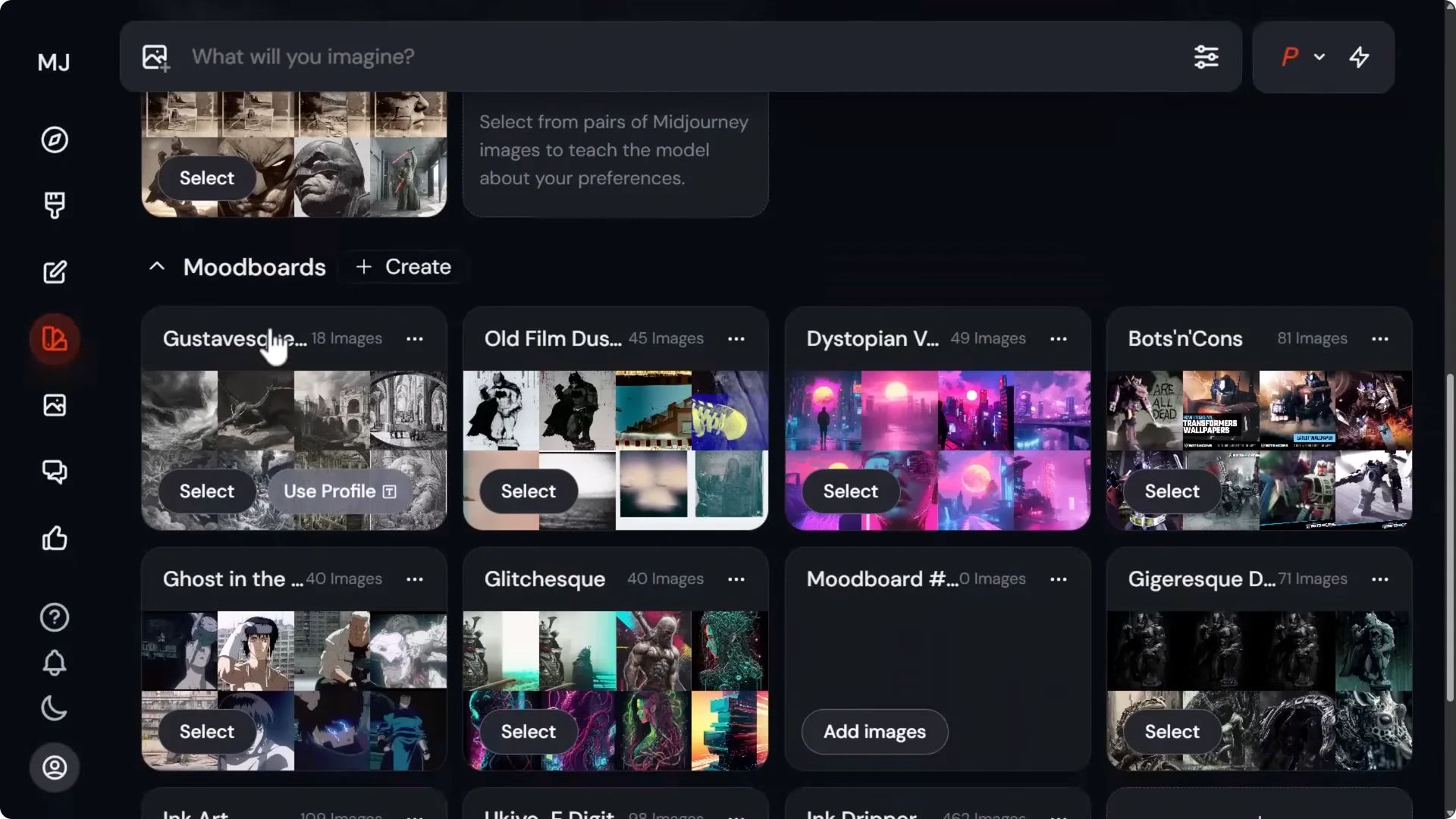
- Go to the Midjourney website and open Personalize.
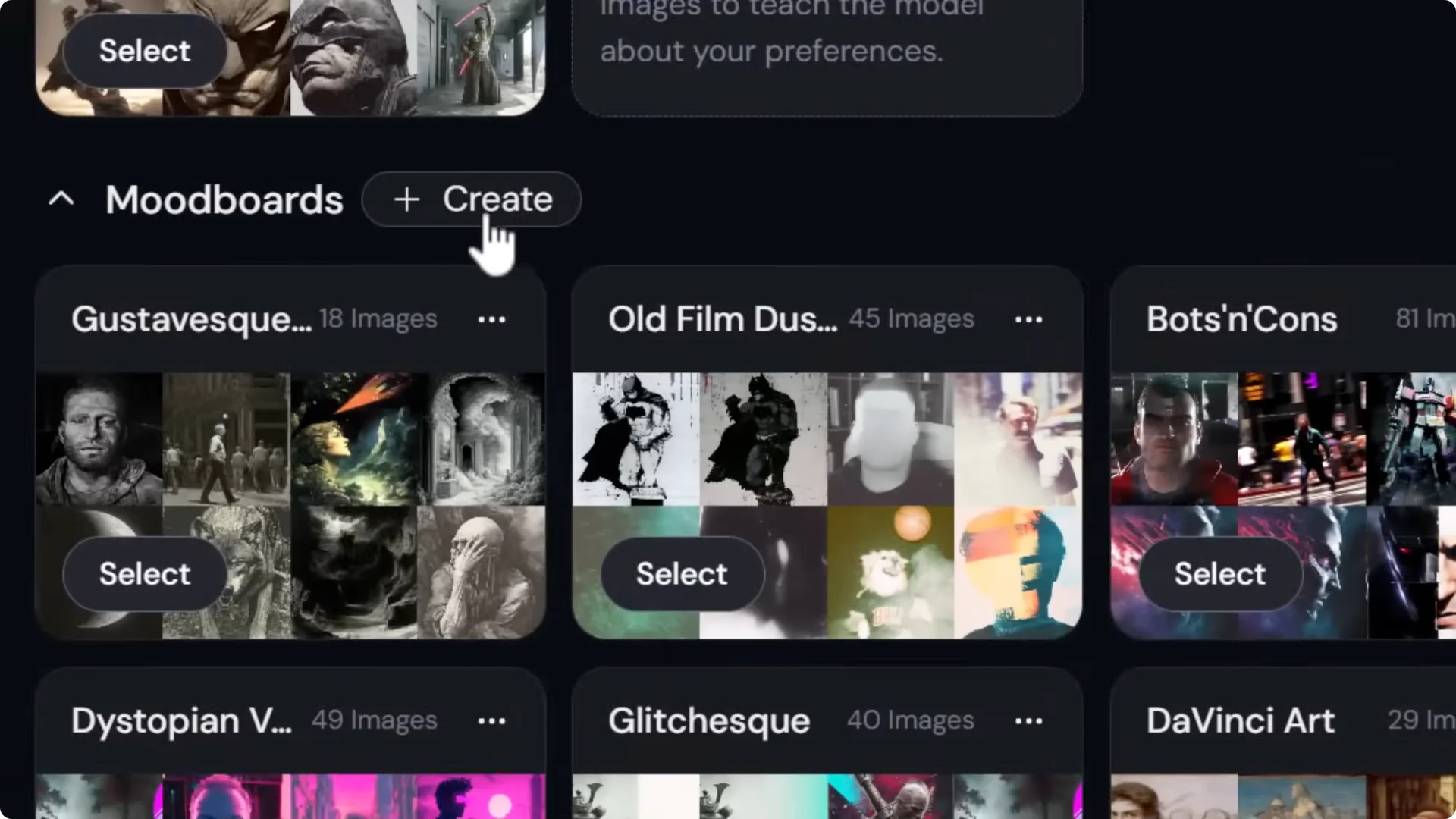
- Scroll to Mood Boards and click Create.
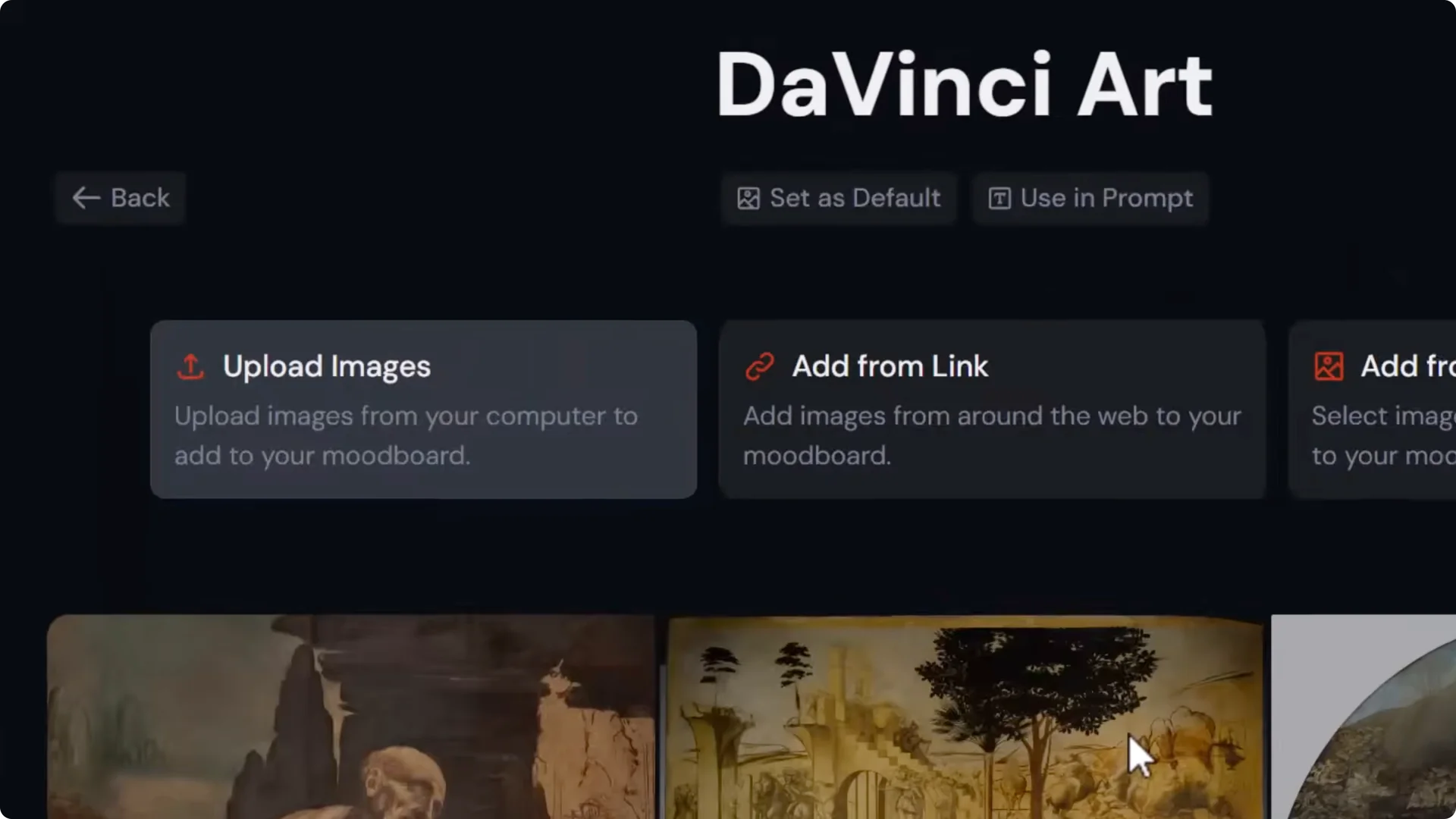
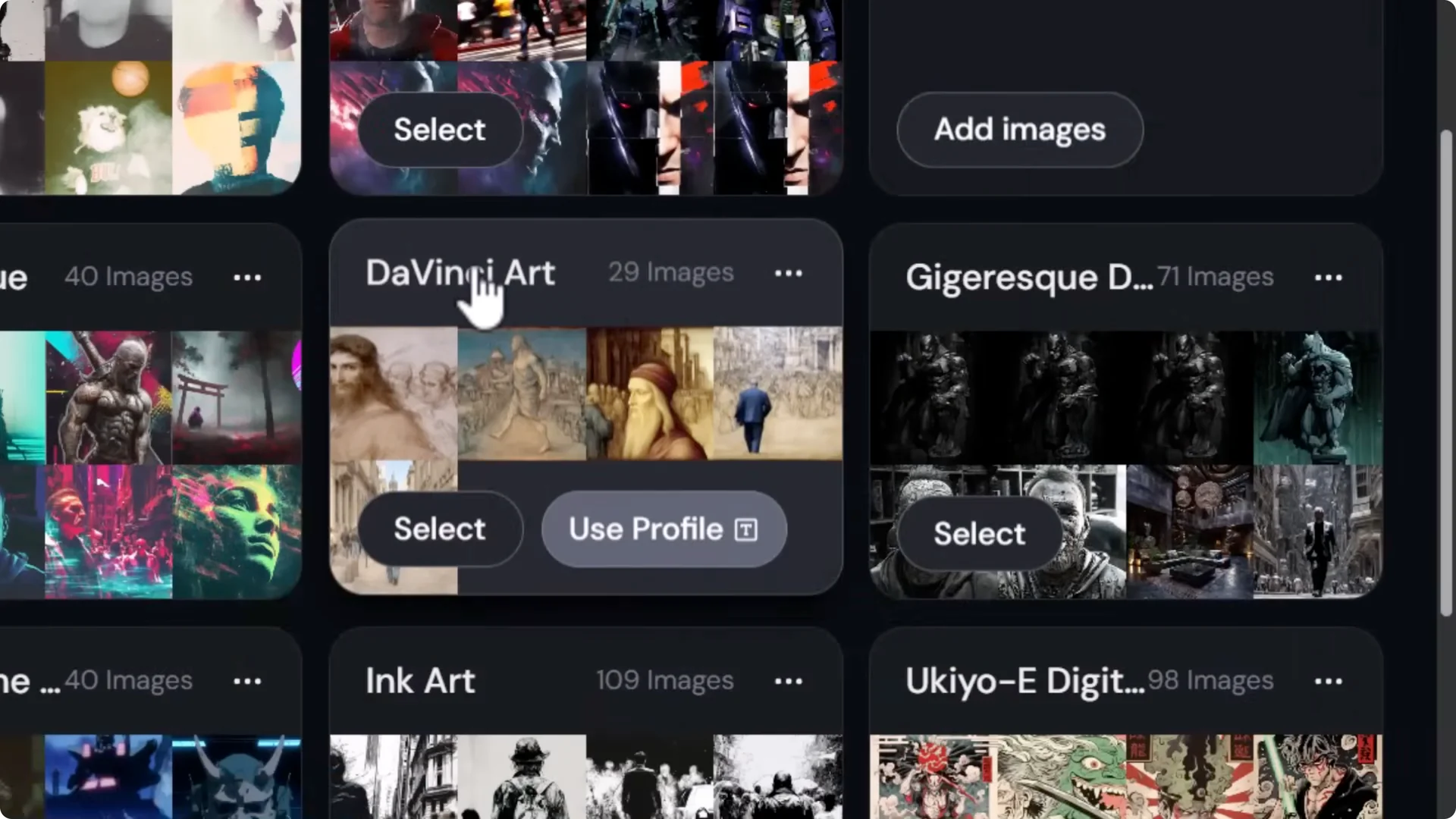
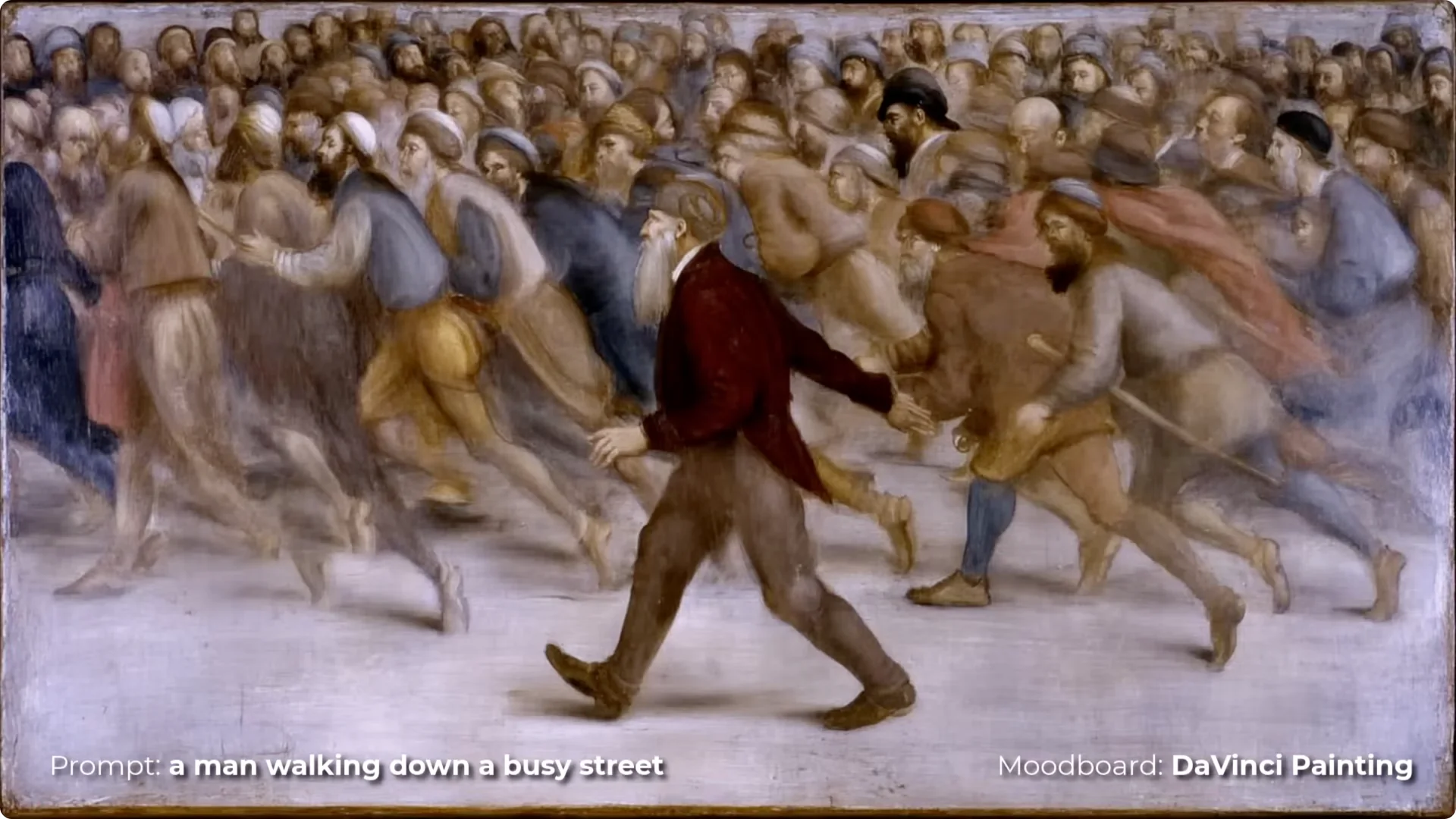
- Name your board. Example: Da Vinci Art.
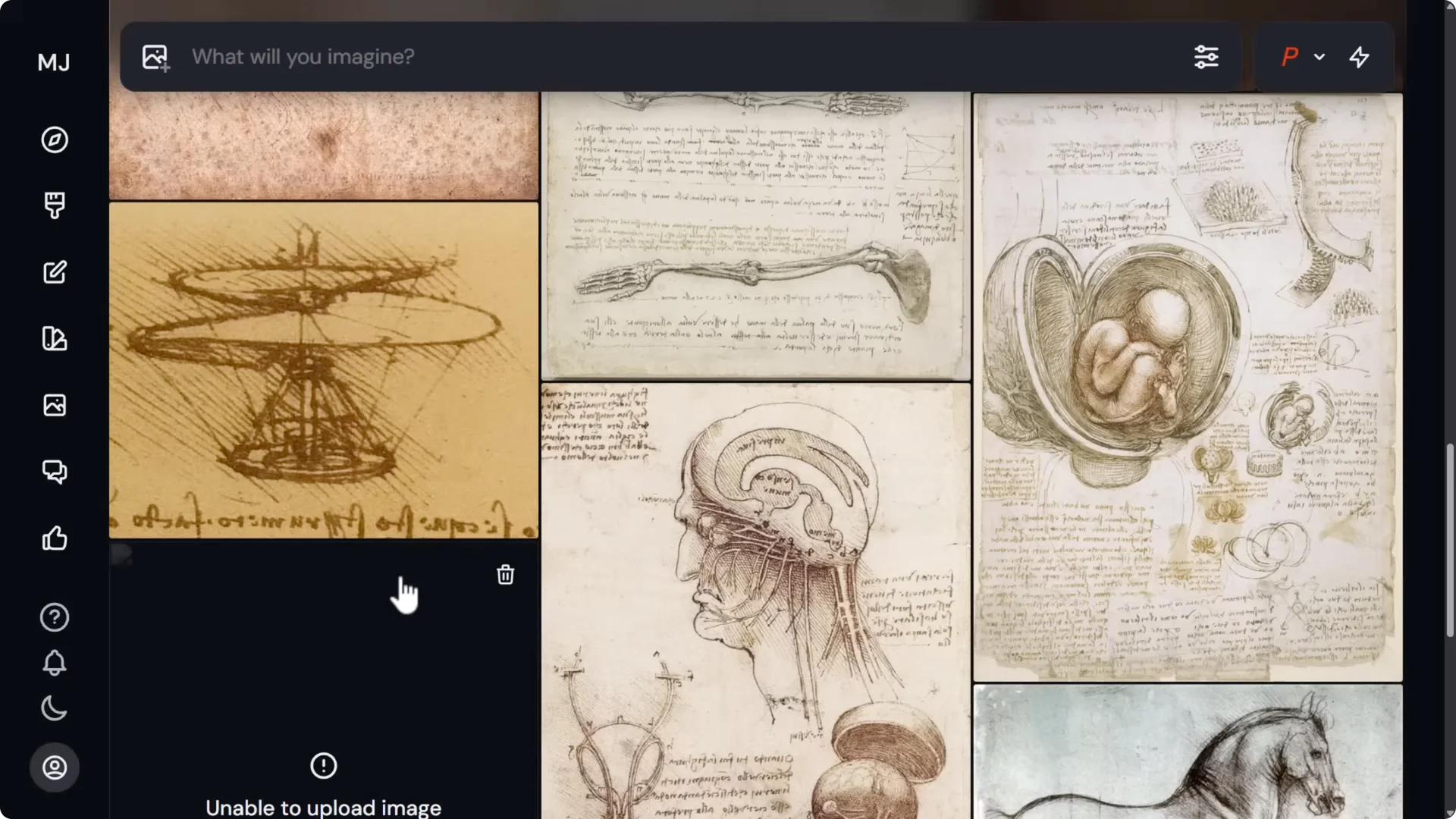
- Click Upload images and add your references. If any images throw community errors, remove them and continue.
- Your images are now on the board.
Using your mood board in prompts:
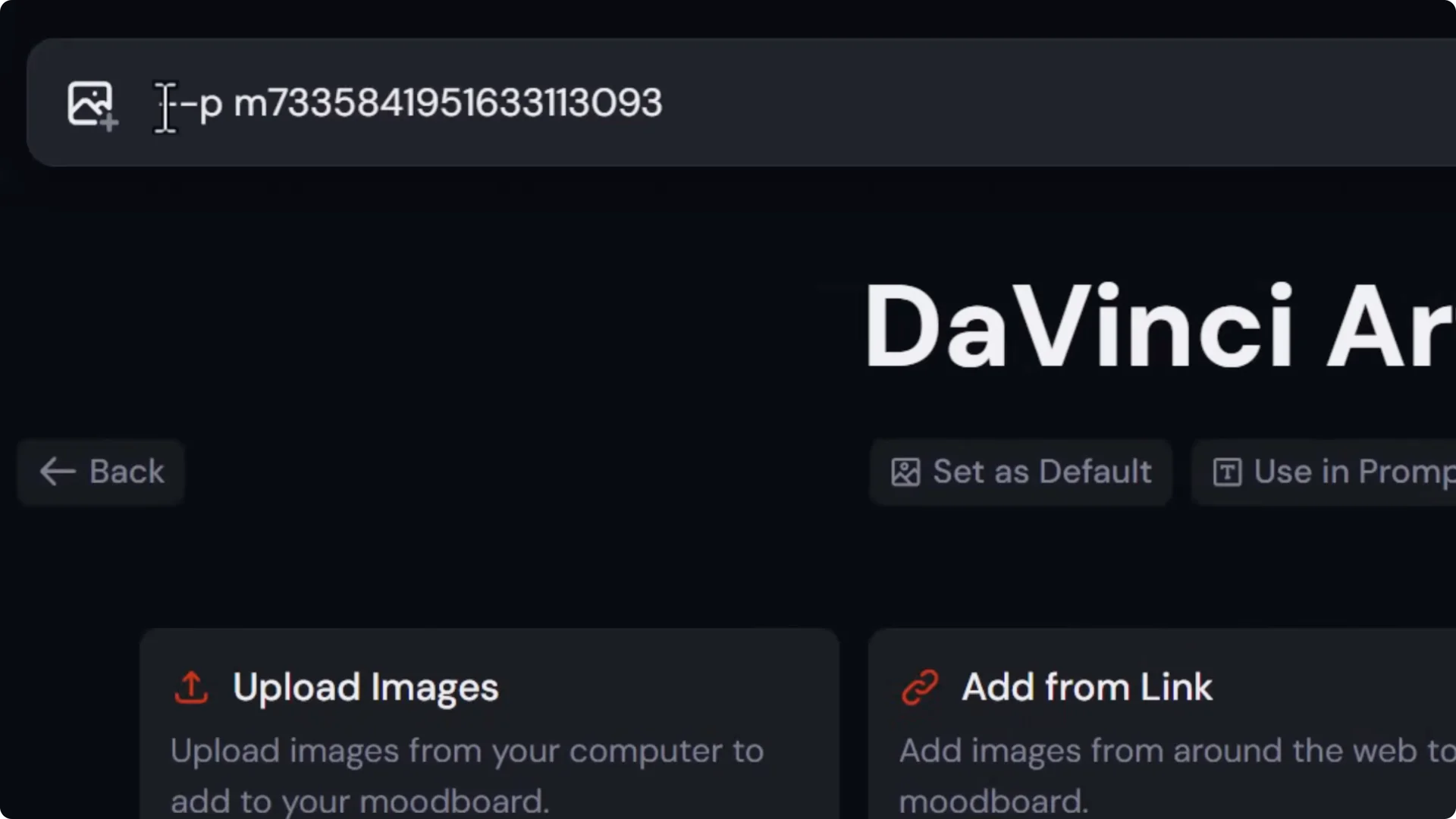
- Click Use in prompt to insert the mood board code.
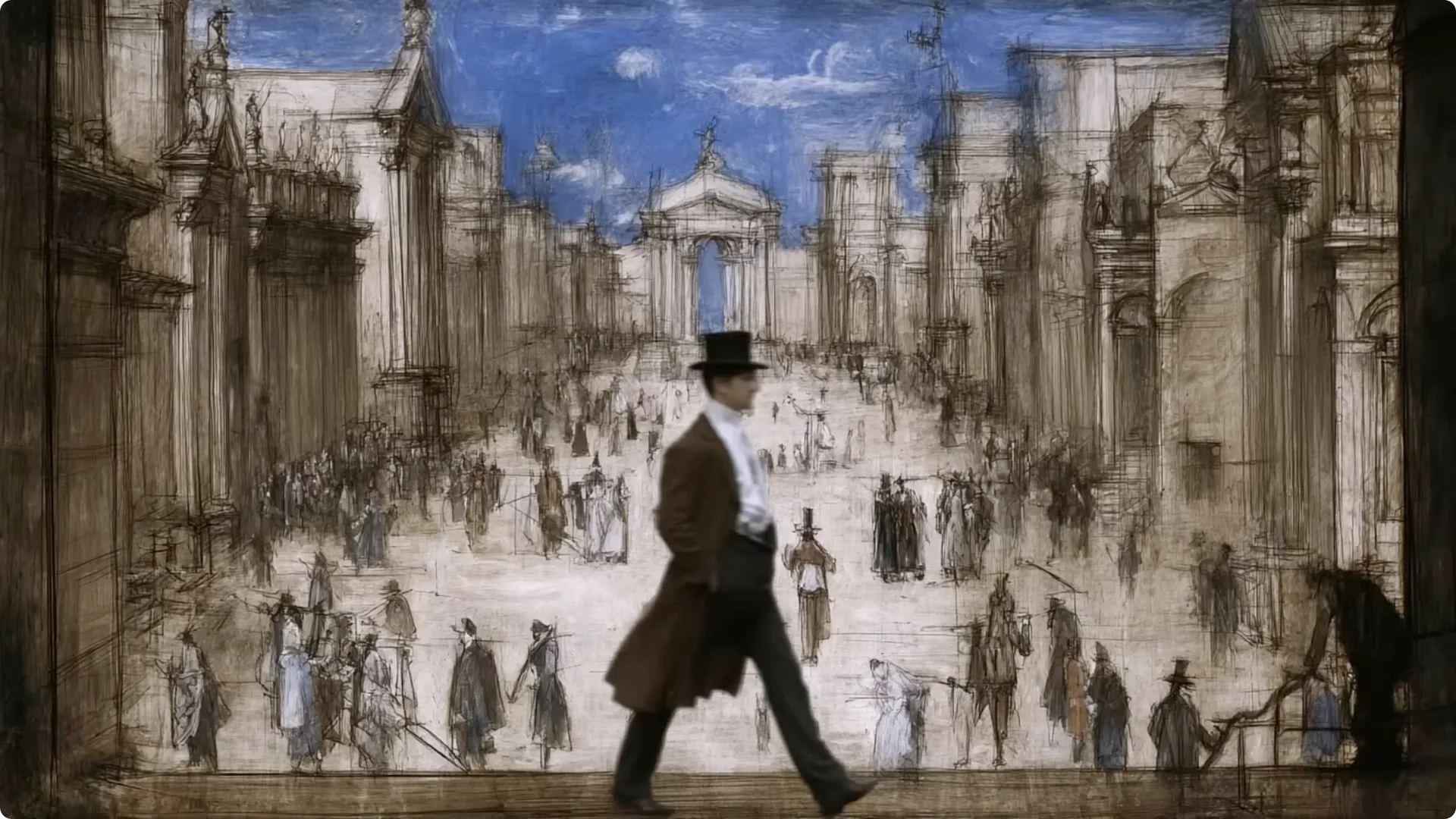
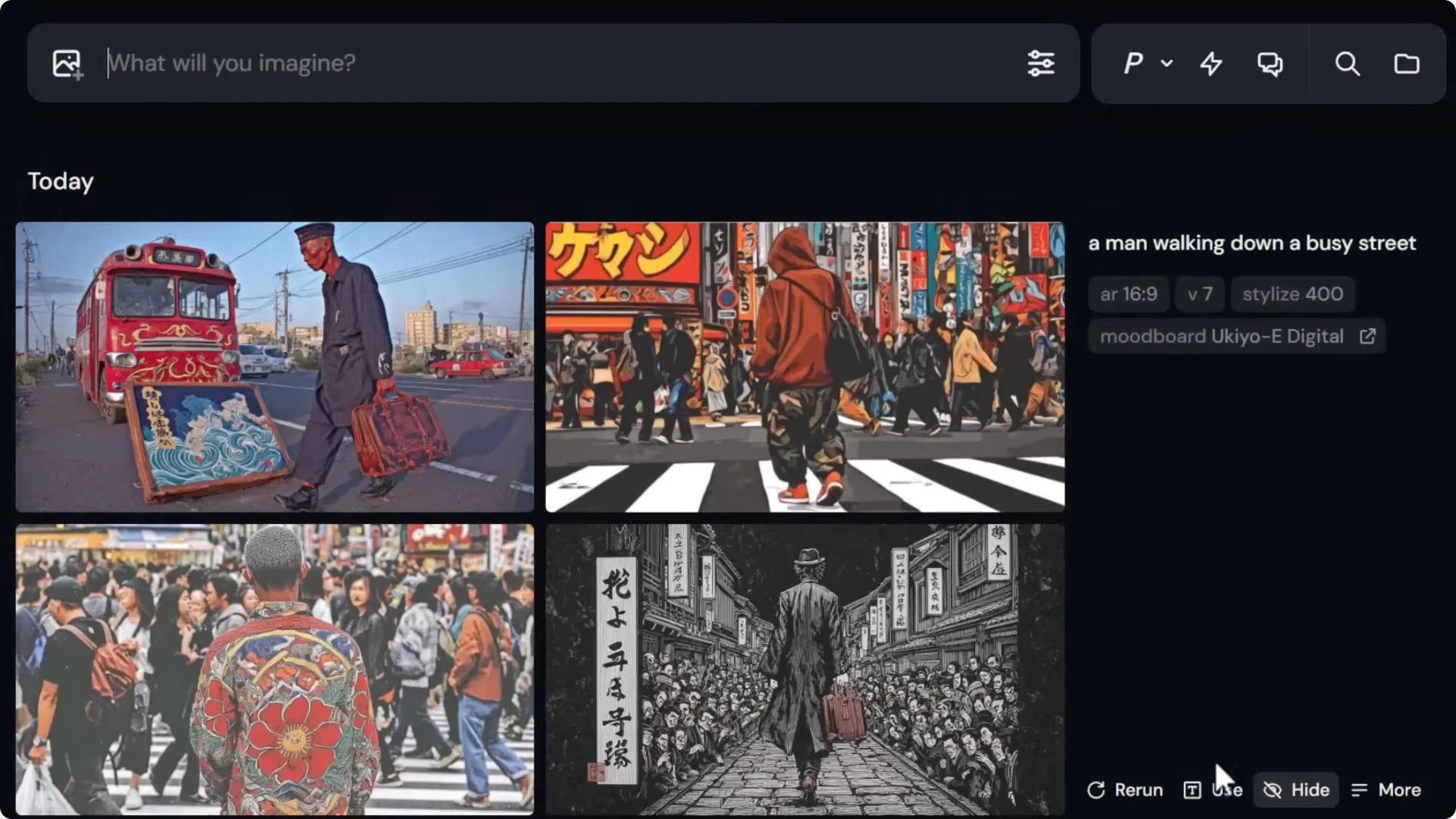
- Paste your prompt. Example: a man walking down a busy street.
- Midjourney will generate images influenced by your board. After you use it once, you’ll often see a shorter code version you can reuse.
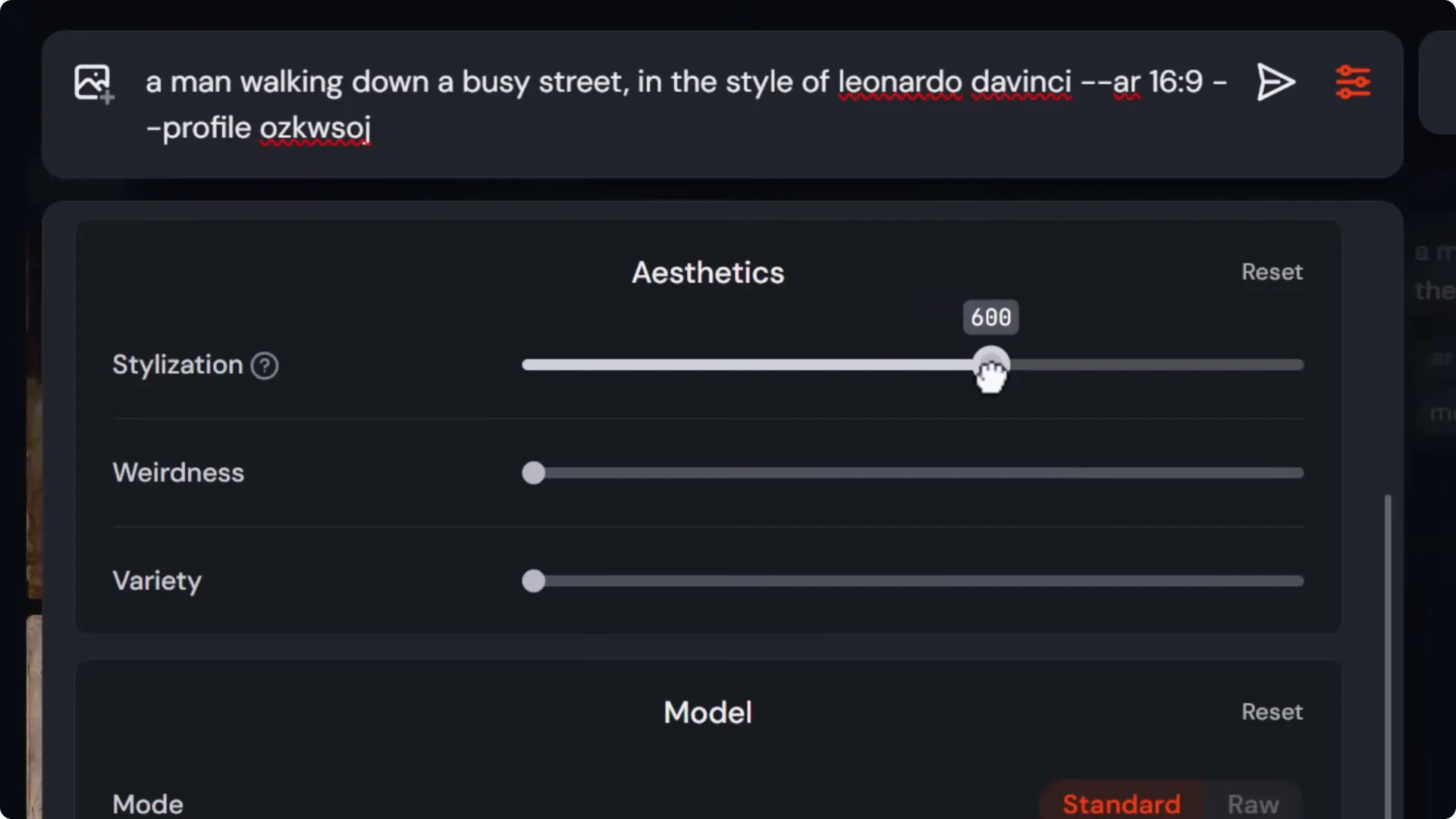
- If your board features a known style, adding in the style of Leonardo da Vinci can reinforce the look.
Dialing in with stylize:
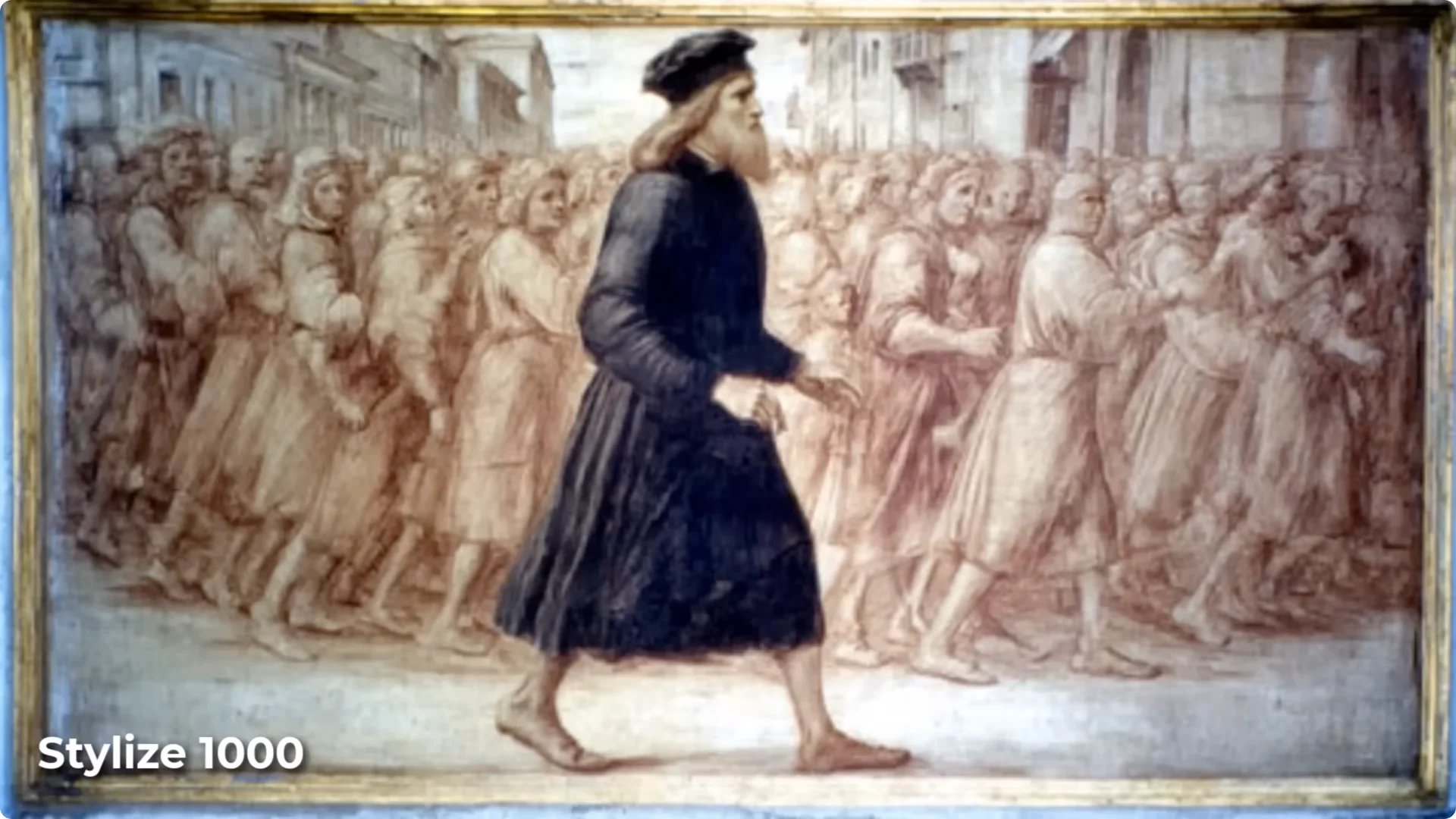
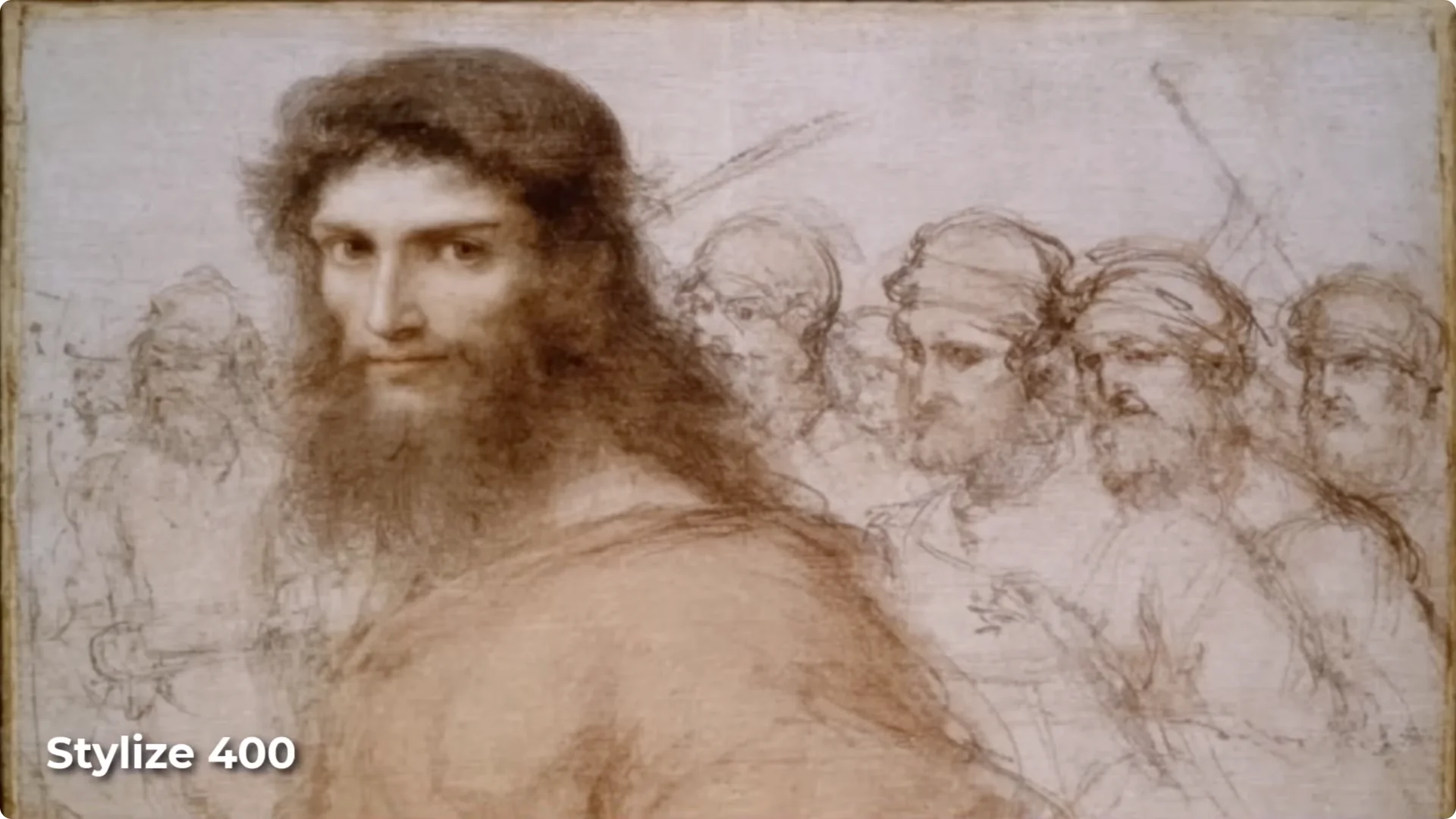
- Increase stylize to lean more on the mood board. I like around 400, and going up to 1,000 pushes even harder.
- Higher stylize values generally reference your board more. You’ll see a stronger connection to the uploaded style.
Narrowing the Style For Better Results
If your board mixes different media, the style can drift. Tighten it by splitting mediums into separate boards.
Step-by-step:
- Create a new board. Example: Da Vinci drawing.
- Upload only drawings. Remove anything that doesn’t fit.
- Optionally create a complementary board for Da Vinci paintings.
- Use the appropriate board for the result you want. Drawings will look more like drawings, paintings more like paintings.
- I often set stylize to around 400 to make sure the board is strongly referenced.
A Fast Way To Build From Existing AI Art: Midjourney Moodboard Tips
You don’t have to source images elsewhere. Build mood boards from your existing Midjourney gallery.
Step-by-step:
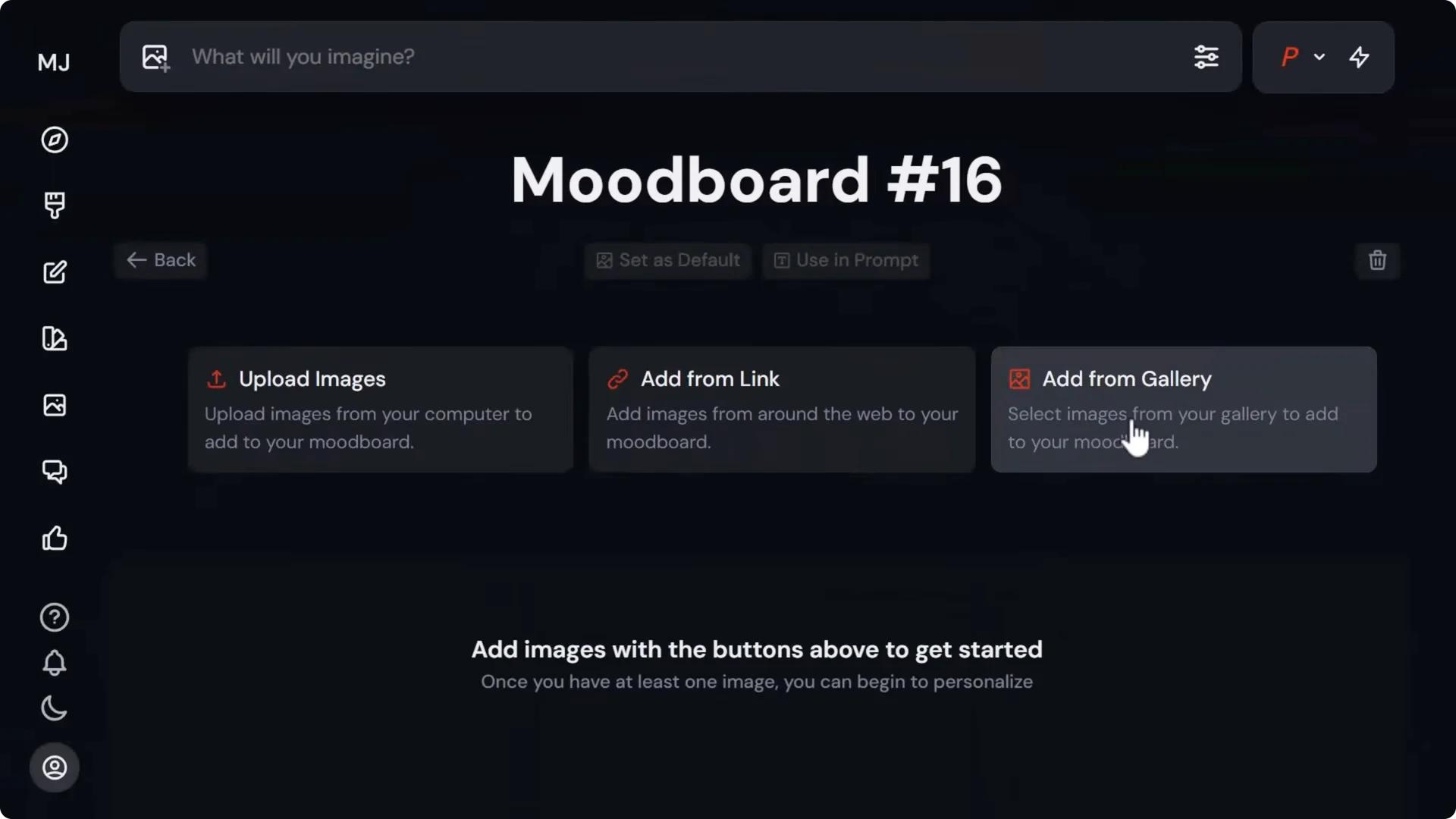
- Personalize → Create a new mood board.
- Click Add from gallery.
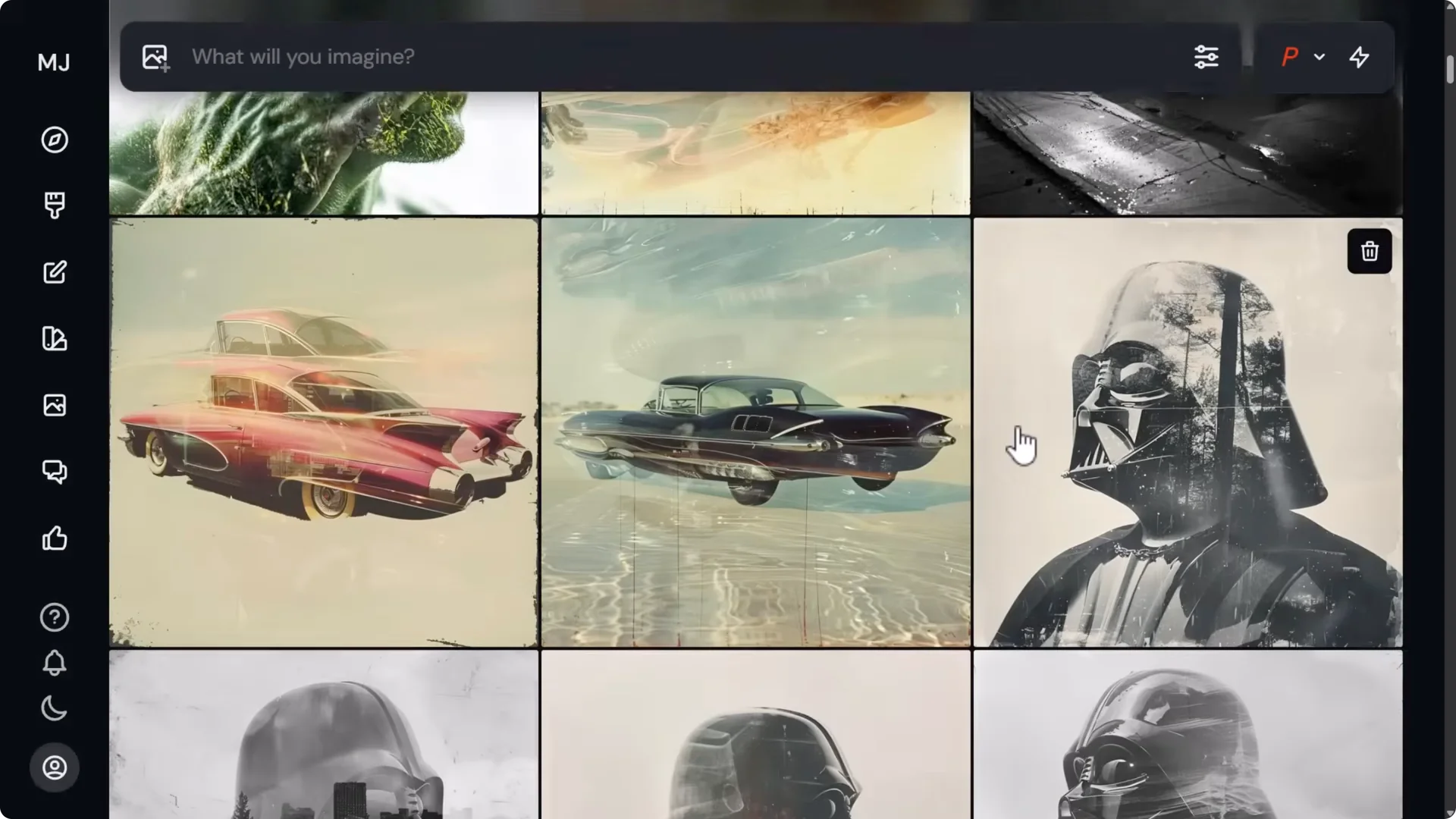
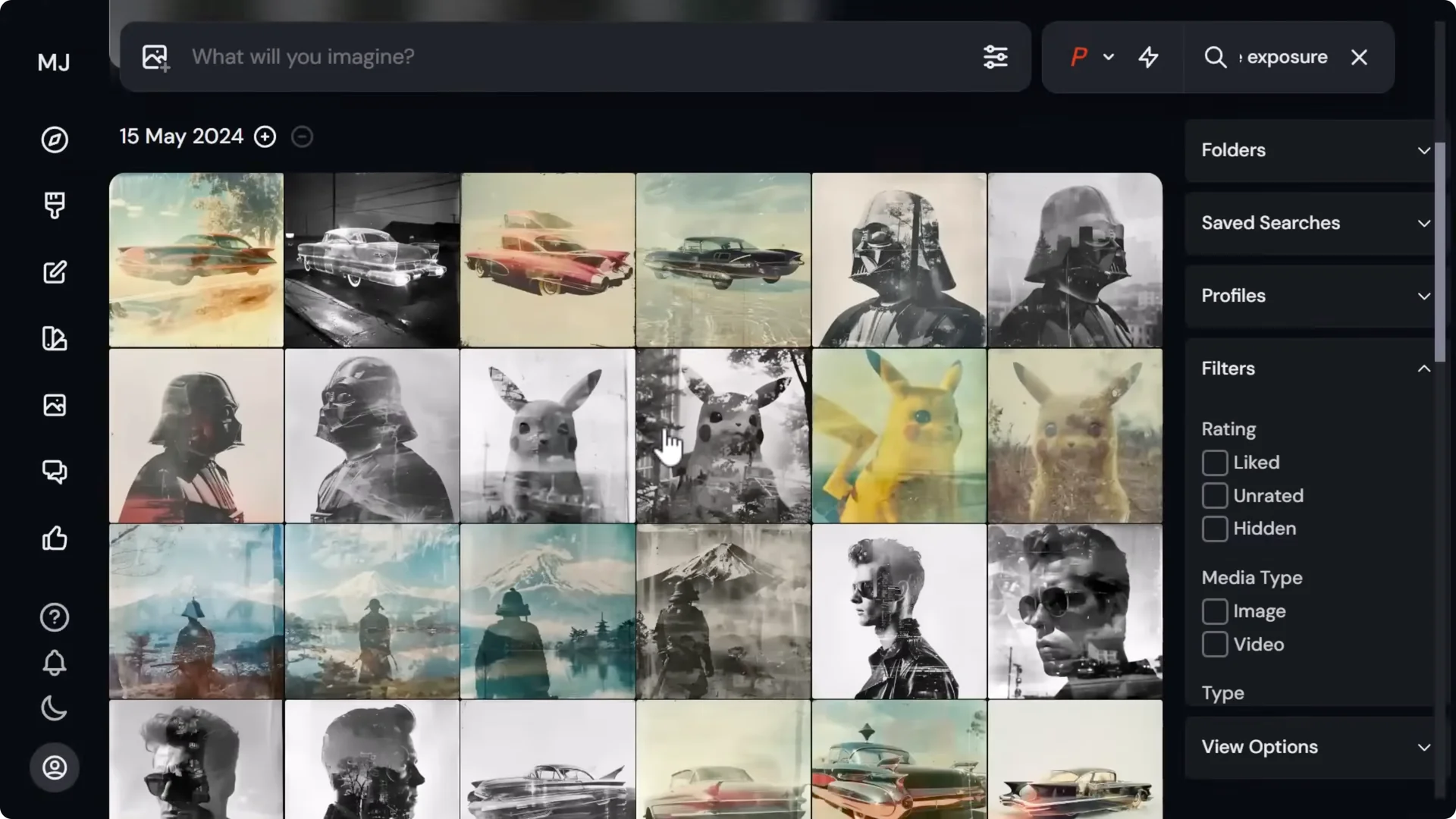
- Use the search bar. Example: double exposure.
- Select images that match the visual pattern you want. You’ll get a warning if you select too many at once.
- Name the board. Example: double exposure.
Applying and reinforcing:
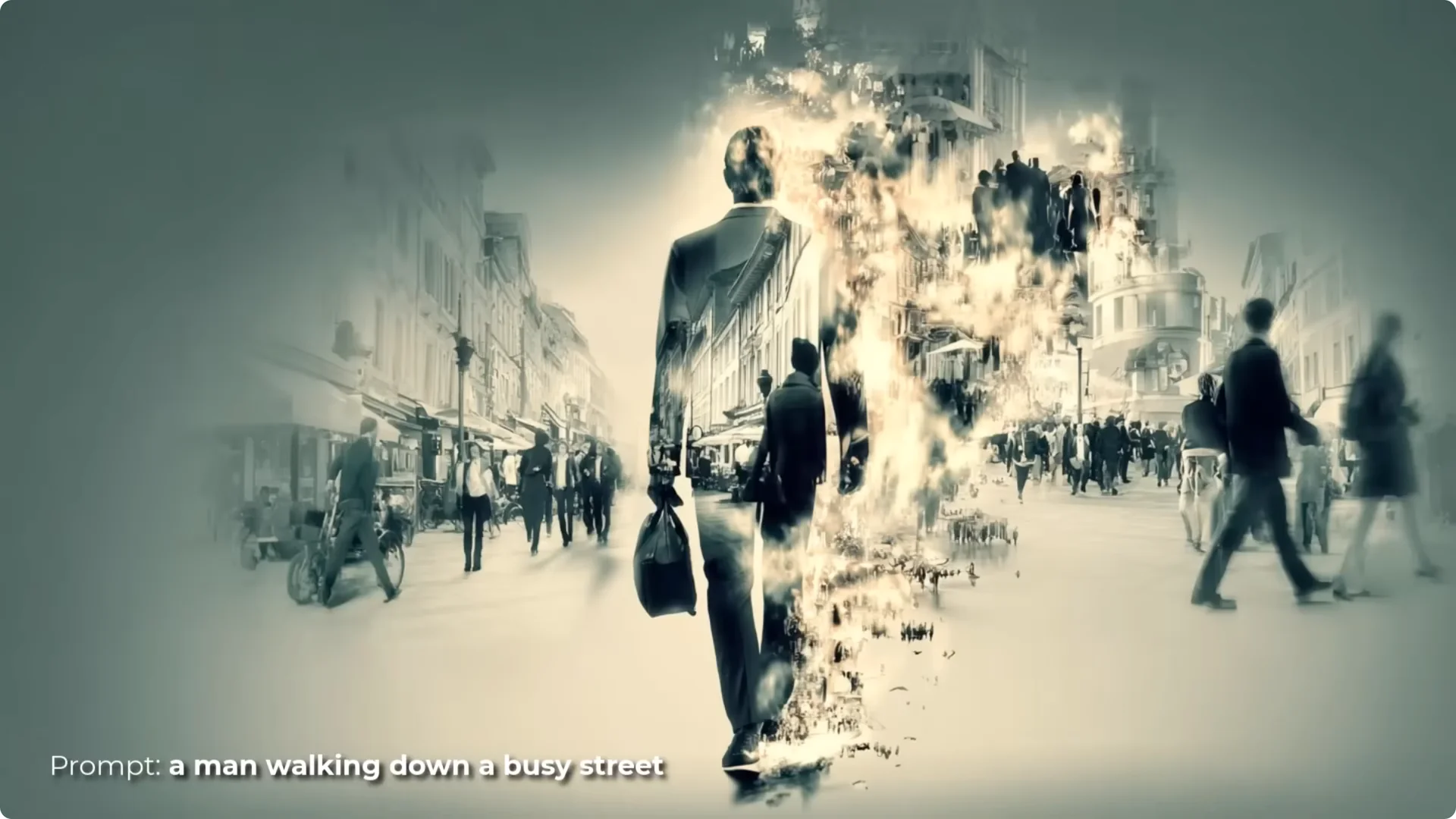
- Use the mood board with a simple prompt like a man walking down a busy street. You’ll often get a clean double exposure look straight away.
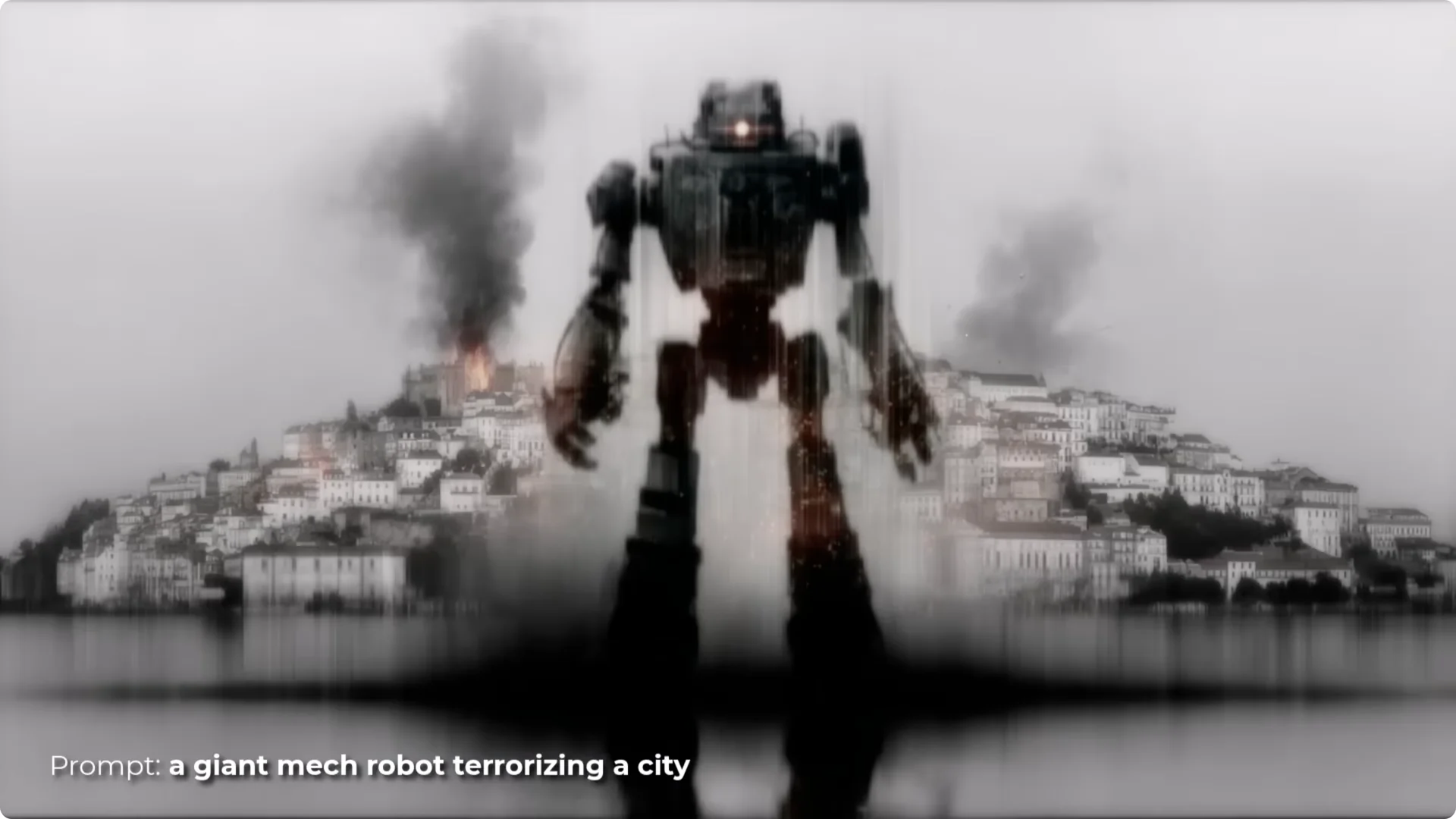
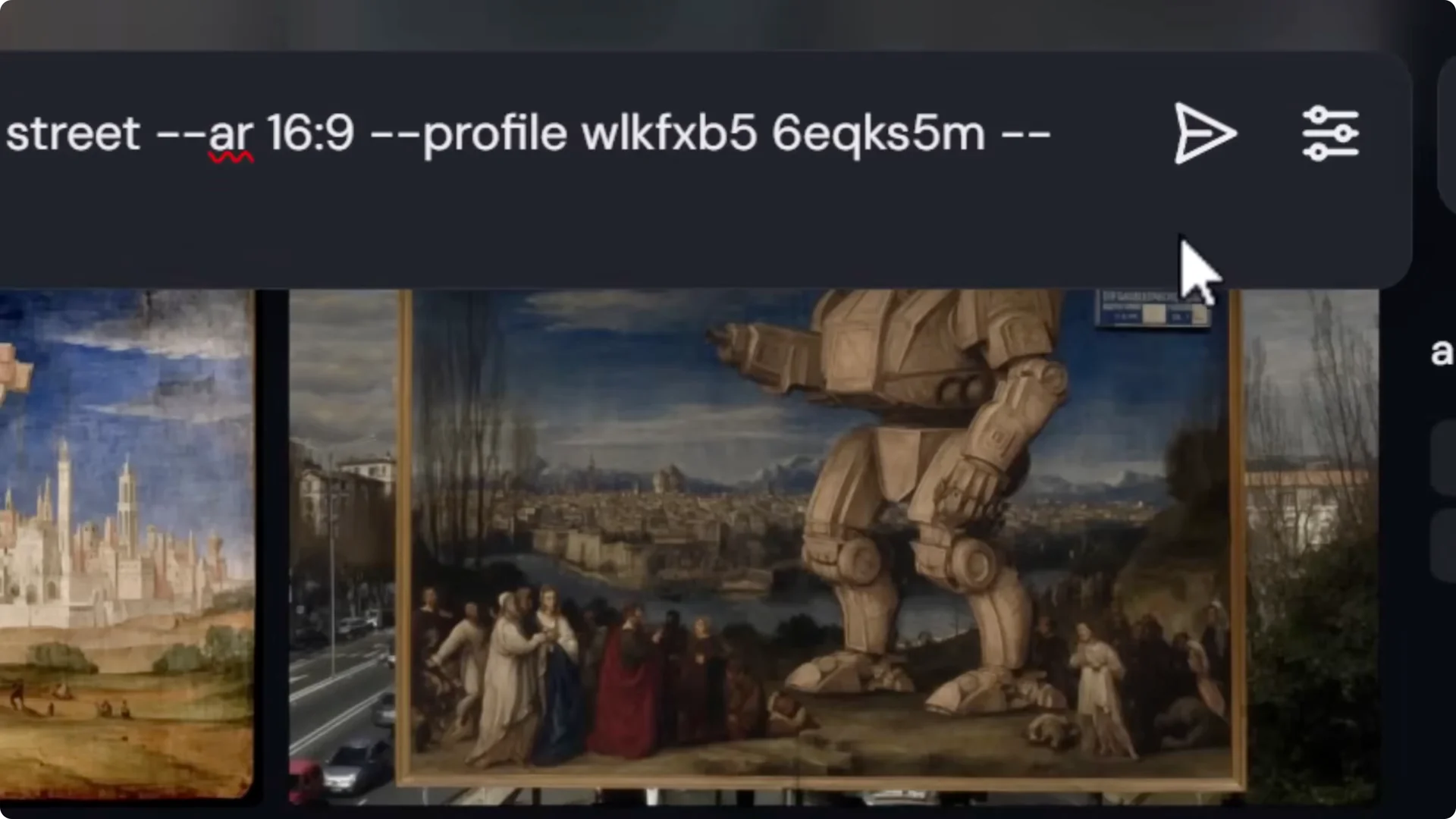
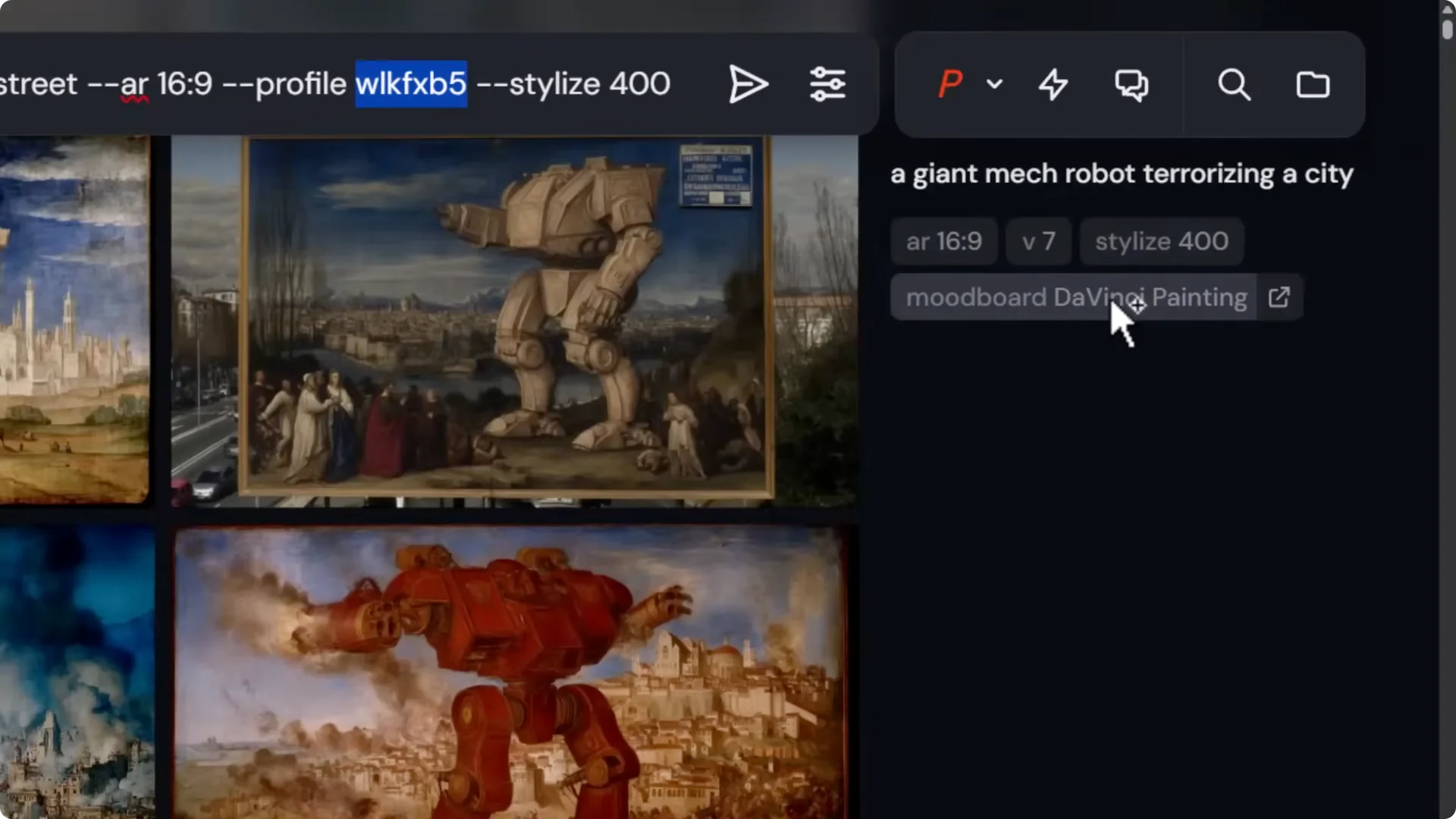
- If a subject struggles (for me, a giant mech robot terrorizing the city was hit-and-miss), add the phrase double exposure to the prompt to reinforce the style. The white backgrounds in the board will often influence the composition.
Stacking and Tweaking
You can stack multiple mood boards in a single prompt and weight them.
How I stack:
- Use your prompt with the first mood board code and stylize 400.
- Add a second mood board by clicking it, which inserts its code too.
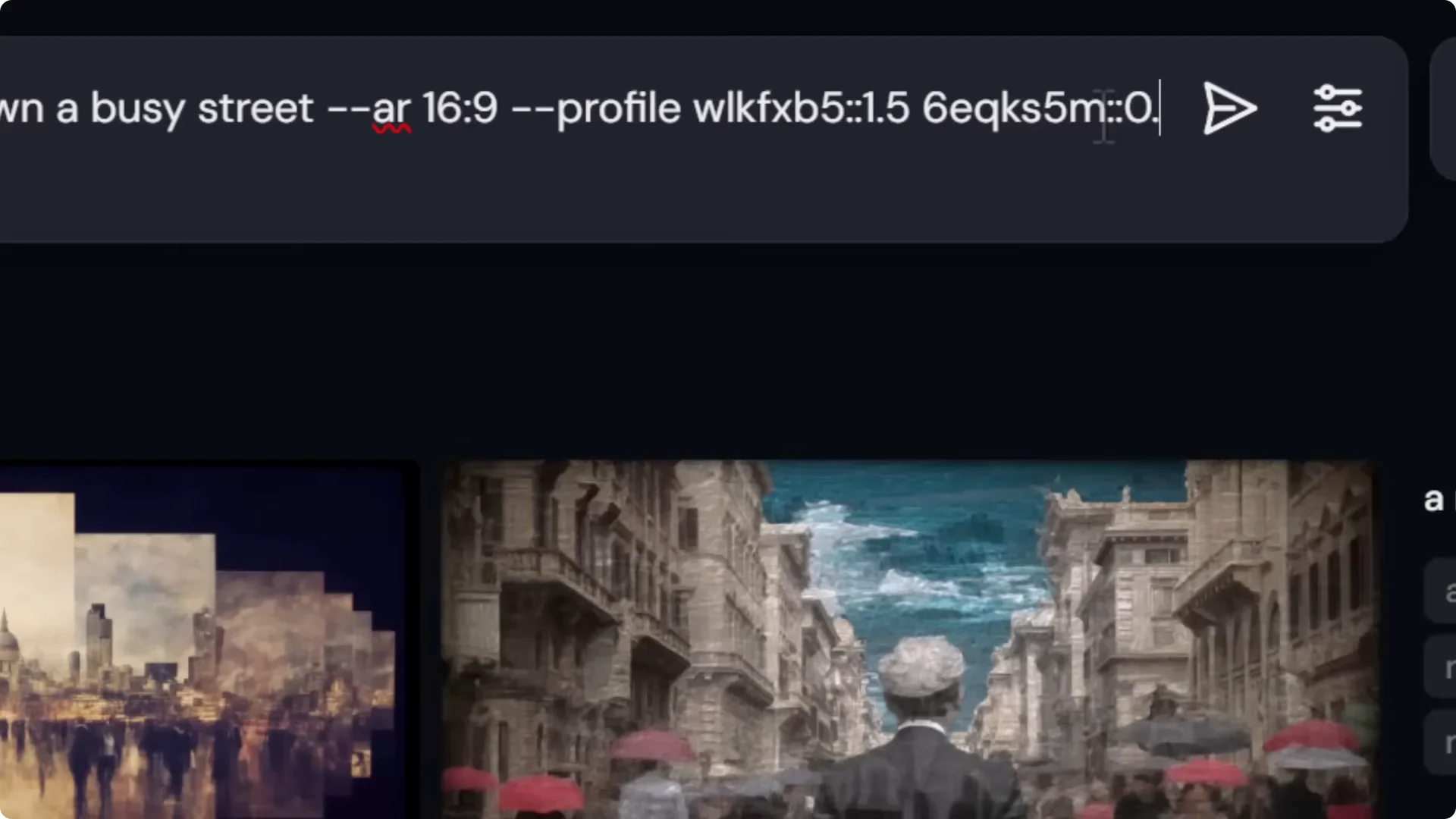
- Weight boards with double colons. The default is 1.0. Examples:
– First board ::1.5 or ::2.0 to make it stronger
– Second board ::0.9 to make it lighter
- Submit and iterate. Blending boards creates unique results, and weights let you steer the mix.
You can build boards around almost anything:
- An artist or art movement
- A specific visual style or medium
- An art genre
- Light and mood
- A color palette
- Any repeatable visual theme or pattern
Creating a Piggybacked or Refined Midjourney Moodboard Tips
Start with a broad board, then refine it through your own generations and style references to create a second, tighter board.
Dial in with stylize and prompt descriptors
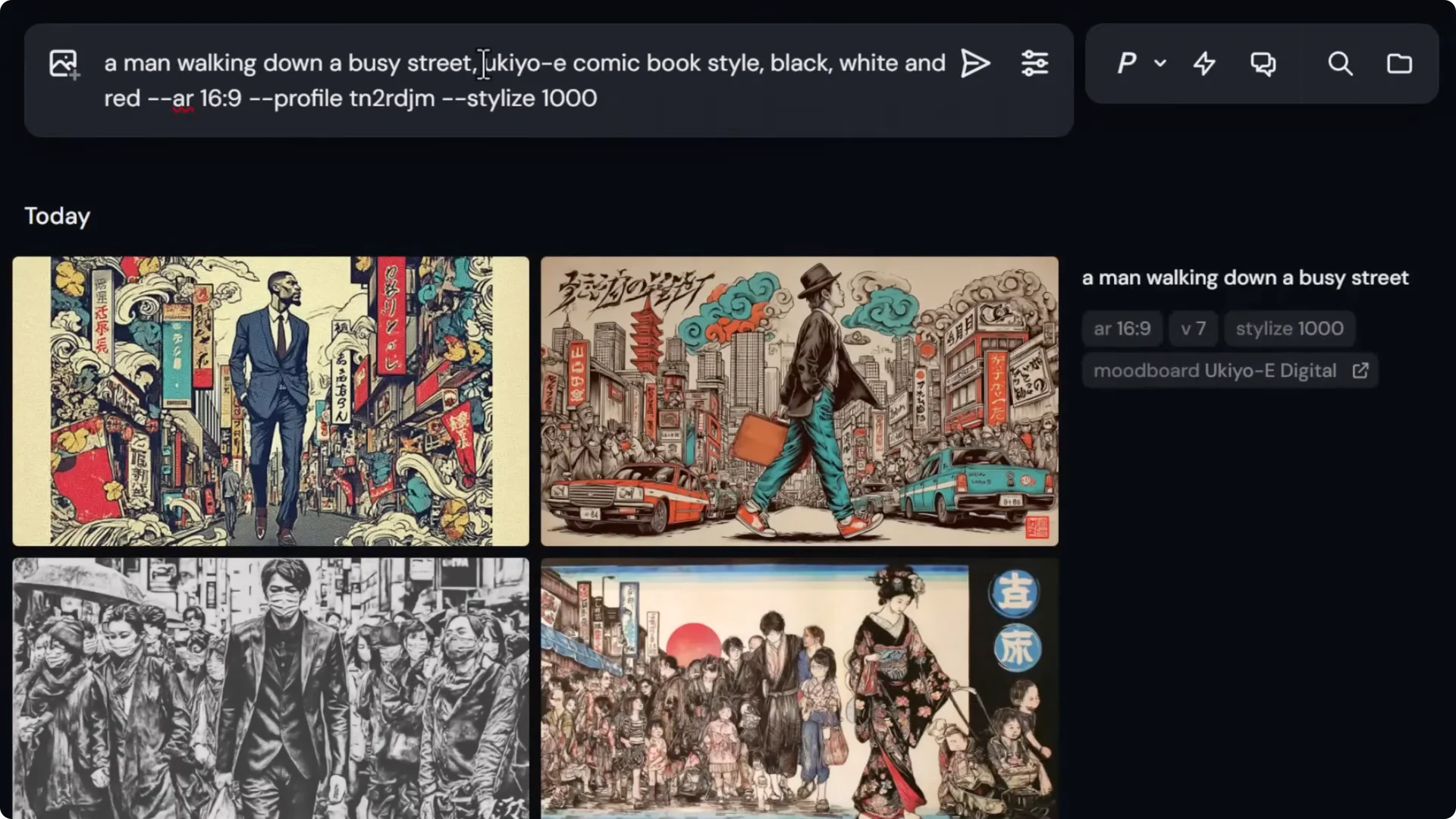
- I used a Yu-Gi-Oh digital board with a man walking down a busy street and then pushed stylize to 1,000 for stronger reference.
- To steer even more, I added Yu-Gi-Oh comic book style, black, white, and red to encourage a specific palette and rendering.
Use a style reference from your own creations
Step-by-step:
- Open the mood board, click View creations to see images you generated with that board.
- Pick a result you like.
- Back in your prompt, add that image as a style reference to further dial in subject, colors, and layout.
- This produces more consistent outcomes with the same mood board.
Build a refined board from your best outputs
Step-by-step:
- Create a new board. Example: Yukio comic red.
- Add from gallery → filter by your profile or project.
- Select only images that truly fit the style. You might only need 20 to 30 strong examples.
- Remove anything off-color or off-style to keep the board cohesive.
Test with permutations:
- Use permutations to try stylize values in one go. For example, test 100, 400, and 1,000 in curly braces separated by commas.
- Note: permutations require Fast or Turbo mode.
- My results:
– 100: the palette and style are present with good balance.
– 400: stronger adherence to the board, still clean.
– 1,000: often too heavy-handed for my taste, but still consistent.
Change subjects, keep the style:
- I switched to a character like Yoshimitsu from Tekken and still got on-brand outputs thanks to the refined board and process.
Experiment With EXP in Version 7
With version 7, try exp to nudge the style. I tested exp at 10 and saw the look shift between generations. It’s a good knob to experiment with when you want to explore variations while keeping the board influence.
Mixing Styles In One Midjourney Moodboard Tips
You don’t have to keep a board single-style. Combining two styles can produce a unique third look.
Example approach:
- Build a board that starts with Yu-Gi-Oh images and transitions into HR Giger images.
- Use a simple prompt like a man walking down a busy street with stylize 400. You’ll get a hybrid aesthetic that stands on its own.
- To push toward one influence, add more images of that type to the same board and re-run prompts.
- Tip: you can record the codes for different saved states of the board. Each state presents a different shorter code, which lets you revisit earlier versions even after you refine.
Collect First, Build Later: Midjourney Moodboard Tips
When you don’t want to rush, curate in Folders before you create the mood board.
Step-by-step:
- Go to Organize → Folders and create one. Example: Yukio 3D mood board.
- In your gallery, select images, then More → Add to folder.
- Use search terms like Yukio 3D and add promising images over time.
- Review the folder to prune duplicates or outliers.
- Create a mood board. Example: Samurai Yu-Gi-Oh 3D.
- Add from gallery → Folders → select the curated set, and deselect anything repetitive or off-tone.
- Use it with a simple prompt like a man walking down a busy street. The result may not feature those exact subjects but will carry the 3D and stylistic cues.
Going Ultra Specific: Midjourney Moodboard Tips
You can go very narrow with style, color, framing, and even platform, which makes outputs highly consistent.
My approach:
- I built a board called Cyberpunk Ha. Each image has a pink glow, anime style, and very similar framing.
- I removed anything that conflicted and used older Niji-made images to anchor the aesthetic.
Testing across versions:
- Prompt: a man’s face, stylize 400.
- Version 7 produced images strongly reminiscent of the board with minimal prompting.
- Niji produced an even more specific aesthetic that matched the source set closely.
- Version 6 brought more subject focus in a way I liked for this case.
Stress-test consistency:
- I tried different prompts and the board still carried through the framing, colors, and style with strong consistency.
Heavy stacking:
- I mixed multiple mood boards at once, even up to six. Combining several similar boards with one or two wildcards can produce very interesting results. Don’t be afraid to push it and then tune weights to control the mix.
Final Thoughts
- Create focused mood boards and split mediums or sub-styles into separate boards for cleaner results.
- Use stylize to increase board influence and add direct style terms in your prompt when needed.
- Stack boards and control weights with double colons to blend influences.
- Refine boards by generating images with them, using style references, and then building a second, tighter mood board from your best outputs.
- Explore permutations for quick parameter testing and try exp in version 7 for controlled variation.
- Mix styles in one board for a fresh hybrid look, and keep track of board-state codes.
- Curate in folders first if you want the cleanest mood board possible.
- Go ultra specific with color, framing, and platform to get consistent, distinctive images from minimal prompts.
These Midjourney Moodboard Tips will help you go beyond basic functionality and produce images with stronger style control, better consistency, and more creative range.
