Midjourney can now turn your images into AI videos. I tested the update from the Midjourney team and it’s already producing some fun results.
Midjourney Low Motion, High Motion, Auto, Manual
When I open an image I like, there’s an Animate Image control with low motion and high motion, available in auto and manual.
- Low motion creates a video in 480p.
- High motion also outputs 480p, but the subject moves around more and does a bit more in the video.
- You get four options to choose from.
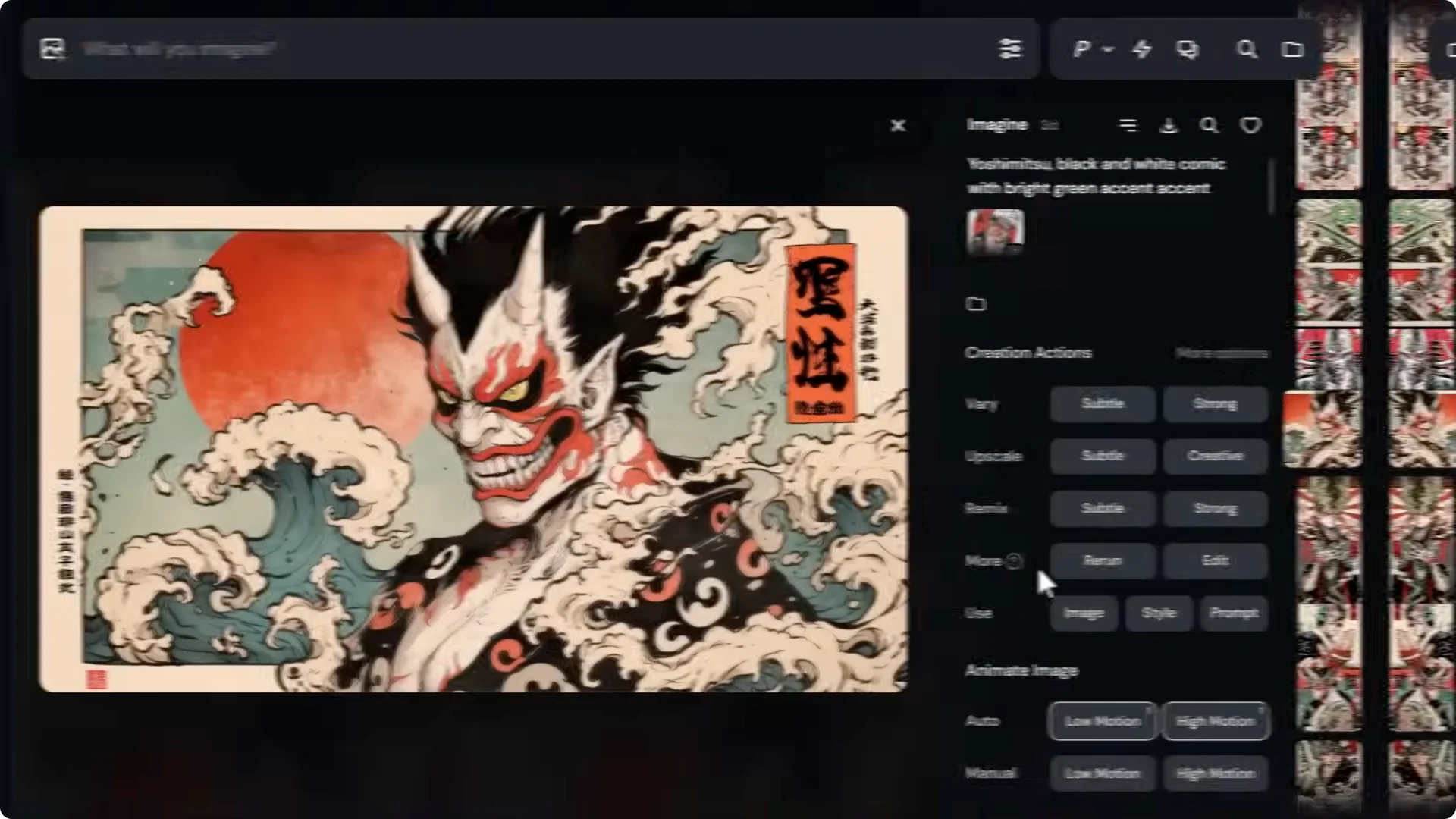
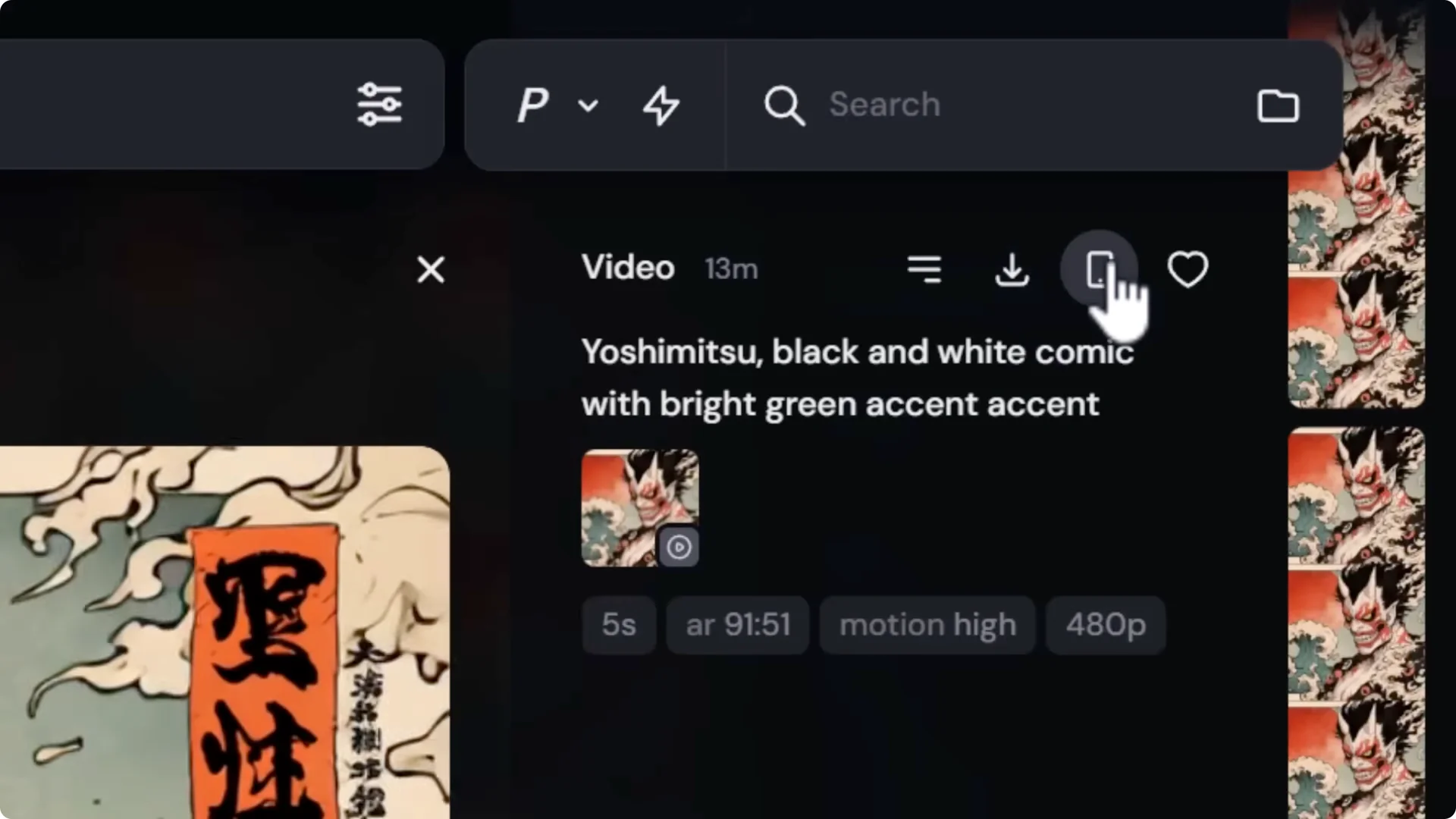
Manual low motion lets me change the prompt for the video. If I type something like “Yoshimitsu Yoshimitsu turning and getting angry” and submit, I can influence the motion with my prompt. The low motion version reflects that, and the high motion version has a lot more happening again.
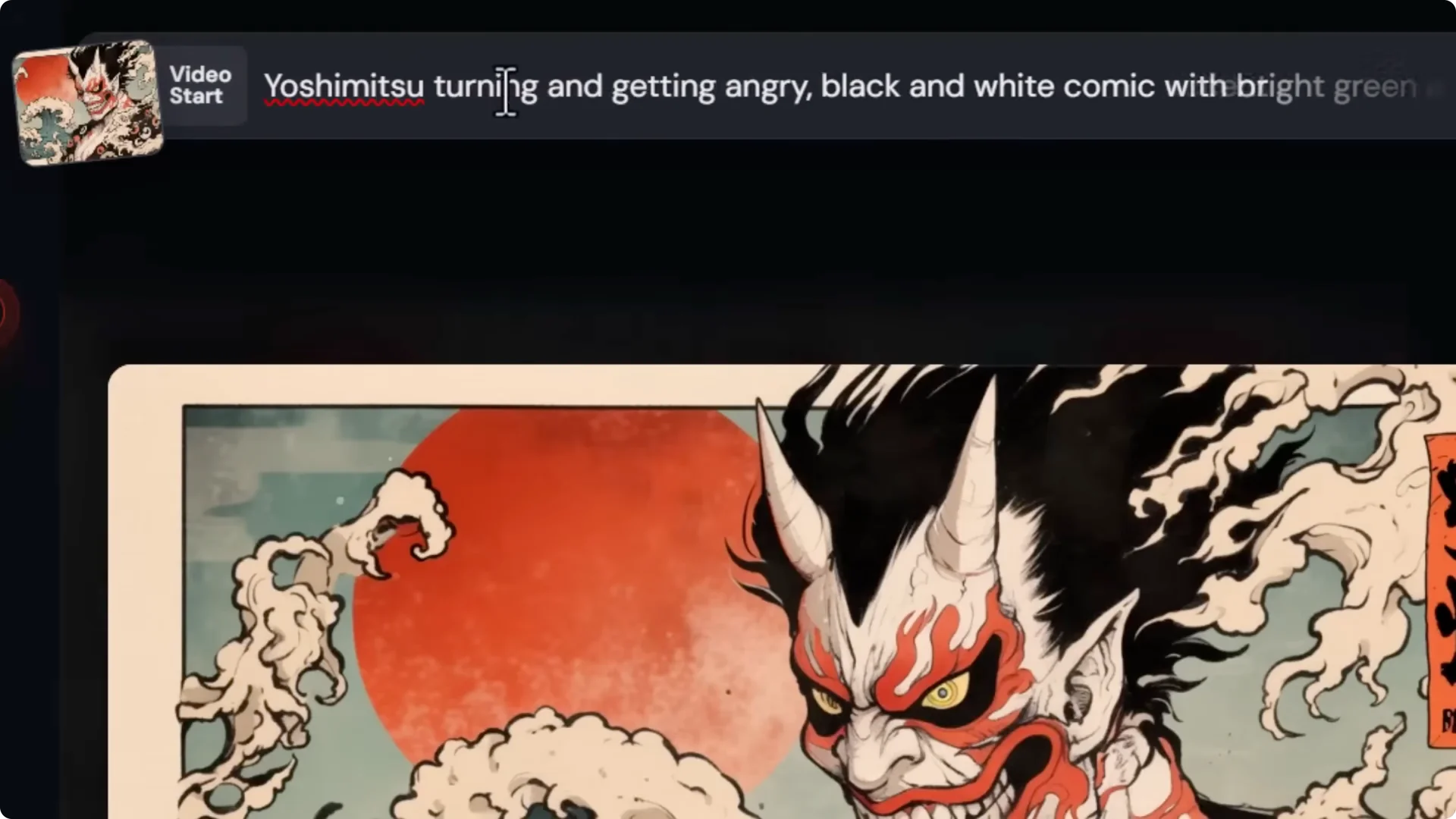
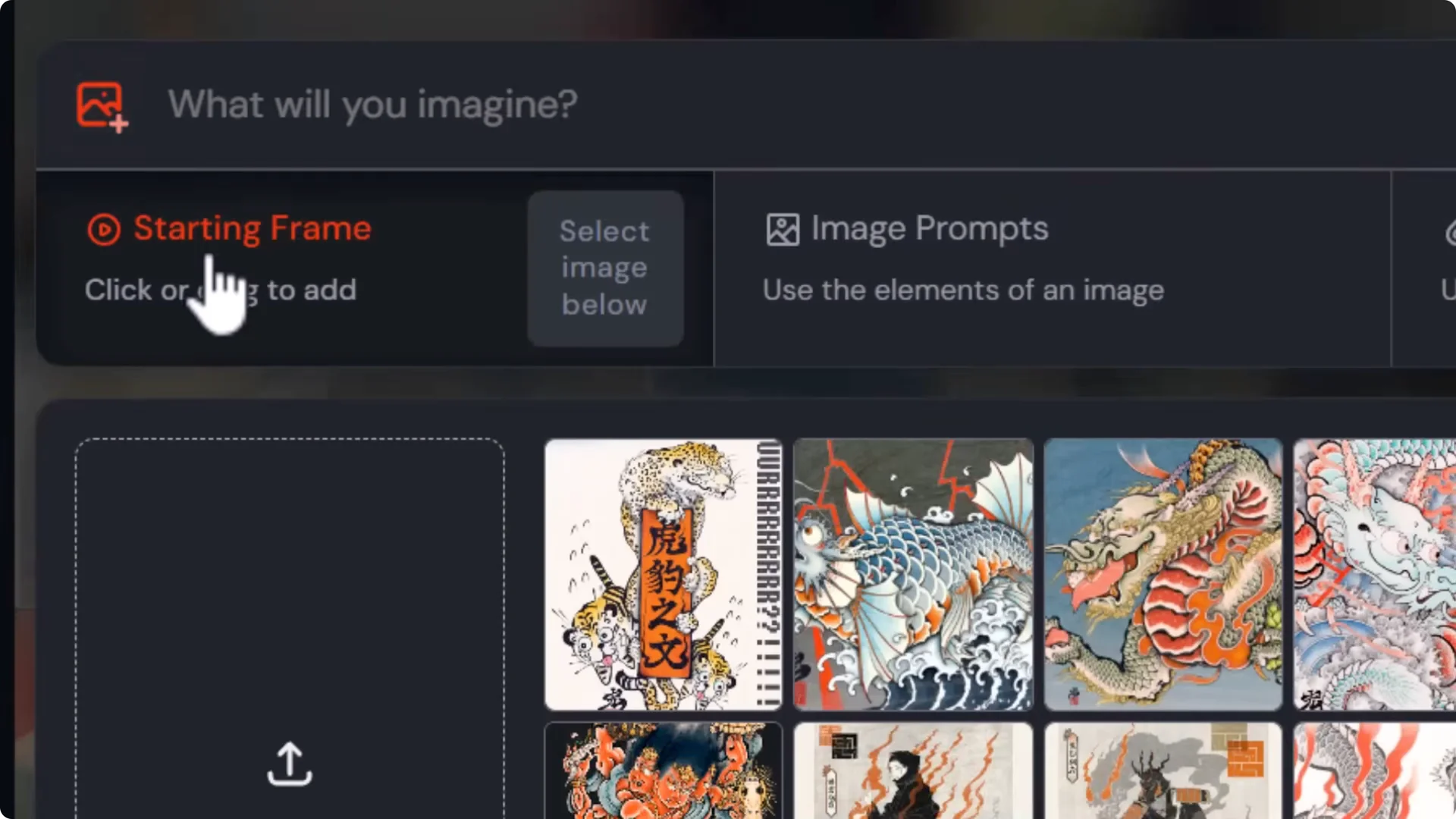
Starting Frame and Video Start
The image prompt section now has a starting frame area. I can upload an image or drag my image into the starting frame, and there’s a Video Start field.
- I can type “water splashing over a man in an office” and submit. It did a pretty good job of splashing water over the man’s head, and it’s convincing.
- I can drag in one of my own images, like artwork I made a few years ago, add a basic prompt, add -motion if I want, then choose high or low to determine the level of motion.
- I’ve brought my artwork to life, and it does a pretty consistent job of creating what looks like a 3D animation.
Midjourney Image-to-Video Update: Playback, Scrubbing, and Extensions
When I hover over the results, they play. If I hold down Control and give it a moment to load, I can scrub by moving my mouse back and forth to see what the video does.
Extending Clips
- Extend Auto: Adds time to the end of the video automatically.
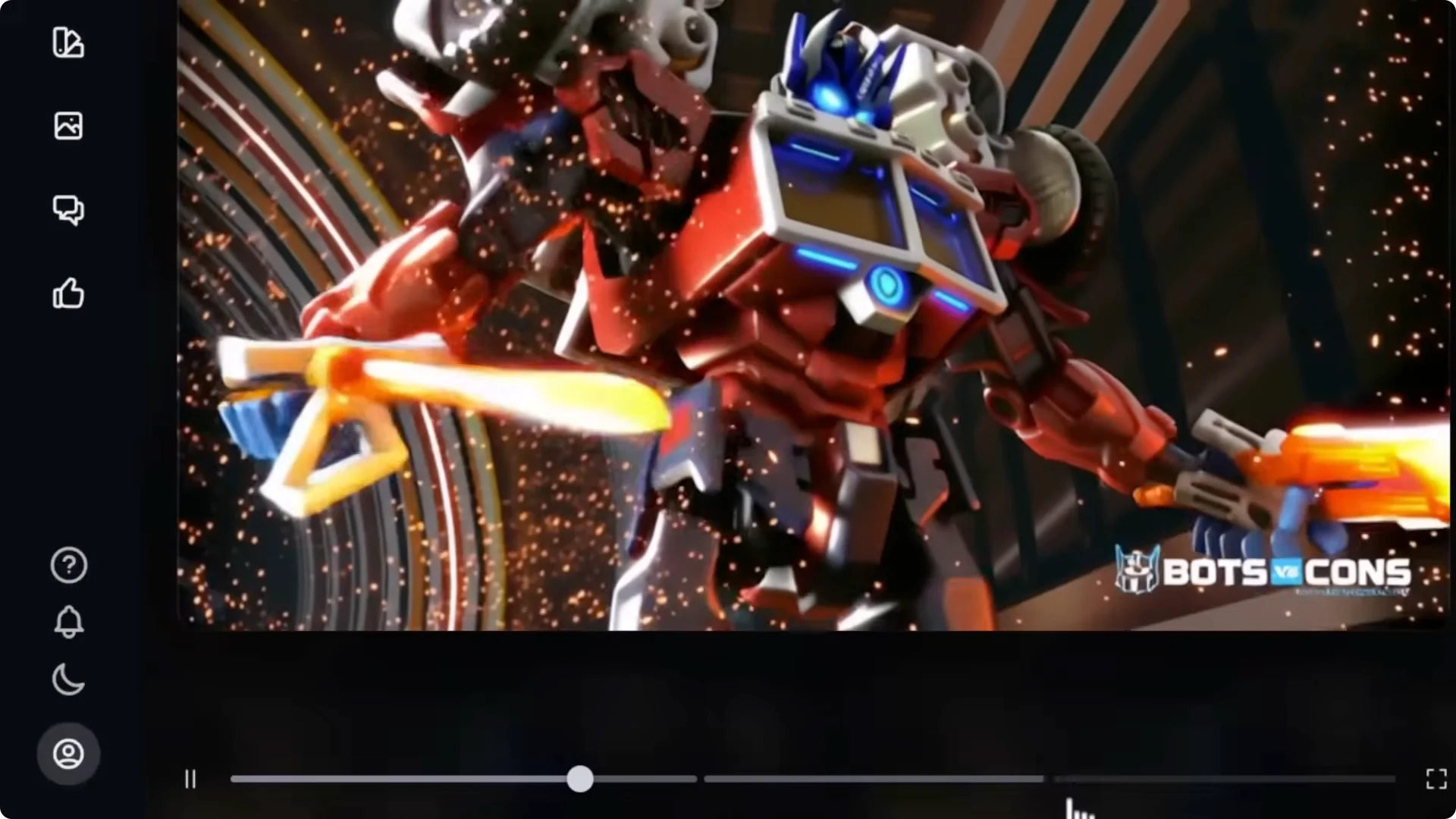
- Extend Manual: Lets me change the prompt for the extension. For example, “robot moves into a battle stance, explosions go off behind him.”
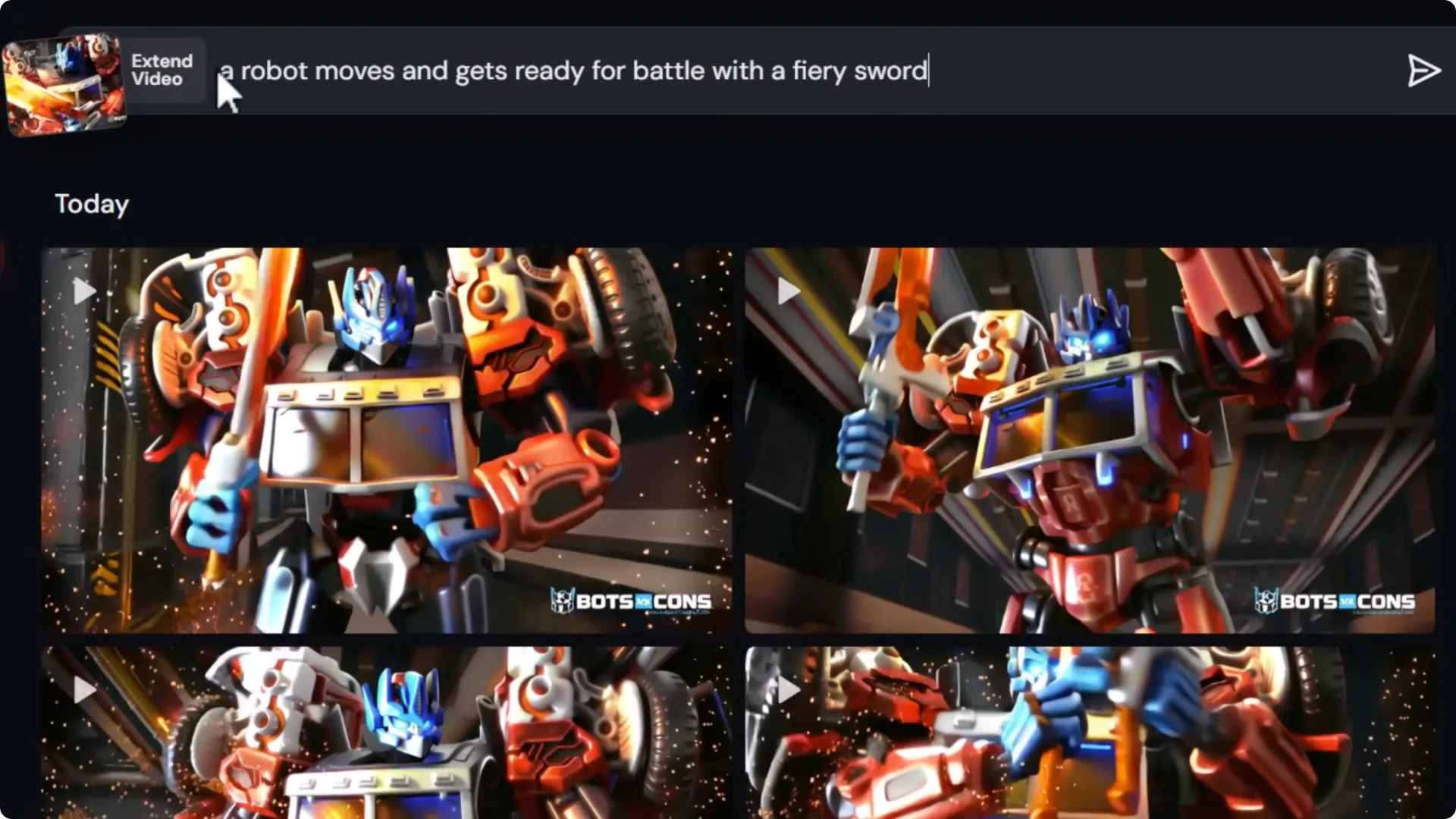
I submitted that and it added about 4 seconds to the clip. I can still hit Extend Auto to extend it further. I ended up with the original video, the first extension, and another 4-second extension, creating about a 12 and a half second AI video all within Midjourney.
To see which extension is best, I open any of the images. Down the bottom there are three parts on the bar: the original, first extension, and second extension. I can jump straight to the new parts to compare what’s been added. I can move up the sidebar to jump again and see the difference.
Midjourney Image-to-Video Update: Downloading and Resolution
You can download the video and it’s 480p, so it’s not the highest resolution. There’s also a Download for social media option that does a basic upscale to make it about 1080p. It won’t increase the actual resolution or detail; it stretches the video, so it’s a little fuzzy, but it lets you post to places like Instagram or Facebook.
Quality and Comparisons
This is exciting, but it doesn’t really compare to things like Cling or V3 or some other AI video tools. The resolution is a bit too low at 480p compared to 720p or even 1080p that some Cling models can produce. This is very young at the moment. The videos look pretty decent for the resolution. I think it will eventually become a pretty powerful part of AI video.
Explore Page
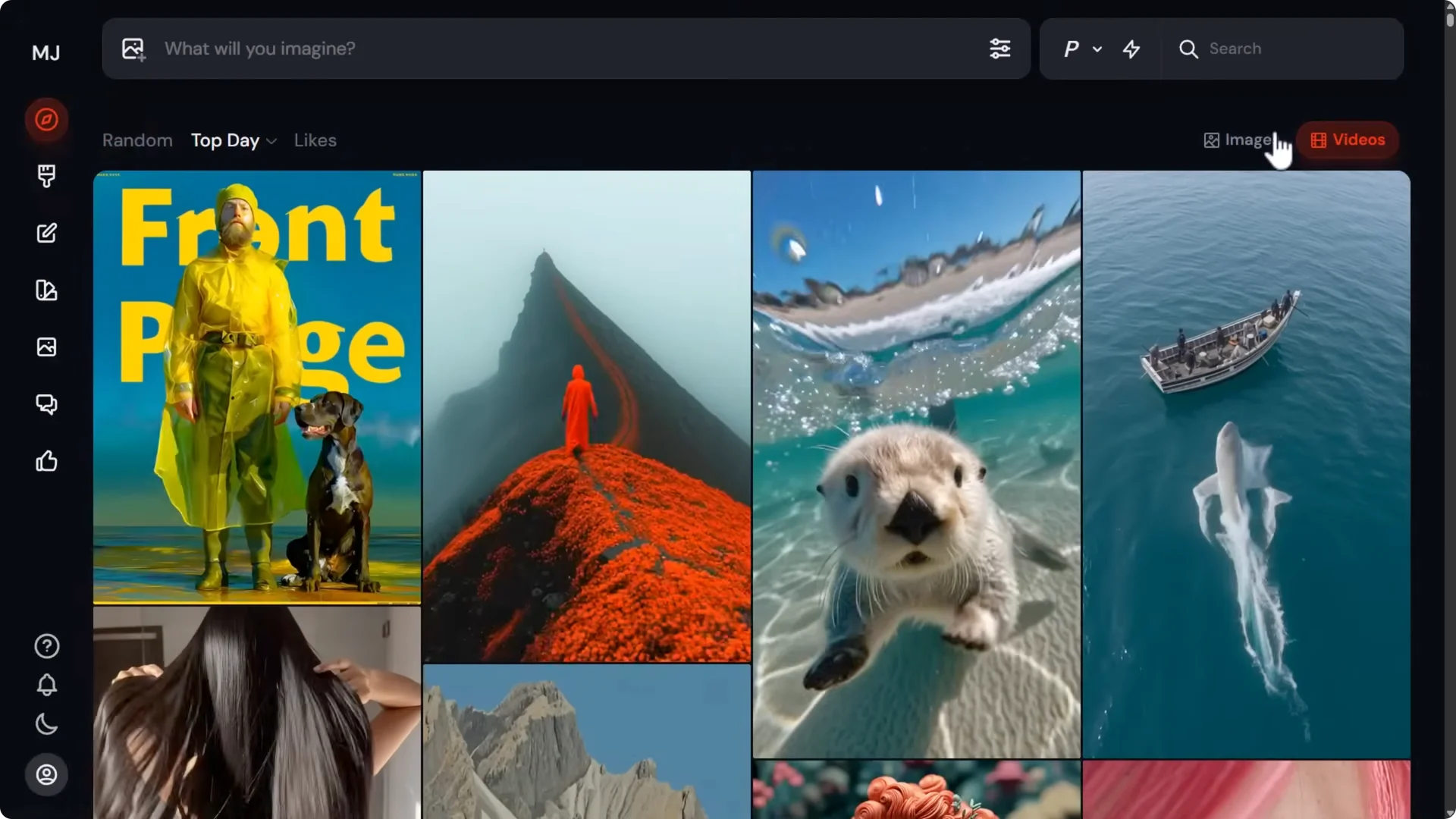
On the explore page there are now images and videos. You can browse some of the wild videos people have created using their unique Midjourney artwork. It’s an exciting time. There are some really cool examples. Have a play with it. As with any AI video or image system, you might need a few tries, you might need to adjust your prompt, but have some fun and see what you can create.
Midjourney Image-to-Video Update: Style Reference Updates in Version 7
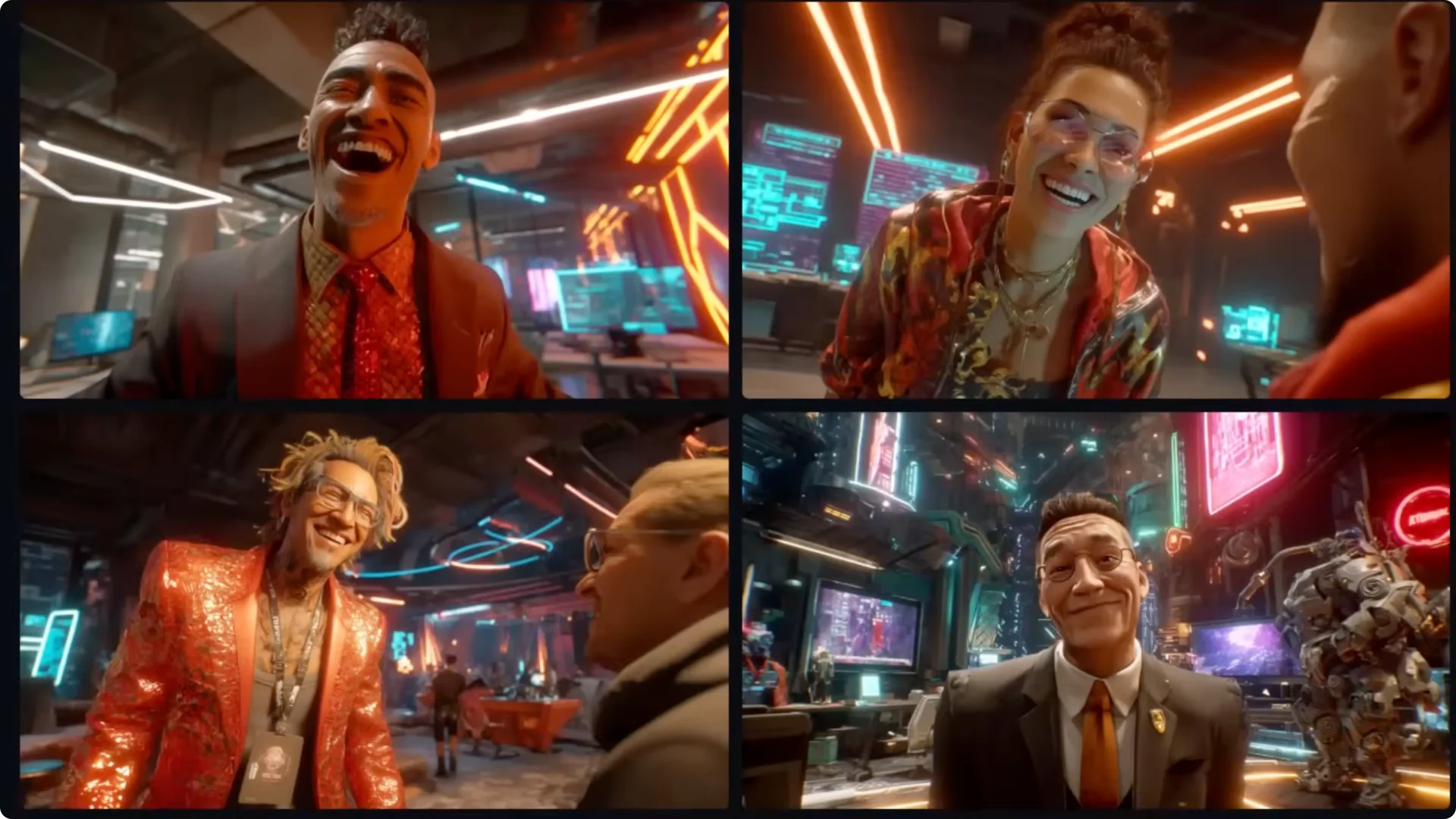
Version 7 has updated its style reference feature. I tested it with this prompt: “sales photo with awkward smile.” I added a style reference image and generated with both version 7 and version 6 using permutations to produce one prompt for version 7 and one for version 6 so I could compare how each handles the style.
- Version 6: Copied the color and added some of the elements, especially in one of the results.
- Version 7: Apparently a bit different. I couldn’t really see the difference in that first test.
I tried another style reference image that’s vastly different from the prompt.
- Version 6 grid: It gave me a salesperson, but not really an awkward smile. It captured a lot of the elements and style of the reference.
- Version 7 grid: The smile is a little more awkward, it’s closer to the subject, and the elements in the background and the style are actually closer. There is an improvement in the style reference with version 7.
Midjourney Image-to-Video Update: Style Codes and Version Behavior
I tried adding a style code I picked at random with permutations for version 6 and version 7. Version 6 style codes have been a pretty traded commodity lately, but version 7 and version 6 style codes aren’t necessarily referencing the same system. The version 6 images were vastly different from the version 7 images.
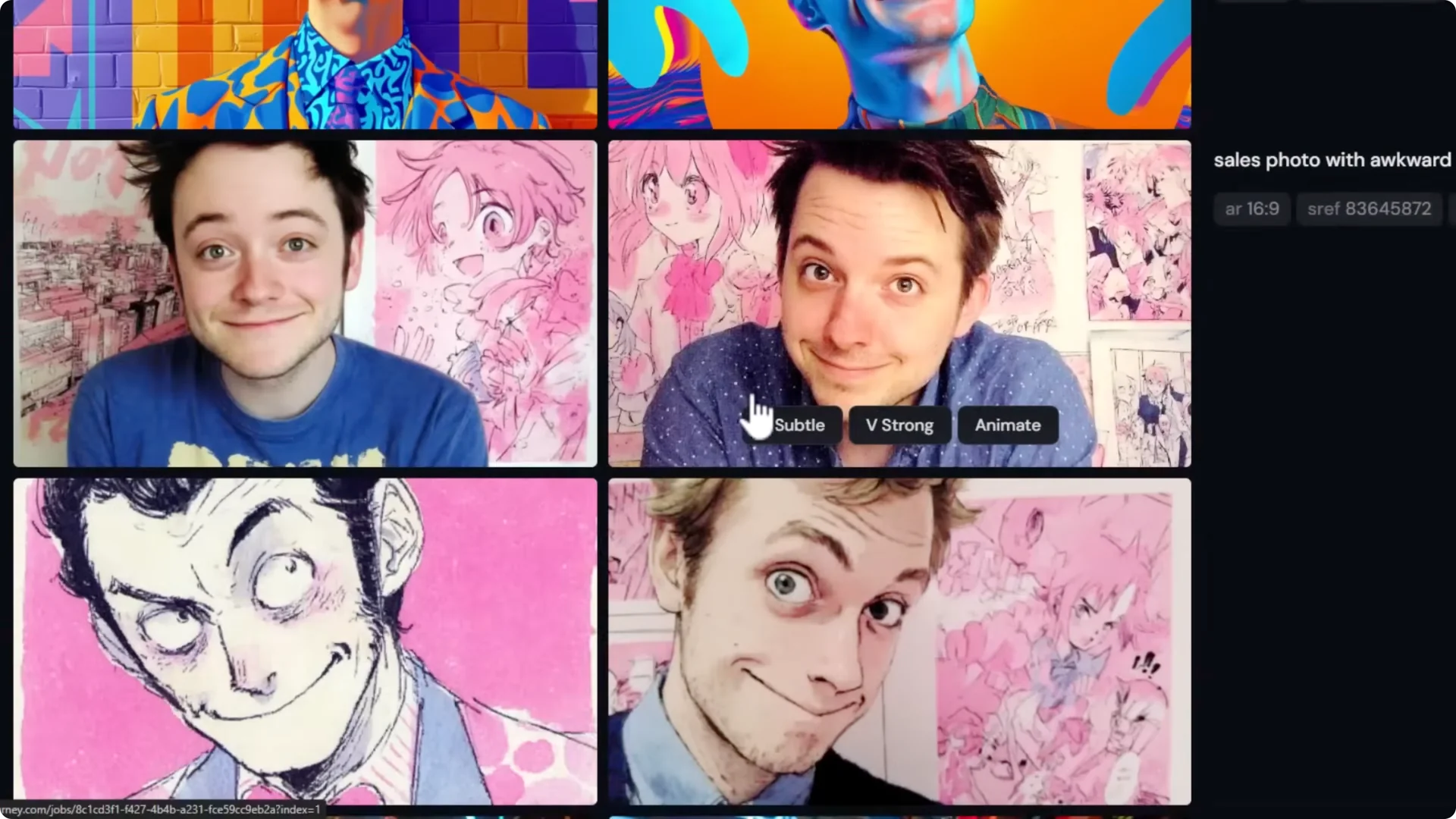
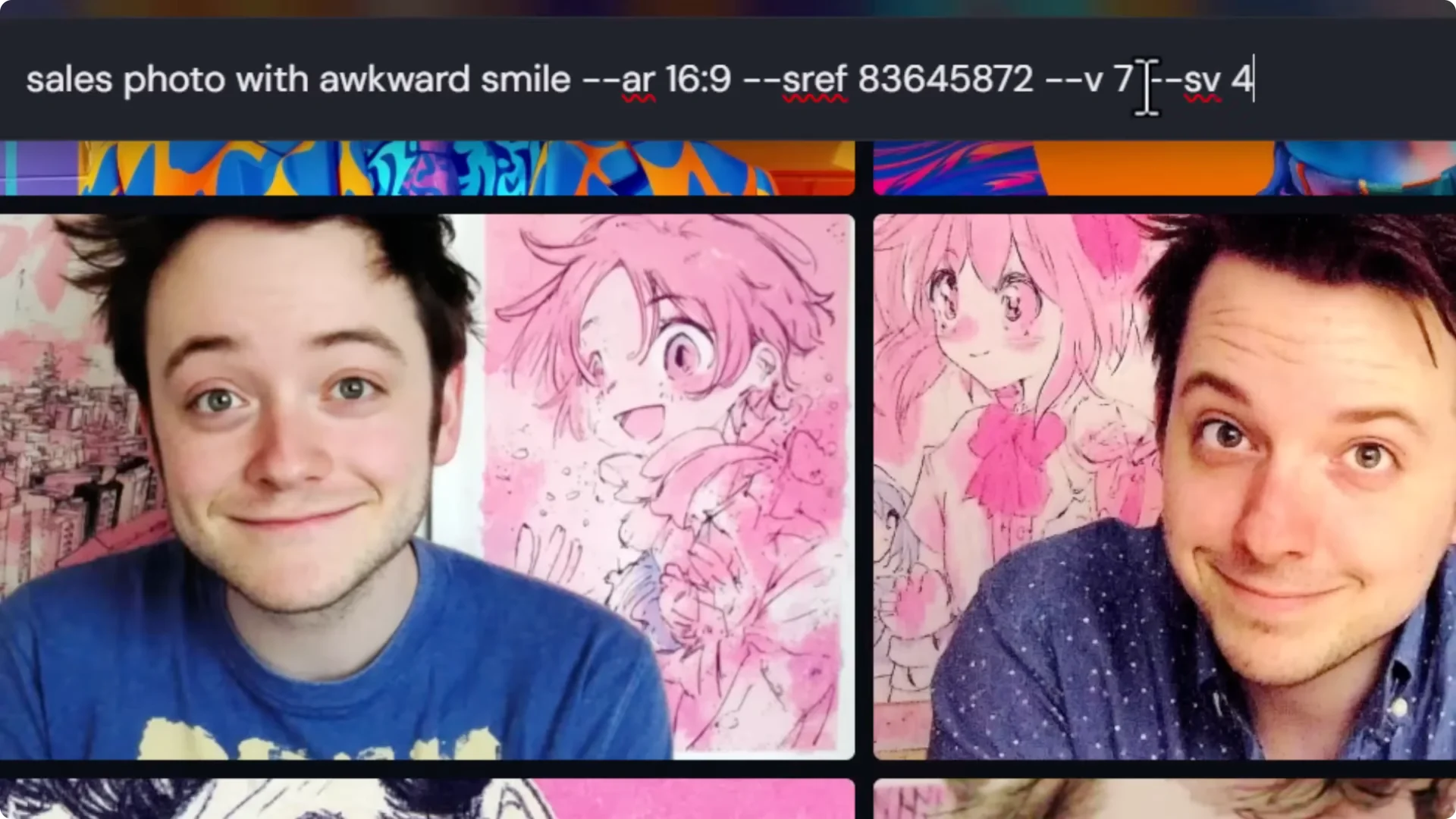
To use old style codes:
- Go back to version 6, or
- Stick with version 7 and add d-v4 to fall back to the old style from version 6.
- You can also use -v 4 on version 7.
To discover styles in version 7:
- Type –sref random.
- If you want a few versions, use d-re repeat 5 to get five different style codes.
- You’ll get a style with a code for each result, and you can scroll through to find more styles.
This change in sref codes makes it a great idea to learn how to prompt for styles and not rely only on codes. You can still use them and have fun, but if you like a style of an image, use the image. Take an image you like, remove the style ref code, drag that image into the style reference section, and submit. I’ve been able to replicate the style I got from a style code by using the image produced as a style reference.
Final Thoughts
Styles are better in version 7, and the new image-to-video feature is already producing convincing motion. Resolution is 480p for now, with a basic social media upscale, but the tools for prompting, starting frames, scrubbing, and extending clips make it fun and surprisingly capable. I’m optimistic about where this is headed as resolution and video quality improve and it catches up with the competition.
