When version 8 launched, it was so over. With version 8.1, we are so back. It is still only available on the alpha website at alpha.midjourney.com, and I expect it to hit the main site soon.
The new update really does make everything look prettier. Pair a simple prompt with style references and you get fun pictures, better than version 8. Speed is a big part of version 8.1 and it is a pleasure to use.
Midjourney 8.1 Update: HD mode and speed
HD mode is now three times faster and three times cheaper. It is so cheap that it is the default for version 8.1, and you can change this in your settings. The difference is mostly file size and resolution.
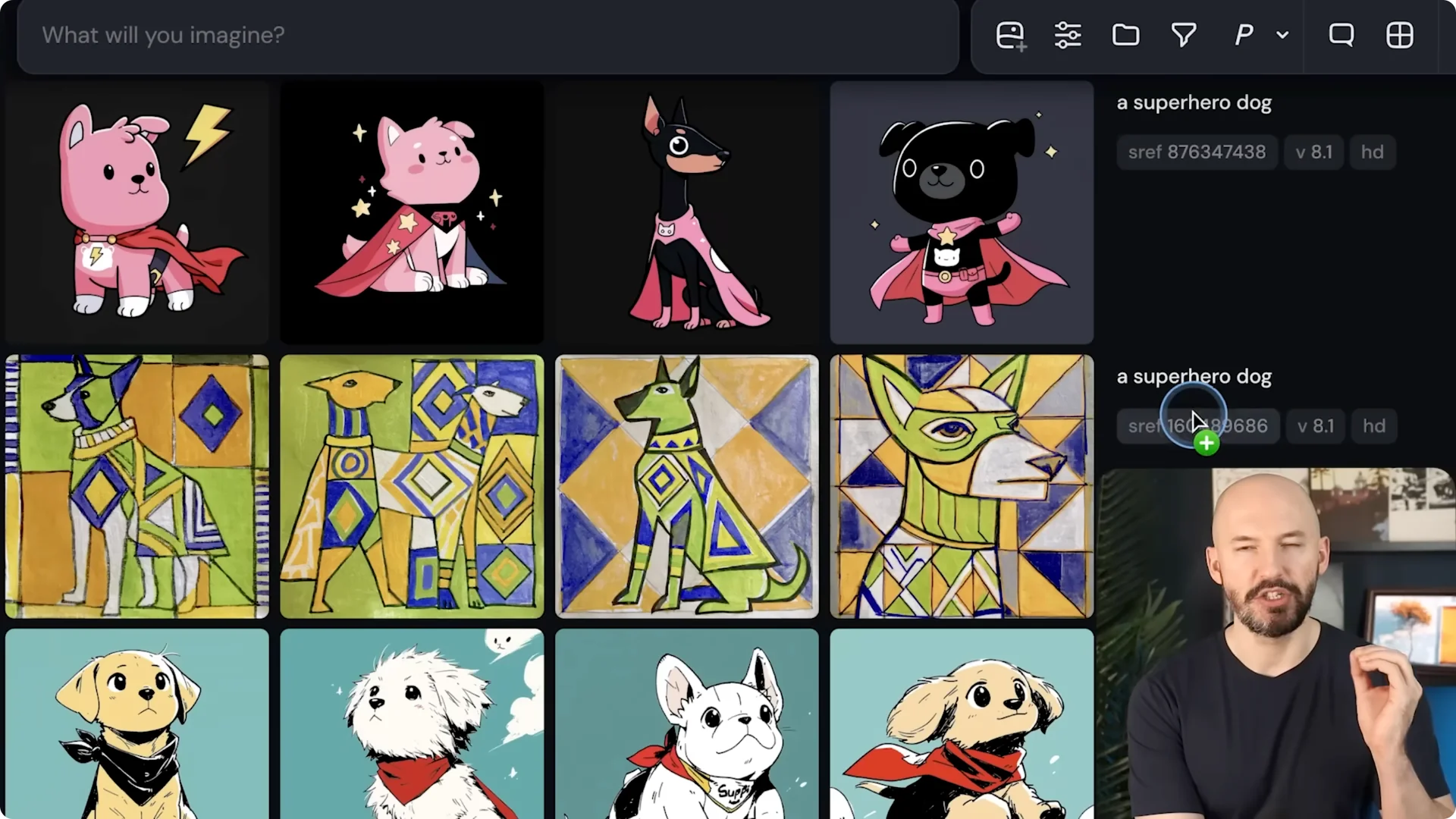
Step 1: Run a prompt without HD and generate a grid. The results will be at standard resolution.
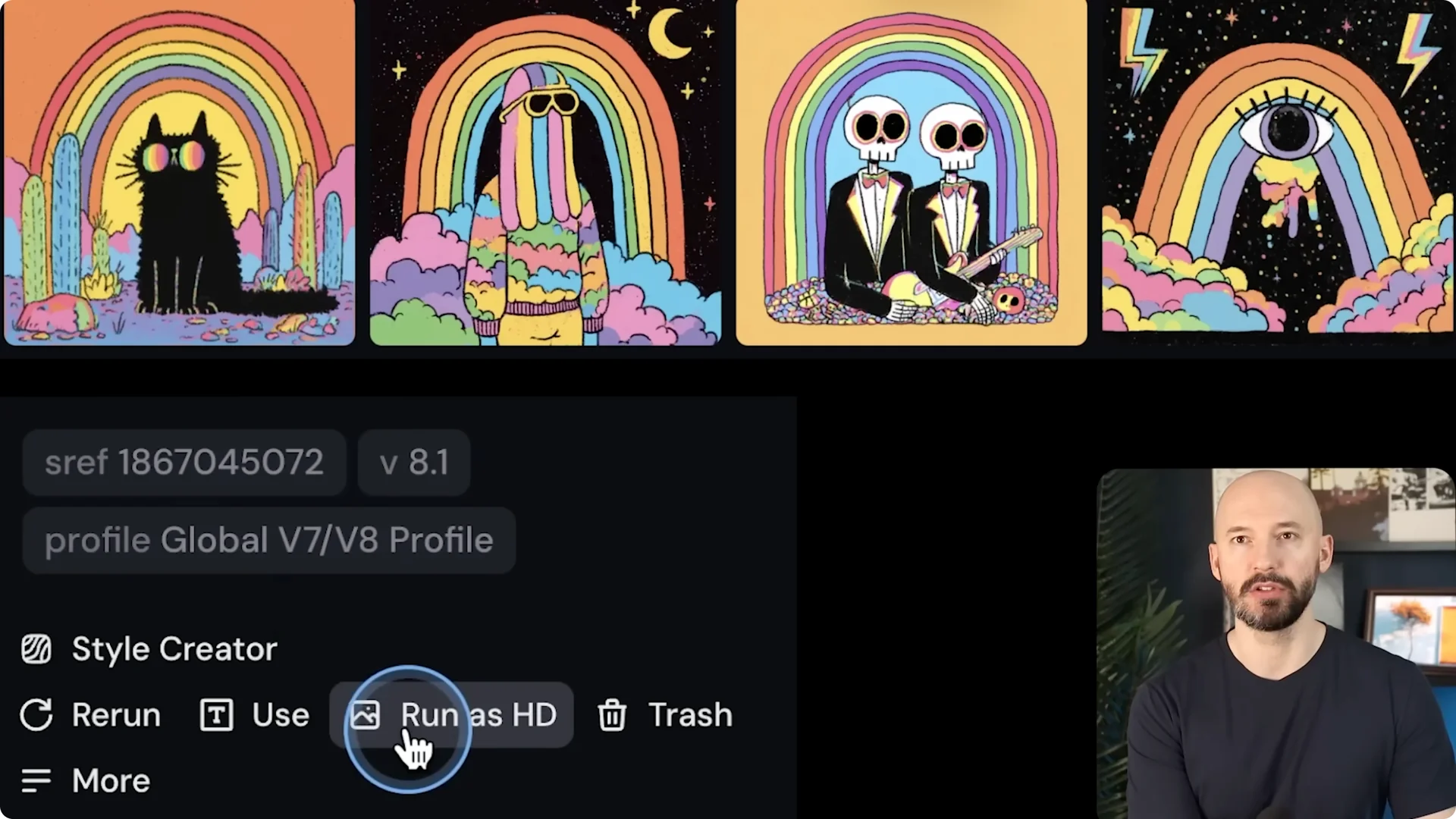
Step 2: Open the options and click Run as HD. Midjourney locks the seed that created those images and runs the HD algorithm.
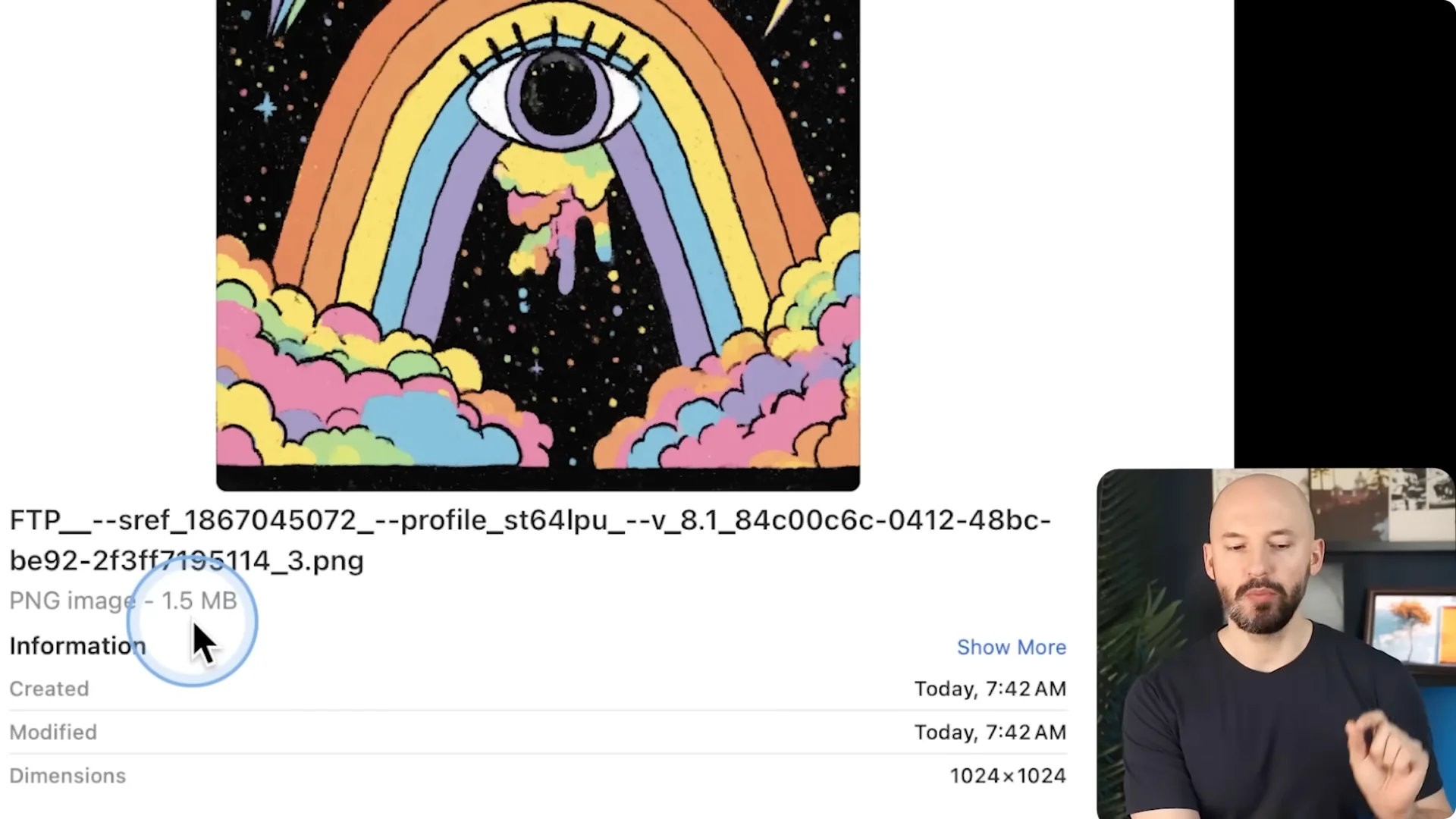
Step 3: Compare the downloads. Standard version 8.1 outputs 1024×1024 at about 1.5 megabytes, while HD is 2048×2048 at about 5.3 megabytes.
The HD results are similar to the original but cleaner. On some subjects, HD is clearly better. You might burn through fast hours quicker with HD always on, so be mindful of that setting.
If you are adjusting modes and settings and want a refresher on the editor itself, see this short guide to the new image editor for helpful context.
Standard resolution in 8.1 at full quality is as fast as V7 draft mode. Being able to run this many pictures that quickly is actually a lot of fun.
Midjourney 8.1 Update: Image prompts and image weight
Image prompts with image weights are back. I am not really an image prompter, but this can create some cool scenes and it works fast. As a quick test, I dragged a cute dog image into the prompt and asked for a day at the beach.
The first pass came out fast at standard resolution. Running those as HD delivered very similar compositions with extra crispness. Adding SREF randoms on top made the results hilarious and unexpected.
It is fascinating to see how the model adapts shapes or logos from the image prompt. That can push it in directions you did not plan, and sometimes the color palettes are just awesome. This is a great way to explore.
Step 1: Click, hold, and drag your reference image into the prompt box to set it as an image prompt. Add your text prompt right after it.
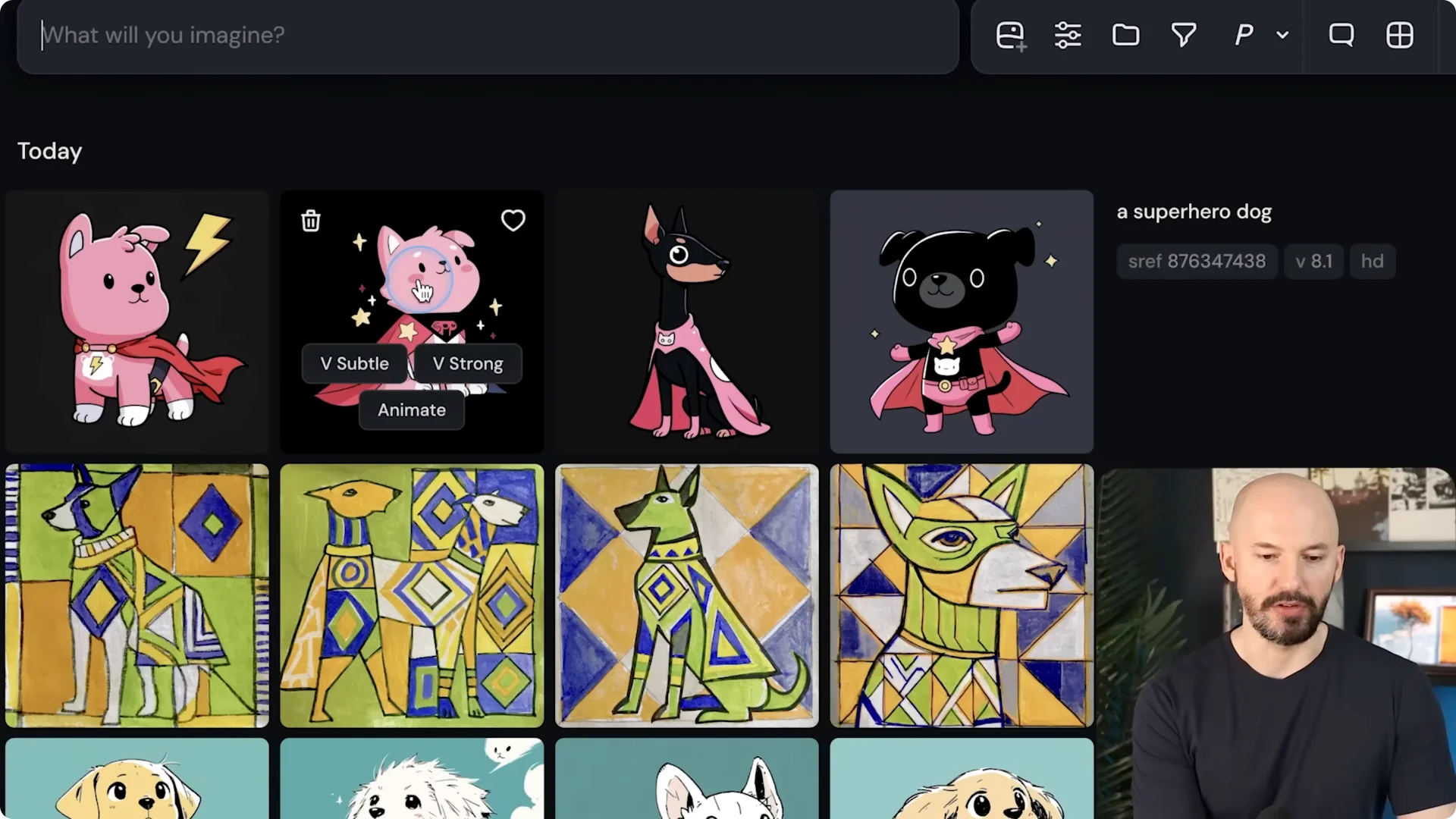
Step 2: Control the image influence with the parameter –iw and a value from 0 to 3. If you push it to around 2.5, expect the subject from your image prompt to land front and center.
Step 3: Toggle HD on if you want higher resolution. Layer in SREF randoms to push style variation and surprise yourself.
If you want more creative ways to build and remix from inside the editor, check out these new ways to use the editor.
Midjourney 8.1 Update: Mood boards and SREF stability
Mood boards and SREFs are stable again and they are so much fun. I shared a board described as a crazy purple glossy fractured portrait and it nailed the look. You can try this code too, pi7 kj wu, then ask for subjects like Batman, Wonder Woman, or a black hole in space.
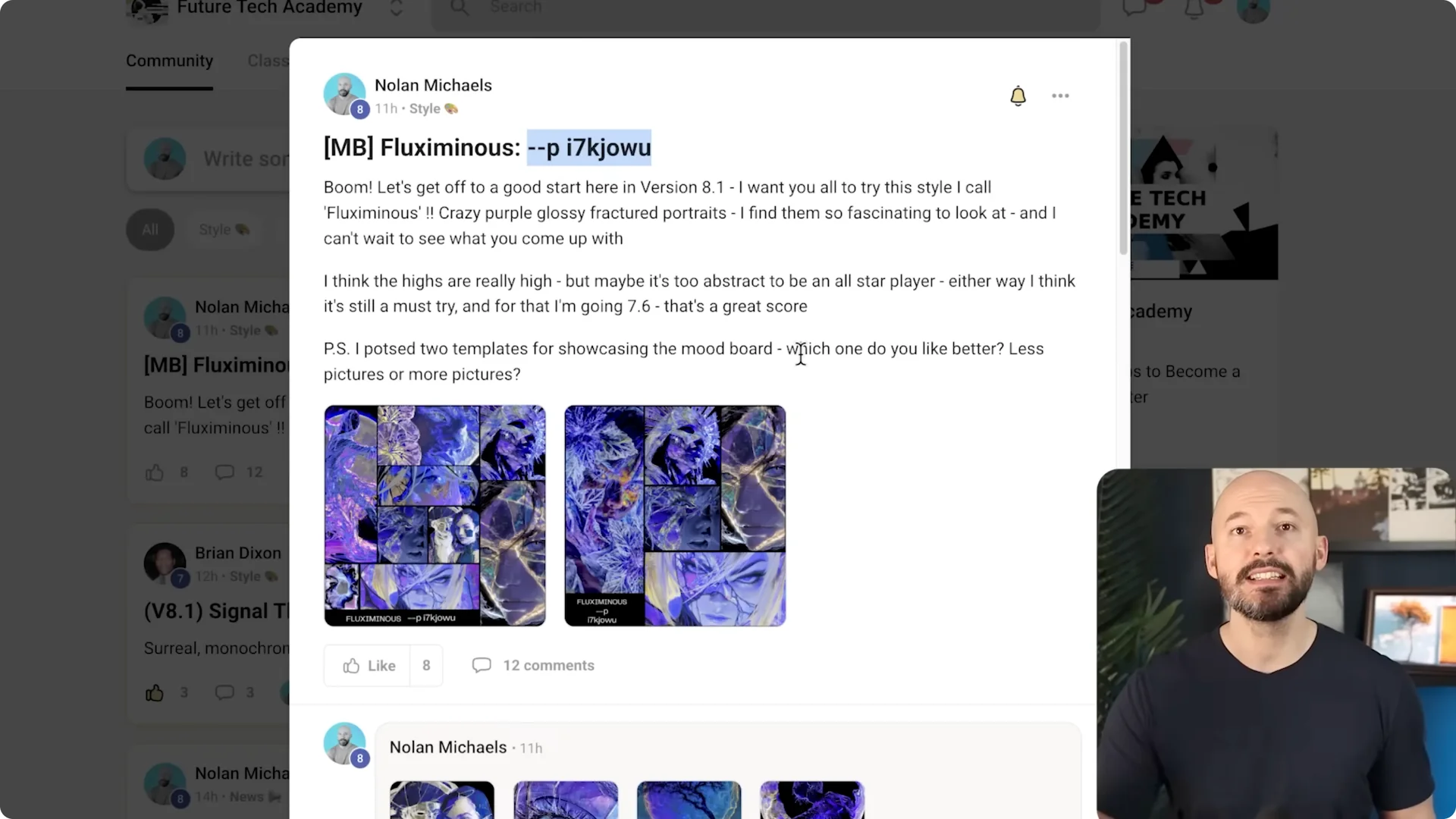
Do not be afraid to bump the stylized value. You can get some very cool looks that still respect the board while pushing style. The outputs look crisp and creative across very different subjects.
For more hands on tactics that pair nicely with mood boards, see these practical Midjourney tips.
Midjourney 8.1 Update: Prompt shortener
There is a new prompt shortener that kicks in anytime you go over the length limit. I think the old limit was around 300 characters, but do not quote me on that. Now it just shortens automatically.
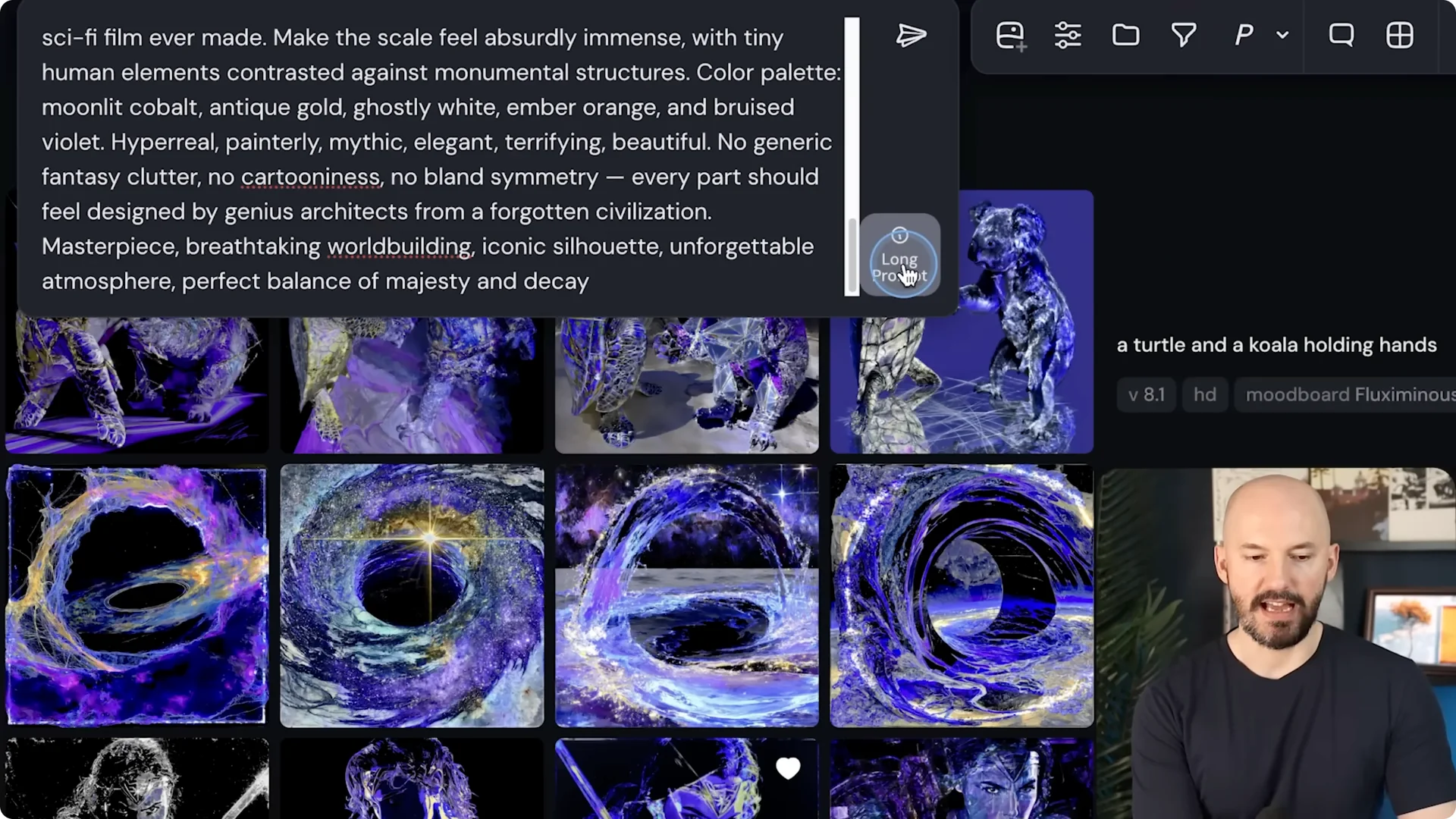
I generated a very long prompt to test it. A long prompt icon appeared with a note that prompts of this length will be adjusted for the model and that this may increase variability. Running it still showed the full text in the box, and the pictures looked great, so it is not obvious where the trimming happens.
If you want a bit more depth on how the editor behaves around text inputs, take a look at these editor insights.
Step 1: Write an over length prompt and watch for the long prompt icon. Step 2: Run it and compare multiple generations to feel the variability. Step 3: Tighten your wording and retry if you want more consistent structure.
Midjourney 8.1 Update: Random style references
I cannot resist trying random style references. If you are not doing this, start doing two randoms and double up on the randoms. The mixes can look wild, with depth illusions and clashing art styles that somehow click.
Some runs look flat and deep at the same time, almost like there are no shadows in one part and a totally different style in another. It is amazing to watch it pull that off. Version 8.1 makes this playtime worth it.
Midjourney 8.1 Update: Describe feature refresh
The describe feature finally got an update. To access it, right click on a picture and choose Describe, or drag a picture to the top and pick Describe from the menu. Midjourney will write four prompts based on that image.
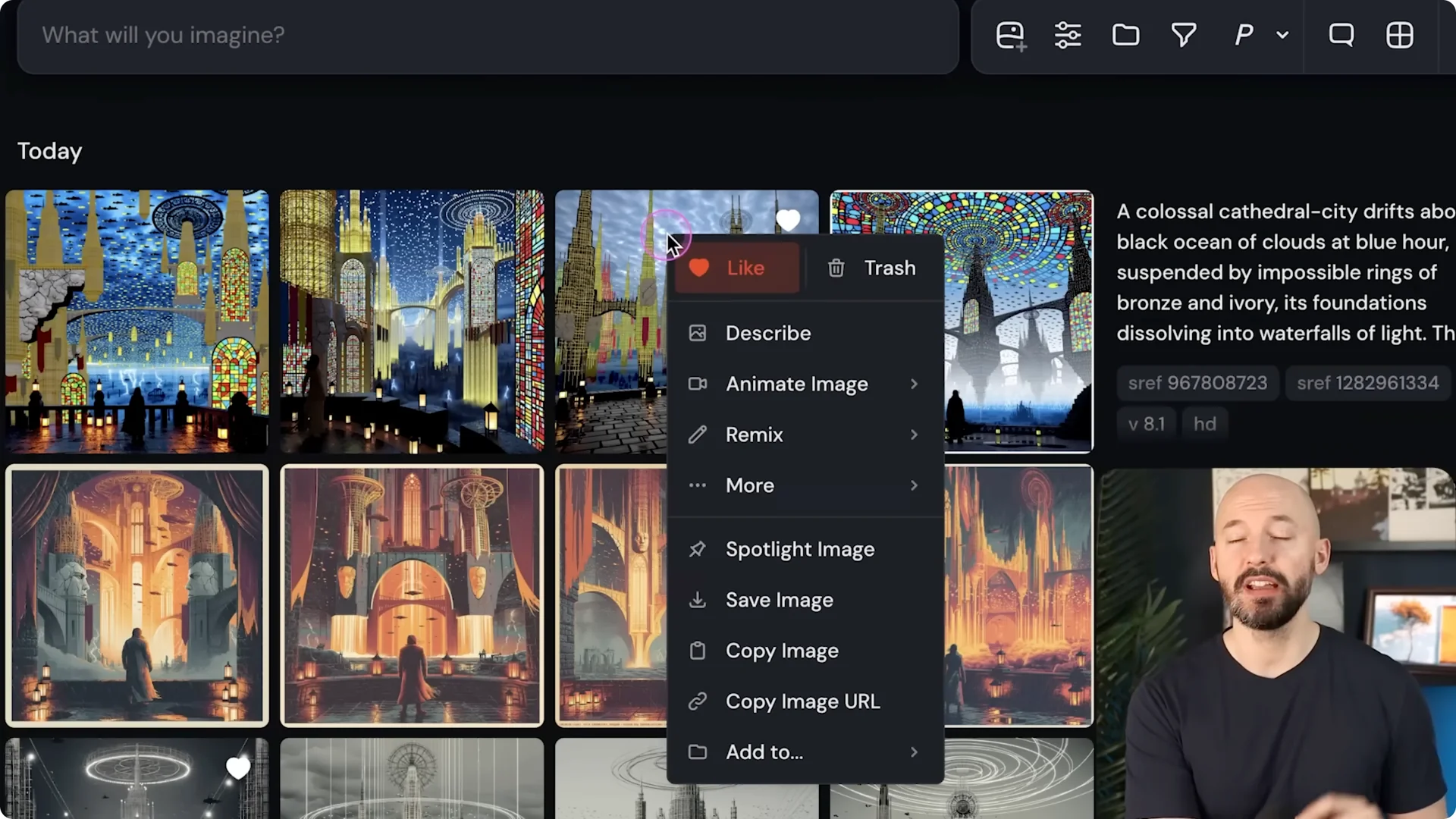
Click Run all prompts and see how close it gets. The results can land fairly close using words alone. If you want to get closer, add the original image as a style reference along with the new prompt.
Step 1: Open Describe on your chosen image. Step 2: Run all prompts and review the outputs. Step 3: Add the original as a style reference to tighten the match.
Midjourney 8.1 Update: Version 8 status
It is likely that the version 8 model will be decommissioned after 8.1 has been out for a few weeks. This is a contentious topic and some users want version 8 to stay. Version 8 clicked for people who really go deep and use parameters, though I felt it was a bit too difficult for a mainstream audience.
Midjourney 8.1 Update: Text generation tradeoff
Because the aesthetics improved so much, text generation took a hit. The model is not as good at text right now. Even with style raw and some slider tweaks, text in version 8.1 is not near version 8.
I tested a prompt like wakey wakey eggs and bakey with the price crossed out. The outputs are not nearly as good, but they are not terrible either. Text clearly behaves differently and you should expect some misses.
Midjourney 8.1 Update: What is next
They are aiming to try some V8 upscalers. After that, they plan to move on to a version 8 edit model with inpainting and outpainting. That will open more precise image edits directly inside the workflow.
Final thoughts
Version 8.1 makes images look better, runs faster, and brings back image prompts with image weight along with stable mood boards. HD is the default and worth using, but watch your fast hours and compare file sizes. Expect softer text rendering for now, keep experimenting with SREFs and Describe, and get ready for upscalers plus an edit model next.
