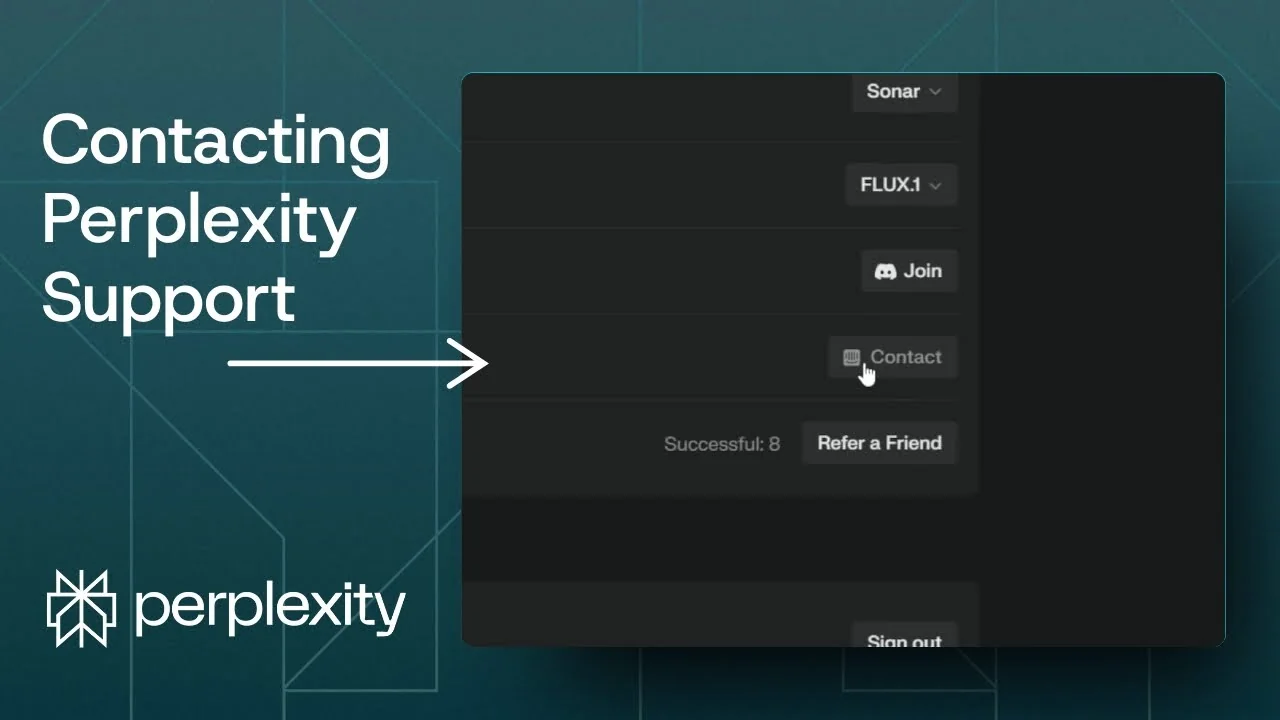
If you encounter a problem in Perplexity and want to talk to customer support, here is how I do it. You can start with the Help Center, and if that is not enough, you can contact a real person by email. If you use Pro, there are faster channels that I recommend.
Help Center in Perplexity AI Support Channels
Step 1: Go to the question mark icon at the bottom right corner and navigate to Help Center. It will open a page where you can see a lot of articles about Perplexity. You can also check the FAQ section for common issues and how to solve them.
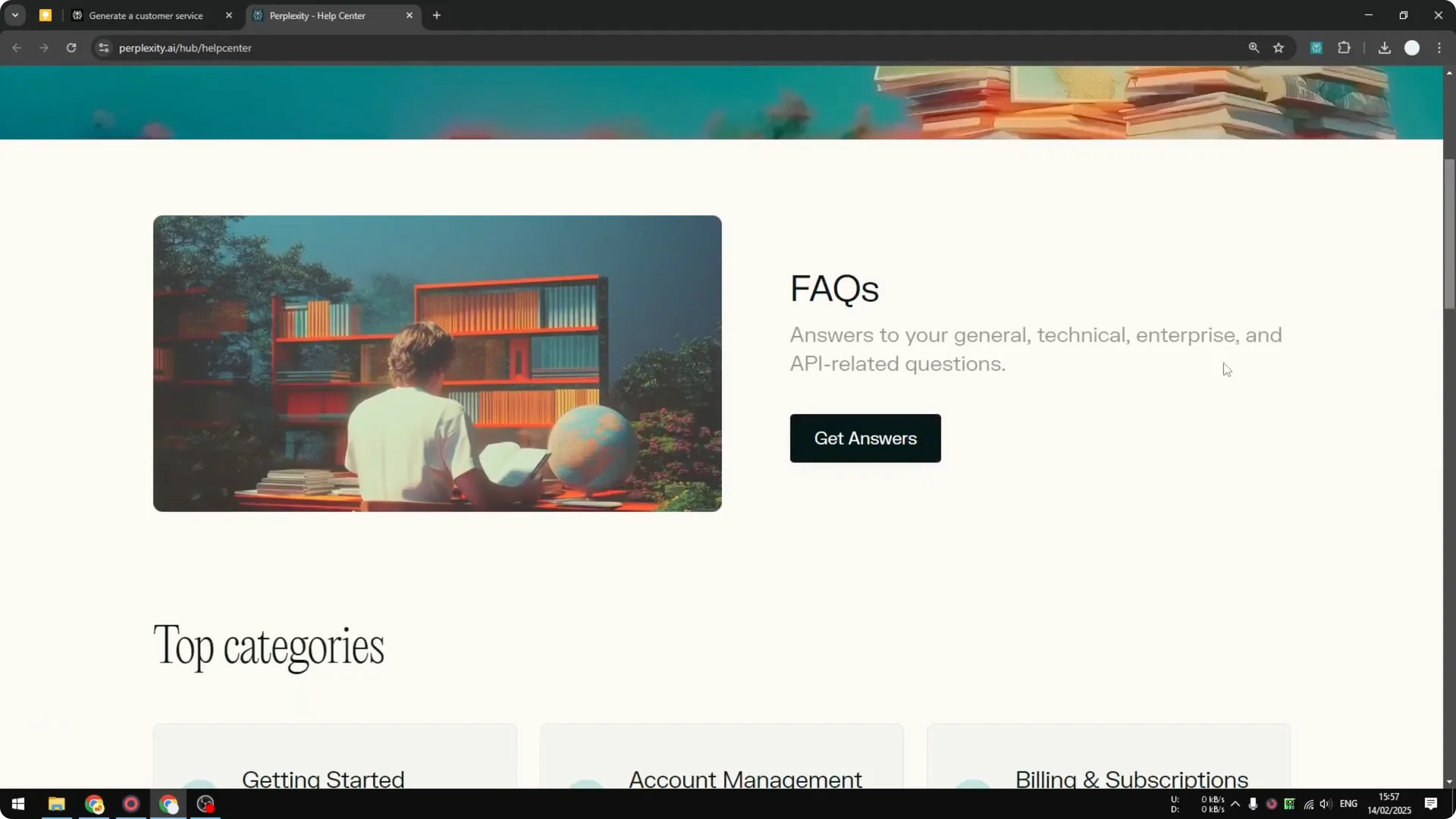
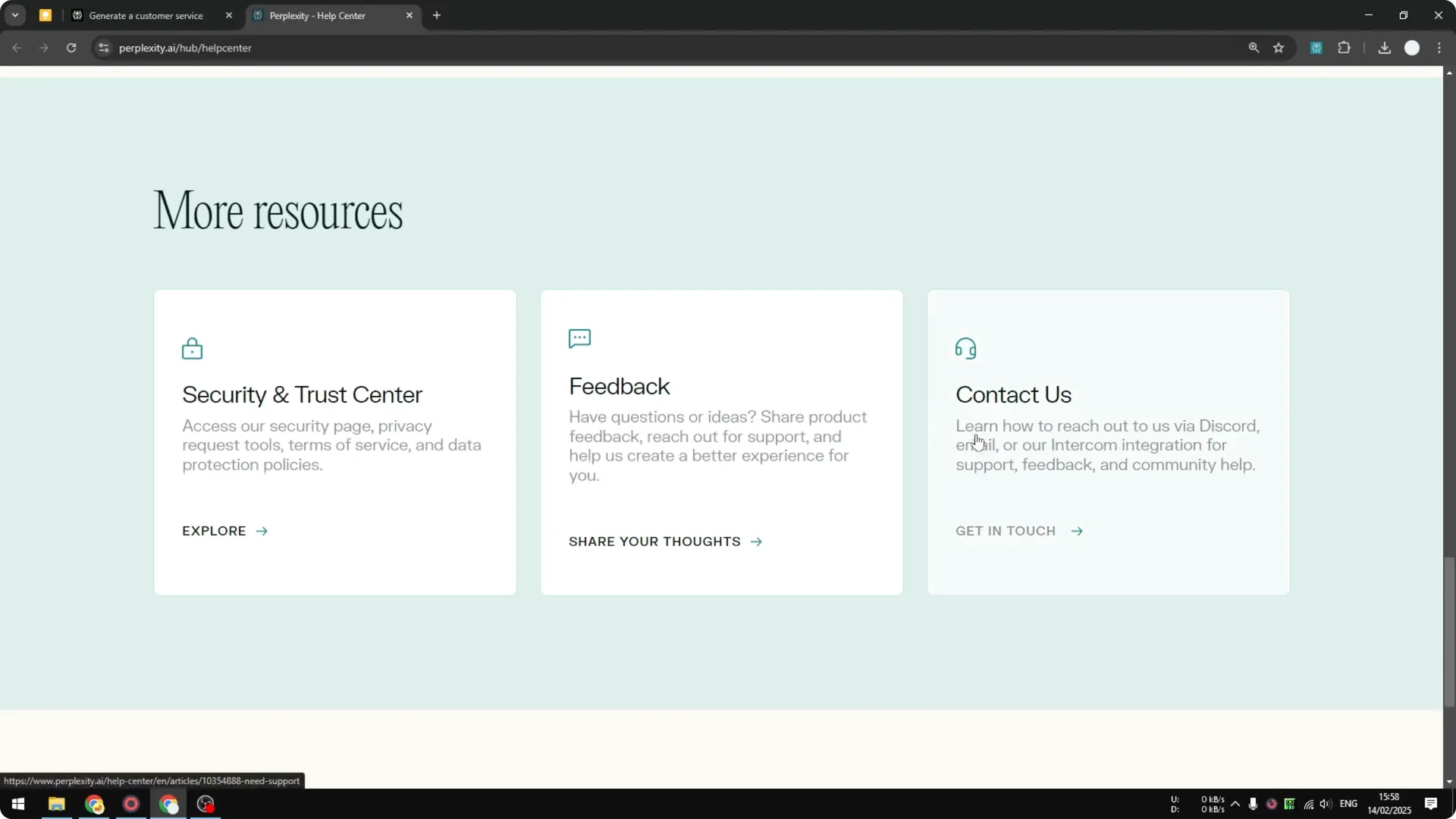
Step 2: If you want to talk to a real person, scroll down and click the Contact Us button. This takes you to another article that offers basic fixes. If you are not satisfied, you can still reach customer support by email.
Read More: Create Superior Ai Art
Email Support in Perplexity AI Support Channels
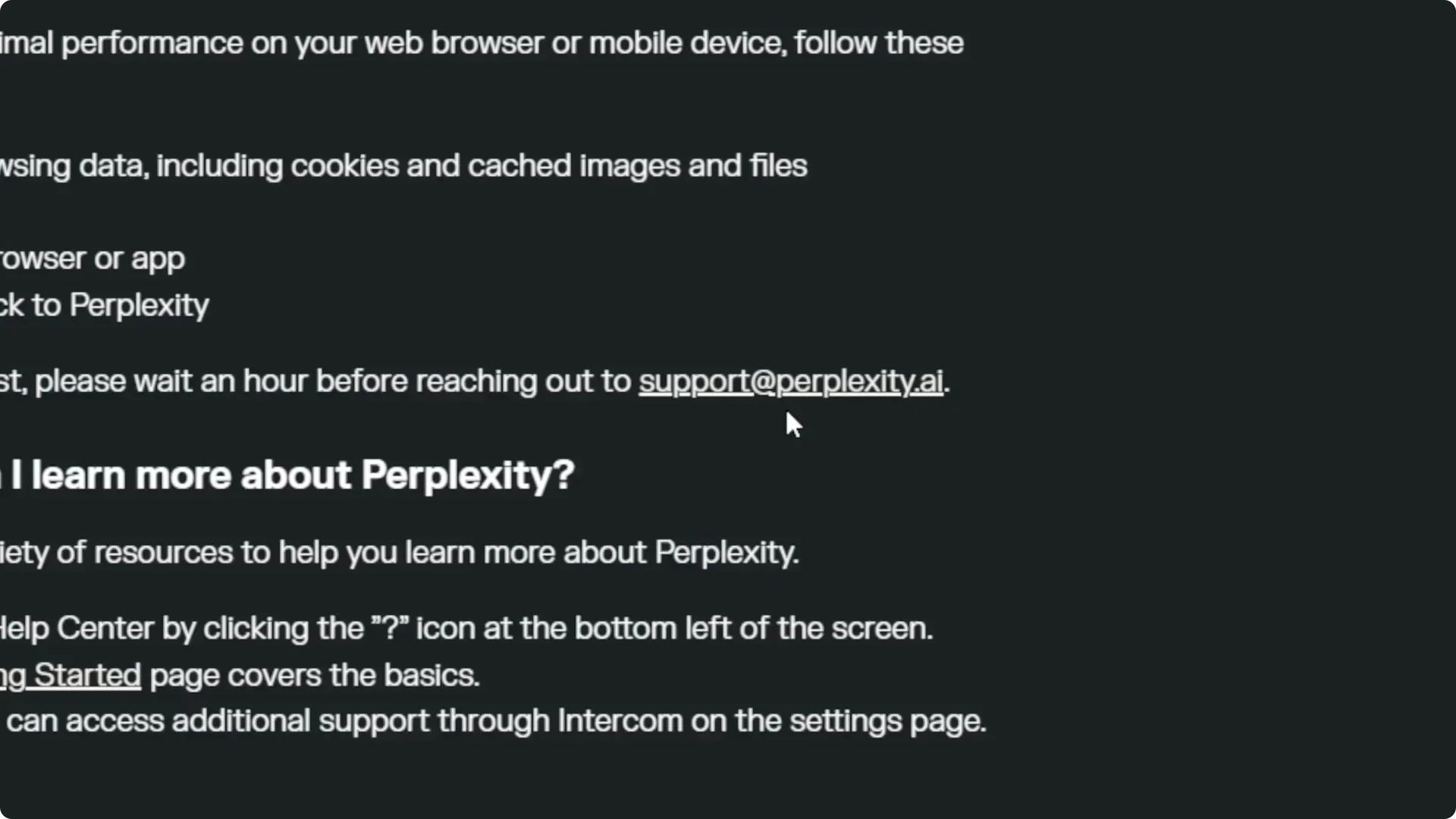
Step 3: Go to your Gmail or Yahoo Mail account and send a message about the problem to the official Perplexity email address listed there. From my experience, they usually answer within a day or two. In my opinion that is very slow, but it is available for everyone, even if you are not using the Pro subscription.
Read More: Eye Catching Ai Art Midjourney Prompts Styles
Pro Options in Perplexity AI Support Channels
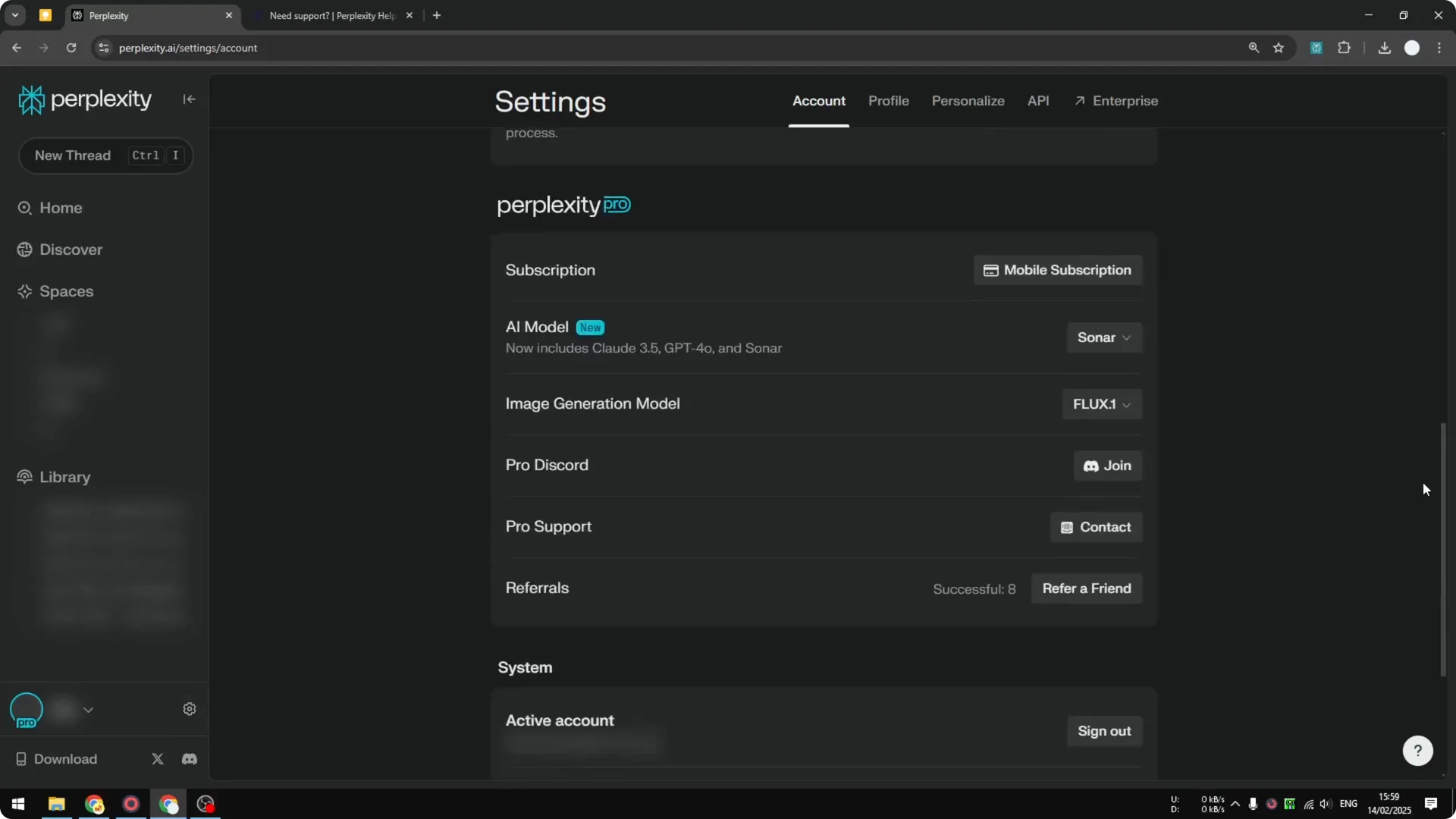
If you are using the Pro subscription of Perplexity, you should get a much faster response. You have two other ways to communicate with Perplexity directly. Click the gear icon, then under the Account section scroll down to the Perplexity section to find these options.
Discord in Perplexity AI Support Channels
Step 1: Join the Pro Discord by clicking the Join button. This is simple communication via Discord. Usually they answer within less than 1 hour, at least from my personal experience.
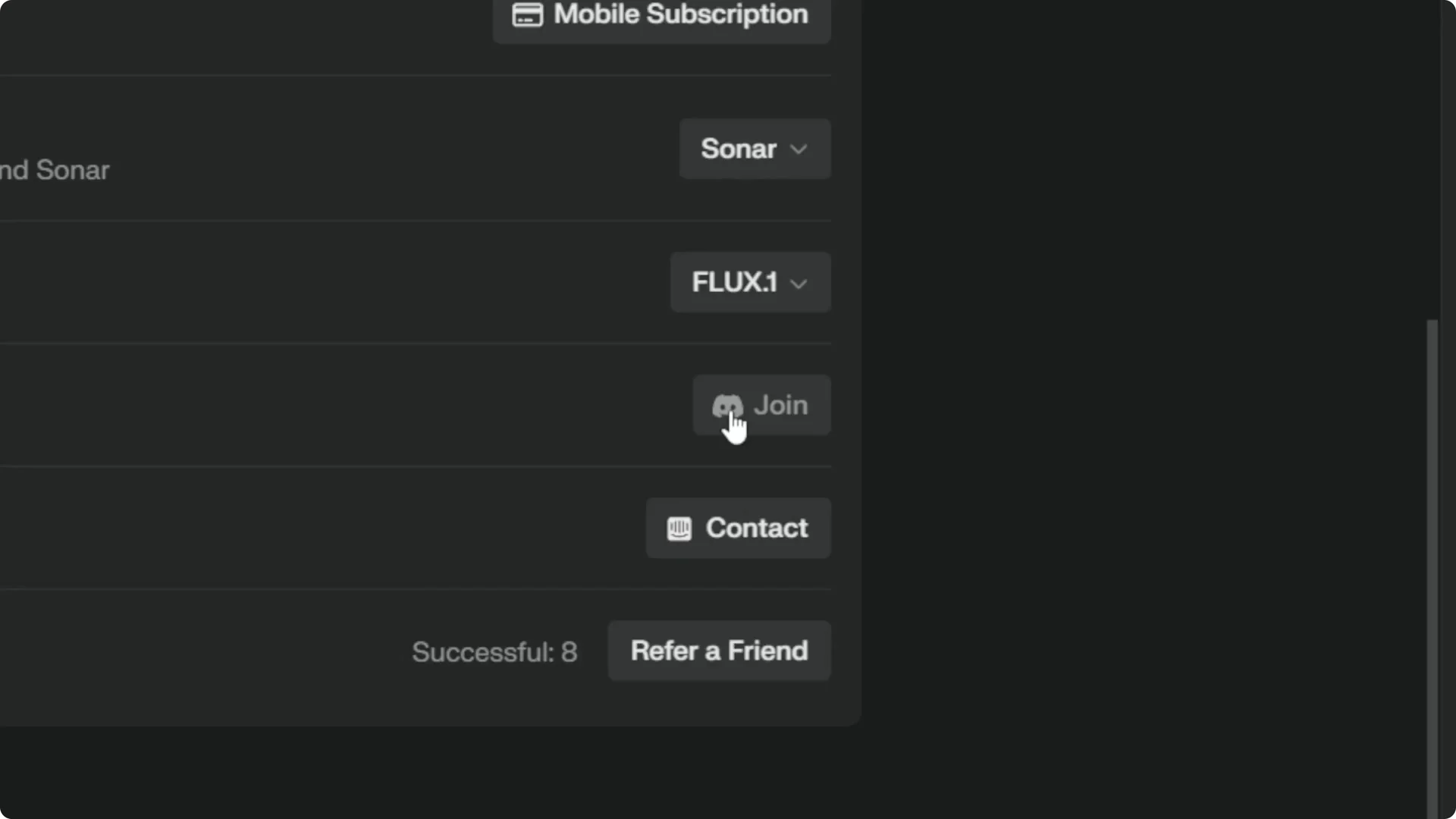
Step 2: I think this is very useful if you have a quick problem that needs a quick solution. For fast help, this is the method I recommend. It works well when you need immediate pointers.
Read More: Camera Control For Midjourney Ai Video
Live Chat in Perplexity AI Support Channels
Step 1: Use the Pro Support section and click the Contact button. It opens a window where you can have a chat with a real human. Click the Contact Support button and select the correct problem or topic you want to talk about.
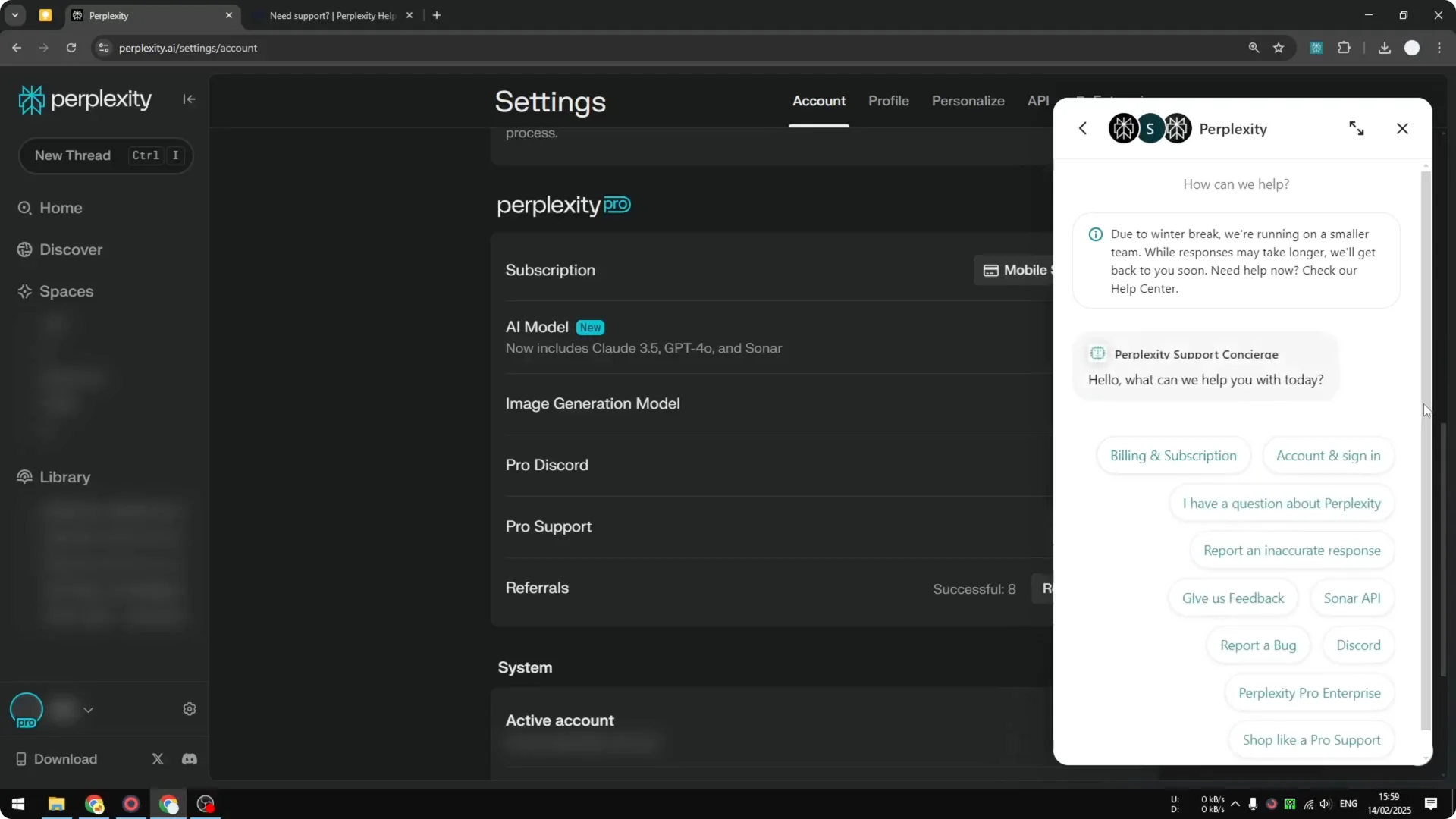
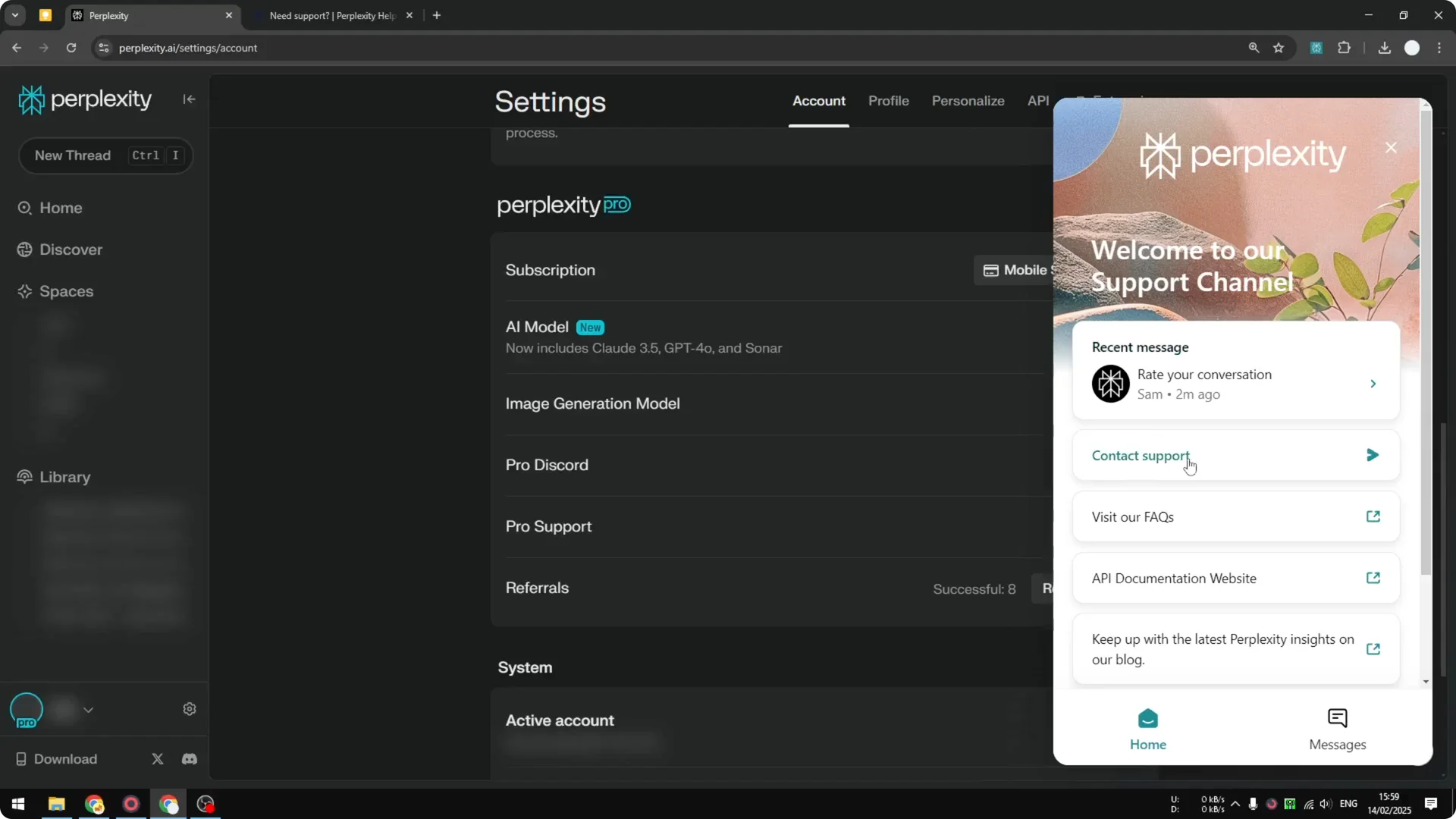
Step 2: Usually it will first give an AI answer or article. If you do not want that, click the button that says No, I need more help. After that, wait a few minutes, usually less than 5 minutes, and you should be able to talk to a real person.
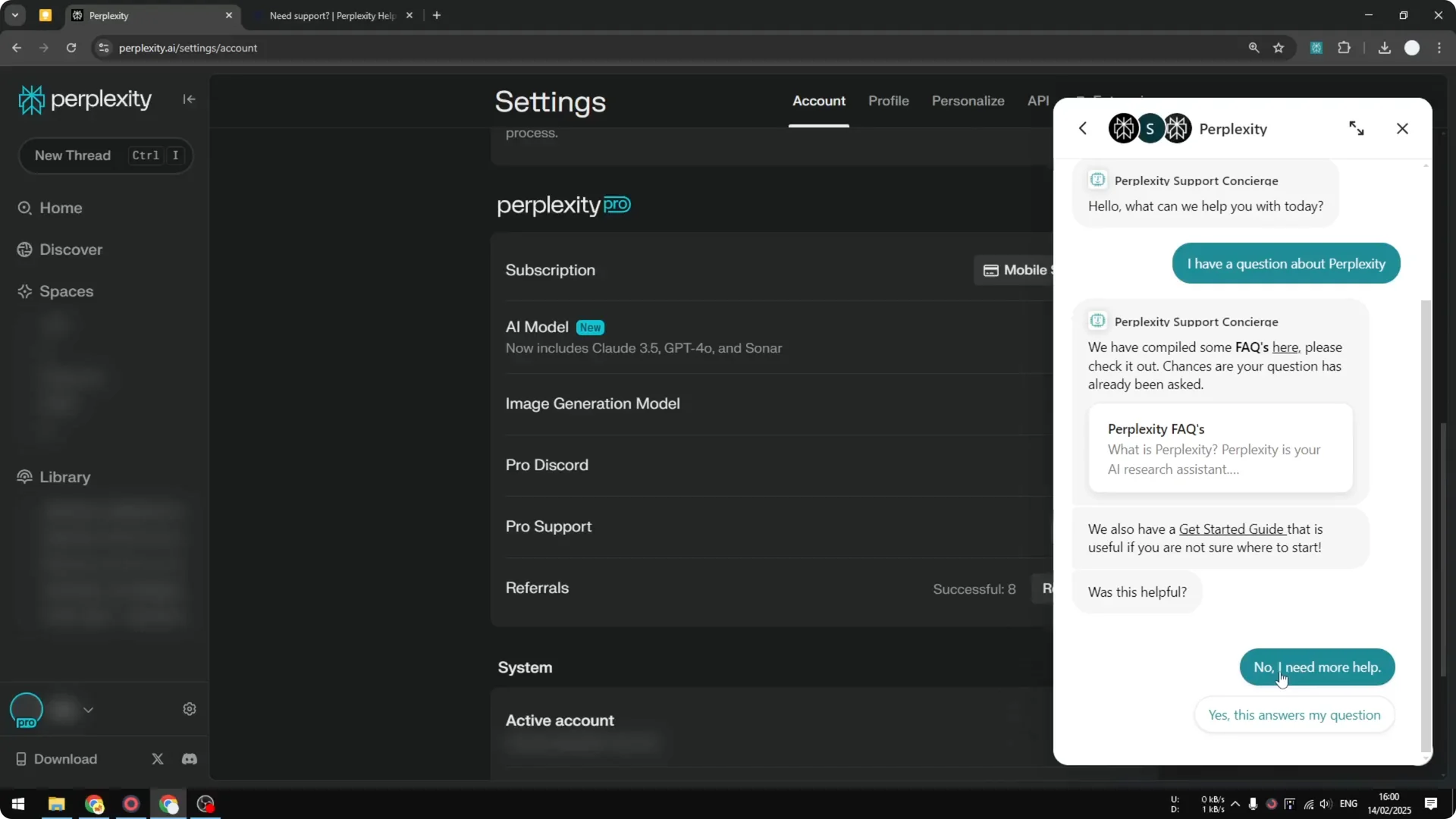
Step 3: I just did some testing and they are very quick. I got an answer in less than two minutes. I recommend this method if you want to get a quick answer from Perplexity.
Read More: Transformative Ai Art Midjourney Prompts
Final Thoughts on Perplexity AI Support Channels
The Help Center and email support are available to all users, but the email response can take a day or two. Pro users get much faster help through Discord and the Pro Support live chat. For quick answers, I suggest using the Pro chat, then Discord, and only relying on email if you do not need an immediate response.
