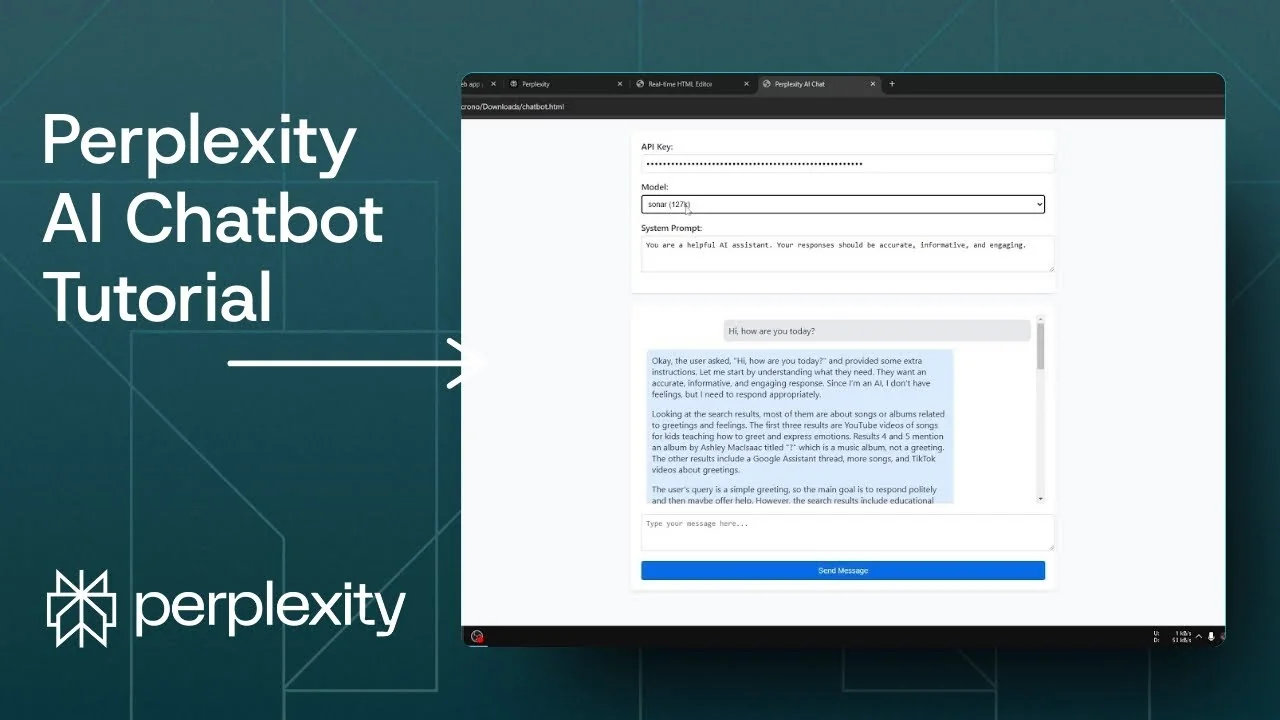
If you are on the Perplexity Pro plan but not using the included $5 in Perplexity API credits, you are leaving value on the table. With the API key, you can create your own chatbot, adjust temperature, set token limits, and pick the model you want. It is far more customizable than the Perplexity web interface.
I will show how to build a simple chatbot with Perplexity and then power it with the Perplexity API. We are basically using Perplexity to build Perplexity. You do not need to be a developer because the AI will generate the code.
Why build a Perplexity API Chatbot
The Perplexity API Chatbot lets you set the API key, choose the model, and define a system prompt. You can also tweak temperature and token limits to match your use case. That level of control makes it easy to test different behaviors.
This approach was not practical just a few years ago. Today you can prompt the AI to write the entire app. The result is a fast path from idea to a working chatbot.
Read More: Create Superior Ai Art
Plan the Perplexity API Chatbot with Perplexity
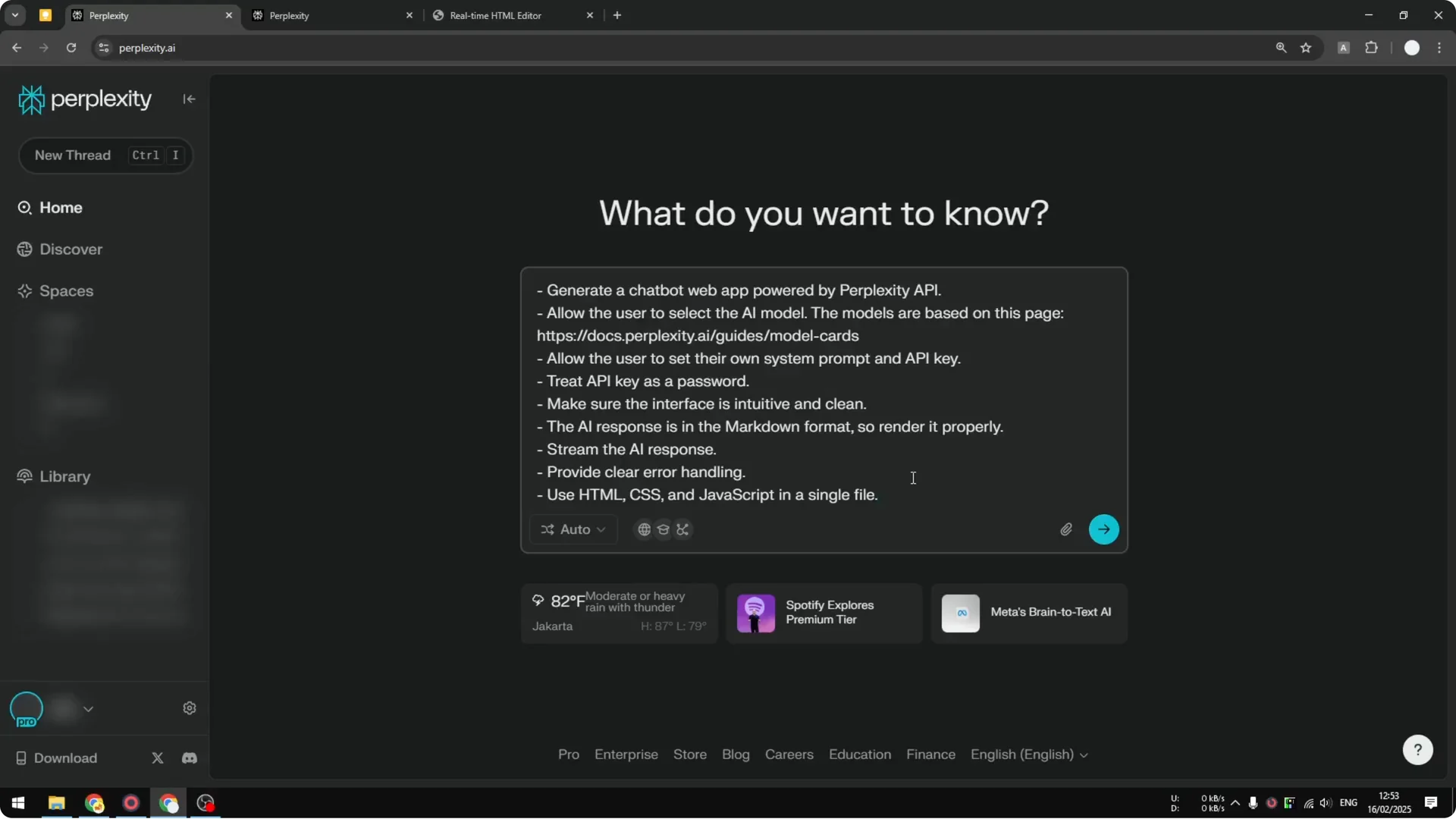
I start by opening a new thread in Perplexity and asking it to code the application. The prompt requests a simple HTML file with a chat interface that calls the Perplexity API. I ask for inputs for API key, model, and system prompt, plus options like temperature and token limit.
Model choice for coding the Perplexity API Chatbot
My default model is Sonar, but for coding I often switch to Claude because the code quality is usually better. I resend the prompt with Claude and let it generate the full app. It can take a bit longer, but the output tends to be cleaner.
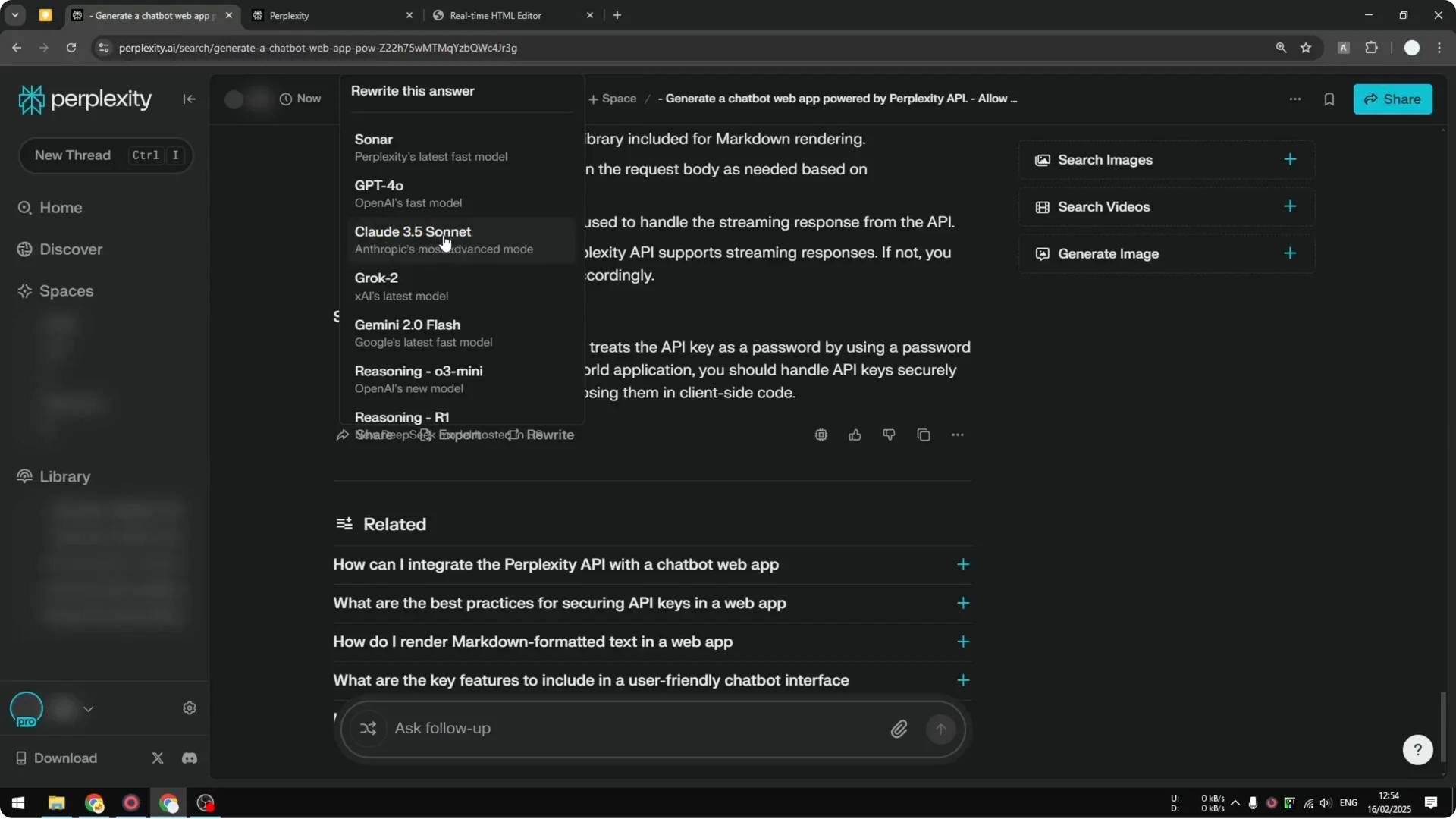
The AI provides everything needed, and the application is basically ready. You can always ask it to modify colors, layout, or features. The key elements are the API key, the model, and the system prompt.
Read More: Eye Catching Ai Art Midjourney Prompts Styles
Generate the Perplexity API Chatbot code
Step 1: Open a new Perplexity thread and send a clear prompt asking for a simple web-based chatbot that calls the Perplexity API. Include requirements for an API key field, model selector, system prompt box, and controls for temperature and token limit.
Step 2: If the first draft comes from Sonar and you want higher code quality, regenerate with Claude. Wait for the full response and review the HTML, CSS, and JavaScript sections.
Step 3: Copy the generated code once it is complete. Keep it handy for preview and local saving.
Preview and save your Perplexity API Chatbot
Step 1: Paste the code into an online HTML editor to preview the layout. This is only for a quick look and will not make the app functional.
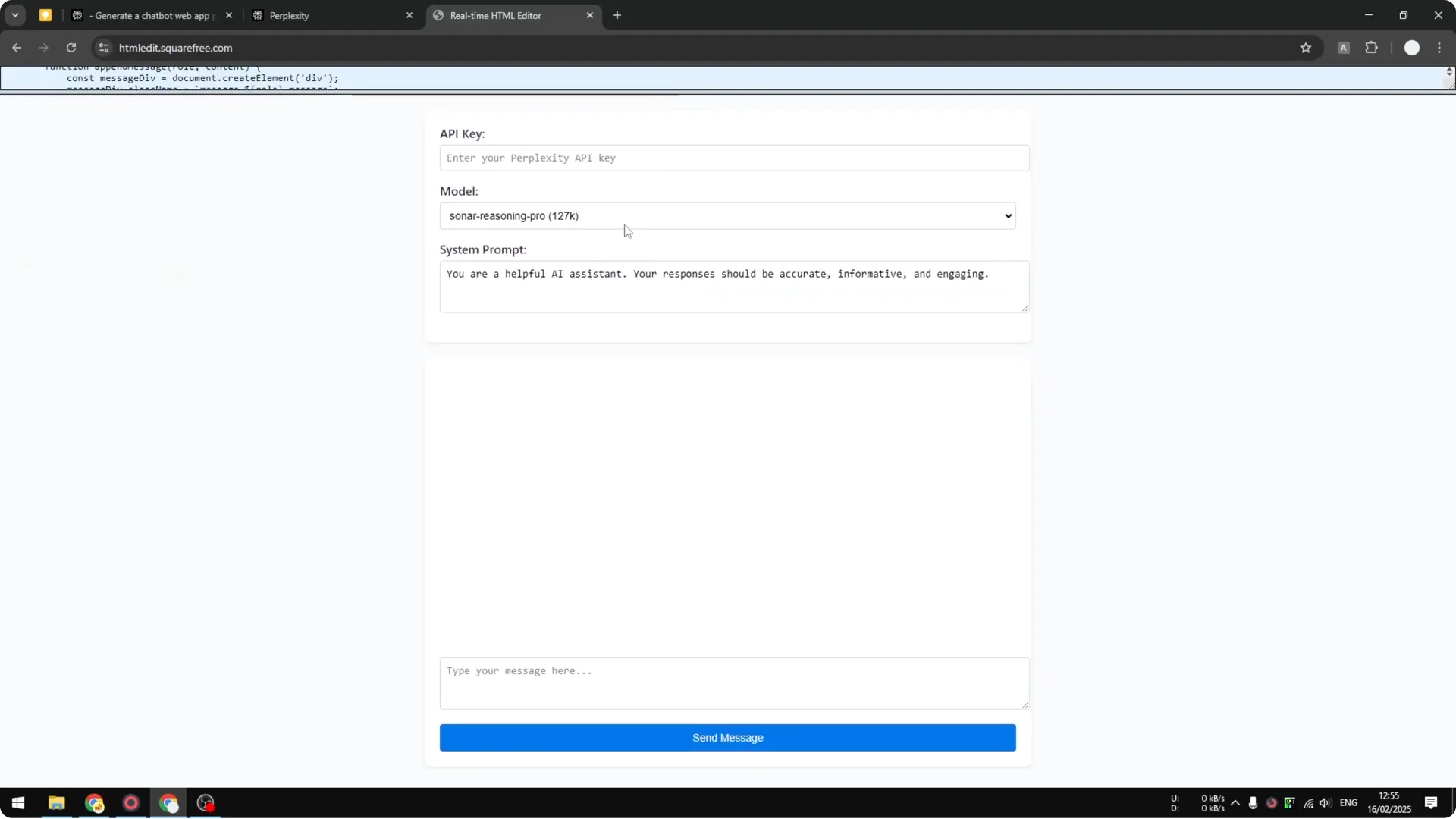
Step 2: On your computer, create a new text file and paste the code into it. Save the file.
Step 3: Rename the file extension from .txt to .html. If you are on Windows, enable file name extensions in File Explorer first, then rename and confirm.
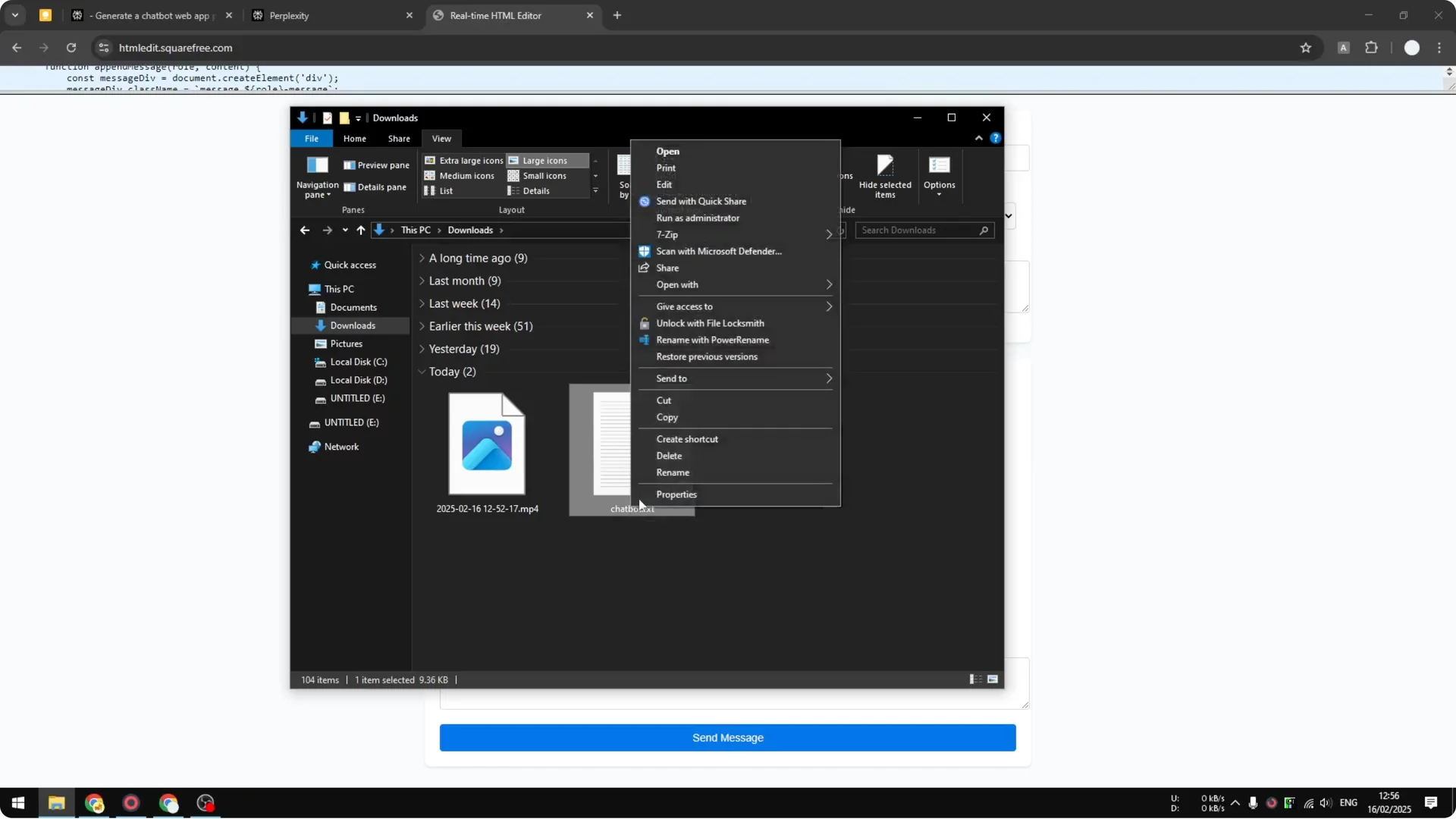
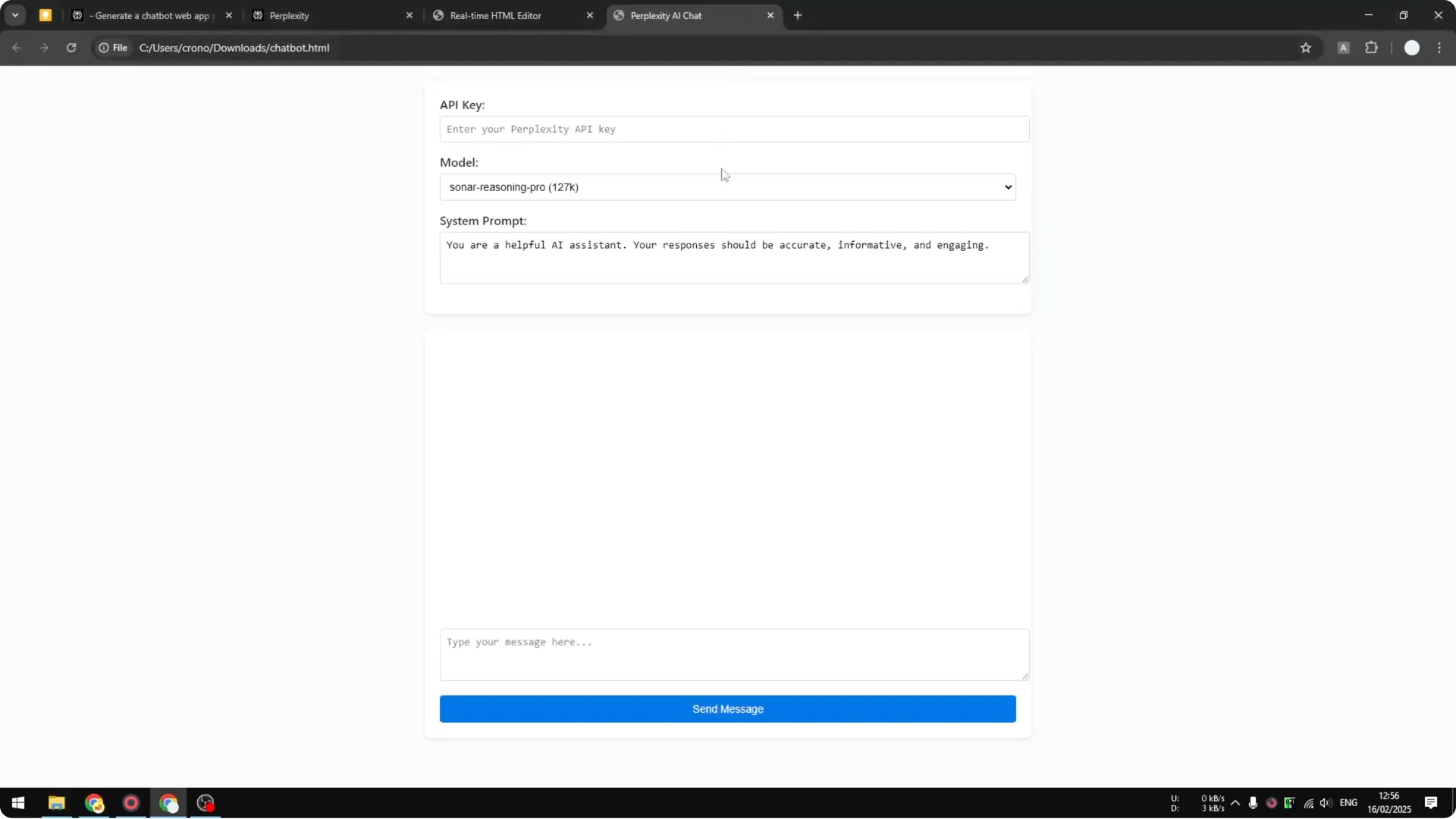
Step 4: Drag and drop the .html file into your browser to open the chatbot. You will see the UI, but it needs your API key to work.
Read More: Camera Control For Midjourney Ai Video
Add your API key to the Perplexity API Chatbot
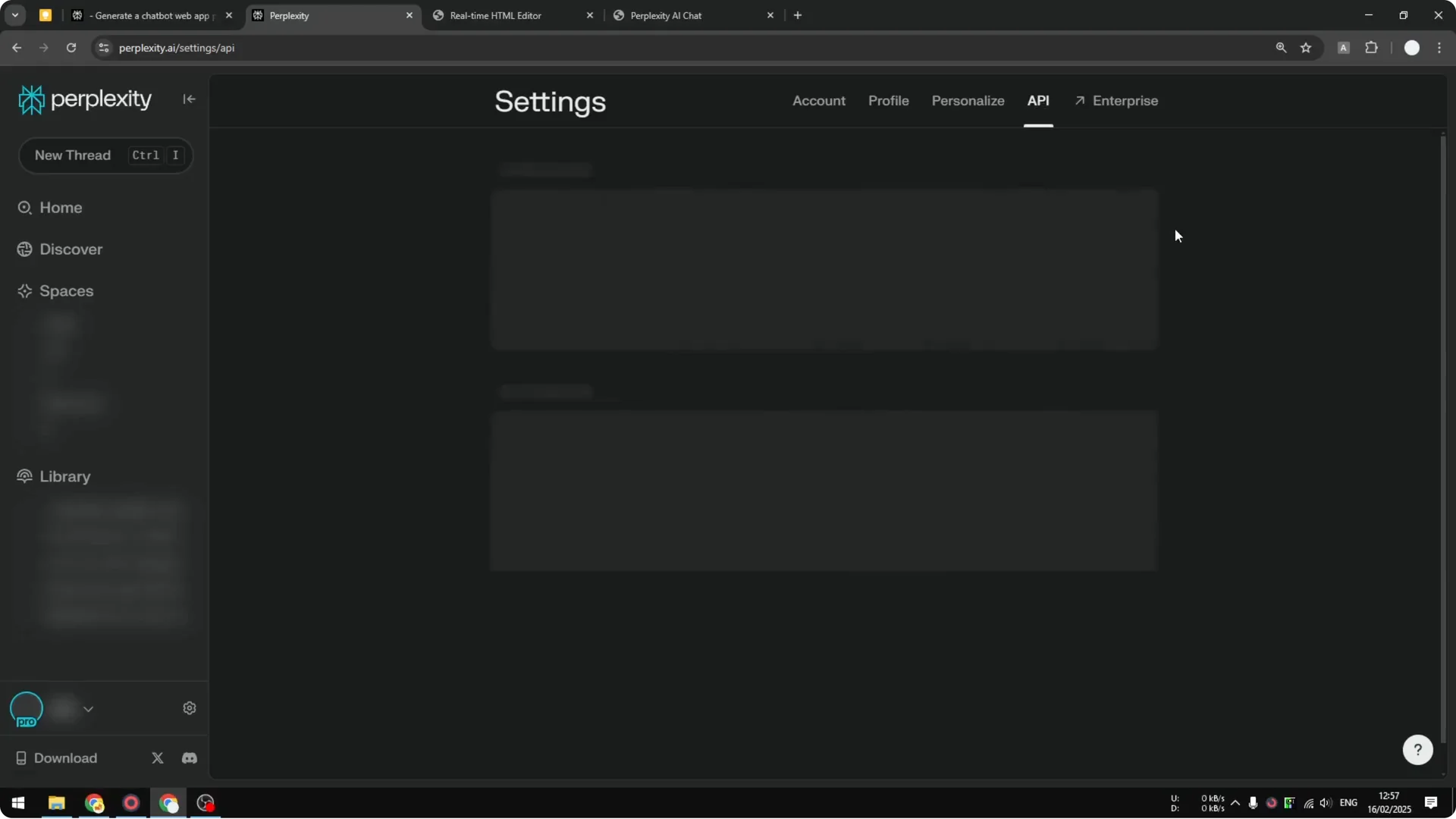
Step 1: In your Perplexity account, go to Settings and then API. Generate an API key if you do not have one yet and copy it.
Step 2: Paste the key into the chatbot’s API key field. Keep or adjust the system prompt as needed.
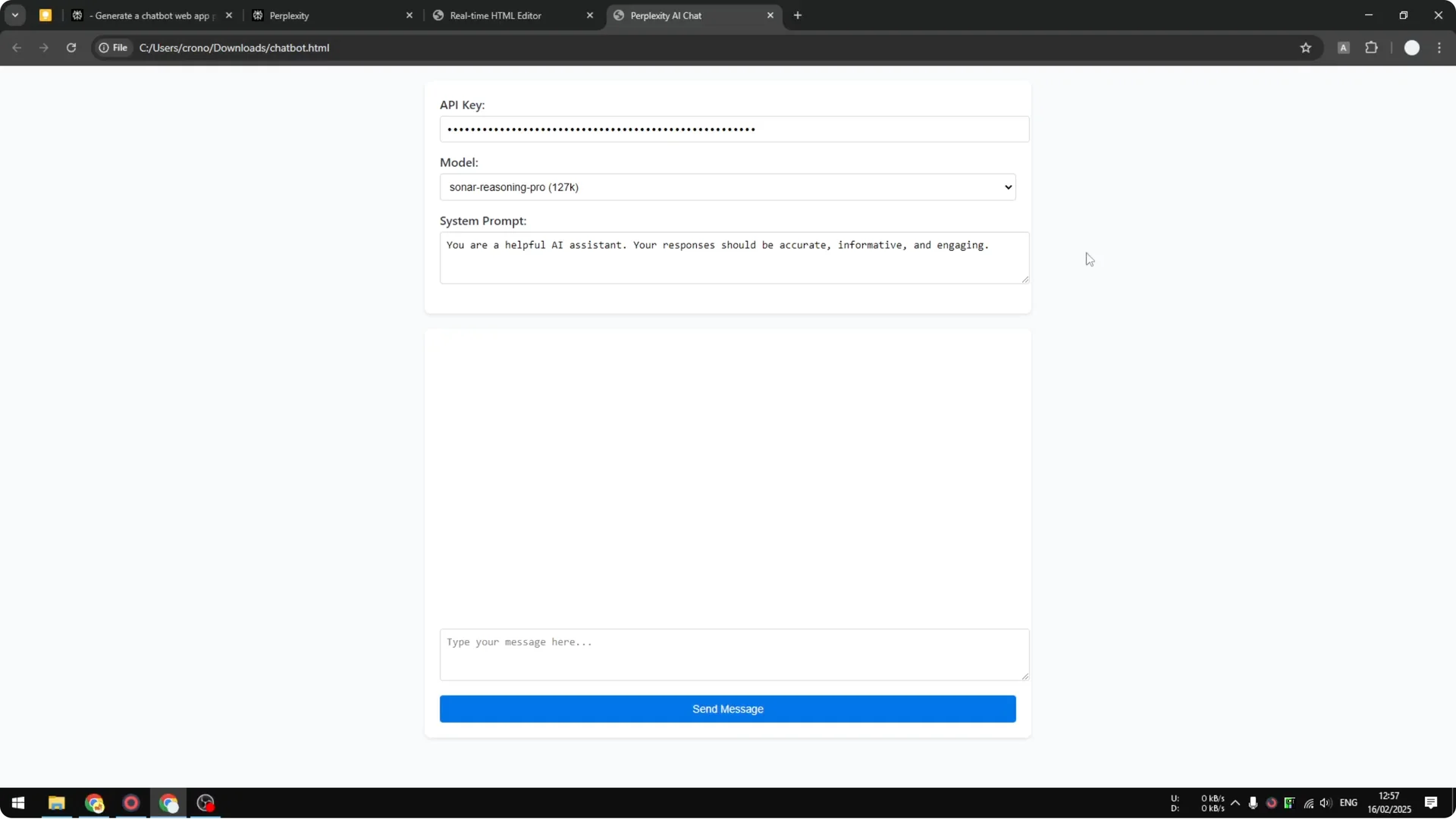
Step 3: Send a test message to confirm everything works. The response should come from the Perplexity API.
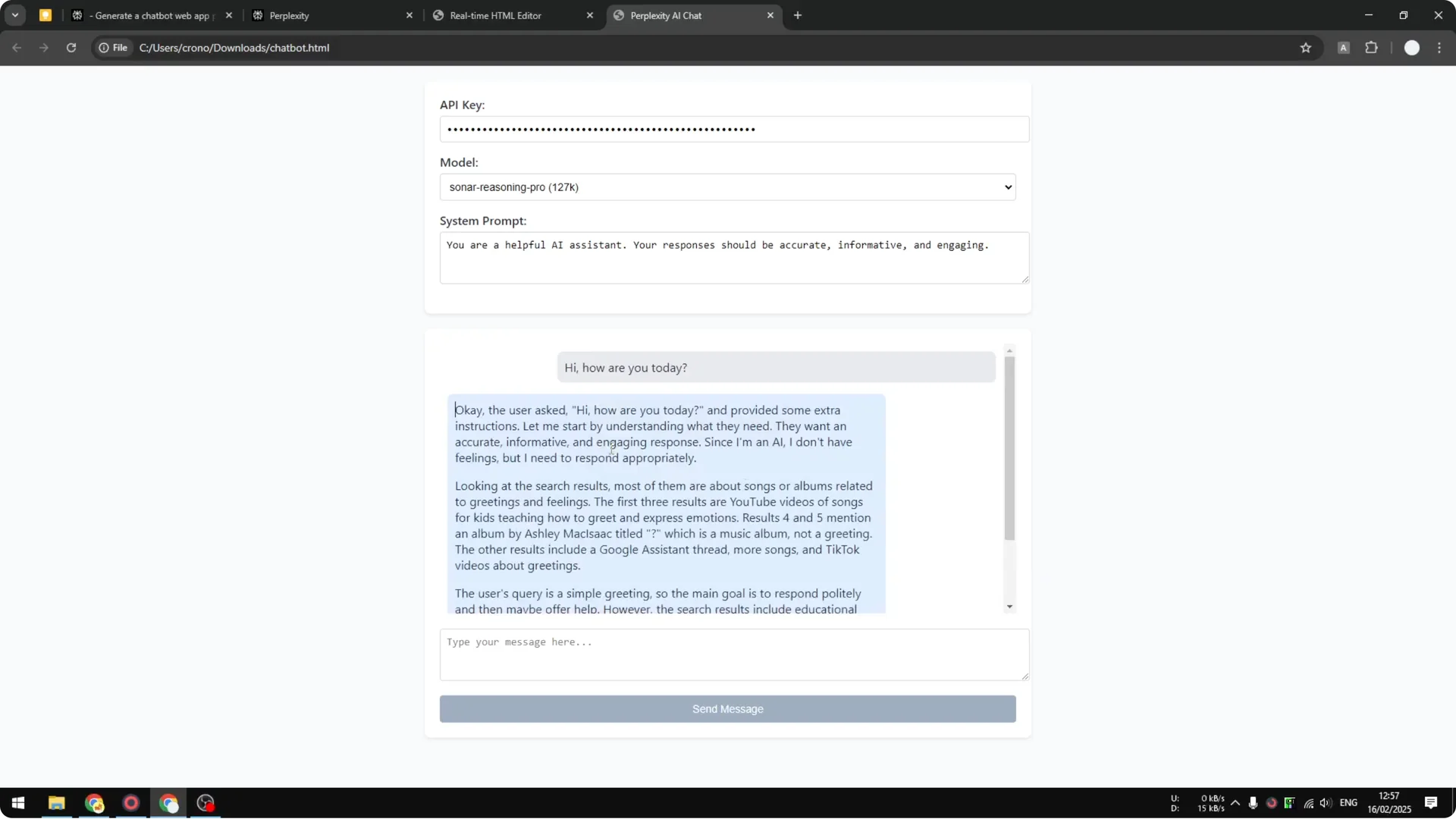
I saw a response from Sonar Reasoning Pro, which is a premium model. I recommend switching to the regular Sonar model to keep costs down. You can change models in the chatbot interface.
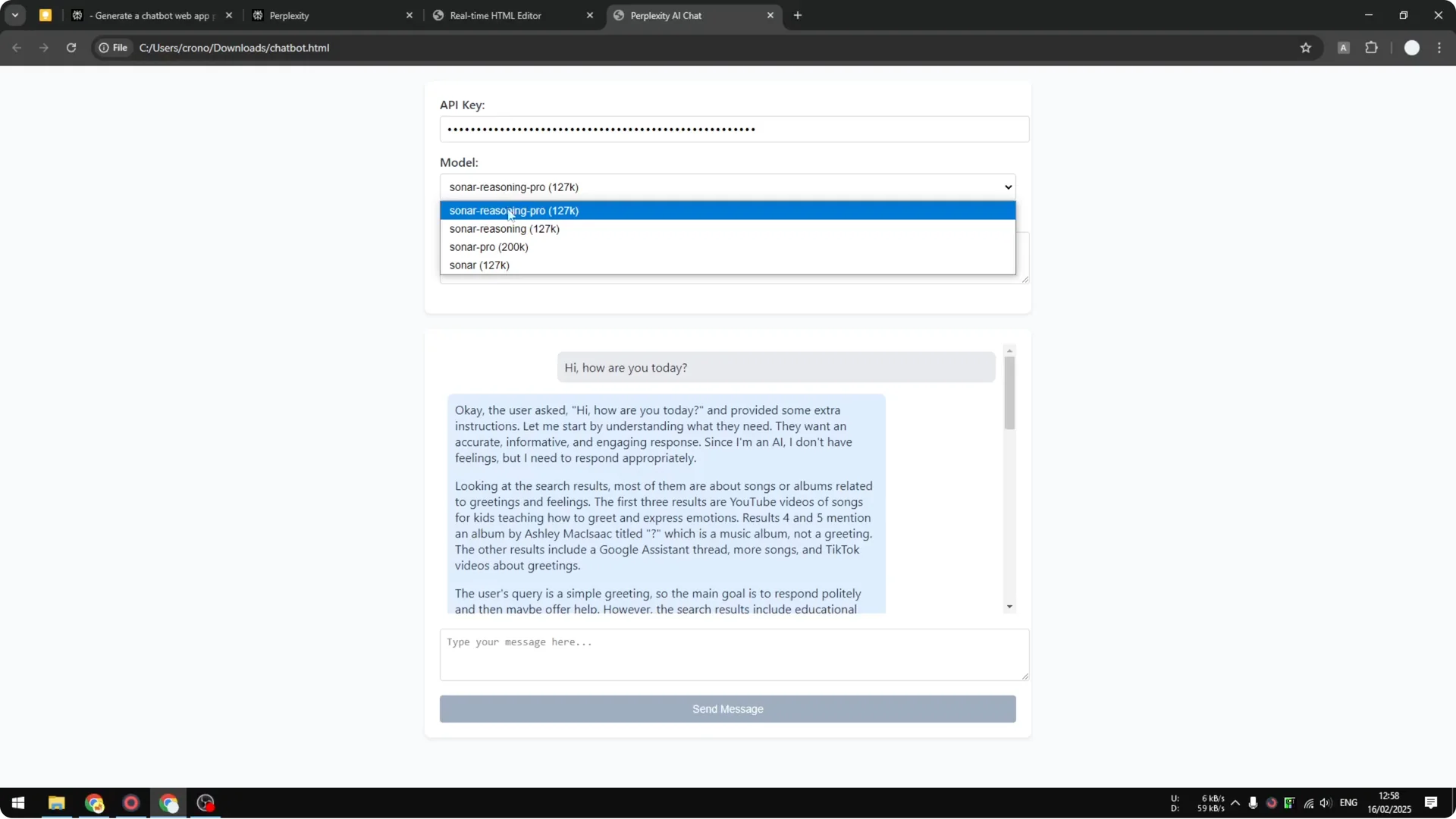
Customize the Perplexity API Chatbot
The chatbot can browse the internet just like the regular Perplexity interface, depending on the model and settings. You can update temperature, token limits, and even add a domain filter. Most of the time, setting the API key, model, and system prompt is enough.
If you want visual tweaks or new features, ask Perplexity to modify the code. You can keep iterating until the UI and behavior fit your needs. The documentation for the Perplexity API lists the full set of parameters you can adjust.
Read More: Transformative Ai Art Midjourney Prompts
Perplexity API Chatbot: Final thoughts
With Perplexity Pro’s $5 in API credits, you can stand up a working Perplexity API Chatbot in minutes. Ask Perplexity to write the code, save it as an HTML file, add your API key, and start chatting. For most use cases, the API key, model, and system prompt are all you need, with temperature and token limits there for fine-tuning.
