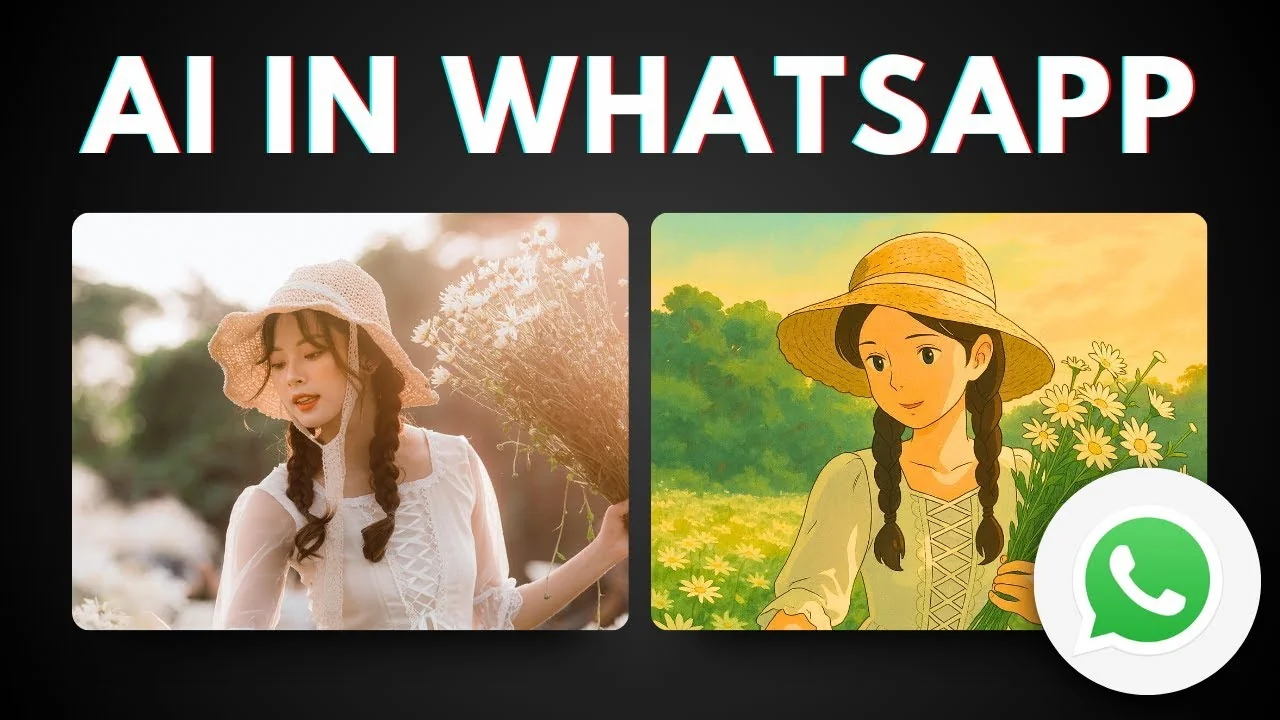
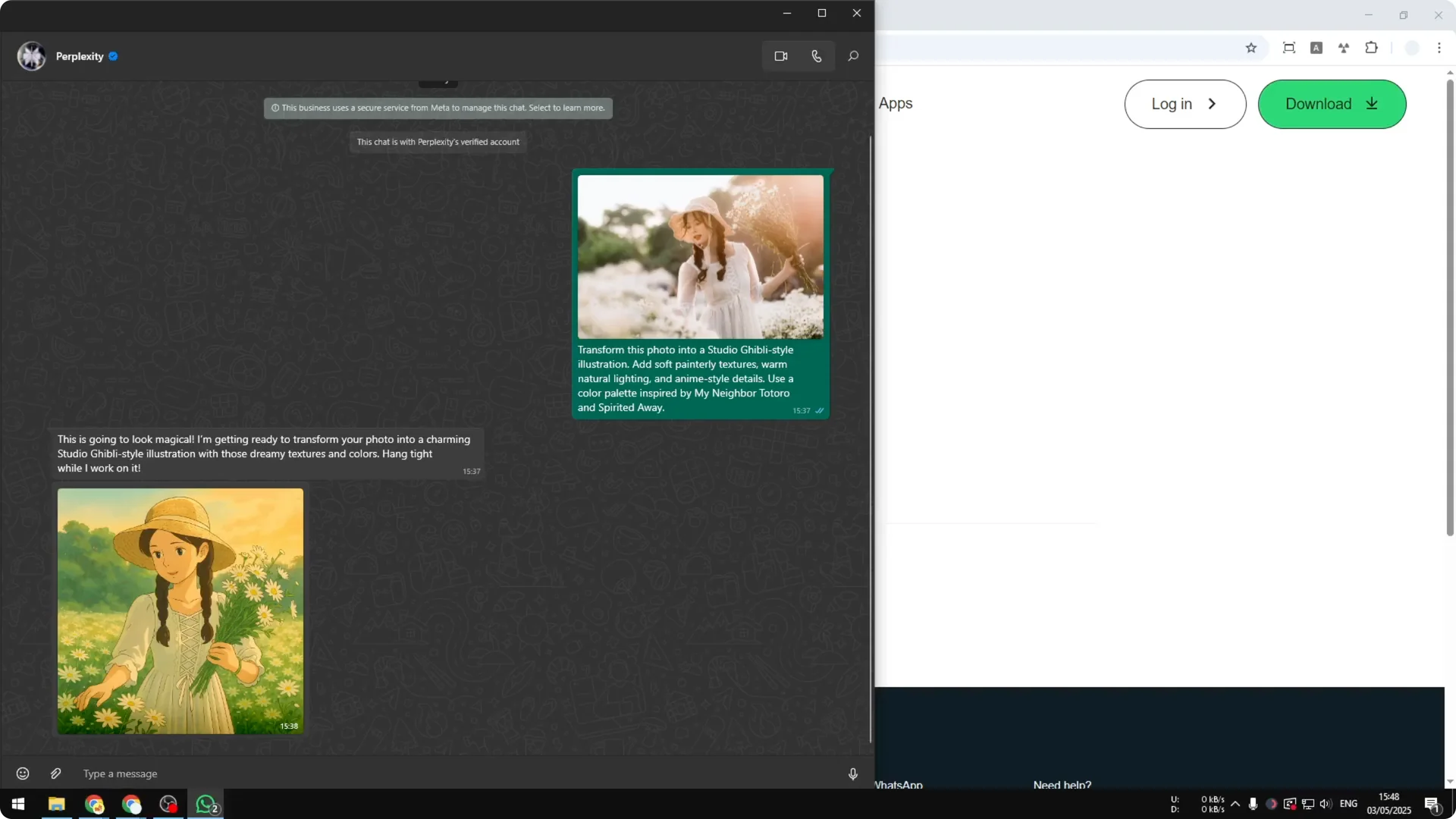
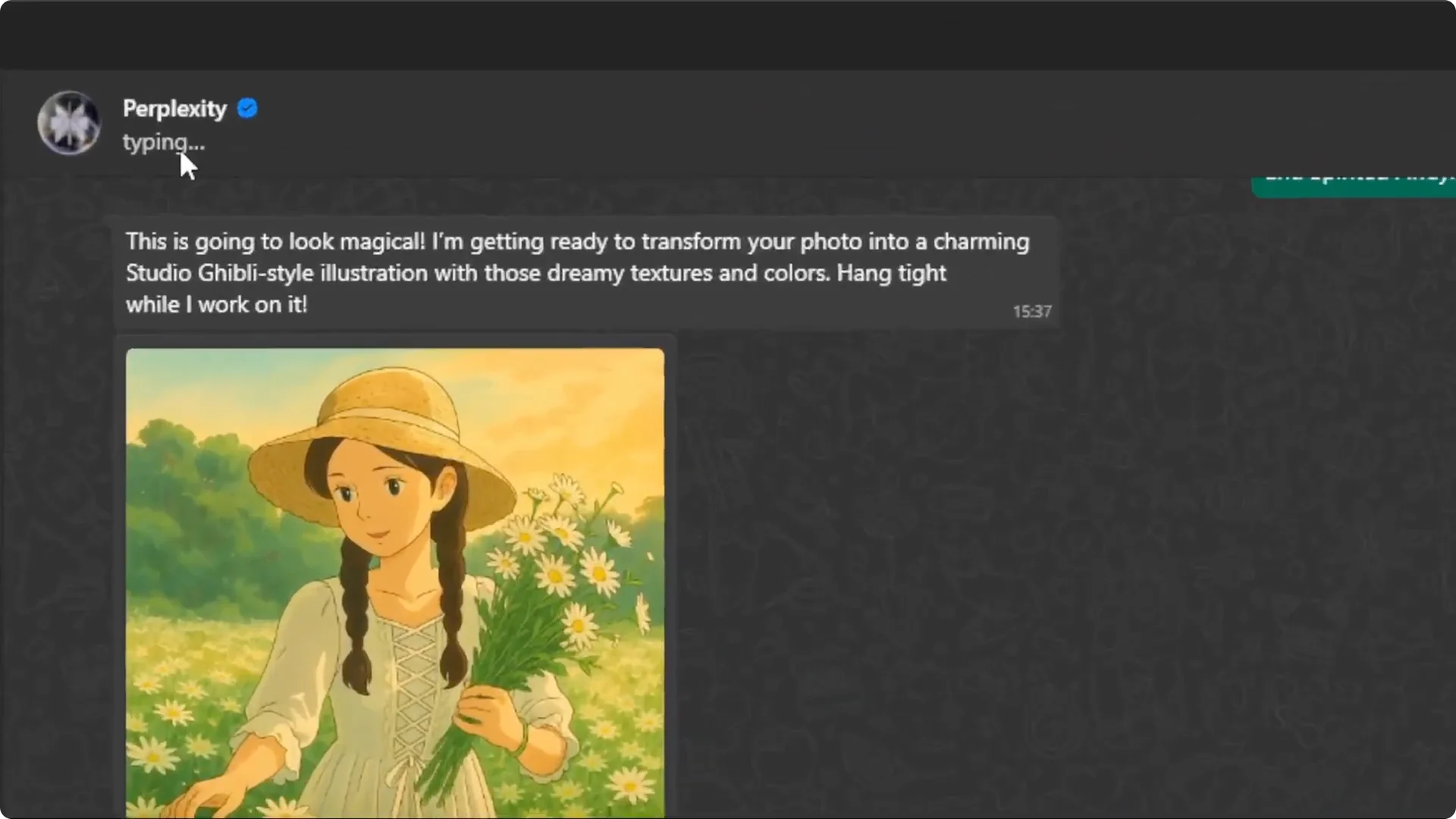
I created a Studio Ghibli style picture from a regular photo. You can tell the two images are the same shot, but one is a normal photo and the other is Studio Ghibli. I did this with AI inside WhatsApp.
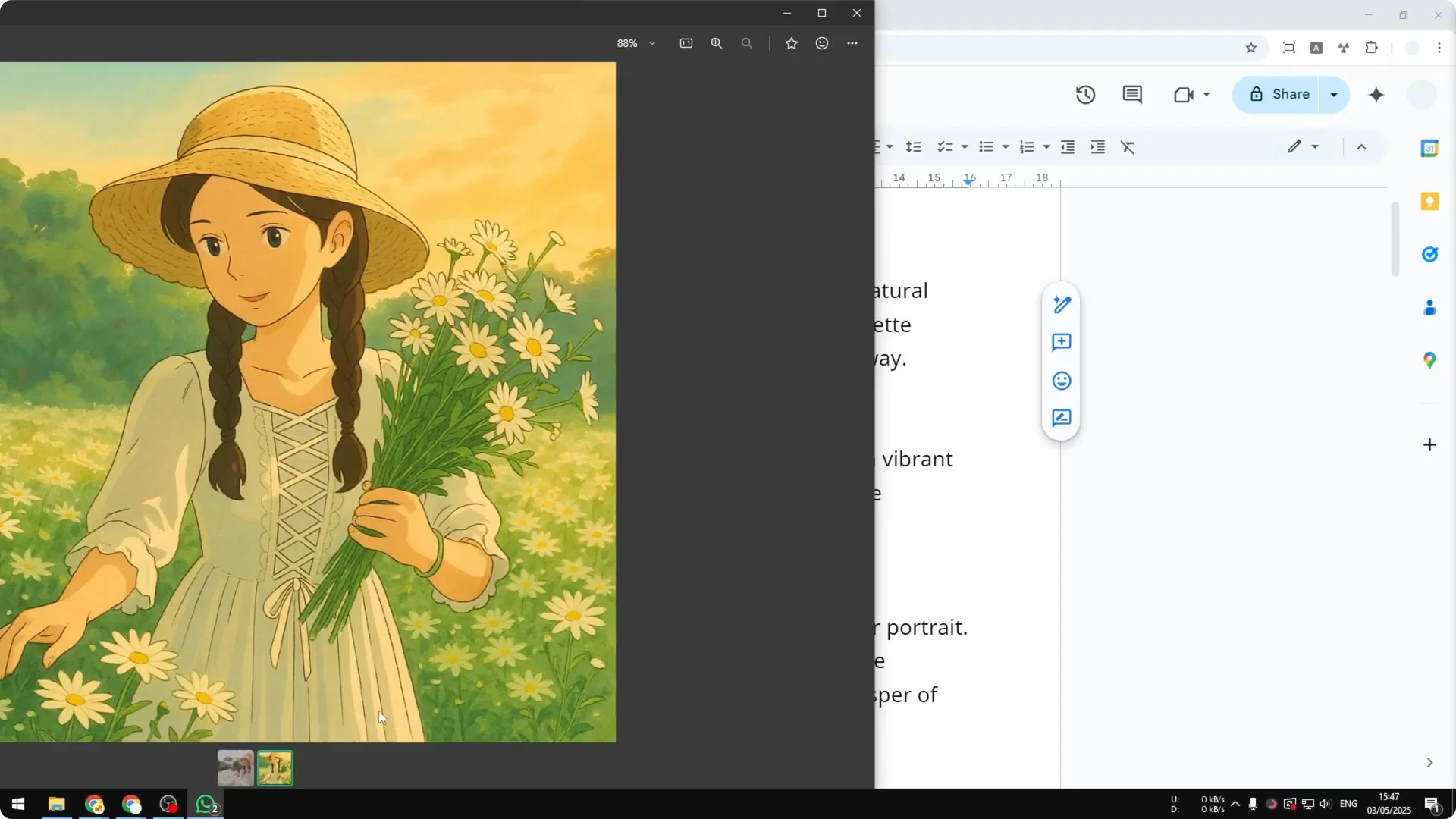
I am not talking about Meta AI in WhatsApp. It cannot create this type of picture and it cannot edit pictures at the moment. The method below is free and does not require any downloads.
WhatsApp Studio Ghibli Images
We will use an external tool called Perplexity that is available on WhatsApp. It lets you send a photo and a prompt, and it returns a Studio Ghibli styled version. The whole process usually takes less than a minute.
Read More: AI art
Step-by-step Guide
Set up Perplexity on WhatsApp
Step 1: Open a new browser window. This method works on WhatsApp Desktop, WhatsApp Web, or WhatsApp Mobile.
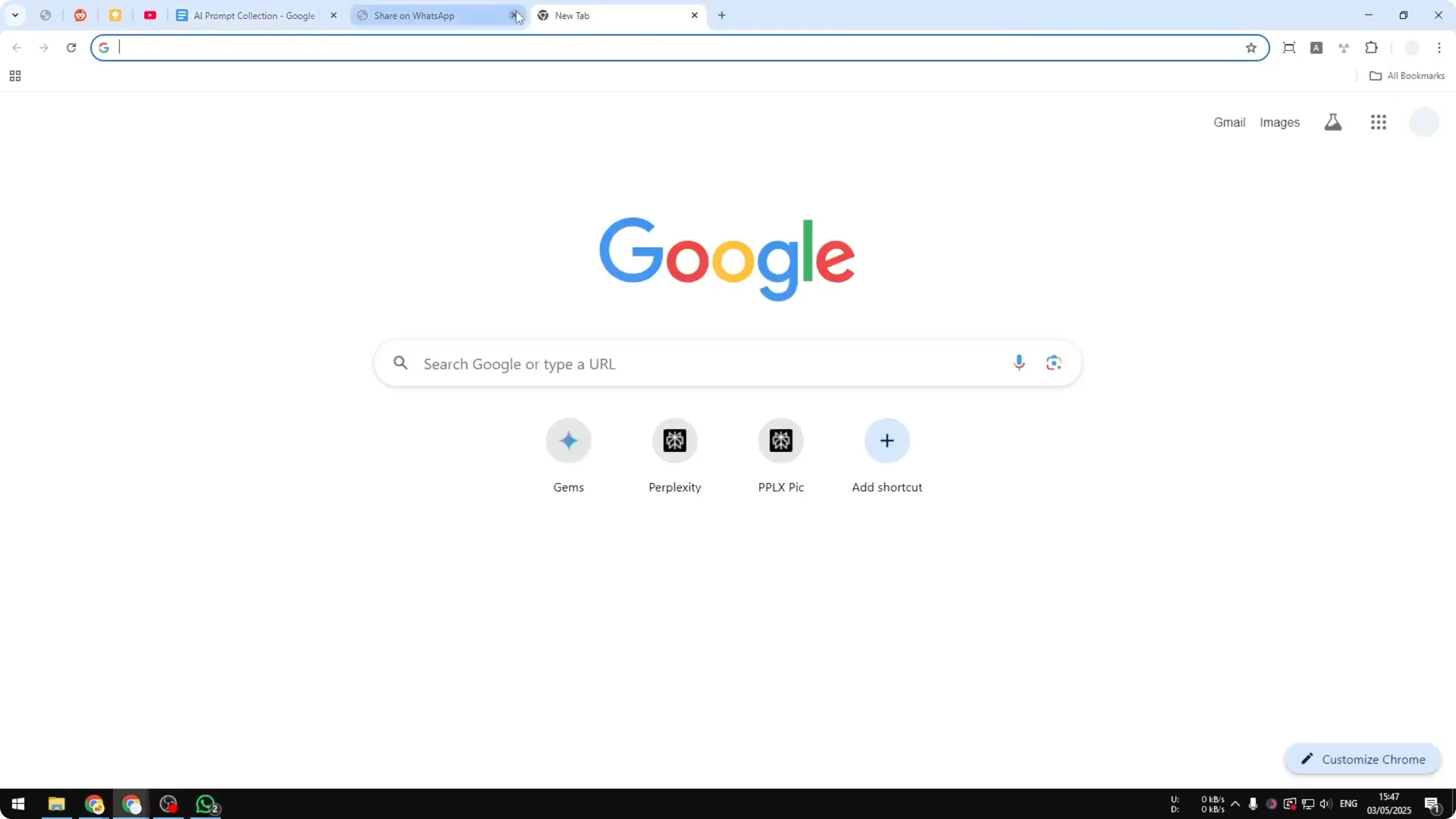
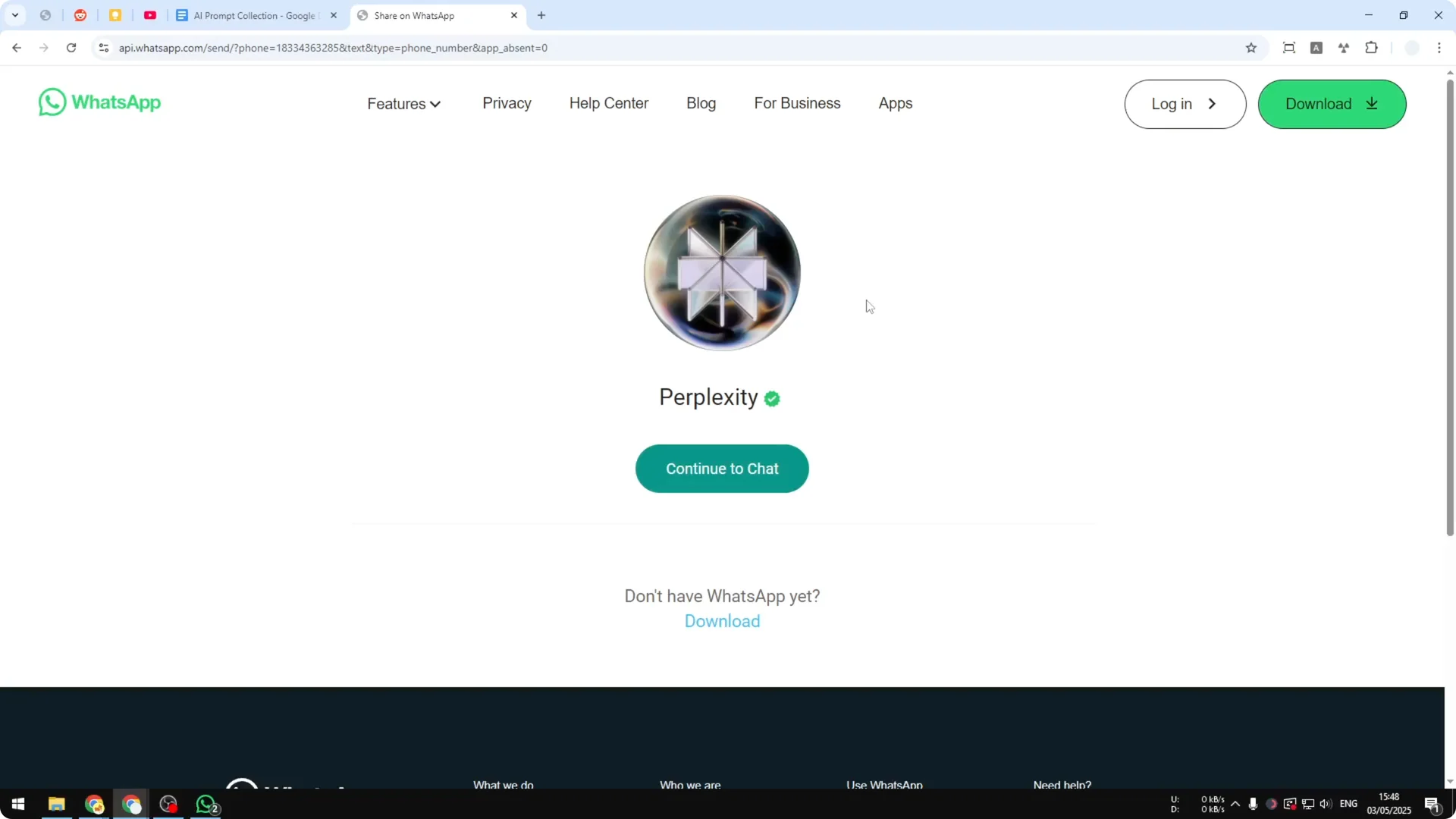
Step 2: Visit wa.me/ followed by Perplexity’s contact number. This is the contact you will use to generate pictures via WhatsApp.
Step 3: Make sure you enter the number correctly with no extra characters like plus signs or parentheses. Verify it shows Perplexity with a green check mark, select Continue chat, then open WhatsApp.
Read More: Moodboards
Create WhatsApp Studio Ghibli Images
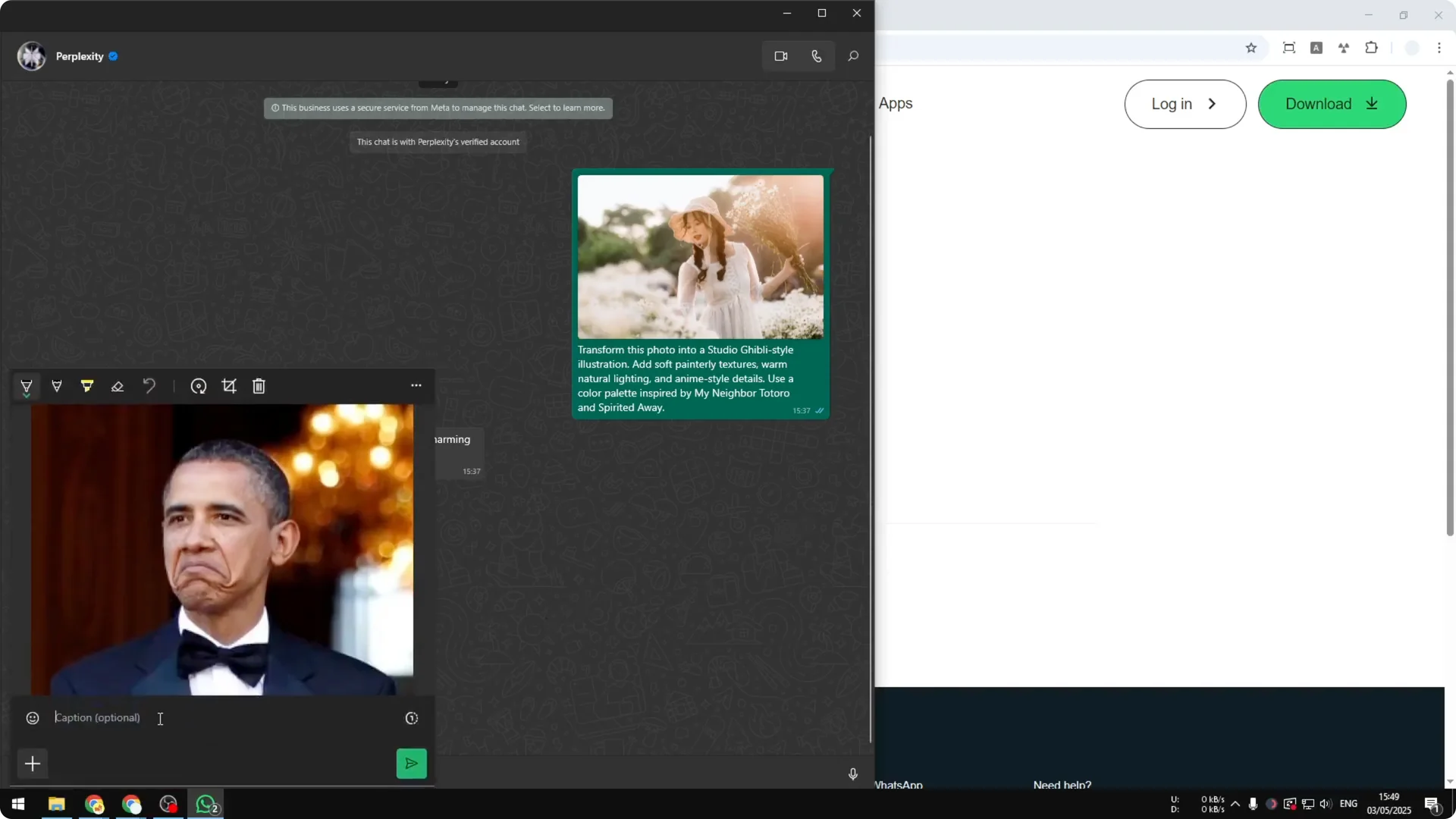
Step 4: In the chat, upload your photo. I tested it with an Obama photo, but you can use a selfie or a family photo.
Step 5: Add a prompt. There are multiple prompts you can try, and I keep a collection you can copy and paste.
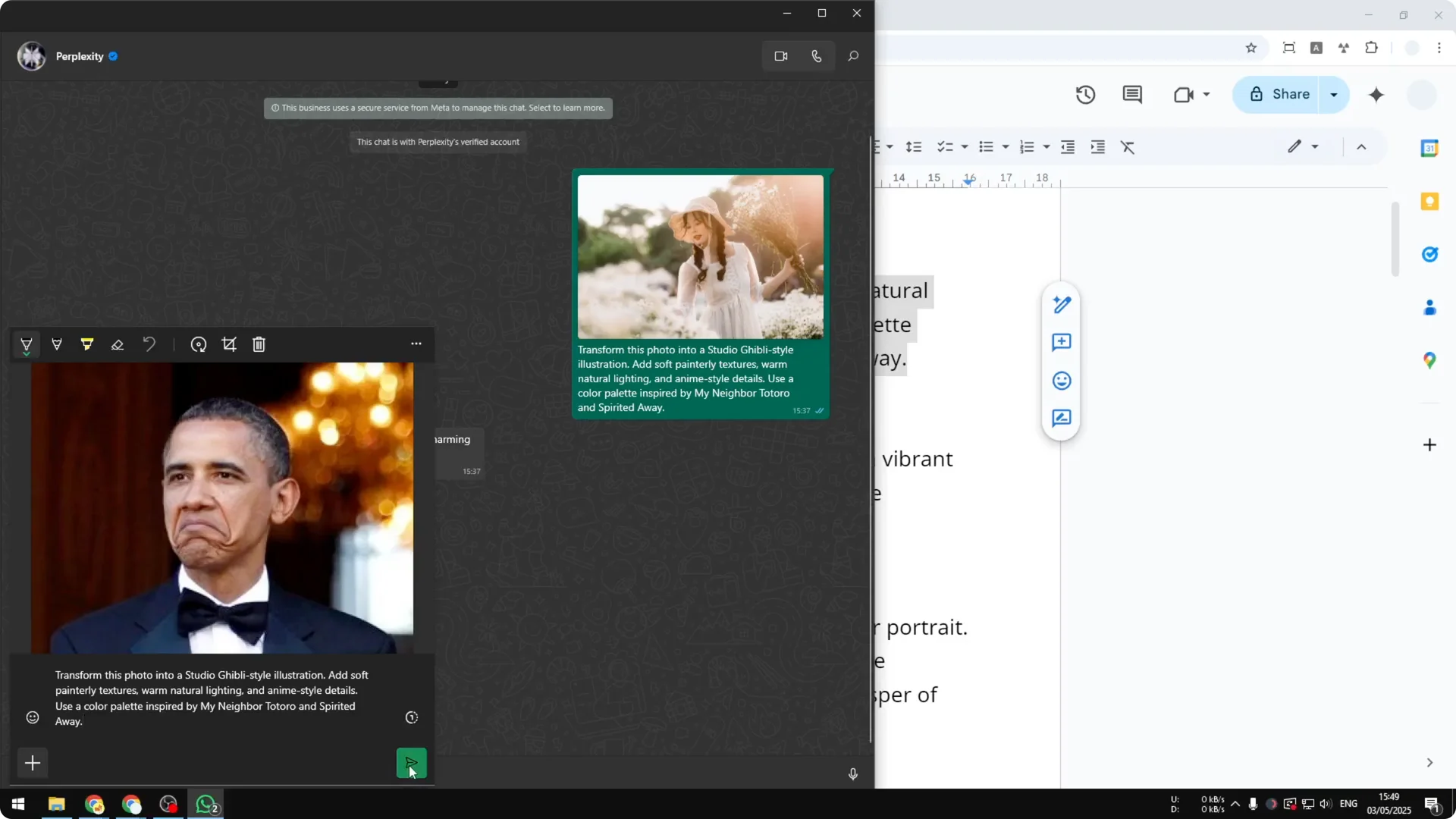
Step 6: Send the message to Perplexity. Wait for the result as it generates your Studio Ghibli styled image.
Step 7: You may see a typing indicator during generation. That just means it is still working on the picture. Results usually come back in under a minute.
Read More: Style Creator
Troubleshooting
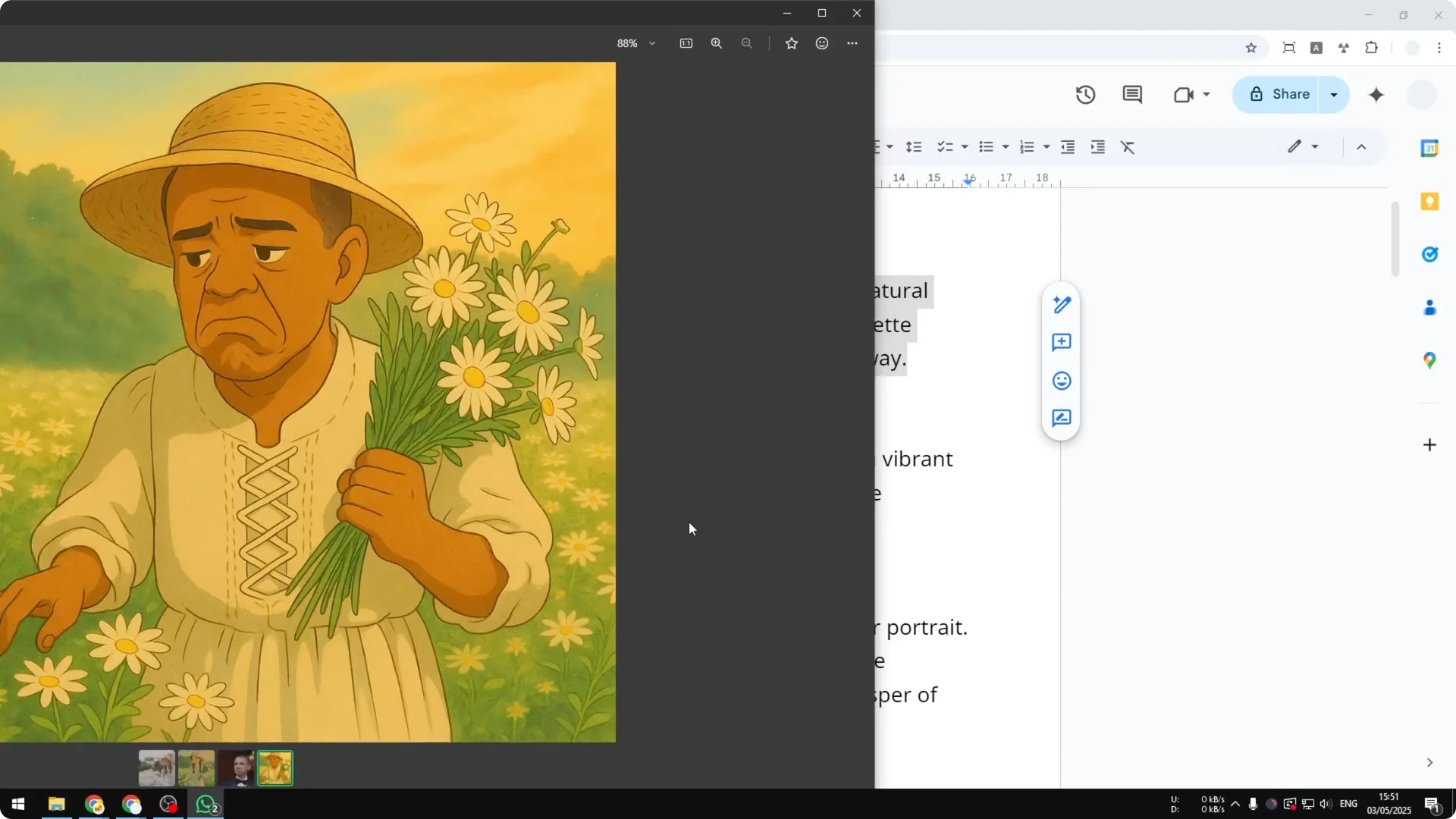
I once got a result that mixed the new photo with the previous one. It looked like the system still used the earlier context as a reference. Clearing the conversation before starting a new picture fixed it, and I recommend that as best practice.
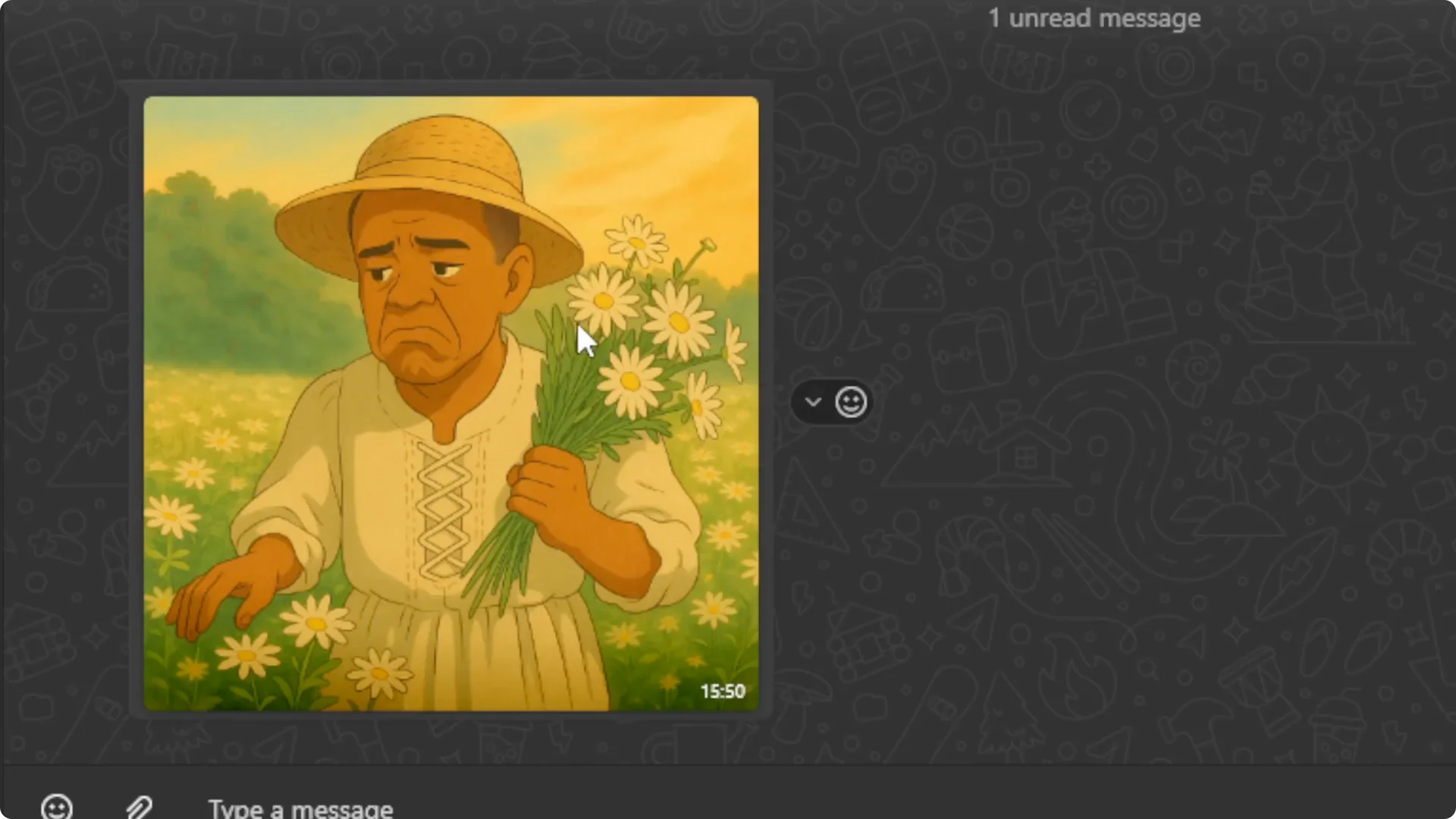
Either way, the output is clearly Studio Ghibli style based on your photo. You can repeat the process with different prompts. Keep experimenting until you get the look you want.
Read More: Hide images
Final Thoughts
You can turn any selfie or family photo into a Studio Ghibli style image directly in WhatsApp. Use Perplexity’s WhatsApp contact, upload your photo, paste a prompt, and send. If results seem to reference an earlier image, clear the chat and try again.
