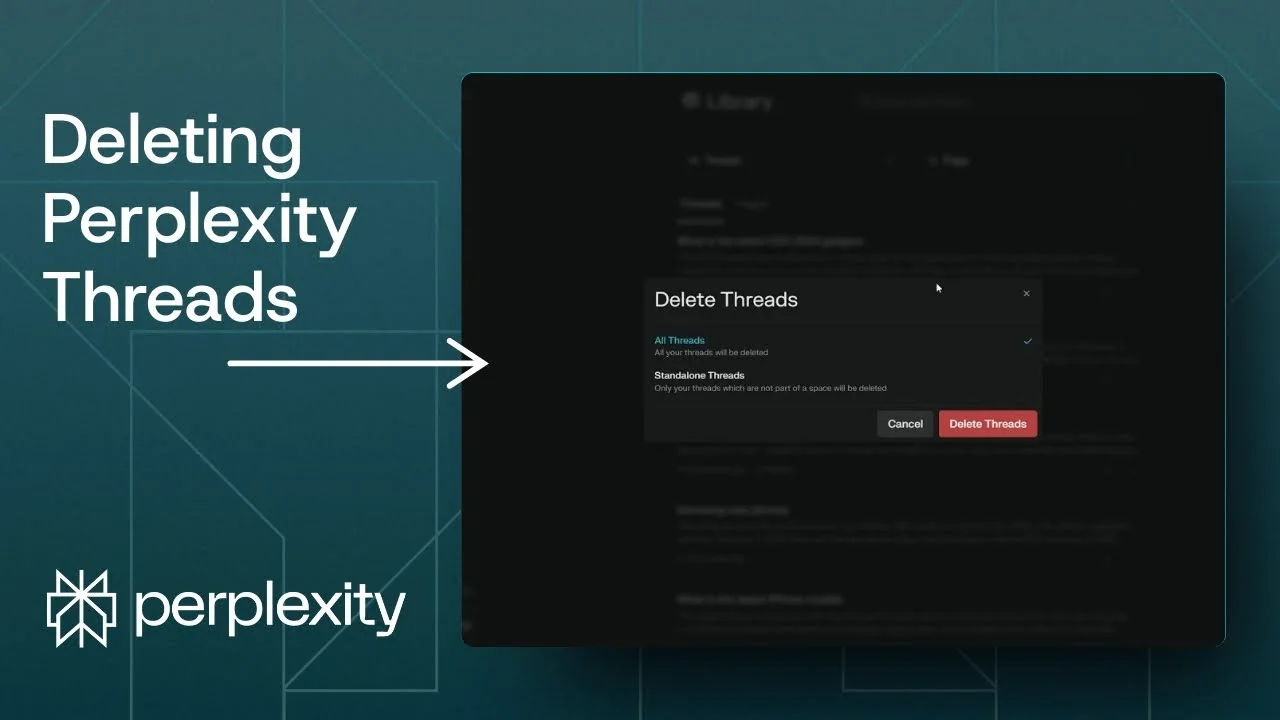
If you no longer wish to see the history of your conversations in Perplexity, you can remove them. I’ll show you how to easily delete a Perplexity thread in your account.
If you’re exploring other AI tools, you might also like ideas for eye-catching AI art prompts to improve your creative workflow.
Perplexity Thread Deletion basics
On desktop, navigate to the left sidebar. On mobile, the main menu is at the bottom.
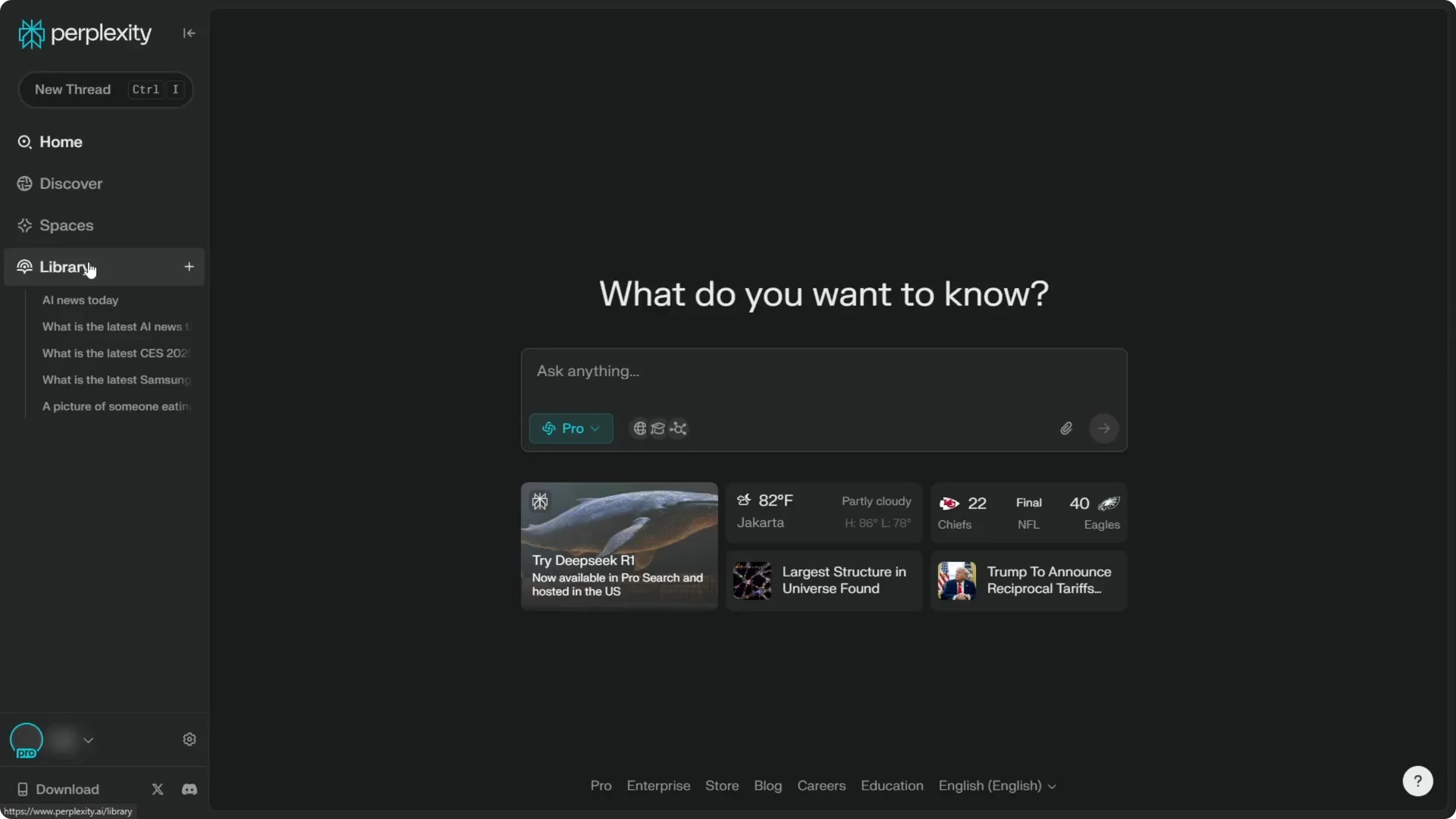
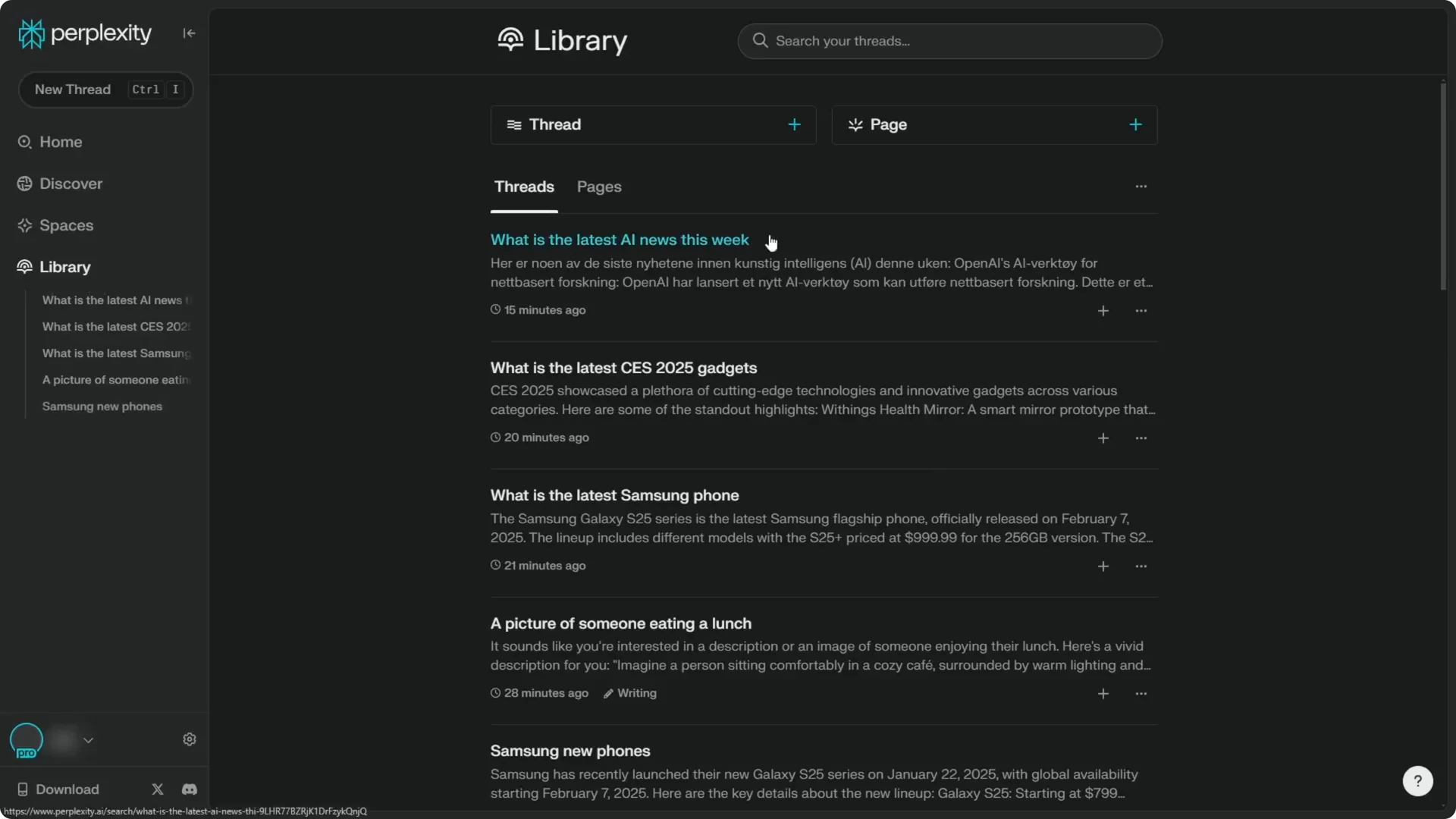
Open the Library. This displays all the threads you have created in Perplexity.
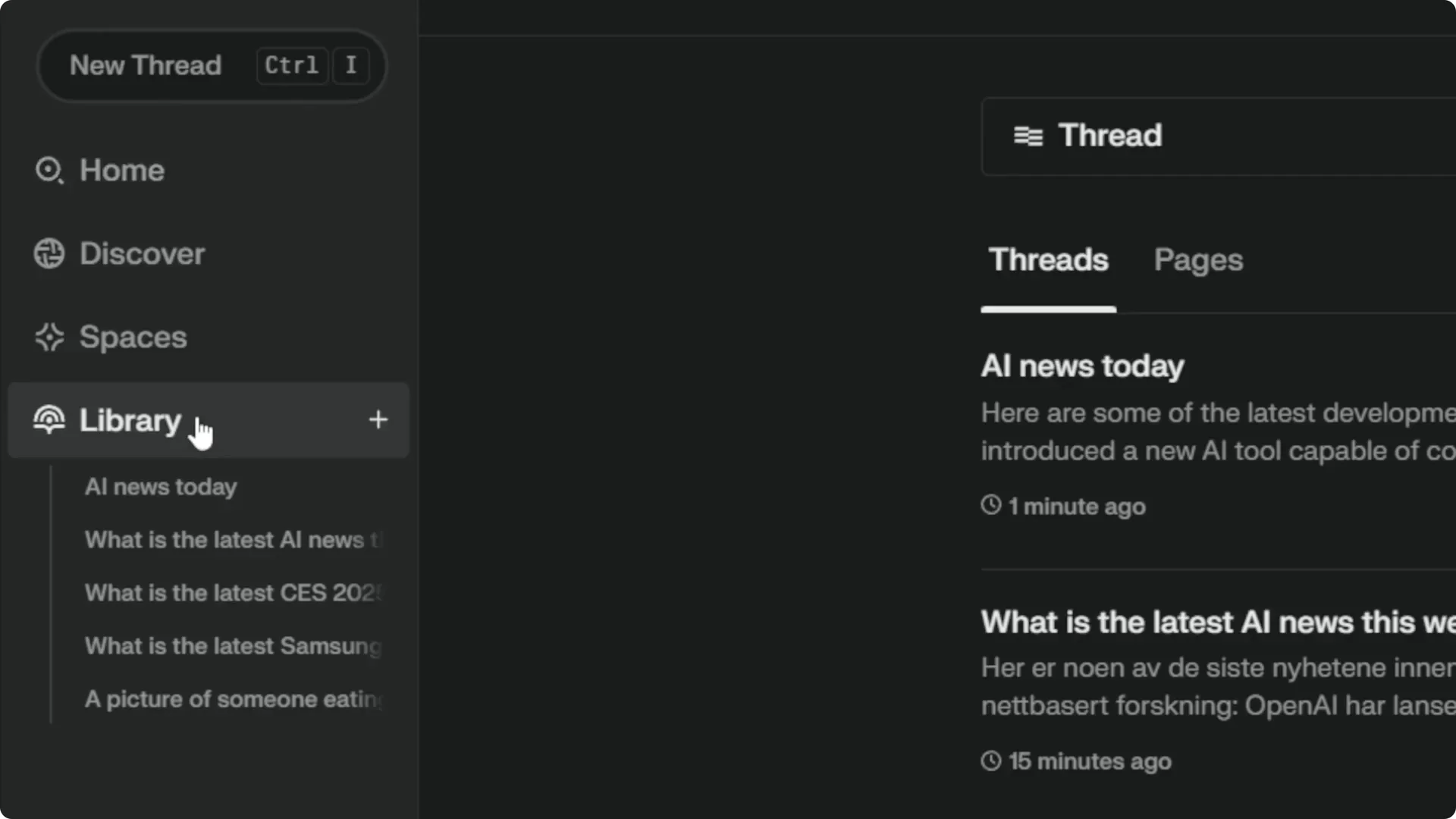
Perplexity Thread Deletion for a single thread
Step 1: In Library, find the thread you want to remove.
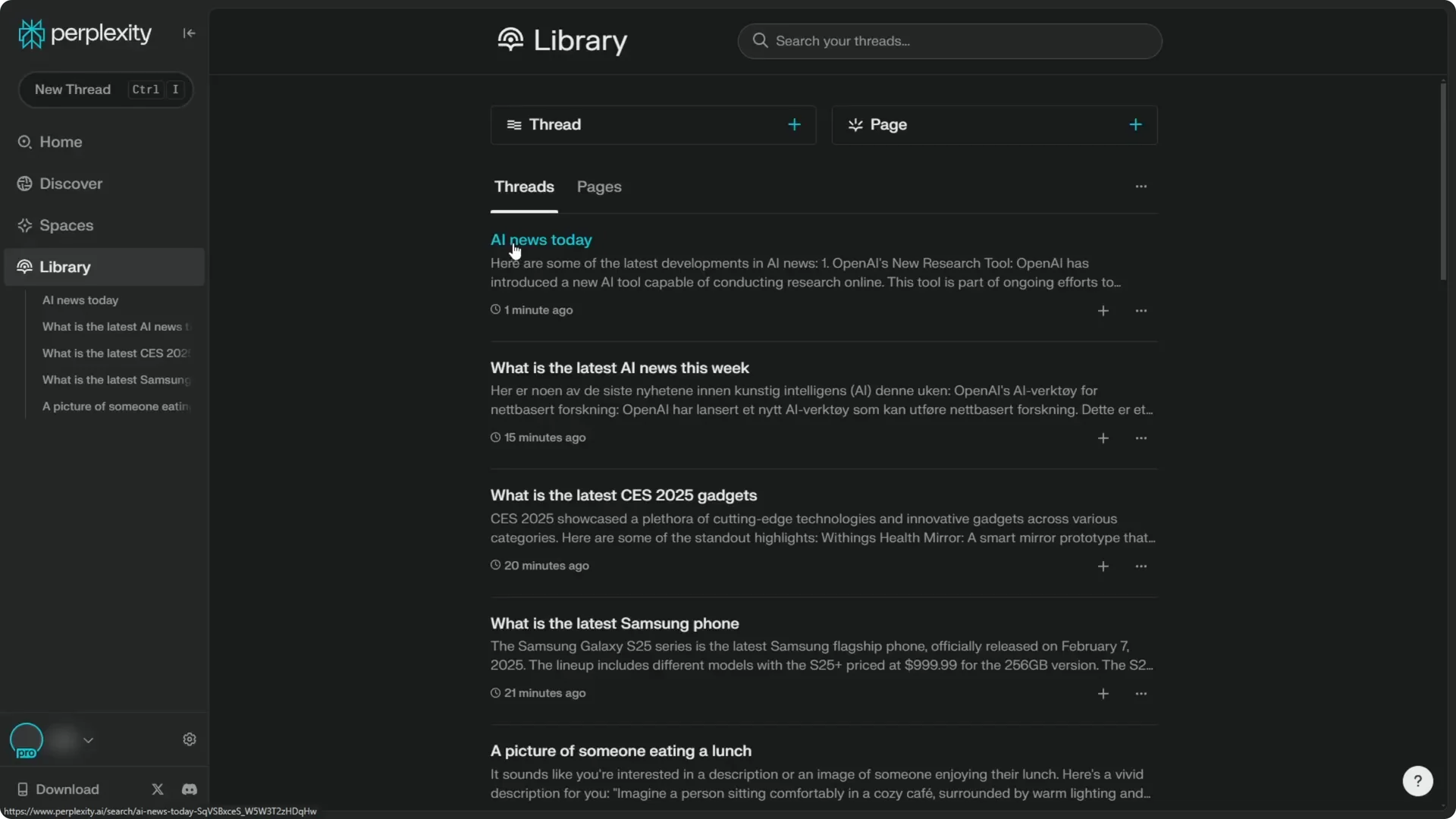
Step 2: Click the three-dot icon next to it, then select Delete thread.
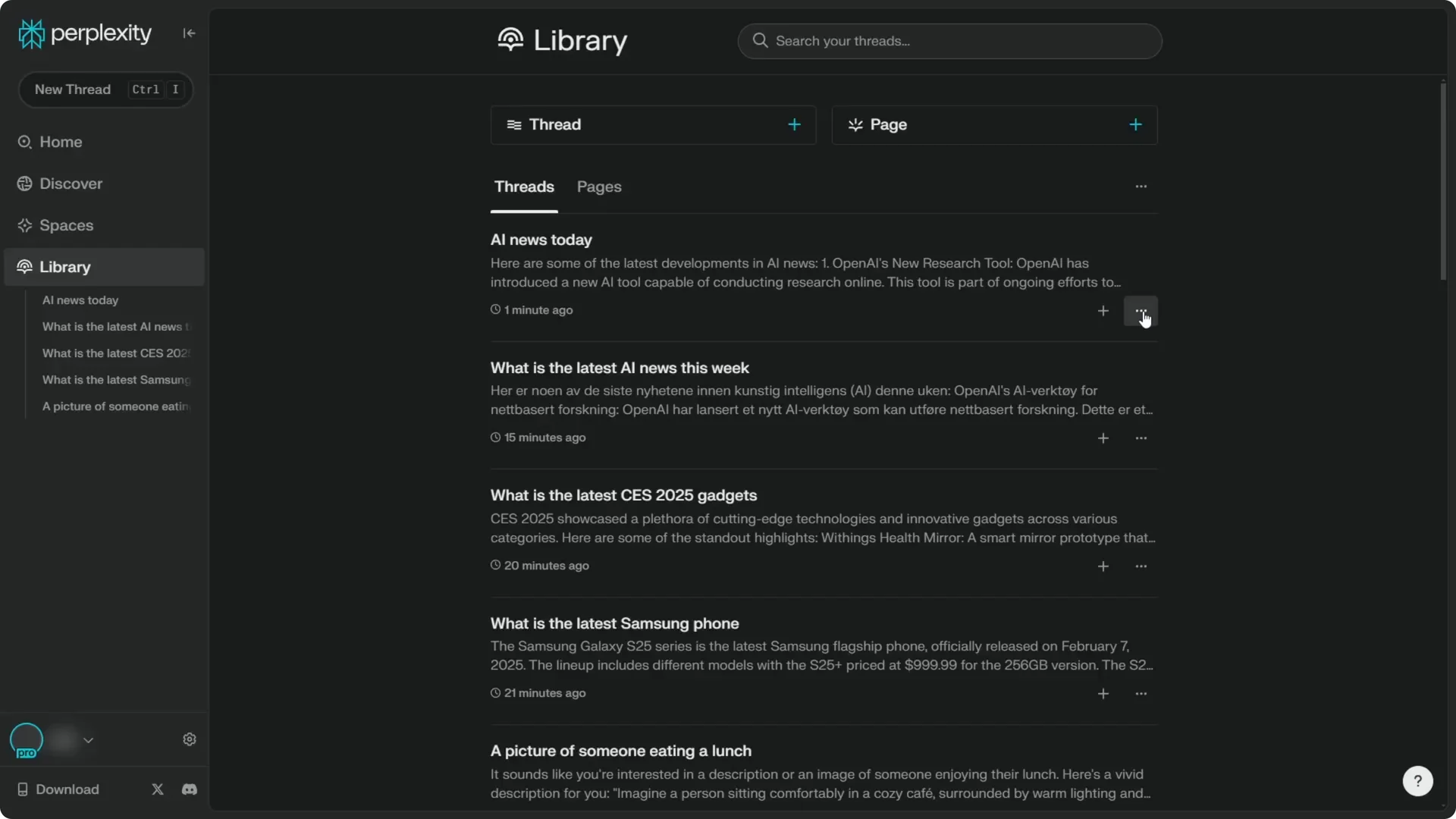
Step 3: Click Confirm. The thread is deleted.

Read More: Create Superior Ai Art
Perplexity Thread Deletion from inside a thread
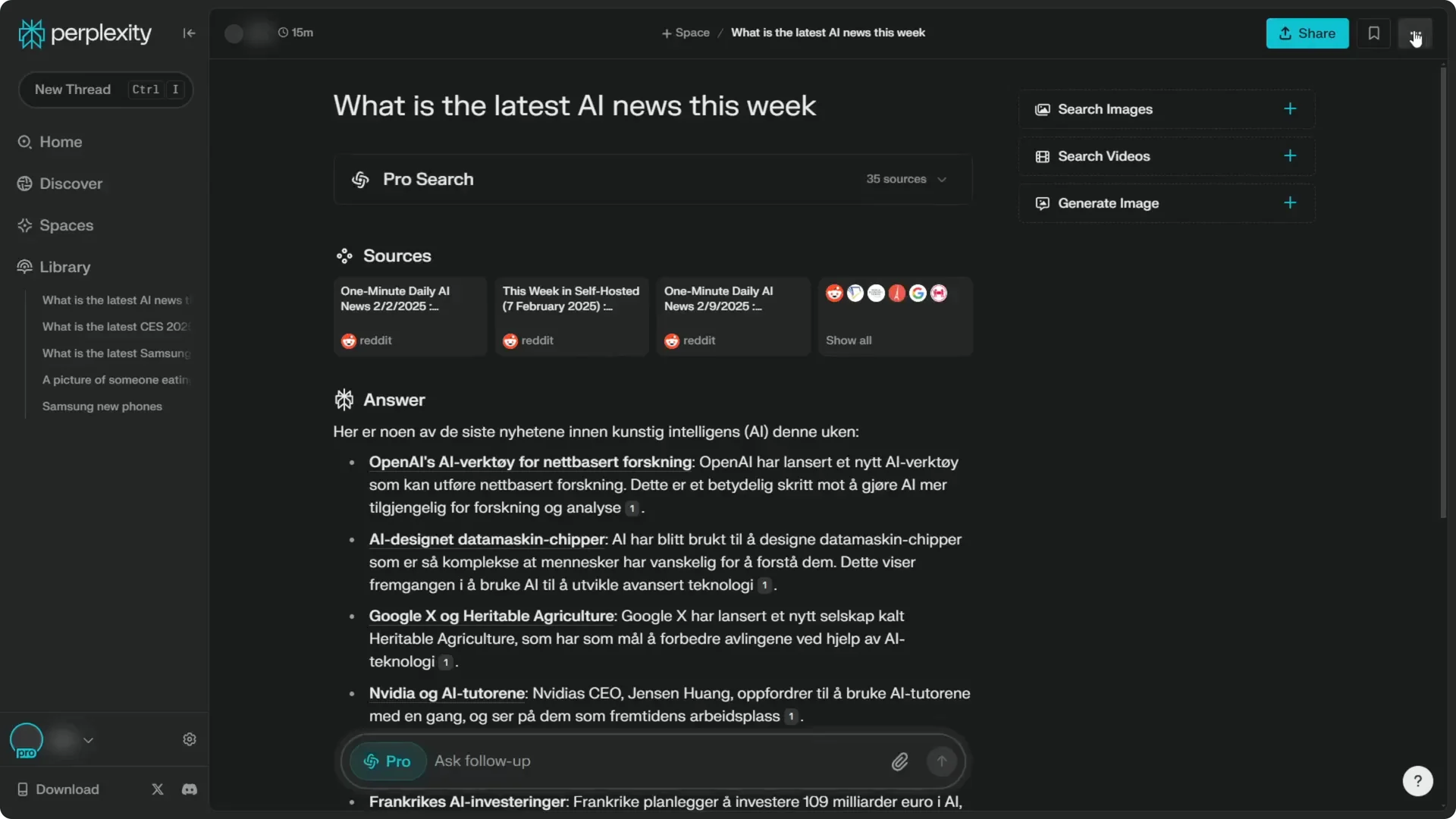
Step 1: Open the thread.
Step 2: Click the icon at the top right corner.
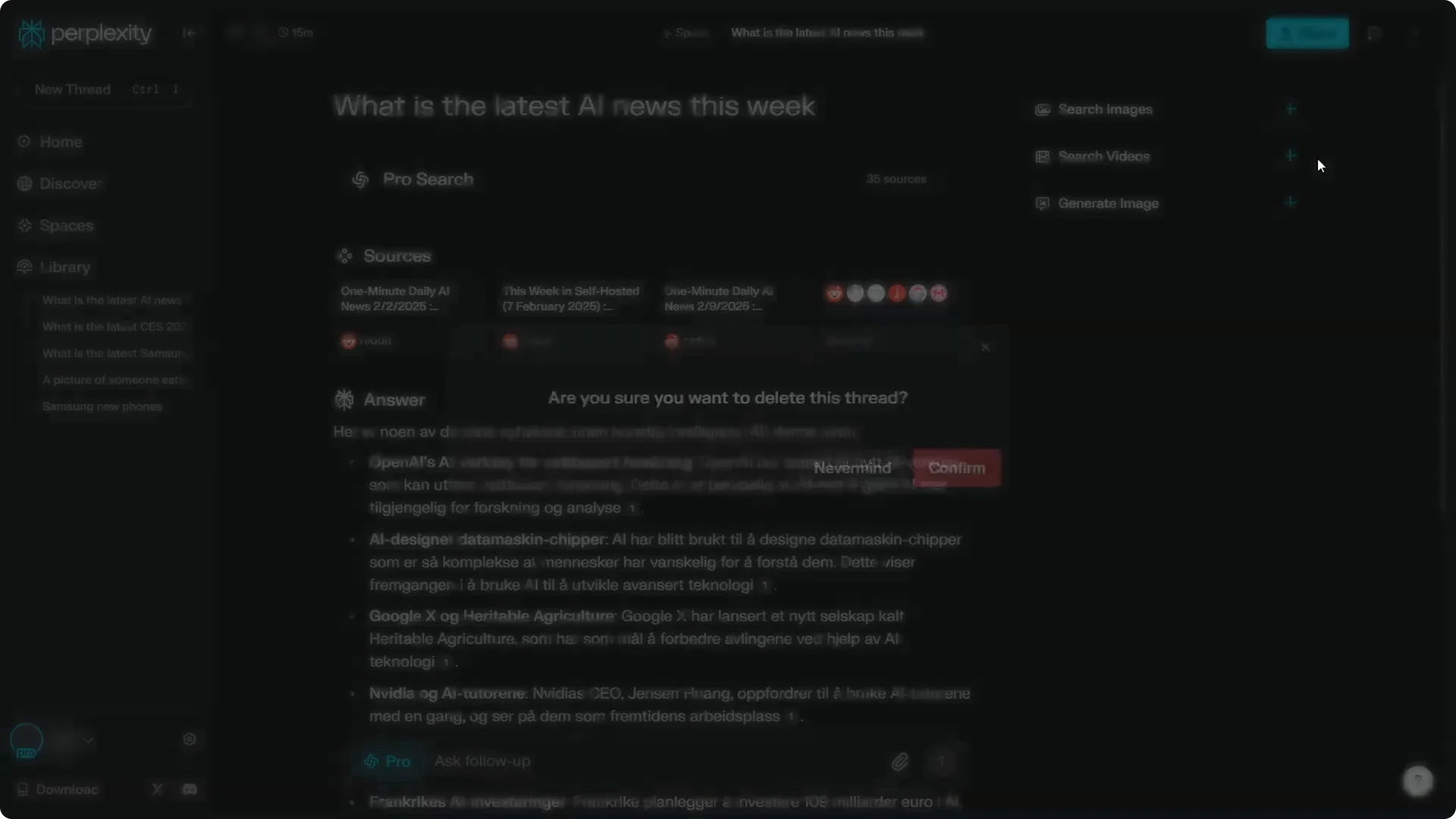
Step 3: Select Delete thread, then click Confirm. This performs the same action and removes the thread.
Read More: Camera Control For Midjourney Ai Video
Perplexity Thread Deletion for multiple items
If you wish to delete multiple threads, use the Delete threads menu. This will remove all the threads you have created.
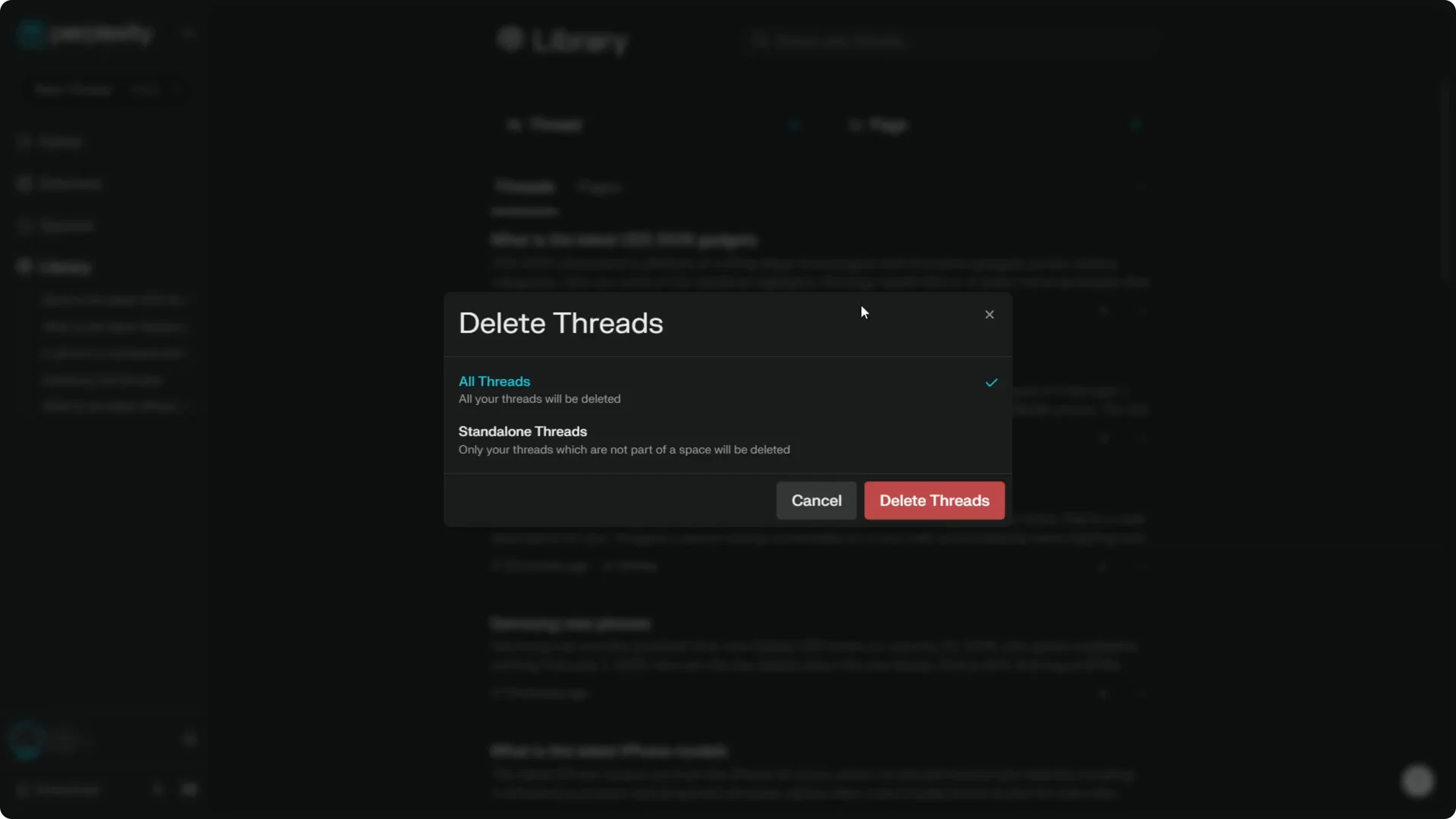
I don’t like this option because many threads are important, and I might want to go back and see them again. If you’re sure, click Delete threads and it will clear your account of all conversations in Perplexity.
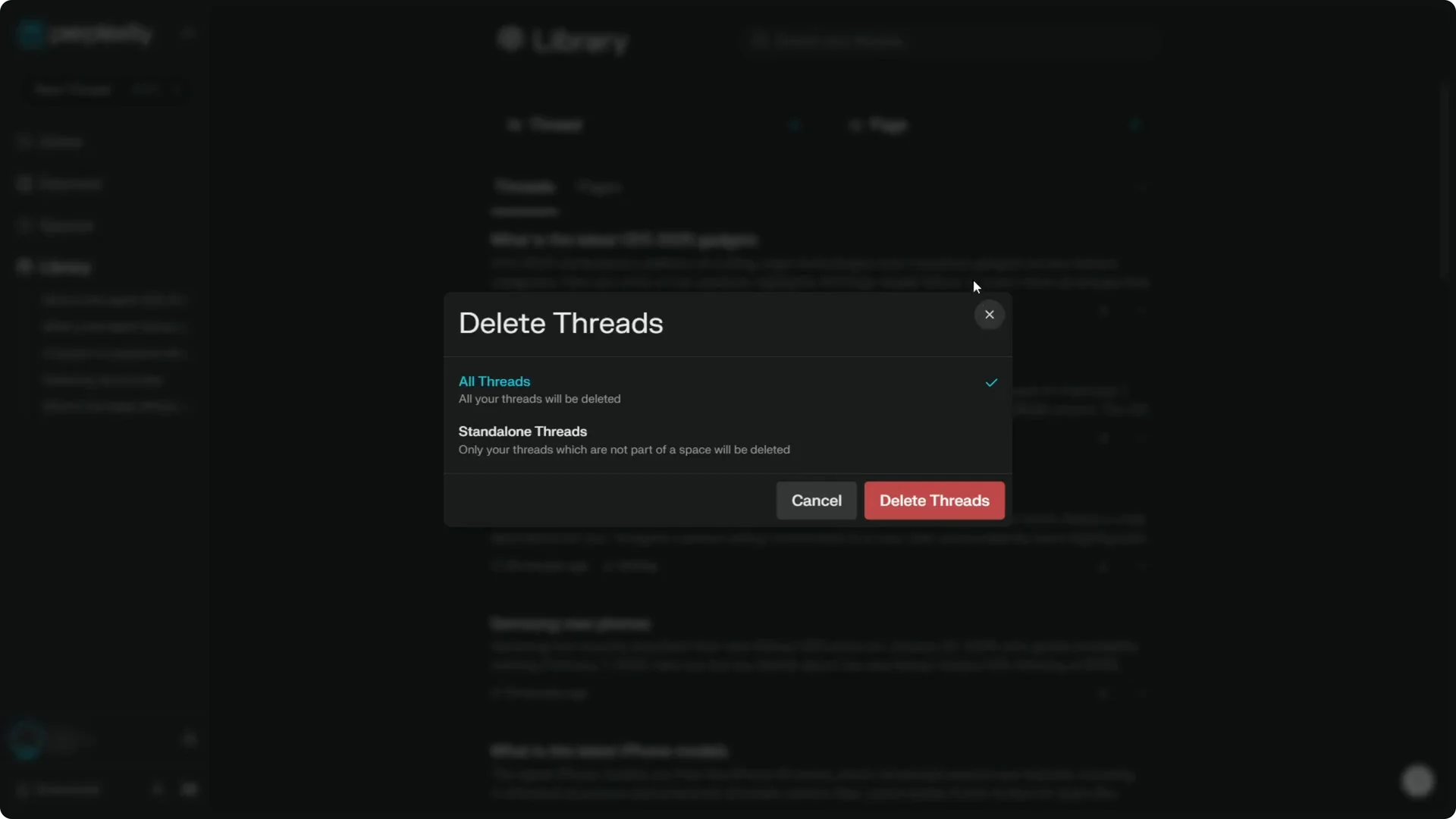
I warn you that you might want to go back and see old threads later, so consider carefully before proceeding. I’m not going to proceed with this one, but the option is there if you want a completely clean slate.
Read More: Transformative Ai Art Midjourney Prompts
Final Thoughts
You can delete individual threads from the Library via the three-dot icon, or from inside a thread using the top right menu. For a full cleanout, use Delete threads, but be cautious if you plan to revisit past conversations.
If you’re building a broader AI workflow, you may also find our guide to better prompt styles helpful.
