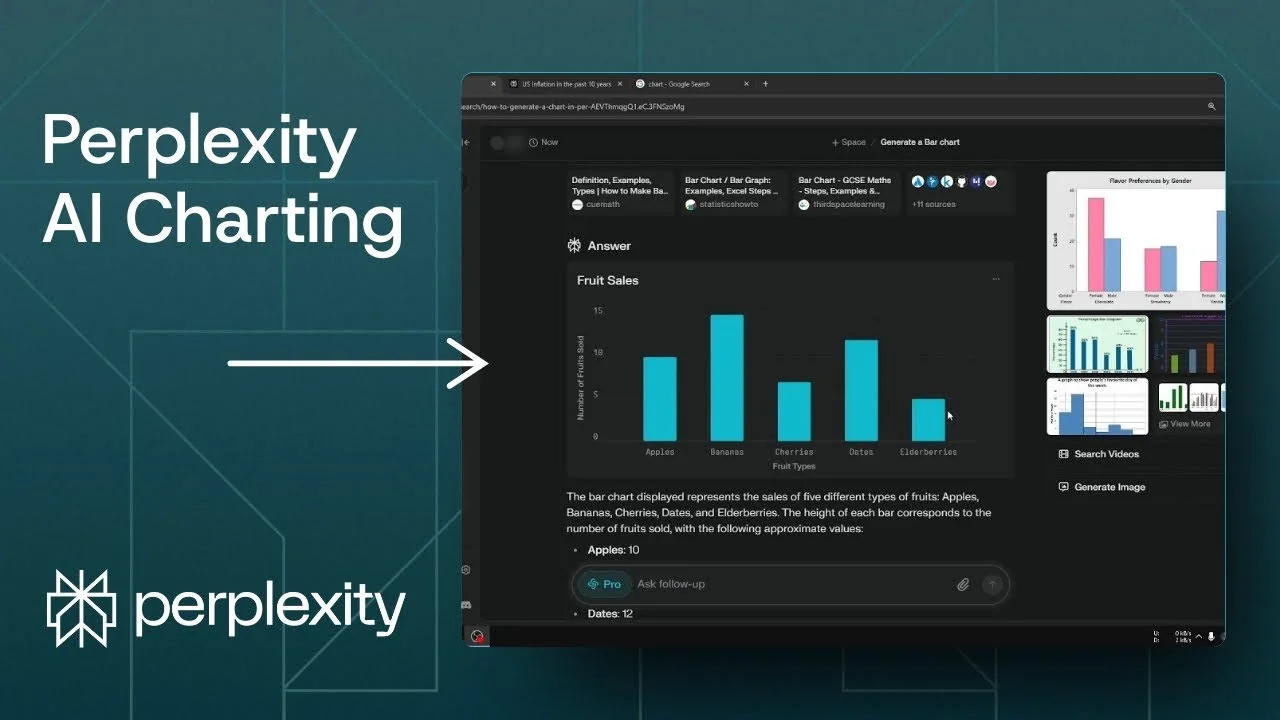
Not many people know that Perplexity can generate a usable chart based on real data. This is not an AI generated image in the style of art models. It is a chart that reflects actual numbers.
It is different than creating an image using DALL-E or the Flux model, because those models tend to hallucinate and add something that is not supposed to be there. This is based on real data, so it is not going to hallucinate. I can download it as a regular image and upload it to my website or other platforms.
Why Perplexity AI Chart Generation works with real data
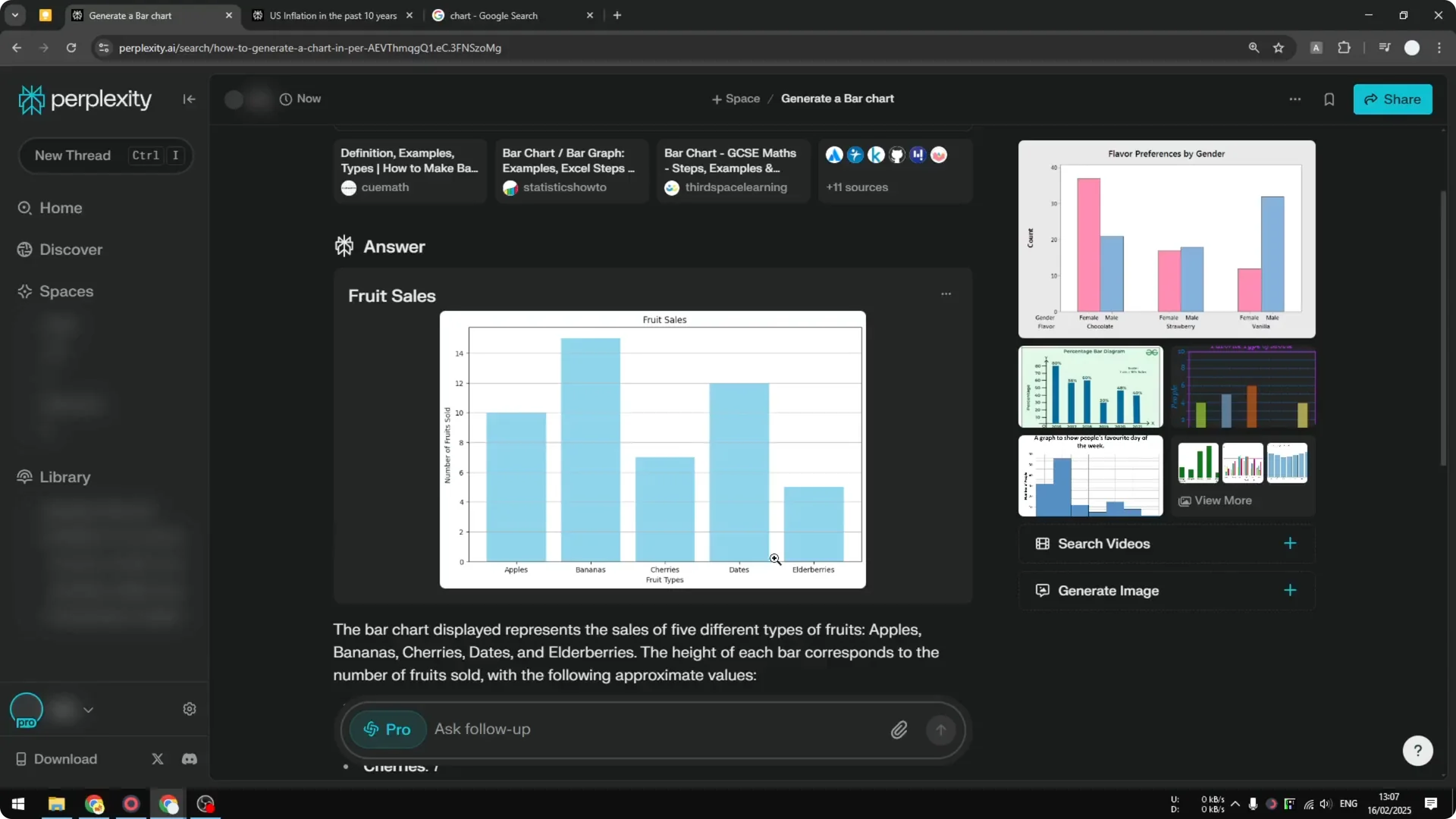
Perplexity takes your data, writes code behind the scenes, and renders a chart that matches the dataset. The code represents the values and structure, and the result is a clean image. That gives you a chart that looks like the source table.
Read More: Create Superior Ai Art
Charts you can make in Perplexity AI Chart Generation
Creating a chart like this is straightforward. Ask Perplexity to generate a chart, and select the chart type you want.
You can create a Venn diagram, a pie chart, a line chart, a bar chart, and more.
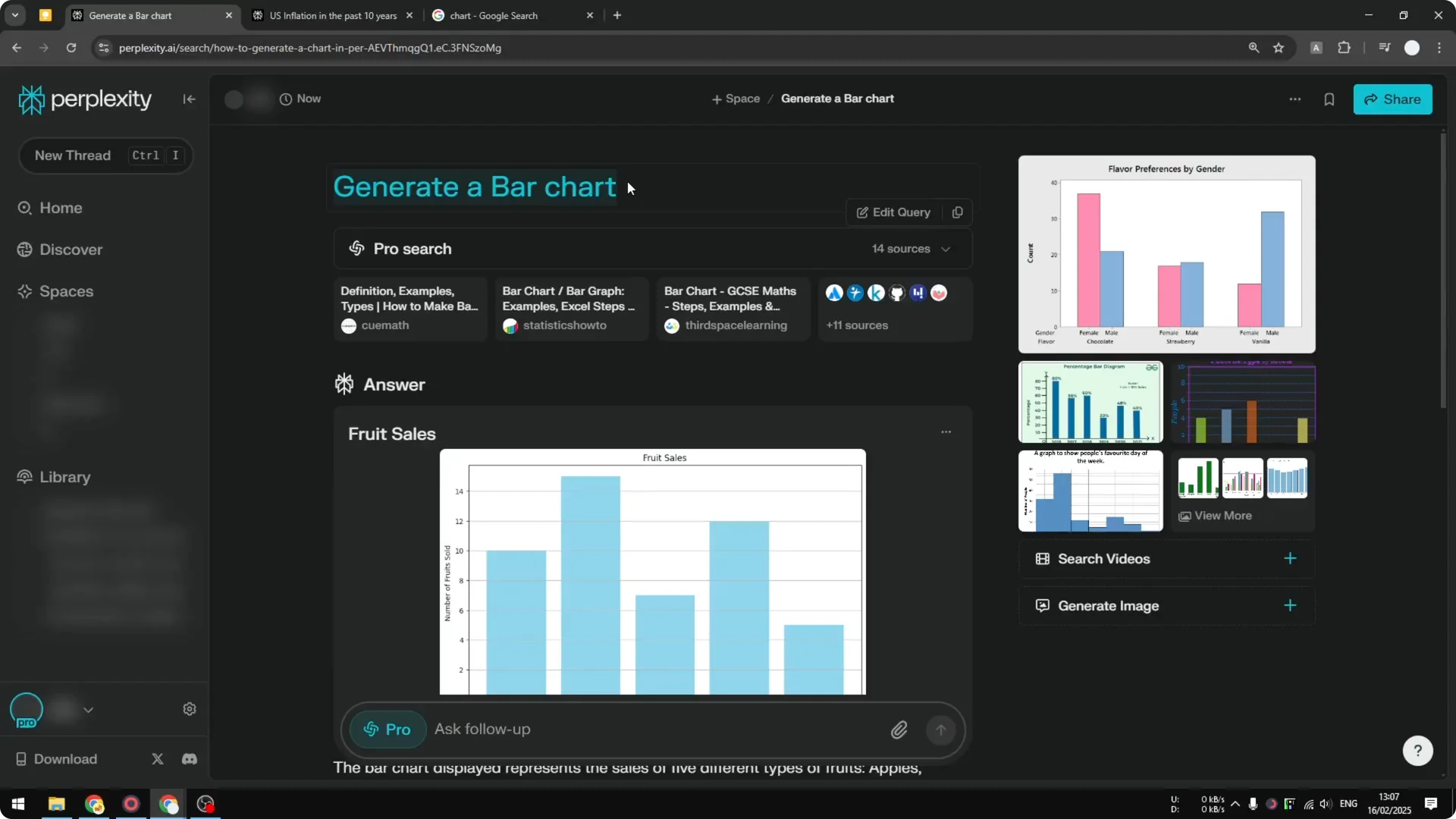
Just give it the data and it will generate the chart that you want.
The process stays the same across chart types.
You provide the numbers, and Perplexity handles the rendering.
Read More: Eye Catching Ai Art Midjourney Prompts Styles
Step-by-step Perplexity AI Chart Generation
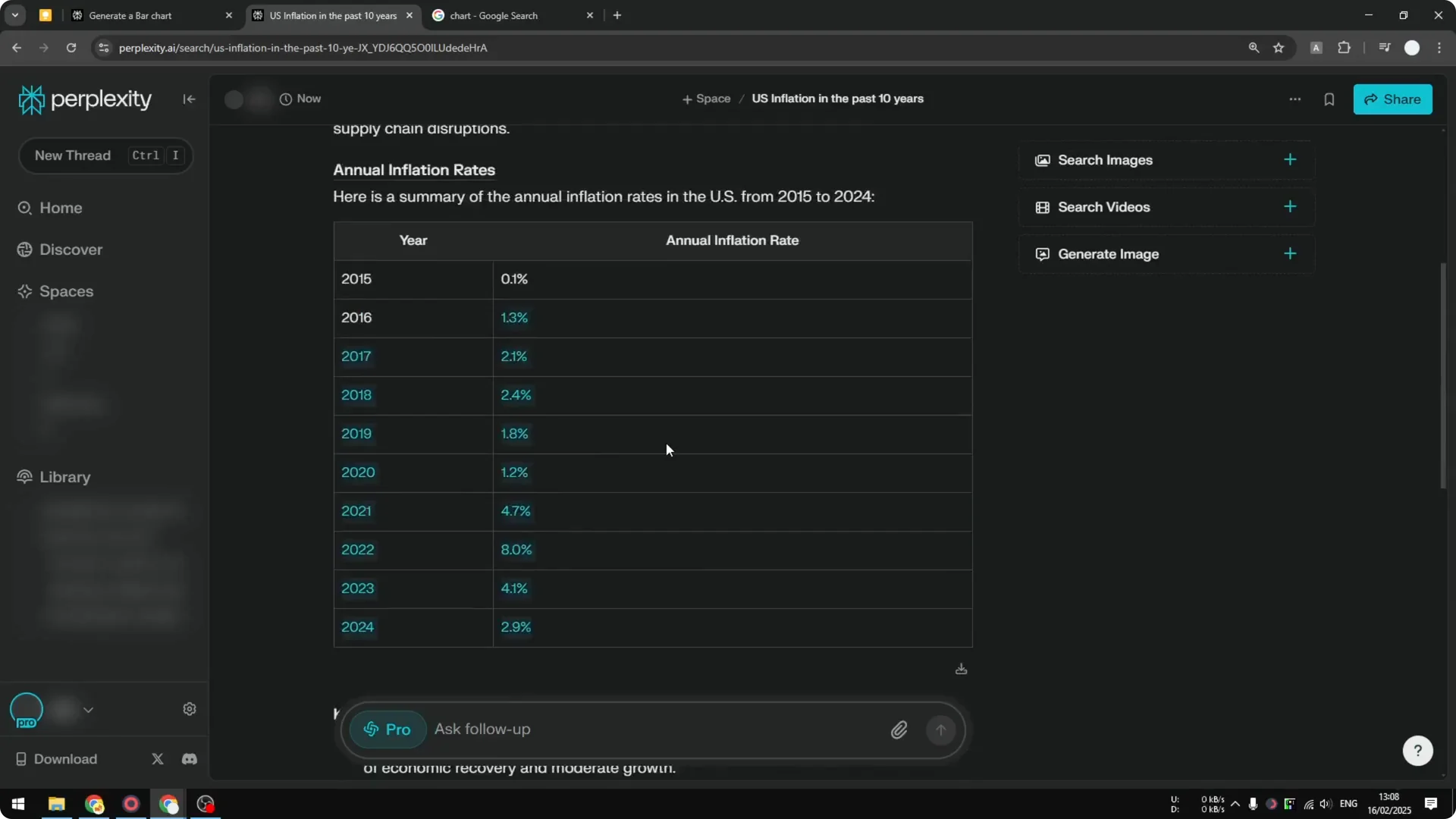
Step 1: Ask Perplexity for the data you need. For example, I asked for the US inflation rate in the past 10 years.
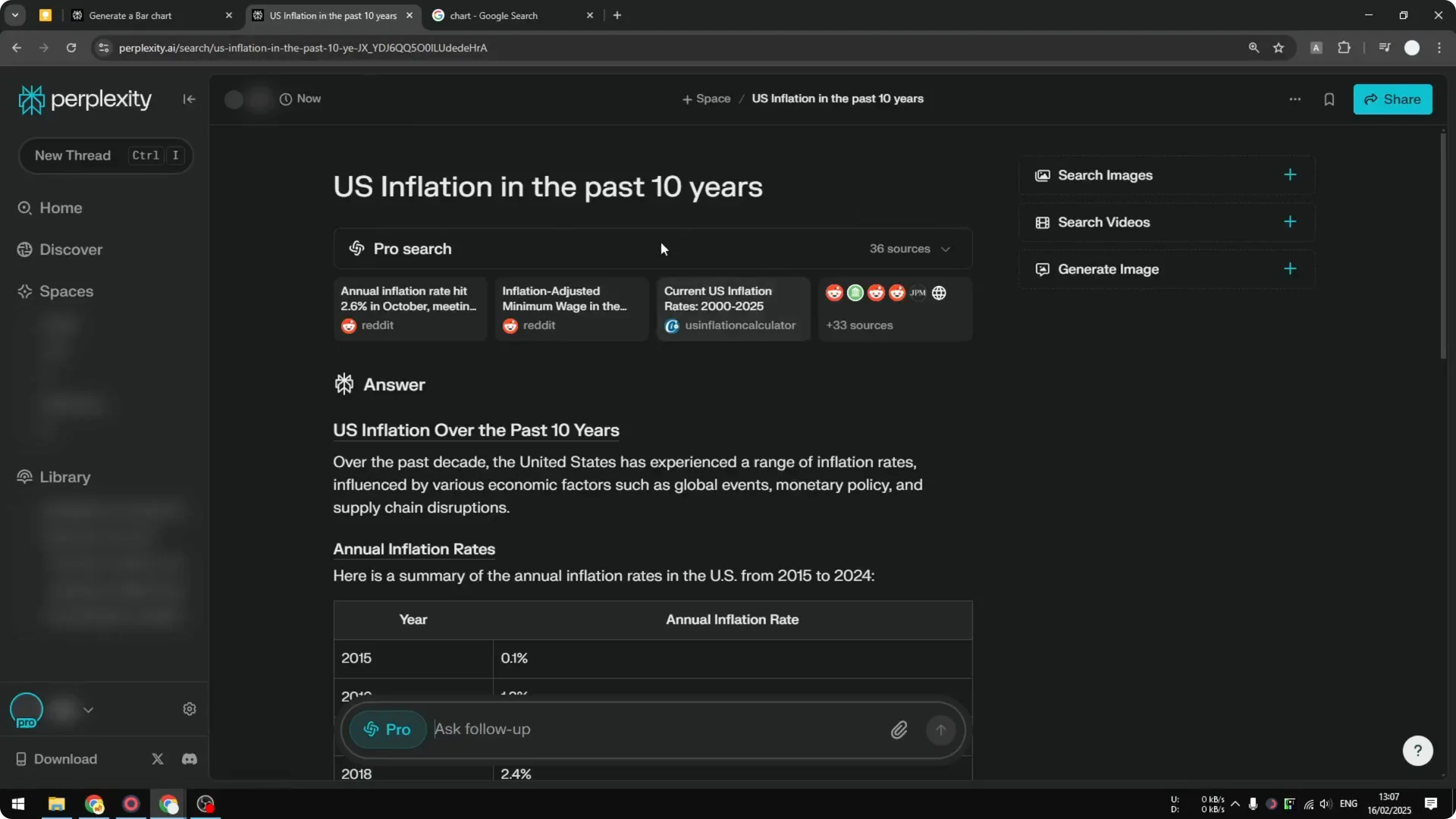
Step 2: Confirm the table looks correct. Make sure the values and dates line up with what you expect.
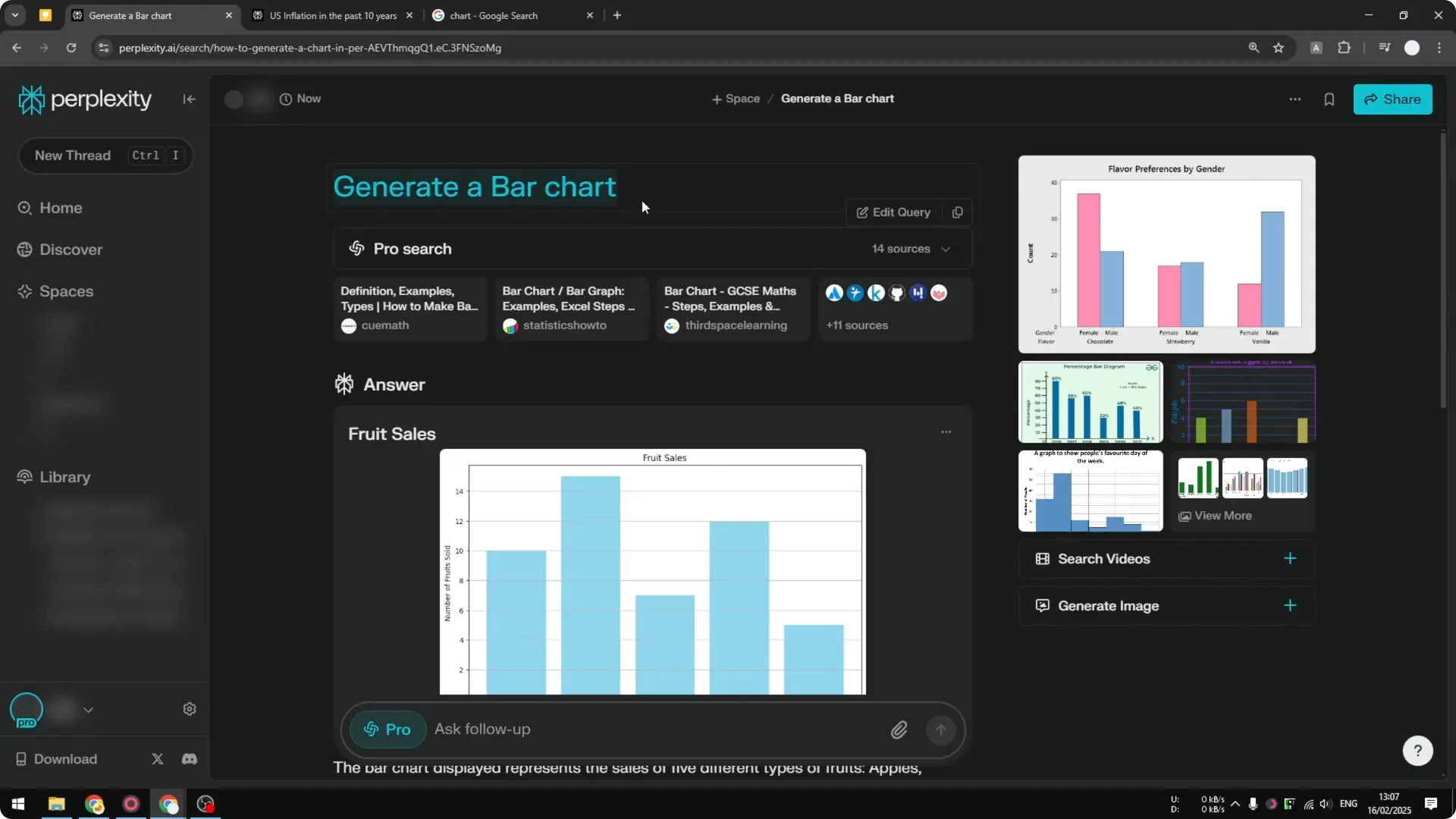
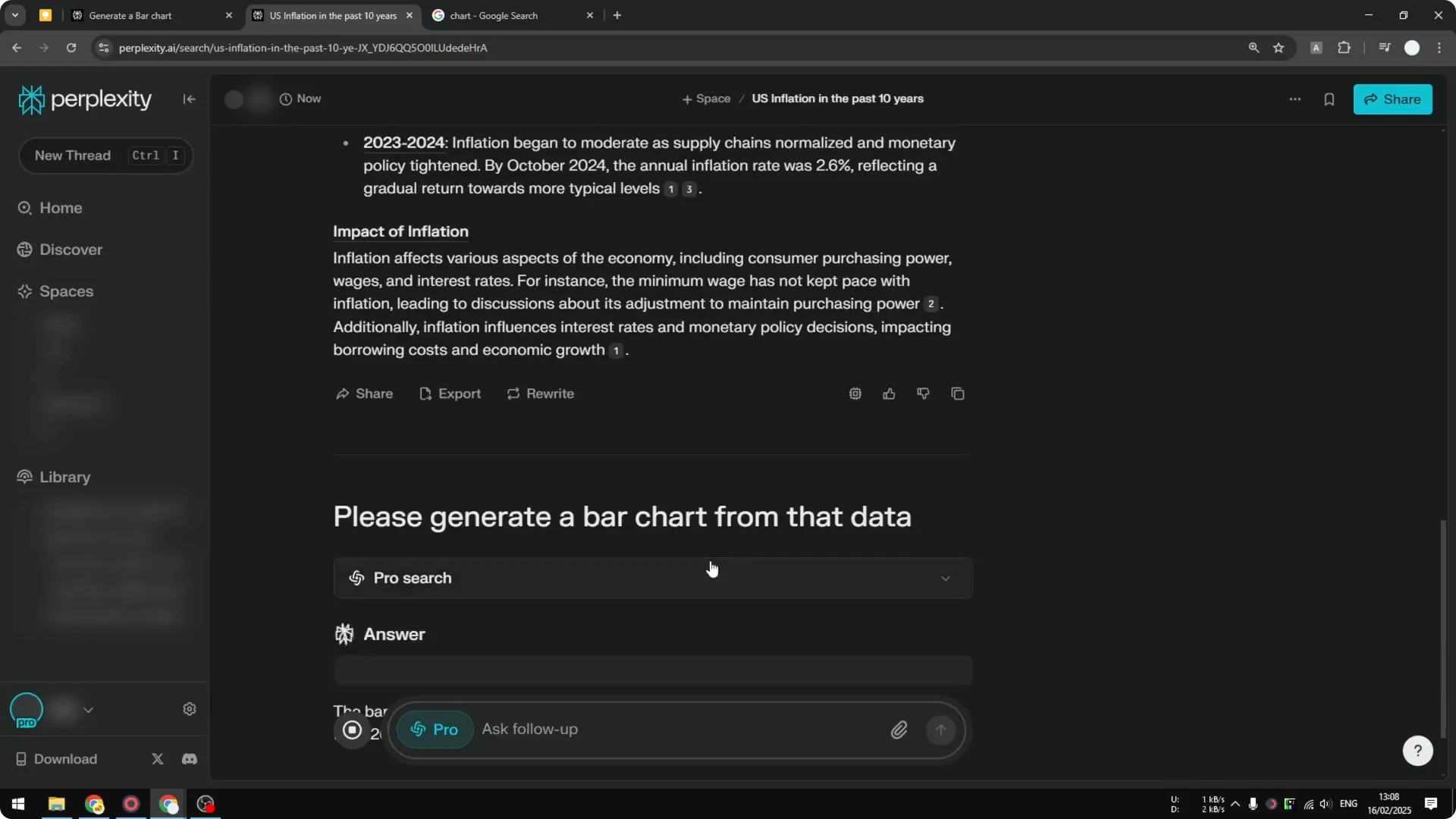
Step 3: Ask Perplexity to generate a chart from that data. Specify the type, such as a bar chart.
Step 4: Let Perplexity do the programming behind the scenes. It will translate the dataset into code that renders the visual.
Read More: Transformative Ai Art Midjourney Prompts
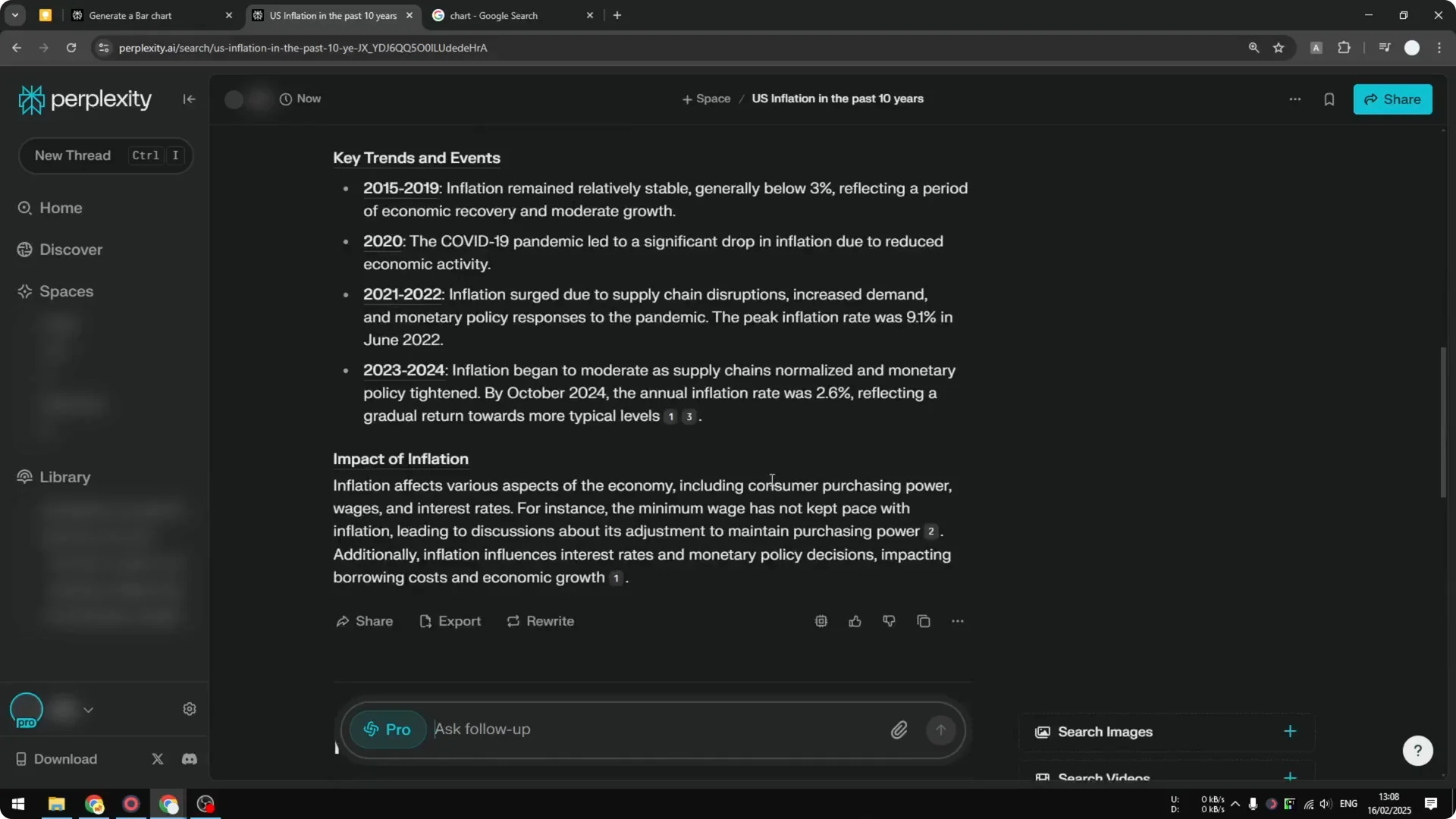
Step 5: Review the chart to see that it matches the table. It should look exactly like what the data suggests.
Step 6: Export the chart as an image. Click the image icon to turn it into a downloadable file that is easier to transfer.
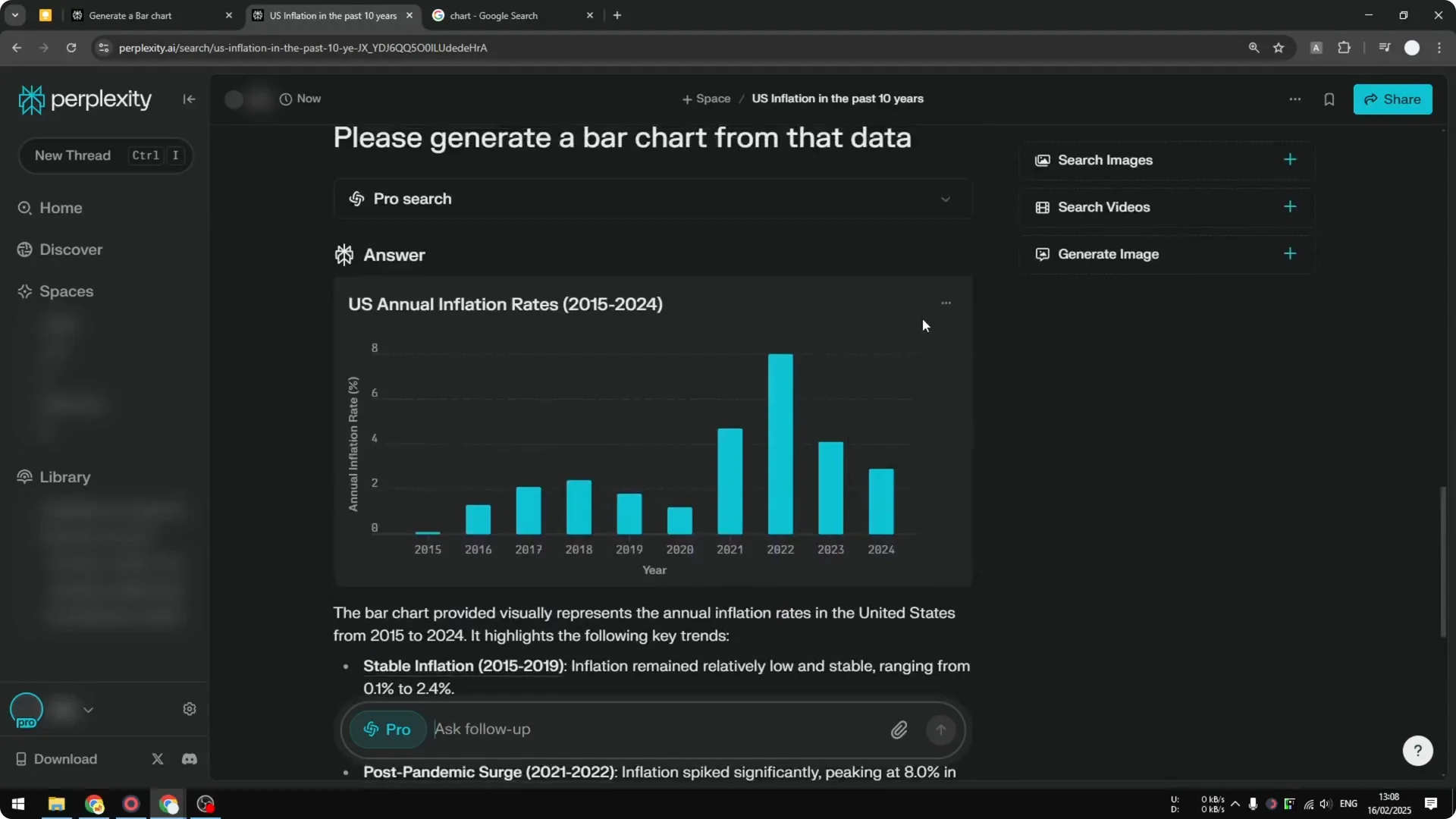
Exporting from Perplexity AI Chart Generation
I can turn the output into an image and move it anywhere I need. The downloaded file is easy to upload to other platforms. That keeps the chart portable and ready for publishing.
Read More: Camera Control For Midjourney Ai Video
Final Thoughts
Perplexity can generate real data charts quickly and accurately. Ask for the data, choose a chart type, and export the result as an image. It is a simple way to turn tables into visuals without extra tools.
