This is how you can log out from your Perplexity account. There are two options in the System section: sign out for this device or sign out from all devices linked to your account. Use the steps below to pick the one you need.
Read More: Log Out Midjourney
Perplexity AI Logout
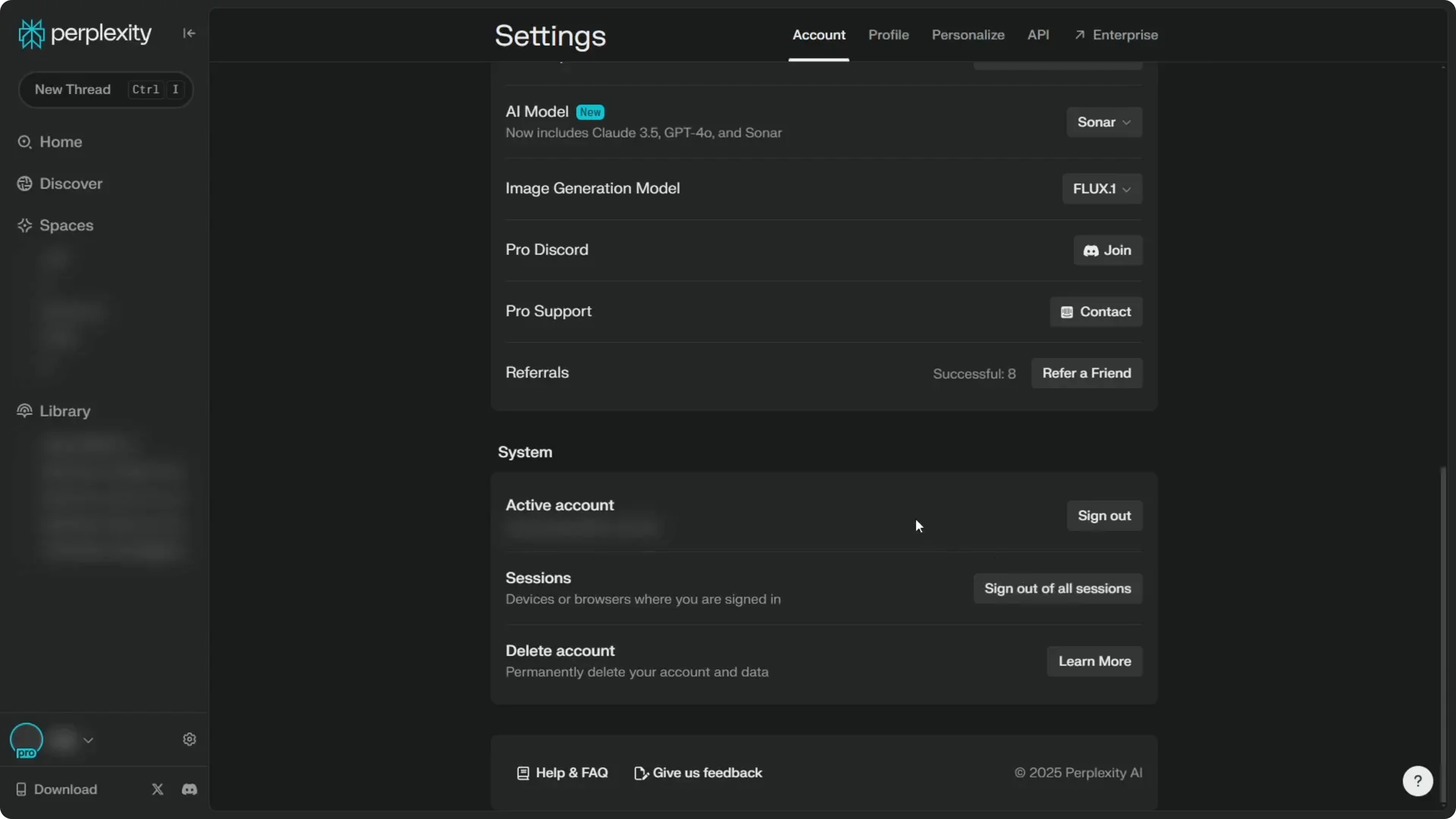
Current device
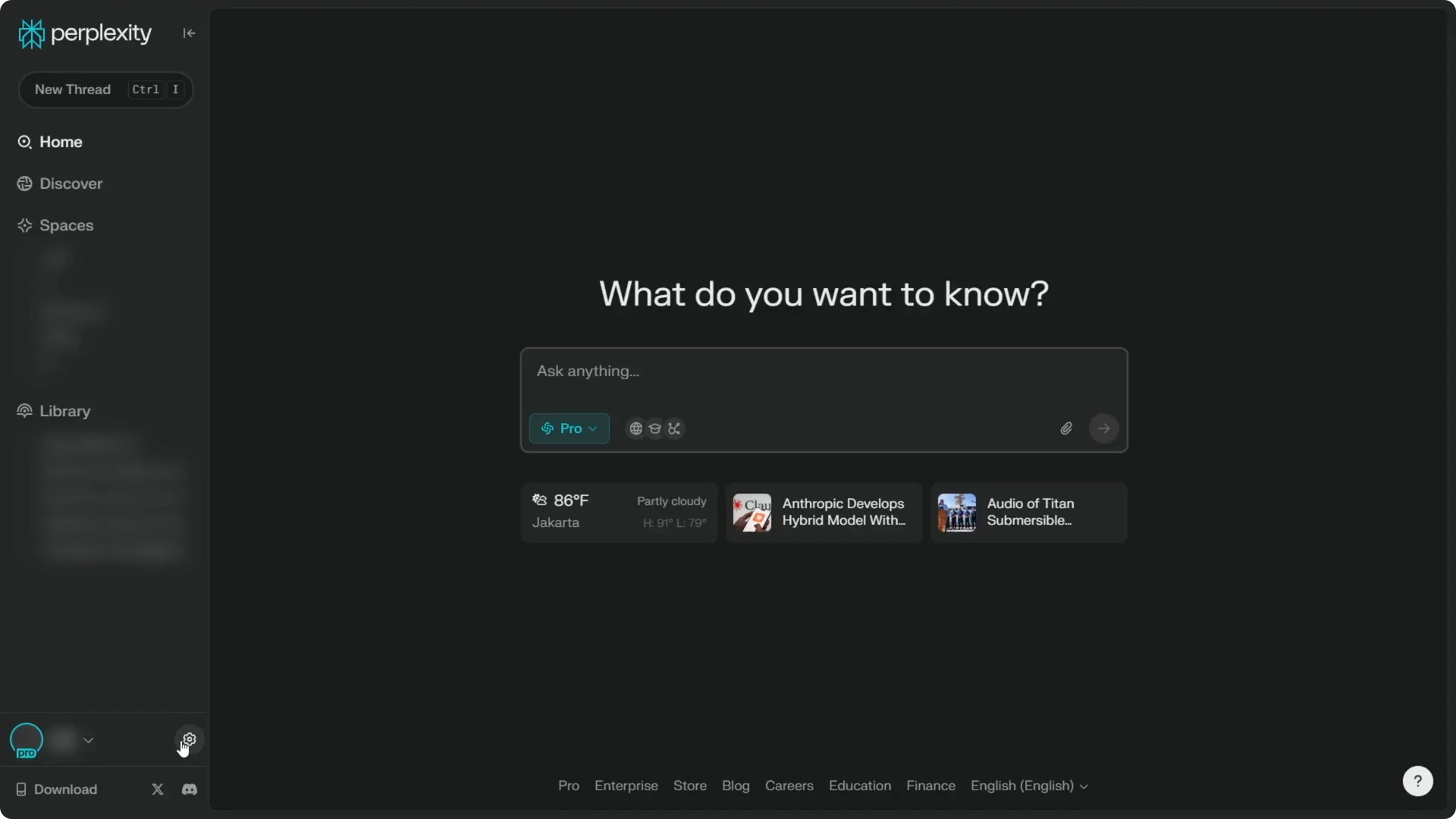
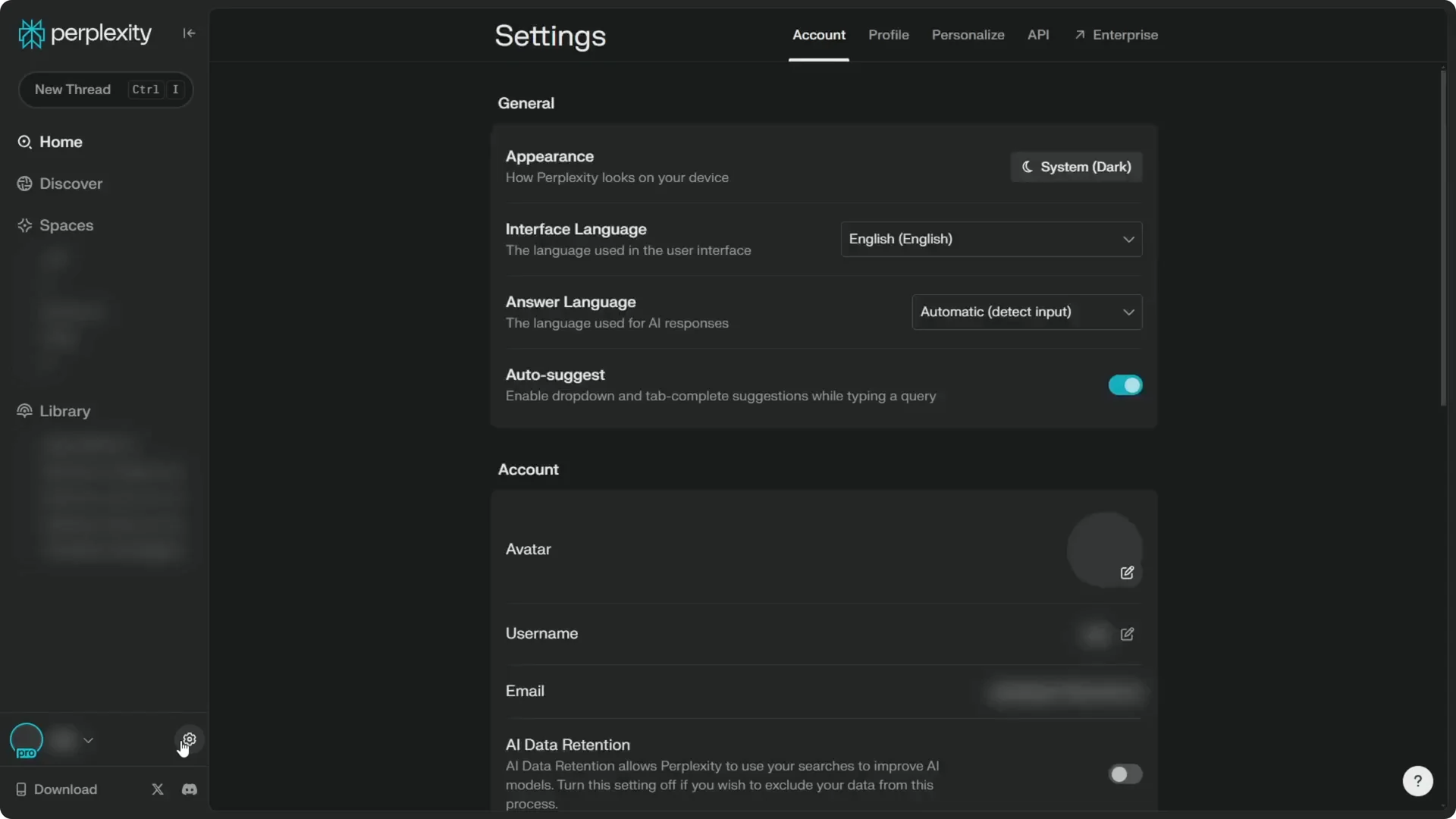
Step 1: Click the gear icon at the bottom left corner of the screen.
Step 2: Go to the Account menu and scroll down.
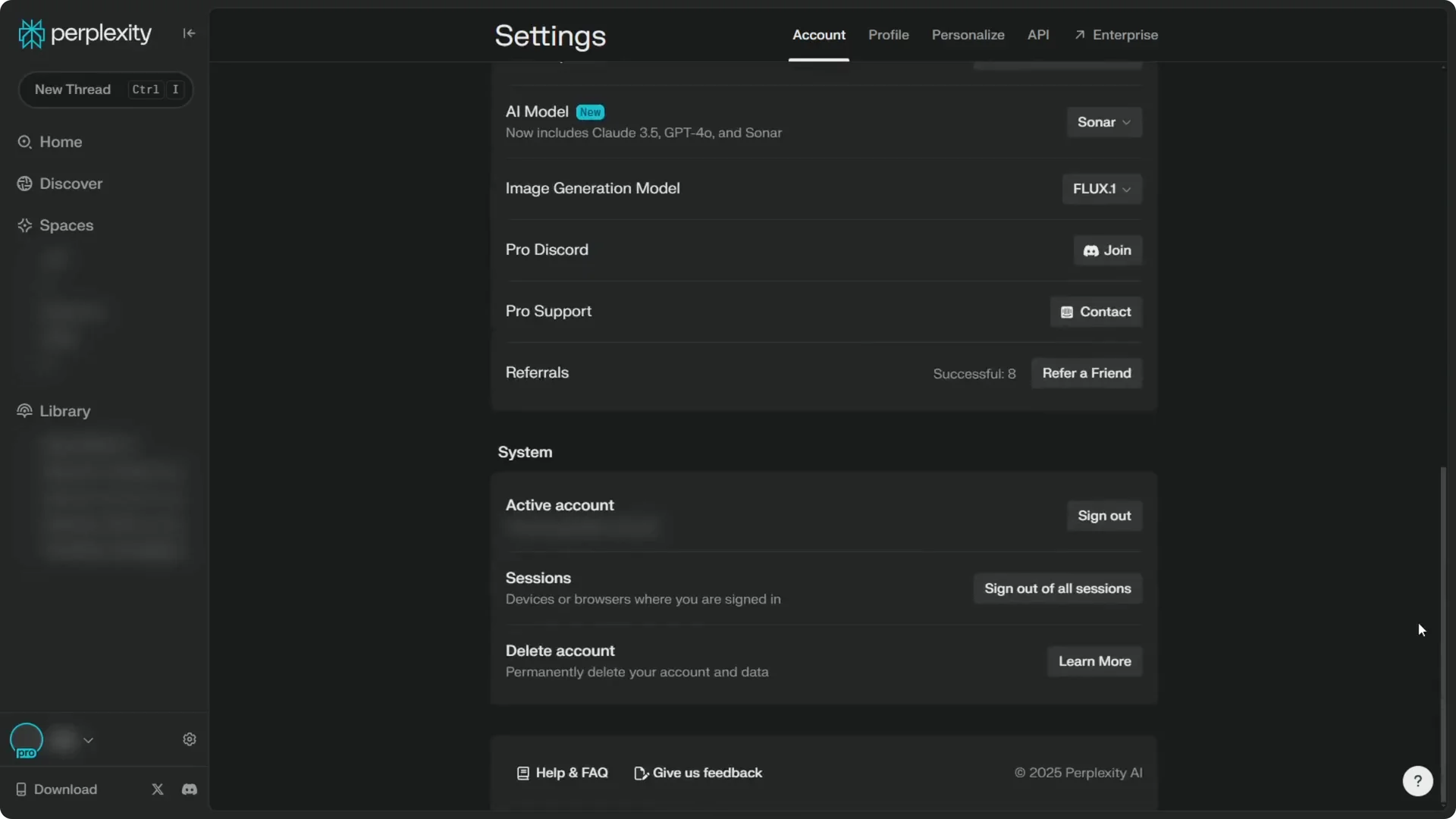
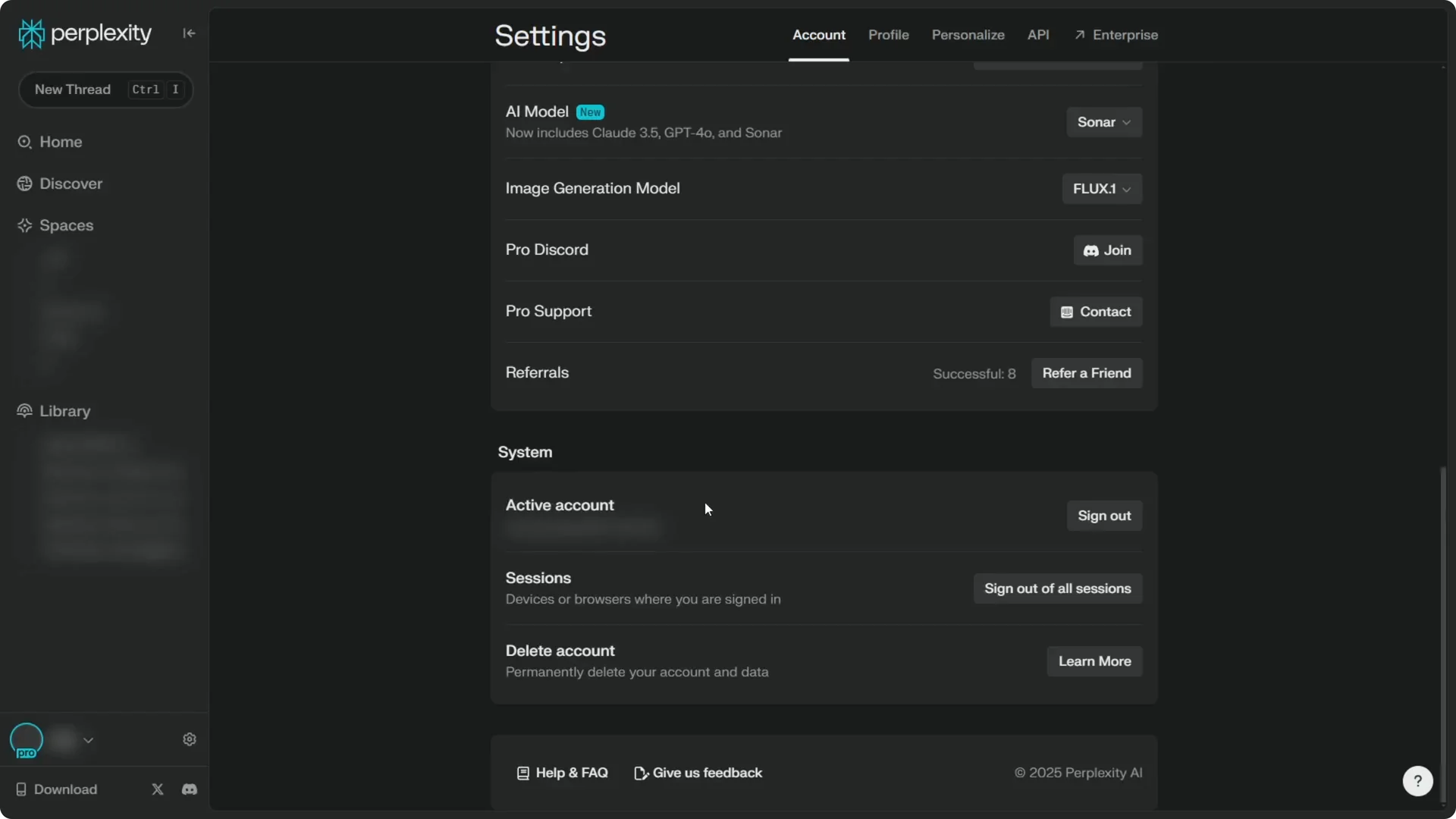
Step 3: In the System section, click Sign out for this device to end the session you are using right now in this browser.
Read More: Eye Catching Ai Art Midjourney Prompts Styles
All devices
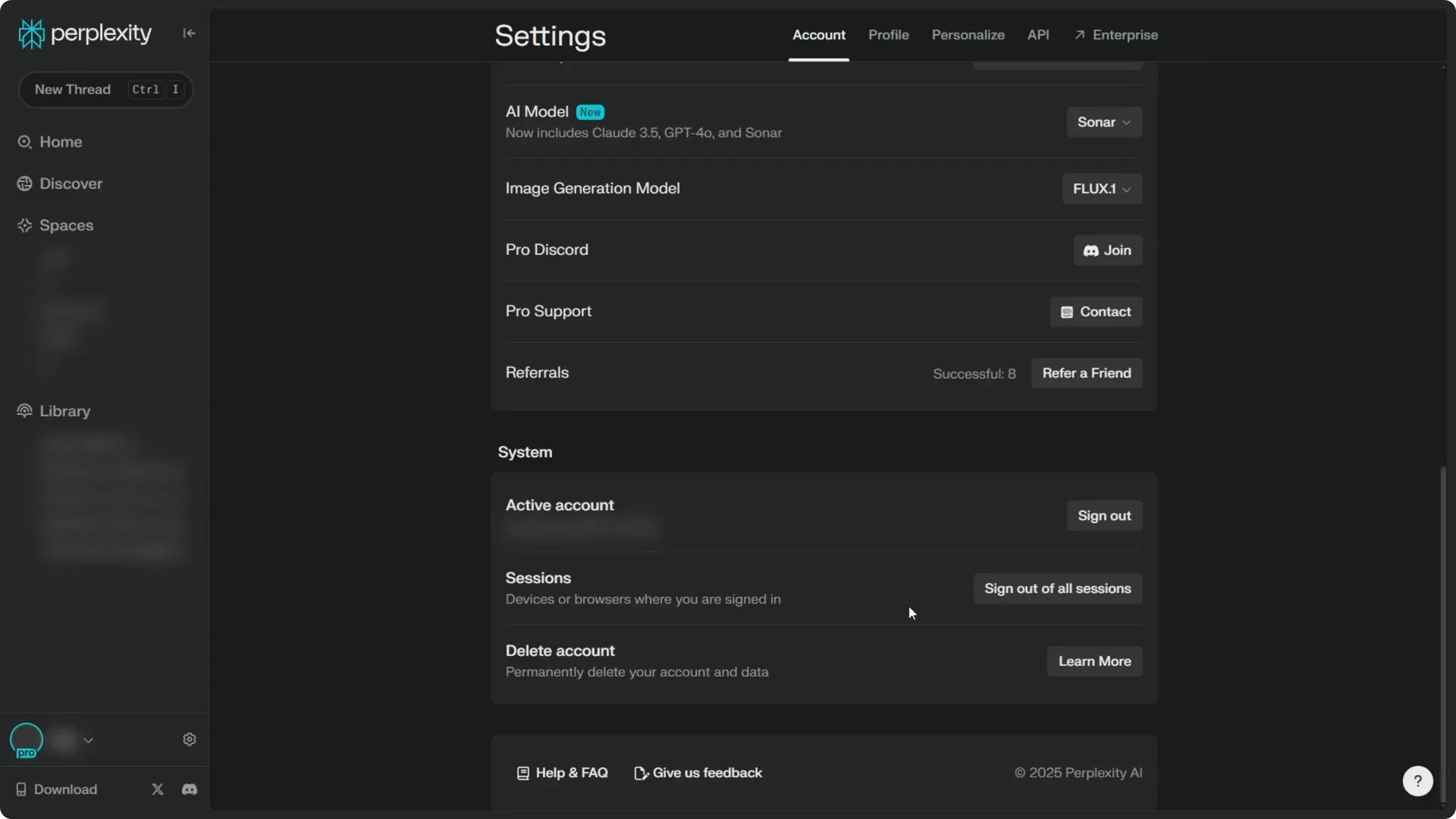
Step 1: Click the gear icon, open the Account menu, and scroll down to the System section.
Step 2: Click Sign out on all devices to log out from every session you had on your Perplexity account, like your phone, tablet, laptop, and computer.
Read More: Camera Control For Midjourney Ai Video
Use Sign out for this device if you only need to end the current browser session. Use Sign out on all devices if you want to remove access across every device linked to your account. That is all you need to log out from Perplexity quickly.
