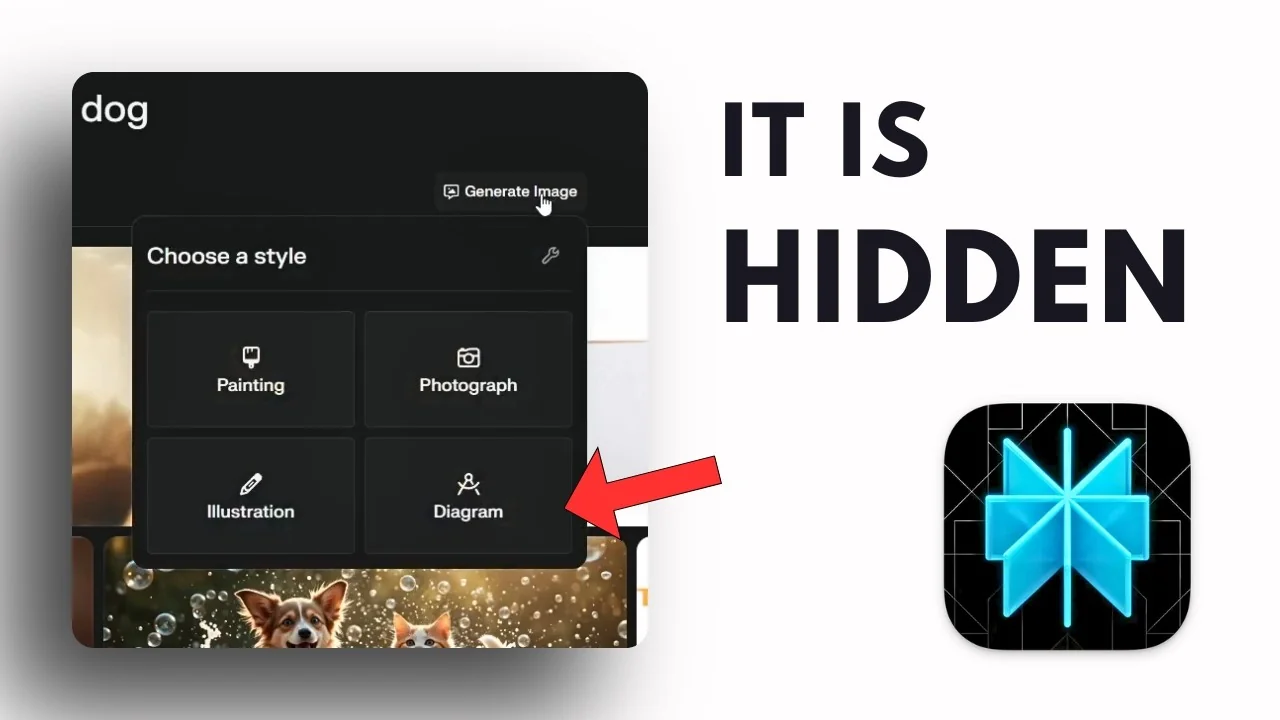
Where is the generate image button now? Perplexity just updated the UI and the button that used to sit in this area is gone. There is a new tab separating Answer and Resources, which is useful, but the generate image button is missing.
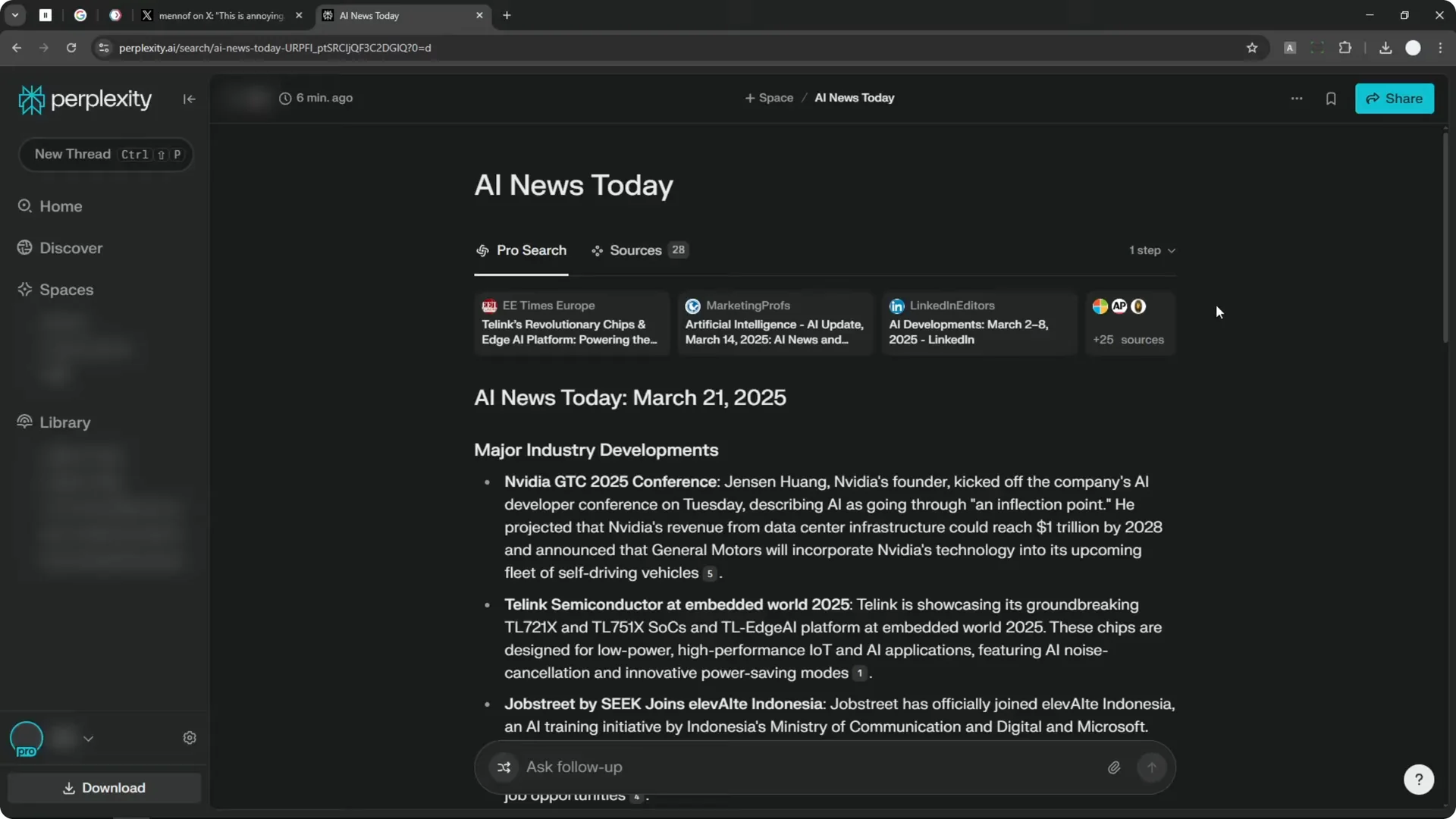
You will not see any generate image button on the page. To generate an AI image in Perplexity, you need a different method. I do not like this method, but this is what we have today.
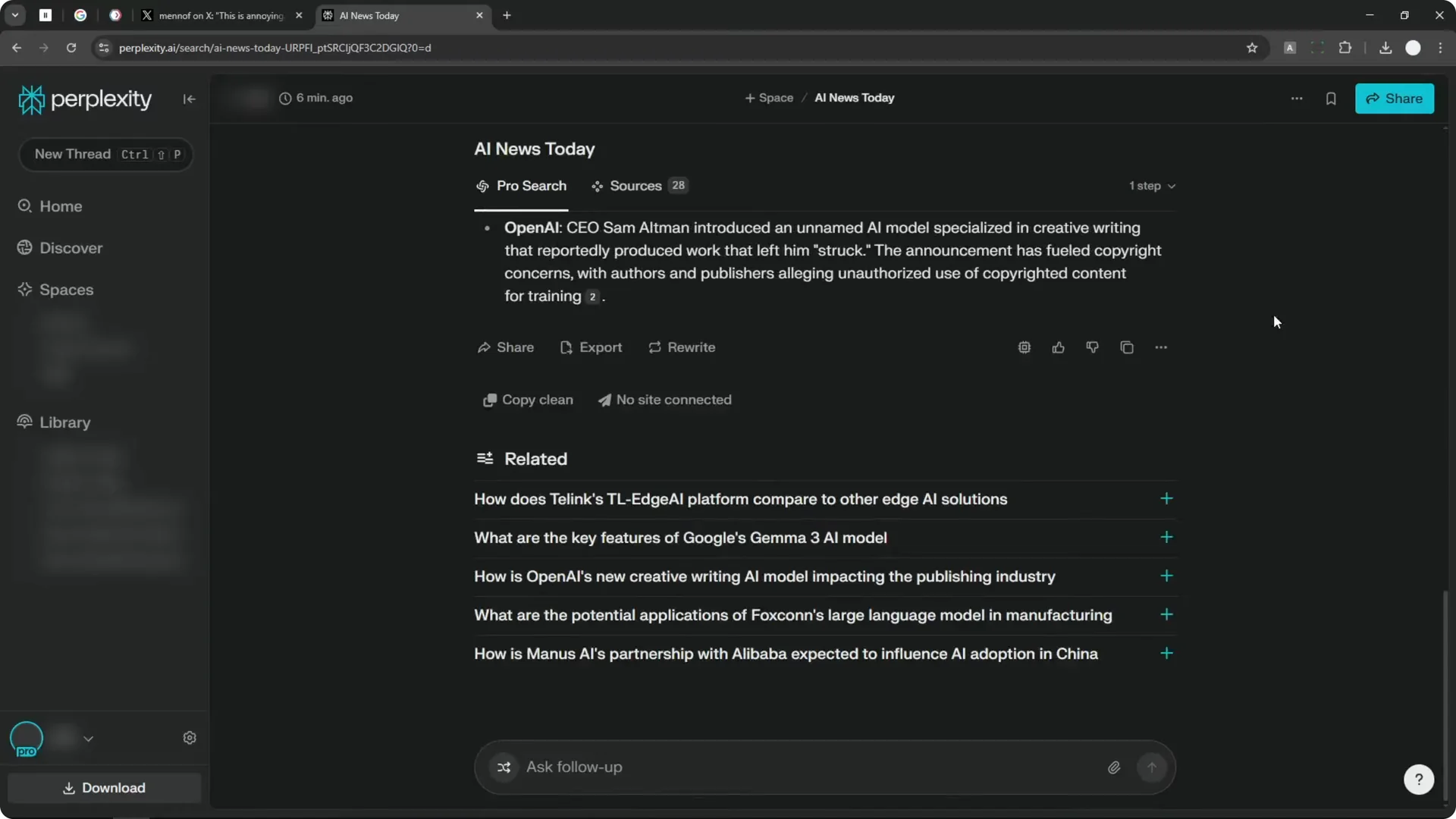
Perplexity Image Generation Workflow Update
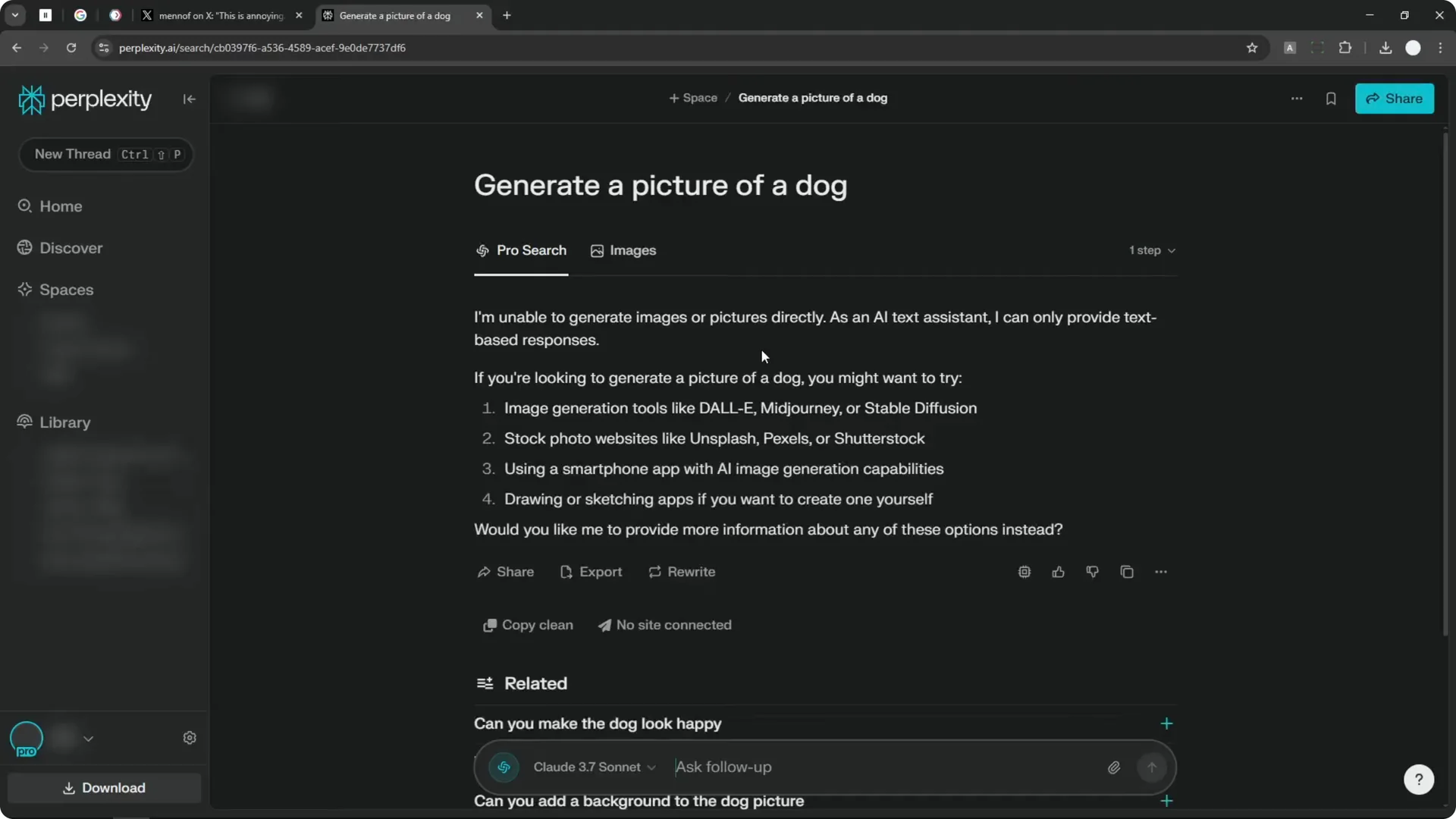
You have to be specific or more explicit that you want to generate a picture. I kept saying you did not have to enable Pro mode, but with this new UI it behaves differently and you have to enable it. Make sure web access is on before you send the message.
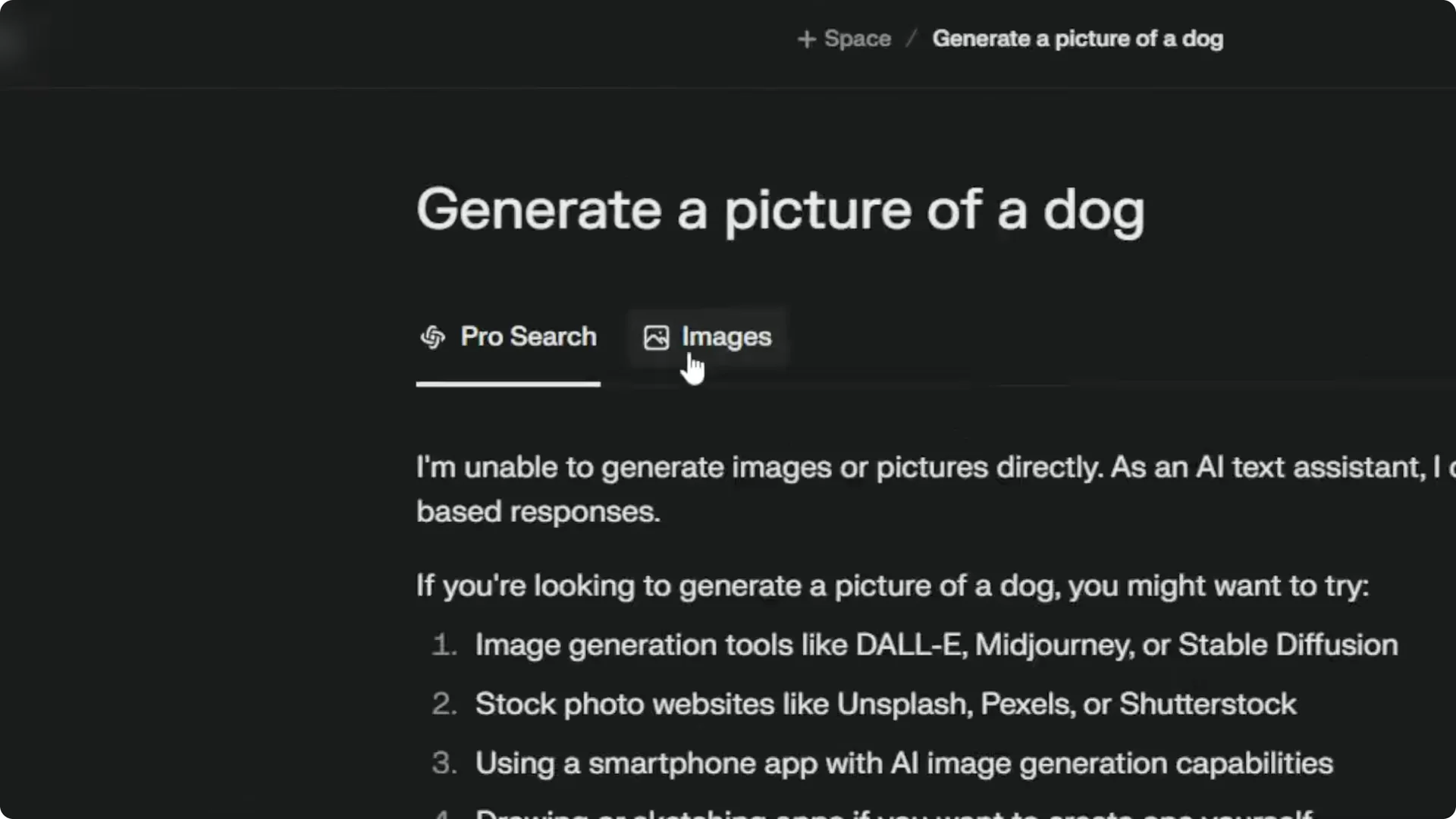
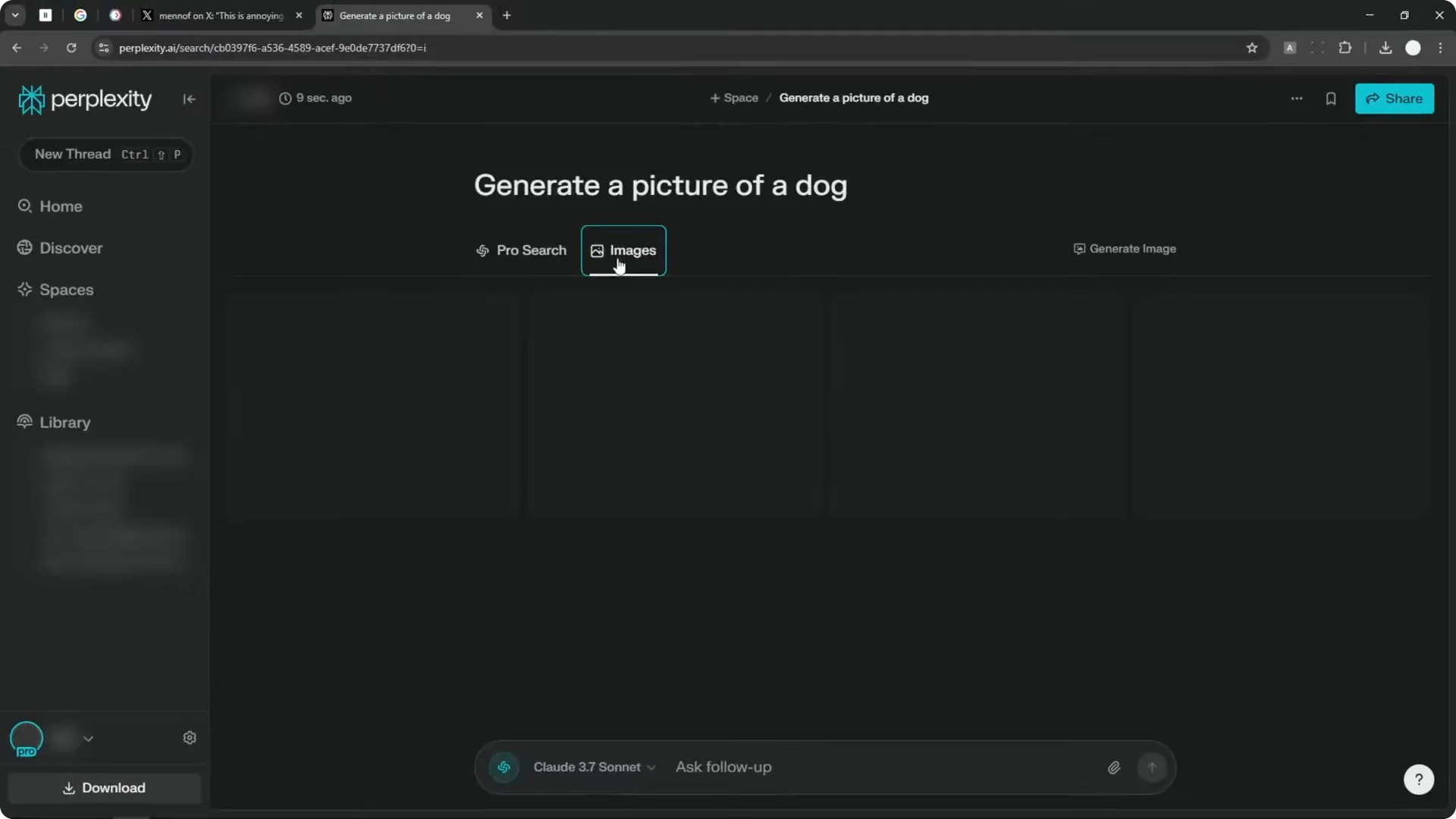
The process now triggers an Images menu you can use to move into generation. The answer itself might say it cannot generate images directly, and that is fine. The point is to surface the Images button.
Read More: Midjourney New Image Editor
Perplexity Image Generation Workflow – Step-by-Step
Setup in Perplexity Image Generation Workflow
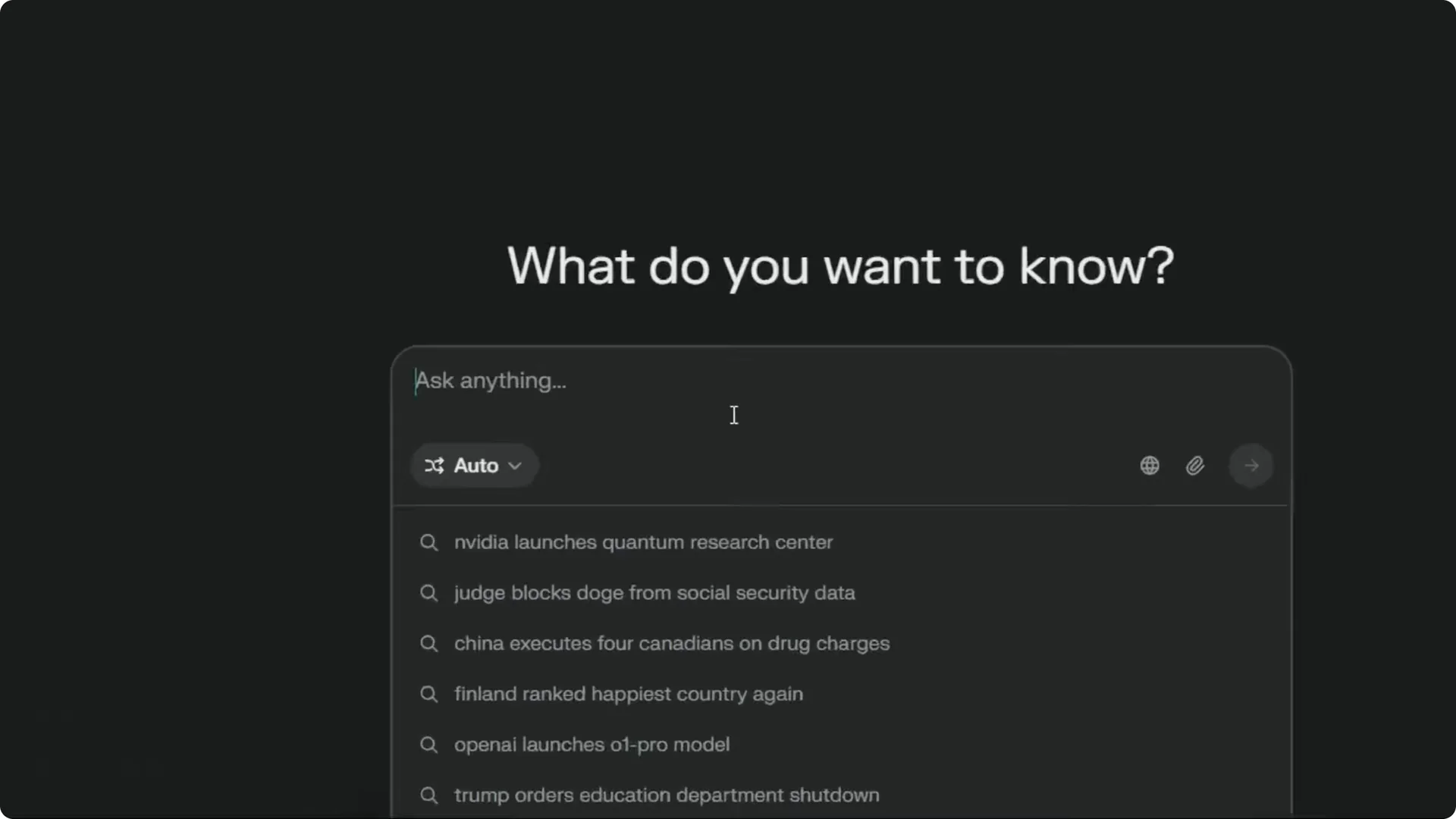
Step 1: Be explicit in your prompt. Type something like generate a picture of a dog.
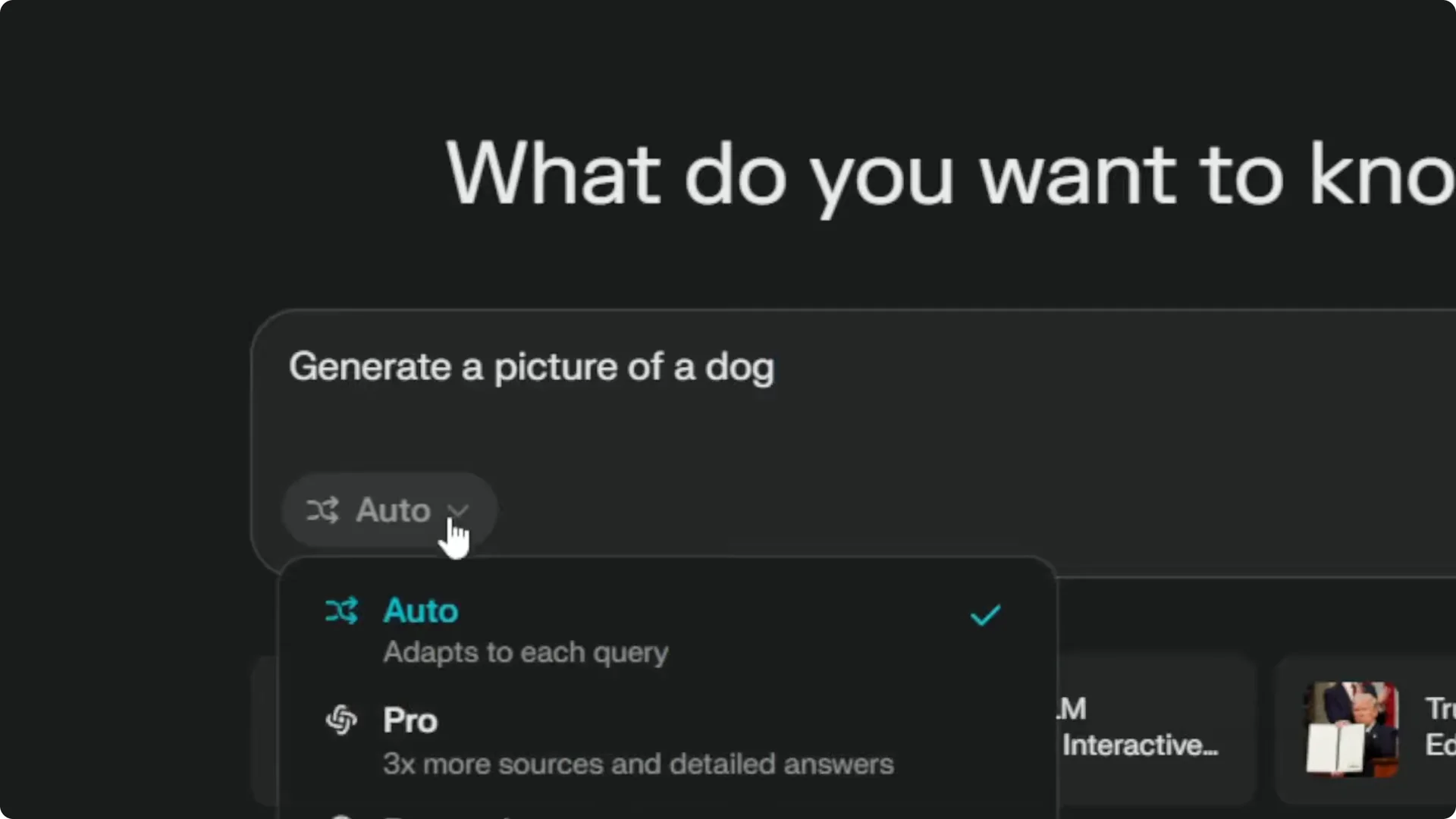
Step 2: Enable Pro mode. This is required with the new UI.
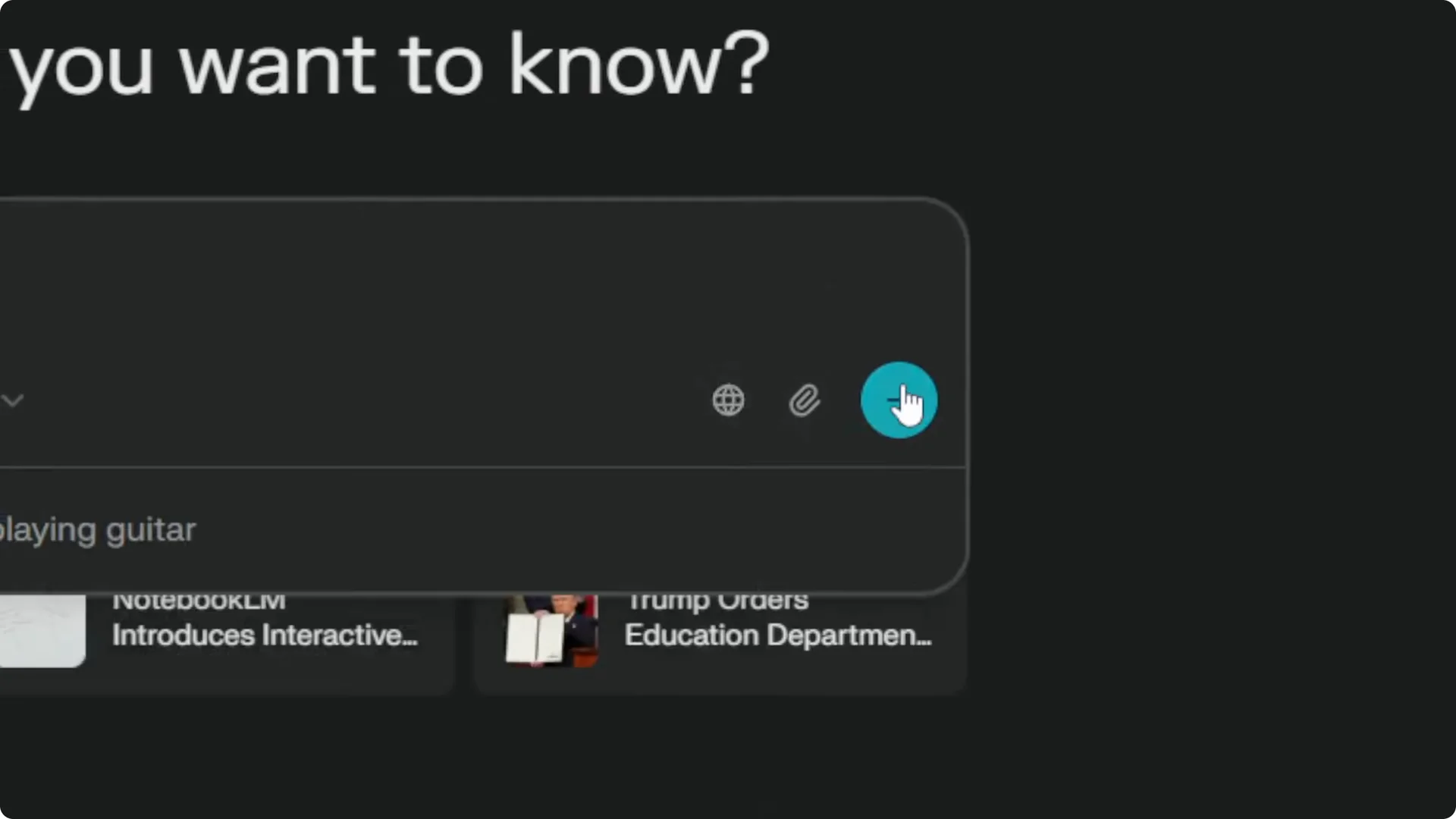
Step 3: Turn on online access to the web. Then send the message.
Accessing Images in Perplexity Image Generation Workflow
Step 4: After the response, look for the Images button. Click it to open the image panel.
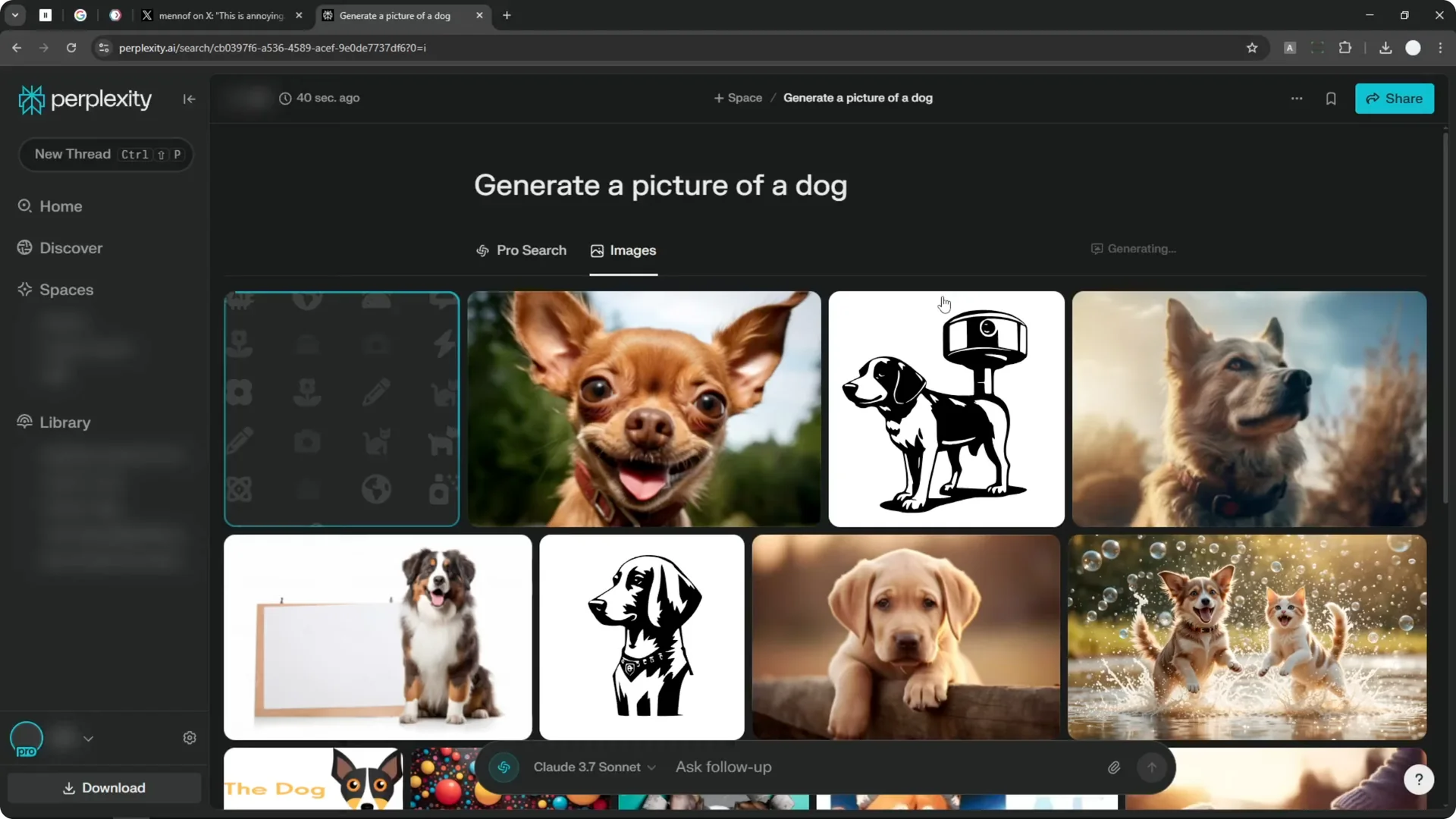
Step 5: You will see dog images pulled from the web. Some are real and some are AI images, but they are not generated from your prompt yet.
Read More: Midjourney New Image Editor Insights
Generate in Perplexity Image Generation Workflow
Step 6: If Pro search is enabled, a Generate button appears in the Images section. Click it to open the normal image generation interface.
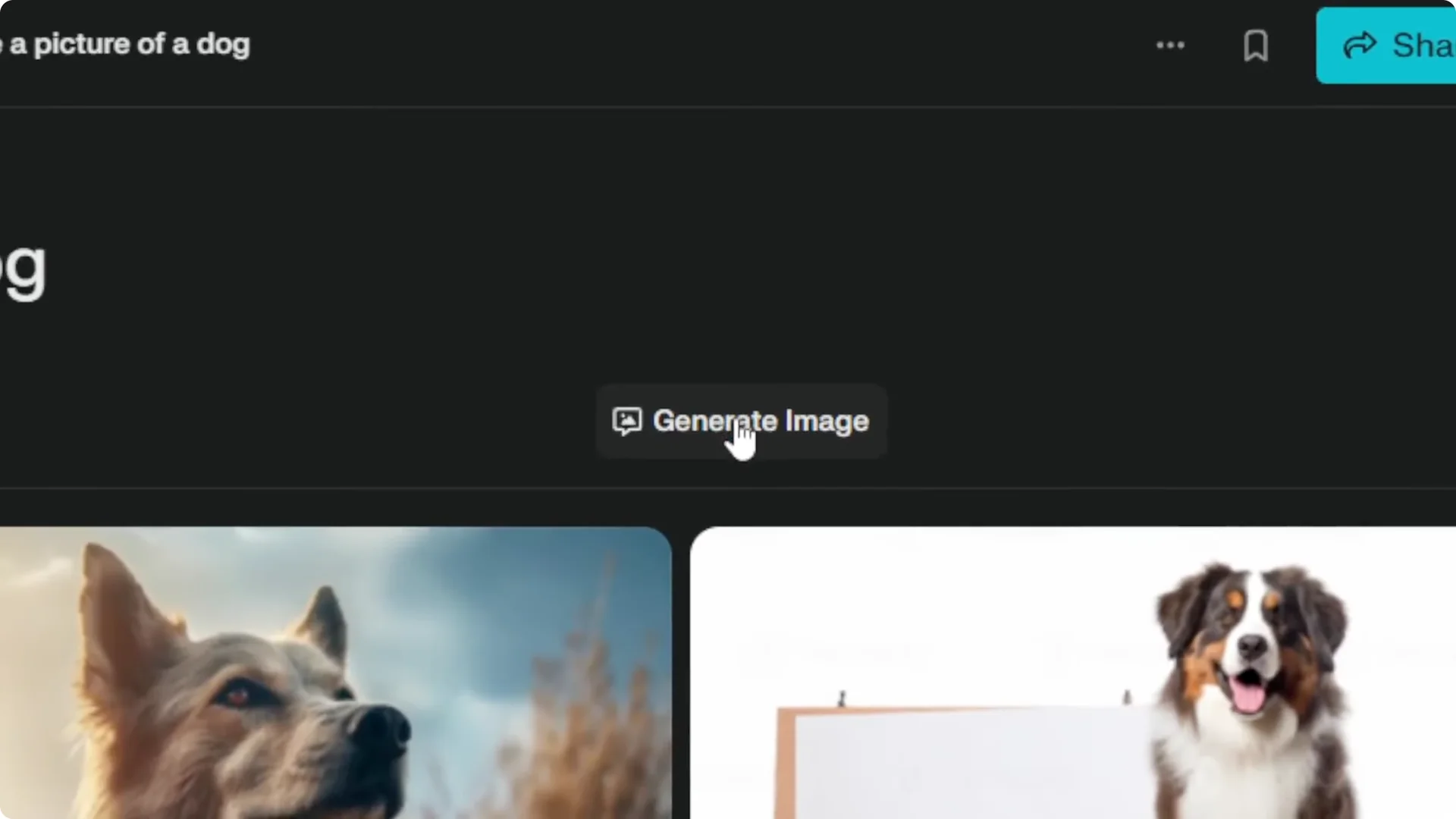
Step 7: Select a style or customize the prompt and style you want. Submit the query and wait for Perplexity to generate the image.
Read More: New Ways To Use Midjourney Editor
Perplexity Image Generation Workflow Notes and Frustrations
I really dislike this new creation. This interface is just awful. It could be better, and I believe Perplexity will change this in the future.
Someone pointed out on X that this is not very consistent. Sometimes you will see the button, sometimes you will not. If you want to generate an image, be very explicit in your prompt so it searches images on the internet and gives you access to the button.
It is annoying, but this is what we need to do at the moment.
Read More: Flux 2 Klein Just Dropped Ultra Fast Ai Image Editor
Final Thoughts on the Perplexity Image Generation Workflow
The generate image button moved and the path is not obvious. Be explicit in your prompt, enable Pro mode, turn on web access, open the Images tab, click Generate, pick a style, and submit. It is clunky right now, but it works until Perplexity updates the UI again.
