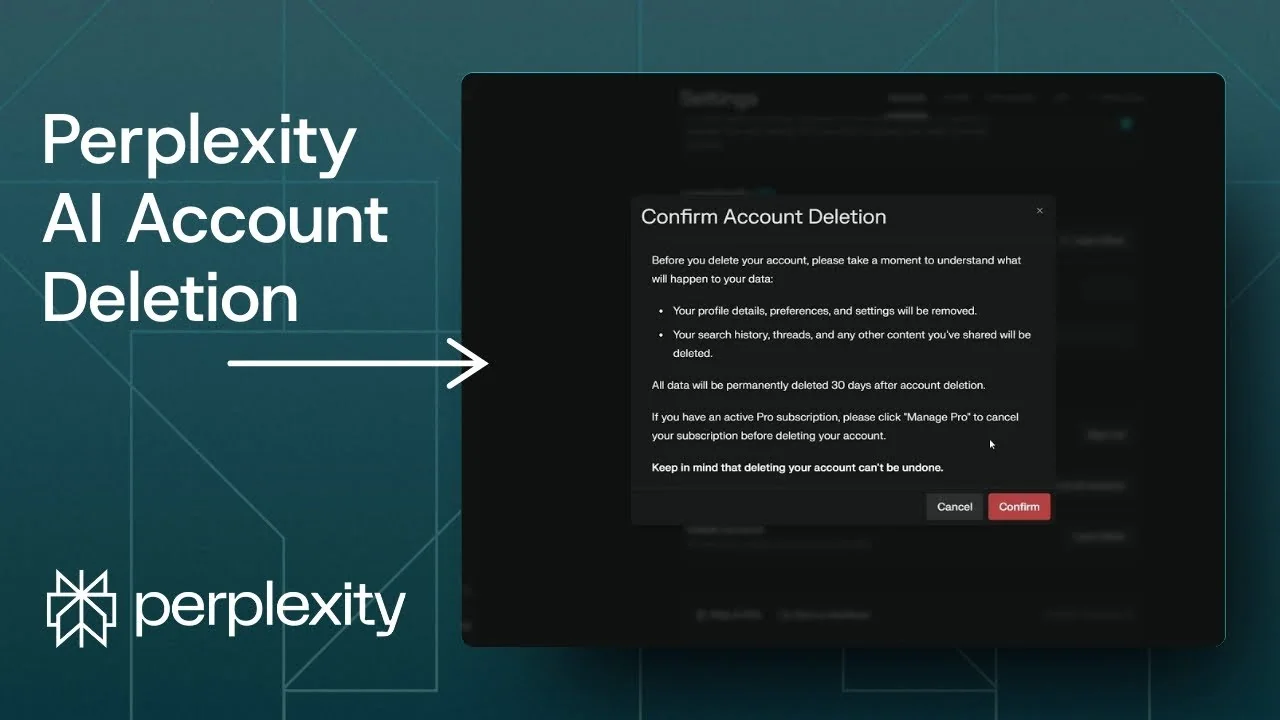
If you no longer wish to use Perplexity, you can delete your account. I am going to show you how to permanently delete your Perplexity account and what happens after deleting the account.
Make sure this is the right move for you, because once you confirm, there is no way to get your account back.
Read More: Eye Catching Ai Art Midjourney Prompts Styles
Perplexity AI Account Deletion Steps
Perplexity AI Account Deletion – Access Settings
Step 1: Open Perplexity.
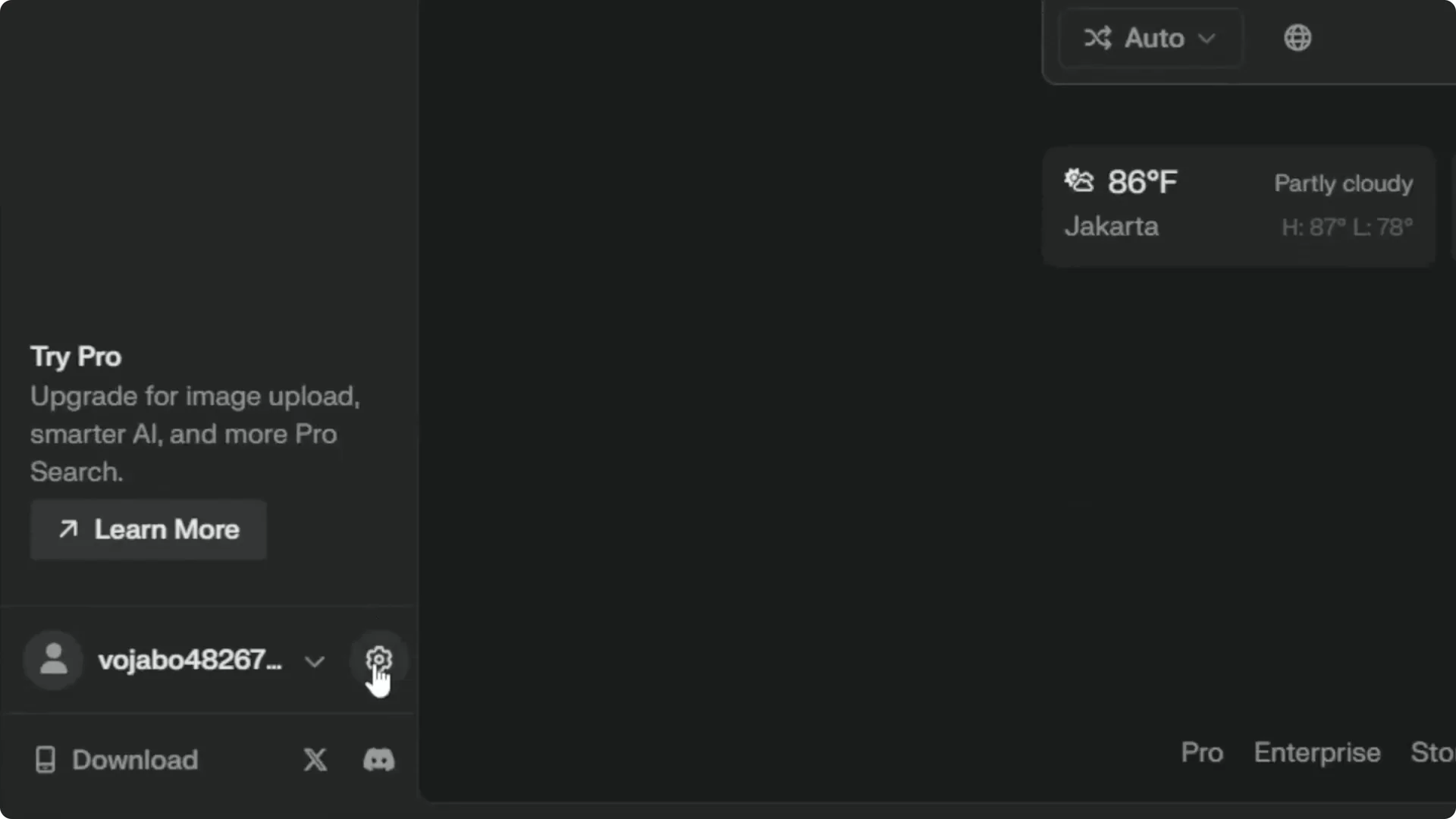
Step 2: Go to the Settings page by tapping the gear icon at the bottom.
Perplexity AI Account Deletion – Start Deletion
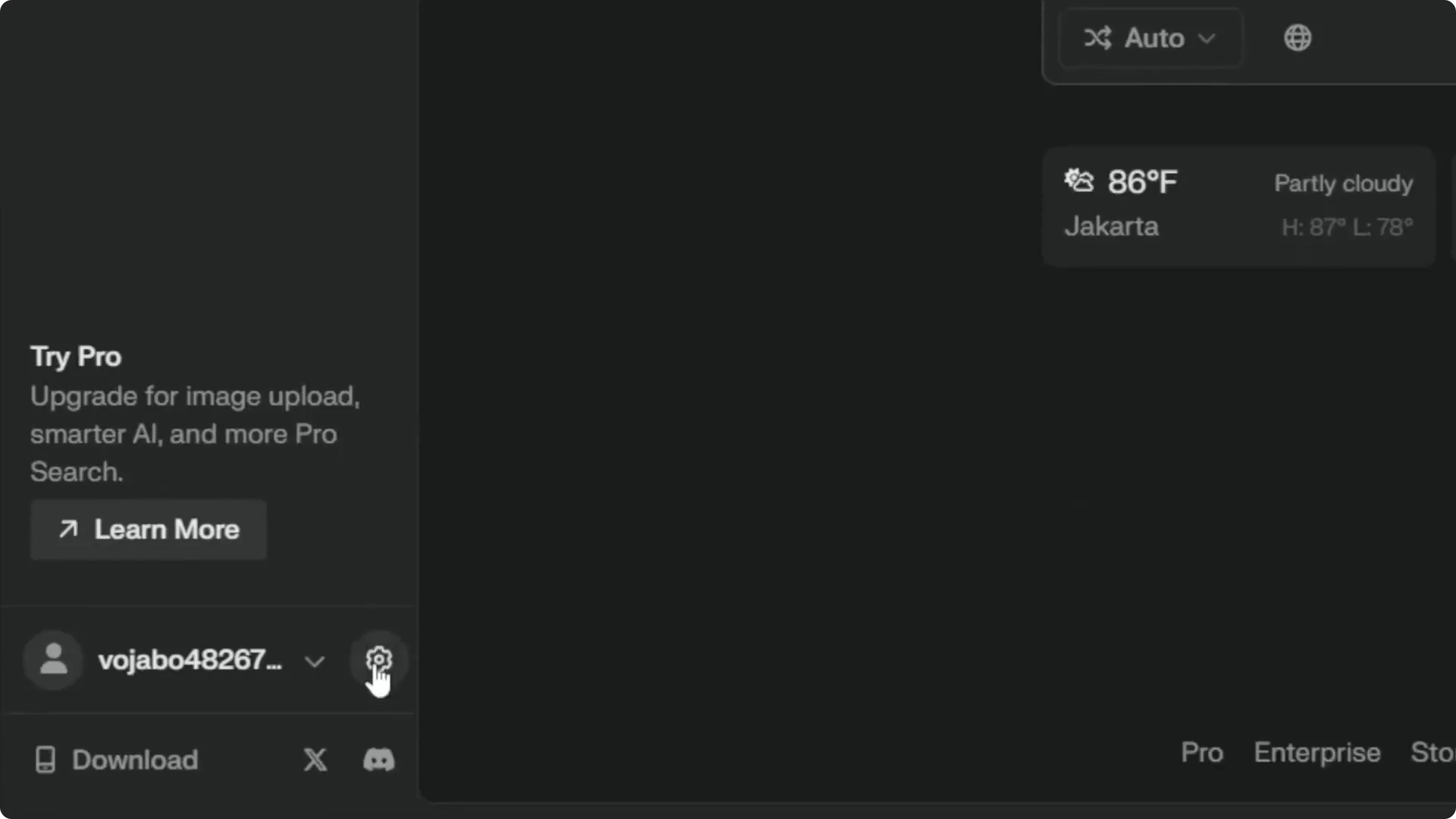
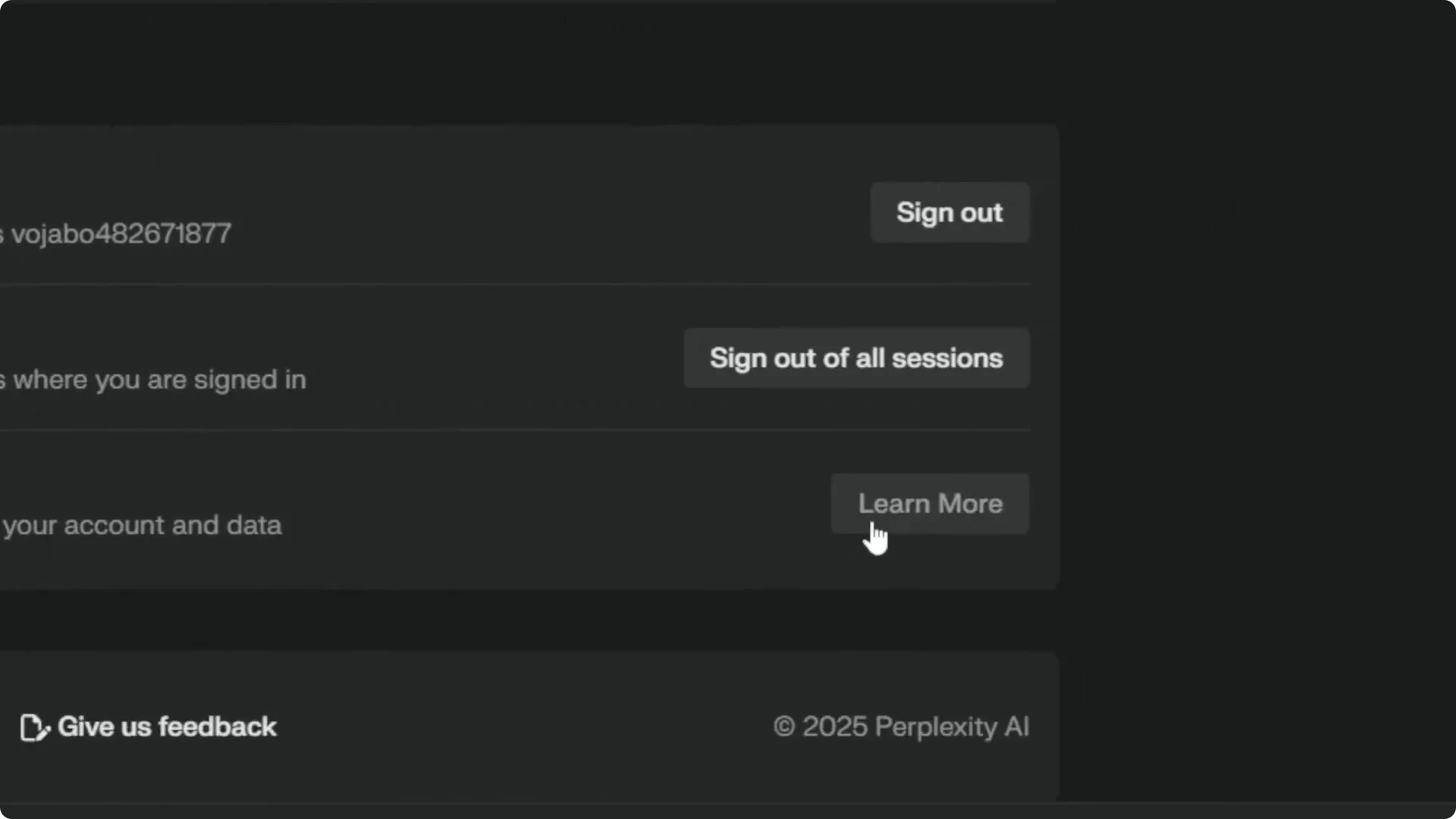
Step 3: In Account Settings, scroll down to the Delete Account section.
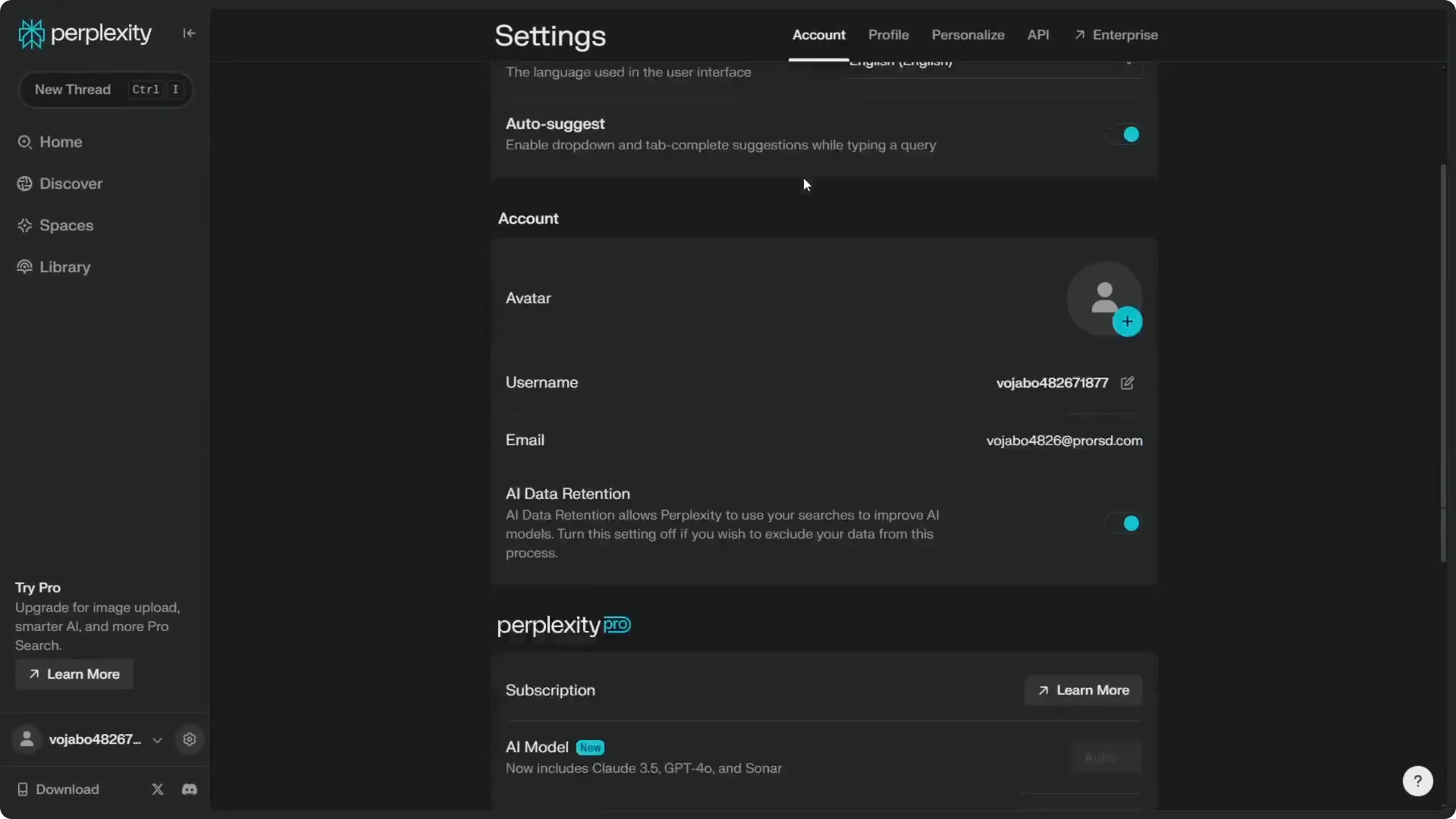
Step 4: Click Learn More.
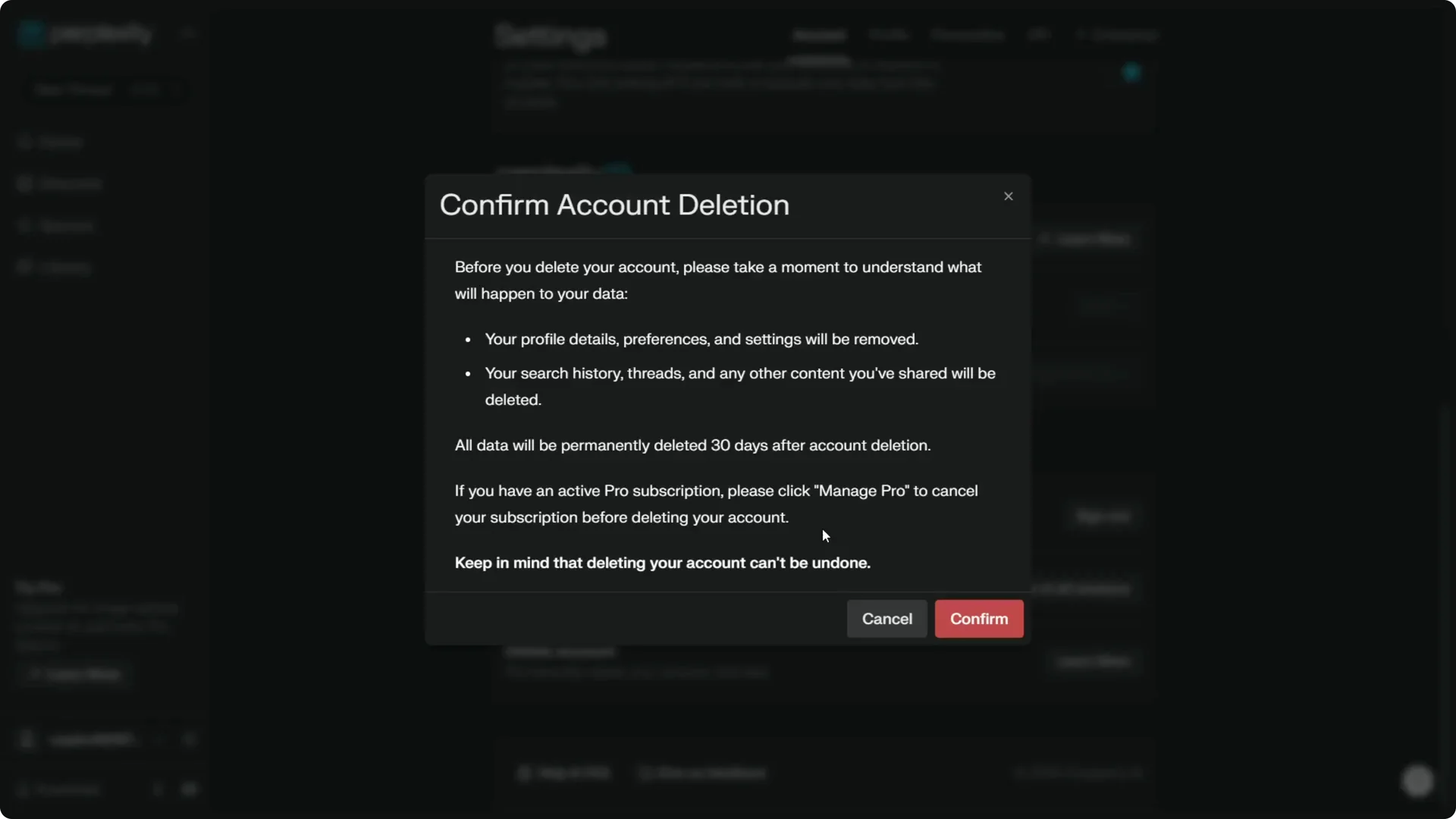
Step 5: You will see a message saying your profile details, preferences, settings, history, threads, and any Perplexity Pages you created will be removed permanently.
Read More: Hide Midjourney Images On Your Profile
Perplexity AI Account Deletion – Confirming
Step 6: This is permanent, so if you click Confirm, there is no way to get your account back.
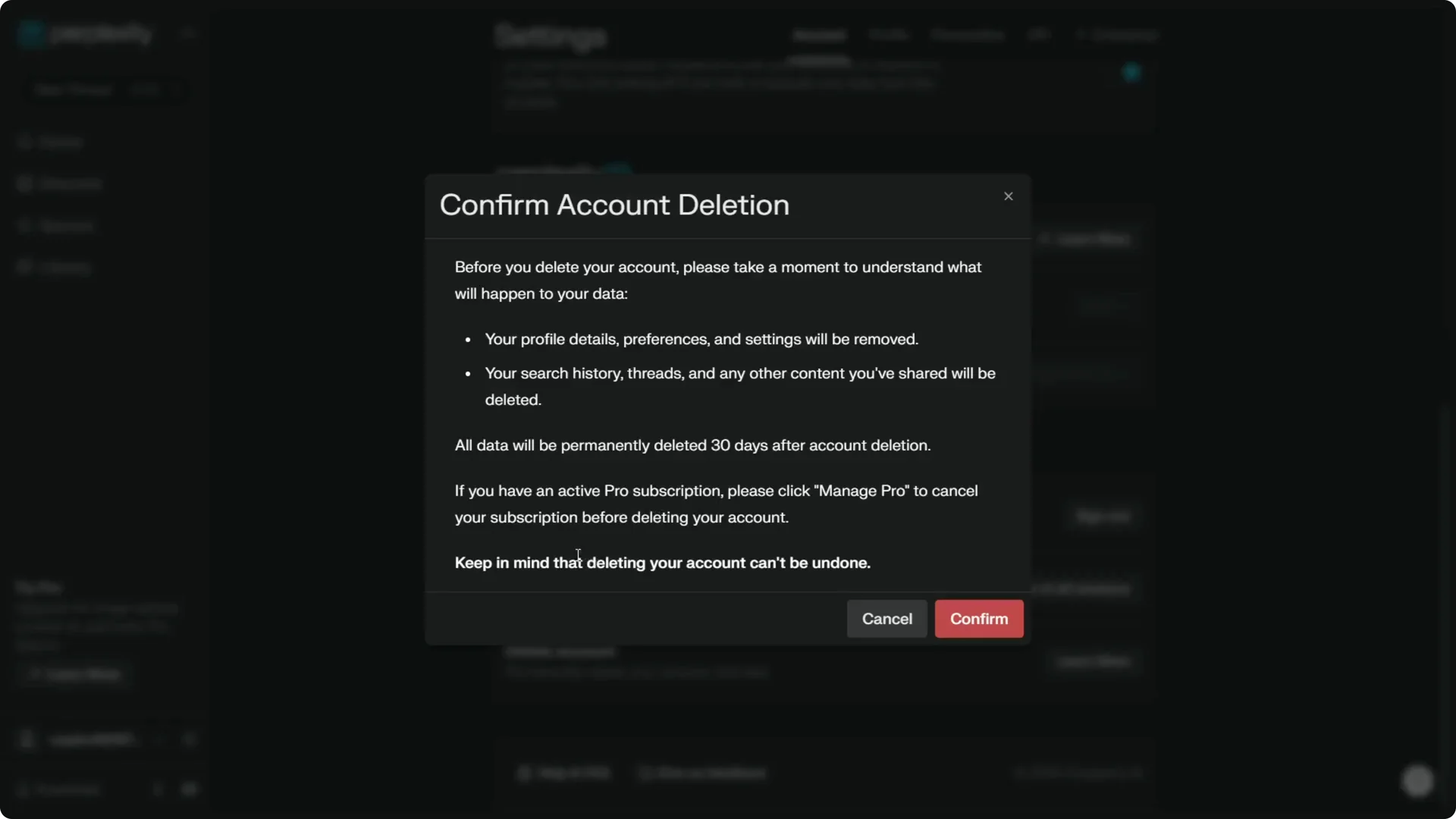
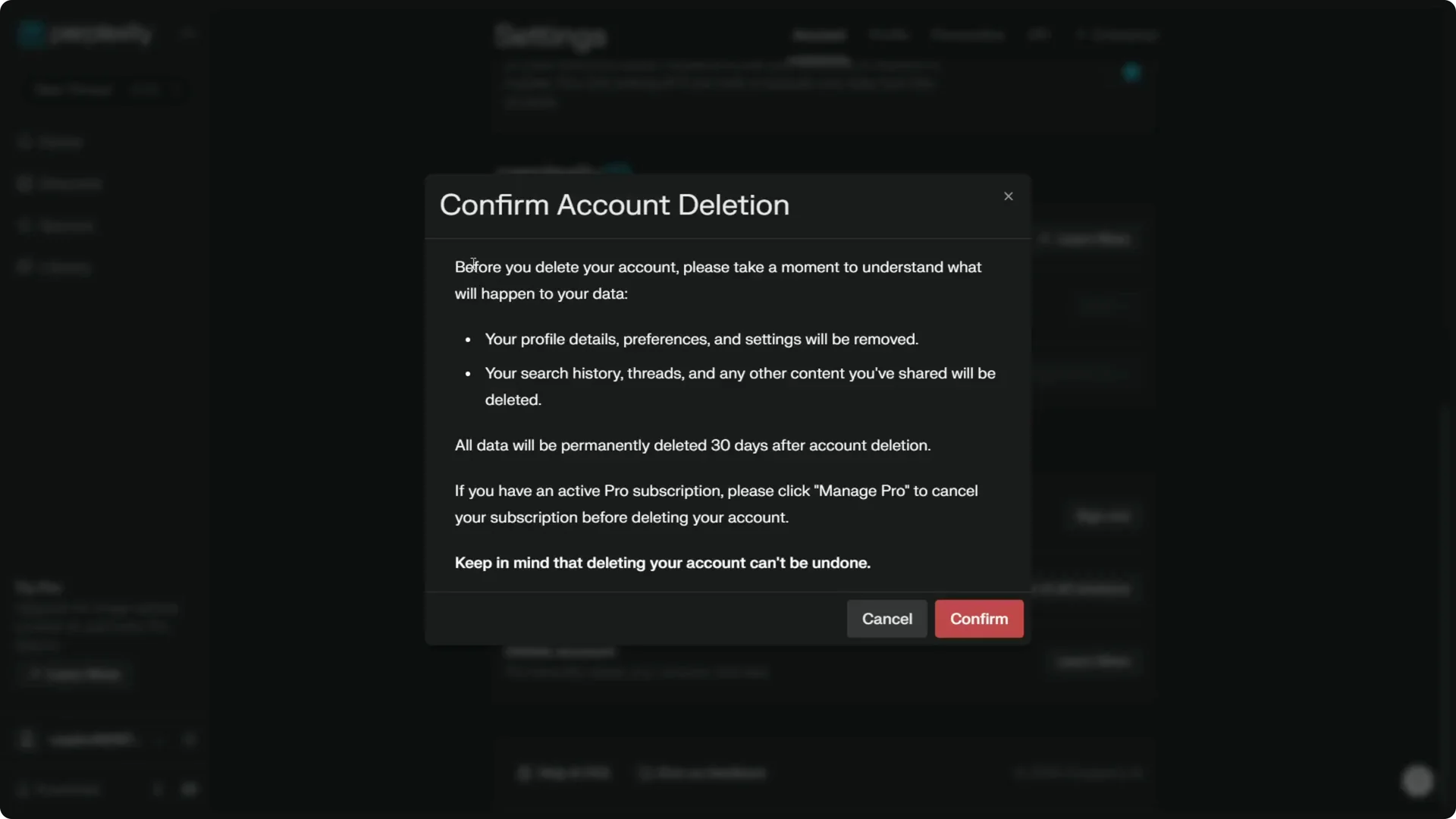
Step 7: When you understand this, click Confirm. It will log you out from the account and you cannot sign in to Perplexity again.
Read More: Add Your Face To Midjourney Images
What Happens After Perplexity AI Account Deletion
Everything associated with the account will be deleted in the next 30 days. That includes your profile details, preferences, settings, history, threads, and Perplexity Pages you created.
After you confirm, access ends right away while the data removal completes during that window.
Read More: Camera Control For Midjourney Ai Video
Final Thoughts on Perplexity AI Account Deletion
That is how you can delete your Perplexity account. Review the warning carefully, confirm only if it is the right move, and expect immediate logout with full deletion in about 30 days.
