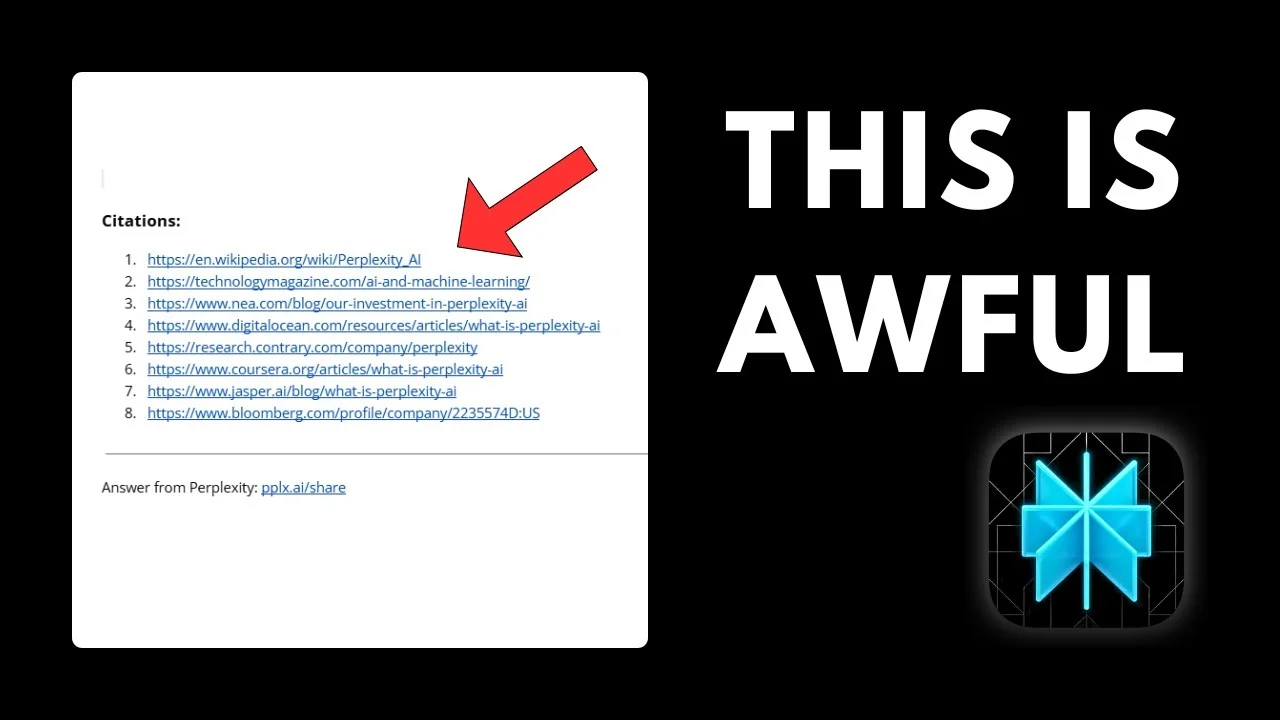
One of the most annoying things in Perplexity is seeing numbers at the end of a sentence or paragraph that was produced by AI. These are not random numbers, as they correspond to the index in the citation list. Perplexity is a tool for research, so it makes sense that it wants to provide the sources where it got information.

If I copy the content from Perplexity into Google Docs, there is a citation list at the end. There is also a label, which is actually very new. Perplexity was not putting this label before, but somehow now we have this, and the citation numbers at the end of the paragraph are still there.
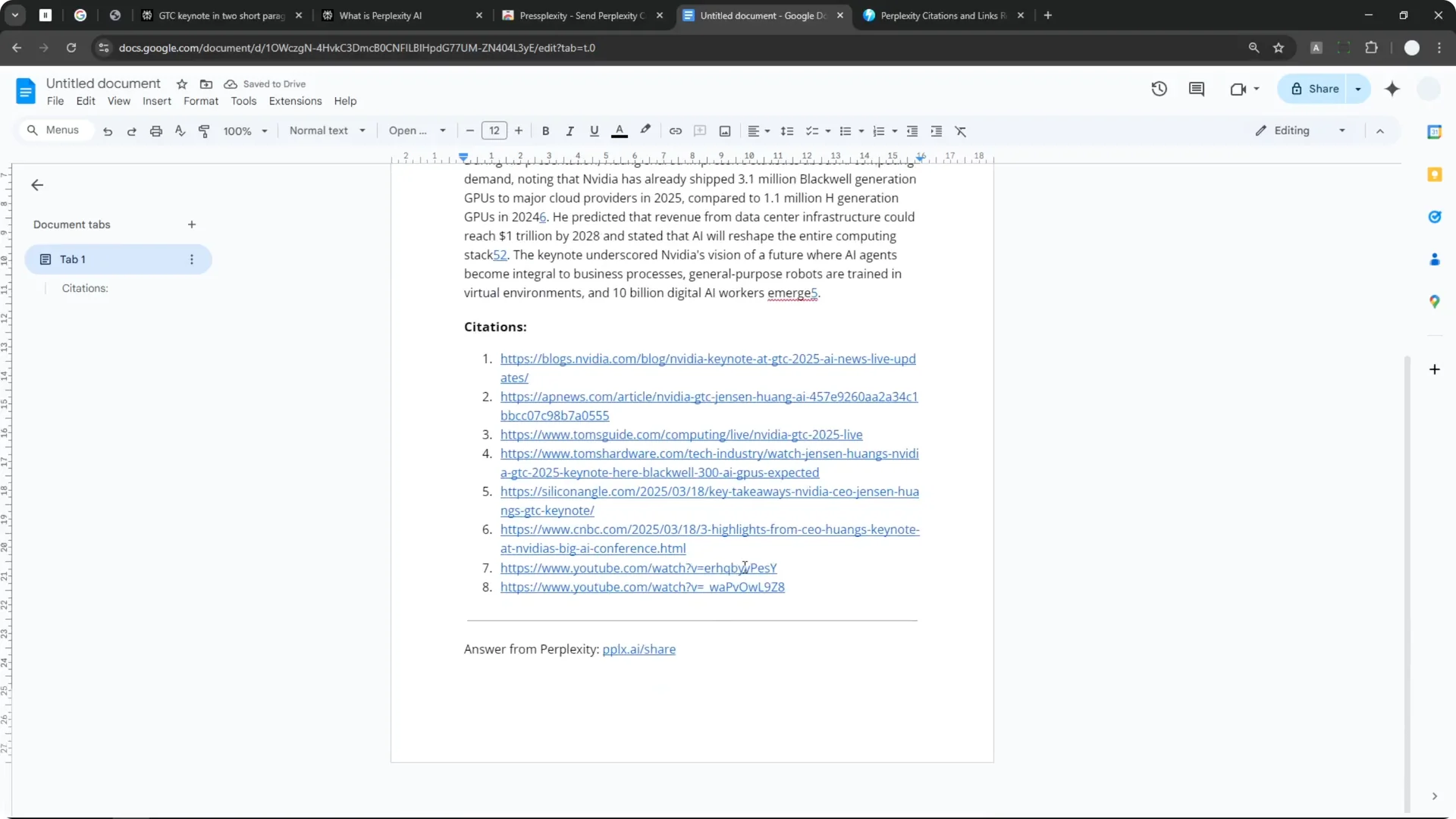
That is really annoying, and a lot of times you want to remove it manually. There is a way to remove it. Previously I introduced a Chrome extension called Press Plexity that adds a Copy Clean button.
Why Perplexity Citation Removal Matters
When you paste Perplexity content into your editor, those citation brackets and the final citation list can clutter the text. Sometimes you only want the paragraphs without the extra tags or links. Clean text looks better and saves time when you are editing.
Perplexity provides citations for transparency, which is great for research. But you might want to keep the core content and decide case by case if you need the references. Having control over what stays and what goes is the key.
Read More: Midjourney User Profiles
Perplexity Citation Removal With Chrome Extension
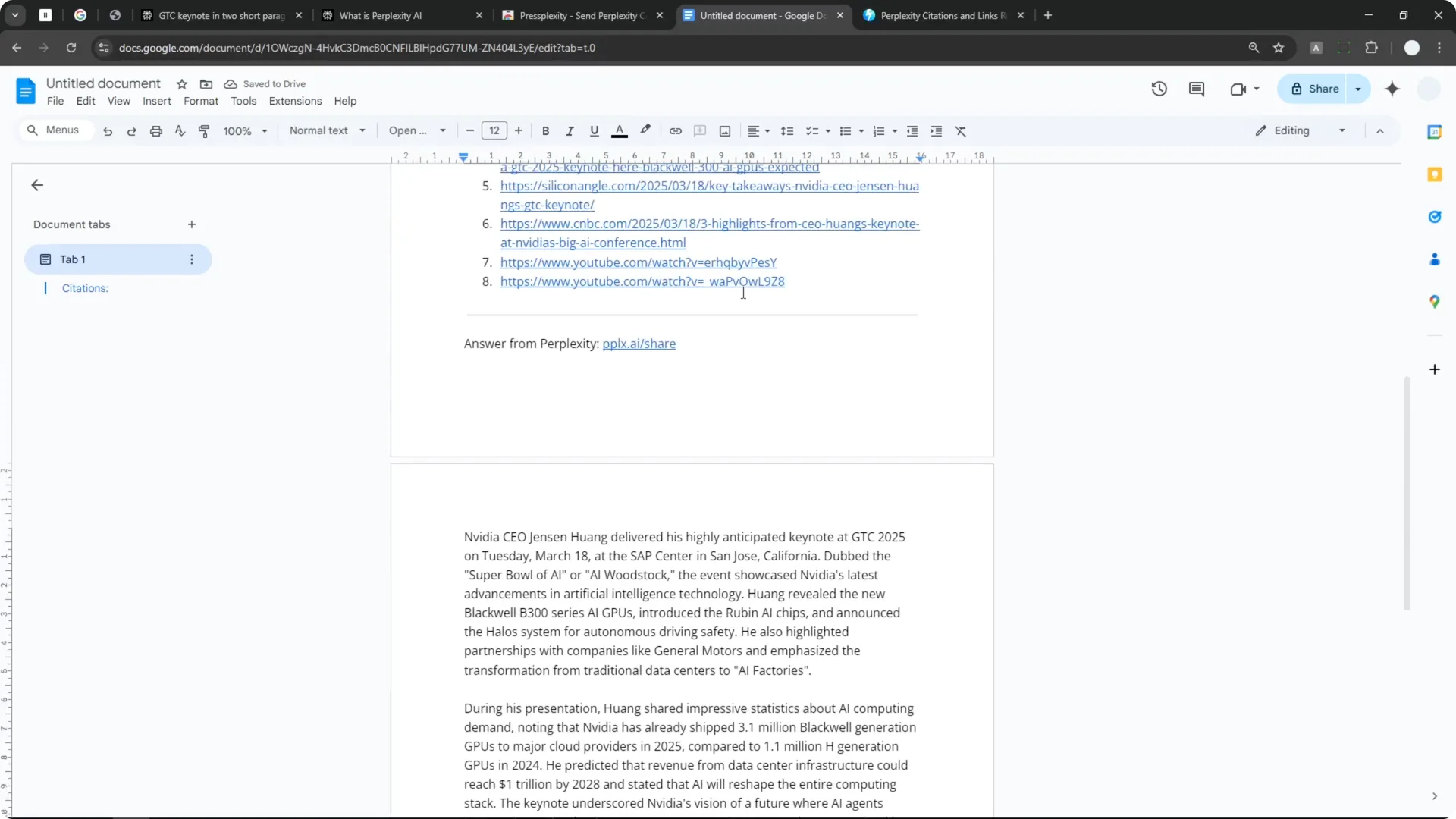
Press Plexity adds a Copy Clean button at the end of the answer. When you click it, you can clean the whole content without removing the citations manually. If I paste the clean version into Google Docs, it is just paragraphs and nothing else.

There are no citation numbers, no links, and no Perplexity label whatsoever. It looks a lot better and it will save your time. The problem is it is a Chrome extension, which some people might not want to install.
Sometimes Perplexity changes the user interface, and the Copy Clean button does not work anymore. You have to wait for the developers to update the extension, which could take several days. That inconsistency pushed me to look for a more reliable approach.
Read More: Hide Midjourney Images On Your Profile
Custom Perplexity Citation Removal Tool
I decided to create a tool to mitigate the issue. I created a tool called Perplexity Citations and Link Stream. This gives you final control over what elements in the Perplexity answer you want to remove.
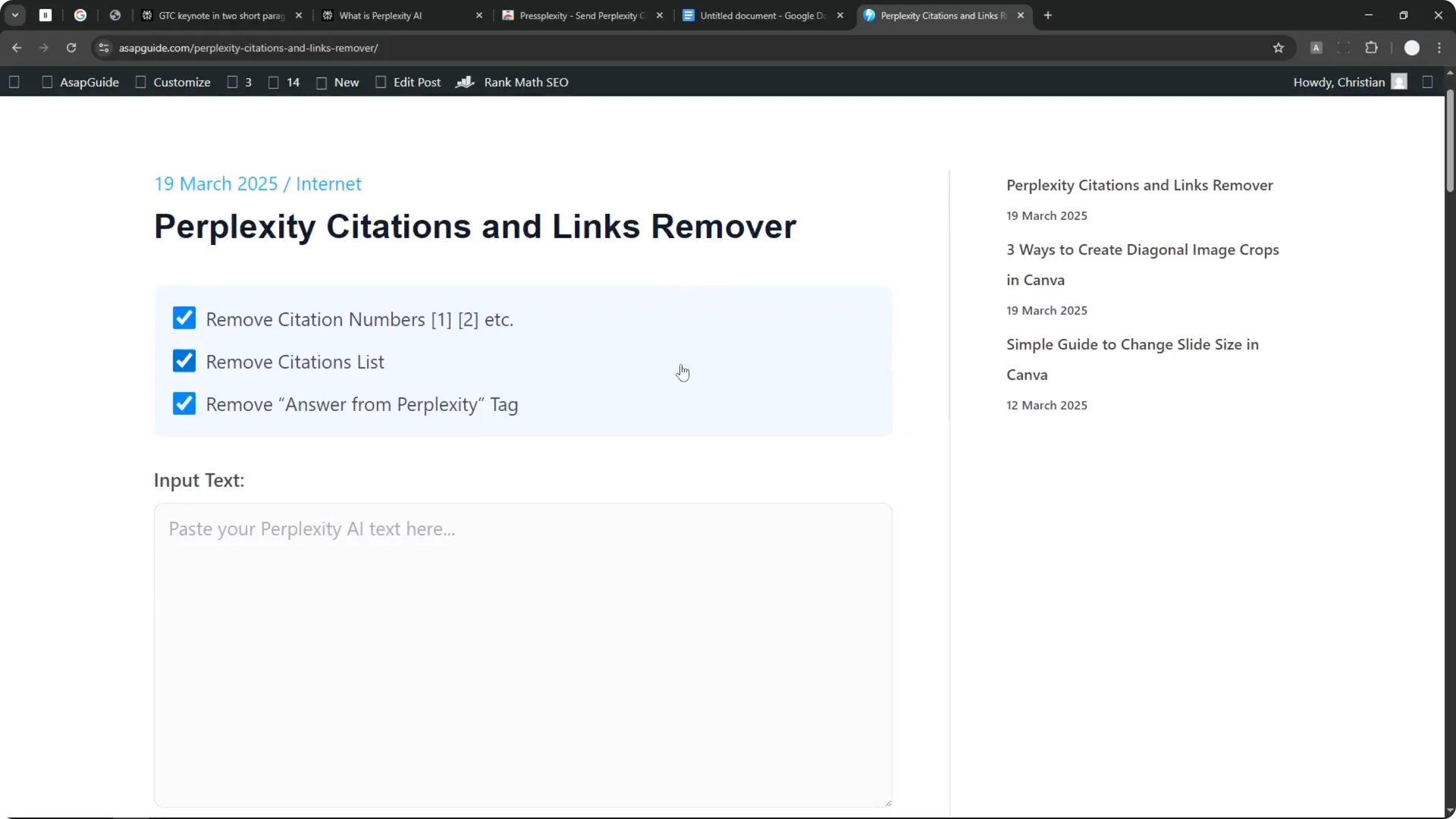
You can remove the citation numbers, the citation list, or the Answer from Perplexity tag. You can also select only one of them if you prefer. You can customize it based on your needs.
Perplexity Citation Removal Demo
I copy a Perplexity answer, paste it into the tool, and click Clean the text. It processes the text and shows the result. The paragraph becomes a lot cleaner, with no citation numbers or links anymore.
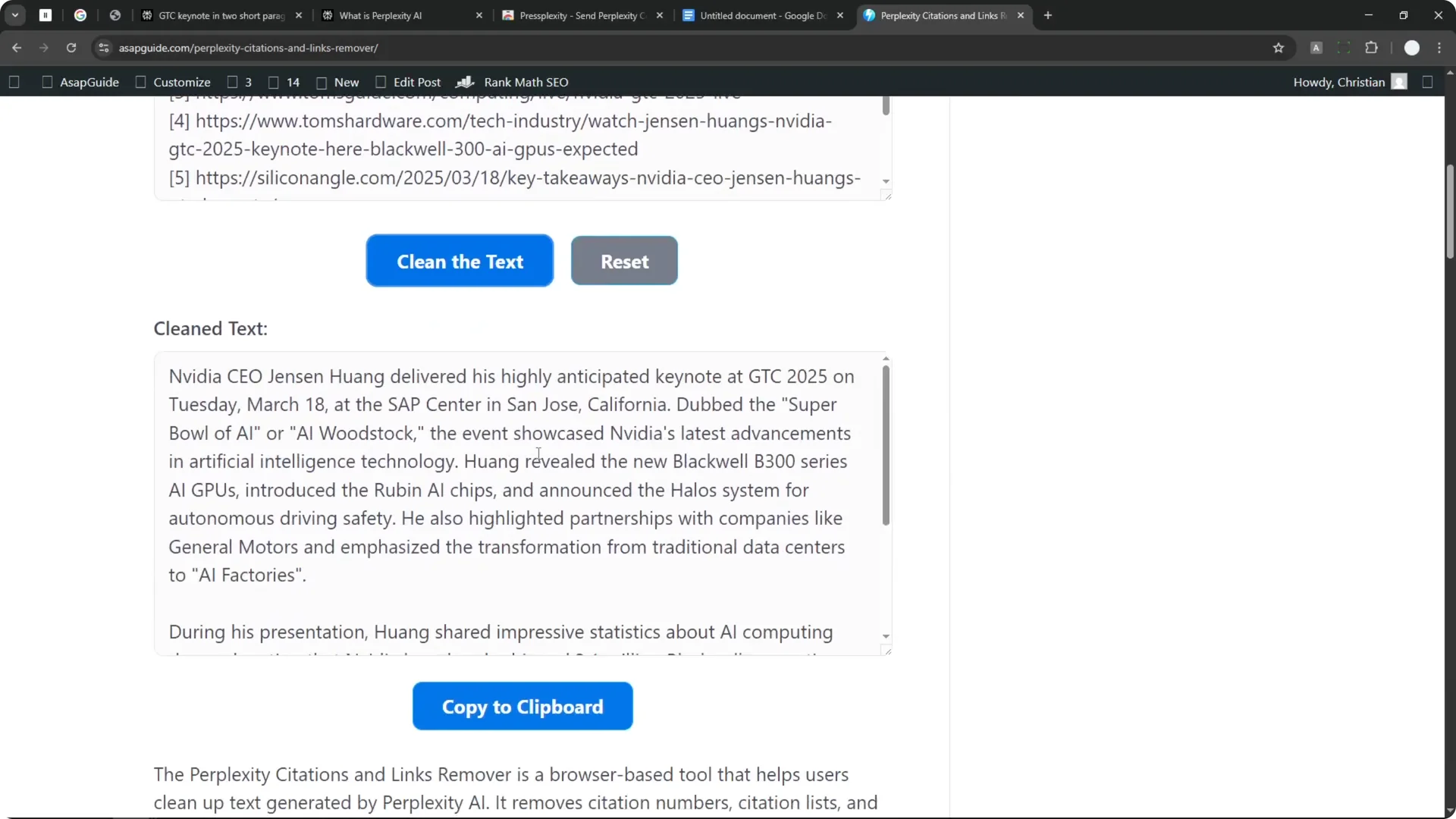
Perplexity Citation Removal Customization
The best part is that you can customize the setting. For example, I can leave the citation numbers and citation list but remove the Answer from Perplexity tag. Run it again and it applies the setting.
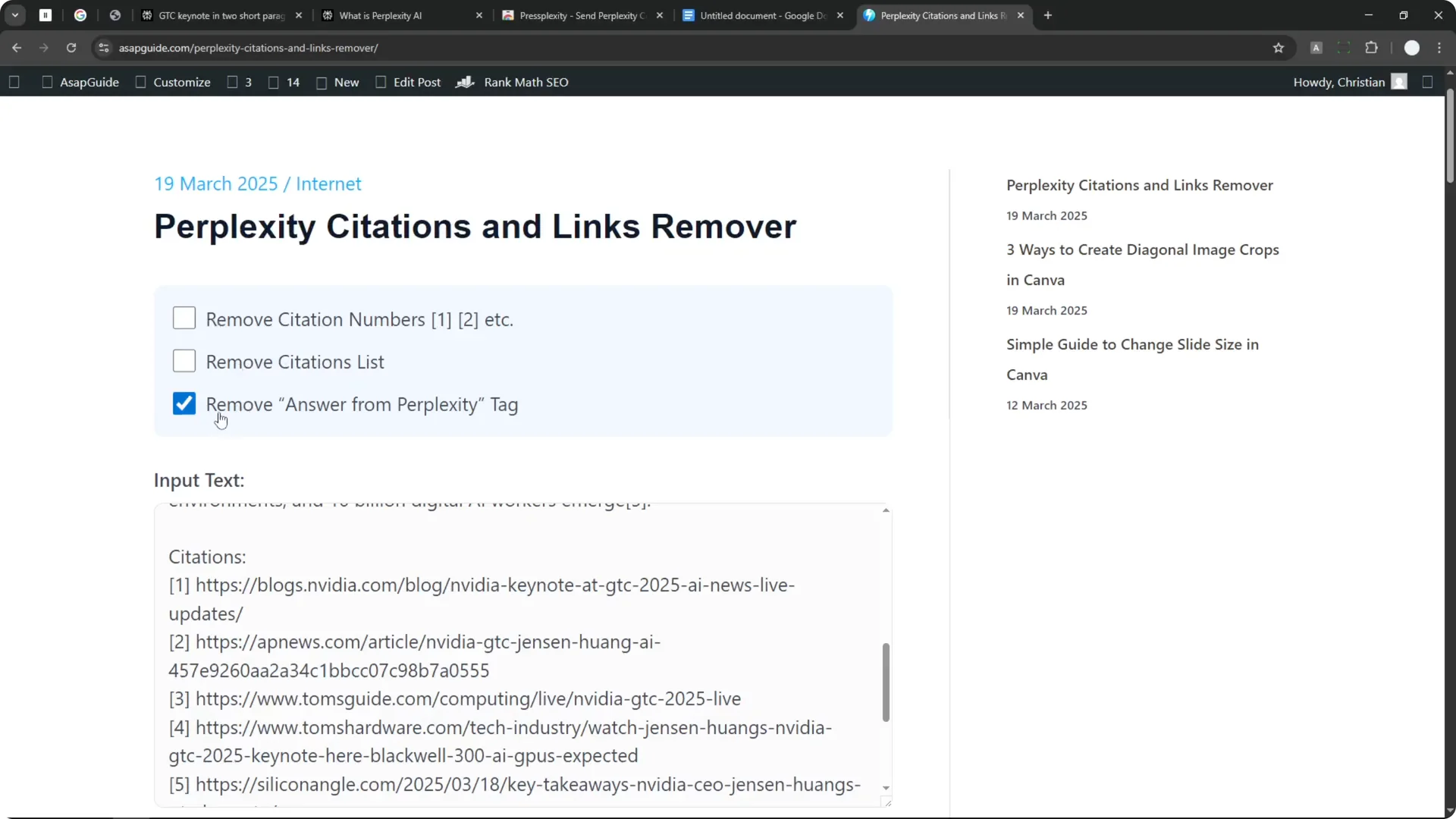
The result is much finer. The citation numbers and the links are still there, which might be useful if you want to add some credibility to the content. There is no label whatsoever.
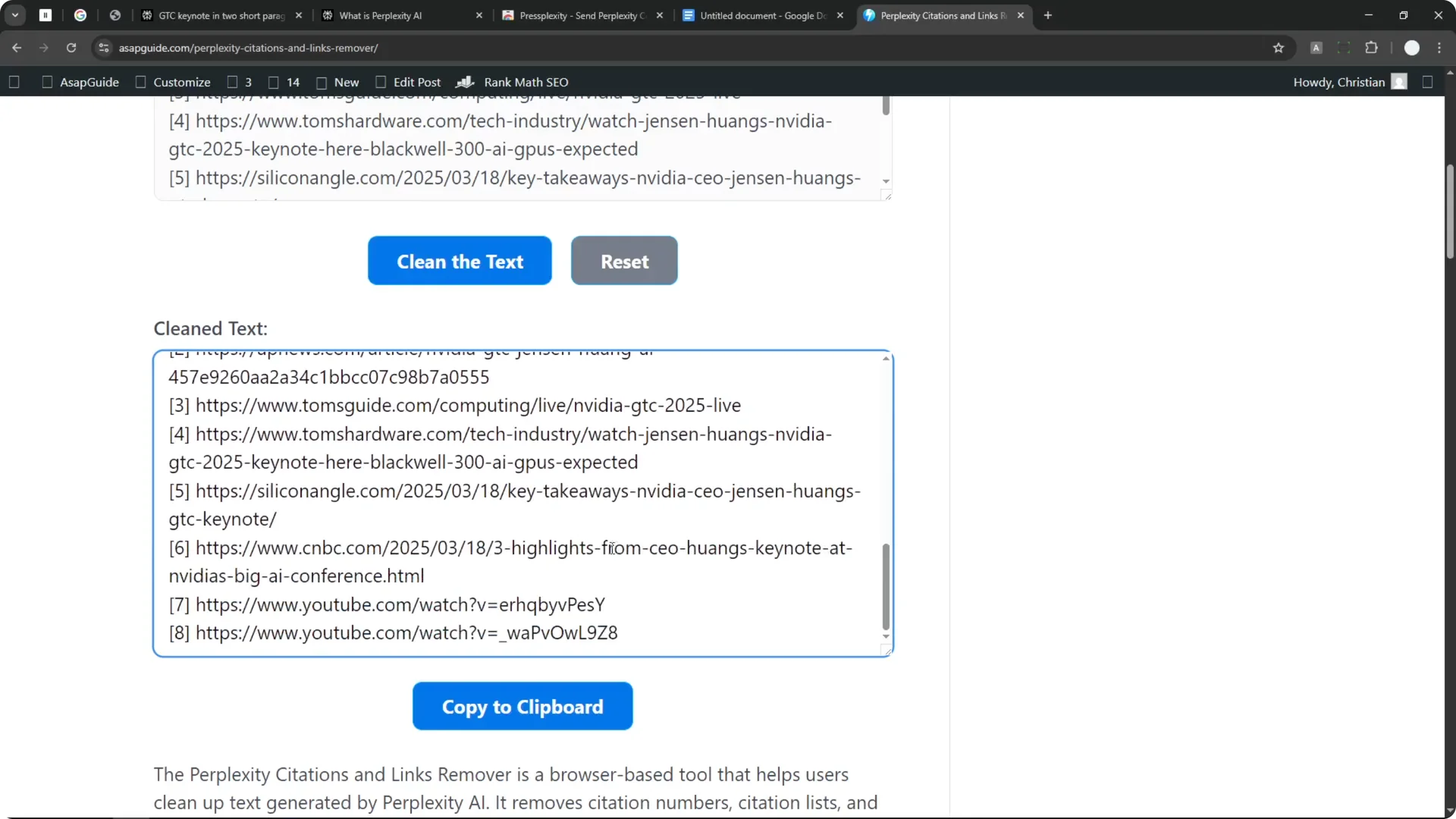
This is the benefit of using this tool. It is unlikely to suddenly stop working when Perplexity updates the UI. I think this tool is much more reliable.
Read More: Midjourney Style Creator
Step-by-Step Perplexity Citation Removal
Method 1 – Chrome extension
Step 1: Install the Press Plexity Chrome extension.
Step 2: Generate or open an answer in Perplexity.
Step 3: Click the Copy Clean button added by the extension.
Step 4: Paste the cleaned text into your editor, such as Google Docs.
Method 2 – Custom tool
Step 1: Copy the text from your Perplexity answer.
Step 2: Paste the content into the Perplexity Citations and Link Stream tool.
Step 3: Click Clean the text to process the content.
Step 4: Adjust settings to remove citation numbers, the citation list, or the Answer from Perplexity tag, then run it again.
Read More: Hide Bulk Download In Midjourney
Final Thoughts on Perplexity Citation Removal
Perplexity’s citations are useful for research, but they can clutter your text when you just want clean paragraphs. The Press Plexity extension works well when it is compatible, and the custom tool gives you precise control over what to remove. Keeping the content clean while preserving credibility is much easier with these options.
