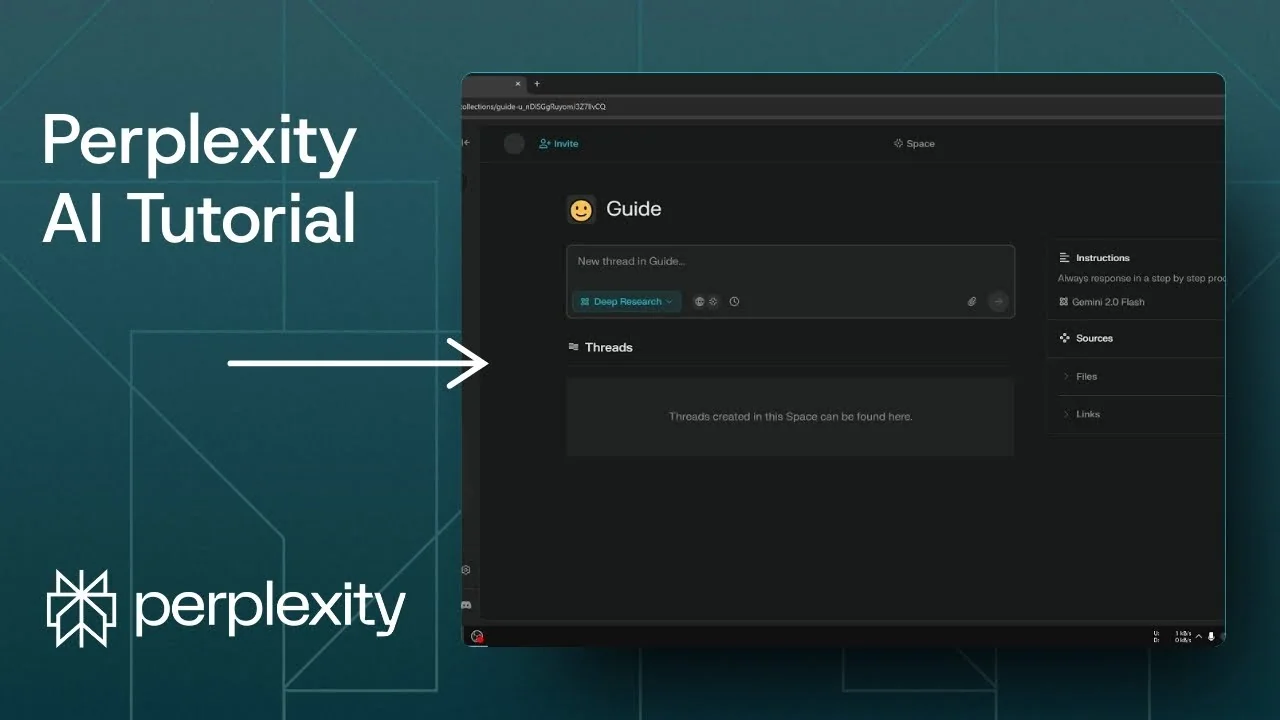
Perplexity Spaces is basically just like a folder and it’s very easy to understand. If you want to use Perplexity Spaces, navigate to the Spaces menu. I have some spaces that I created on my account.
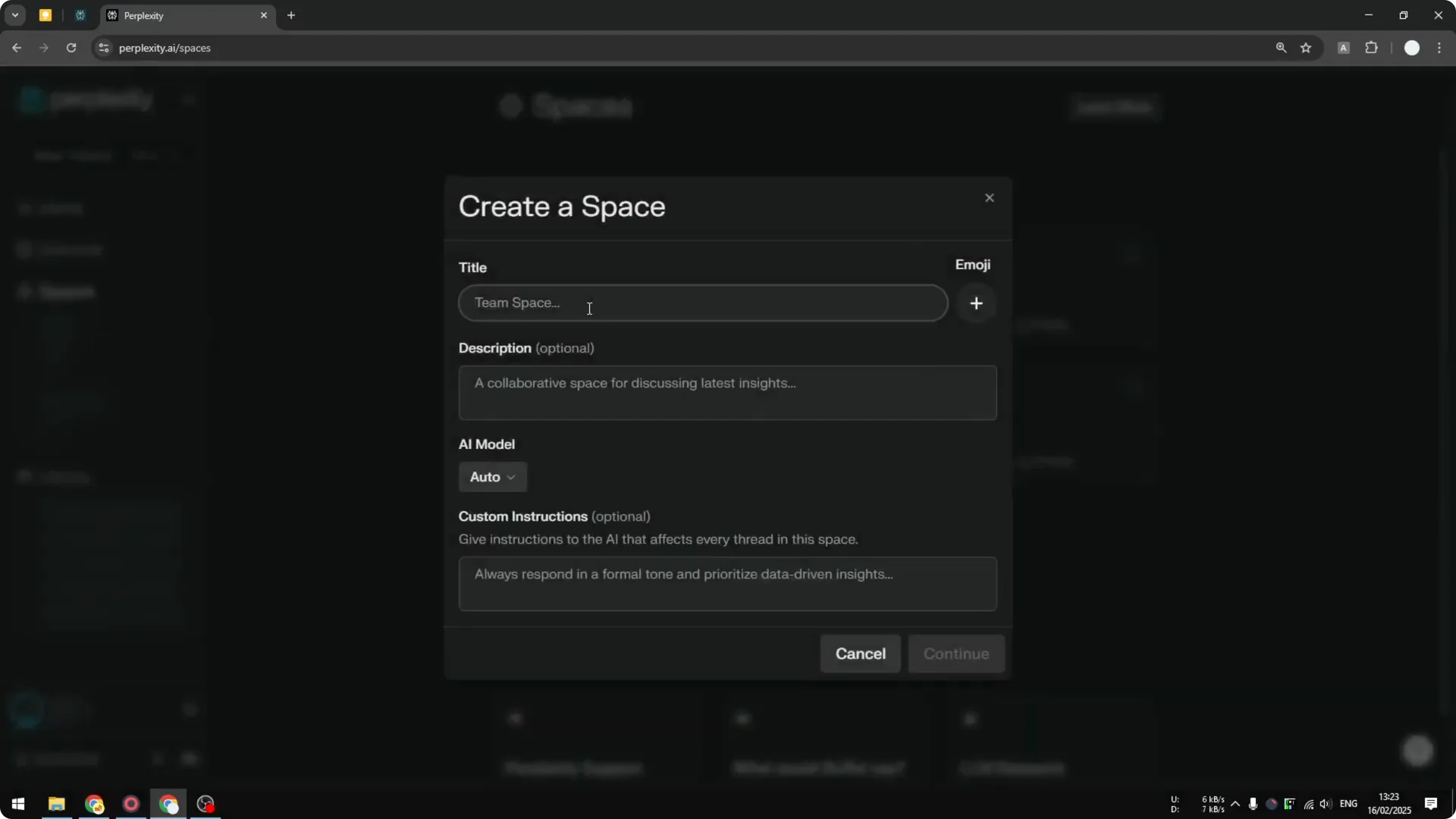
If you want to create a new space, click the button that says Create a space and give it a name. I might call this space Guide, and you can select an emoji. I think that’s a nice thing to have because it makes it more personal.
Right now it does not allow you to upload a profile picture, but the emoji is good enough. I’ll use a simple smile emoji. There you go.
Using Perplexity AI Spaces
Create a space
Step 1: Navigate to the Spaces menu and click Create a space. Give the space a clear name.
Step 2: Pick an emoji for the space. It adds a bit of personality when you browse your spaces.
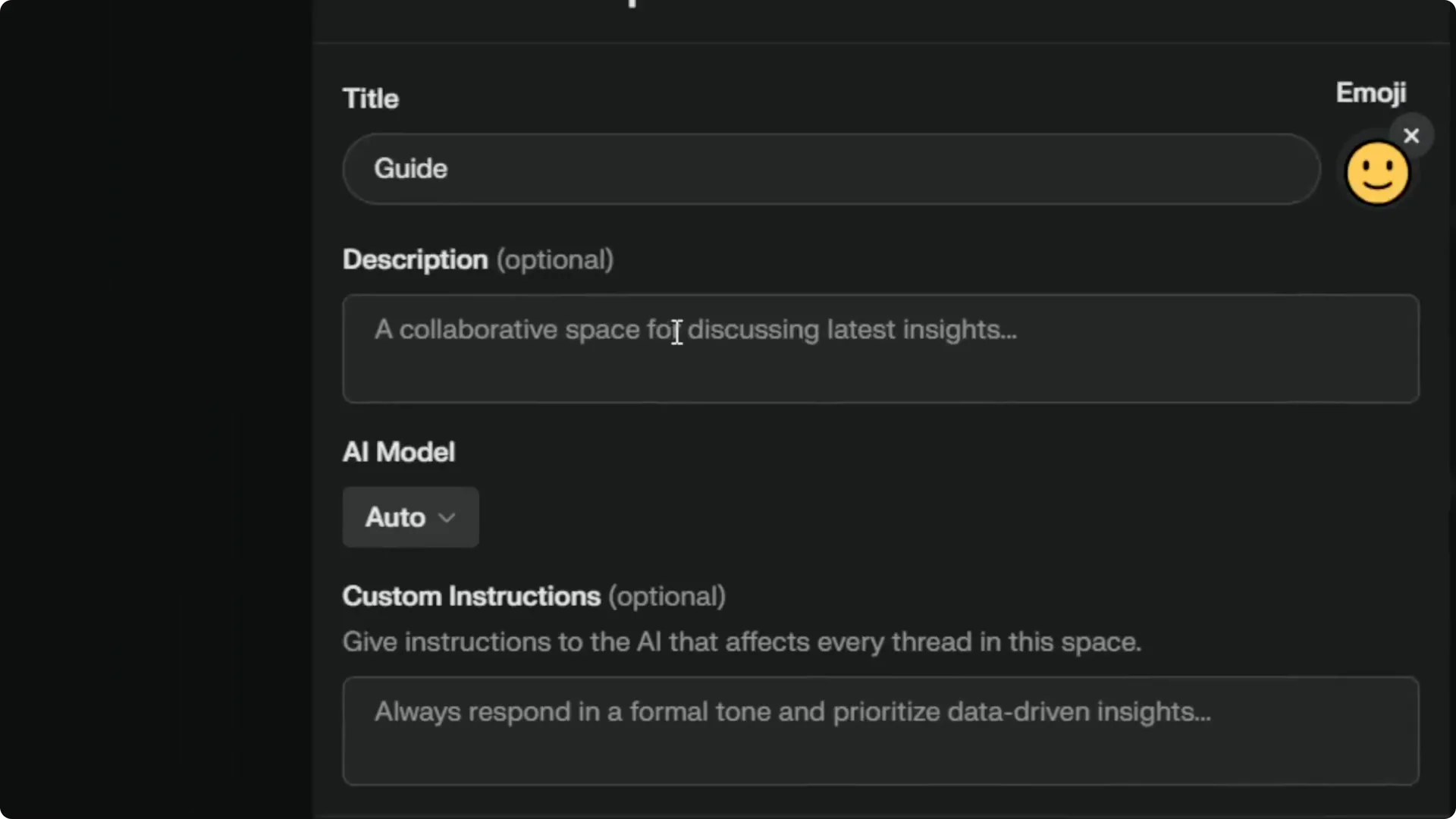
Step 3: Add a description if you want. This is not going to be sent to AI, it is just how you want to describe the space, and you can skip it.
Step 4: Select the AI model. On my Perplexity account the default model is Sonar, but I can override the setting for this space.
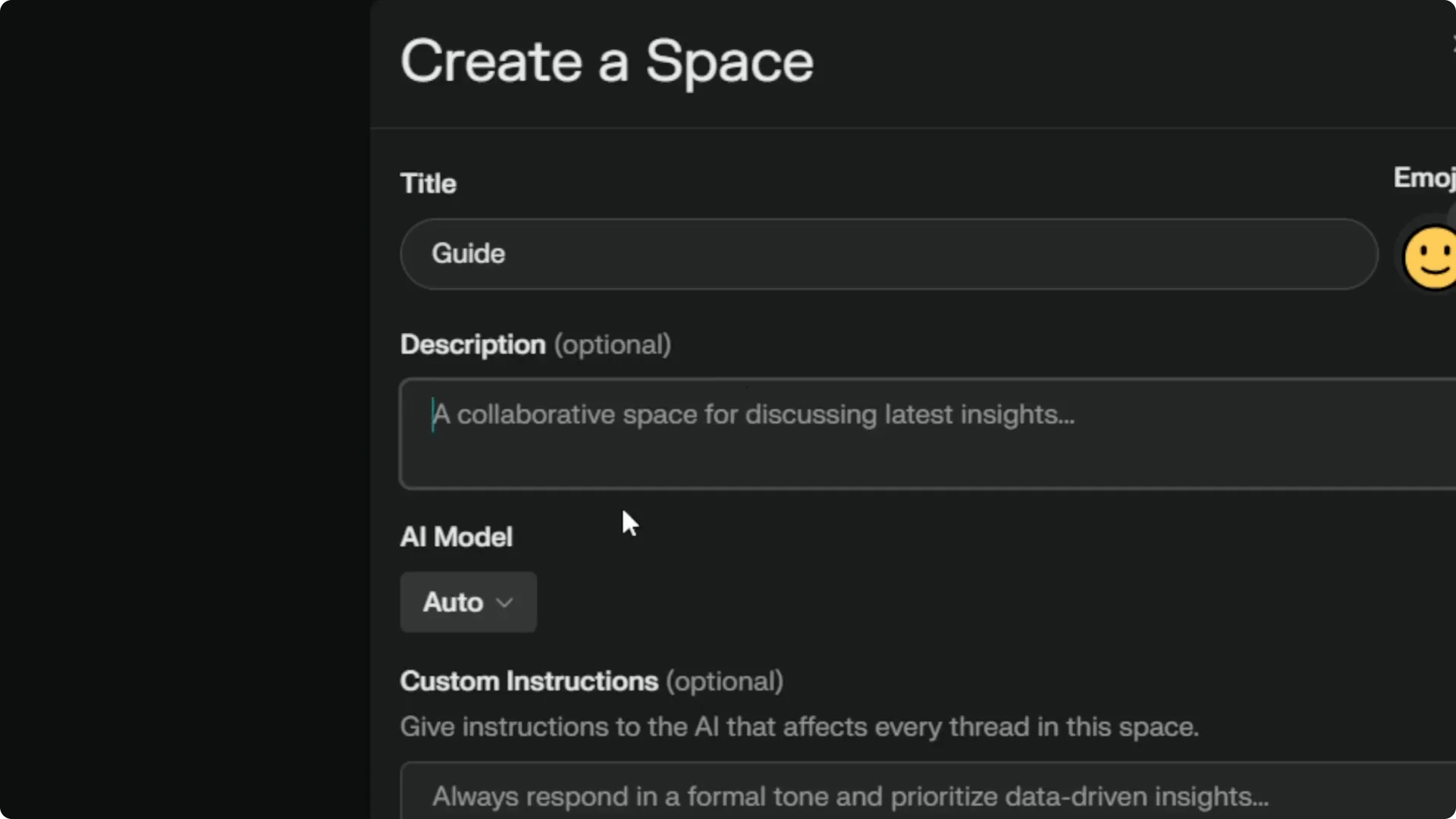
Step 5: When I create a new thread within this space, it will use the model I set here. Let’s try using Gemini 2.0 Flash for this space.
Step 6: Set a custom instruction. Think of it as the system instruction that you can send to the AI, for example, always respond in a step by step process.
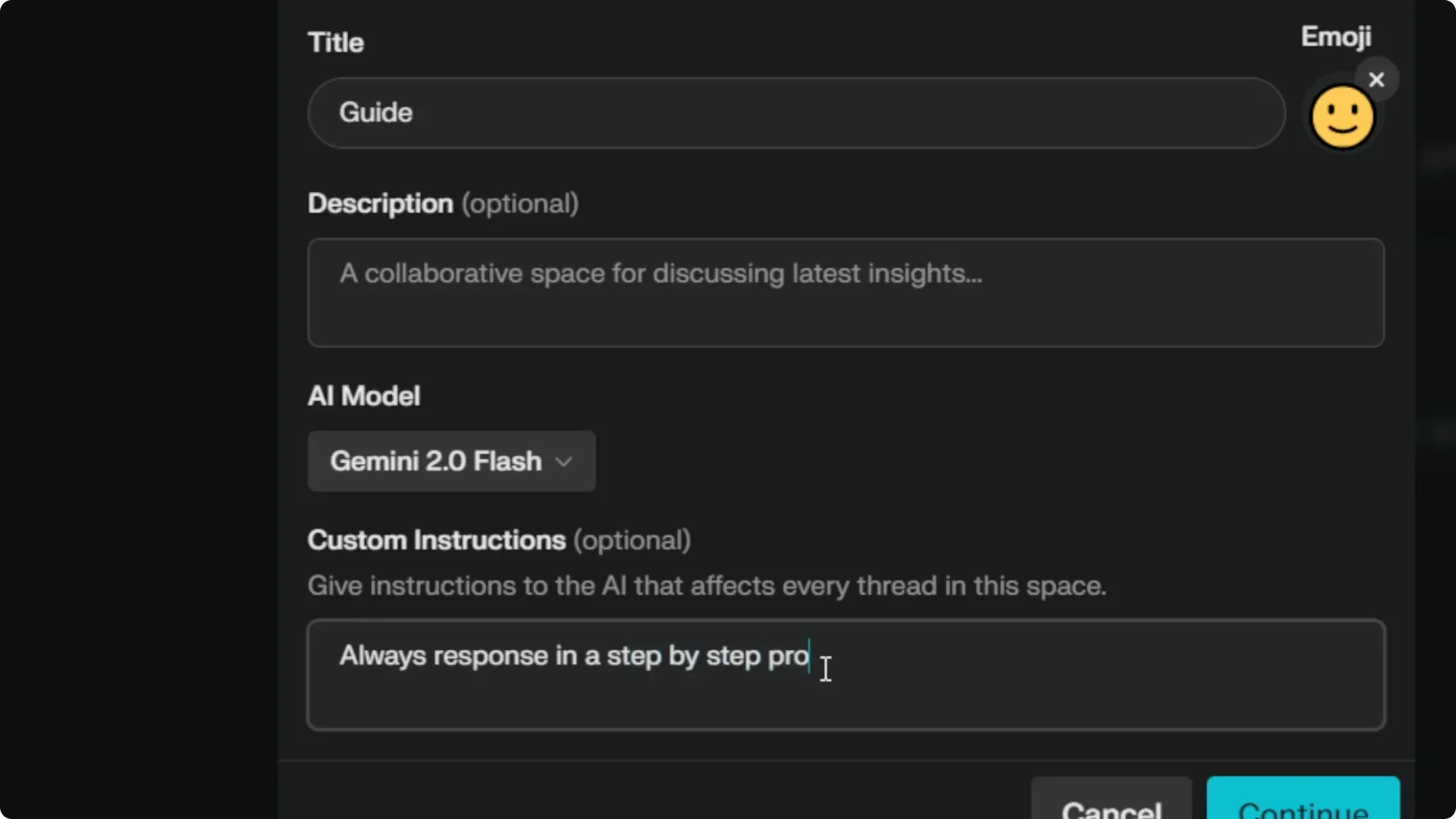
Step 7: Click Continue. The space is created and you can start using it.
Read More: Create Superior Ai Art
Files and links
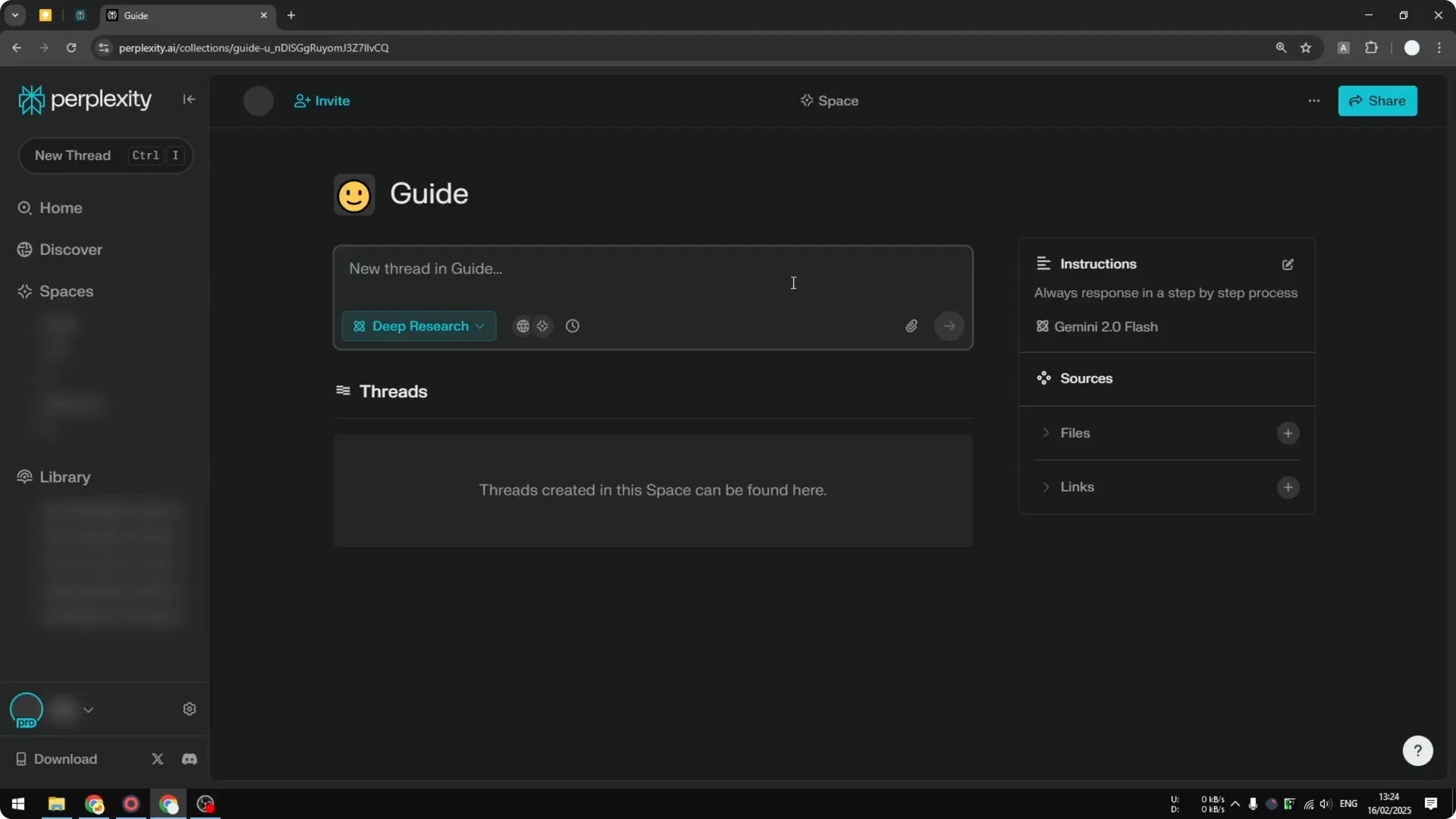
There is an option to upload a file. If you have a document, you can use it and make AI read the document for you. You can also add a link if you have a website that Perplexity might need to visit.
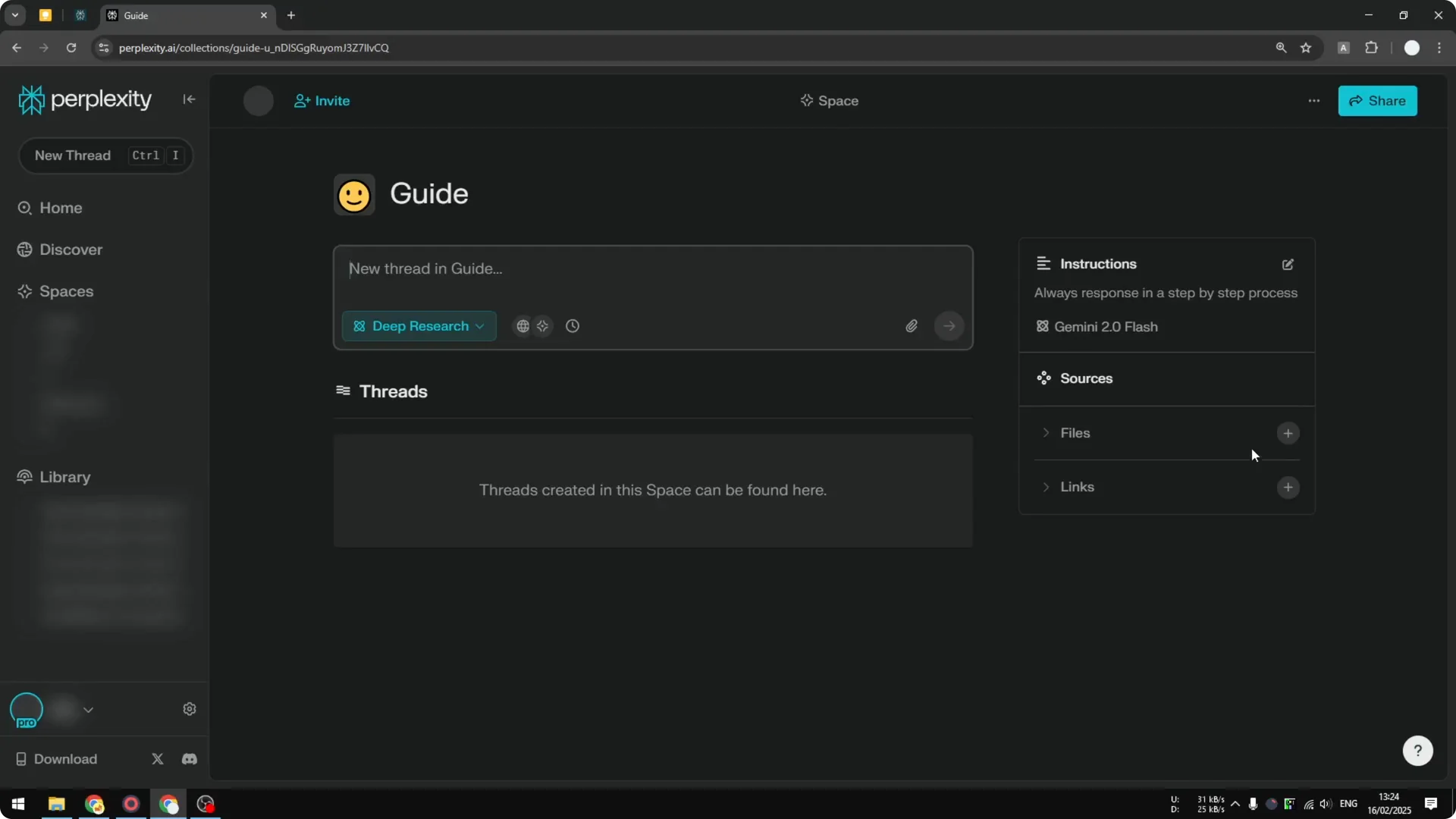
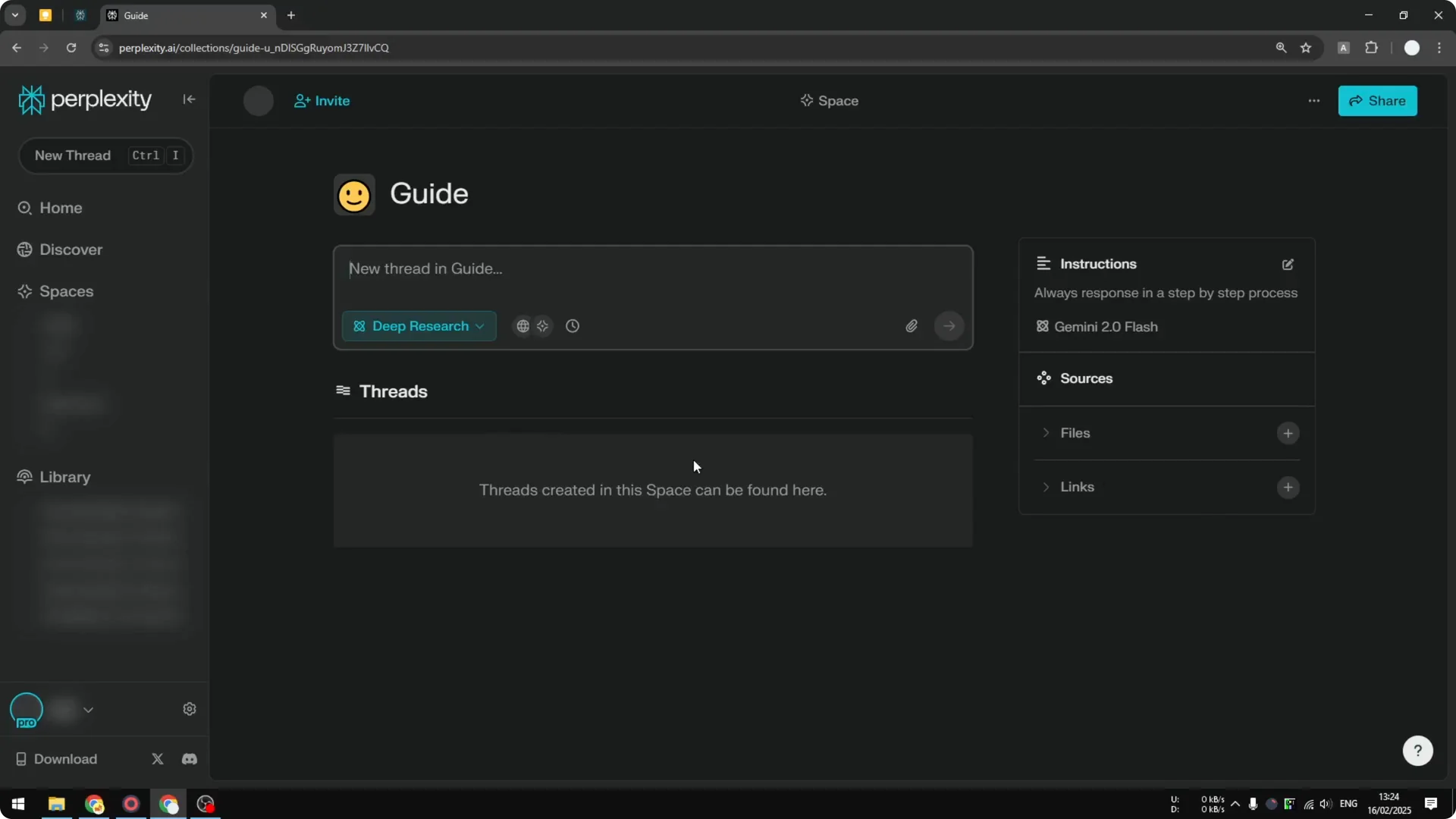
This is where you can start writing a prompt and create a new thread. The space settings apply to new threads you create inside it. That includes the model you chose and the custom instruction.
Read More: Eye Catching Ai Art Midjourney Prompts Styles
Start a thread
I will ask a question about how to apply for a visa and send the query. It responds in a guide format, which makes sense because I am asking for a step-by-step guide.
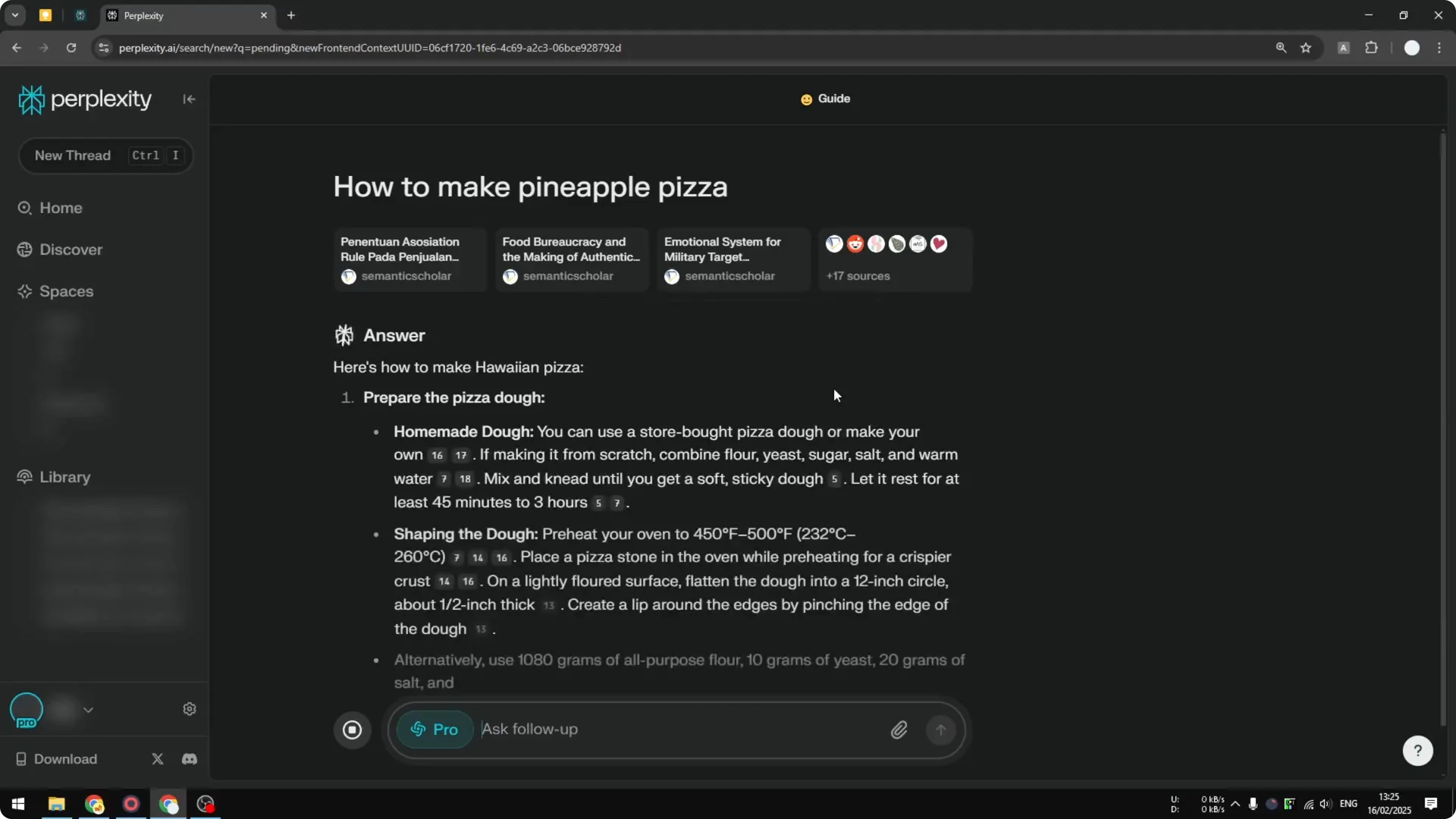
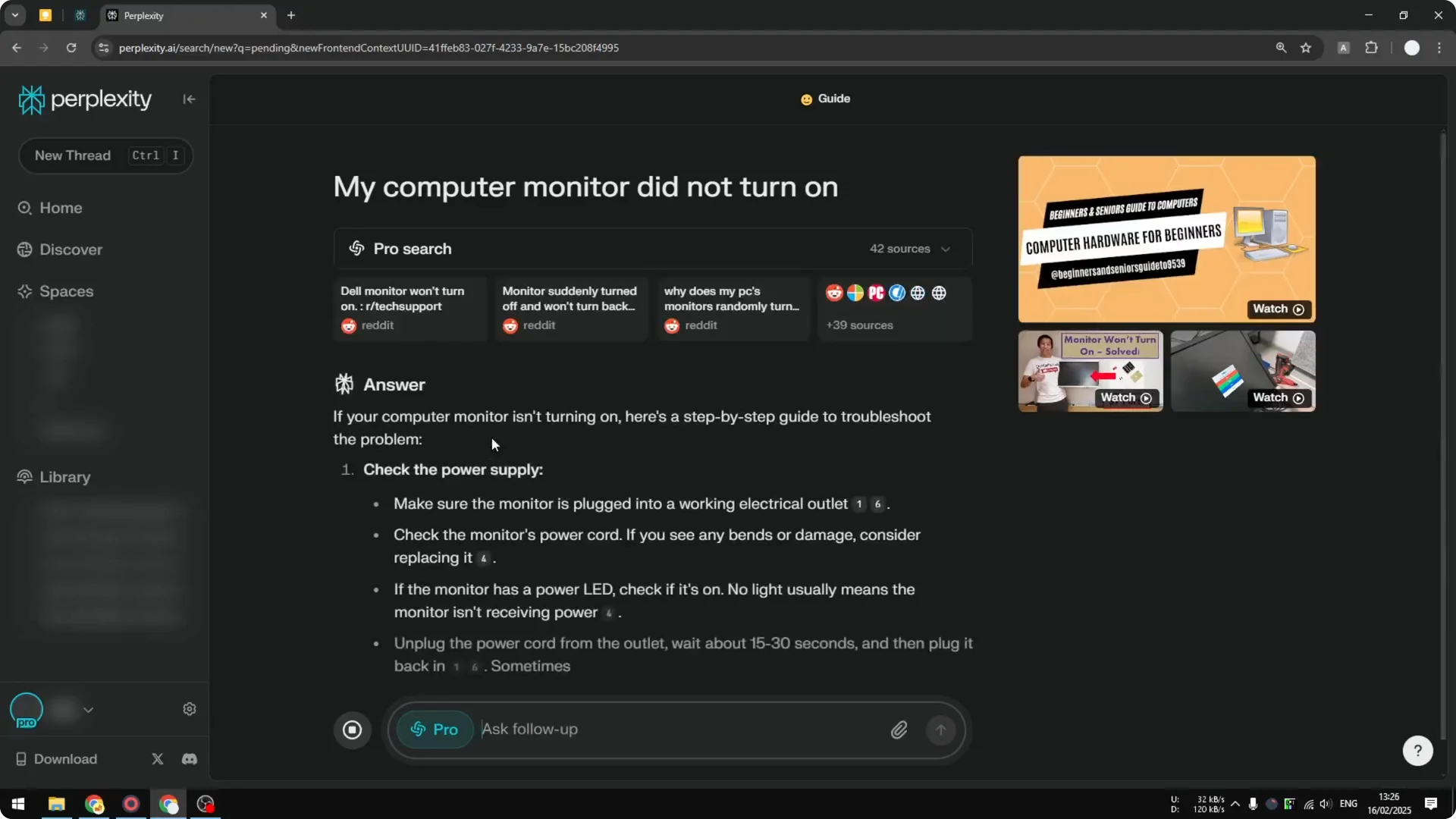
What if the prompt does not ask for a guide. Let’s say I have a problem with my computer, my monitor did not turn on. Usually it answers in a step-by-step format instead of just paragraphs, showing step one, step two, step three.
Read More: Transformative Ai Art Midjourney Prompts
Assign threads to a space
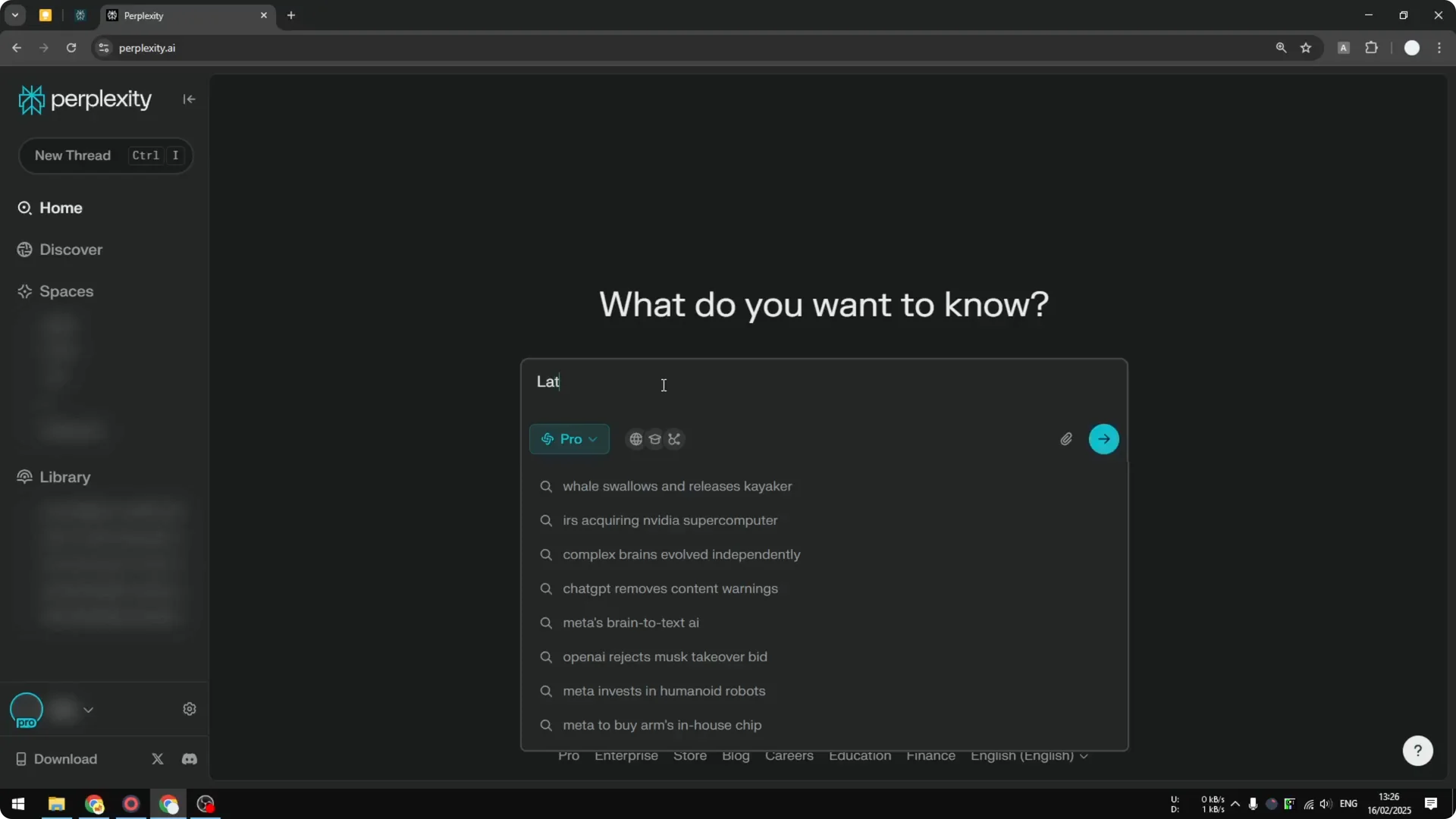
If you create a new thread outside the space, for example a question about the latest AI news, you can assign that thread to the space you just created. Remember that the thread will not follow the custom instruction you designed for that space because you created it outside the space. You can still assign it, so it functions like a bookmark or a folder.
Read More: Camera Control For Midjourney Ai Video
Final thoughts
That is how you can use Perplexity Spaces on the web interface. Create a space, set the model and a clear custom instruction, and keep related threads, files, and links in one place. If you assign existing threads, treat the space like a folder for organization, since those threads will not inherit the space instruction.
