I like Perplexity. I have been on the Pro subscription and I have used it for almost two years. I love most of the features it offers.
I like that I can access multiple AI models in one place. I can find answers or do quick research in seconds. I also like the $5 credit every month for the Sonar API, which is great value.
There are many small features that, when added up, make the platform compelling. But this is not a perfect AI platform. Perplexity has problems, and some of them are not getting better.
Read More: Midjourney Style Creator
Perplexity Pro Issues: UI inconsistency
Perplexity keeps adding features while making the interface harder to understand. They keep changing the UI to the point that some features are moved or removed altogether. The UI today can be different from what we had just a few weeks ago.
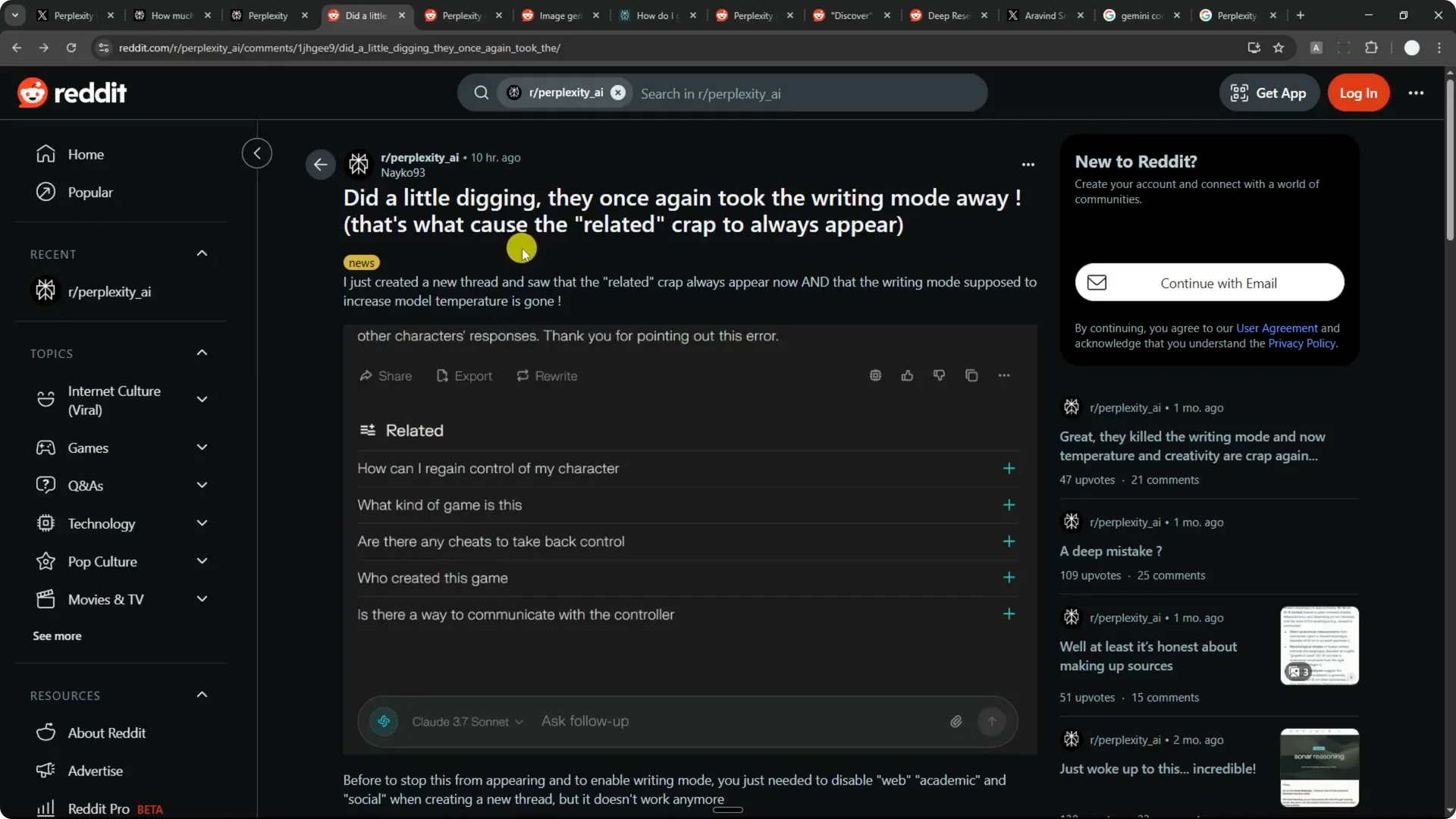
Sometimes the changes help, but other times they miss the mark.
A clear example is the old Writing Mode that disappeared.
It was an established feature, and now it is gone, with no way for users to bring it back.
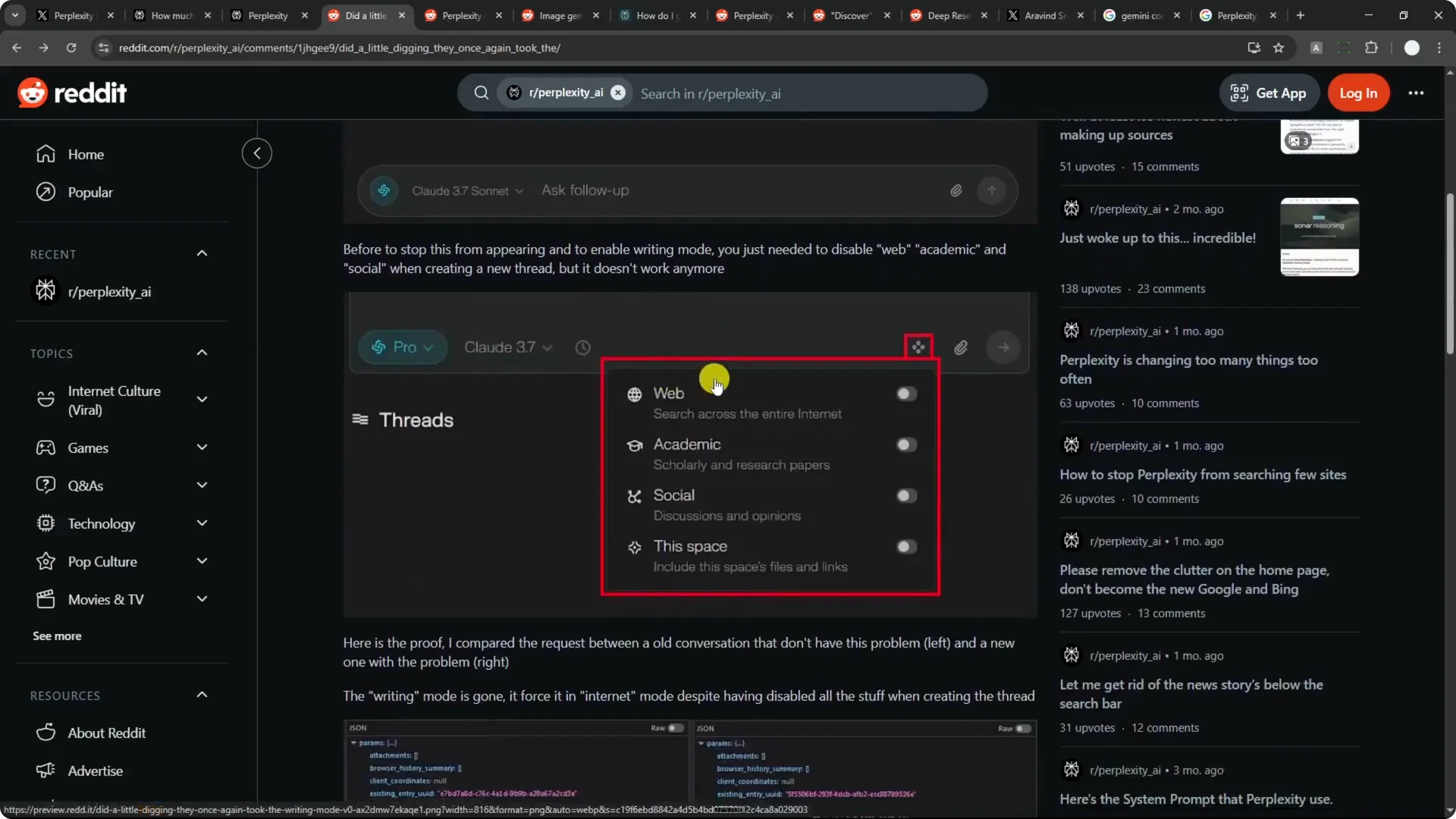
Another example is image generation.
It used to be easy to access when starting a new thread, with a button on the right side of the screen.
You can still generate images, but it is no longer straightforward.
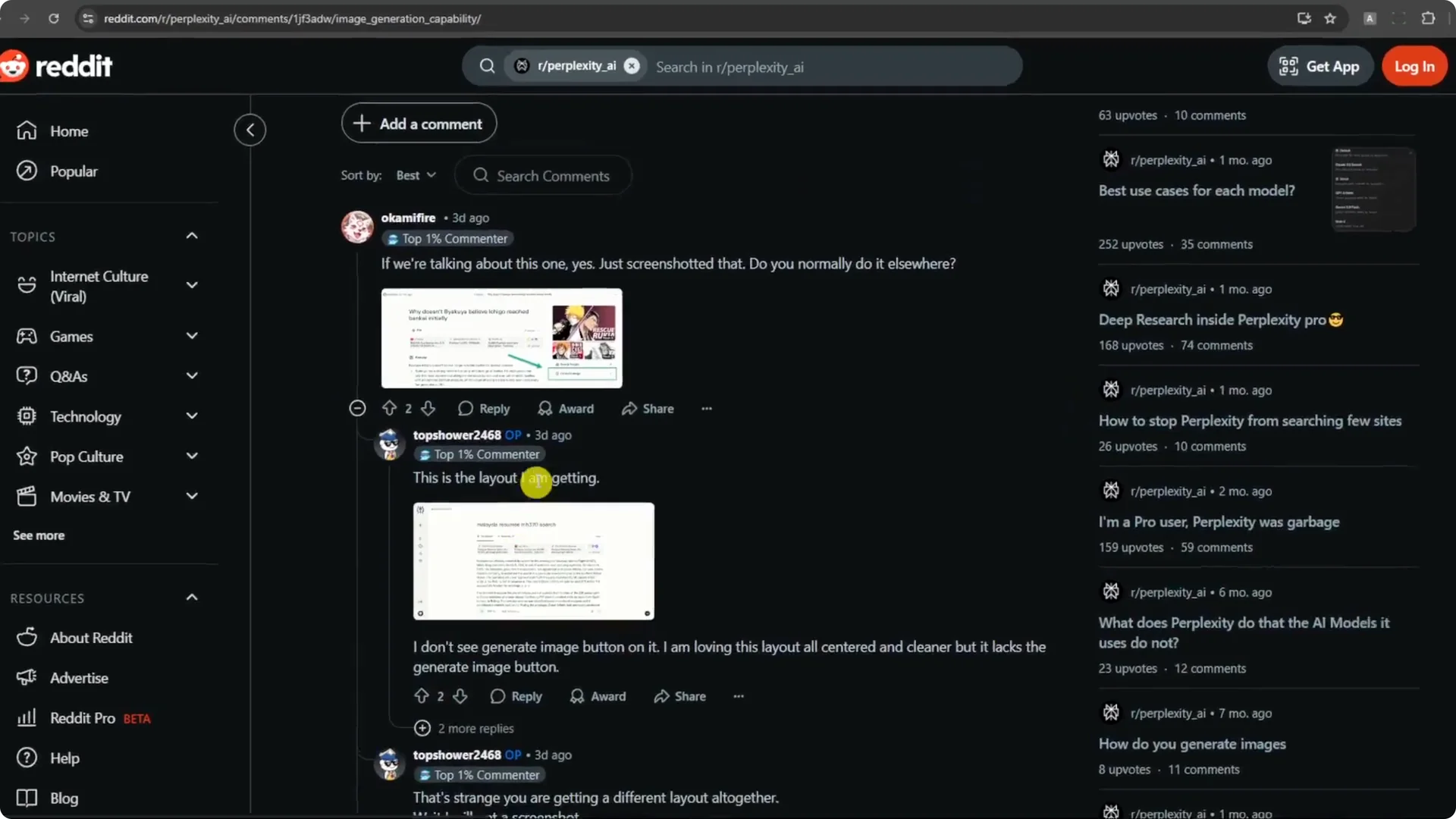
These shifts keep happening, and many users feel the same way.
If you are on Pro, expect to see something change every week or month. You often have to relearn how to use the platform.
Read More: Flux Pro Vs Flux Lora Vs Midjourney Vs Mystic
Perplexity Pro Issues: Platform gaps
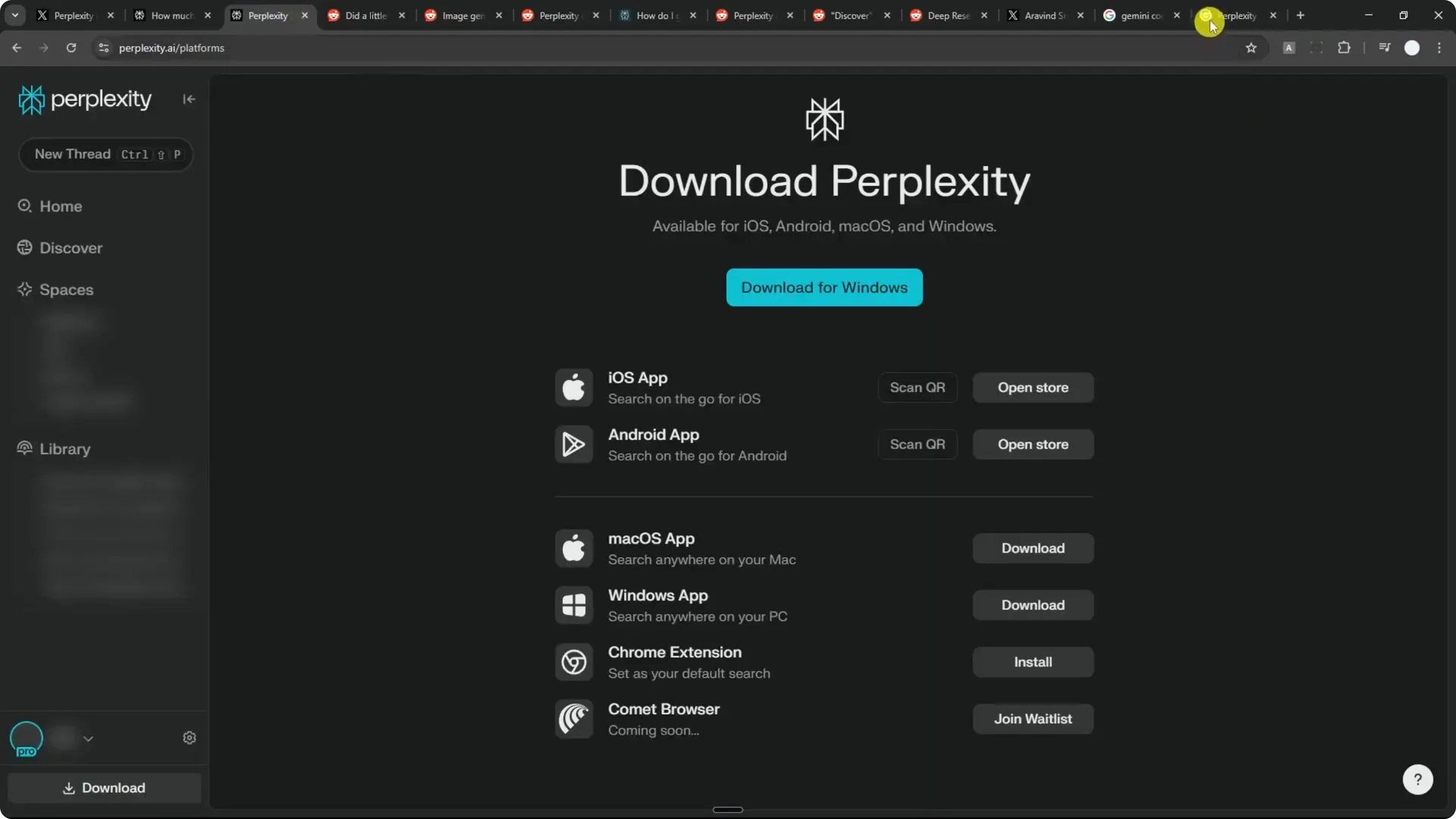
Perplexity runs on mobile, the web, and desktop apps for Windows and macOS. Even though they share the same name, they do not offer the same features. This creates real friction if you prefer one platform.
Voice mode differences
On mobile, there is a voice mode that lets you speak to the AI and get a natural, humanlike voice response.
It can be useful if you want a conversation with AI. On desktop and the web, voice mode is not available right now.
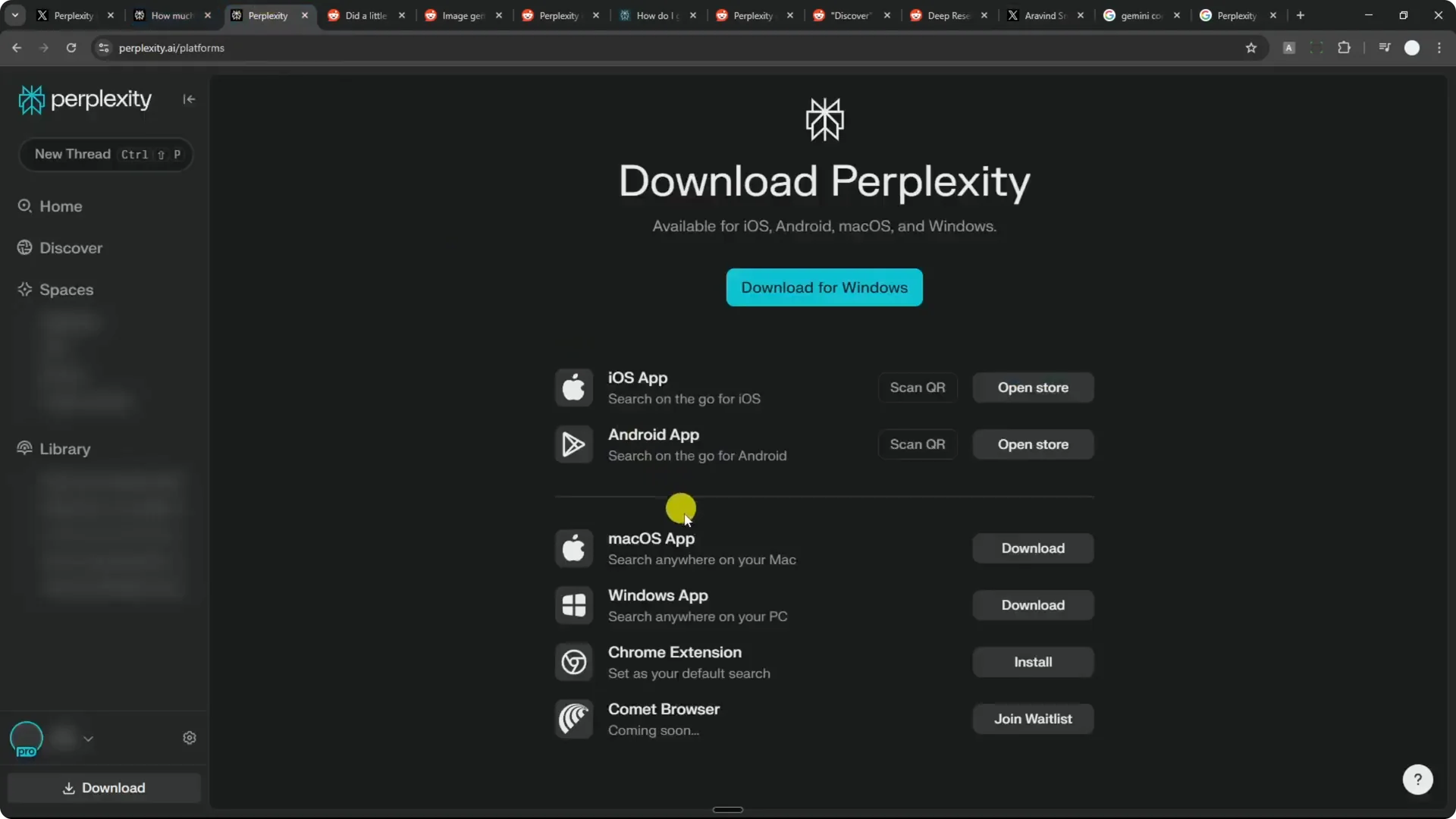
Image generation split
Image generation is a different story. I
t is available on desktop and the web, but not on mobile.
If you use only your phone, you cannot generate AI images in Perplexity.
What this means for you
Most people expect that, when they pay for an app, they can access the same features across platforms. In Perplexity, that is not the case.
If you plan to use one platform only, you need to know its limits and expect UI and feature positions to keep shifting.
Read More: Hide Midjourney Images On Your Profile
Perplexity Pro Issues: Context window
The context window matters more than people think. You might have seen claims like Gemini supporting 2 million tokens. That means you can feed it something as long as a full book, and it can keep track of it.
Perplexity limits you to 32,000 tokens. It is not terrible, but it is nowhere near 2 million.
I have run into issues when I feed Perplexity a long document and the answer does not follow the instructions or content, simply because the document is too long.
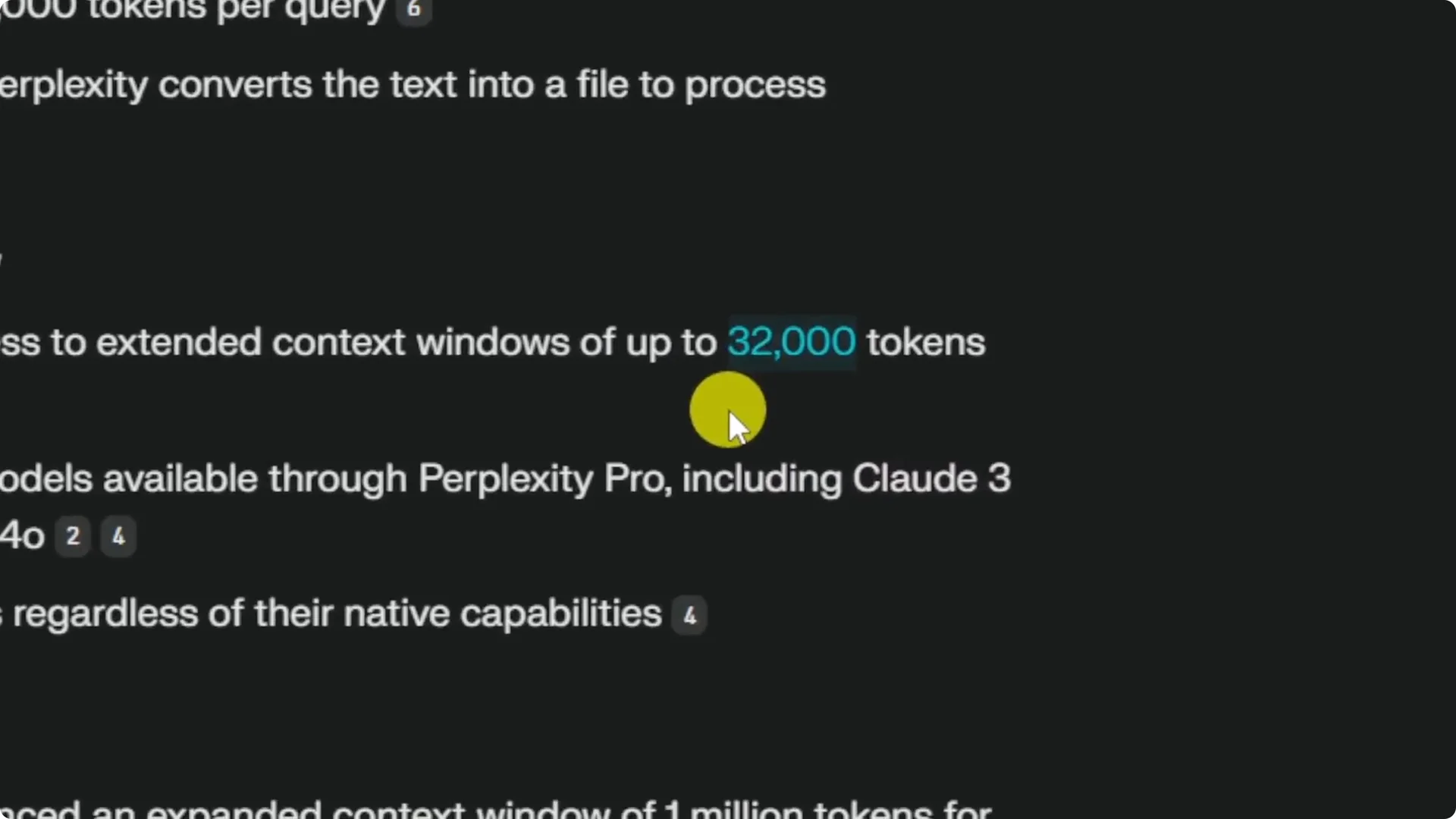
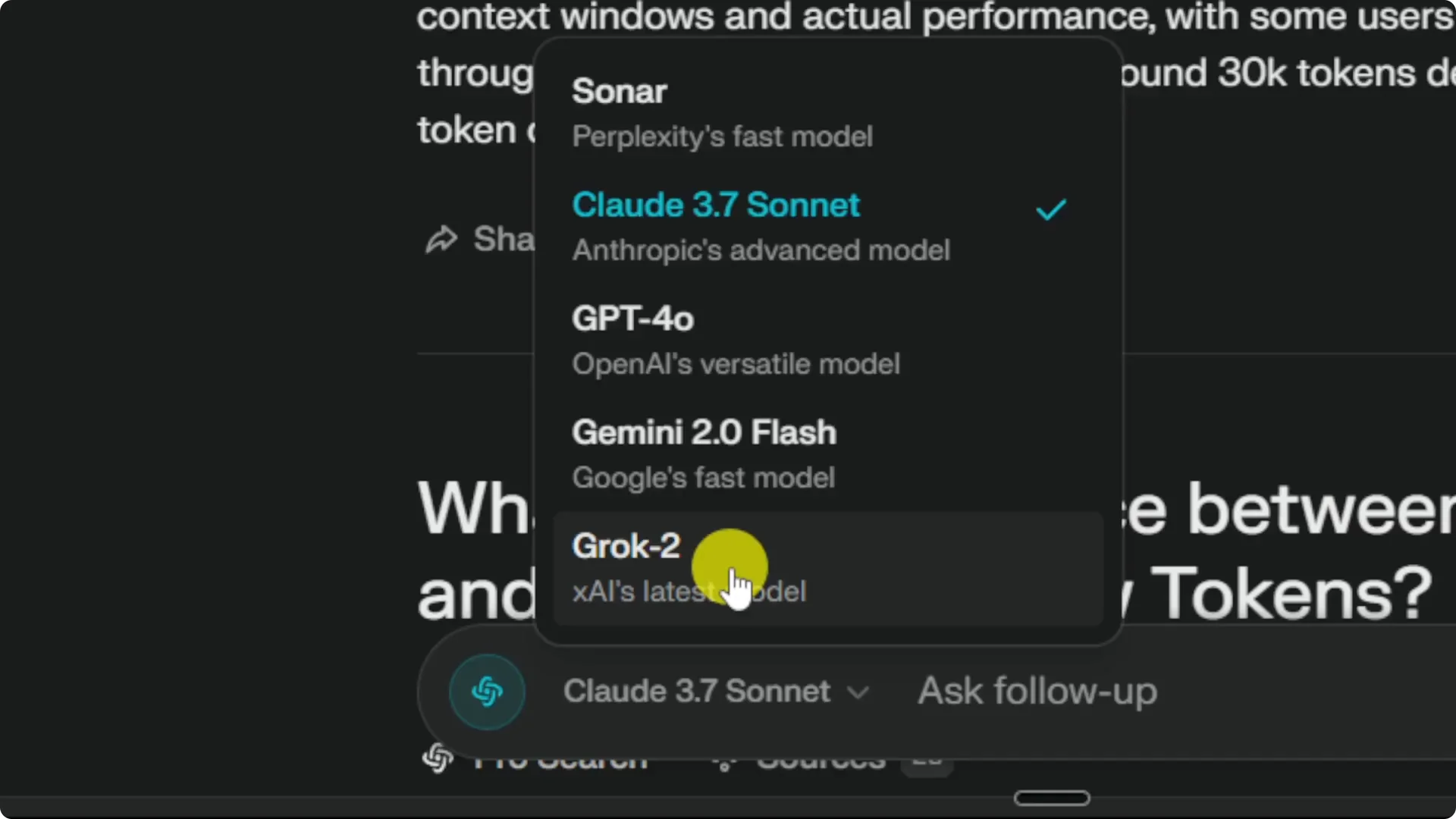
It does not matter which model you pick in Perplexity. You can choose GPT, Sonar, Gemini, or Claude, but Perplexity still caps the context at 32,000 tokens.
If your plan is to read or analyze long documents, I recommend using ChatGPT or Claude directly, because they can give you more headroom and better accuracy on large inputs.
Read More: Hide Bulk Download In Midjourney
Step-by-step: Prepare for Perplexity Pro
Step 1: Decide which platform you will use most, and check which features are available on that platform. If you rely on voice mode or image generation, confirm where they live before you commit.
Step 2: Expect UI changes. When something moves or disappears, scan the interface, look for new buttons, and be ready to adjust your workflow.
Step 3: Plan around the 32,000-token limit. For long PDFs, books, or massive transcripts, split content into smaller chunks or switch to a service with a larger context.
Step 4: If a feature you like gets removed, consider alternatives for that task. Keep backups of your prompts and processes so you can adapt quickly.
Step 5: Watch your homepage defaults. If the Discover feed surfaces topics you do not care about, ignore it and jump straight into a new thread or your saved work.
Other notes on Perplexity Pro Issues
Perplexity often adds features nobody asked for. Discover is a good example. It shows popular news across topics like biology, politics, and celebrity updates right on the homepage, and you cannot really control it.
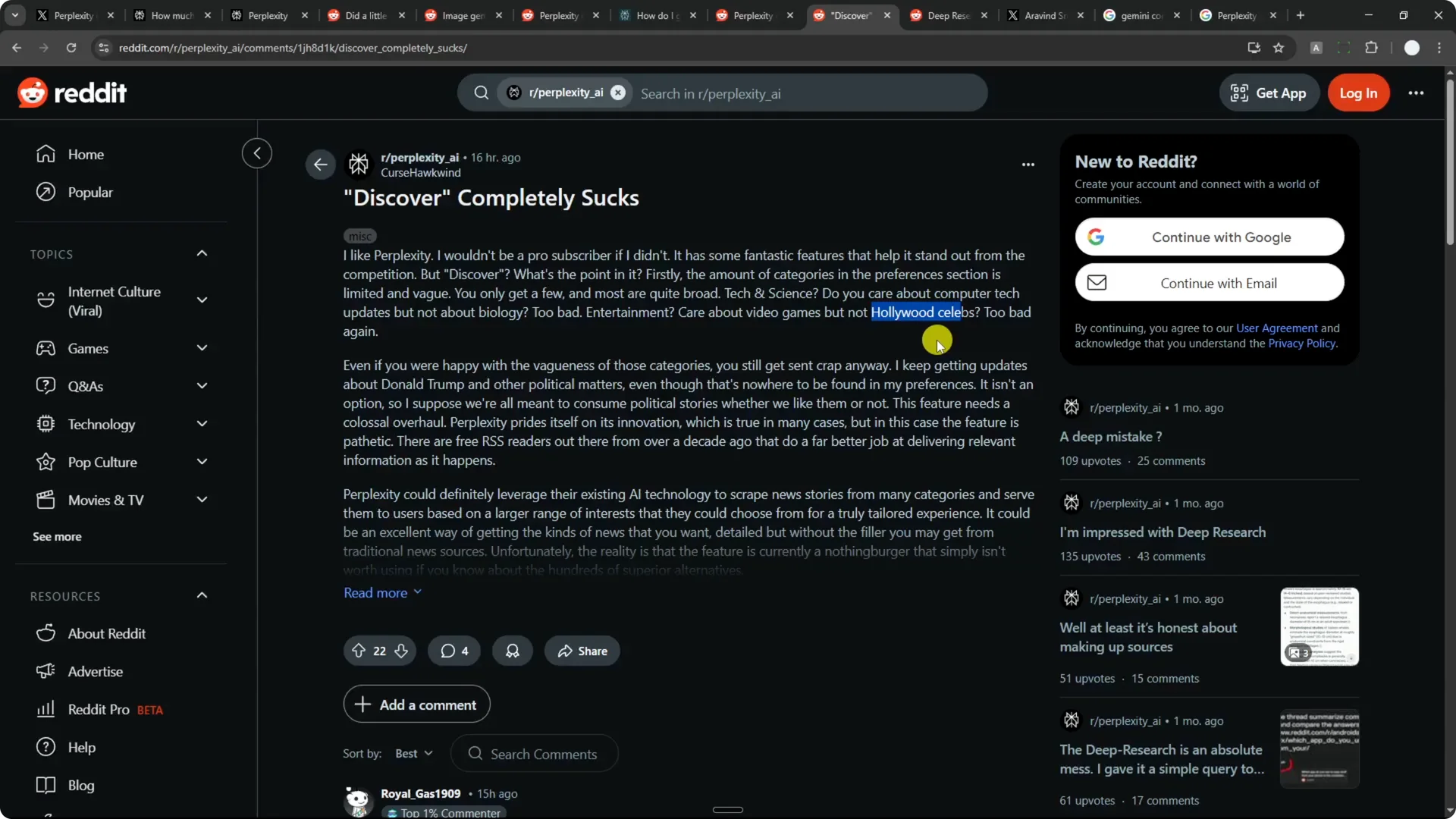
You might not care about any of it, but it still appears. It is one more thing you just have to live with on Perplexity. That adds to the overall friction.
Final Thoughts
I still love using Perplexity and I use it a lot. The speed, the model access, and the Sonar API credit are strong reasons to stay. But you should be aware of the UI shifts, platform gaps, and the 32,000-token limit, so you can prepare and avoid frustration.
