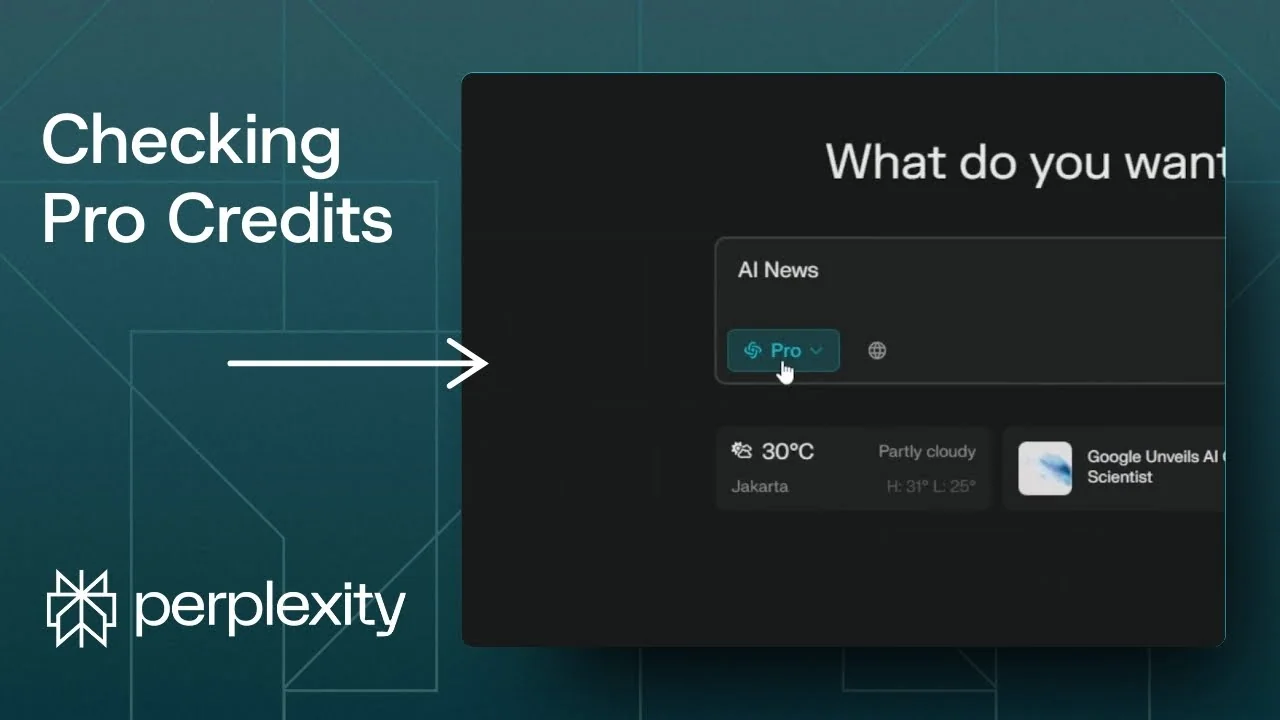
Here is how to tell how many Perplexity Pro search credits or Copilot credits you have left on your Perplexity account. I will show the quick way on the free plan and the reliable method on Pro. I will also point out the two fields that actually tell you your total and remaining credits.
Check Perplexity Pro Credits on Free Plan
If you are using the free version of Perplexity, you can check the number by going to the Perplexity homepage. Click the account dropdown menu and look at the very bottom. You should see the number of credits on your account.
Read More: Create Superior Ai Art
Check Perplexity Pro Credits on Pro Plan
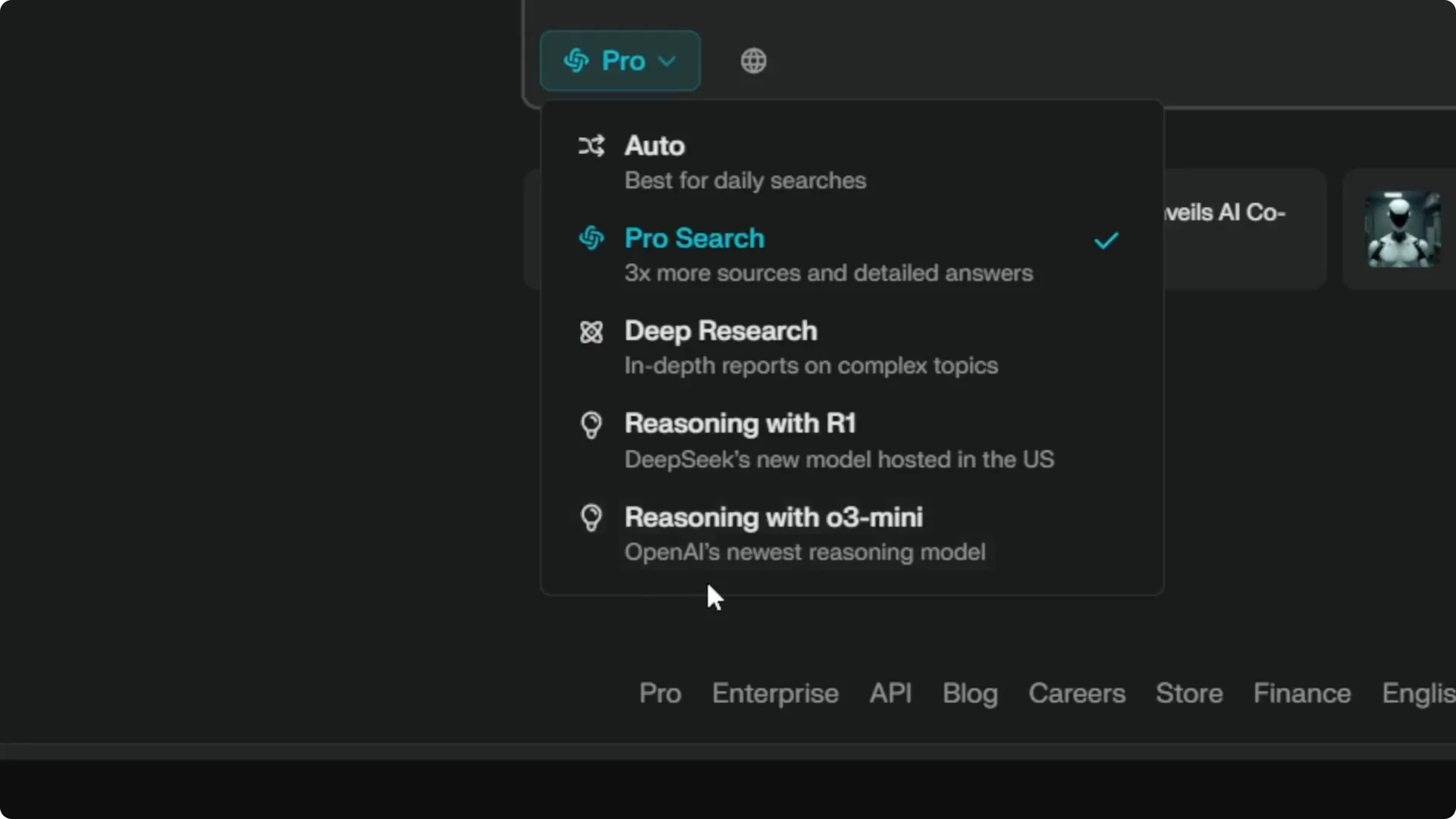
If you are using the Pro version like I am, the dropdown menu does not show the number at all. There is no info about how many times I have used the Pro search feature today, and I cannot see how many more credits are left. Perplexity seems to have removed this display.
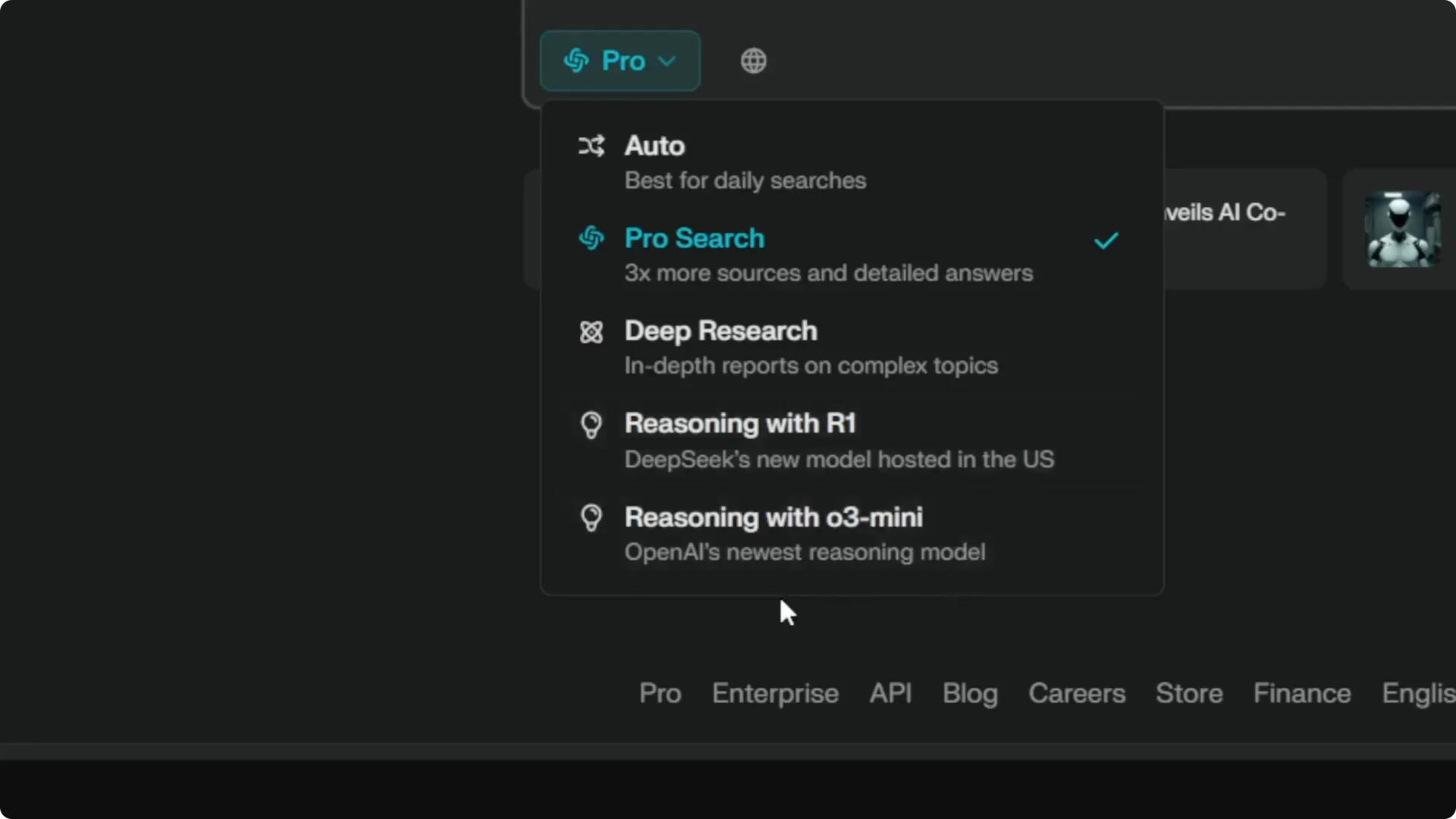
The good news is you can still see the remaining credits on a settings endpoint. You just need to open the right page while signed in. Here is exactly how I check it.
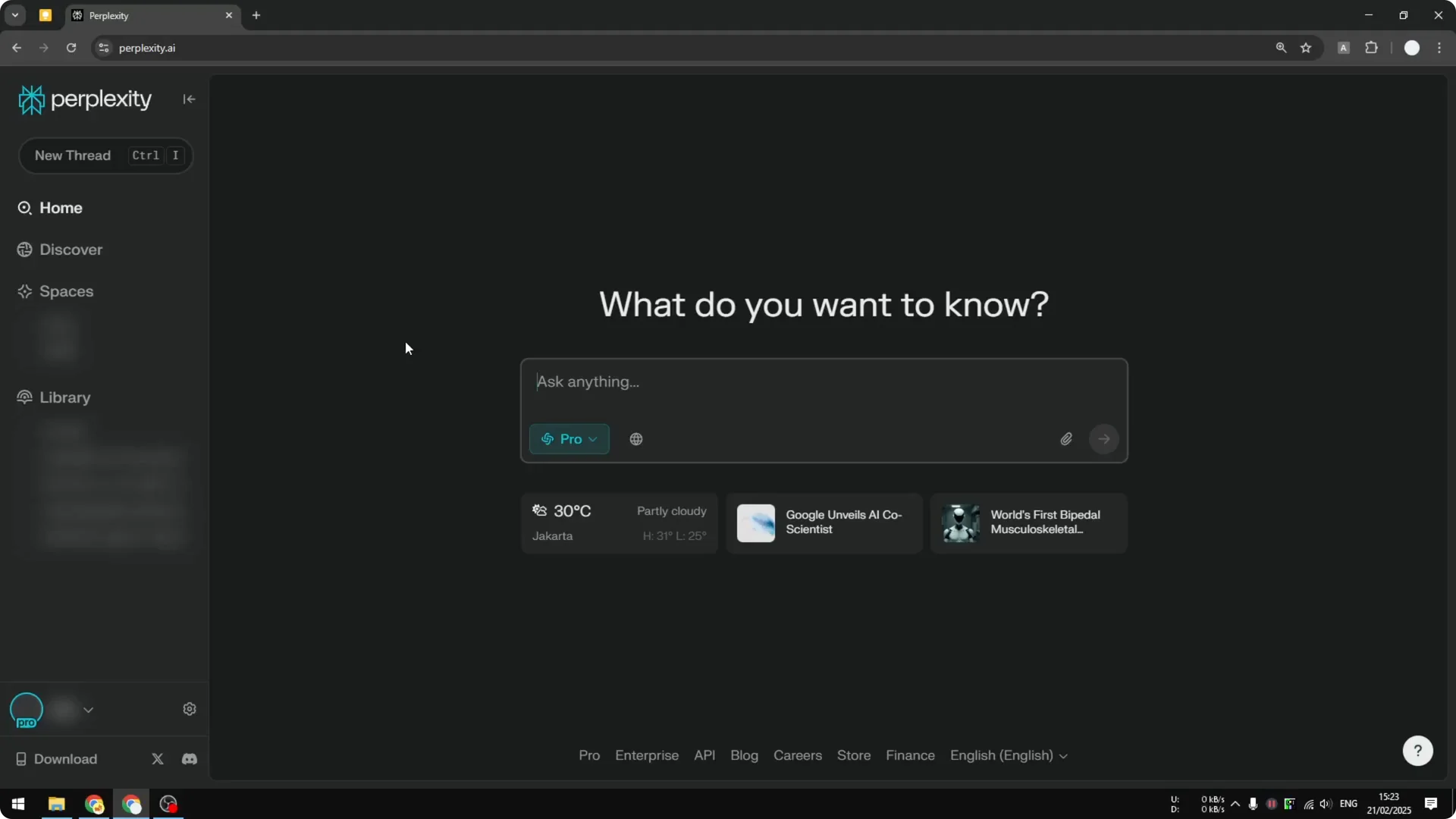
Open the settings endpoint
Step 1: Make sure you have signed in to your Perplexity account. This page will not work if you are not authenticated.
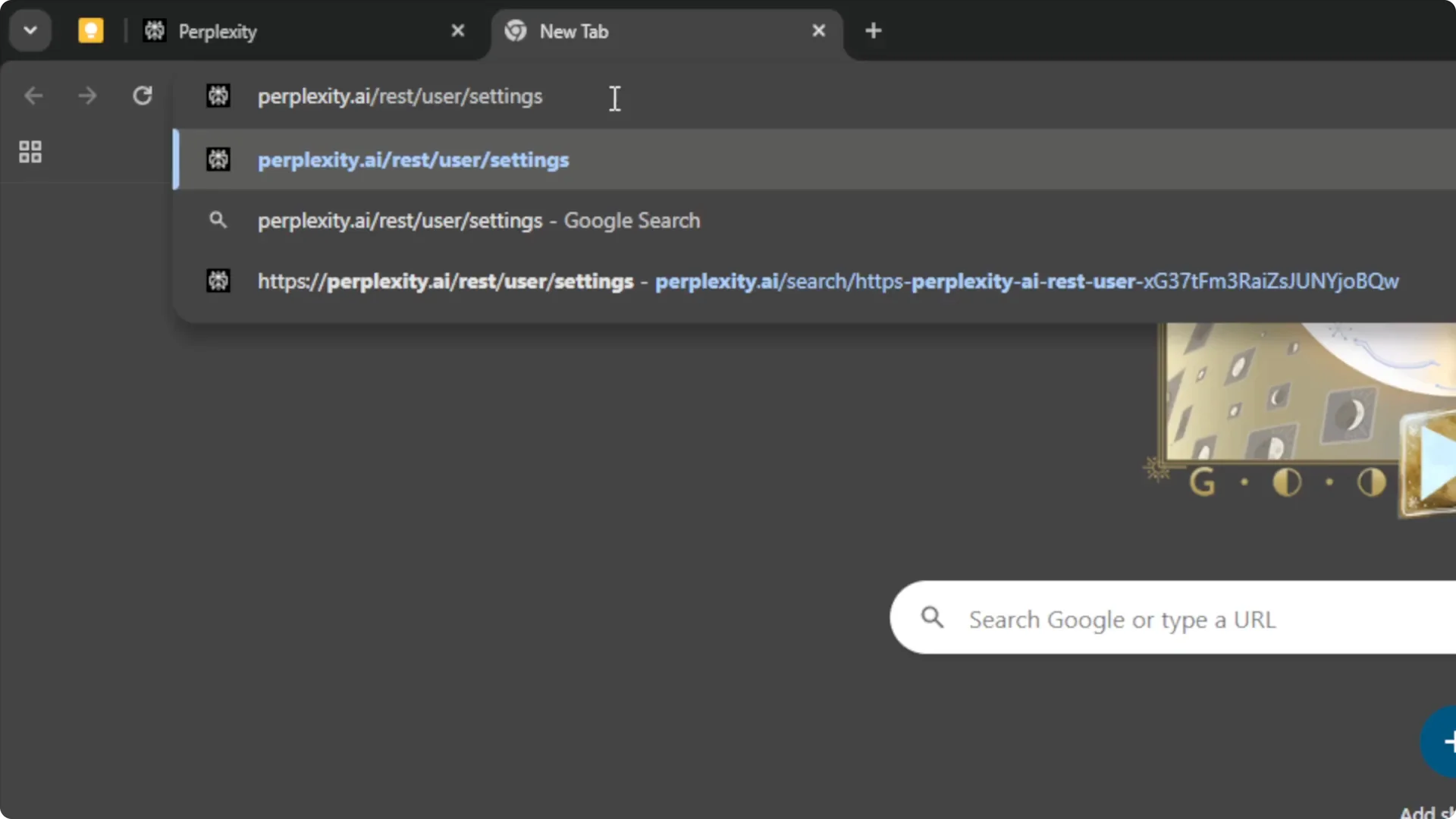
Step 2: Open a new tab and go to perplexity.ai/rest/user/settings. This is the page you need to open to retrieve the info.
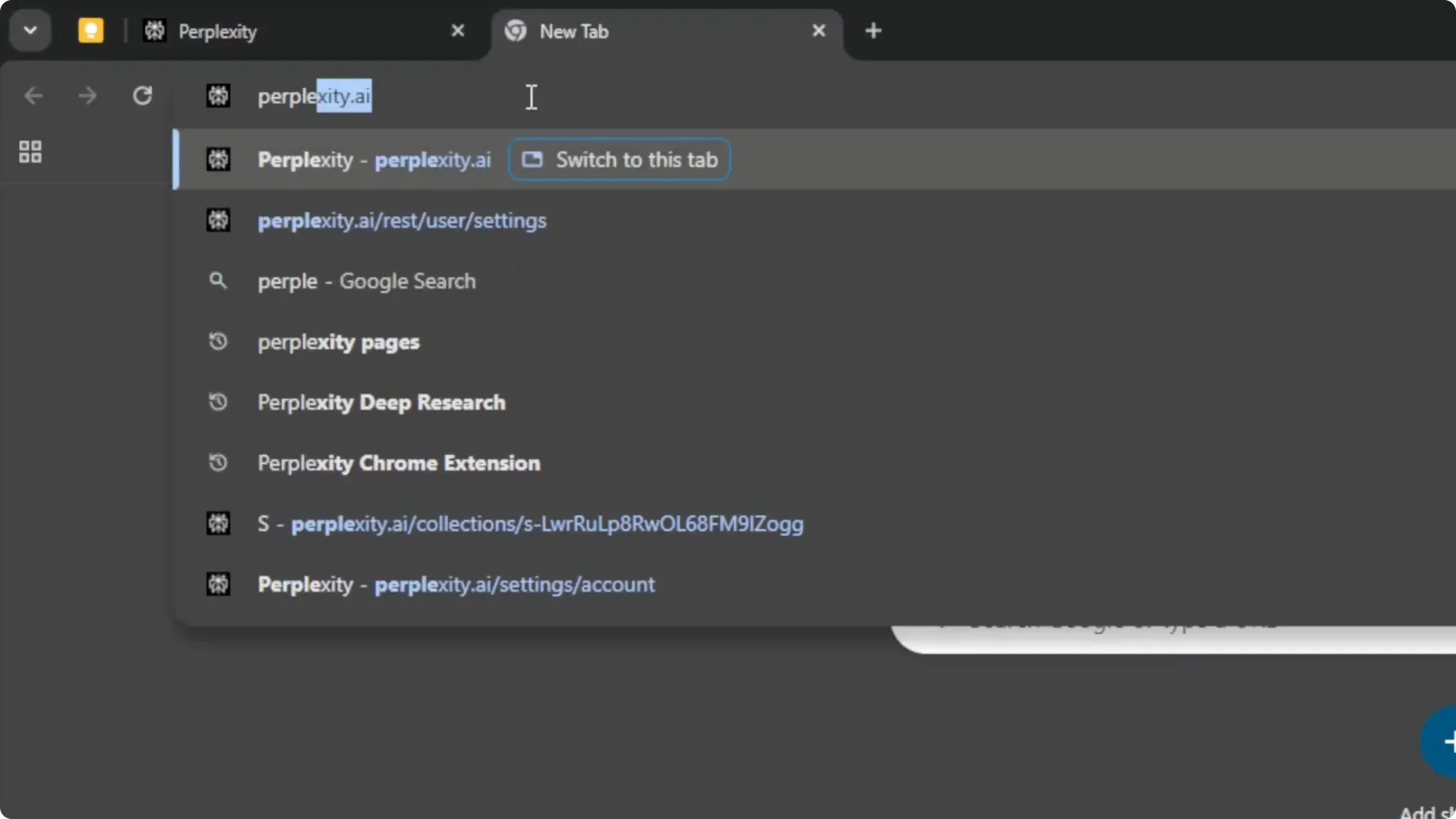
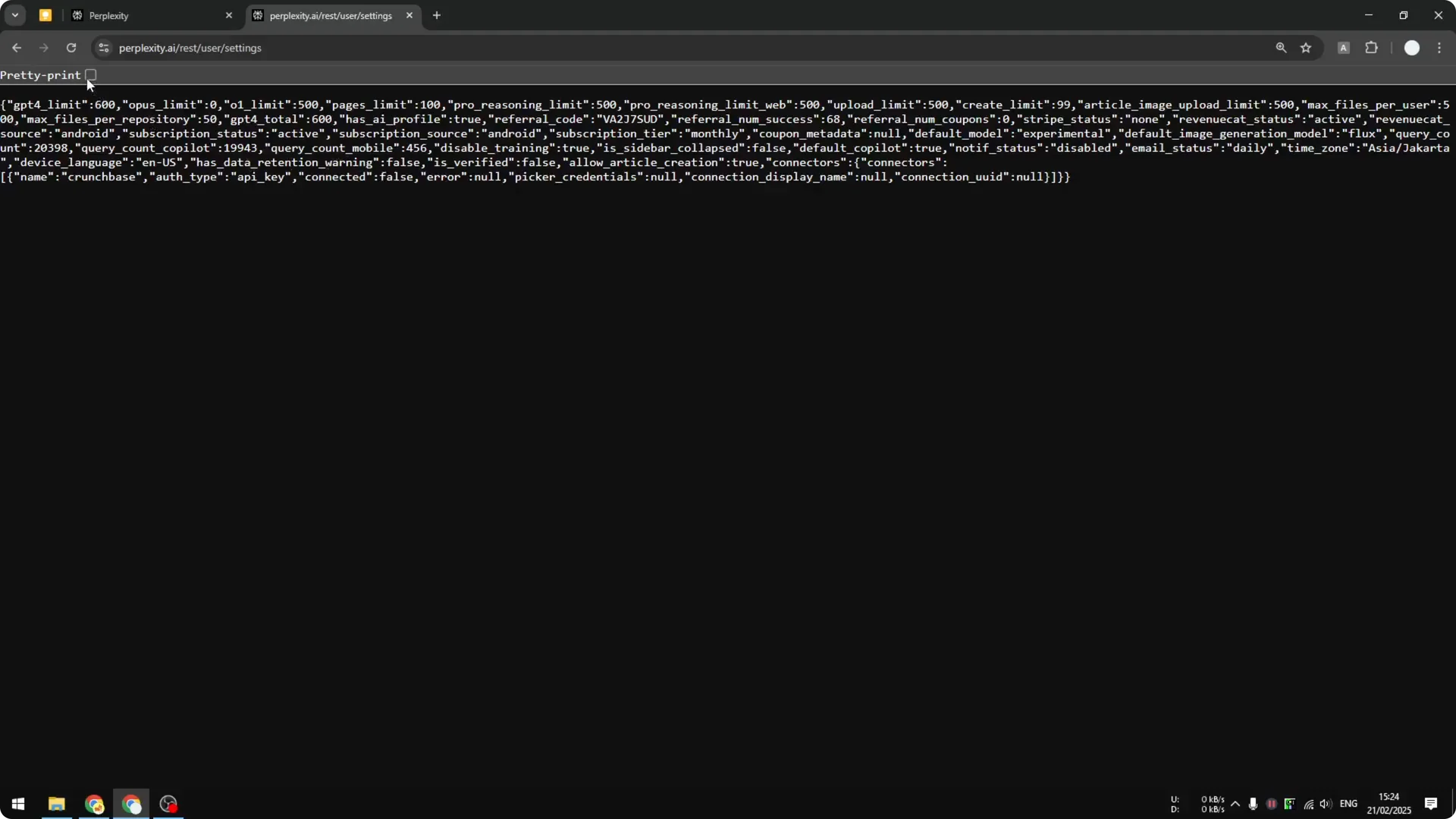
Step 3: You will see structured data. I recommend enabling pretty print so you can read the data more easily.
Read More: Eye Catching Ai Art Midjourney Prompts Styles
Understand the fields
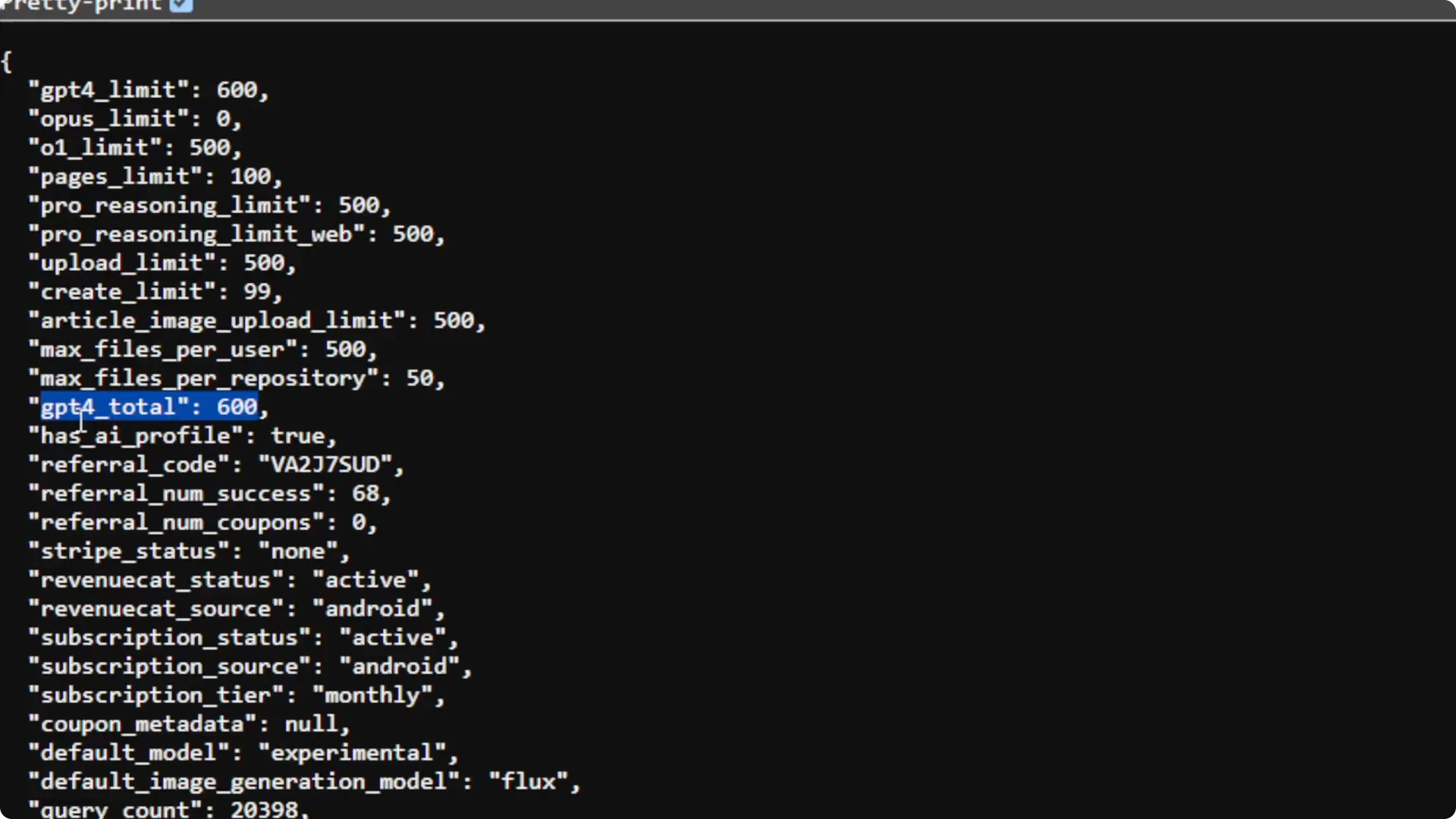
If you look at gpt4_total and it says 600, that means I have 600 Pro search credits or Copilot credits per day. That is my daily allotment. The naming is odd, but it makes sense if you remember Perplexity initially centered this on GPT-4.
I also see gpt4_limit at 600 when I have not used any credits yet. That is the remaining number for today. Once I start using credits, this number goes down.
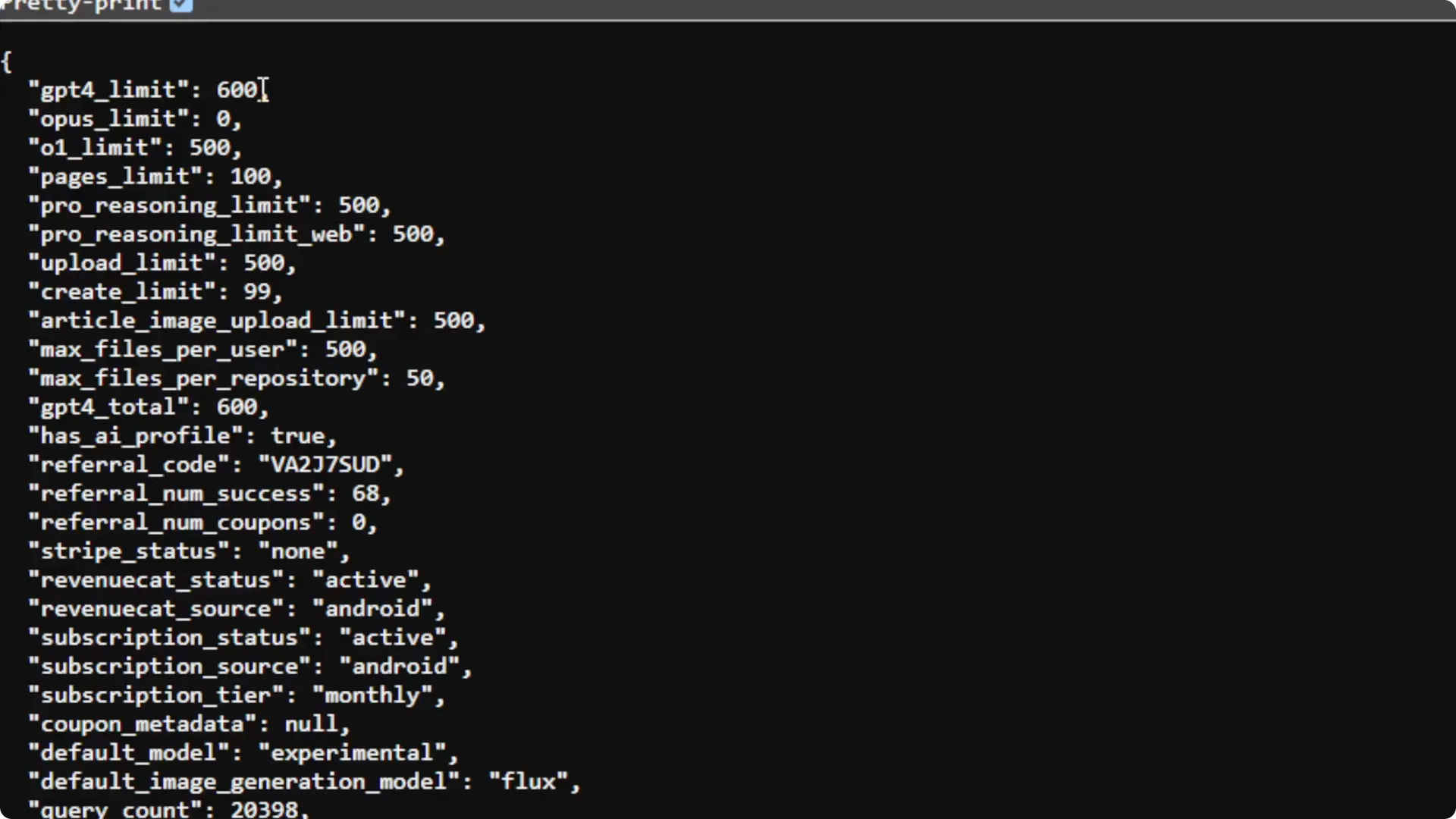
For many people the total is 300 per day, and for others it is 600. I have no idea why some accounts get 600, but I do see both cases. I think 300 is a big amount of credits to spend for the whole day.
See the count update after a Pro search
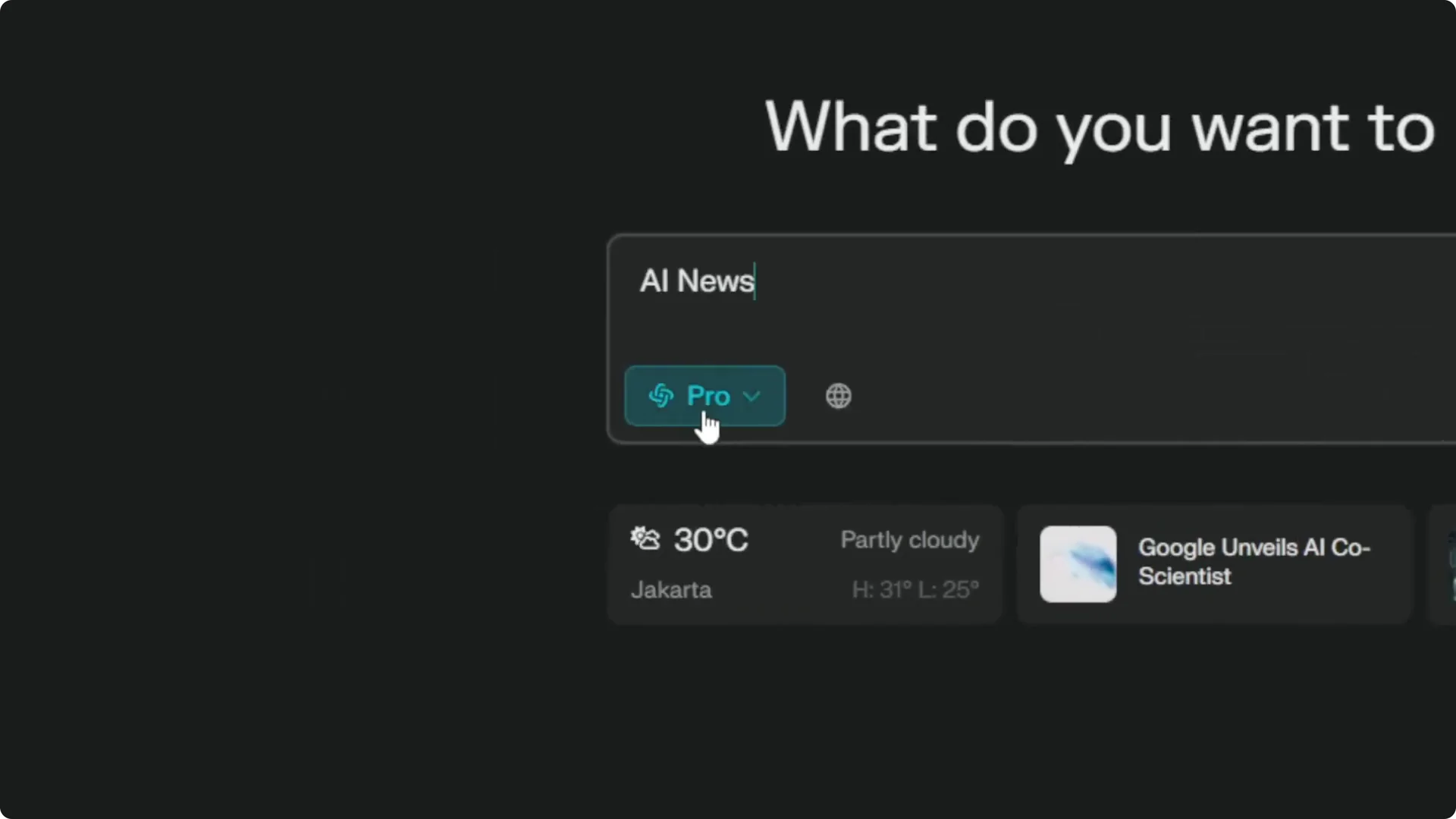
If I run a query with Pro search enabled, it will take one credit from my available usage. After that, I go back to the settings page and refresh it. My gpt4_limit updates from 600 to 599, which confirms the spend.
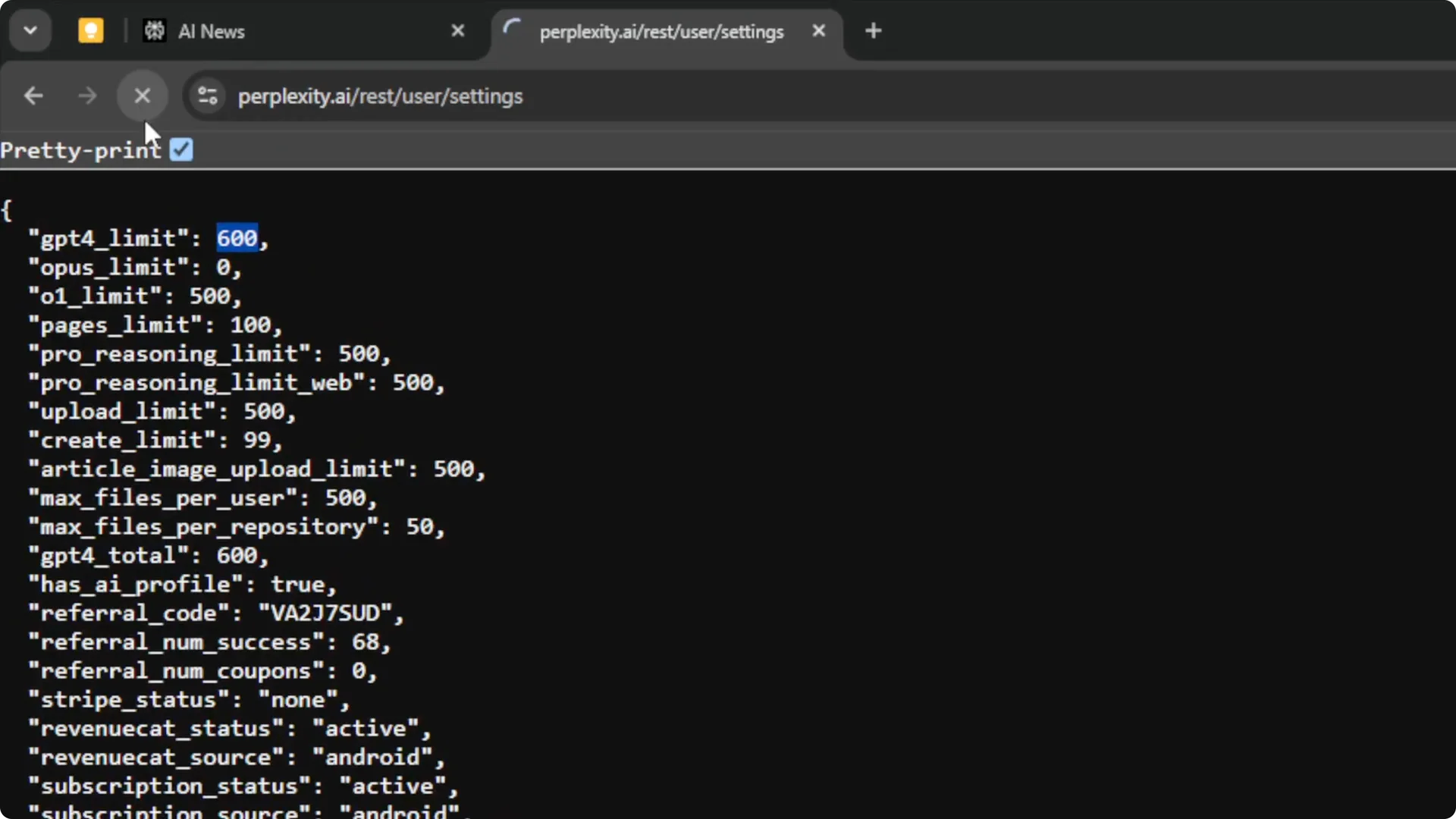
This is how I verify the count each time I am curious about what is left. It is quick once you know the endpoint. The numbers reset daily.
Read More: Camera Control For Midjourney Ai Video
Quick recap
Free plan users can rely on the account dropdown on the homepage. Pro users can open perplexity.ai/rest/user/settings and read gpt4_total for the daily cap and gpt4_limit for the remaining credits. Refresh the page after each Pro search to see the live update.
Read More: Transformative Ai Art Midjourney Prompts
Final thoughts
That is the reliable way to check Perplexity Pro search credits or Copilot credits right now. The dropdown indicator is gone for Pro, but the settings endpoint still exposes both the total and the remaining count. Once you bookmark it, checking your daily balance takes a few seconds.
