Today I’m going to share 15 mood boards you can use in Midjourney. These are all free and you may have seen some of them before, but there are a few new ones in here to try. Along the way, I’m also going to share tips you can use to maximize quality and diversity when using these mood boards.
Each mood board has a distinct visual fingerprint. Some push color palettes and lighting, others inject textures, motifs, or layout cues. Use them as creative nudges or as strong stylistic anchors, and adjust their influence to taste.
Midjourney Moodboards and Tips
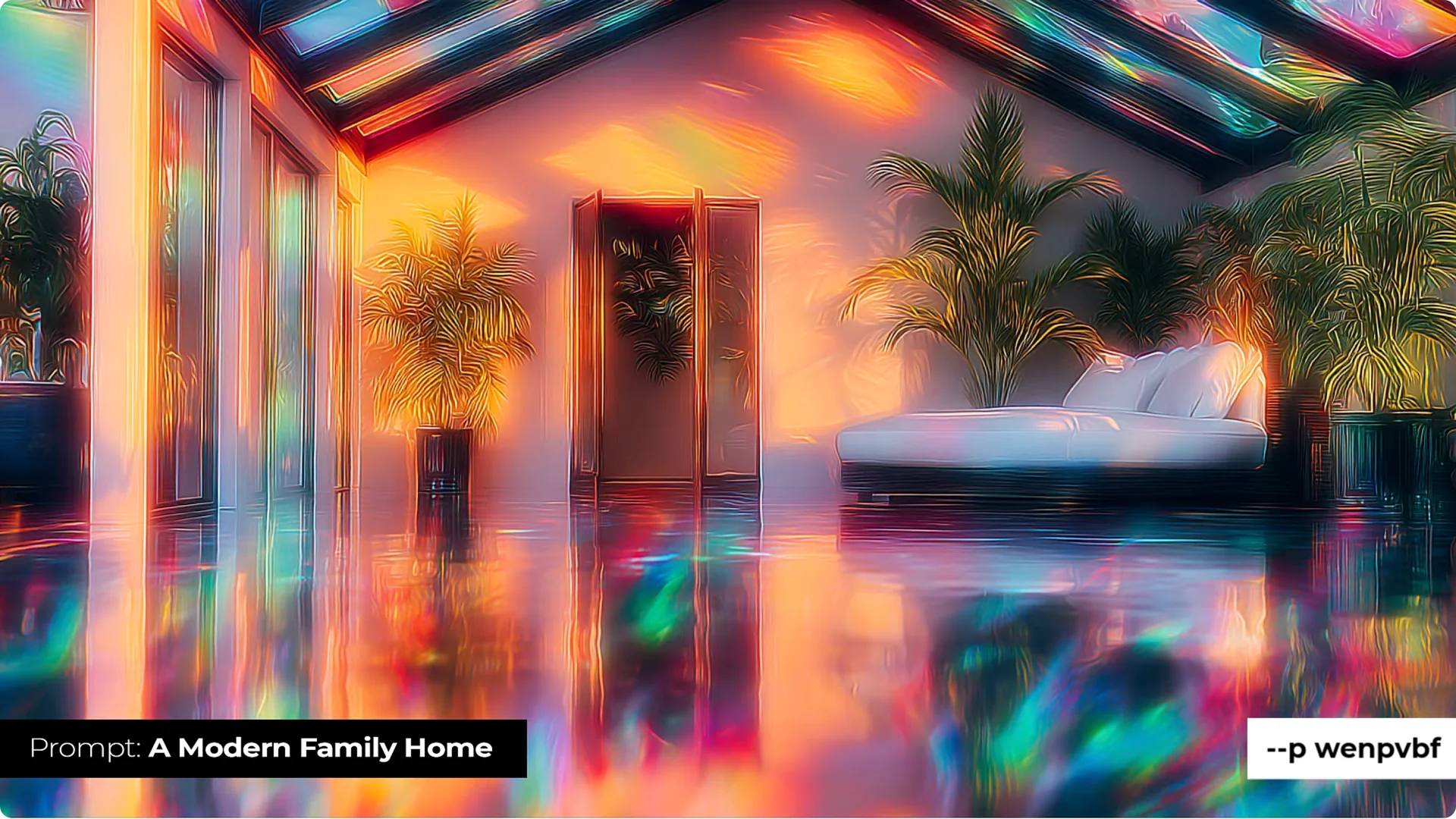
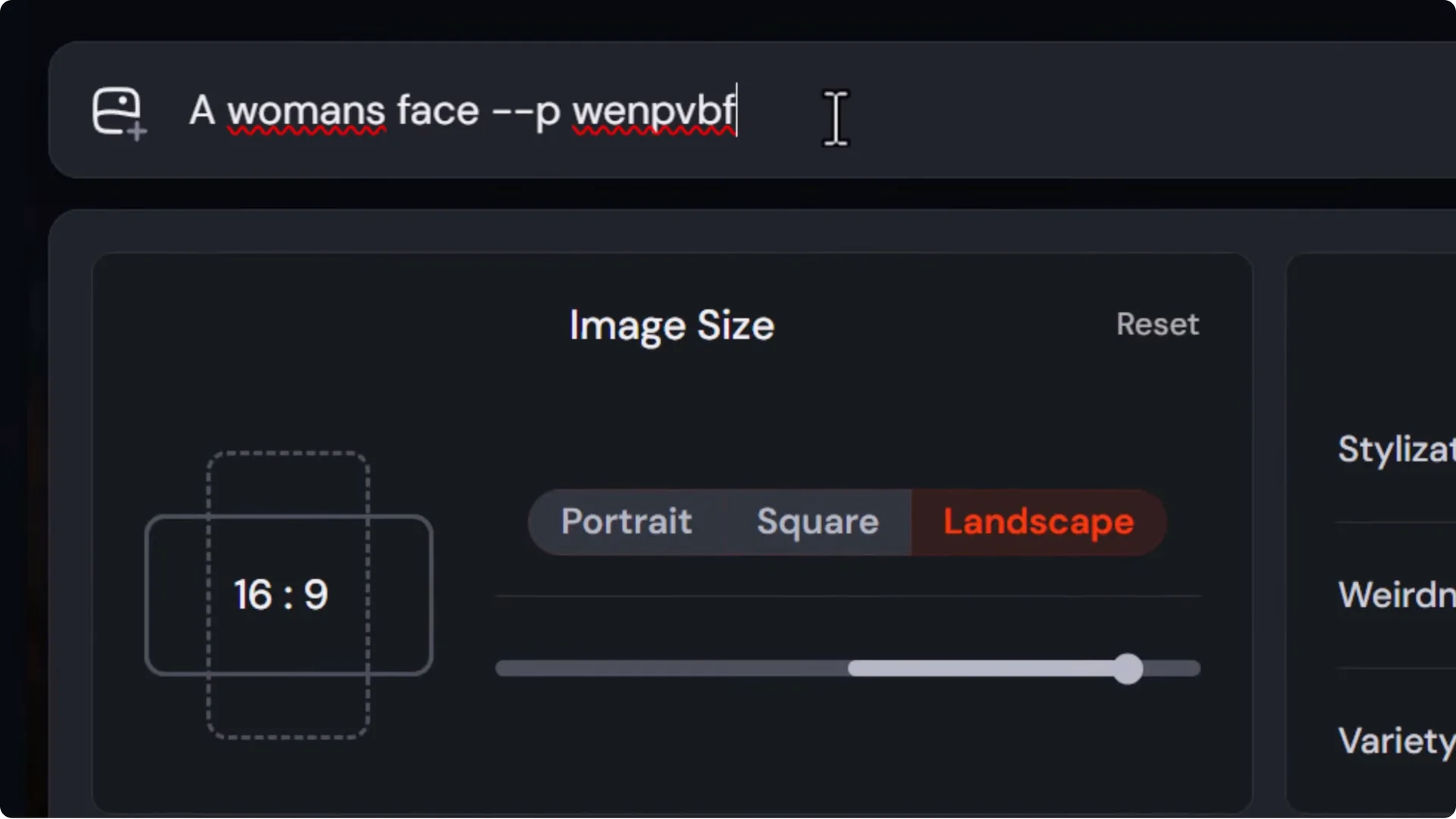
Iridescent Reflection (code: wenpvbf)
The idea here is a very iridescent color palette with a highly reflective element added into the images. You get that iridescent reflection or glow across subjects, with a bright, eye-catching effect that pops.
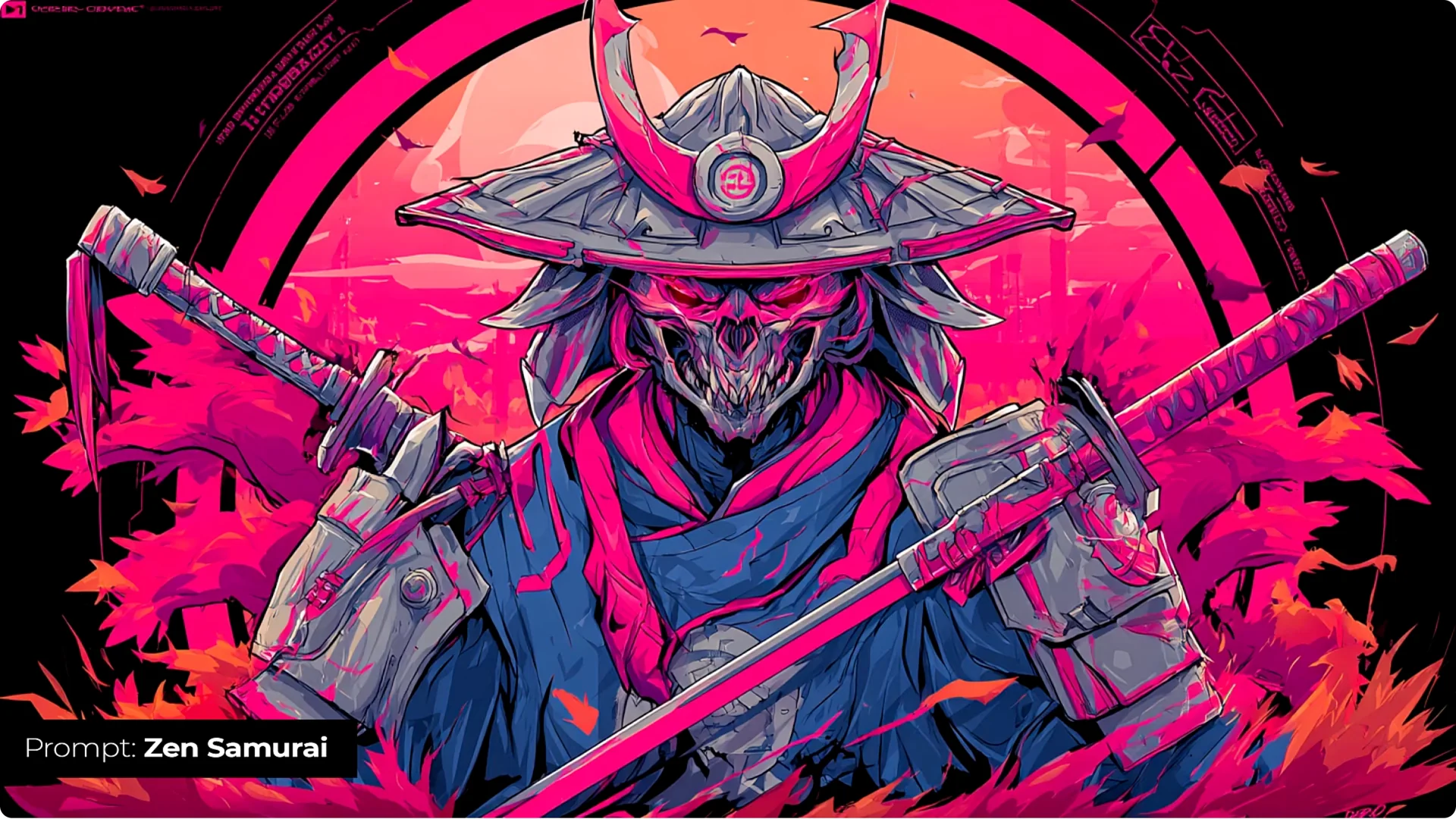
Cyberpunk Hannya (code: 5ethqf4)
This brings a neon, very pink-heavy style that leans cartoony, comicy, and sometimes anime. A lot of it can be vector-friendly, with a modern street vibe, strong glows, and a cool, modern feel. It has a bit of a transformative effect on your images as well as the overall look and feel.
Tip: Control mood board influence with Stylize
If a mood board feels too influential, dial it down from the default stylize of 100 to 50 or 0. Or bring it up if you want more influence.
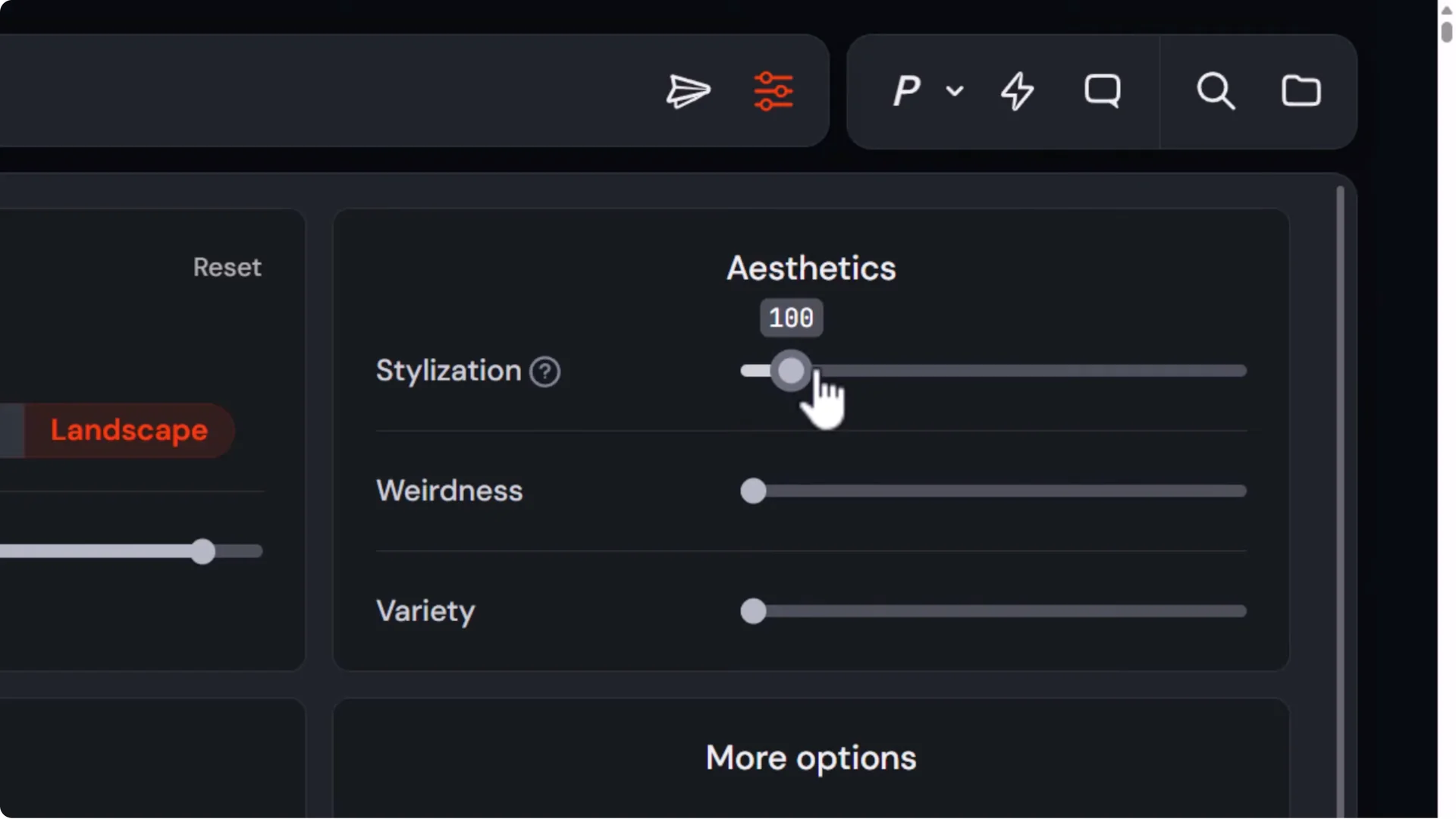
- Use –s (stylize) with any value from 0 to 1000. The default is 100.
- The more you dial it up, the more influence the mood board has. The more you bring it down, the less influence it has.
- I used a stylize of 400 on all the images I’m showing here.
- At –s 10, Iridescent Reflection doesn’t have a massive impact. Using the exact same seed, even –s 75 (lower than the default) already has a pretty big effect. Use that if you want a halfway point or if you really want to double down.
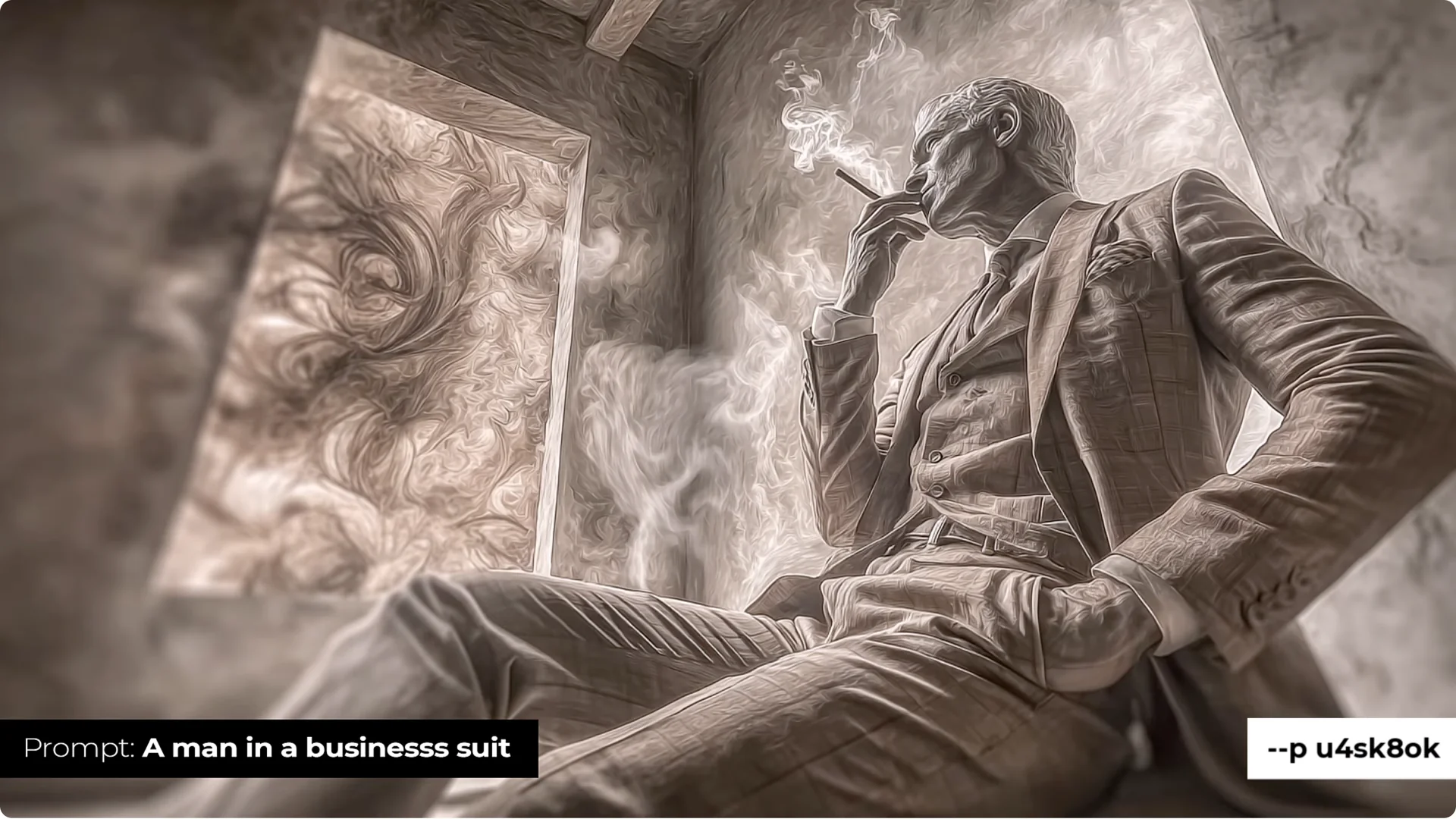
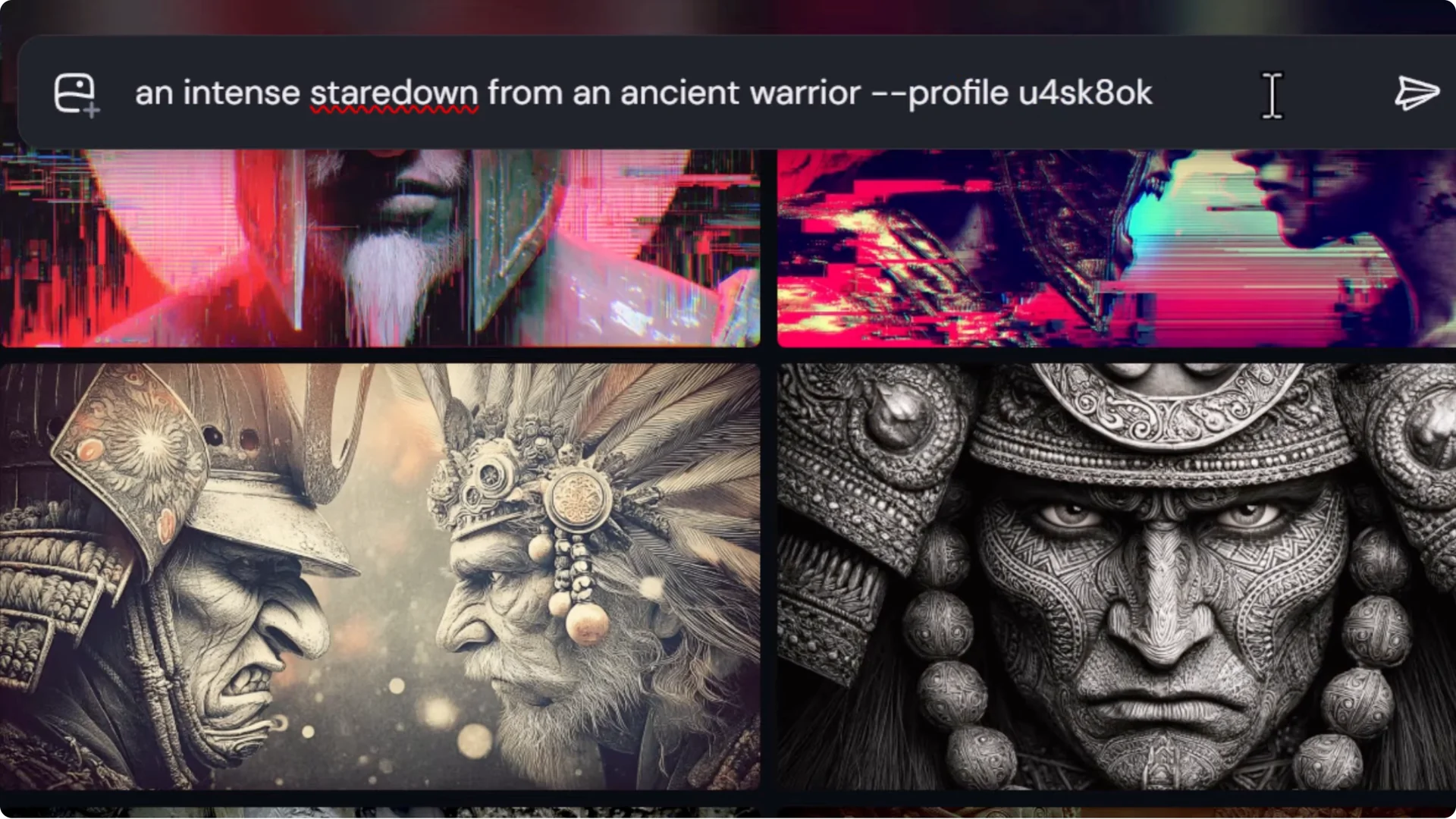
Zentanglement (code: u4sk8ok)
This mixes Zentangle-style linework with photographic elements that match it. You get a unique style with lots of detail, spiral elements, and realistic texture.
It relies on those textures to add more to the elements within the image and produces very unique results.
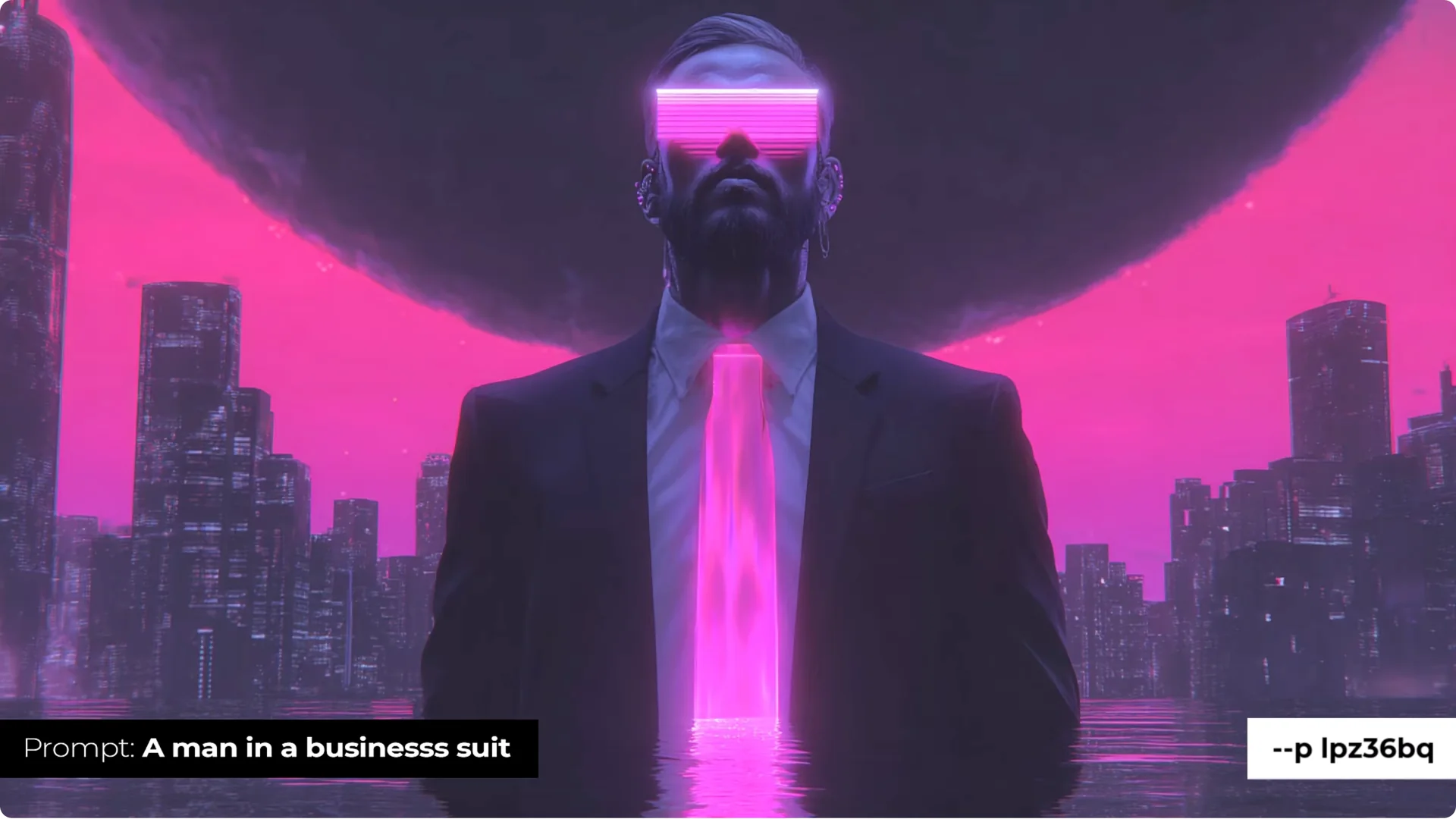
Dystopian Vaporwave (code: lpz36bq)
A well-known one that always lands with impact. You get vaporwave elements like the sun, scan-line effects, heavy pink with a touch of cyan, and a futuristic, graphical look. It’s not just lighting; it injects elements that create interesting imagery if you’re a fan of this style.
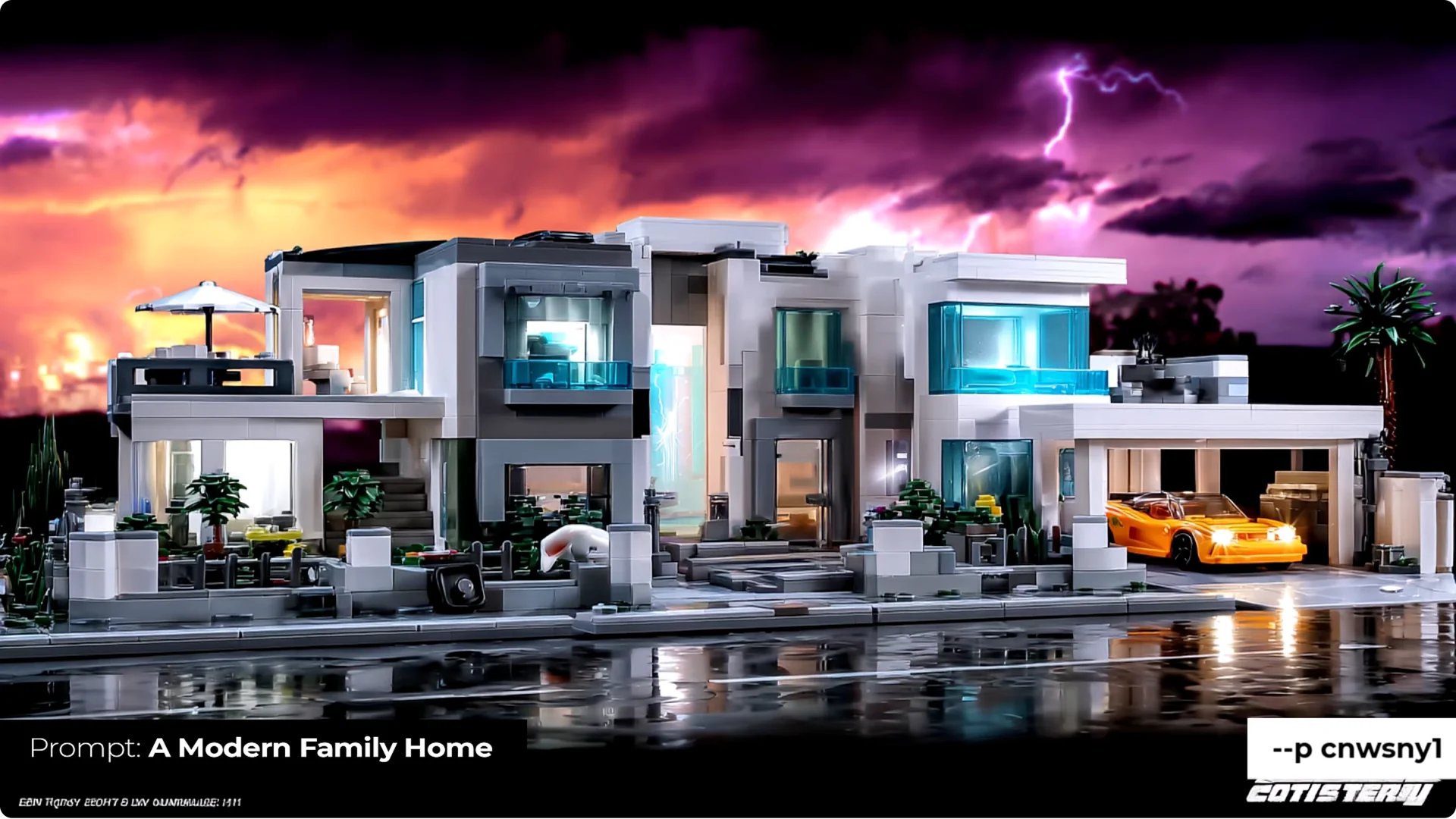
Bots’n’Cons (code: cnwsny1)
This came from uploading a bunch of my old photoshopped Transformers figure shots. The result wasn’t what I expected. Everything has a gritty look with high-contrast colors, very strong white lighting, and deep shadows.
It occasionally adds robot or toy elements. It’s a very particular look, and it turned out really well. It’s especially fun to mix with other mood boards.
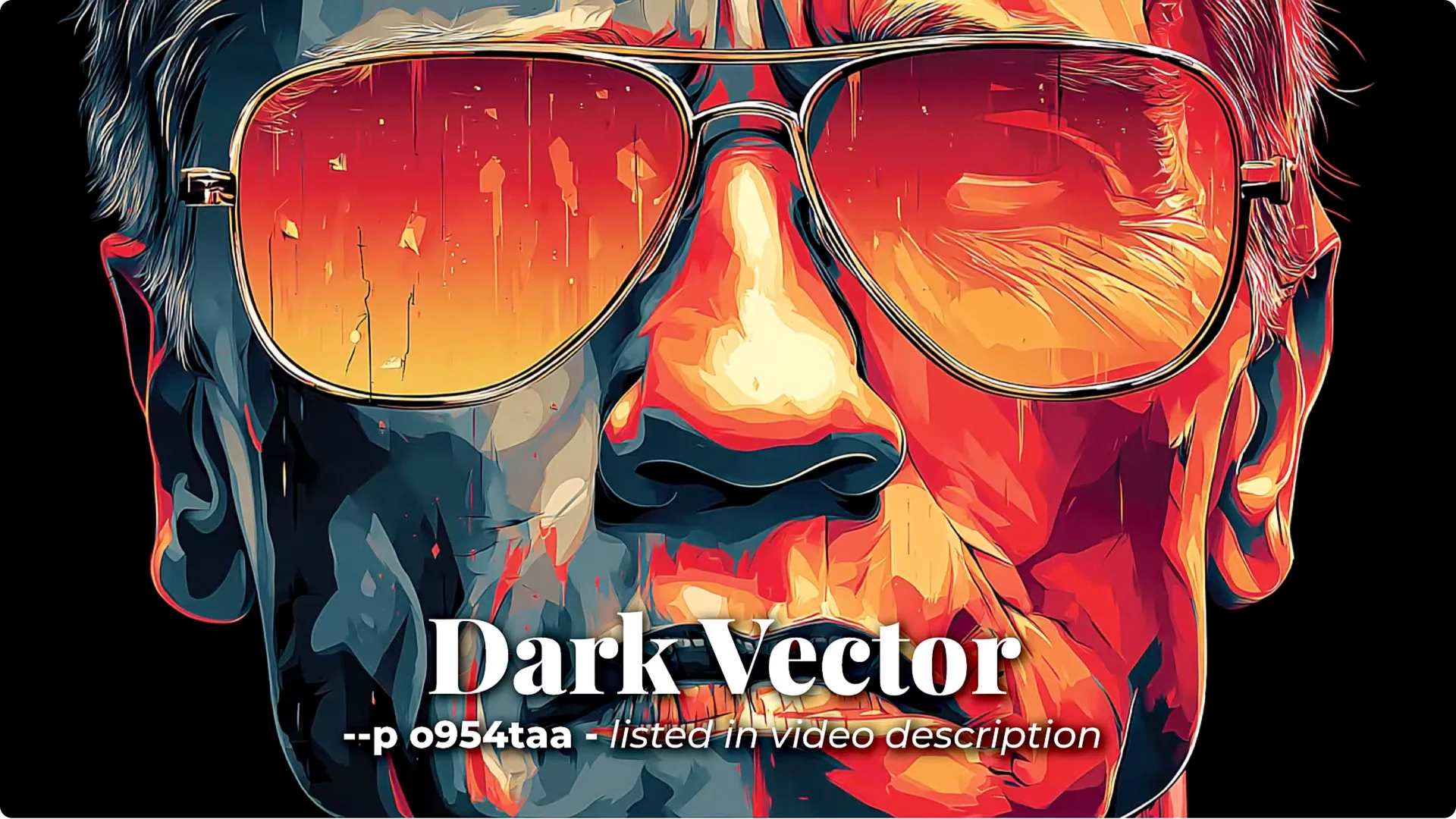
Dark Vector (code: o954taa)
This creates a near-vector style, highly detailed for vector, with a dark mood. Expect deep reds and cold shadows with blues and teals in them. Overall it feels warm but dark, with typically flat colors that convert well to true vector graphics.
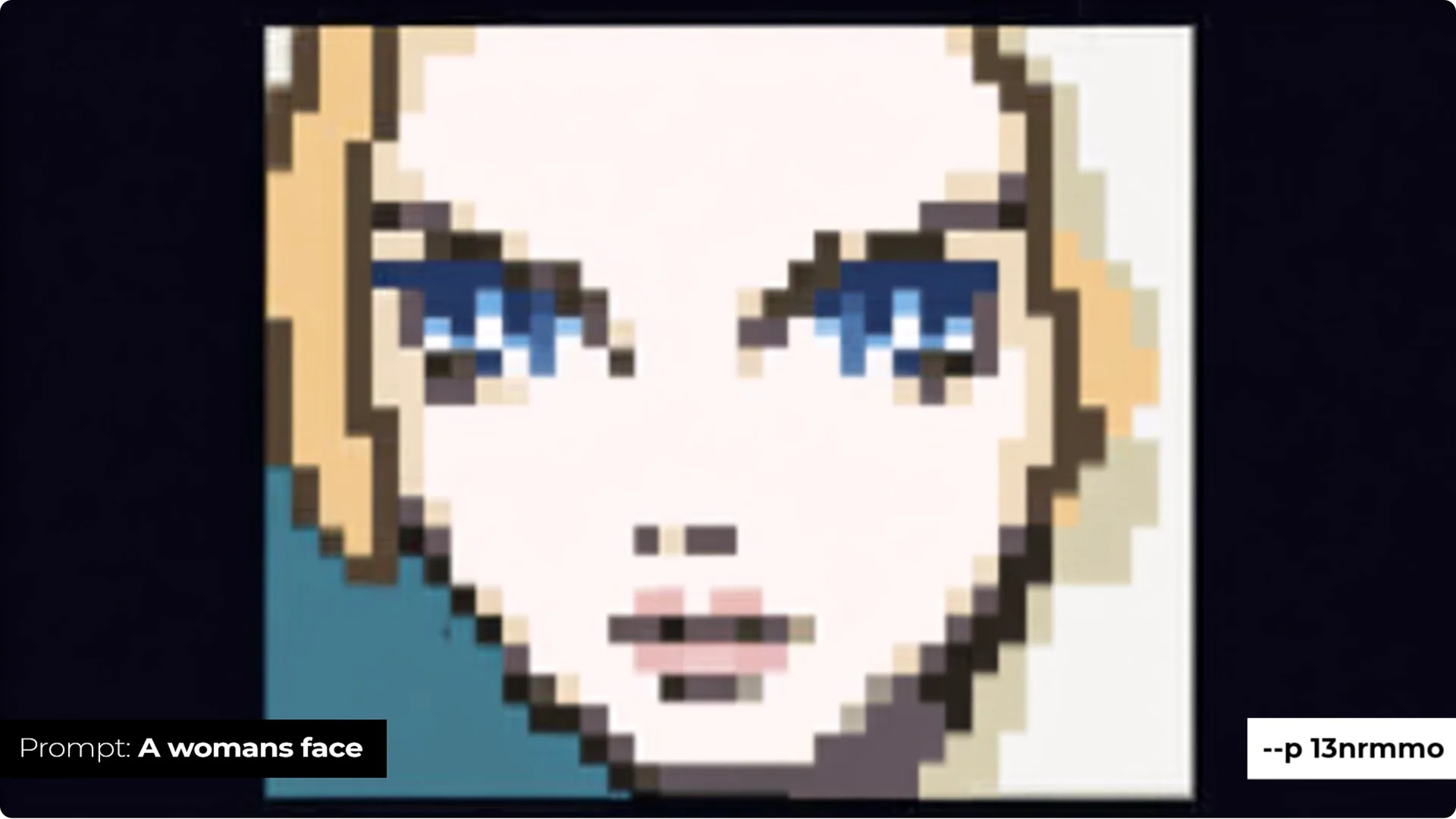
Pixel Art (code: 13nrmmo)
Curated to produce true square-pixel results. This is great for consistent, spot-on pixelized graphics instead of pseudo-pixel looks.
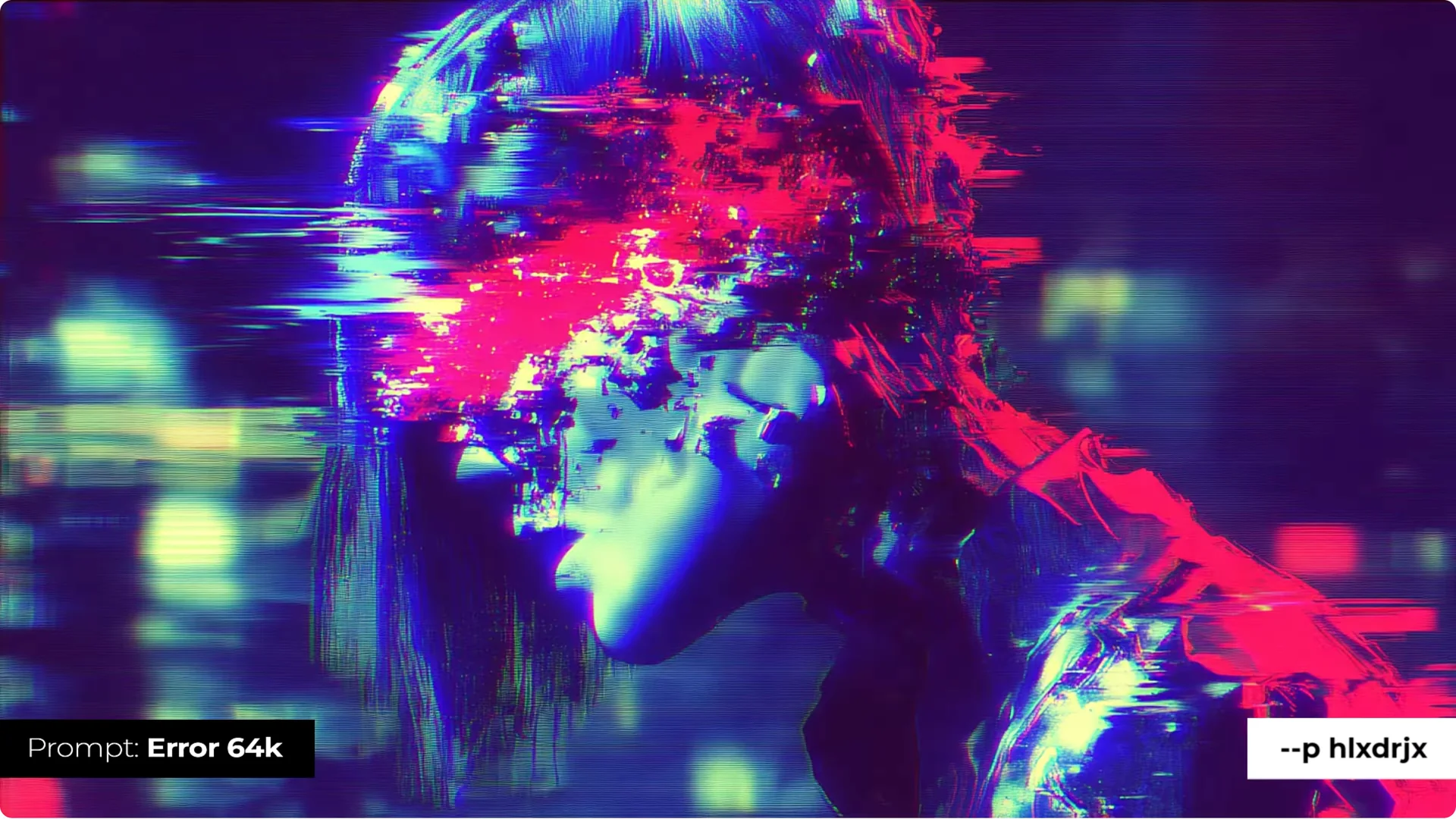
Glitchesque (code: hlxdrjx)
A digital glitch style that’s perfect for experimenting with the stylize slider. Dial up or down the glitchy effect, color bleed, and artifacts that overlay your subject. It’s a lot of fun on its own, and mixing it with other mood boards produces really unique effects.
Tip: Combine mood boards in one prompt
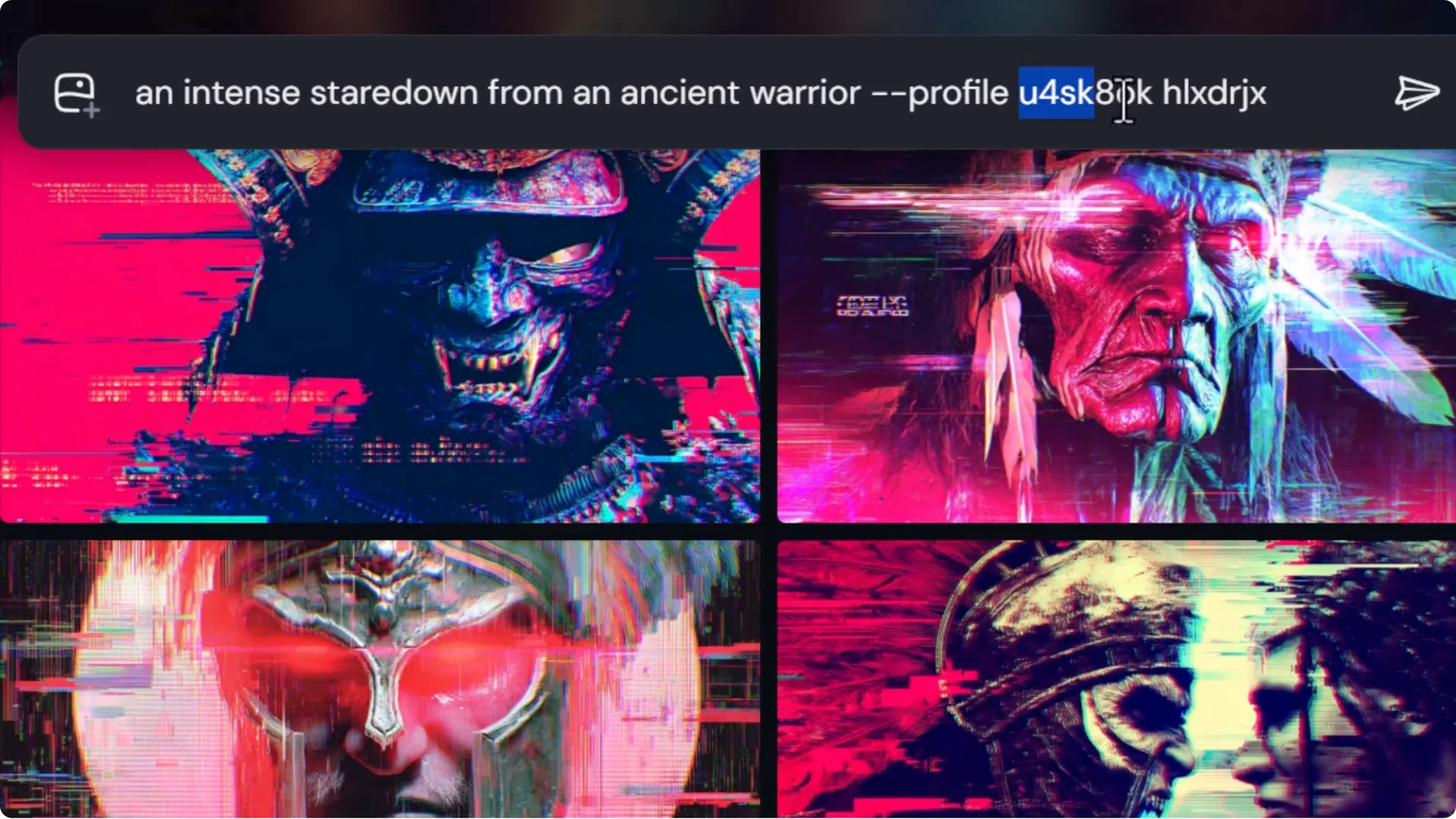
You can mix mood boards to create hybrid styles.
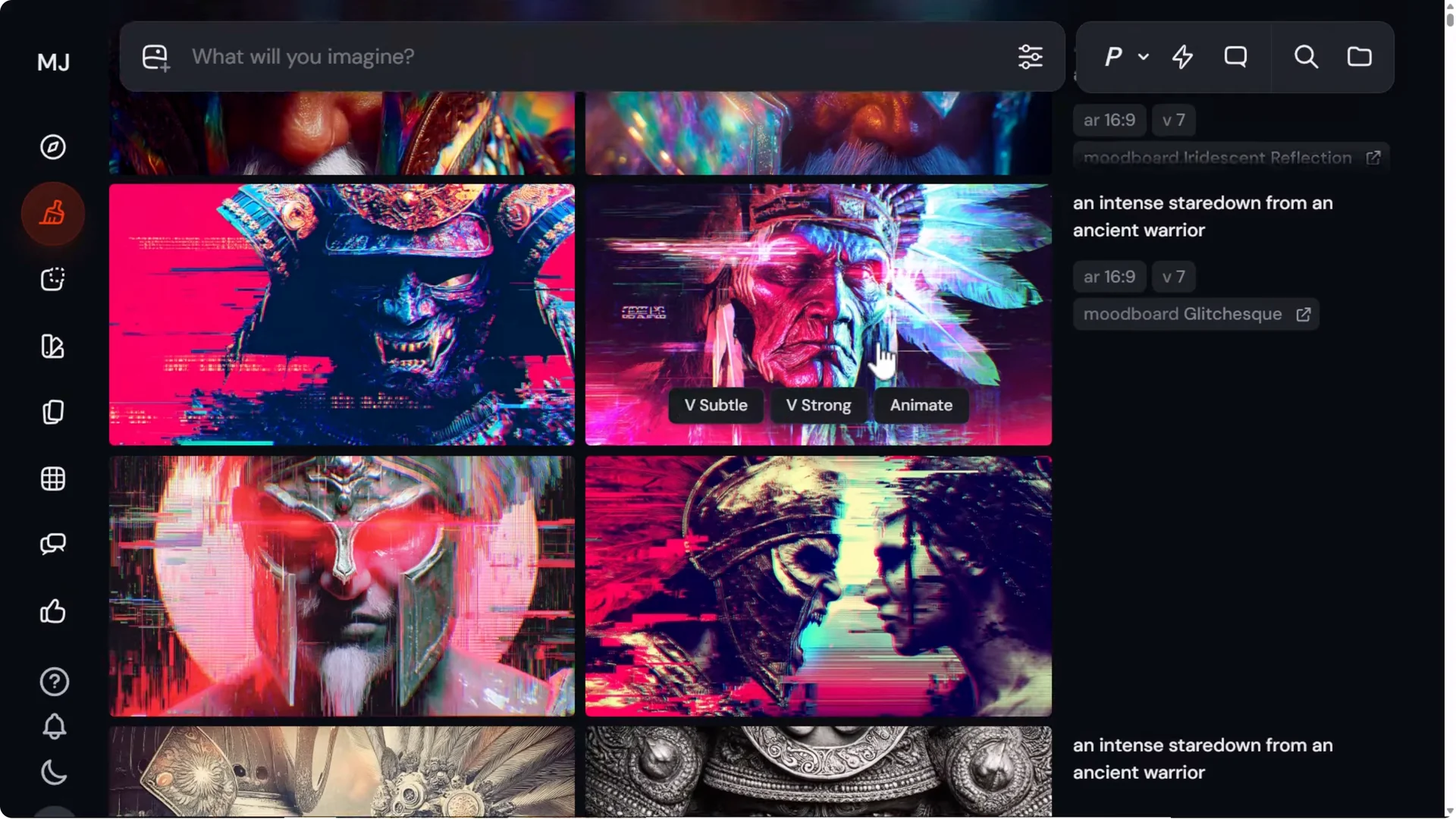
- Add one mood board code to your prompt.
- Add a space and type another code to combine two mood boards.
- You don’t have to stop at two. I’ve blended five or six together to create something really interesting.
- Submit and experiment to get different effects. This is a great way to take your mood boards to the next level.
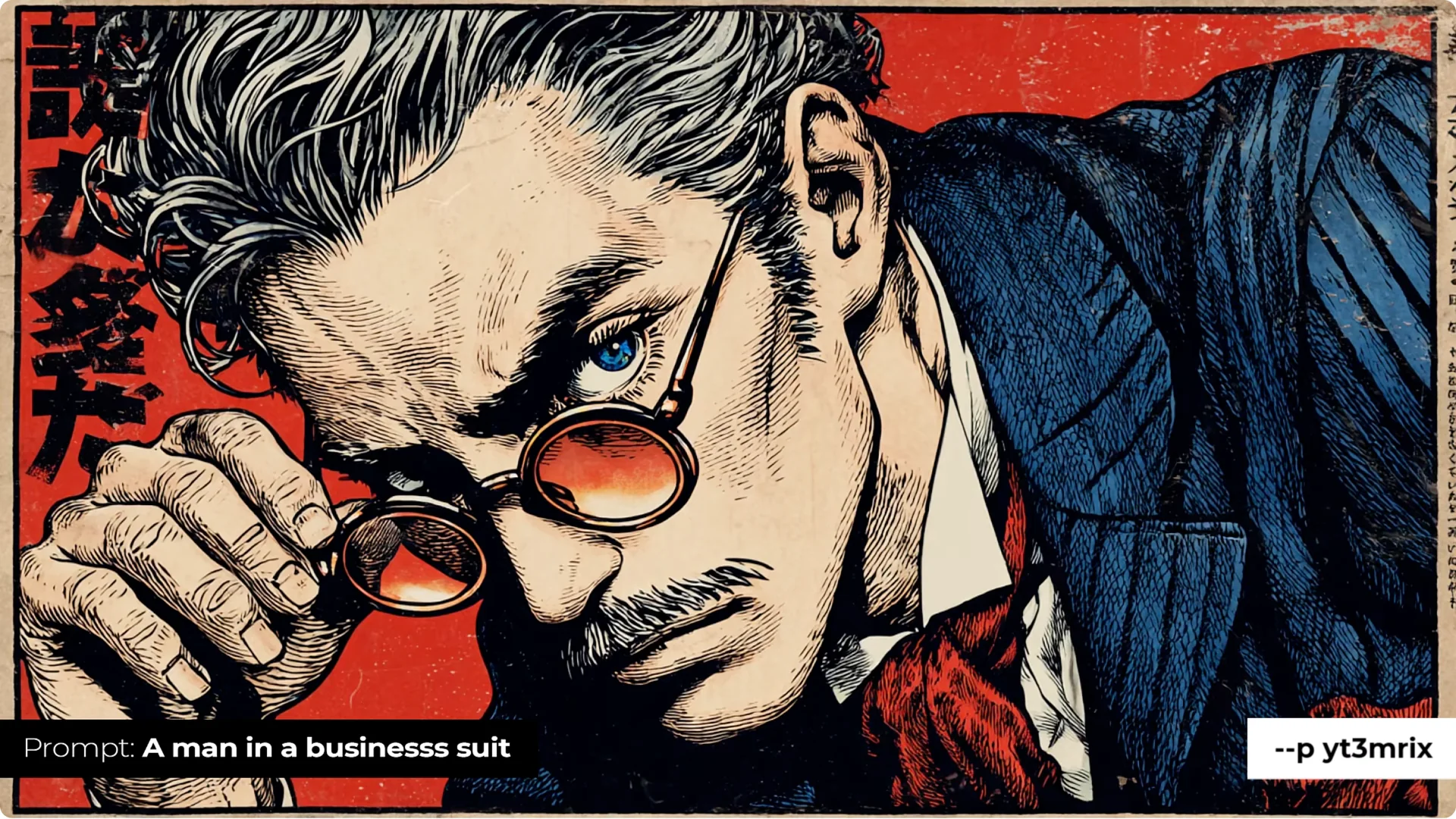
Ukiyo-E Comic Red (code: yt3mrix)
Created around a Yu-Gi-Oh style image, dialed into a particular color palette and illustration style, pulled toward a modern comic feel mixed with Yu-Gi-Oh. It adds distinct elements and creates a very particular, interesting style. I nearly always get good compliments from images made with this one. It’s not for everyone, but it’s worth trying if it catches your eye.
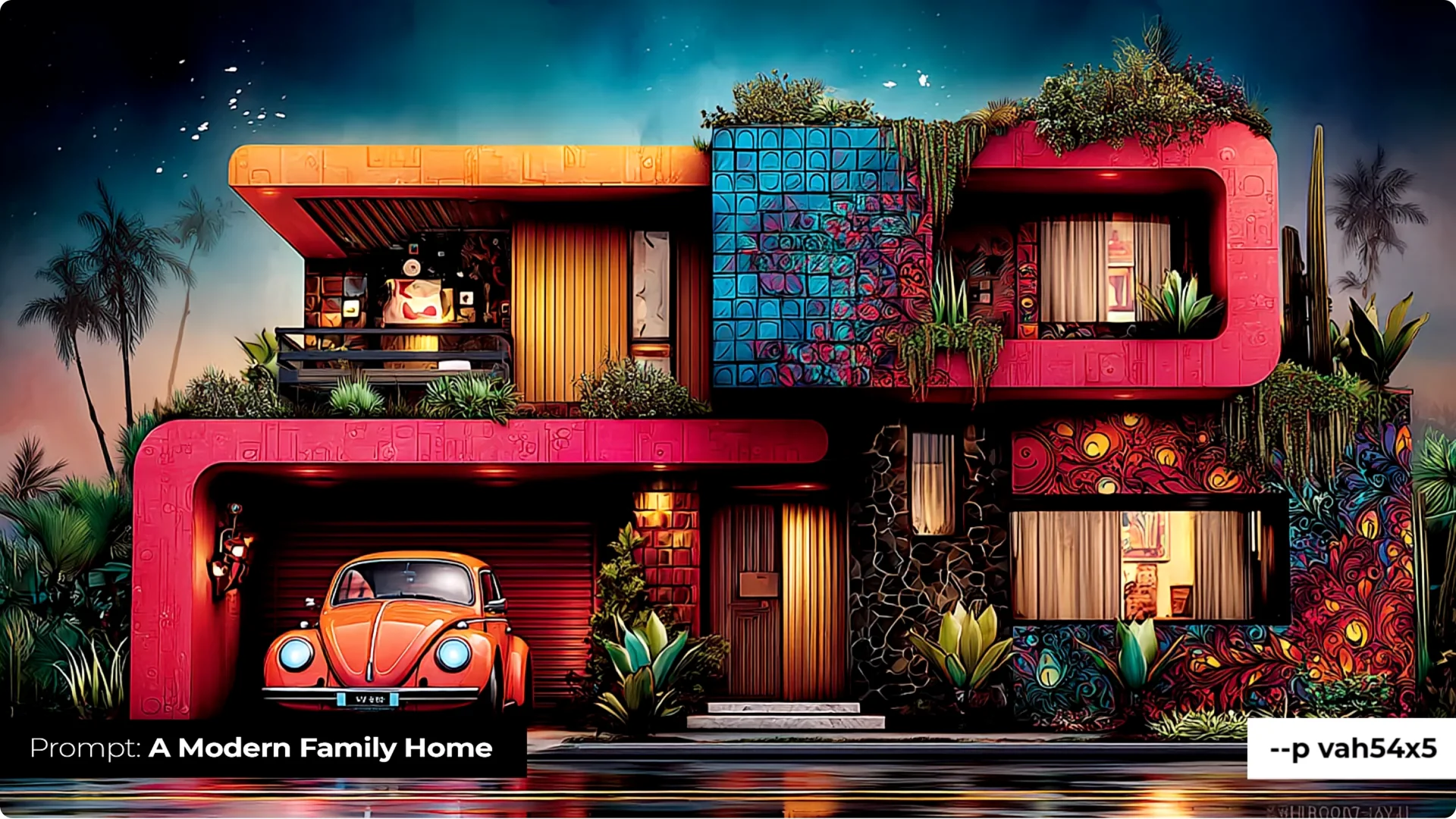
Candy Skull Madness (code: vah54x5)
Built from candy skulls and images that incorporate those elements. It adds color and candy skull motifs as textures throughout the image, not just on faces. It shows up on clothing, vehicles, and more, and sometimes adds the elements rather than simply painting them on. It’s colorful and bright and really stands out.
Gigeresque Dystopia (code: q4qq5tf)
I didn’t use HR Giger’s work directly, but I produced Giger-inspired images and handpicked the ones with a cinematic, three-dimensional feel. You get a muted biomechanical style. It’s really strong, and you may have to dial it down because it can go a bit far. The imagery from this one can be awesome.
Age of Stone (code: eu769eo)
This adds stone texture to almost anything. Instead of prompting for stonework and changing the nature of the subject, the mood board applies it to the subject in a unique way. The colors rely on stone as a material, blending it into the subject for distinctive results.
Tip: Create your own dialed-in mood board from a style reference
You can turn a one-off vibe into a reusable mood board.
How to lock a style with a reference:
1) Start with a prompt you like.
2) Add a style reference by dragging an image in as a style ref. You’ll get a similar vibe and color across new outputs.
Generate a varied set:
1) Keep the same style reference.
2) Change the subject and use permutations to create a series of prompts.
3) Submit to produce multiple images with the same style but some diversity in how it’s applied.
Build a mood board from those results:
1) Open the Mood Boards tab and create a new board. Name it something like dark glitch.
2) Add from gallery and select the images you just made.
3) Use the mood board in your prompt and submit. You’ll see that locked-in style without needing a separate style reference.
4) After generating your first set, click the button in the UI to reveal the short mood board code if you want it.
Ink Dripper (code: v4ofnm6)
This adds a drippy ink feel plus a bit of aesthetic tied in to keep it unique. It’s not just converting to black-and-white ink. It often adds texture, like it’s been drawn on, and weaves in inky details in smart ways.
Gustavesque Black & White (code: bhuujj8)
Inspired by Gustave Doré. You get an old-fashioned engraving style with lines that tie back to classical illustration and a darker, sometimes renaissance or religious art feel. It has a strong classical vibe and produces compelling images.
Old Film Dust and Scratch (code: vgvy6zx)
Great to dial in or mix with other mood boards. It adds super grainy, out-of-focus, creepy film artifacts, like something faded or improperly caught on film. Dial it in with another mood board and play with stylize to melt the effect into other styles.
Midjourney Moodboards and Tips: Final Thoughts
Try these mood boards, play with the stylize setting, and don’t be afraid to mix multiple boards in a single prompt. Use style references to lock a vibe, generate a batch for diversity, and turn those into a custom mood board you can reuse. The real fun starts when you experiment, tune the influence, and layer styles to create something uniquely yours.
