Midjourney has released social profiles on the website. I set mine up and it was easy to do on midjourney.com. If you already have a membership, you’ll be prompted with a setup screen.
Getting Started With Midjourney Social Profiles
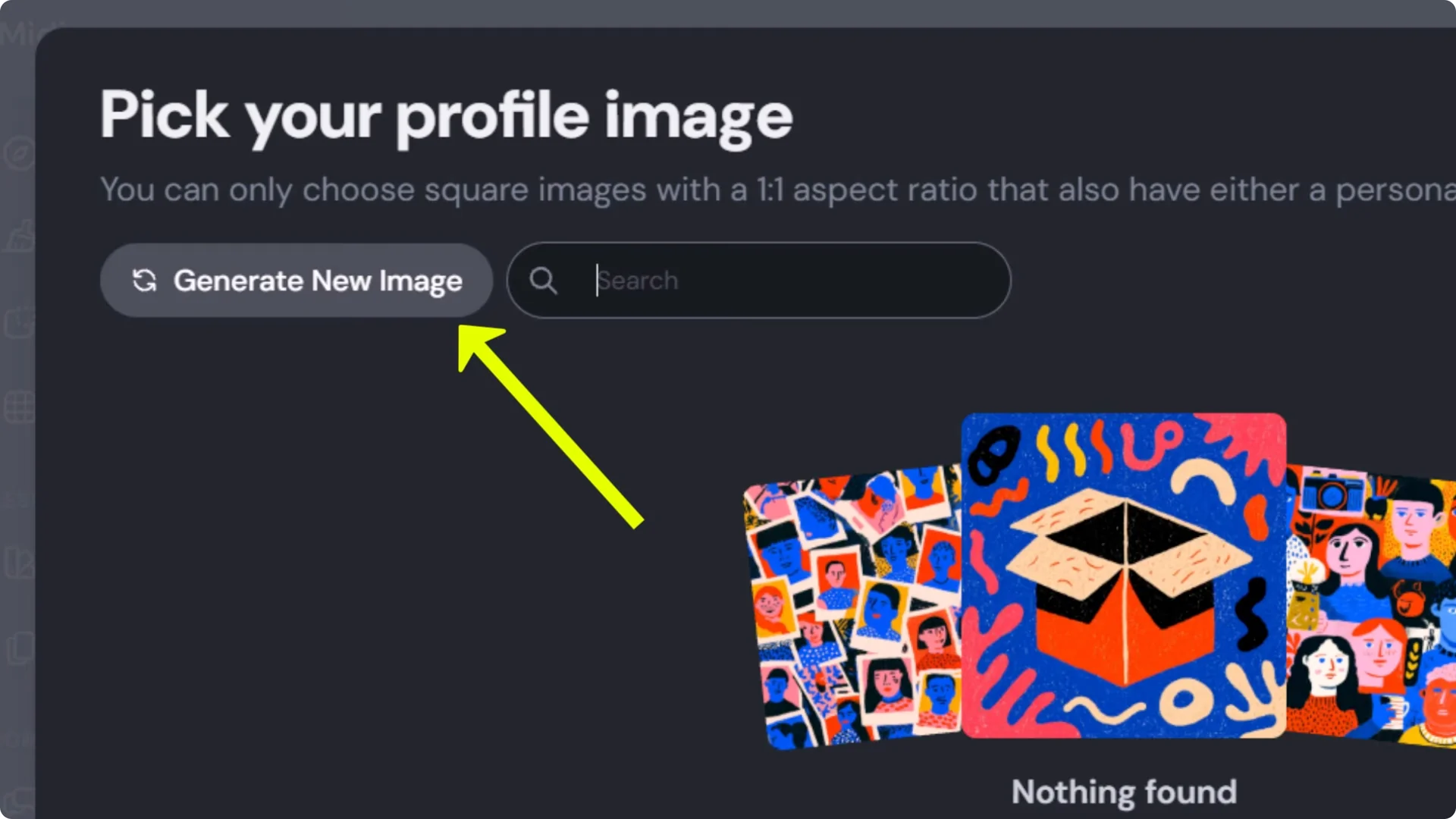
- Pick a unique username people can type easily. It’s a single word.
- Set a display name. This is what visitors see on your profile, and it can include spaces and capitals.
- Choose an ID photo. You can search existing images, generate a new one, or filter to find something that works as a profile image.
- Fill out your profile fields.
- Choose a cover image. It works like a Facebook-style banner. In the profile editor, the cover generator doesn’t take a prompt and just produces options for you to pick.
- Click Update to save.
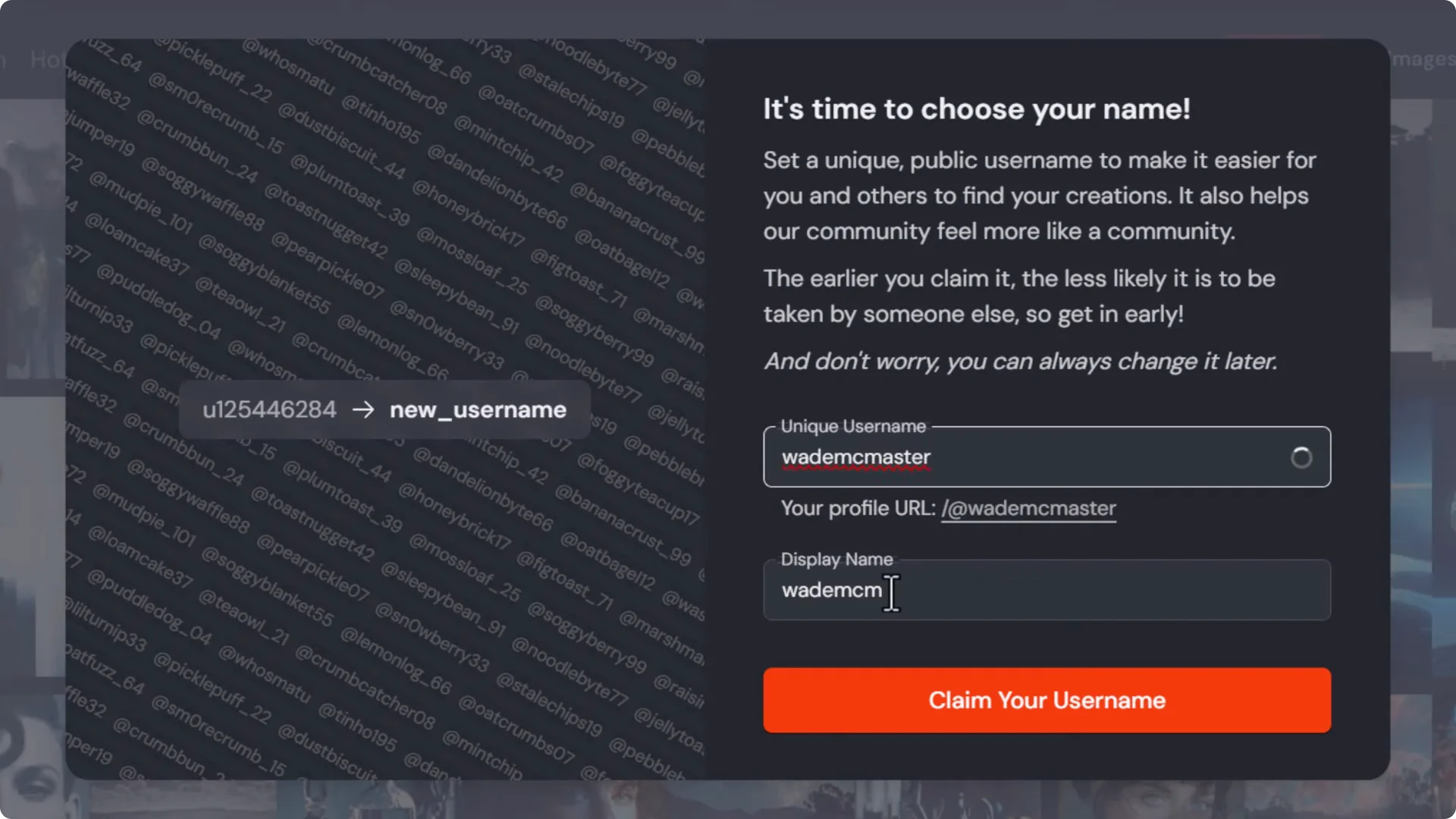
You can edit any detail later by clicking the pencil icon next to your name.
I mention that I cover Midjourney tutorials in my bio so visitors can click through to see those. You can update text, swap images, and personalize your profile anytime.
Spotlight on Midjourney Social Profiles
Spotlight lets you feature favorite images or videos at the top of your profile.
- Open Spotlight and choose items to feature.
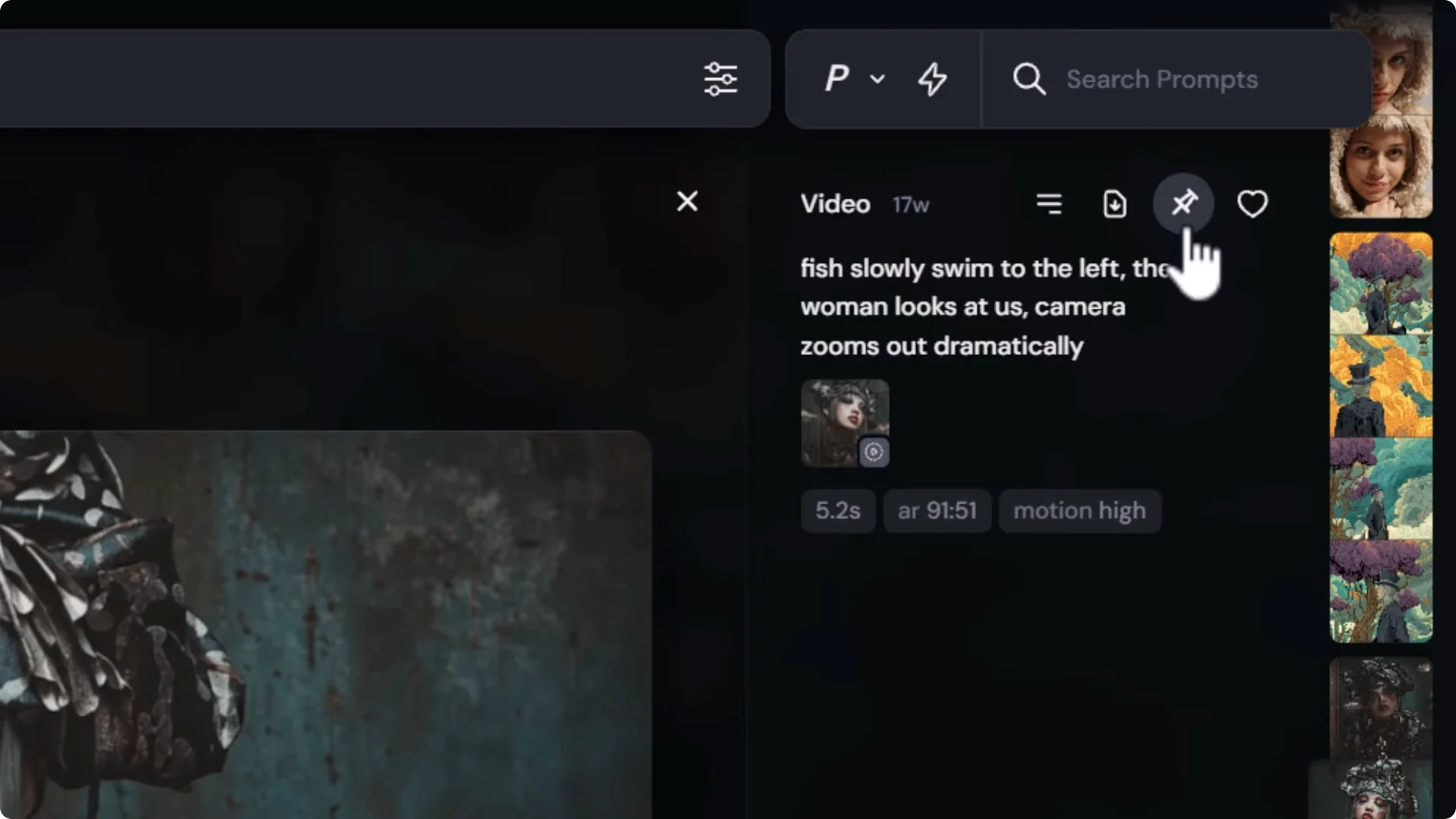
- Pin an image or video using the pin icon. You can also right click and choose the spotlight option.
- Remove a spotlighted item by clicking the pin again.
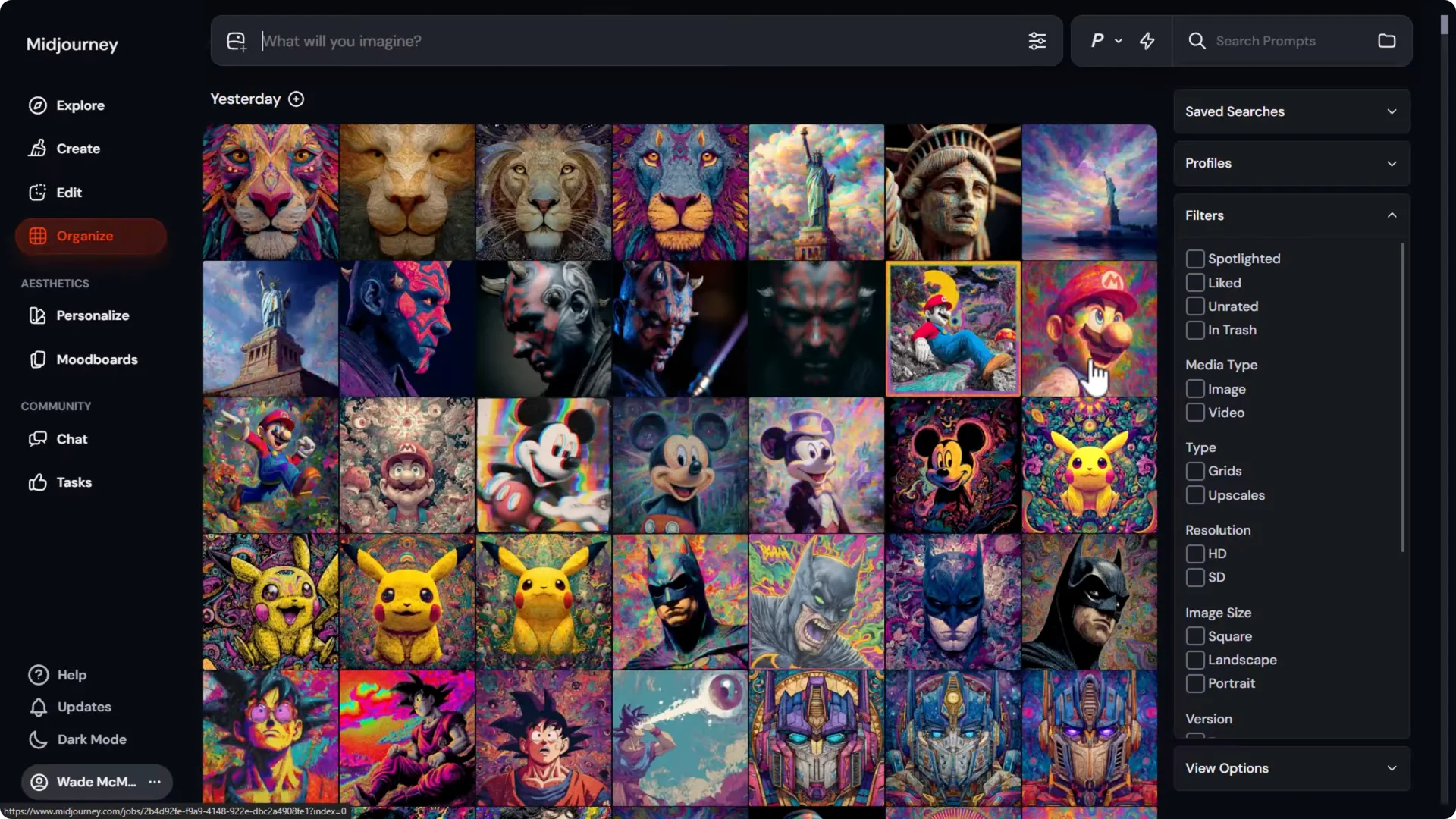
- You can also pin from the Organize tab by selecting an item and using the pin.
Archive and Privacy on Midjourney Social Profiles
Archive shows everything from your Organize tab except private items. It’s an unfiltered view of your public creations.
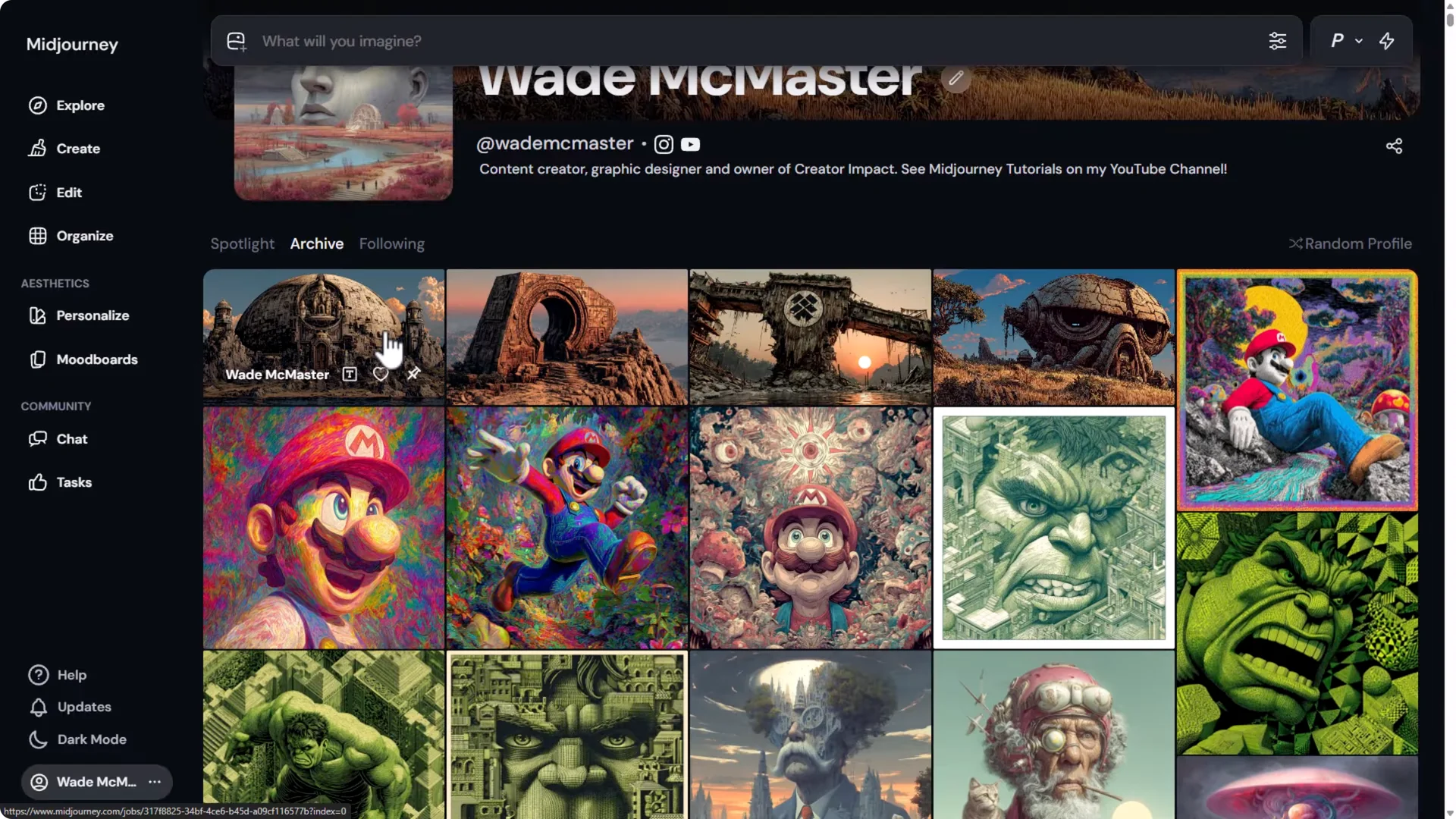
- Stealth mode: To generate privately, switch on stealth mode. You need the Pro plan or above to access stealth mode generation. Manage your subscription to upgrade if needed.
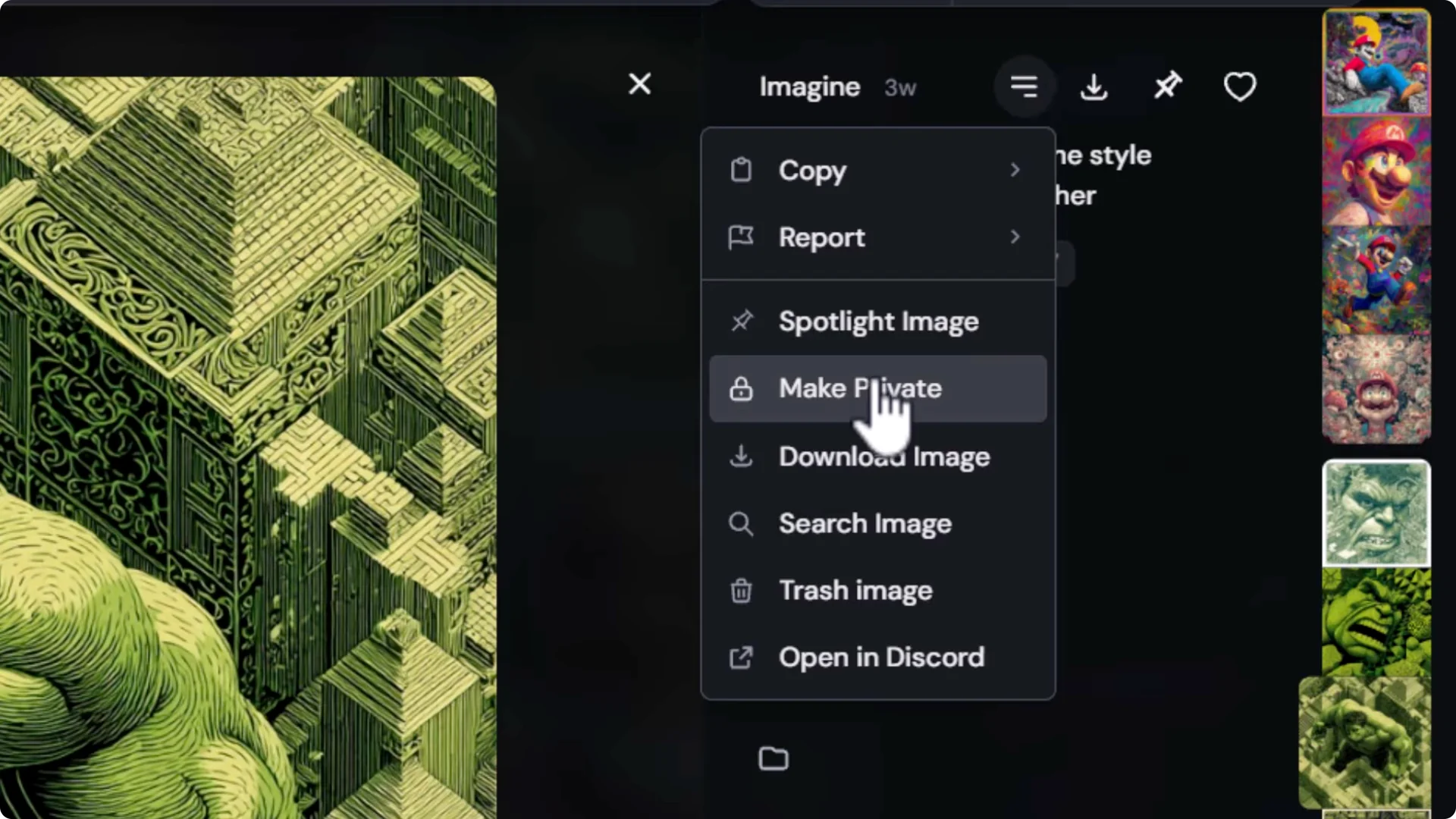
- Make items private or public: On any image, open the three-dot menu and set it to Private so it won’t appear on your public profile. You can make it public again the same way.
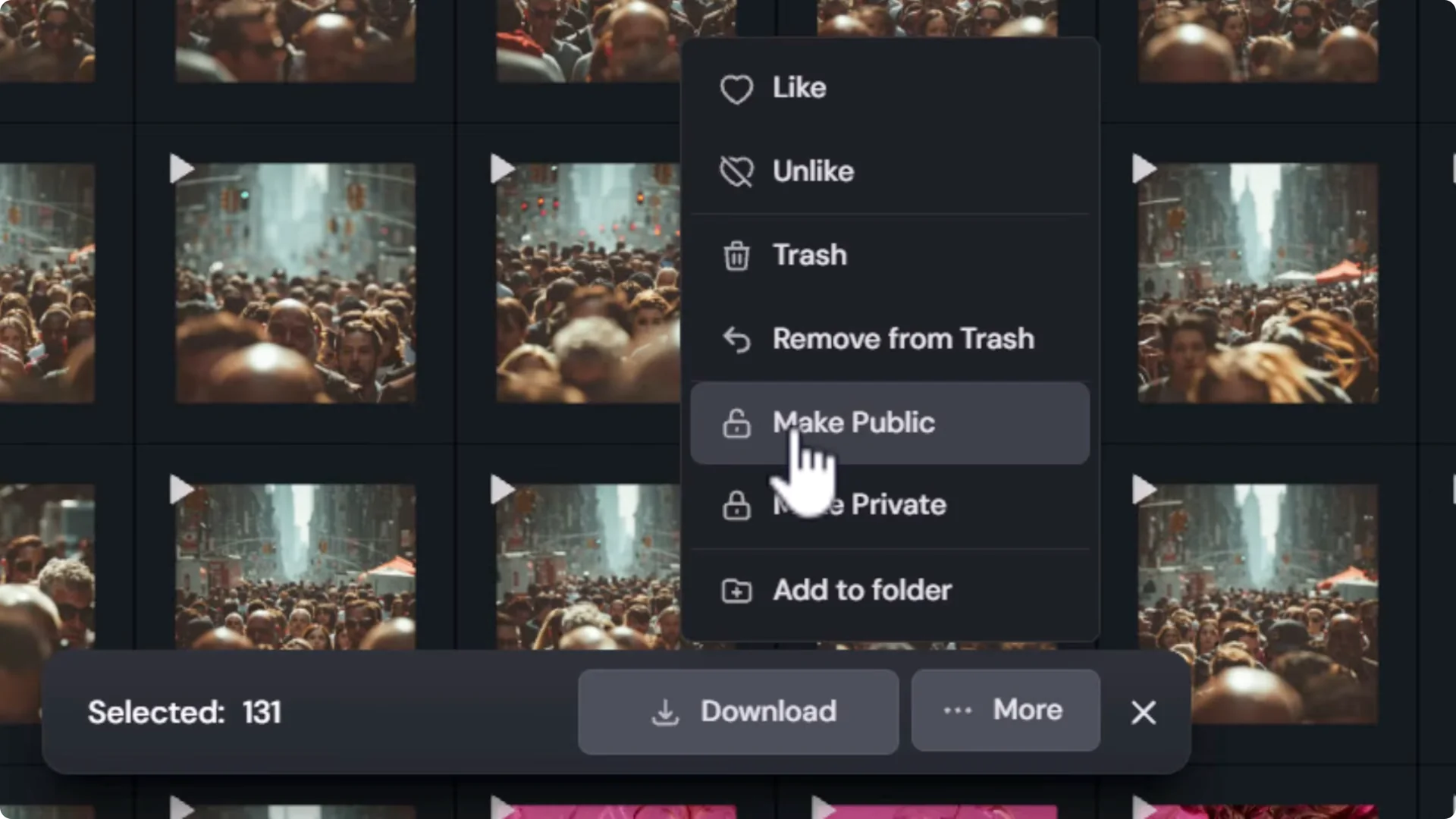
- Bulk privacy tools: In Organize, hold Shift to select multiple images or a full day, then use More to make them public or private in one go.
Following and Discovering Profiles on Midjourney Social Profiles
You can follow creators and share your own profile.
- Copy your profile link from your profile page.
- Use Random Profile to cycle through creators and follow the ones you like.
- Report a user if needed using the flag option.
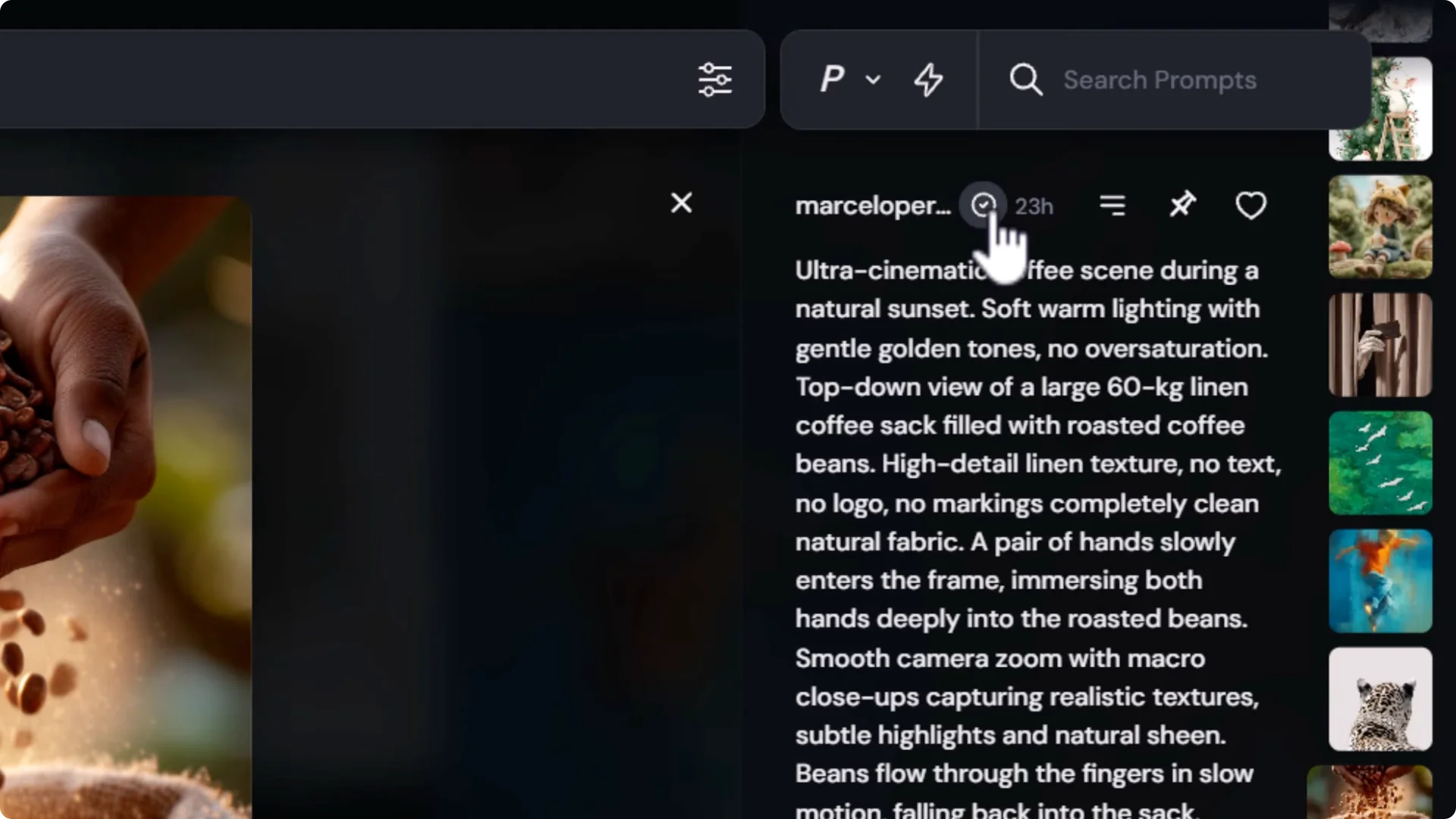
- Explore page: On Explore, switch to Images, click a username, and press the plus button to follow. Unfollow by clicking the button again.
Social Links on Midjourney Social Profiles
You can promote your other platforms:
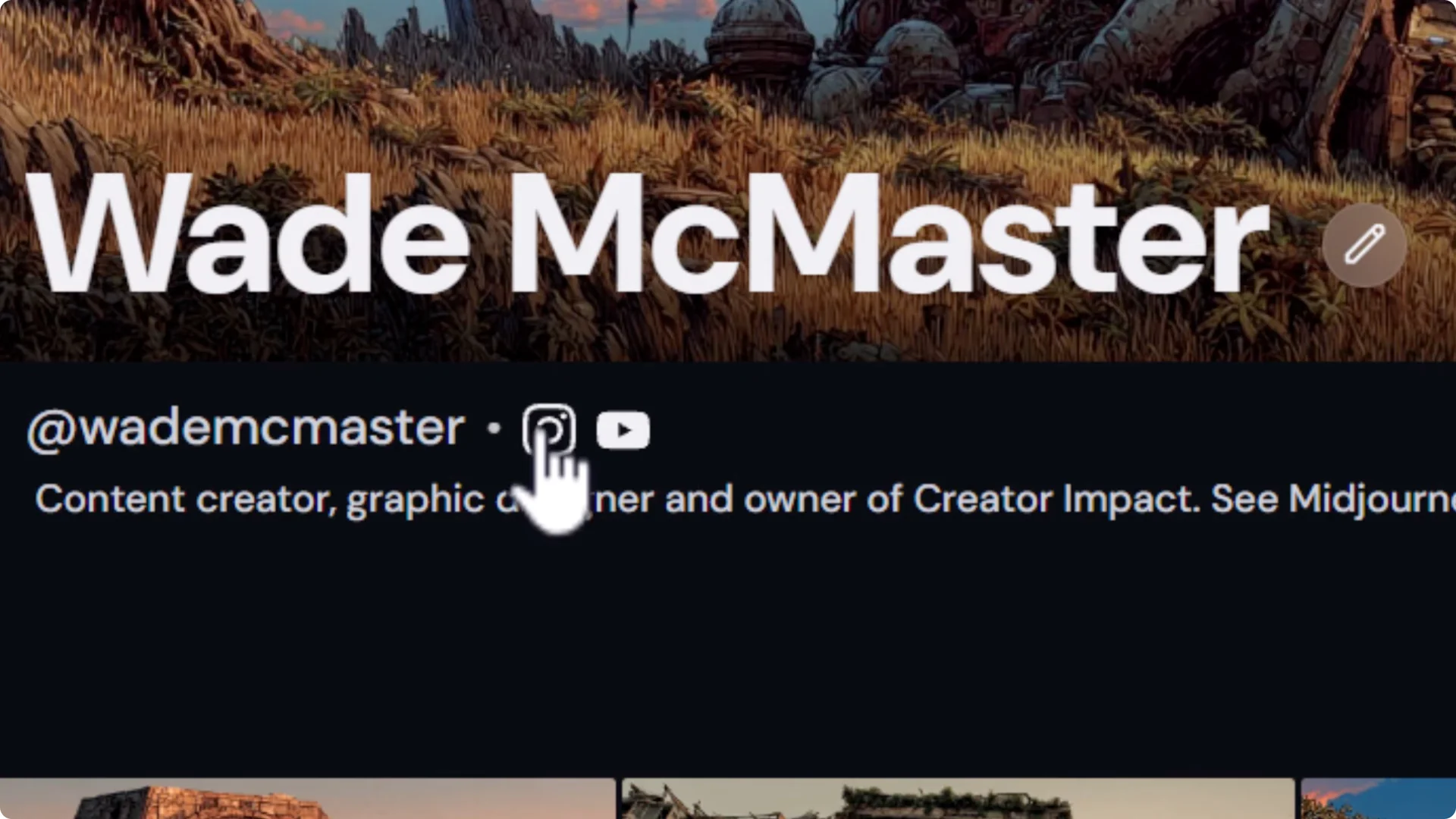
- Add Instagram and YouTube.
- There are fields for X and Pinterest as well.
Image Requirements and Personalization for Midjourney Social Profiles
ID Photo Specs
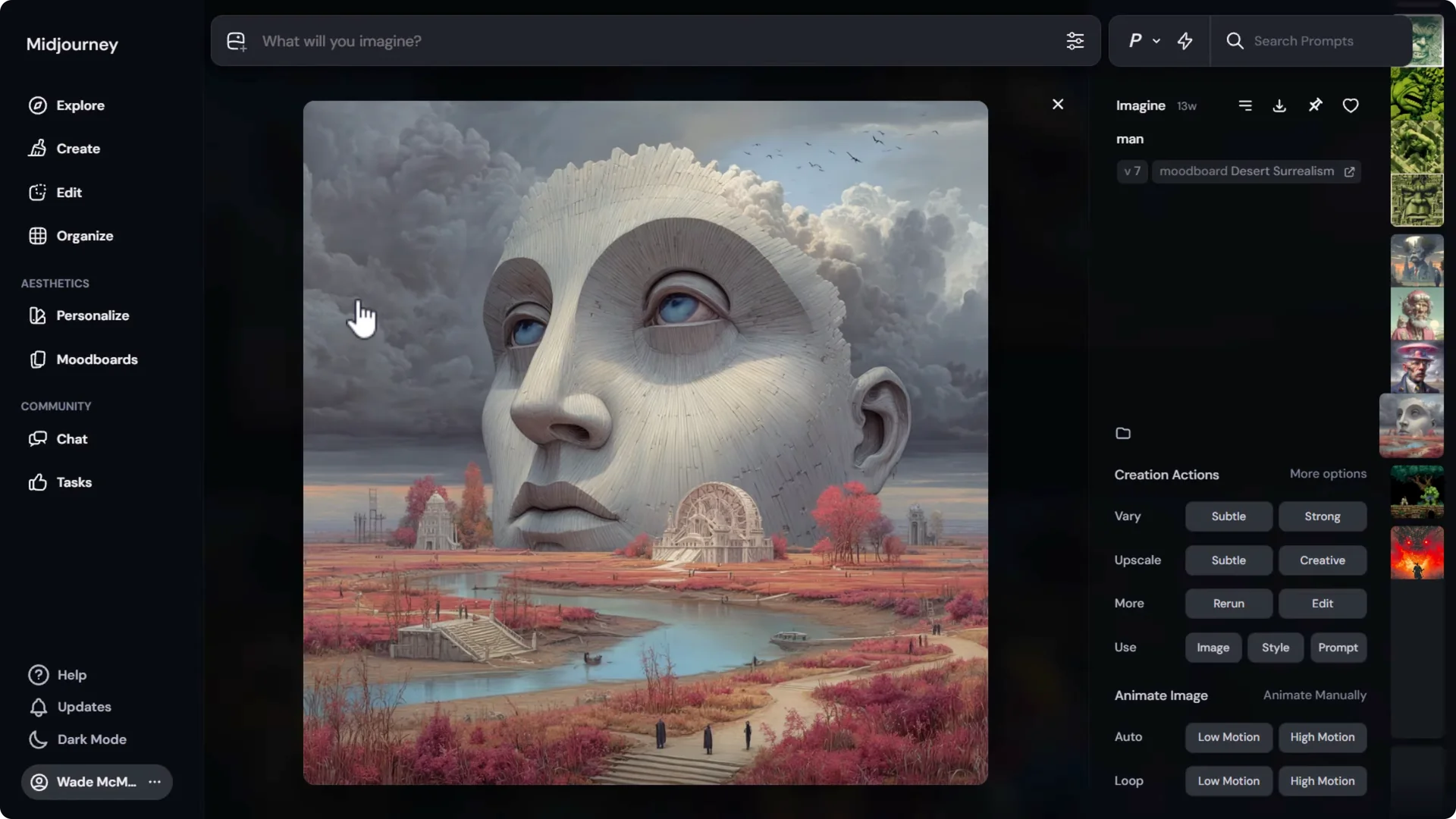
- The ID photo must be a square 1:1 image.
- Add the image to your creations so it appears in the selector, then choose it.
Cover Image Specs
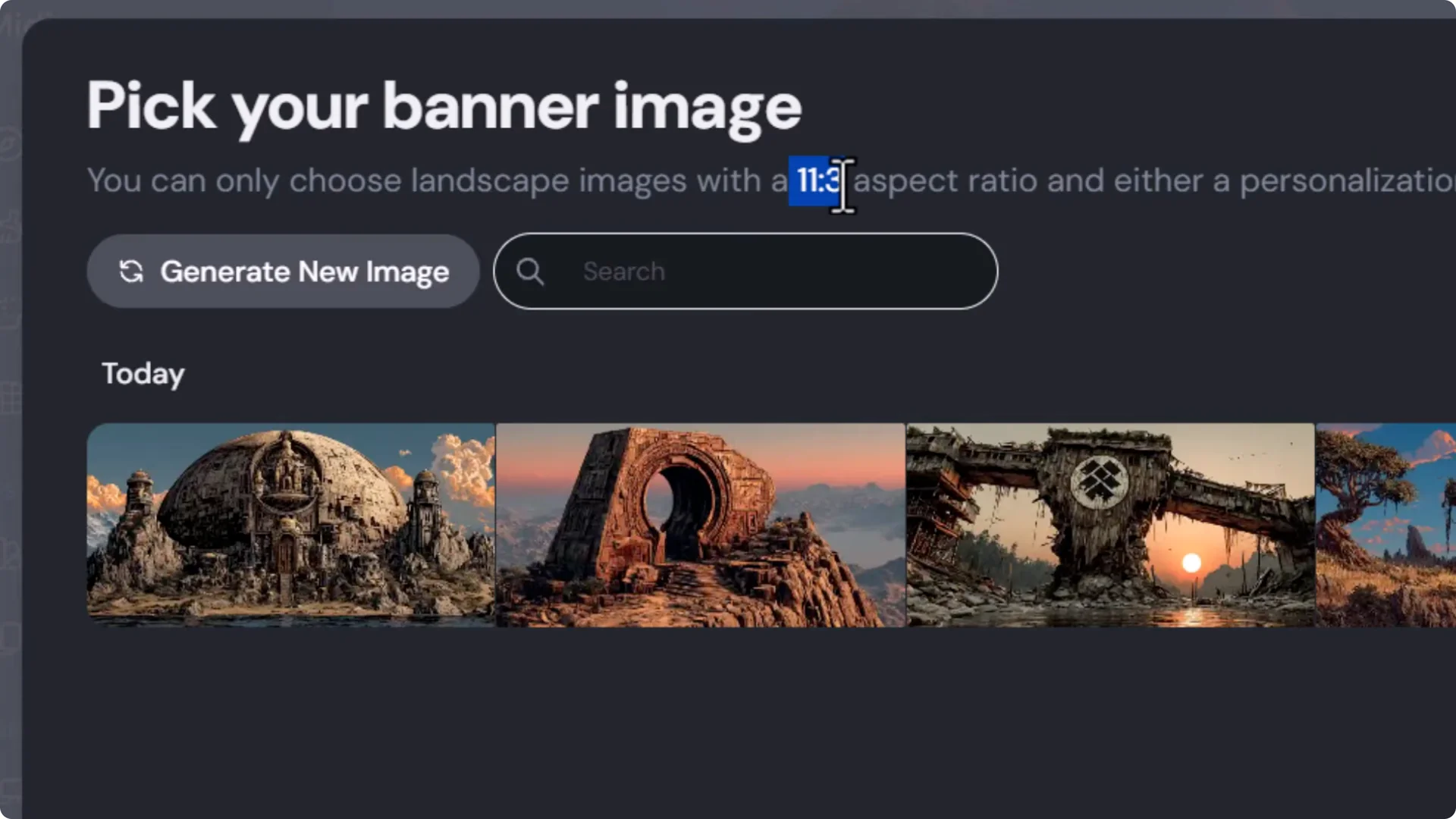
- The cover image must be 11:3.
- The profile editor’s cover generator creates random options without a prompt.
- To customize, generate your own 11:3 images in Create, then select them in your profile editor.
Personalization Requirement for Profile and Cover
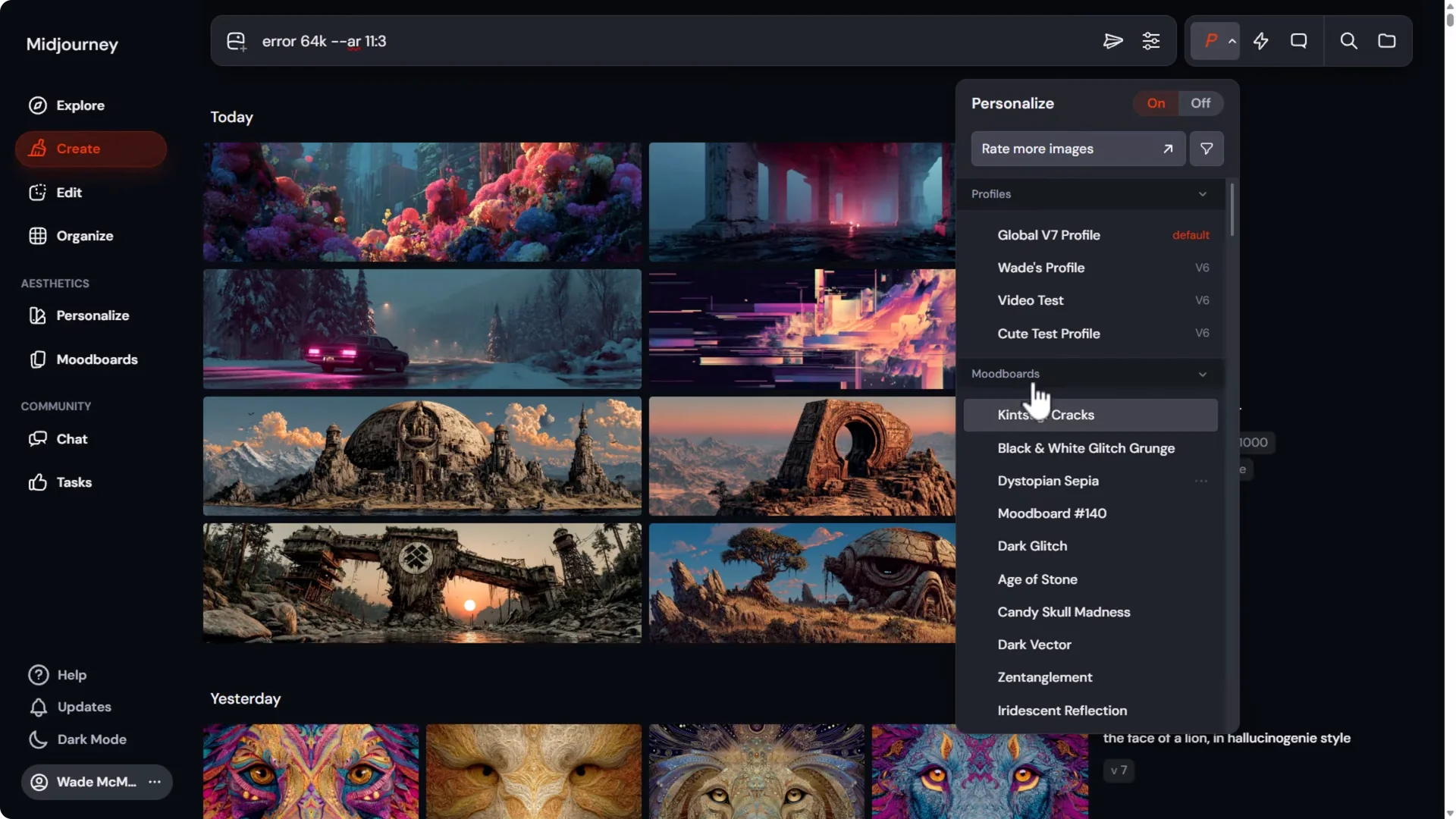
To use your generated images as a profile or cover image, they must be created with one of the following:
- Personalization turned on
- A mood board
- An sref code
Steps:
1. In Create, enter your prompt.
2. Set the aspect ratio to 11:3 for cover images or 1:1 for ID photos.
3. Turn on Personalization, or attach a mood board or an sref code.
4. Generate the images.
5. In your profile editor, pick the new image and click Update.
This requirement helps ensure profile and cover images are tied to your own creations.
Final Thoughts
Midjourney Social Profiles make it easy to present your work, highlight favorites, manage privacy with stealth mode on Pro and above, and follow creators you like. Customize your username, display name, images, and social links, use Spotlight to feature your best pieces, and use Organize to control what appears publicly. It’s a solid update that adds a stronger community feel to the Midjourney website.
