Perplexity just dropped new updates yesterday. They are not big, not even on the main pages, and were shared on Discord. I think these two updates are amazing and will make the platform more useful and a lot easier to use.
There are only two new things: a change to the user interface that many people have been asking for, and a new AI model now available in Perplexity.
Perplexity UI and Model Updates
The first update is that you can select the AI model you want to use while creating a new thread or prompting in Perplexity. This was not possible a few minutes ago, and now it is.
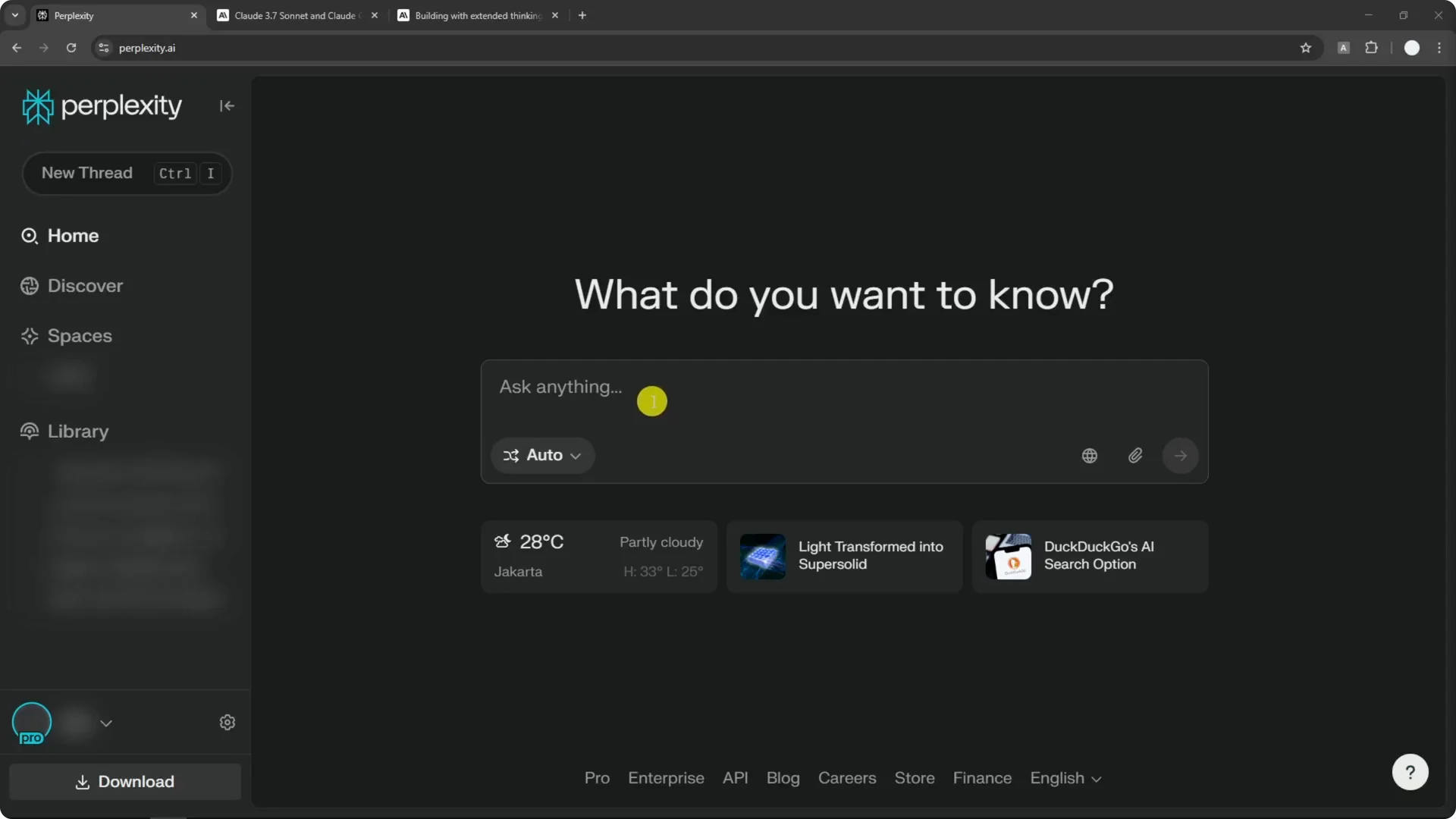
There is a button labeled Auto, which means you are using Auto mode. You also see Reasoning and Deep Research, and you can choose how and what AI model you want to use to answer the question.
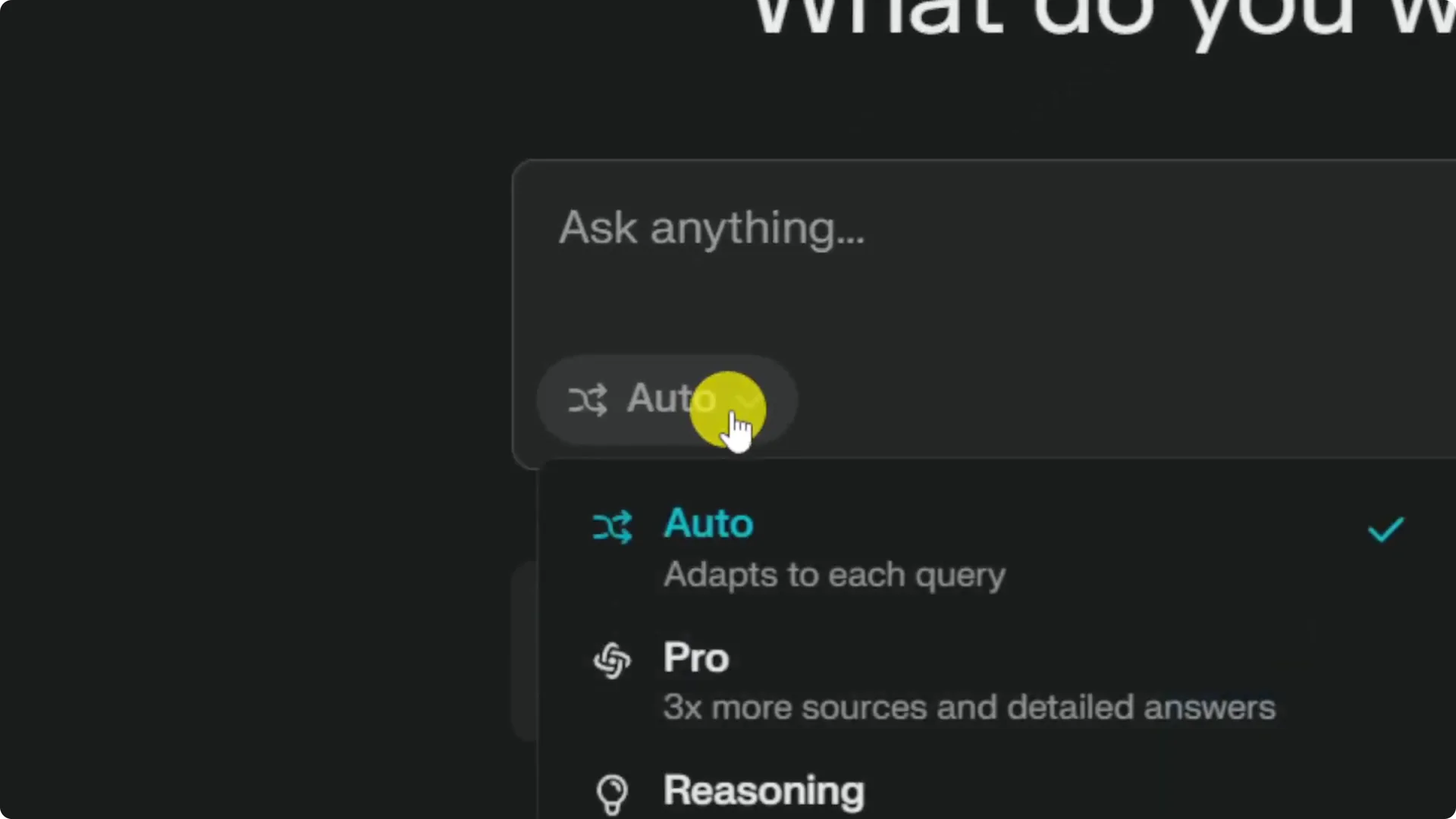
Auto mode is simple and decides the model and technology used to answer. There is also Pro mode, which reads a lot of websites and pages on the internet, aiming for a more detailed and accurate answer with fewer hallucinations.
The key change is that you can pick the AI model you want to use from that same spot. This button did not exist before. Previously you had to go to the settings page to select the model.
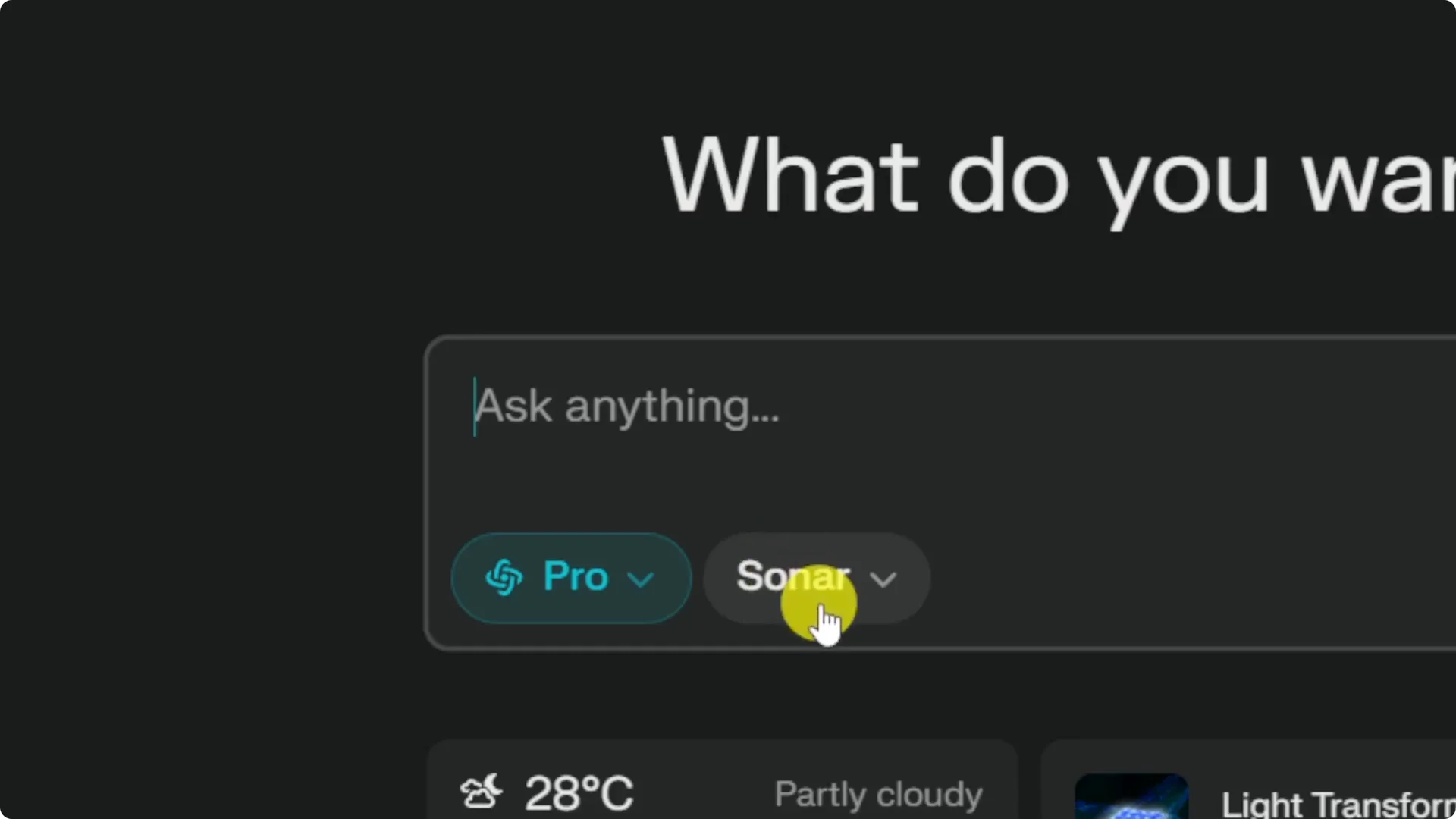
The settings page no longer holds the model picker. To choose a model you now click the new button in the compose area, which takes you back to the homepage view for selection. I think this is a nice improvement.
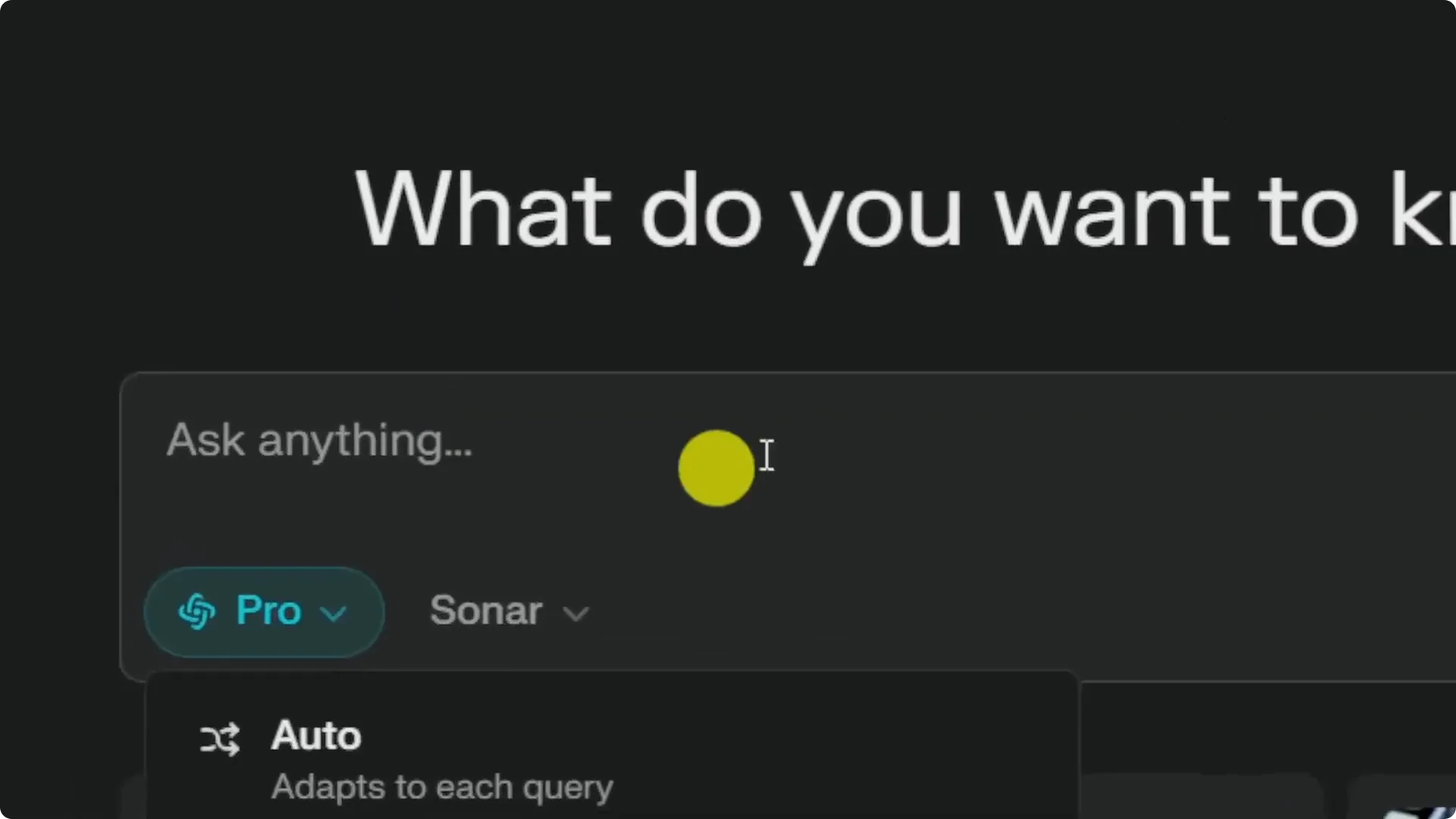
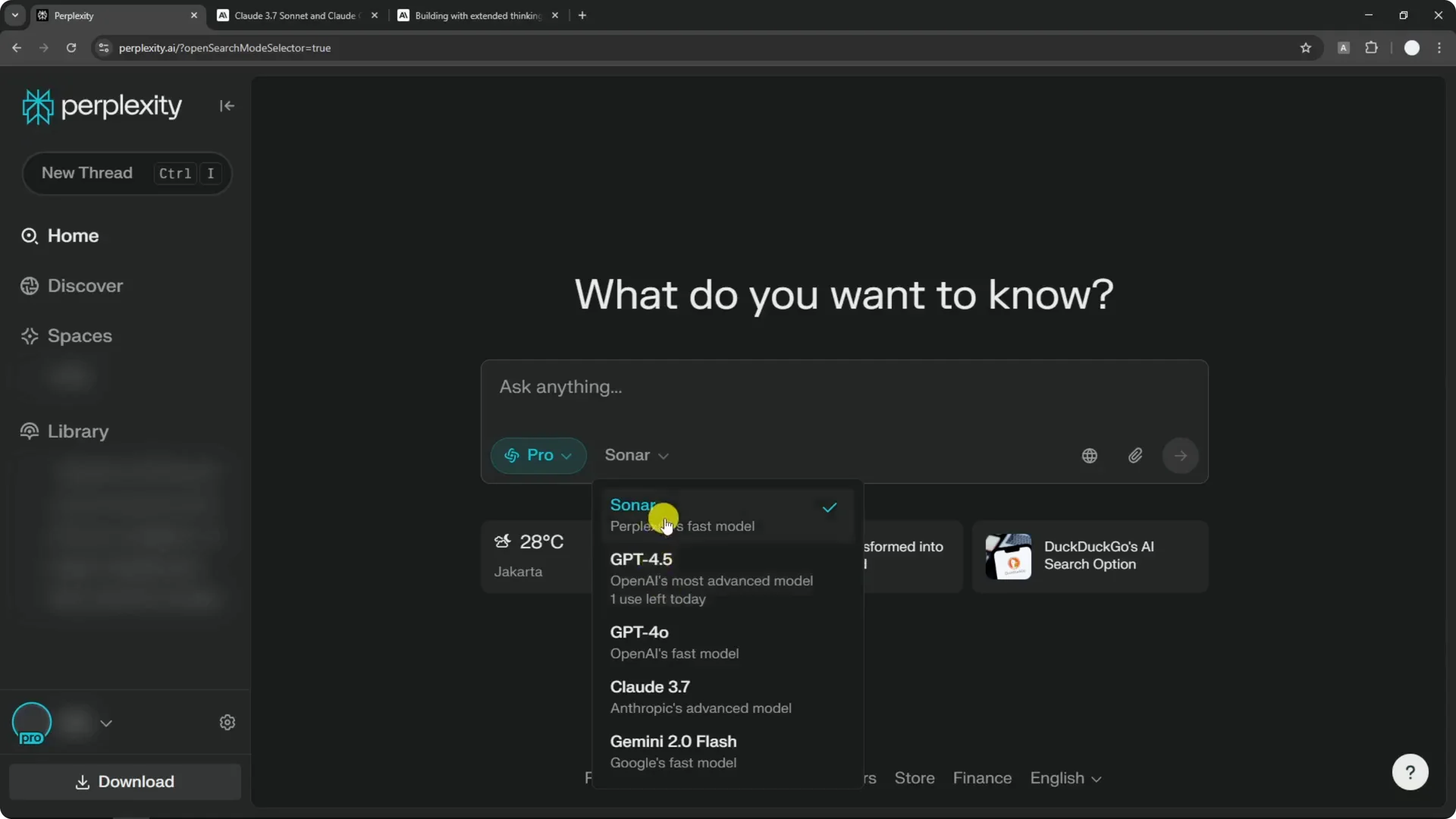
Available options include Sonar, GPT-4.5, GPT-4.0, Claude, Gemini, and others, and there will be more models in the future. You can also select Deep Research, but Deep Research is different from Reasoning and is exclusive to Perplexity. In Deep Research you do not pick a model because it uses Sonar Deep Research by default.
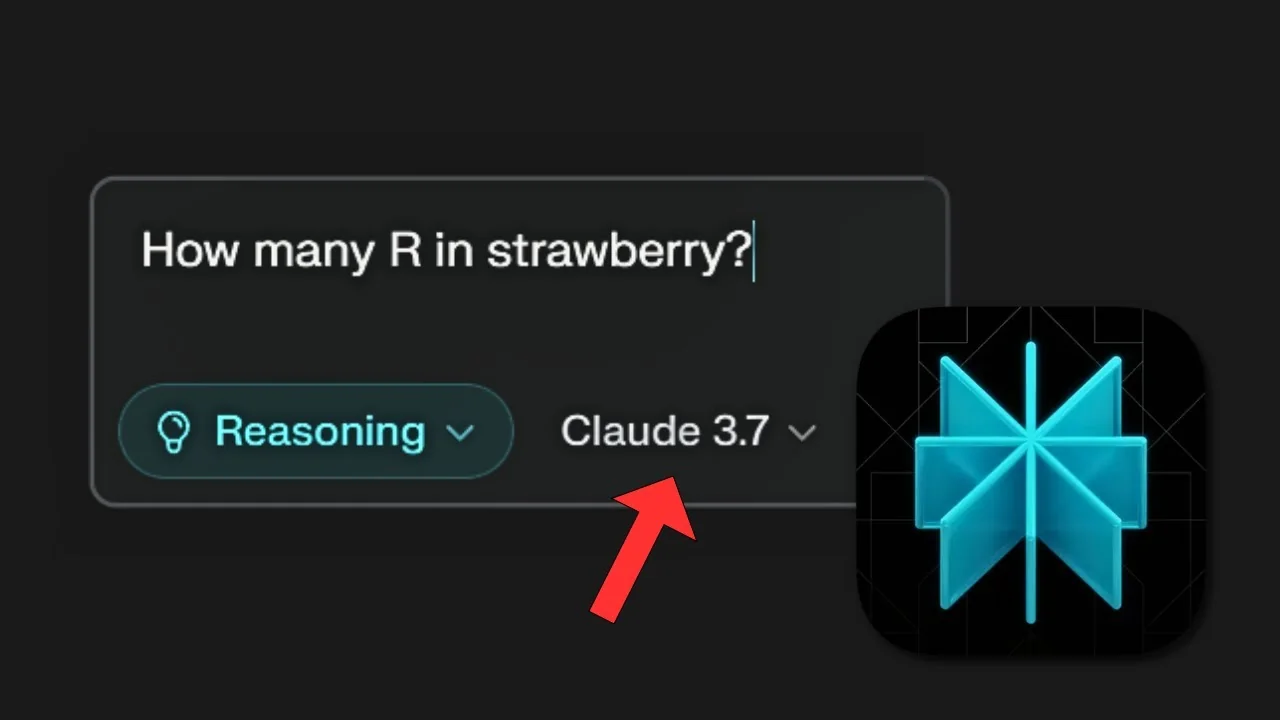
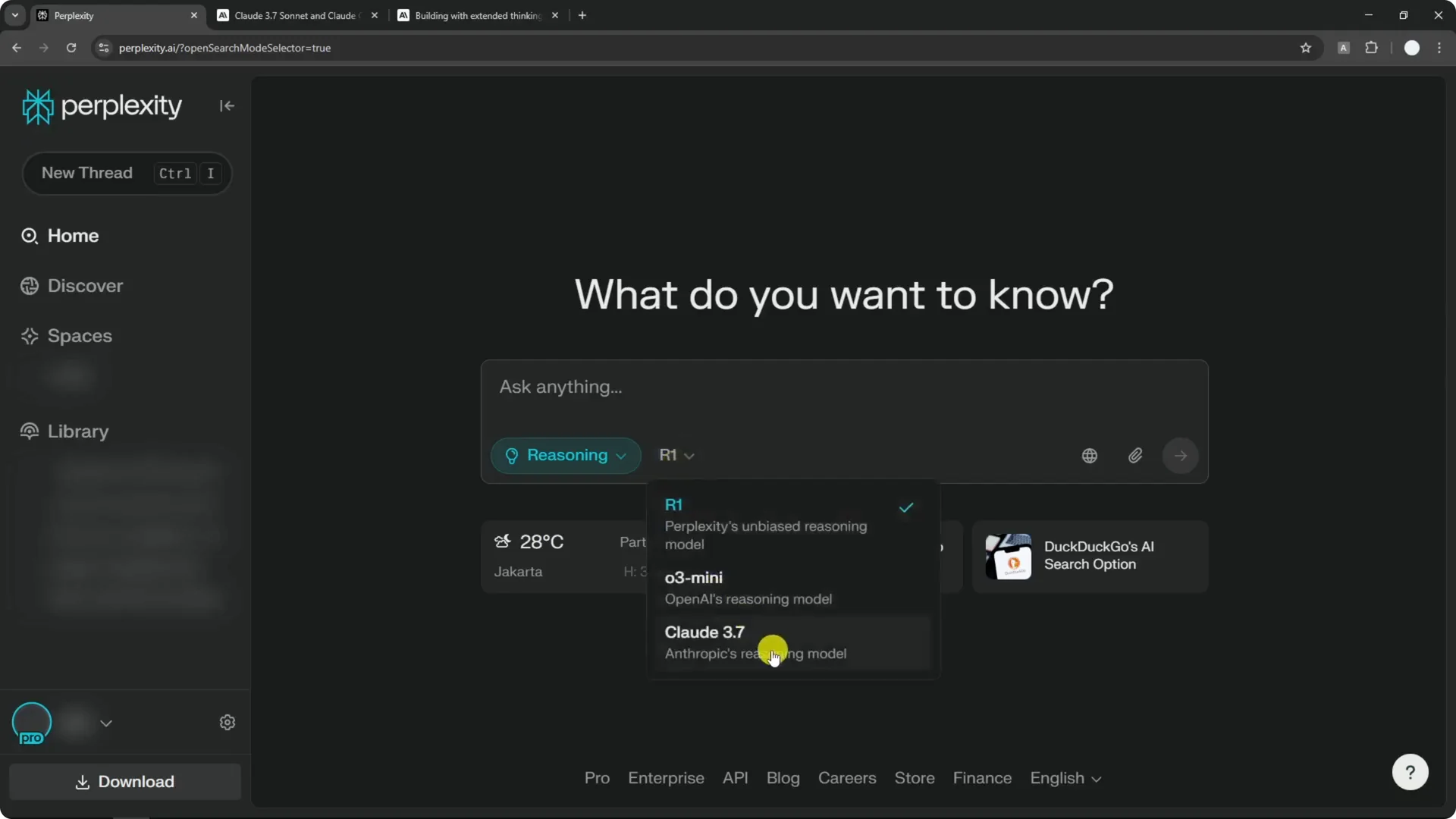
In Reasoning you can choose R1, O3-mini, or Claude 3.7 Sonnet. This is the thinking model lineup. Perplexity previously surfaced only the regular 3.7 Sonnet, and now, in line with the UI update, Claude 3.7 Sonnet appears in the Reasoning options.
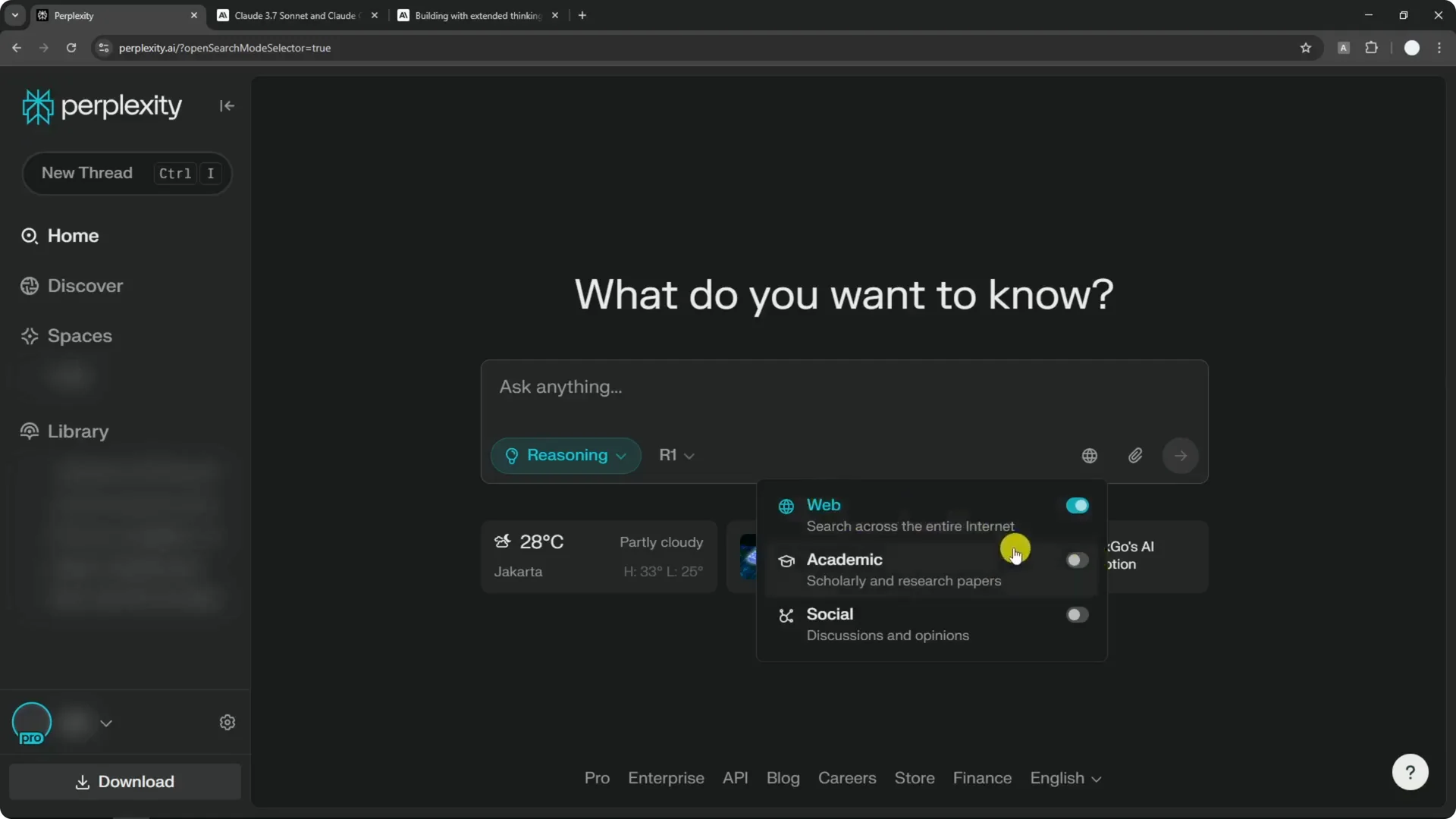
The interface had been confusing lately, and having model selection right where you prompt makes it much clearer. It still could improve, because there is another option button many people might not notice that controls how the AI should respond or search for your query. Even so, this is a meaningful step.
Read More: Flux 2 Klein Just Dropped Ultra Fast Ai Image Editor
Pick a model in Perplexity
Step 1: Start a new thread or type your prompt in the compose box.
Step 2: Click the Auto button to open the mode and model menu.
Step 3: Choose Auto, Reasoning, or Deep Research based on the kind of answer you want.
Step 4: If you choose Reasoning, pick R1, O3-mini, or Claude 3.7 Sonnet from the list.
Step 5: Submit your query. The same model button is available in the follow-up section, so you can switch models mid-conversation.
Read More: Midjourney Style Creator
Claude 3.7 Sonnet arrives
The second update is Claude 3.7 Sonnet now available in Perplexity. I had not tried it yet, so I tested it in Reasoning mode.
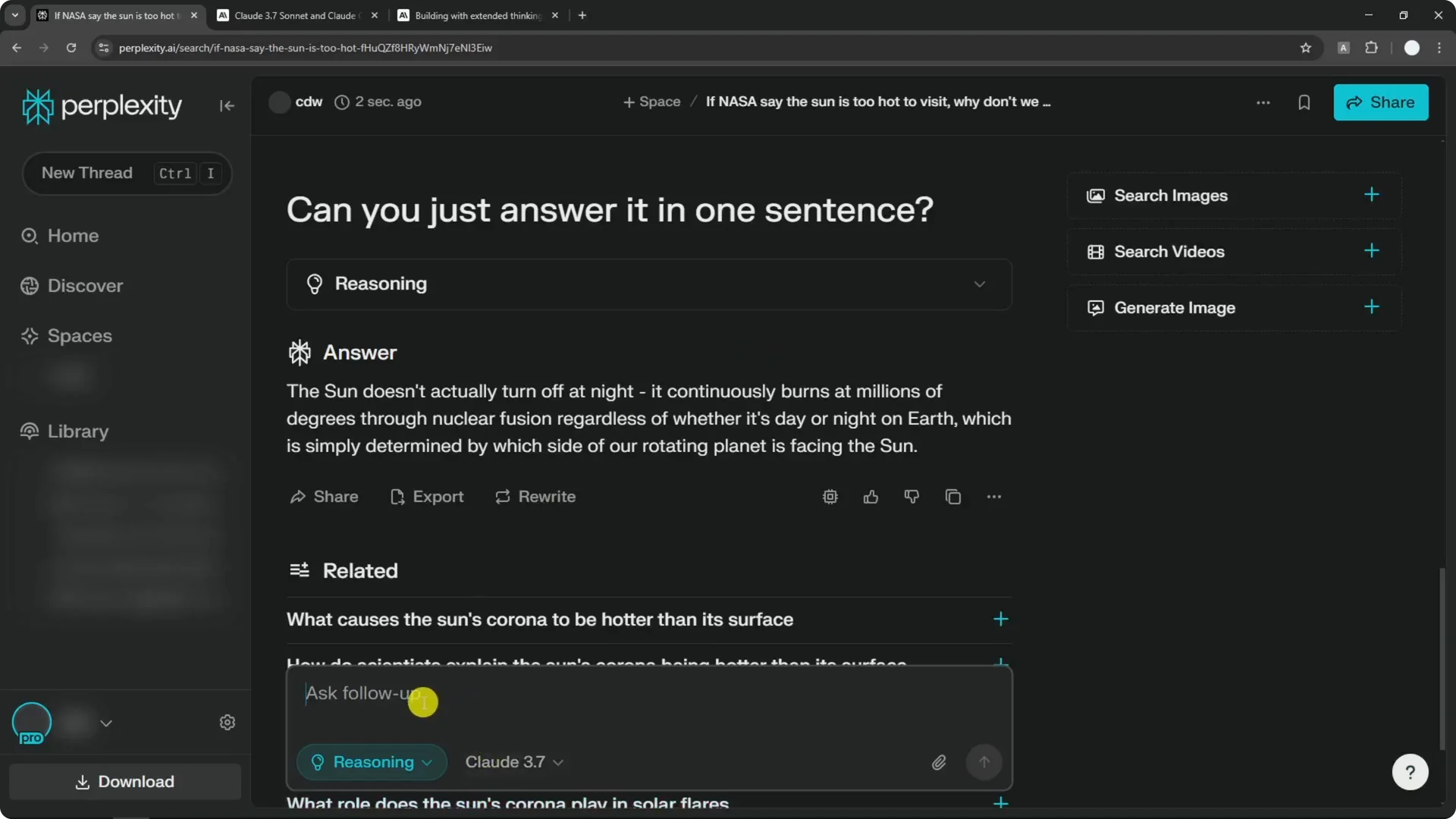
I asked a popular question: how many R are in Strawberry. The model reflected on the question, broke down the word, counted the letters, and answered correctly that there are three Rs in Strawberry.
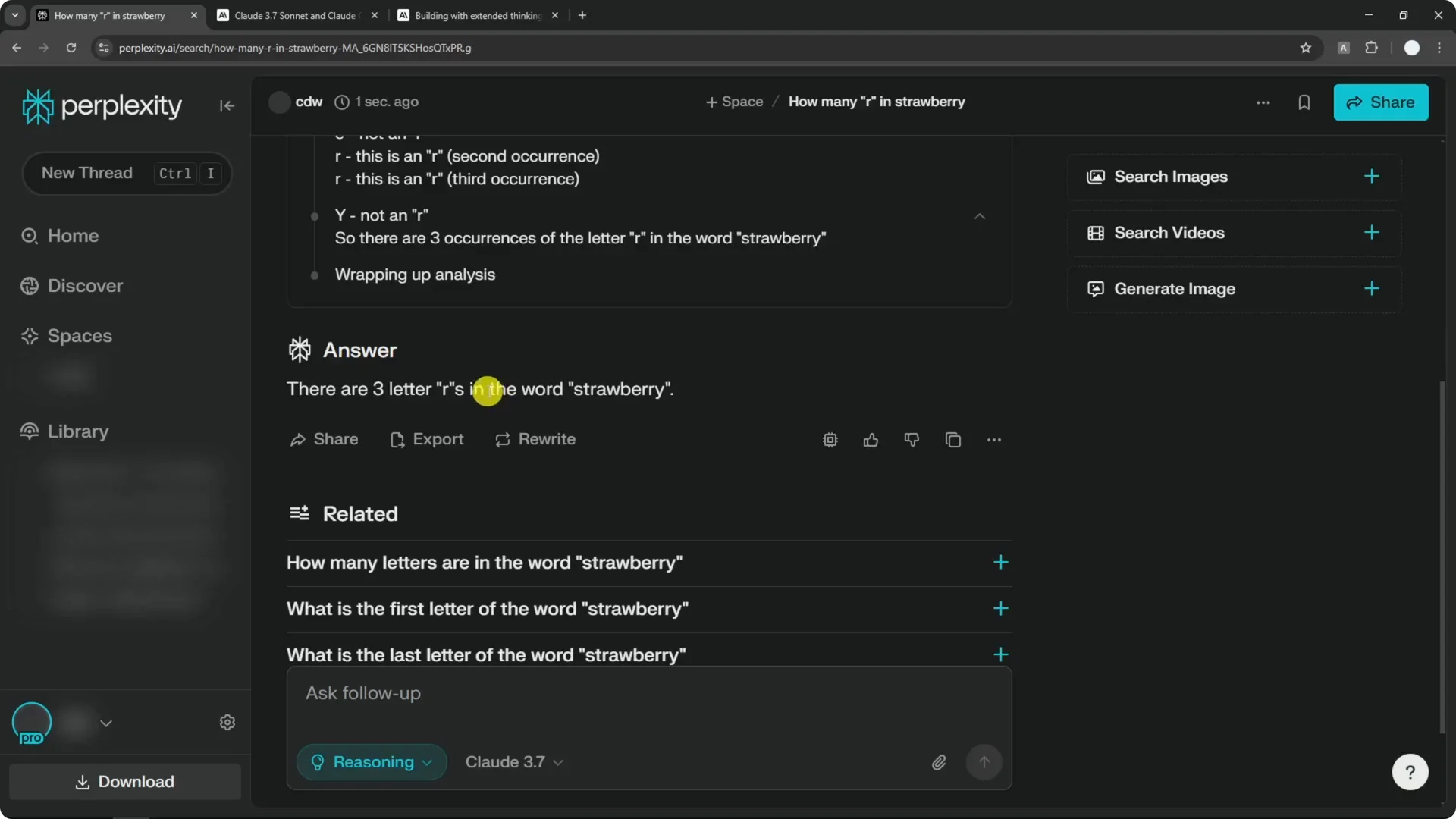
I then asked a silly question I like to ask AIs: if NASA says the Sun is too hot to visit, why not visit it at night when it is not shining. The model performed a lot of analysis for that rhetorical question and took it seriously.
Its explanation was that the Sun does not turn off at night. It is actively burning through nuclear fusion all the time, maintaining extremely high temperatures, and day or night on Earth is simply which side of our rotating planet faces the Sun. I asked for a one-sentence answer and it condensed it clearly.
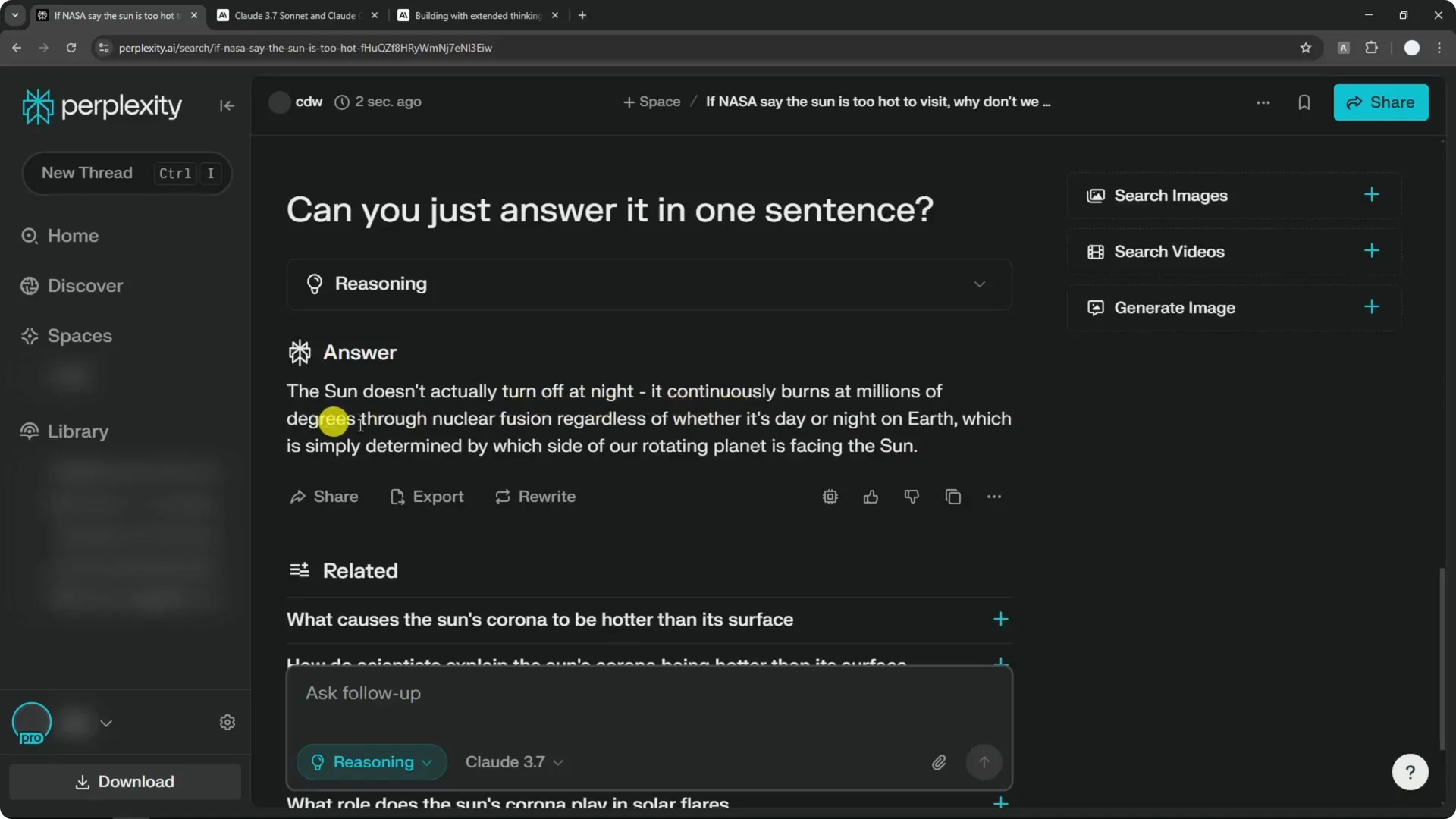
I was expecting something more satirical because the question was a joke, but the Reasoning model aims to answer very seriously and very accurately. That is the purpose of a thinking model. It did what it is designed to do.
Read More: Hide Midjourney Images On Your Profile
Final thoughts on Perplexity UI and Model Updates
These updates are quite useful. We got new buttons for selecting models in context and a new model in the Reasoning lineup. The experience is already easier to use and more capable.
If you want to learn more about Claude 3.7 Sonnet, check the official announcement and documentation. For Perplexity, Deep Research remains its own feature with Sonar by default, and Reasoning lets you choose among thinking models. I am excited to see more models added next.
Read More: Hide Bulk Download In Midjourney
