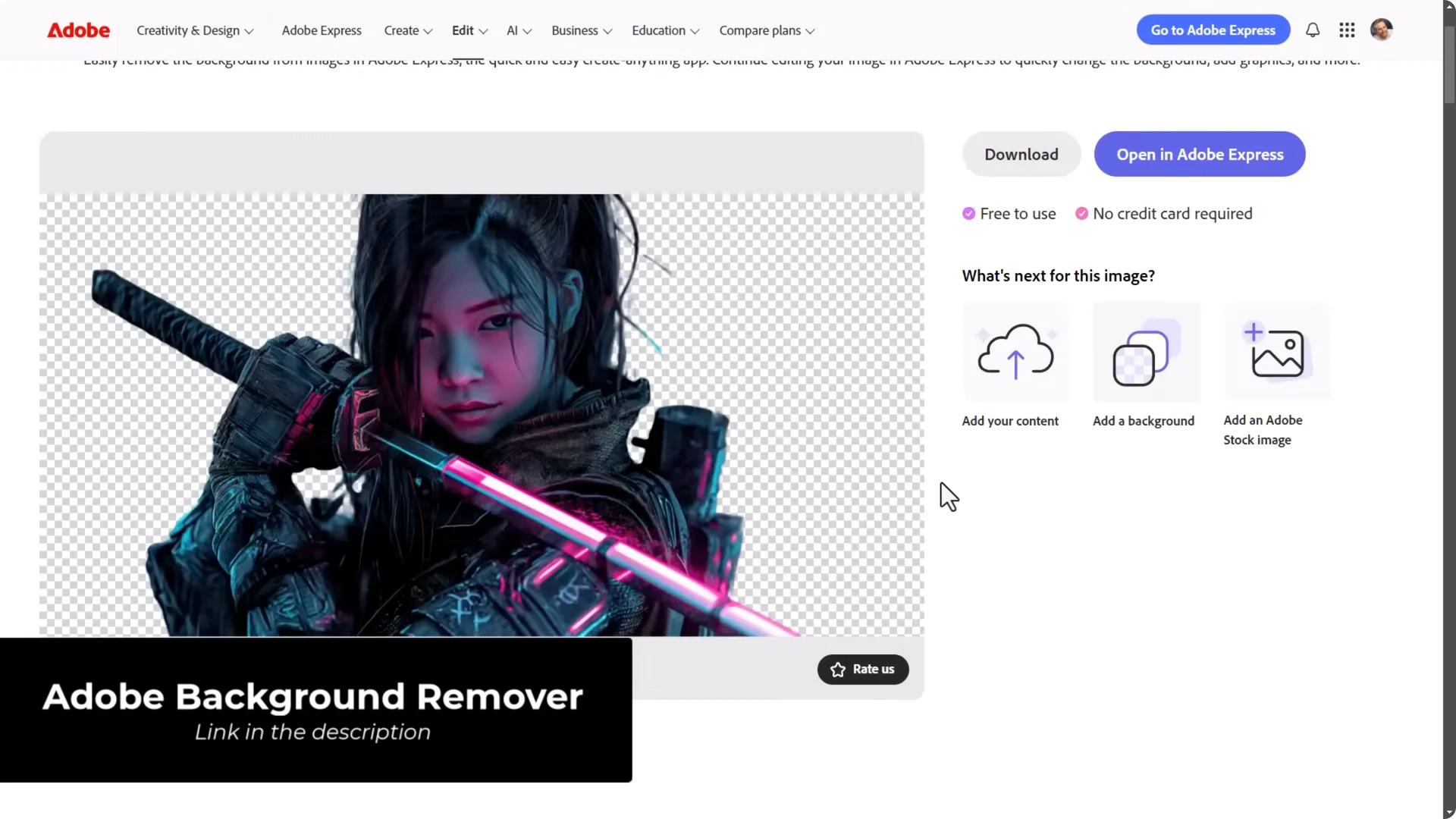
Go to Adobe’s background remover. Drag and drop your image, it automatically cuts out the background, and you can download a transparent PNG with the background removed.
AI Art Workflow Tools: Face and Clothing Swaps
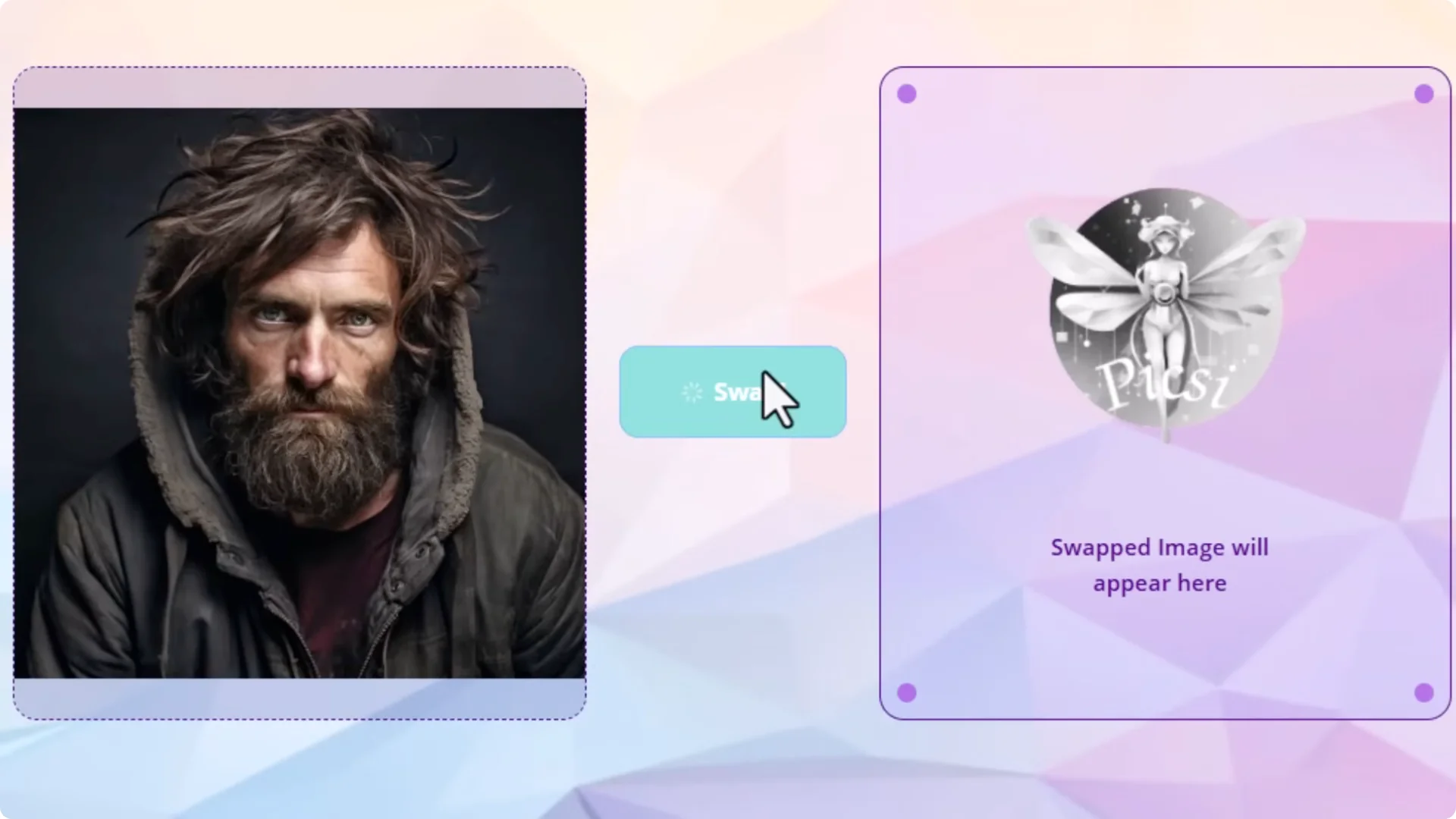
InsightFace Face Swap (pixie.a)
- Scroll down and click Face Swap for free.
- Drag and drop your source image (the face you want to use).
- Drag and drop your target image (the face you want to change).
- Click Swap to put the source face onto the target image.
Face Swapper – Clothing Swap
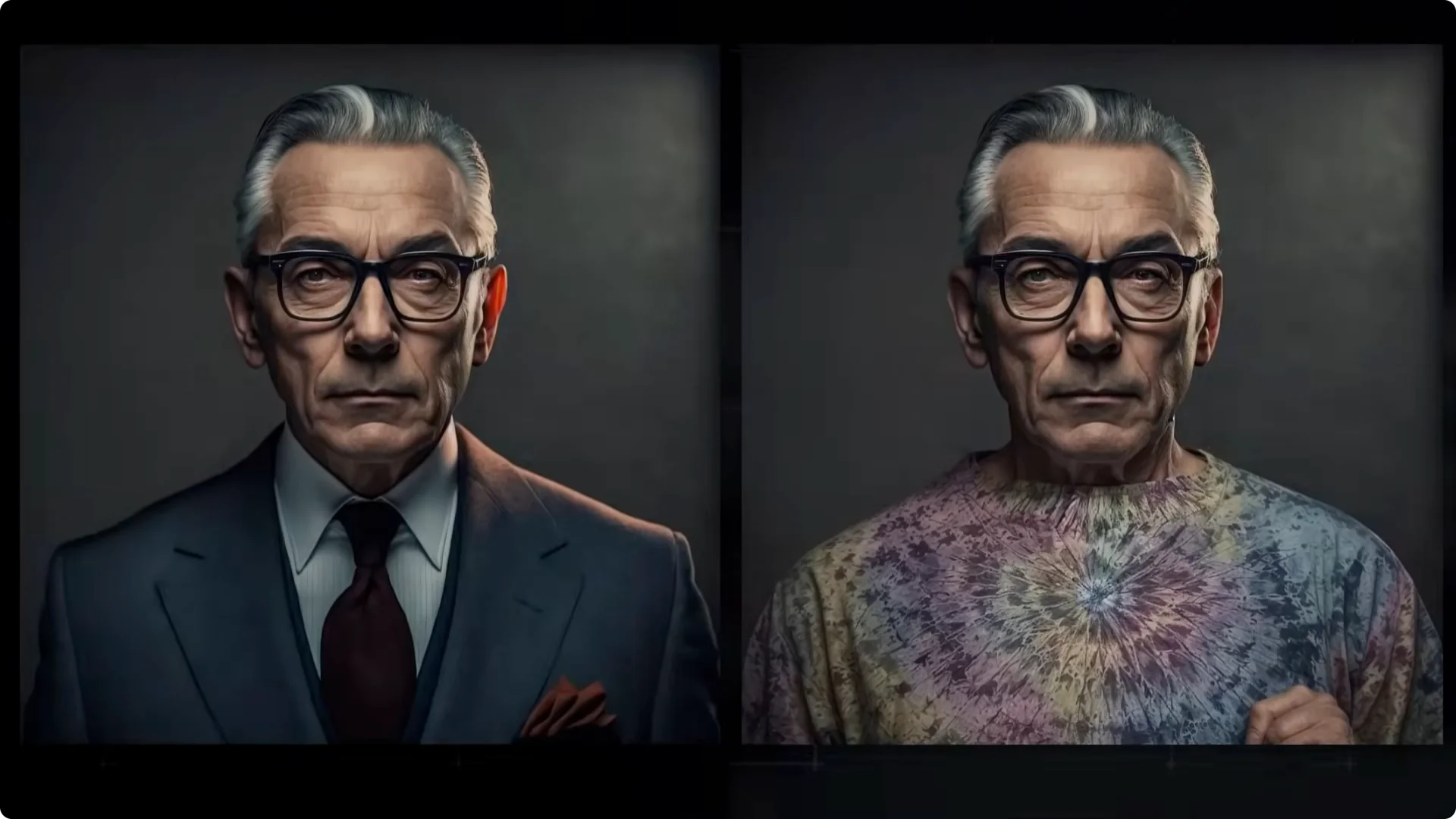
- Drag in the image you want to change the clothes on.
- Enter a prompt describing the clothing.
- Click Upload and Start to generate new clothing that fits the image’s style.
AI Art Workflow Tools: Patterns, Cropping, and Quick Edits
Texture Tiling Checker
- Drag and drop your image into the file button.
- Scale to whatever size you need.
- Download the tiled version to use as a larger background or pattern for design work.
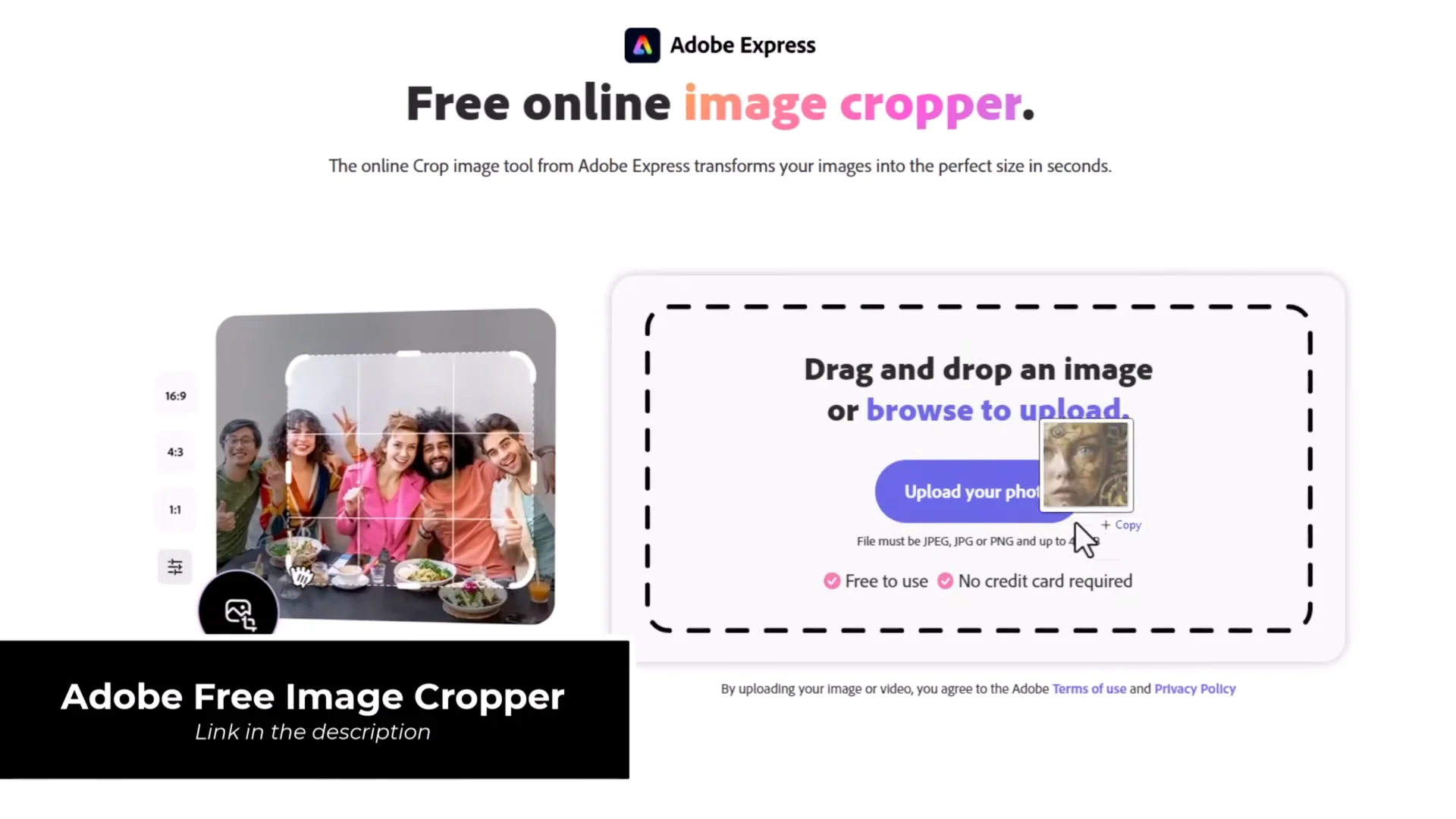
Adobe Image Cropper and Express
- Drag your image into the cropper.
- Move the handles to set the crop area.
- Click Download to get your cropped image.
- After using the tool, you’ll be taken into Adobe Express, a free online editor with text tools and simple adjustments.
AI Art Workflow Tools: PineTools Basics
PineTools is a completely free site with a wide range of basic image tools you can use on your AI art or any images.
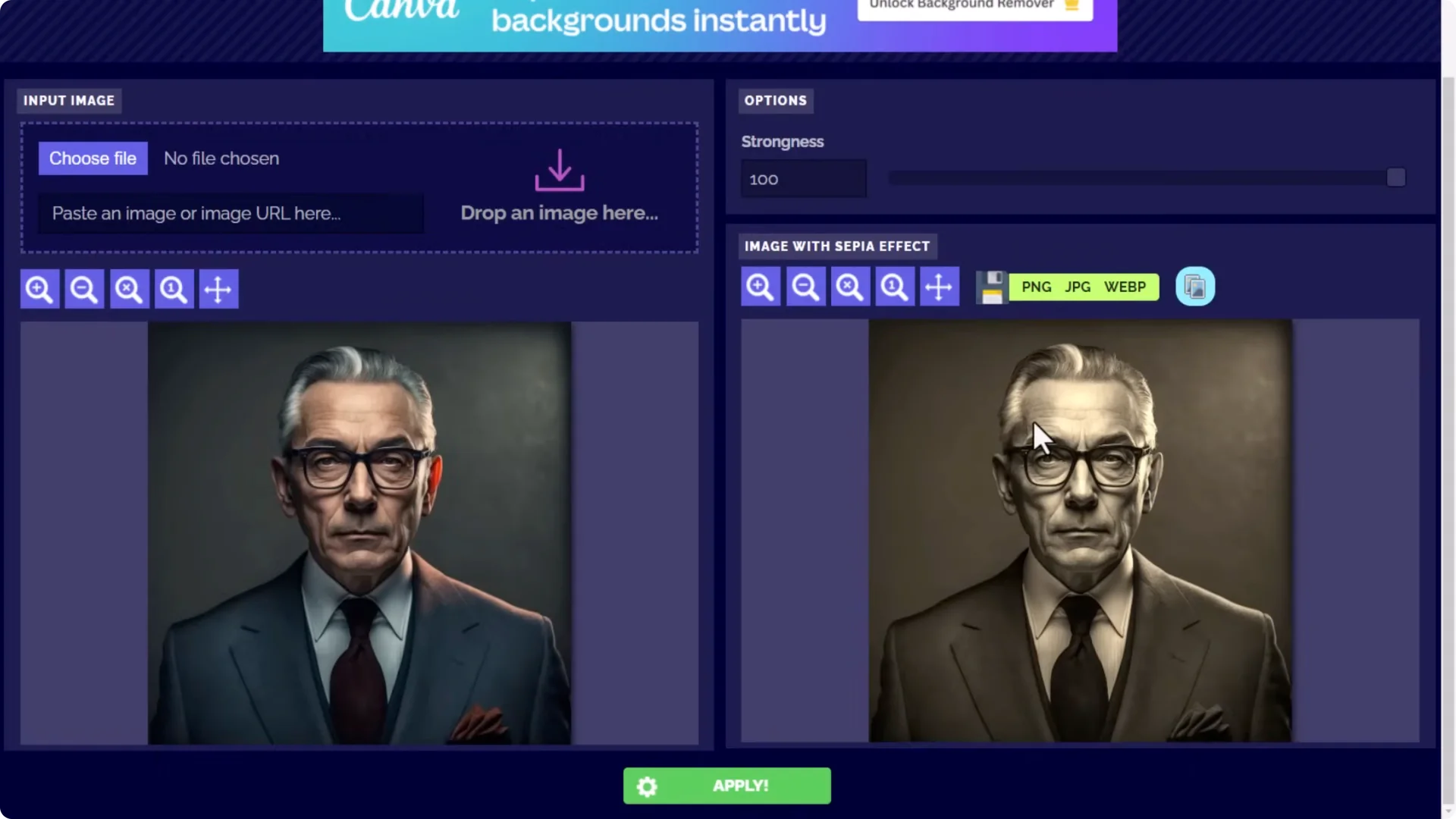
- Sepia Effect:
– Drag and drop your image into the input section.
– Adjust the strength.
– Click Apply, then download your preferred format.
- Special Filters:
– Load your image, pick options on the right, and apply when you’re happy.
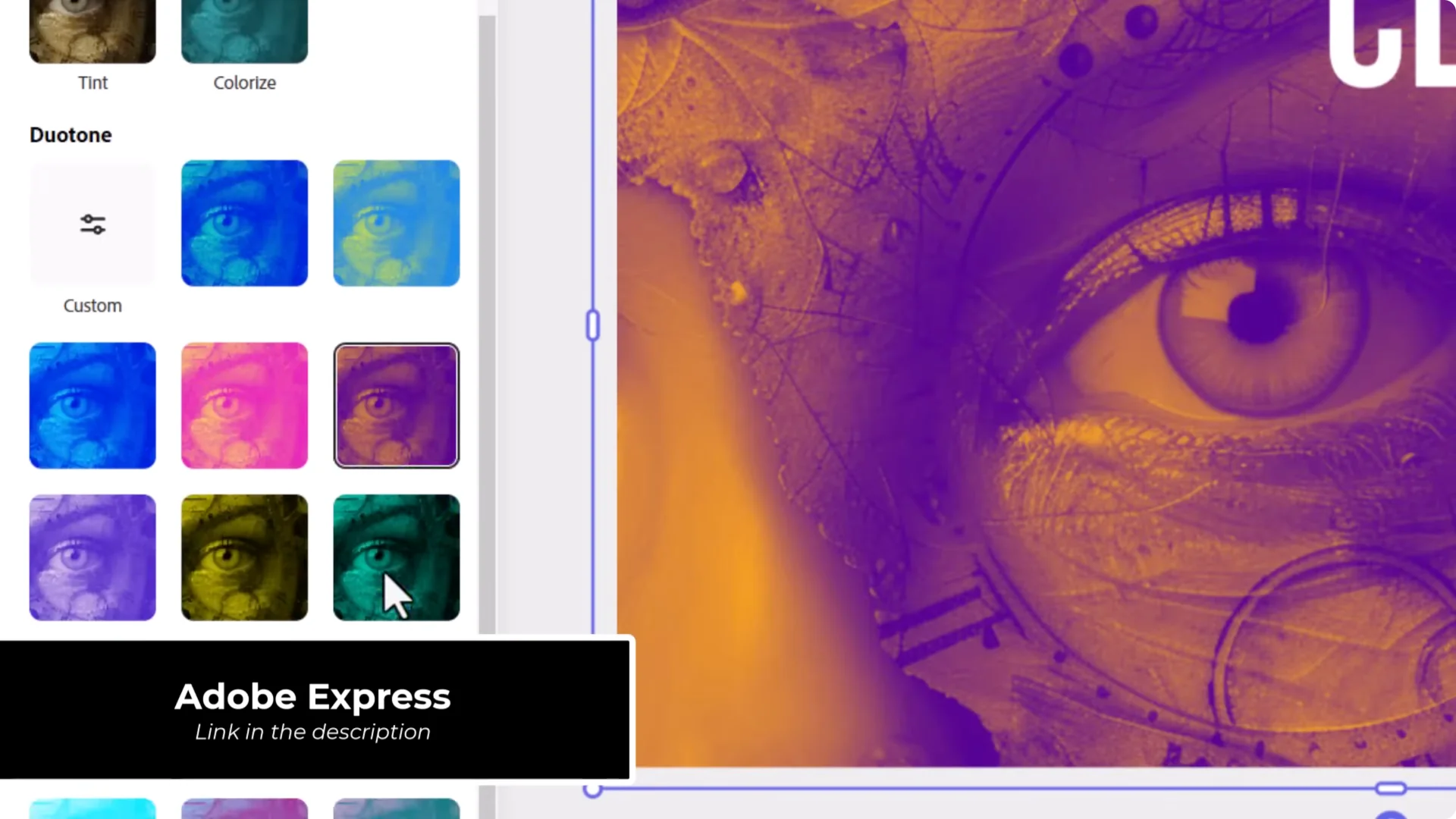
- Duotone:
– Pick one color for light areas and one for dark areas.
– Adjust brightness and contrast.
– Great for backgrounds or artistic looks.
- Vignette:
– Add a simple, useful edge fade.
- Image Blend:
– Combine two images for more abstract results.
AI Art Workflow Tools: Asset Libraries and Generators
Freepik
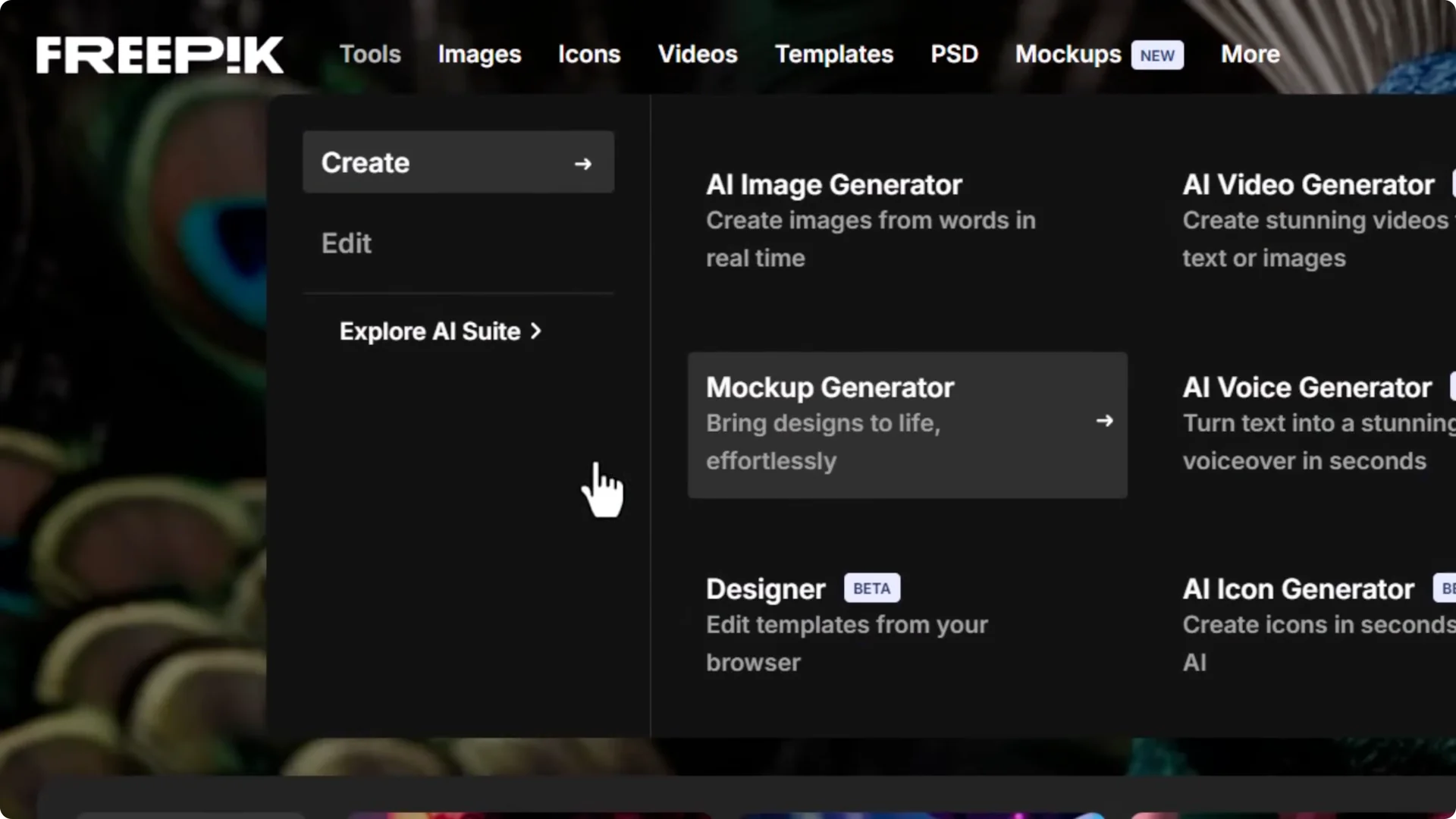
- Image and video generators plus a mockup generator:
– Choose a base mockup.
– Select portions to replace, add images, change colors, and customize the shirt or product.
– Change backgrounds as needed.
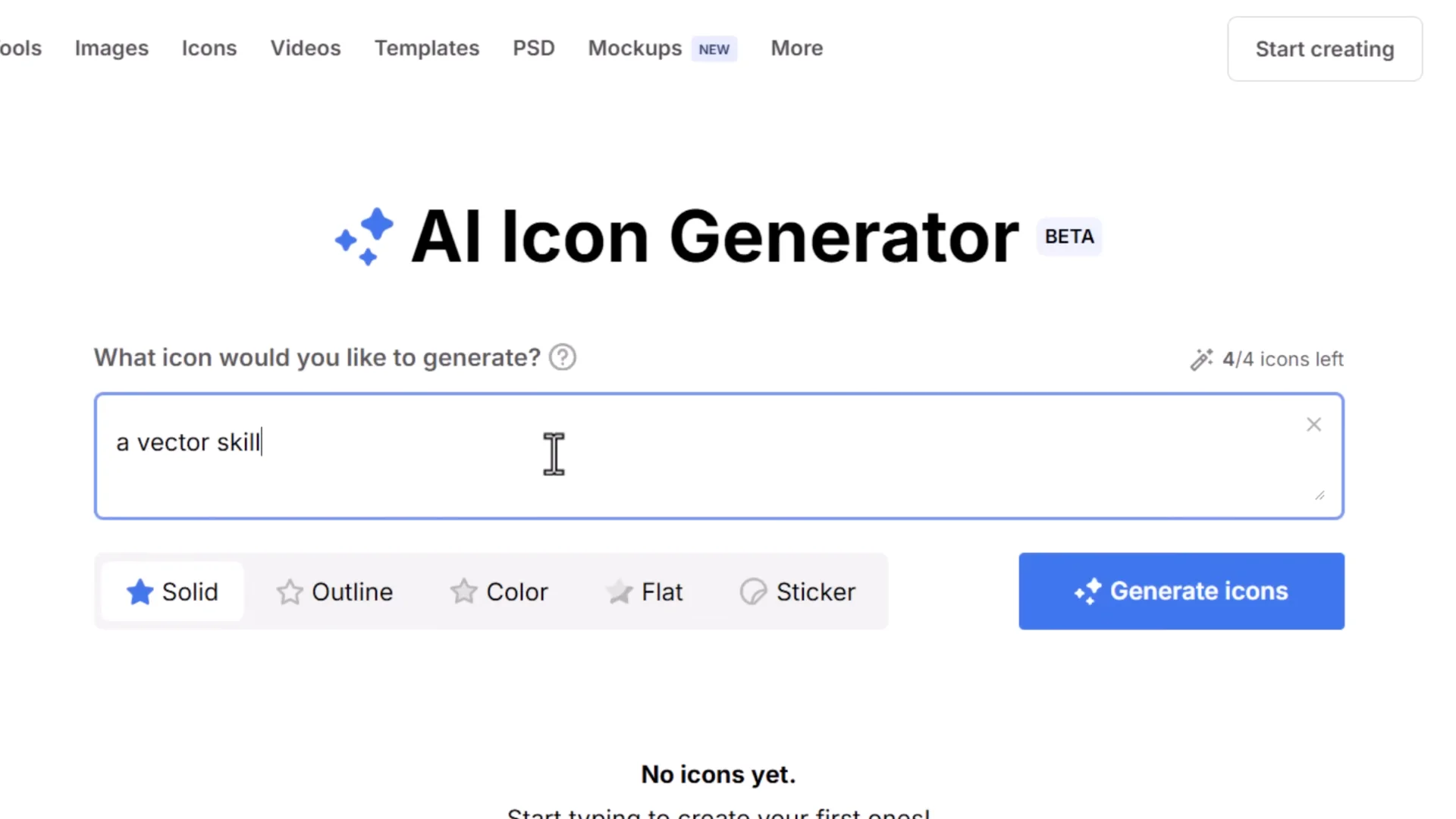
- AI Icon Generator:
– Type a prompt and choose style (solid, outline, color).
– Generate icons and download PNG for free, or SVG with a membership.
- A large library of AI images, photos, graphics, and PSDs with a search engine for quick downloads. It’s a massive resource for anyone, using AI or not, especially graphic designers.
Pexels and Unsplash
- Pexels: Quick downloads of royalty-free images and videos.
- Unsplash: A huge collection of royalty-free images with high quality.
- Great for image prompting or for direct use in designs.
AI Art Workflow Tools: Image-to-Video and Face Fix
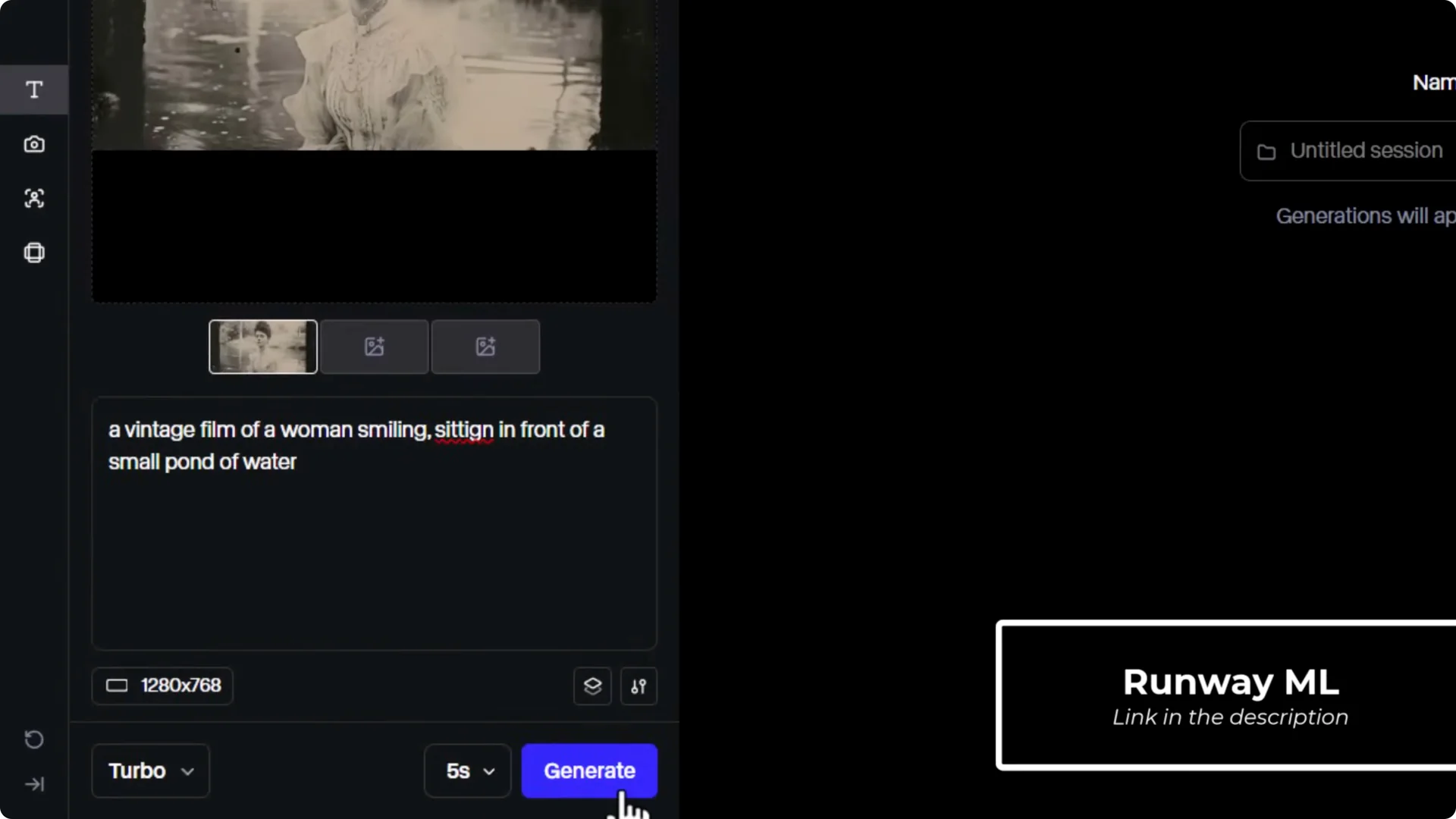
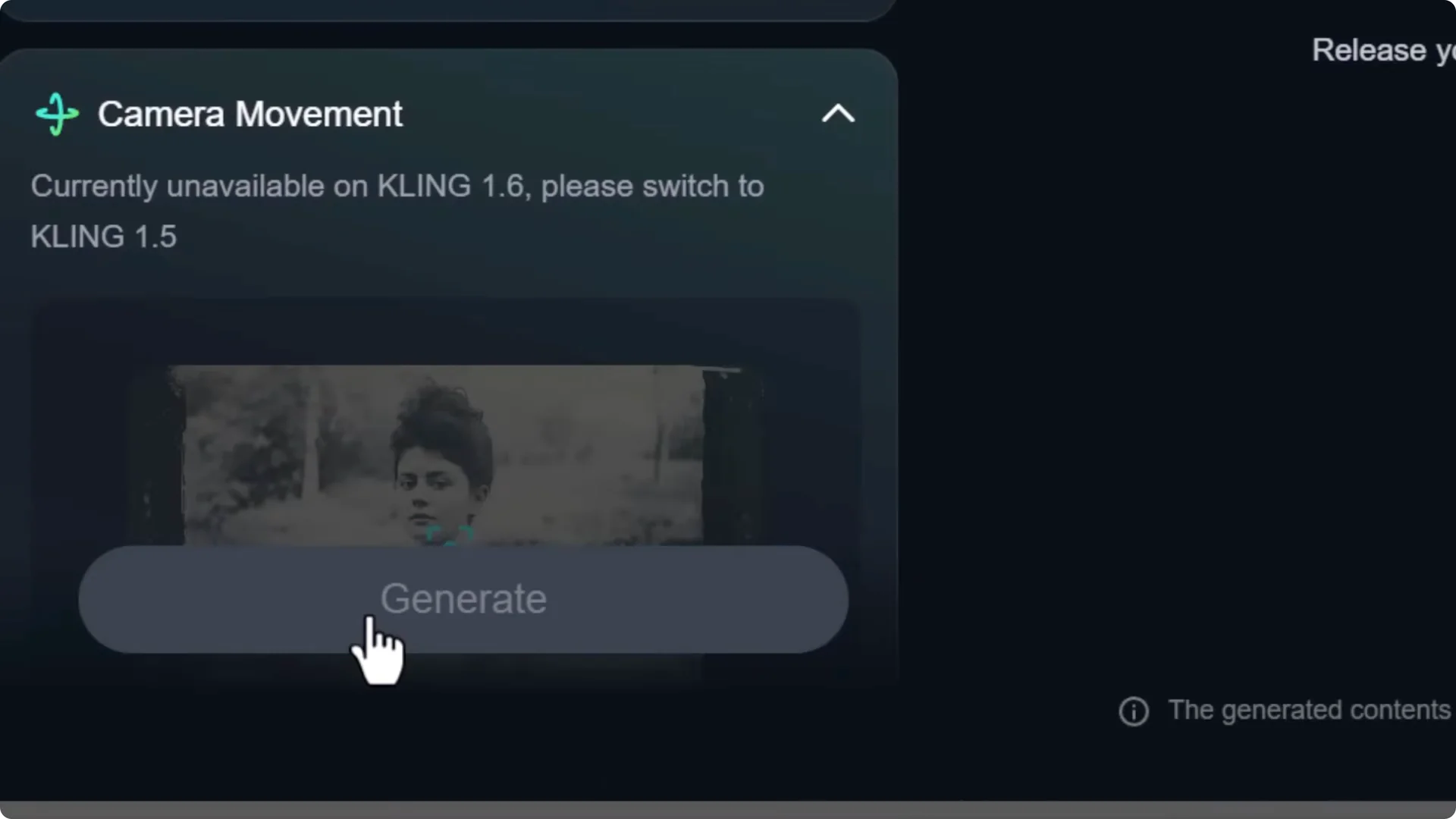
Kling AI and Runway
- Drag and drop an image.
- Add a prompt describing motion or style.
- Generate a short video based on your image.
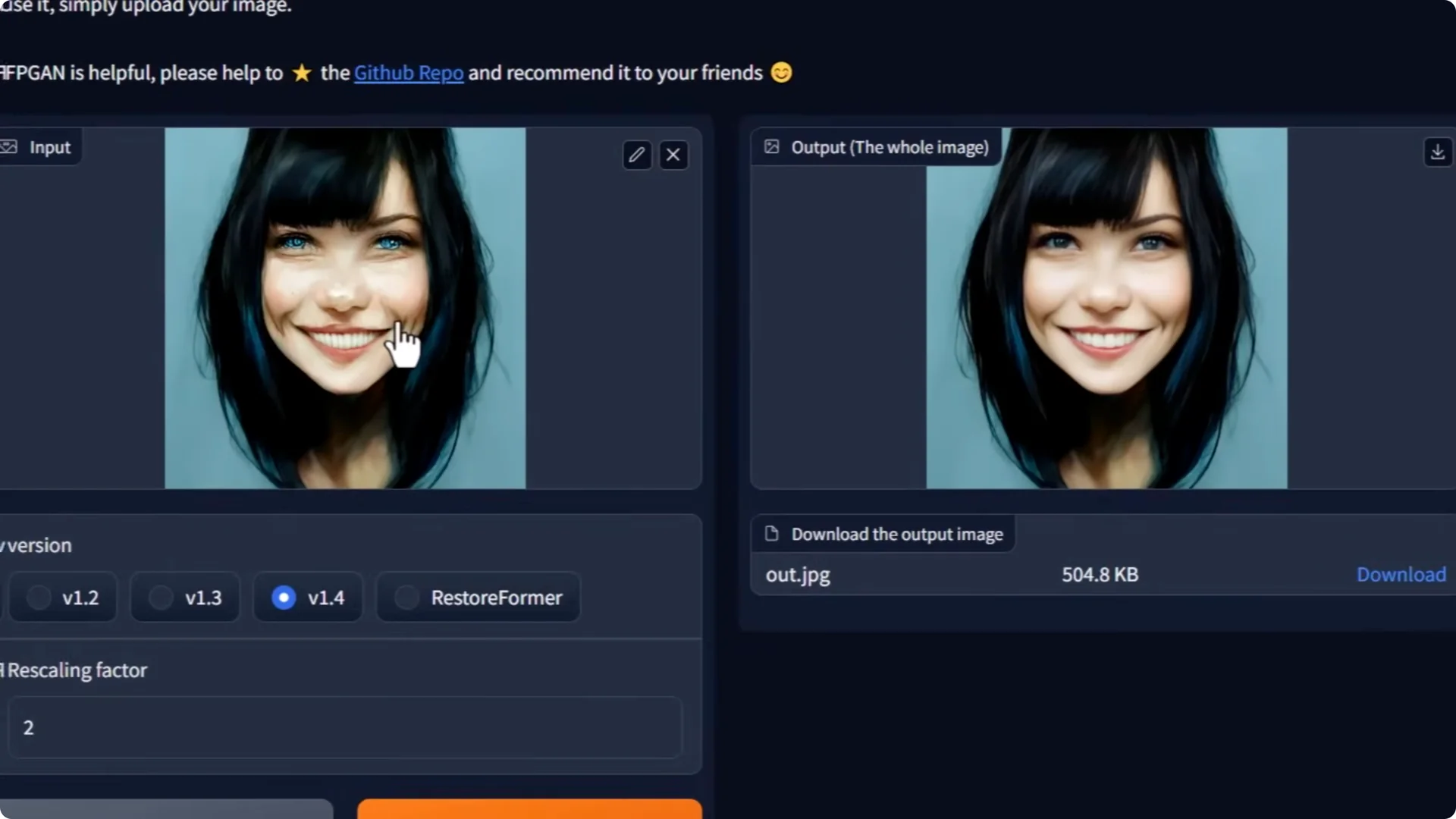
GFPGAN Face Fix
- Drag and drop your image into a GFPGAN interface.
- It scans and fixes facial artifacts to produce a more convincing result.
AI Art Workflow Tools: TinyWow Image Utilities
TinyWow offers a broad set of free AI image tools.
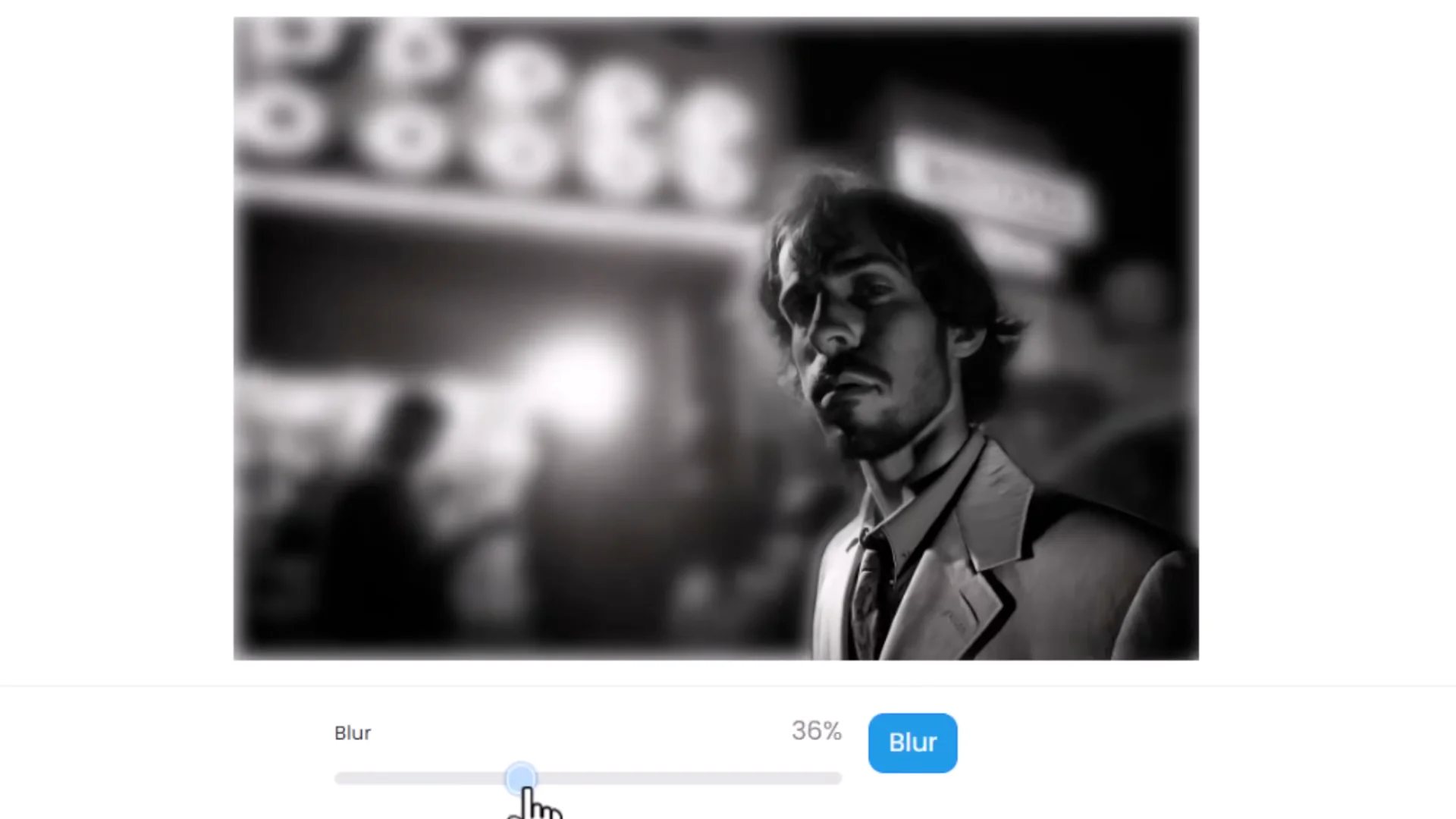
- Blur Background:
– Drag and drop, adjust settings, click Blur, then download.
- Colorize Photos:
– Drag and drop black-and-white photos to convert them to color.
- Explore the range for many other quick edits.
AI Art Workflow Tools: Upscalers
Topaz Gigapixel
- An AI upscaler that enhances resolution and detail.
- The Refine feature regenerates texture and features within the image.

If you don’t need that much power, there are simpler upscalers that enhance detail without heavy compute. There’s also a free solution called Upscale. It’s not as good as Topaz Gigapixel and has fewer features, but it can be a solid starting point.

AI Art Workflow Tools: Prompt Builders and Cross-Platform Testing
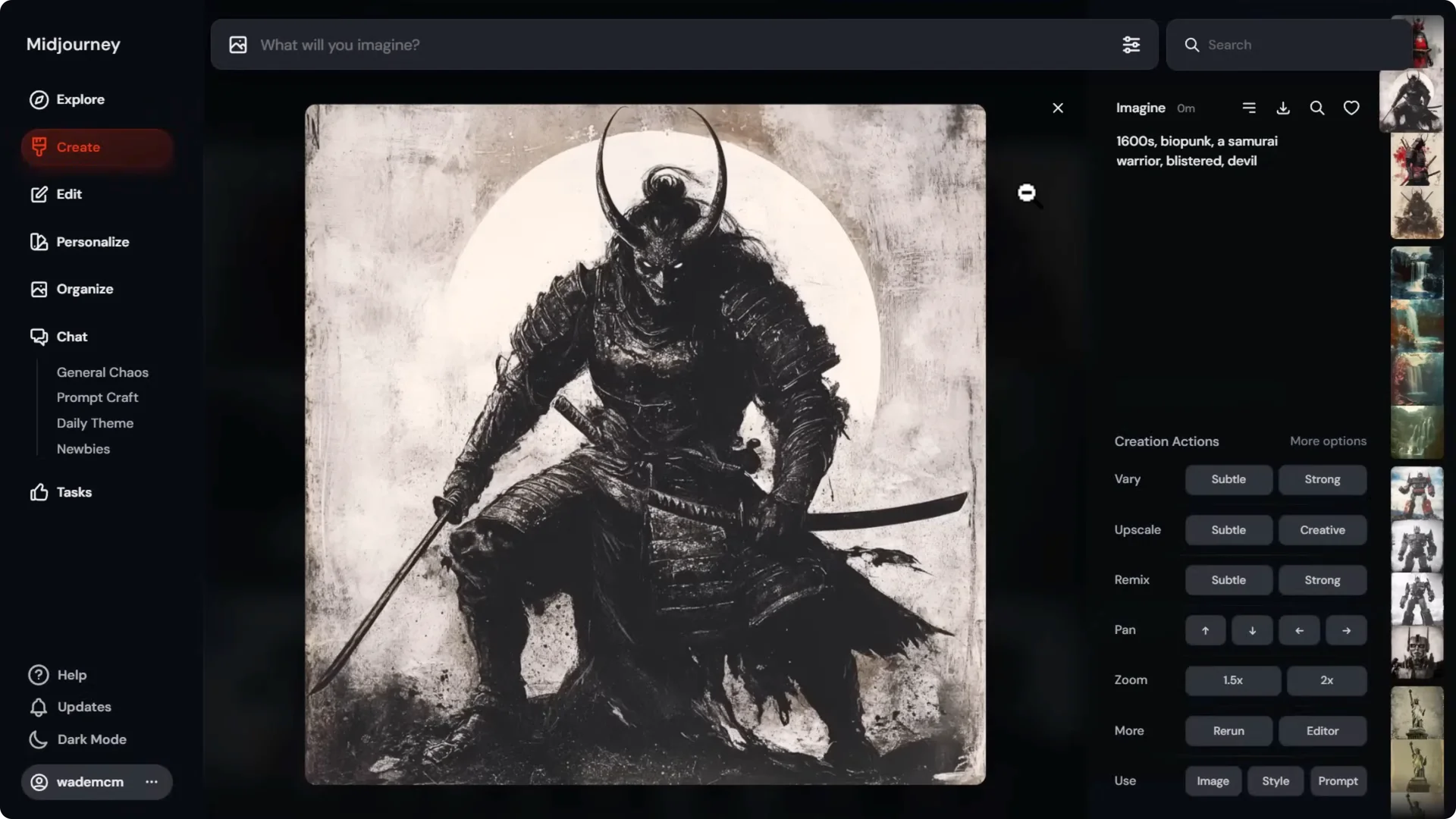
Mid Journey Prompt Builder (Emir Prompt)
- Enter a text prompt.
- Select styles and phrases.
- Reorder components in the left panel.
- Generate a structured prompt to try in other AI platforms, not just Mid Journey.

You can take the same prompt to tools like Leonardo AI. Results differ between platforms, but you can still get strong images.
AI Art Workflow Tools: Vectorization and Vector Creation
Vectorizer.ai and Adobe’s Free SVG Converter
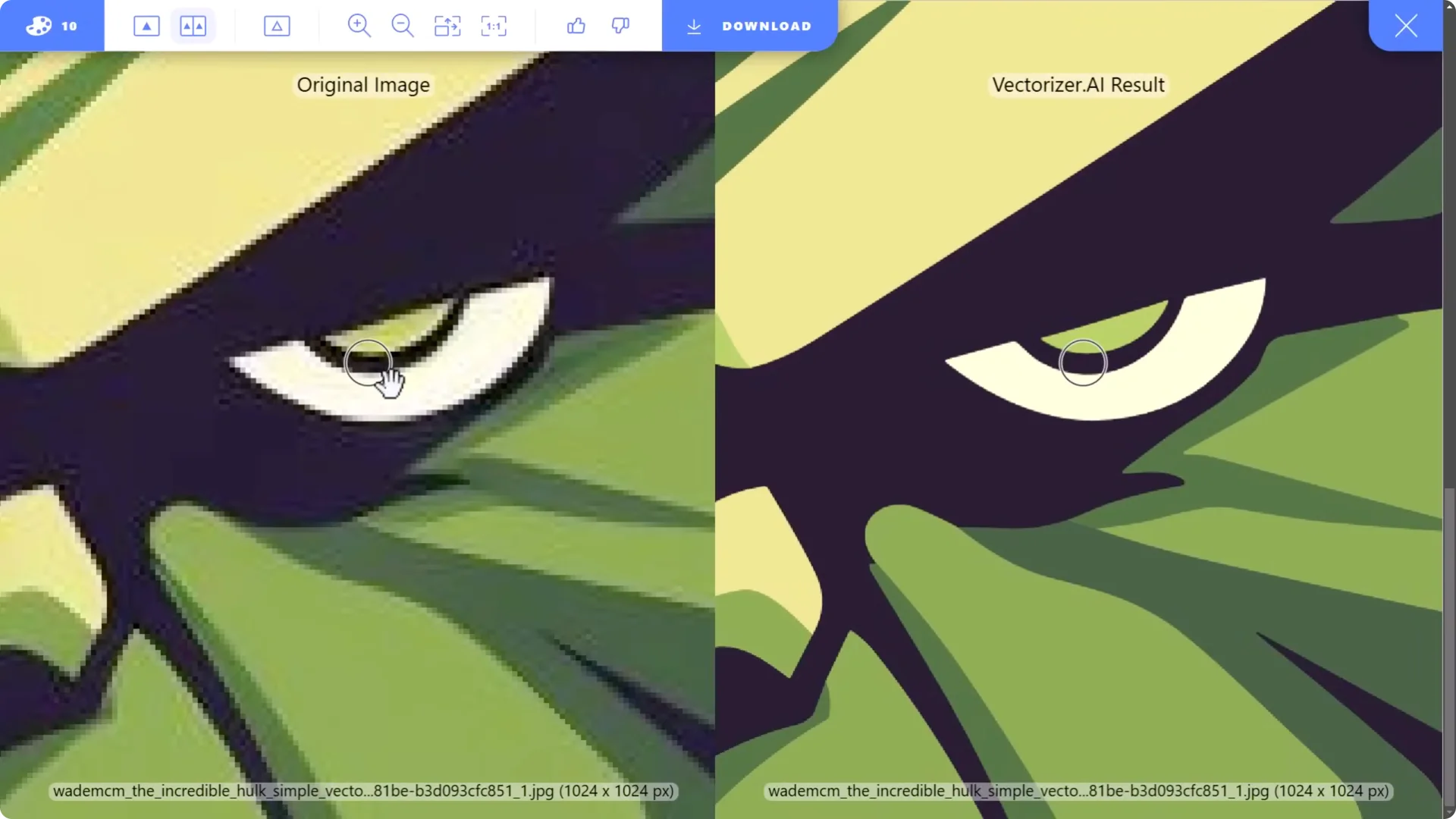
- Vectorizer.ai:
– Drop in vector-style AI art.
– It converts to a clean, zoomable vector you can download in multiple formats.
– Premium at about $10/month.
- Adobe SVG Converter:
– Free alternative that works, but not as clean on close inspection.
Adobe Illustrator Generate Vectors
- Click Generate Vectors.
- Write a prompt, set options, and generate AI vector graphics directly in Illustrator.
AI Art Workflow Tools: Monetizing AI Art
Wirestock-style Submission (wo.com)
- Upload a batch of images.
- Mark them as AI generated.
- Submit to multiple stock photo sites from one place.
- The platform handles descriptions and keywords for you.
AI Art Workflow Tools: Exploration and Variations
Flow State in Lado AI (Image Generator)
- Choose Flow State and pick styles or leave on automatic.
- Enter a prompt to get a wide range of images.
- Click through to get more variations of any image you like.
- Upscale the final choice to full resolution.
Realtime Generation in Auto AI
- Enter a prompt and adjust settings.
- See rough results update in real time without using credits.
- When you’re happy, upscale to add polish.
AI Art Workflow Tools: Text Effects and Text in Images
Adobe Firefly Text Effects
- Type text, choose fonts, and apply AI effects to each letter.
- Generates a full alphabet so you can add or remove letters later.
Ideogram
- The top tool for generating coherent text within images.
- A full AI image editing suite with strong text interpretation.
AI Art Workflow Tools: Batch Utilities and Hosting
PixResizer (Windows)
- Bulk convert PNG to JPEG.
- Optionally resize or keep original size.
- Helpful for organizing large sets of AI images. Thousands can be done in a single click.
PostImage.cc
- Upload an image to get a direct link.
- Paste the link into prompts for style or image references when an interface doesn’t support direct uploads.
AI Art Workflow Tools: Prompt Galleries and References
Freef Flow
- A categorized collection of images with viewable prompts from Mid Journey.
- Try the prompts on any platform.
- Sections for photos, illustrations, and srf codes to help reproduce the same effects.
Civit AI
- Explore prompts, models, and LoRAs used for images and videos.
- Learn settings and get inspiration to improve your own results.
AI Art Workflow Tools: 3D Workflows and Product Scenes
CG Dream
- Use 3D models to pose subjects and set viewpoints.
- Generate from a prompt to gain more control over composition and pose.
Design: Image to 3D and Product Backgrounds
- Image to 3D:
– Drag and drop an image.
– Click the 3D button to remove the background and generate a downloadable 3D model plus a preview.
- Product Backgrounds:
– Upload a product image.
– Cut it out with AI and generate scenes around the object.
– Presets plus a custom prompt option.
– Produces convincing shadows and reflections, ideal for e-commerce.
AI Art Workflow Tools: Editors and Full Suites
Adobe Photoshop
- The ultimate image editor for color adjustments, blends, cutouts, overlays, and compositing.
- Powerful AI tools like Generative Fill excel at editing or extending existing images.
- Great for combining different pieces of AI art into one cohesive result and for traditional photo-based artwork too.
Canva
- A fast, simple design tool with solid image and text effects.
- Excellent for organizing and building designs with your AI art.
- The free tier is very capable.
OpenArt Tools
- Watermark Remover:
– Drag and drop an image and click Create to remove watermarks.
- A broader suite for AI image generation, image-to-video, and more.
OpenArt: AI QR Codes, Find and Replace, Expressions
- AI QR Code Generator:
– Enter a URL, pick a style, add a prompt, and generate a scannable QR code with visual flair.
– Test on your phone before using.
- AI Find and Replace:
– Upload an image.
– Type what to find and what to put there instead.
– Review multiple options and pick the best.
- Facial Expression Tool:
– Change expressions and even face direction with presets or manual control.
AI Art Workflow Tools: Prompting Assistant
ChatGPT
- Generate prompts and prompt formulas.
- Research styles and ask focused questions about techniques and workflows for AI art.
Final Thoughts
These AI Art Workflow Tools cover quick edits, generation, prompt building, vectorization, upscaling, libraries, batch utilities, 3D workflows, product scenes, and pro-grade editing. Mix and match them to plan, create, refine, and present your images with more control and better output quality.
