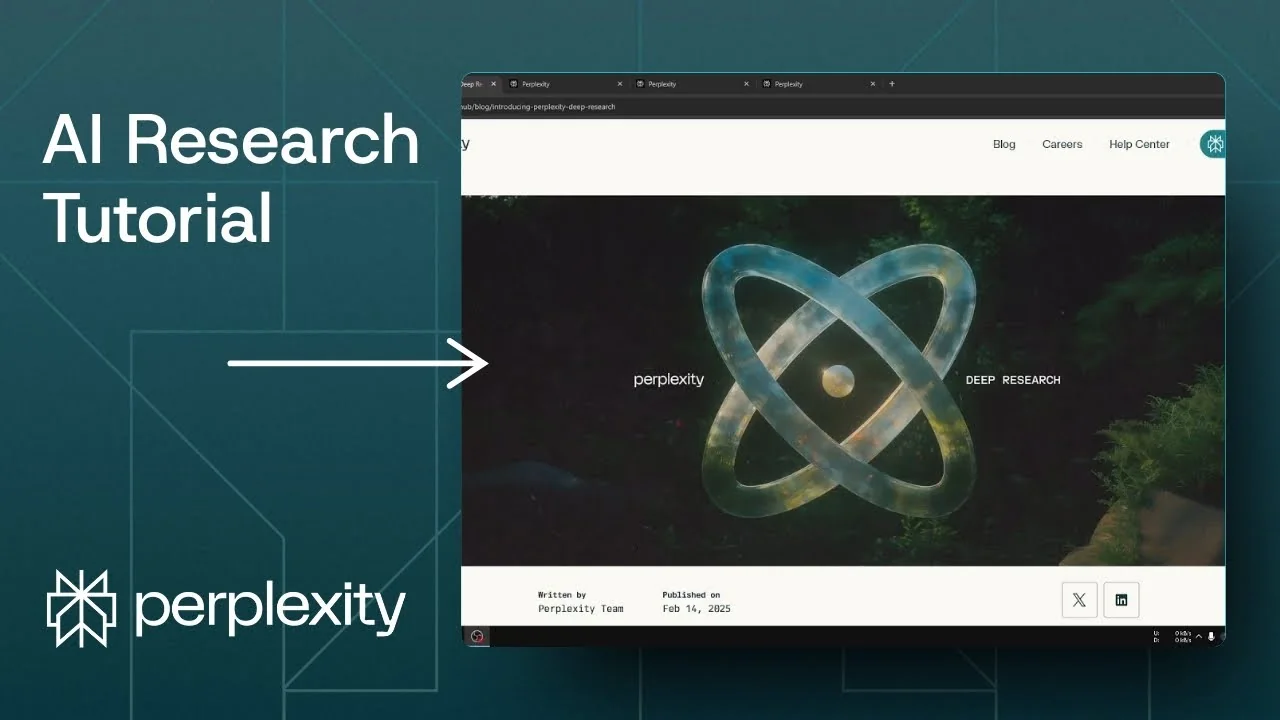
Perplexity just announced Perplexity Deep Research. It is meant to respond to OpenAI Deep Research and goes deeper than the reasoning model released a few weeks ago. It is available if you are using the Perplexity Pro subscription.
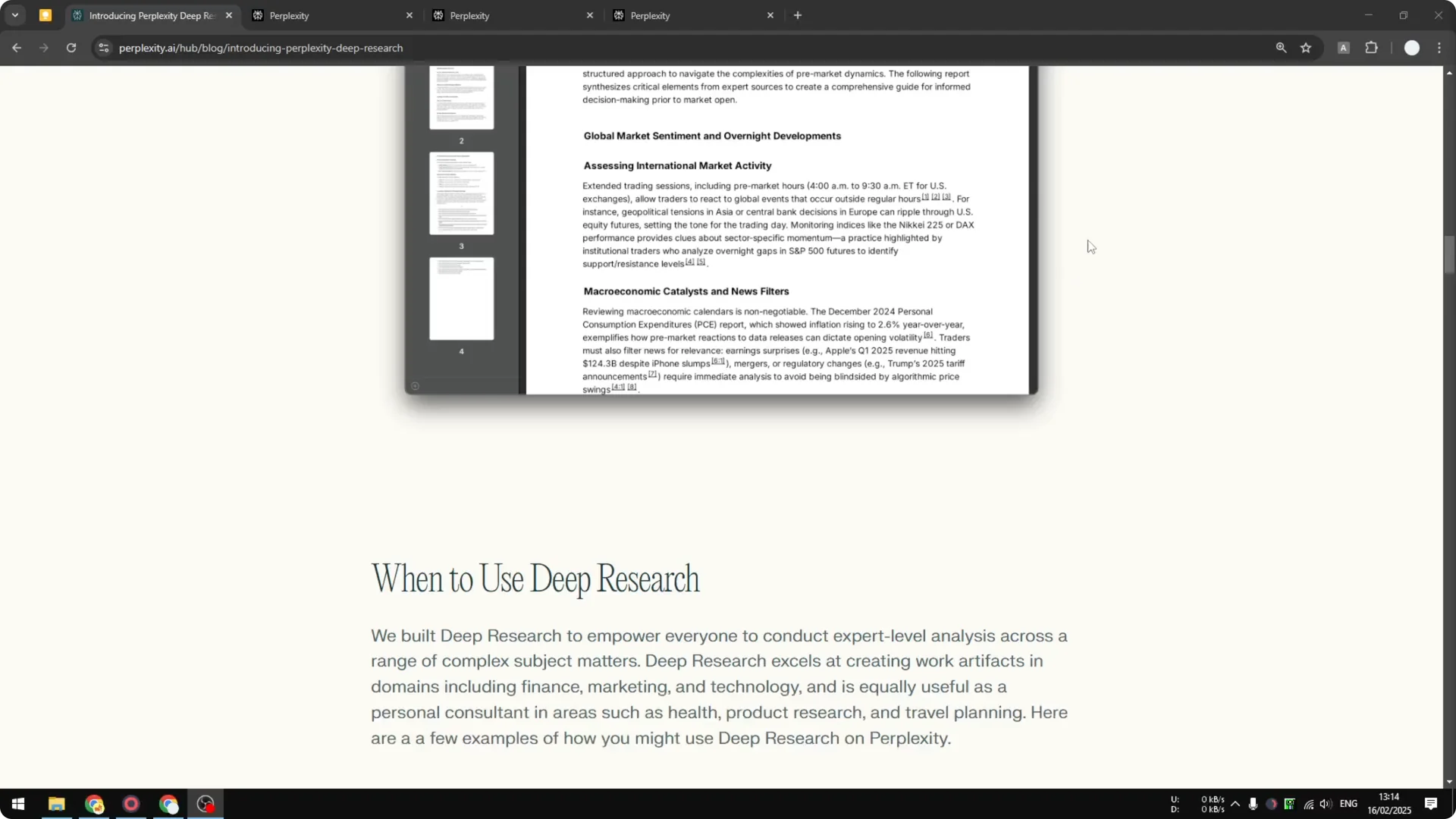
The announcement page includes demonstrations that show how it works. The default mode versus Deep Research is very different. I have tested this several times, and Deep Research is much more thorough and far more useful than the regular search.
Read More: Create Superior Ai Art
Why Perplexity Deep Research stands out
Regular search is okay, but Deep Research is amazing. Based on the structure of the result, it is way better. That is really the benefit of using the Deep Research feature in Perplexity.
I really like it. I am not going to lie, it is really good. It produces the kind of output that feels ready for content creation.
Using Perplexity Deep Research
Step-by-step
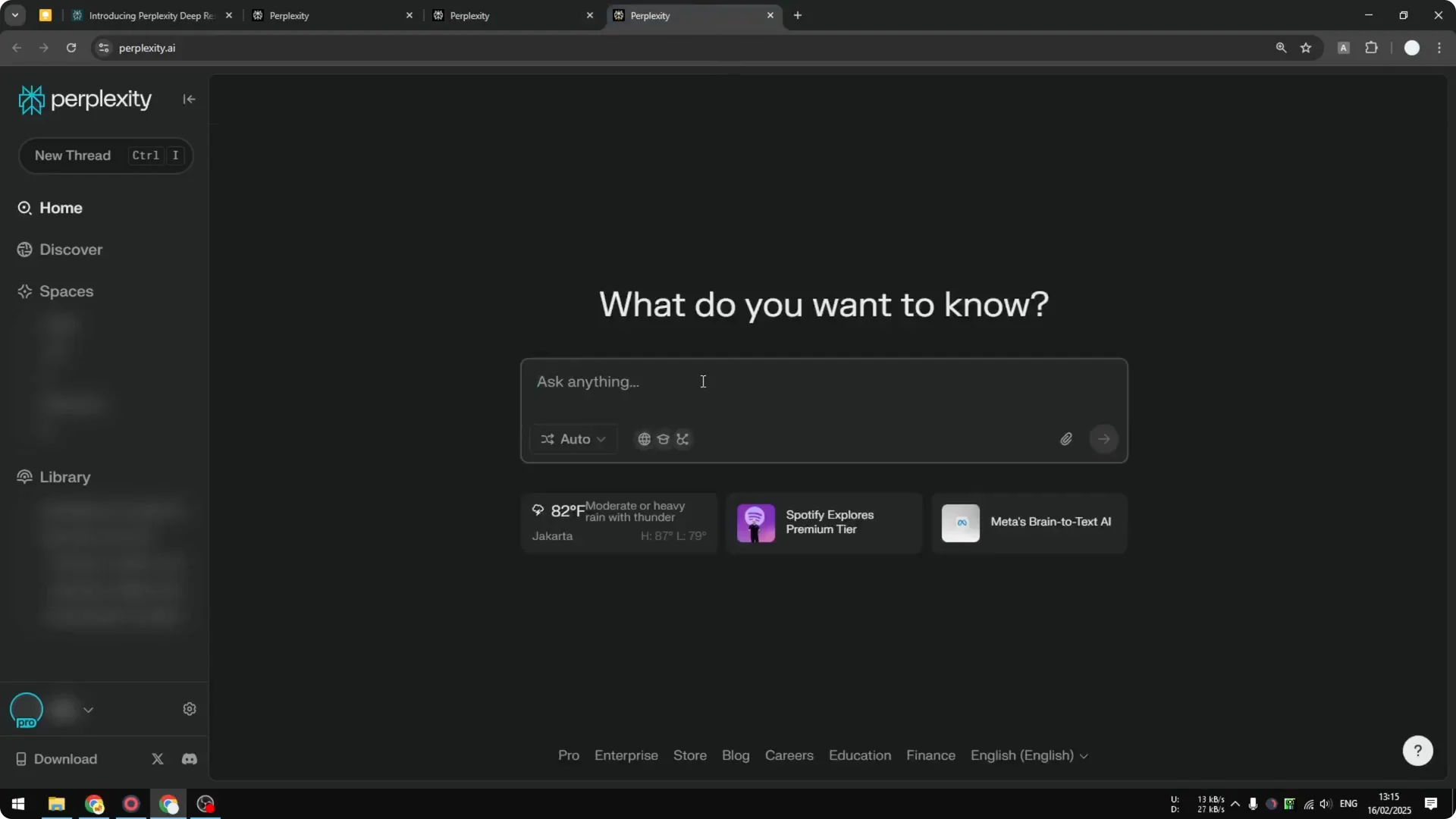
Step 1: Ask a clear question. I used a simple testing prompt: does pineapple belong to pizza.
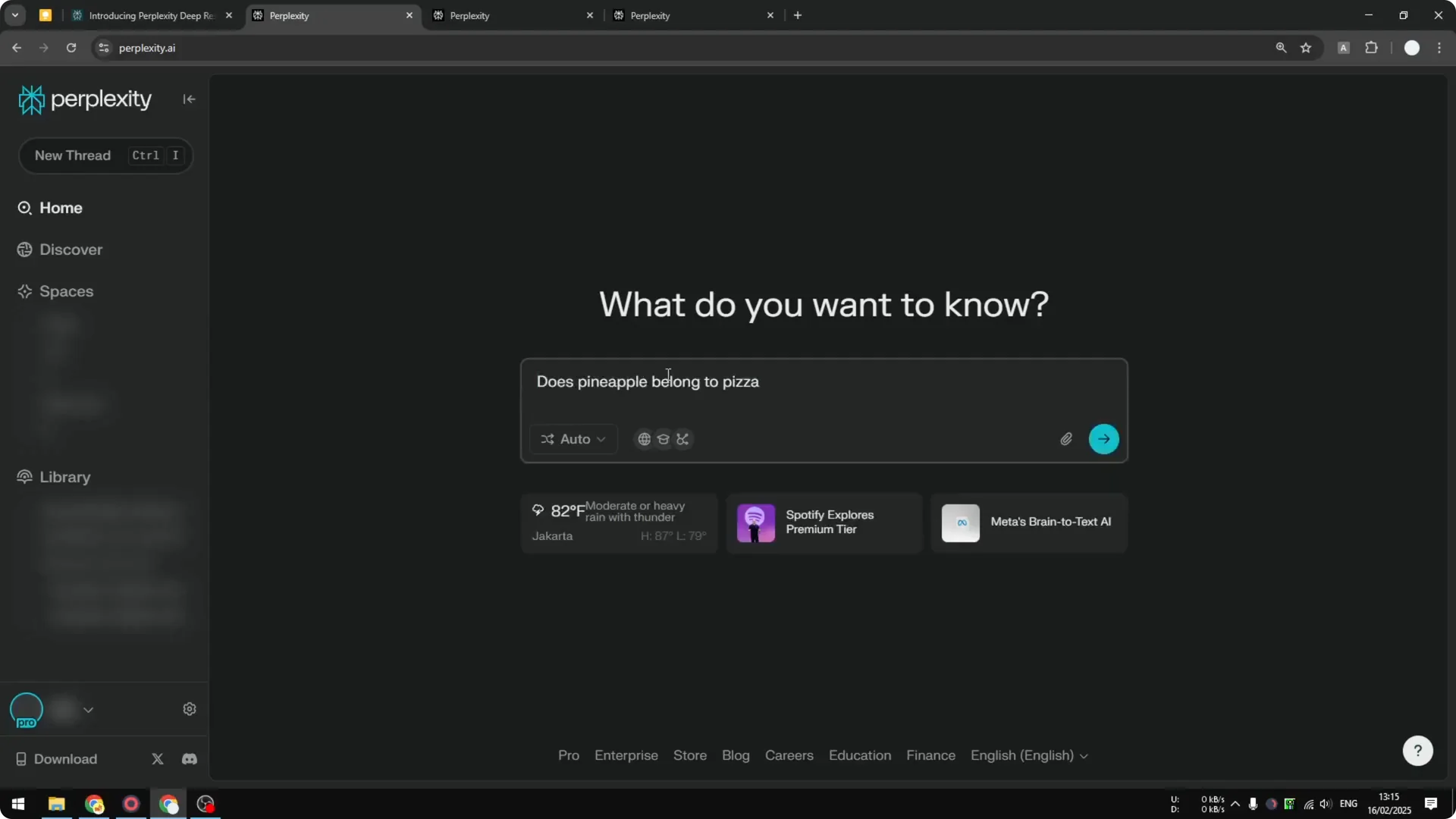
Step 2: Run it with Pro Search to get a baseline answer. Press enter to send the prompt.
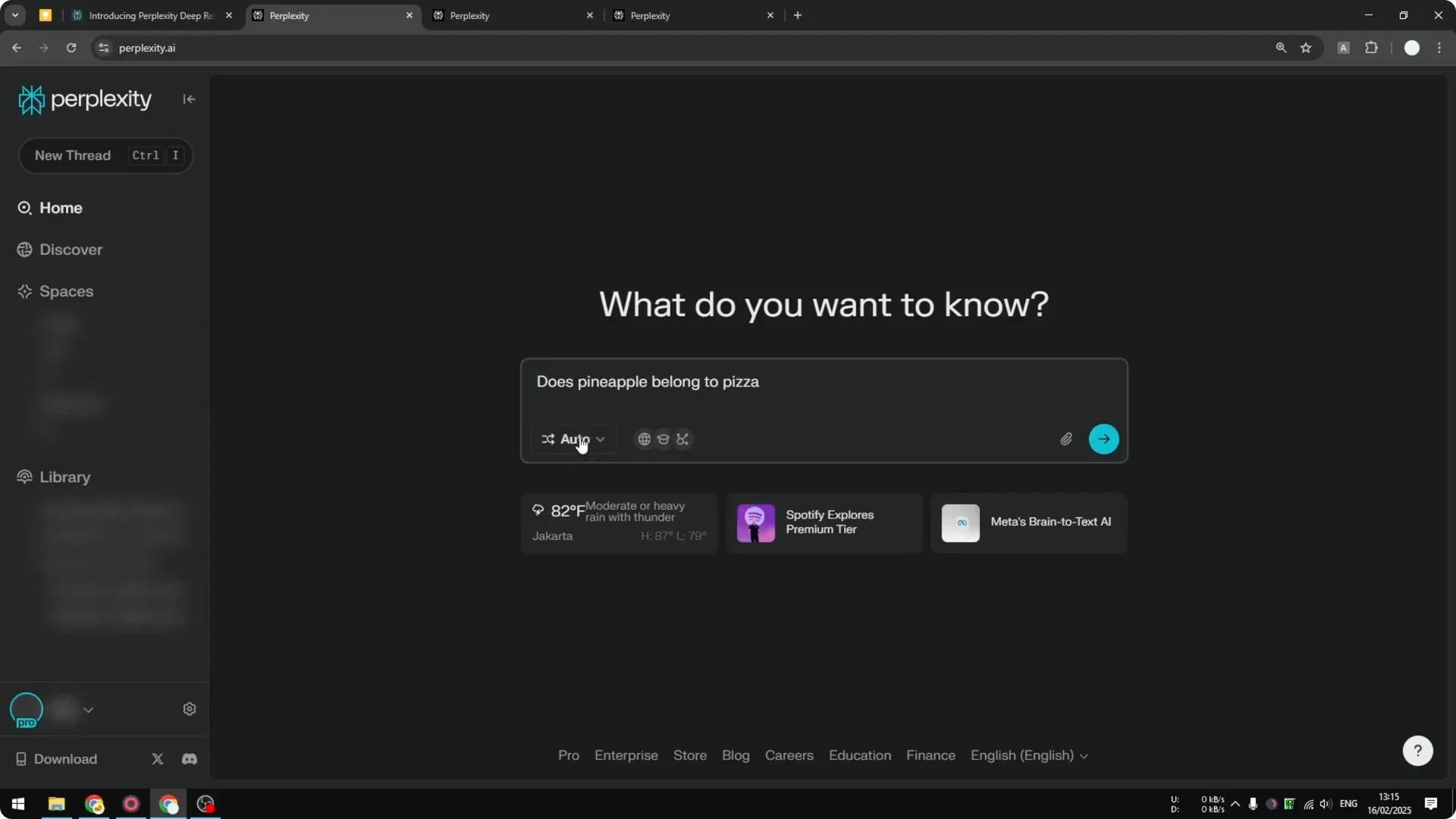
Step 3: Run the same question using Reasoning R1. This gives you a second reference point.
Step 4: Enable the Deep Research toggle. Send the same prompt again using Deep Research.
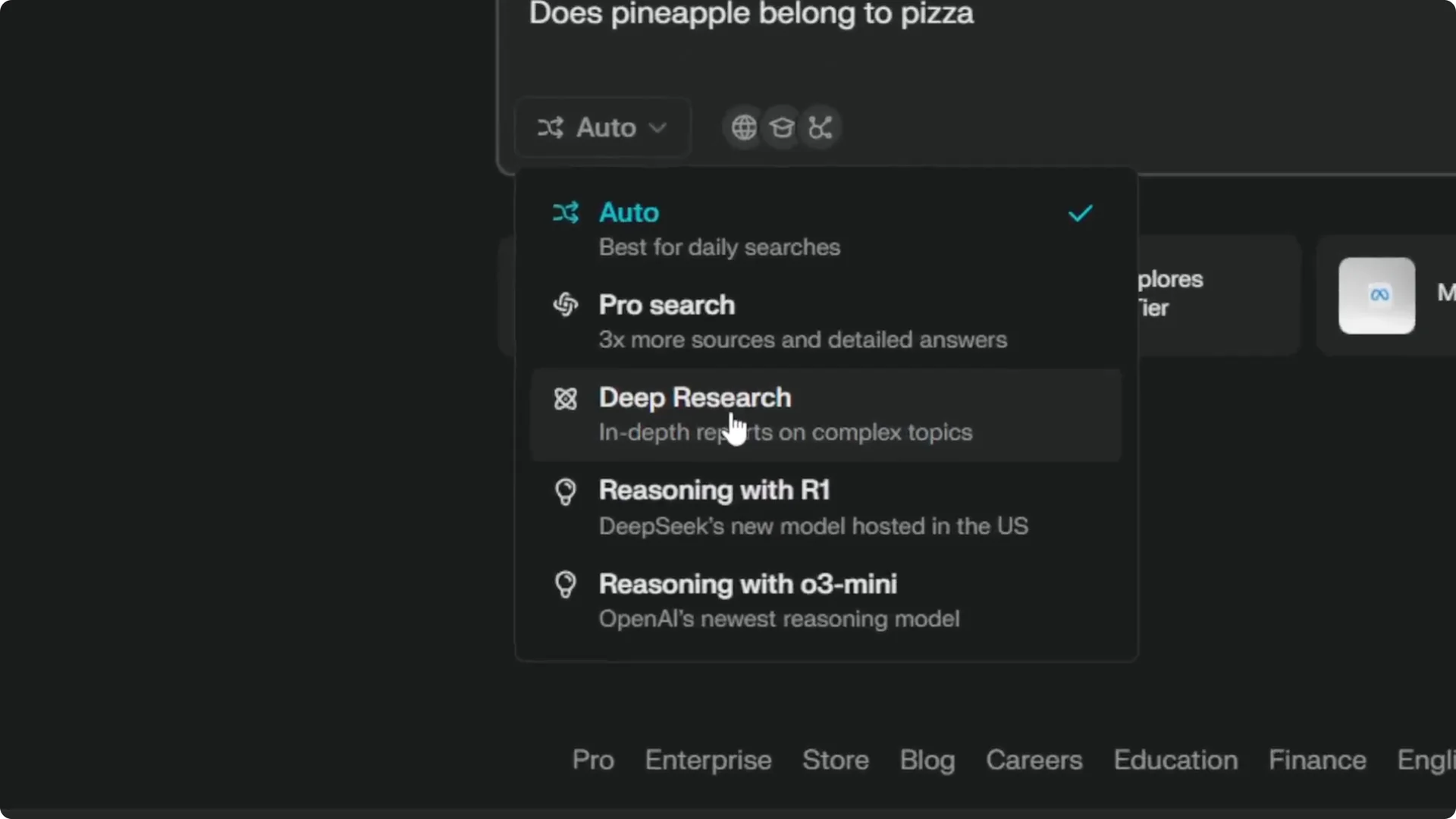
Step 5: Know that Deep Research is very similar to Reasoning R1 and R3 Mini, except it is much slower. That is by design.
Step 6: Enable notifications so you get an alert when the research is done. This helps because Deep Research can take a while.
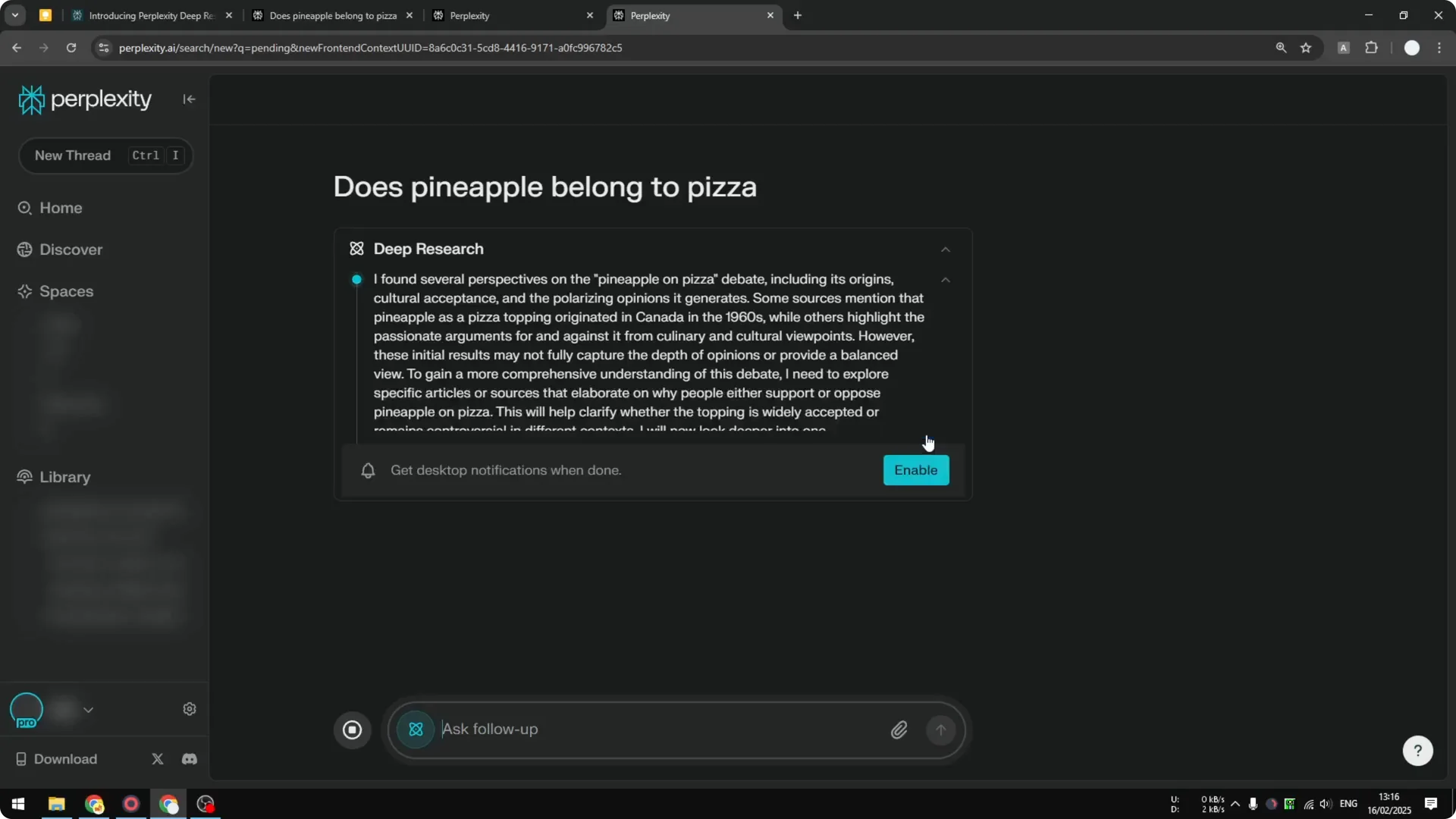
Speed and notifications
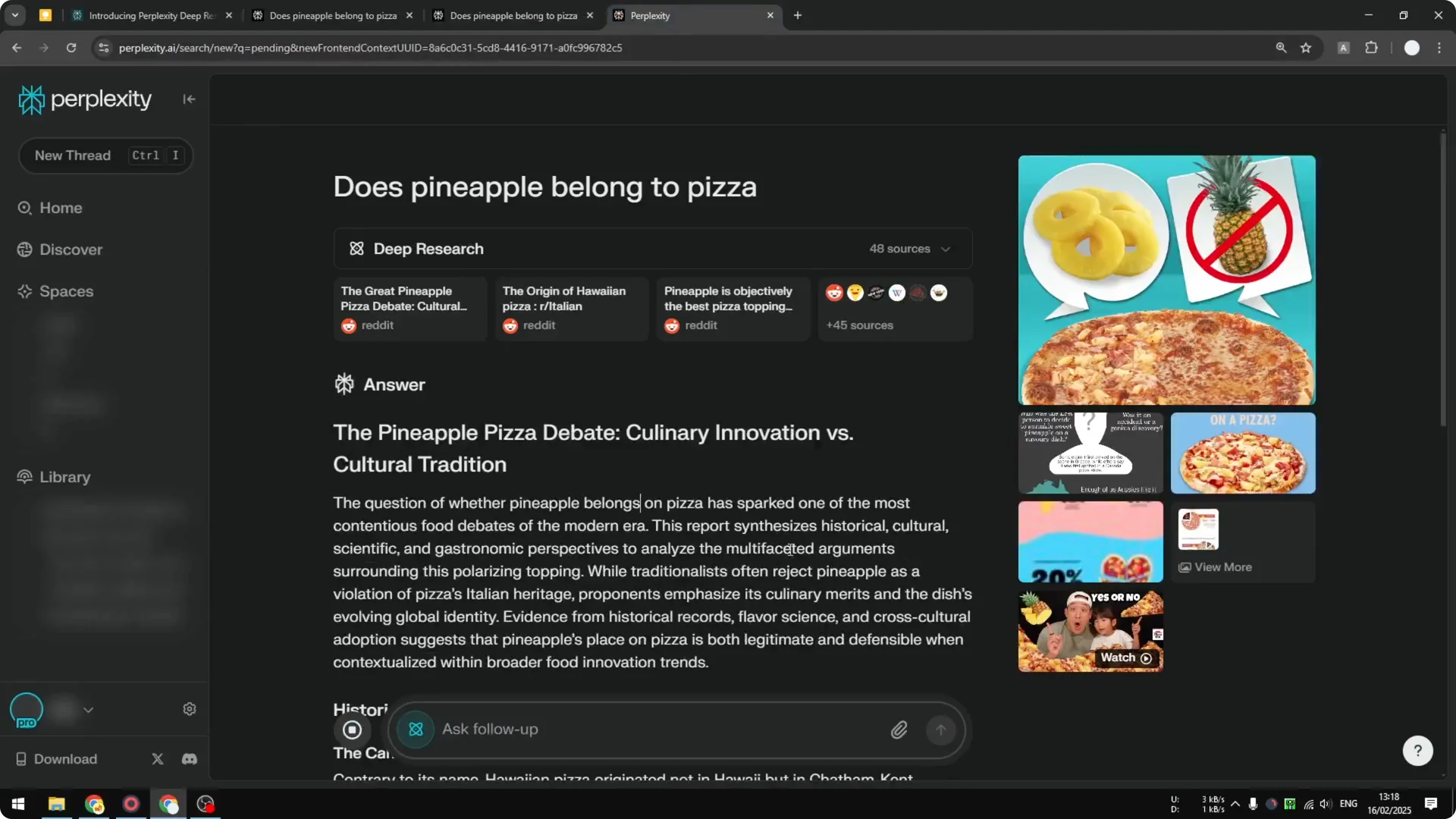
Deep Research is slow. The regular Pro Search usually finishes quickly. Reasoning might still be halfway, while Deep Research can look like it is almost not moving at all.
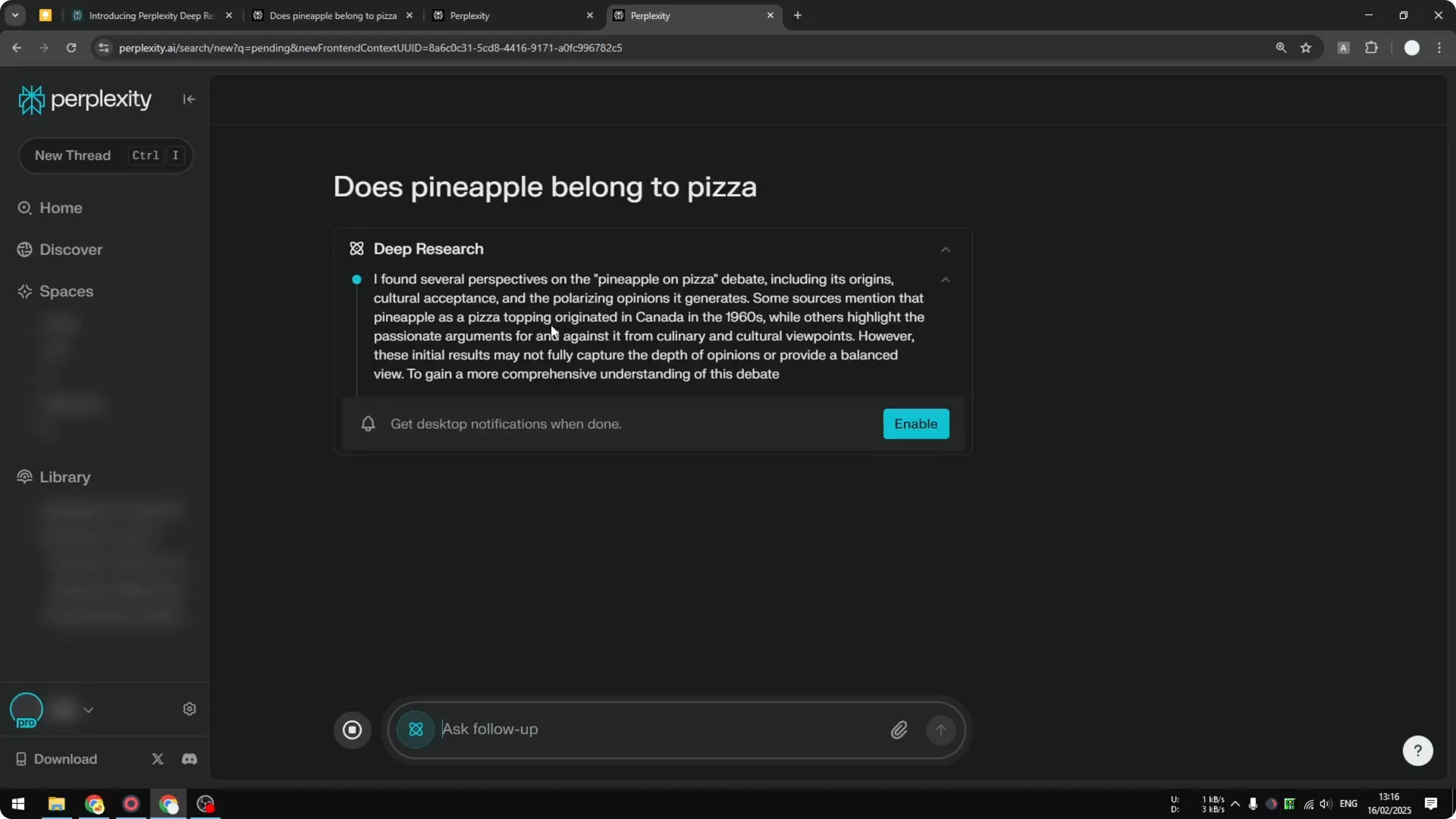
That is why the notification option matters. Turn it on so you do not have to wait on the screen. When it finishes, it will start generating the answer.
Read More: Eye Catching Ai Art Midjourney Prompts Styles
Result length and structure
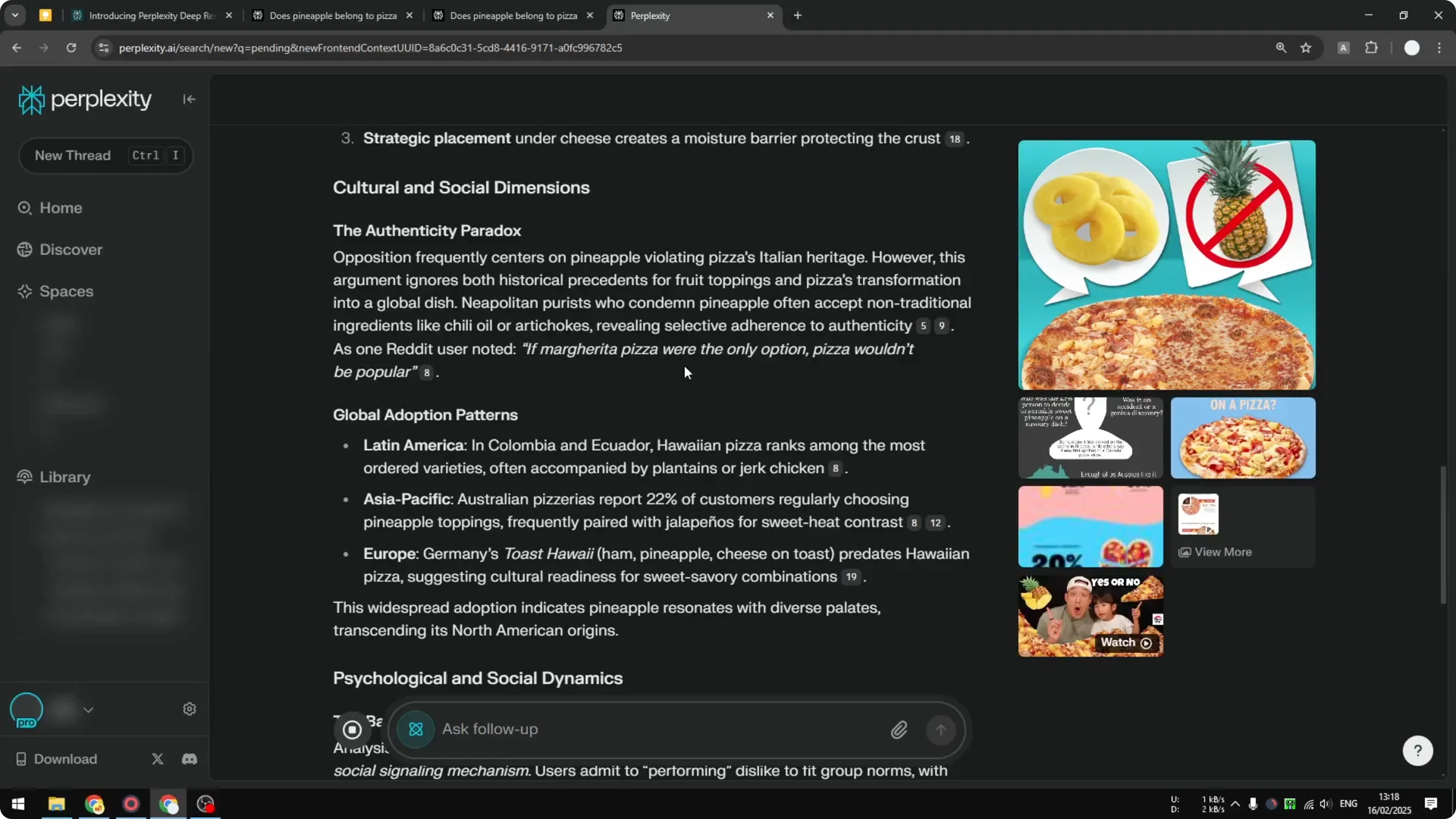
On the same prompt, Pro Search returns something short, maybe around 200 words or less. Reasoning is a bit longer but still relatively short. Deep Research is very long.
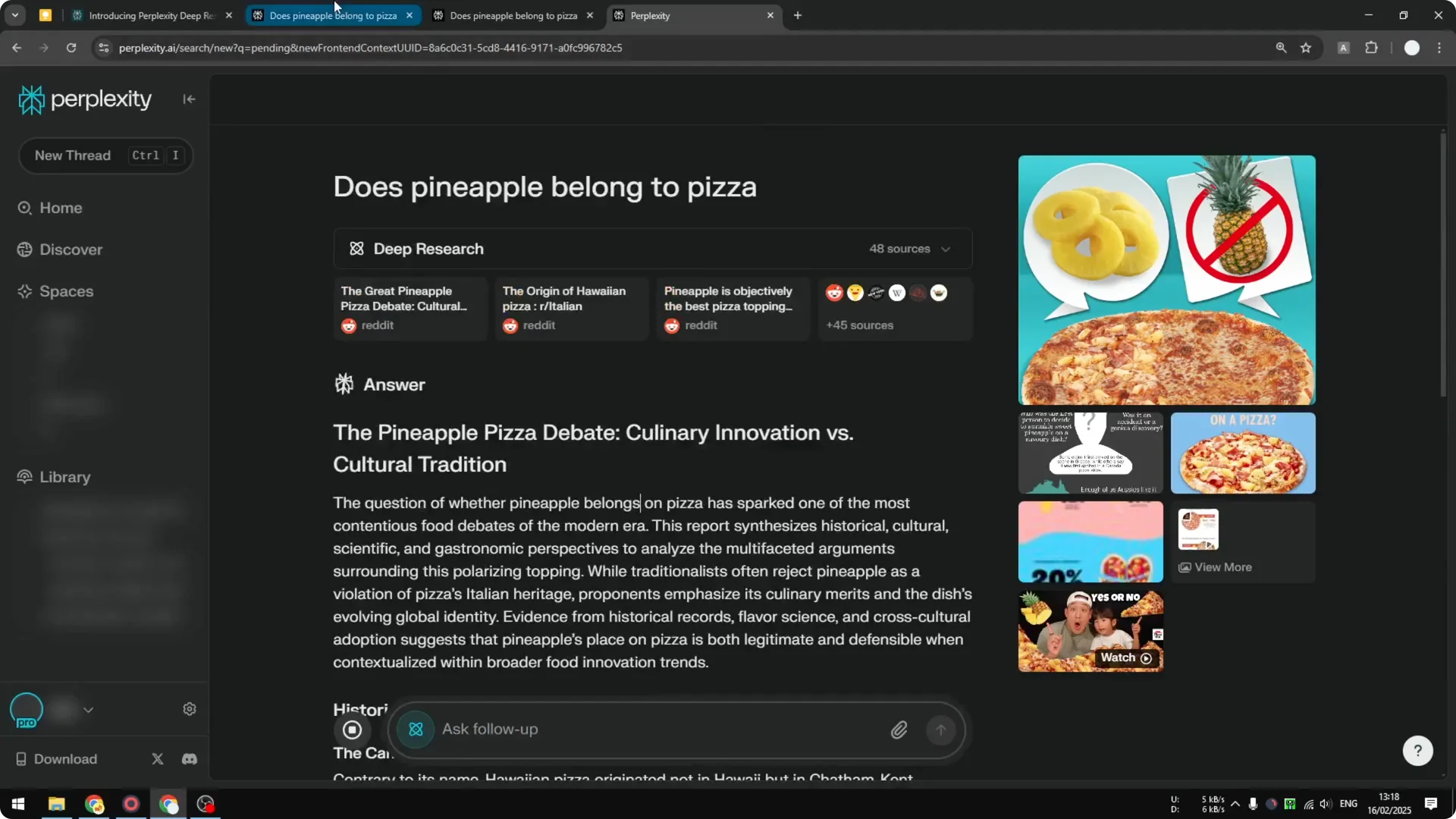
I would imagine this is useful for content creation. The result is very thorough. Based on the structure alone, it is way better.
Read More: Camera Control For Midjourney Ai Video
Limits and availability
I do not know what the limit is for Deep Research. I believe you are not going to be able to use it all the time. There is likely some kind of cap.
While it is available, give it a try. Compare it against Pro Search and Reasoning on the same prompt. The difference in depth and structure is clear.
Read More: Transformative Ai Art Midjourney Prompts
Final Thoughts
Perplexity Deep Research offers a deeper, more thorough answer than Pro Search or Reasoning. It is slow, but the output is long, structured, and useful for content creation. If you have Perplexity Pro, test it on the same question across modes and see how much more you get from Deep Research.
