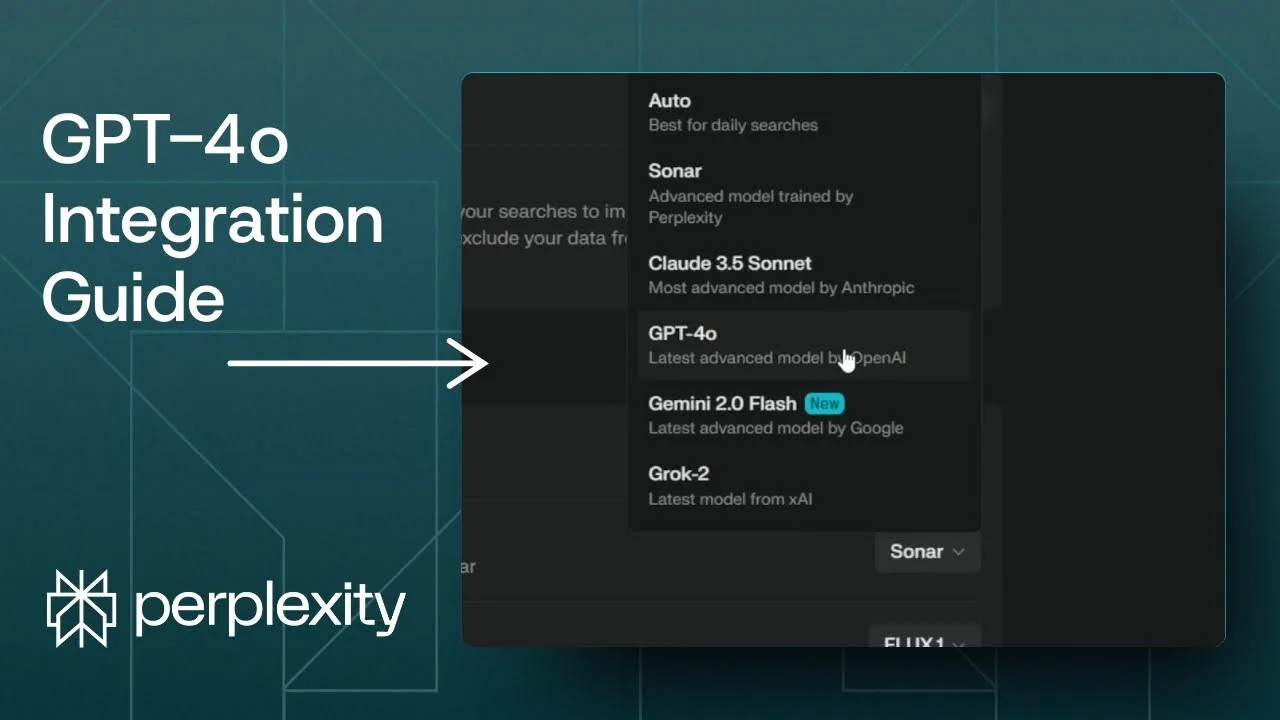
Here is how you can use GPT-4o in Perplexity. If you already have an answer that was generated in Perplexity, you can switch it to GPT-4o to get another version of the answer. You can also make GPT-4o the default AI model in Perplexity.
Switch to Perplexity AI GPT-4o
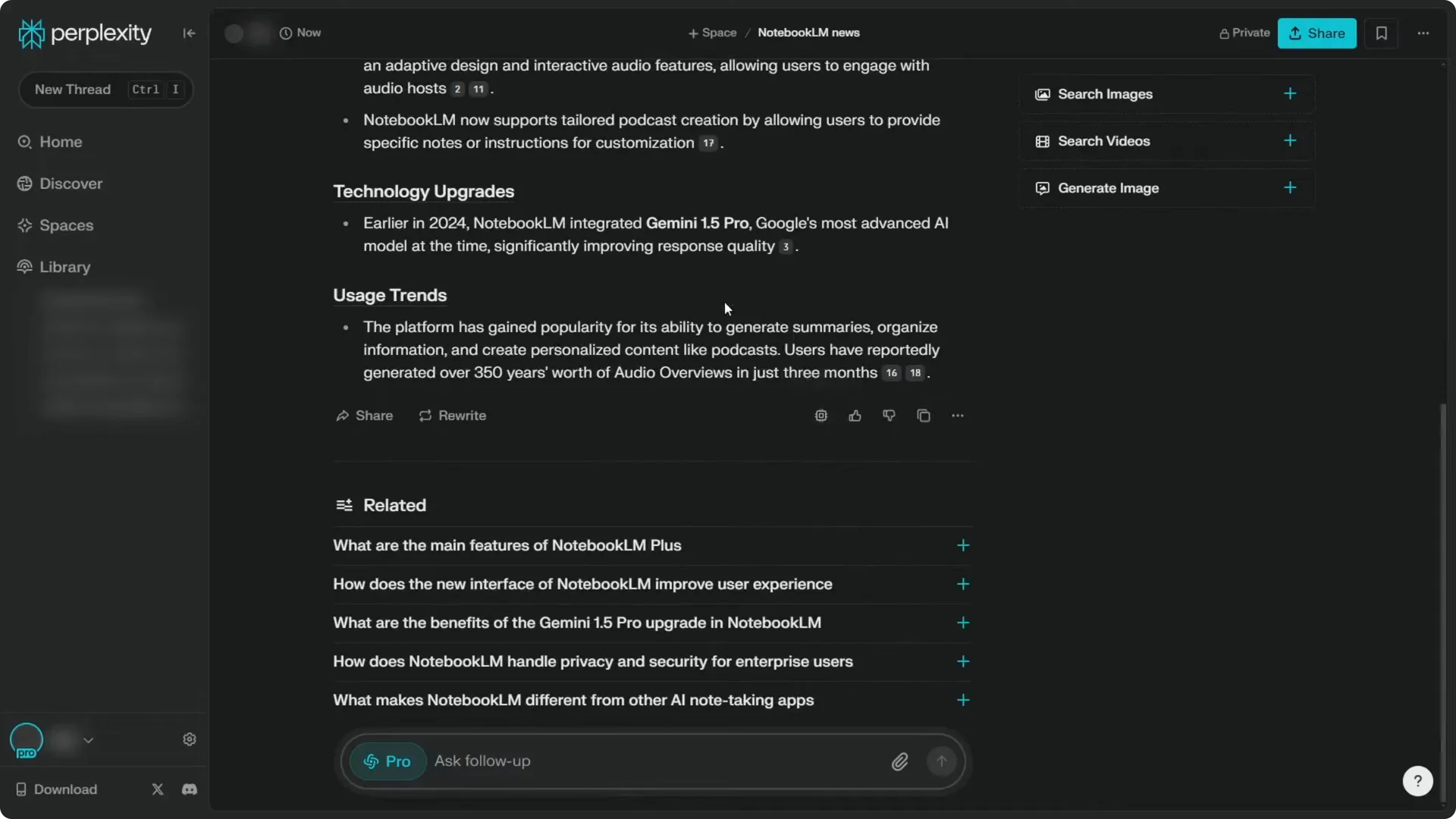
Step 1: Scroll down on the answer you want to regenerate.
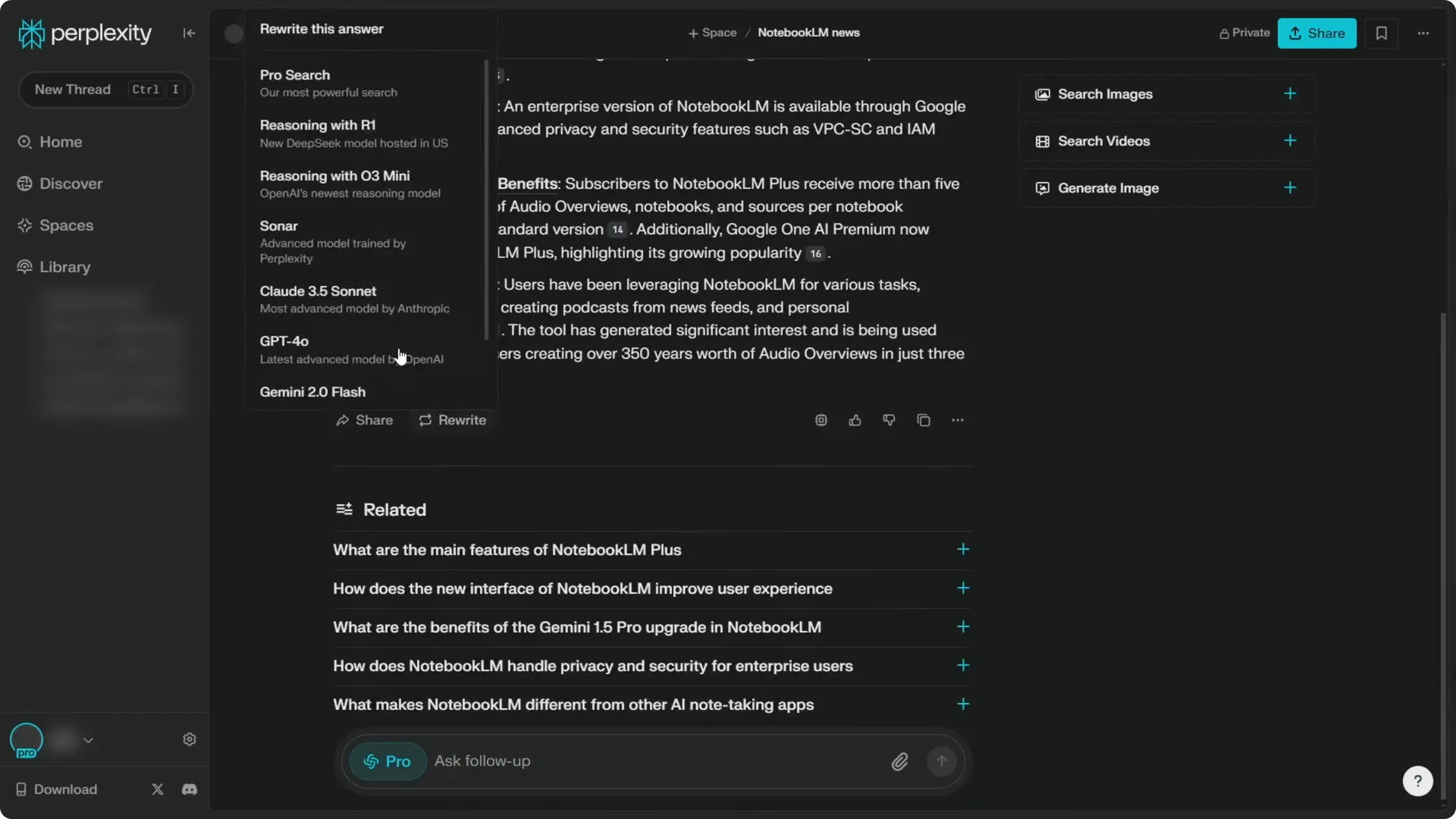
Step 2: Click Rewrite.
Step 3: Click GPT-4o.
Perplexity will redo everything and regenerate the answer using the GPT-4o model. It is probably a little better than some other models like Sonar, and for some people it is probably better than Claude 3.5 Sonnet, but it is subjective.
Read more: Create Superior Ai Art
Set Perplexity AI GPT-4o Default
Step 1: Open Settings by clicking the gear icon.
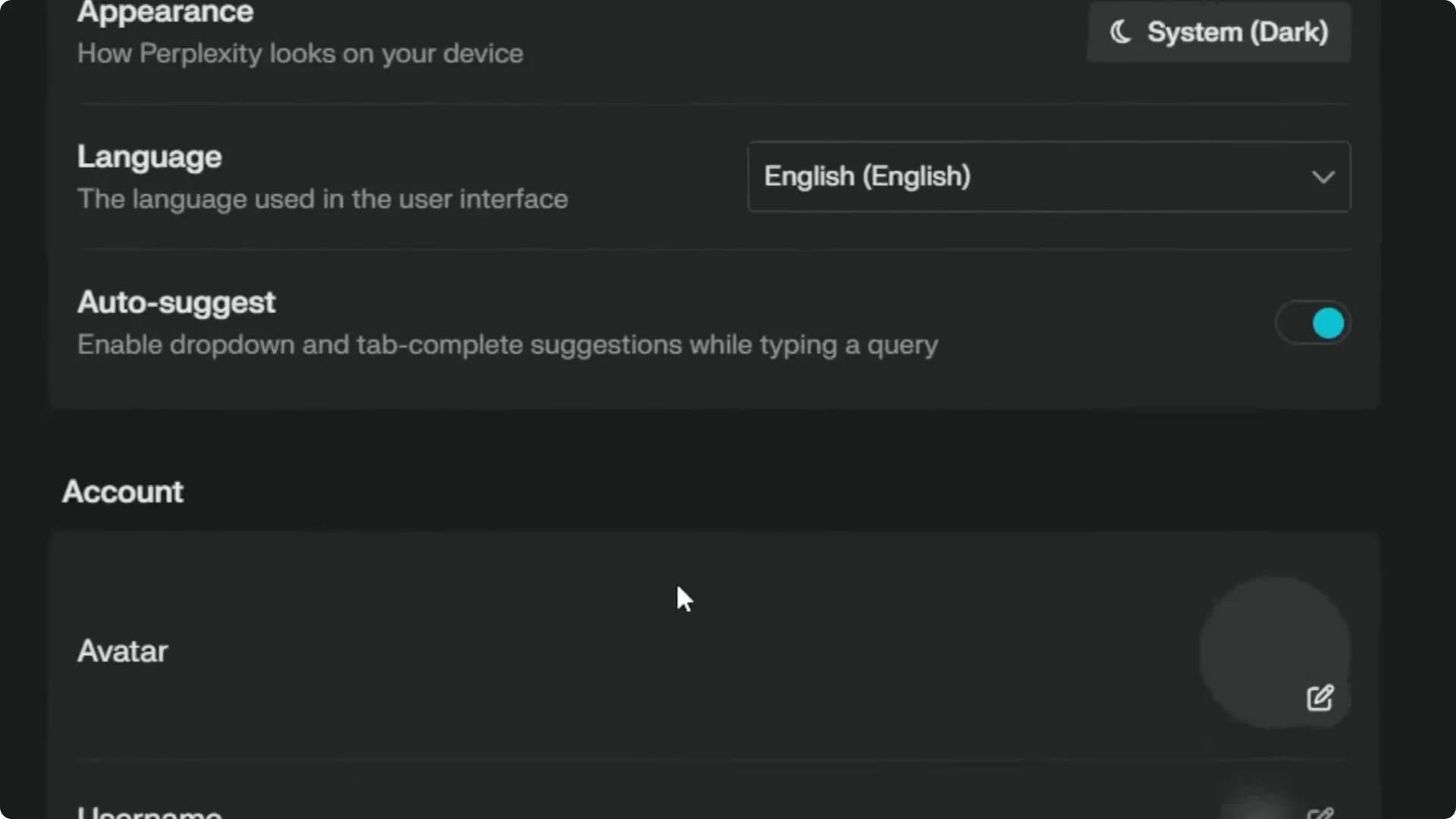
Step 2: Go to Account.
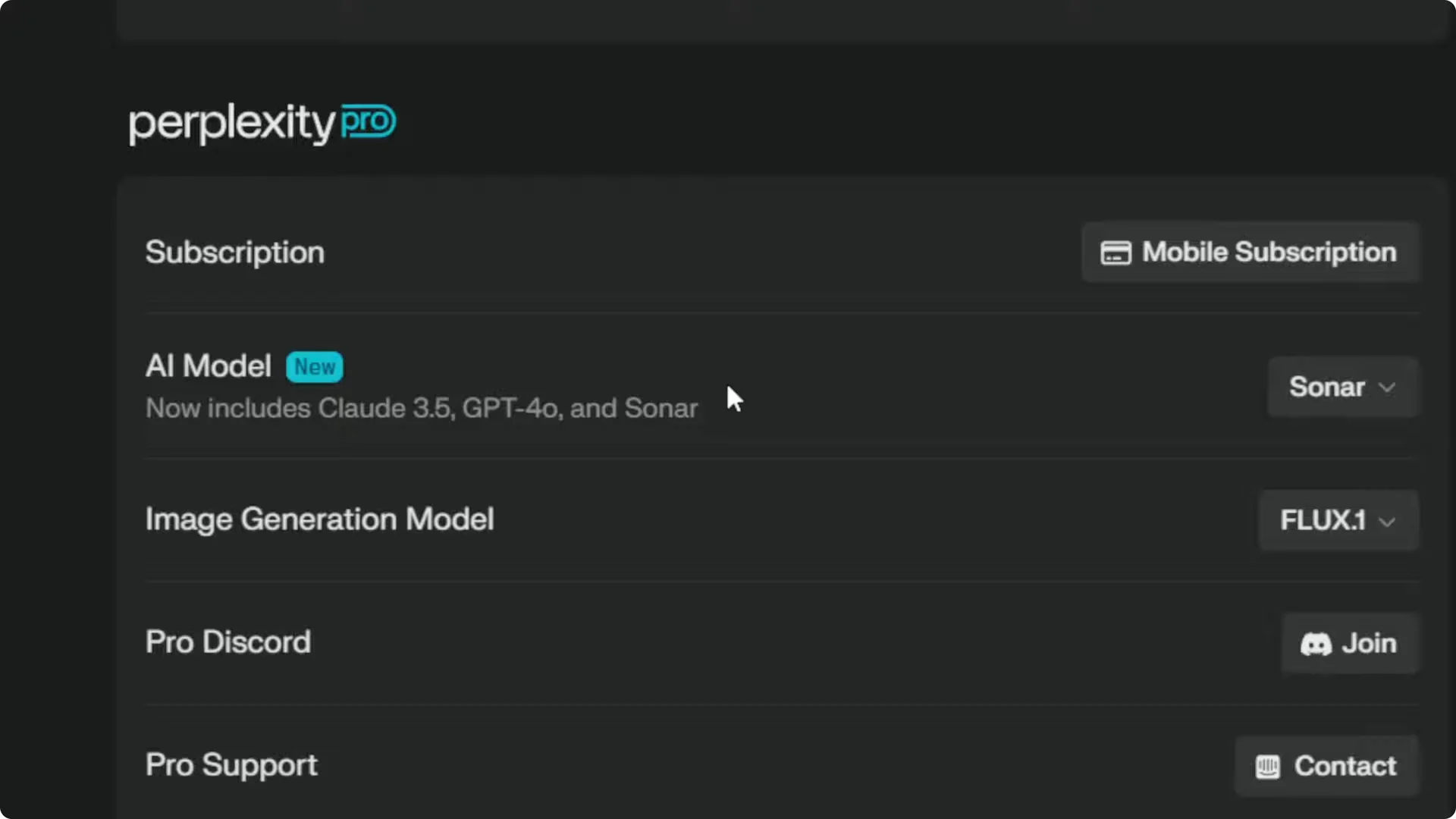
Step 3: Scroll to the Perplexity Pro area, then select the AI model.
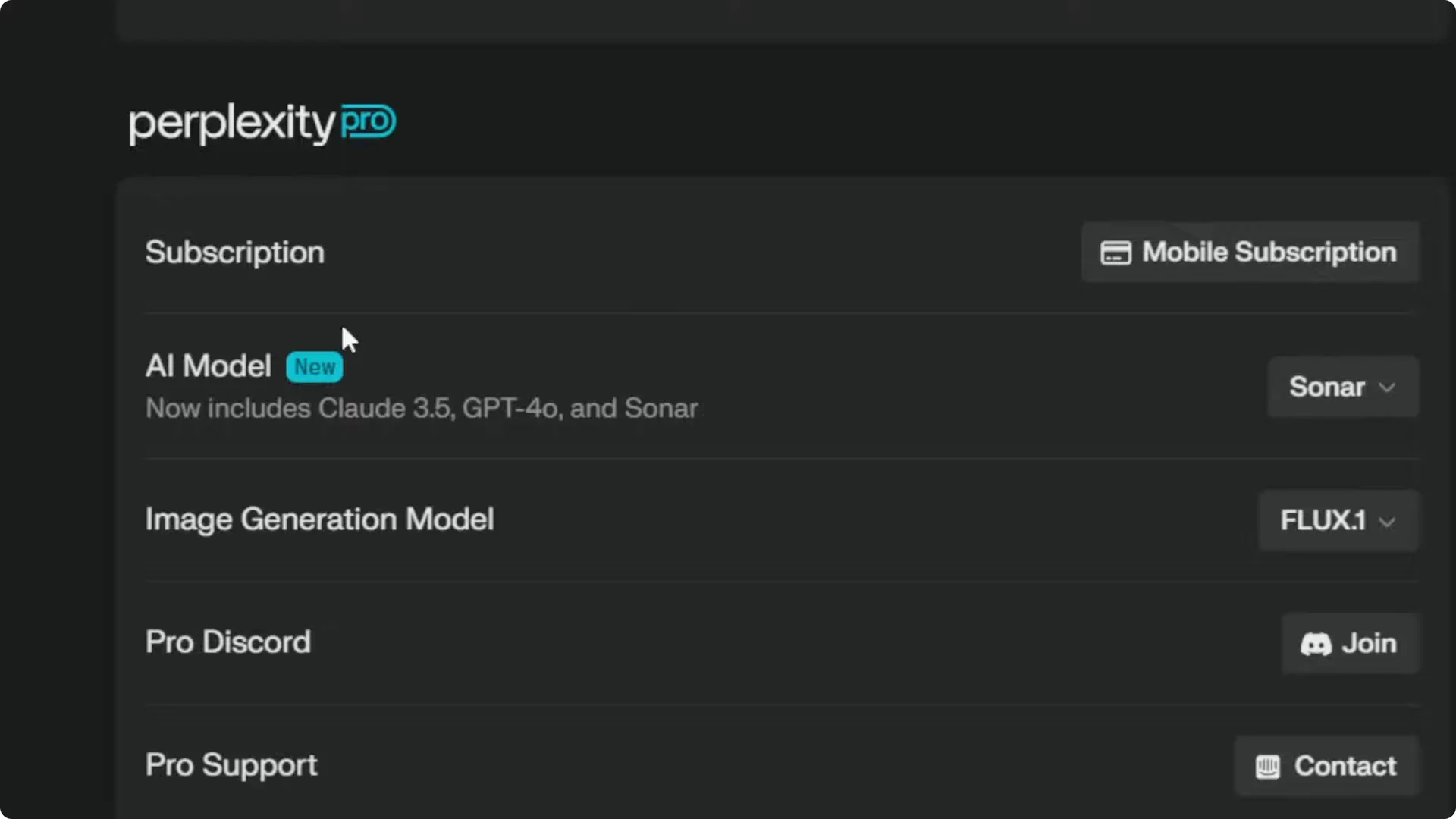
I think it is worth mentioning that this is only available if you are subscribing to the Pro version of Perplexity. Switch the model from Sonar to GPT-4o.
Read more: Transformative Ai Art Midjourney Prompts
Verify Perplexity AI GPT-4o Default
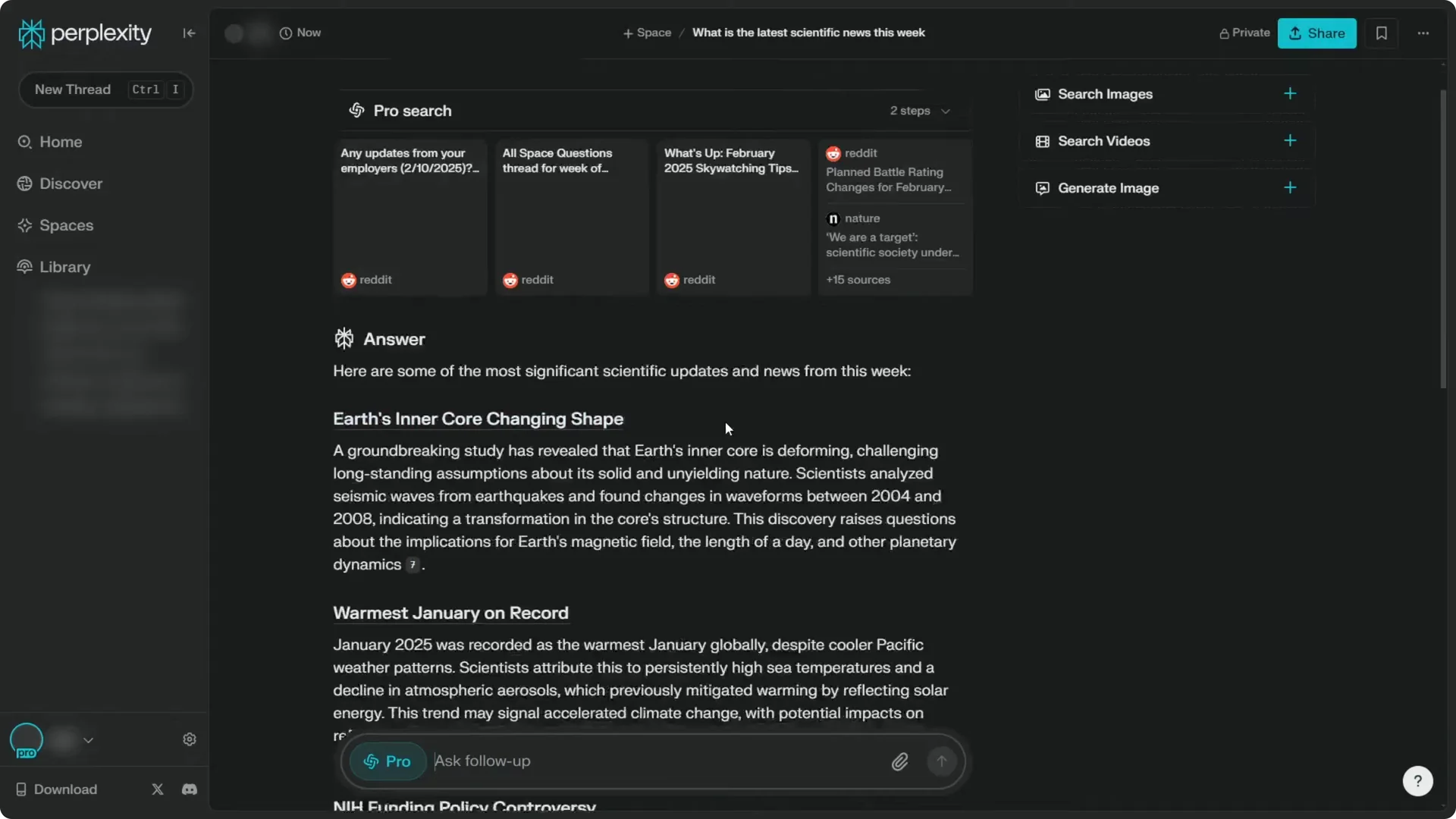
Create a new thread in Perplexity and it will use GPT-4o by default. I asked, “What is the latest scientific news this week,” then waited until it finished.
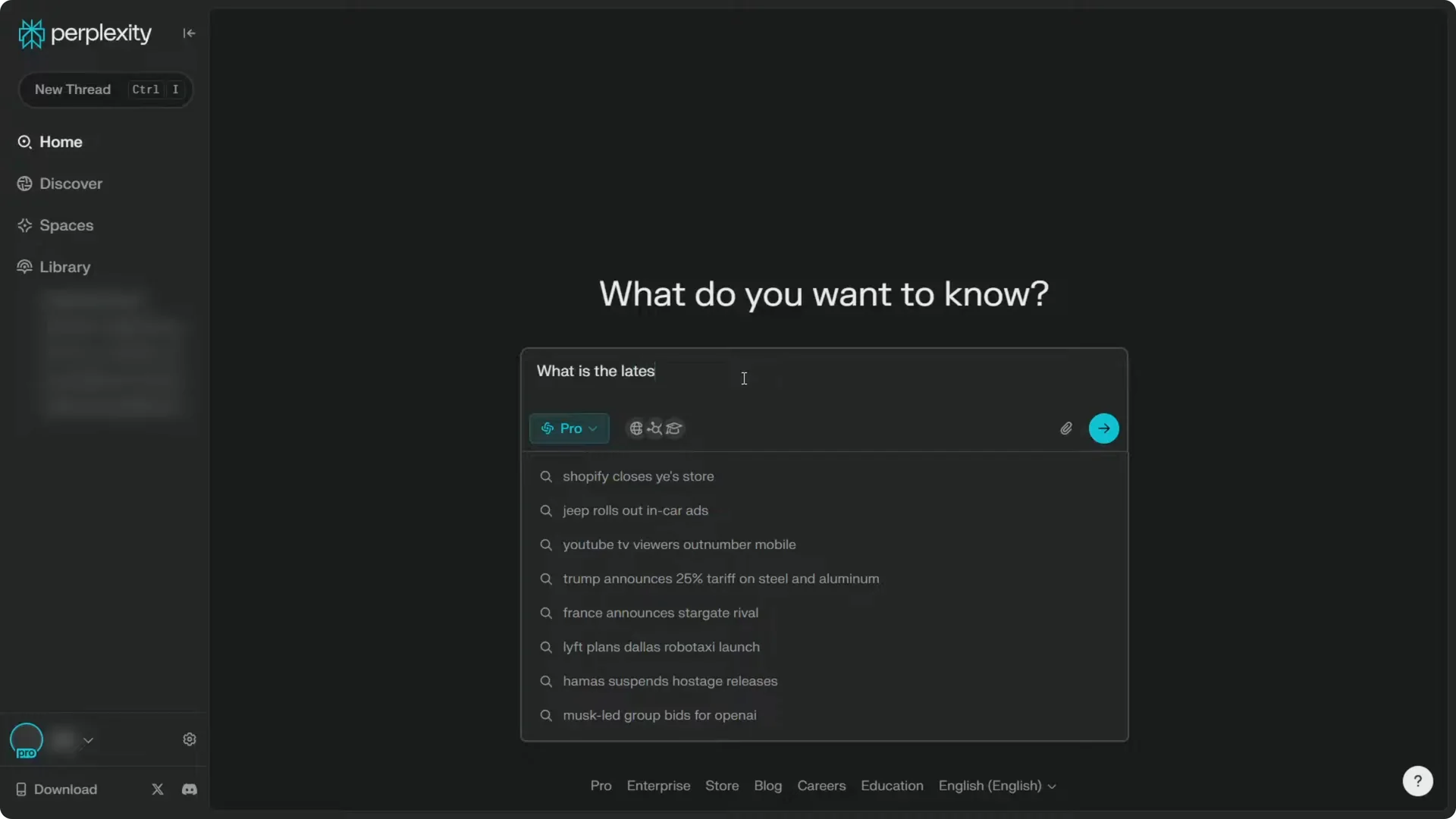
I am using the Pro version, which basically means it is going to read even more content. The answer was generated by GPT-4o, and I do not have to manually rewrite the content again because it is already using GPT-4o.
Read more: Camera Control For Midjourney Ai Video
Final thoughts on Perplexity AI GPT-4o Default
You can switch any existing answer to GPT-4o with Rewrite, or set GPT-4o as your default in Settings under Perplexity Pro. After you make it the default, every new thread will use GPT-4o automatically.
If you are on Pro, you also get longer reading and better coverage. That setup saves you from having to regenerate answers manually each time.
Read more: Eye Catching Ai Art Midjourney Prompts Styles
