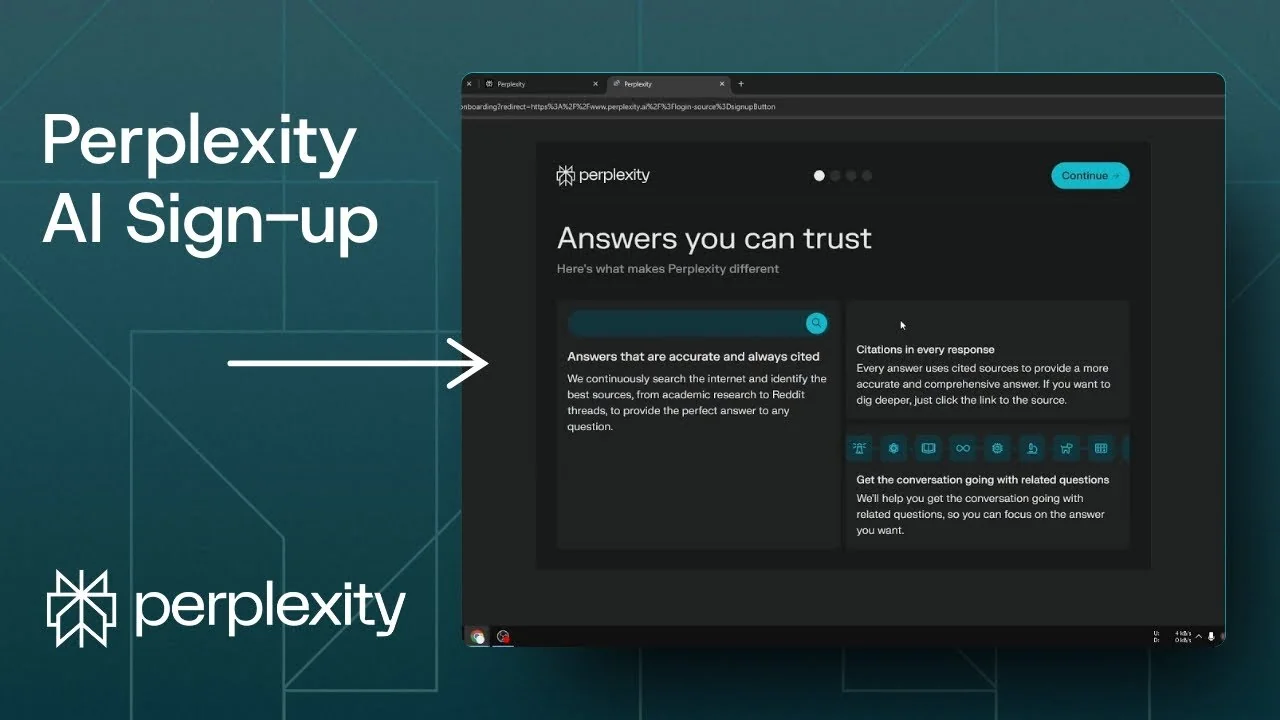
Here is how you can sign up to Perplexity and start using this service to do some research. Open any search engine and search for Perplexity AI. It usually appears at the very top as perplexity.ai – open it to get to the homepage.
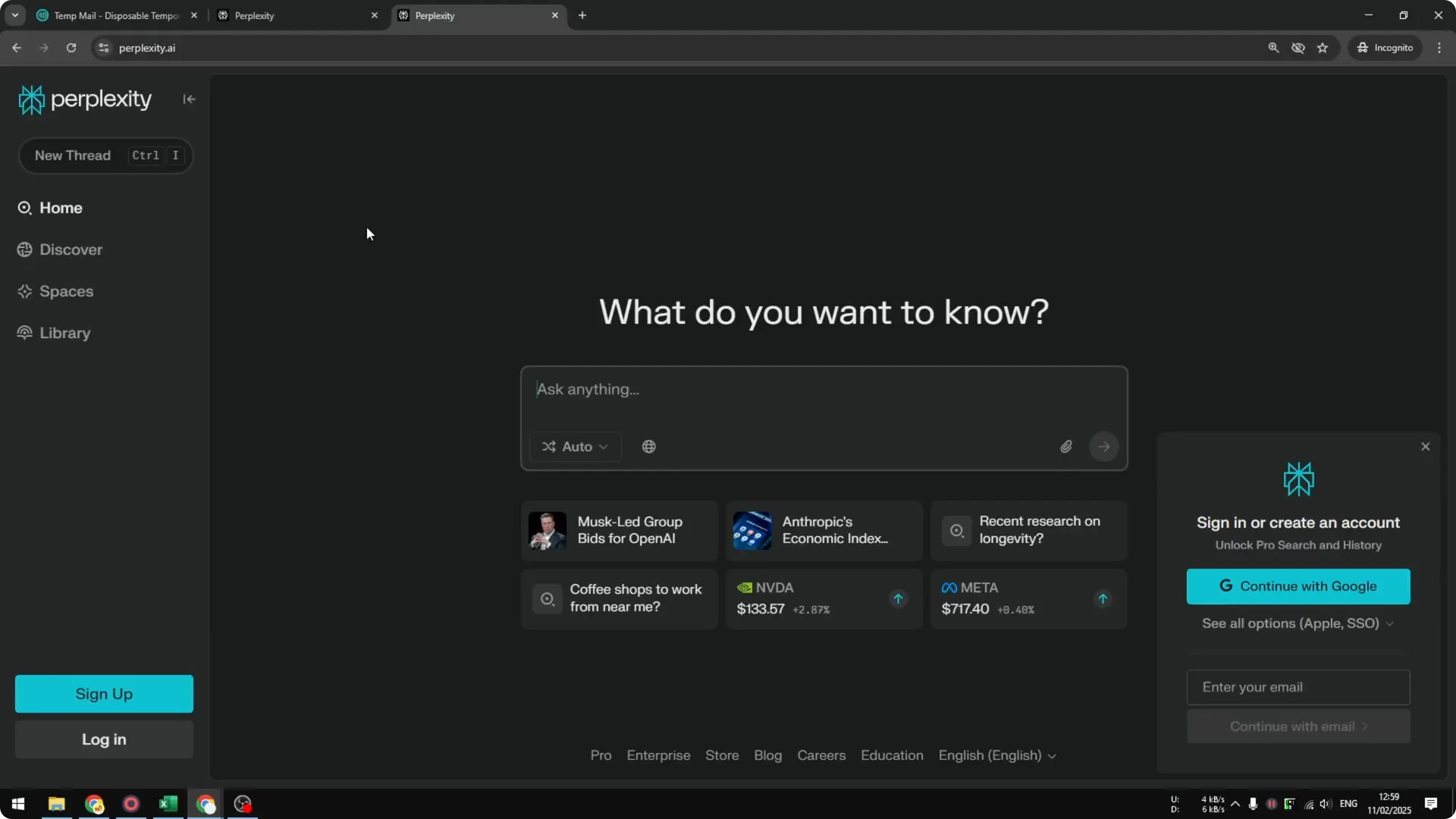
Click Sign up to start creating an account for yourself. There are multiple ways to sign up: you can use your Google account, Apple account, or your email. For this walkthrough I’m using a disposable email.
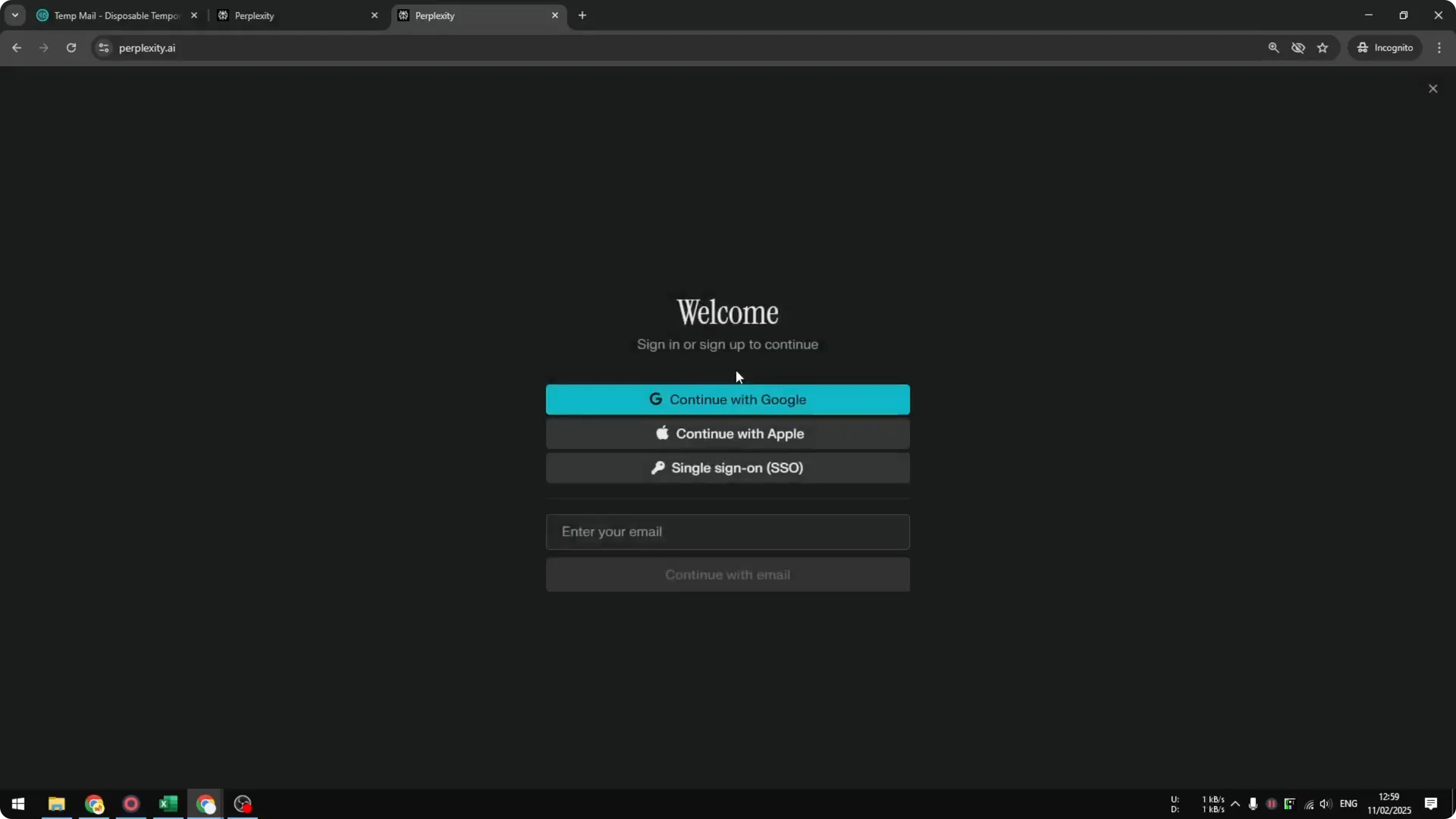
Getting started – Perplexity AI Registration
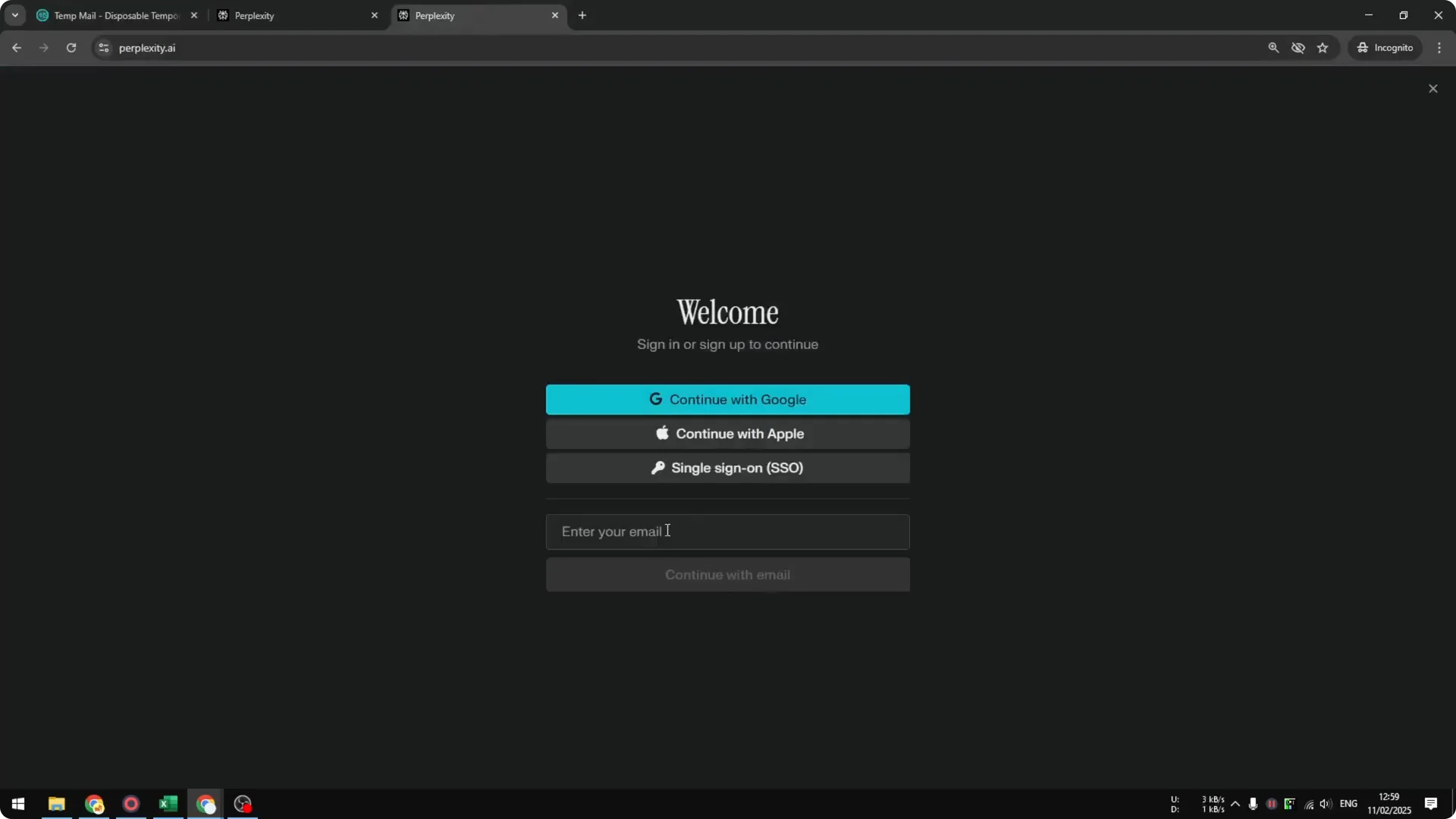
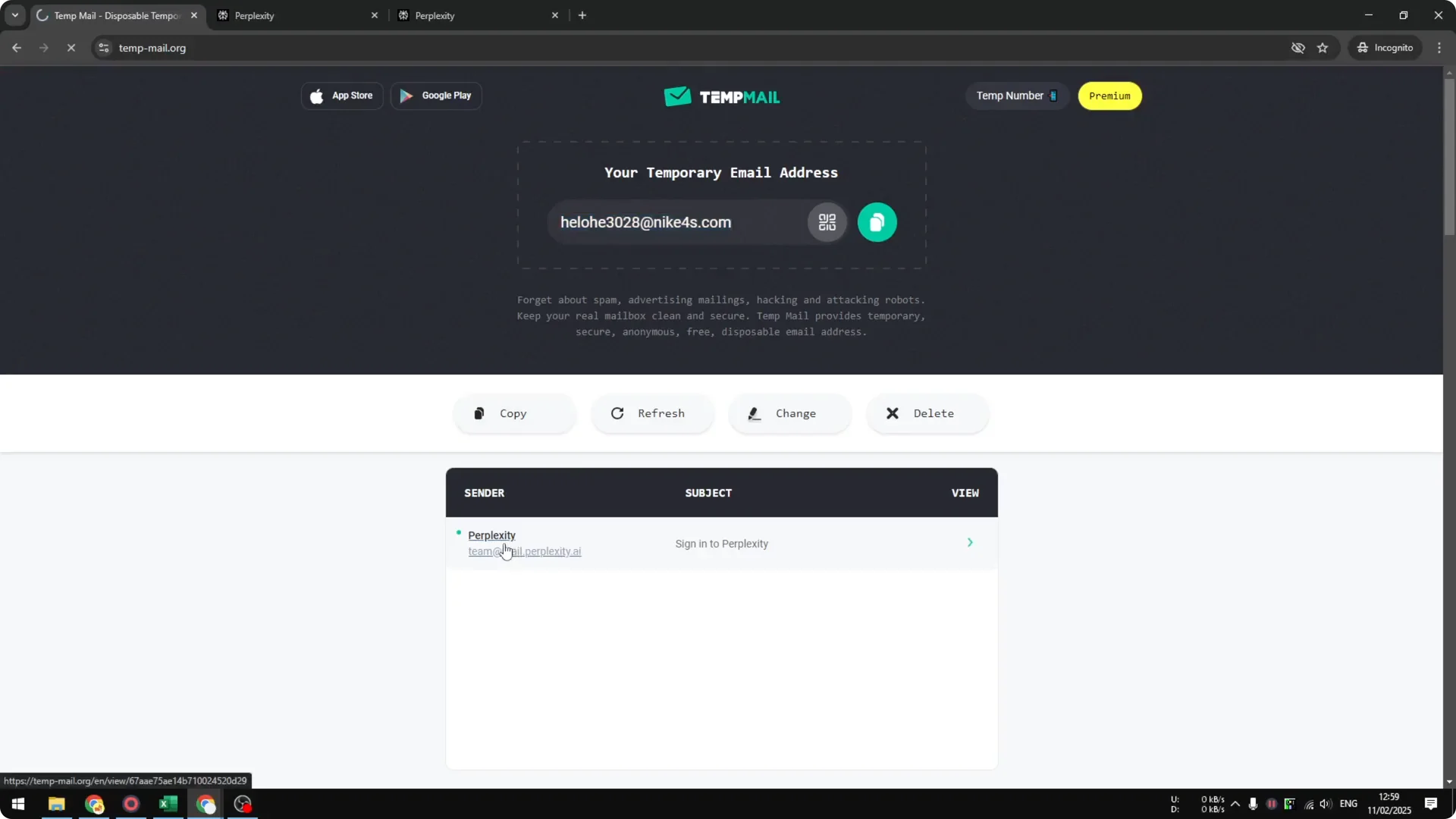
Step 1: Enter your email in the field and click Continue with email. Wait a moment while it authenticates your account. This sends a verification to your inbox.
Step 2: Open your email and look for a message from Perplexity. You can click the sign-in link in that email, or copy the one-time code. Both methods work the same.
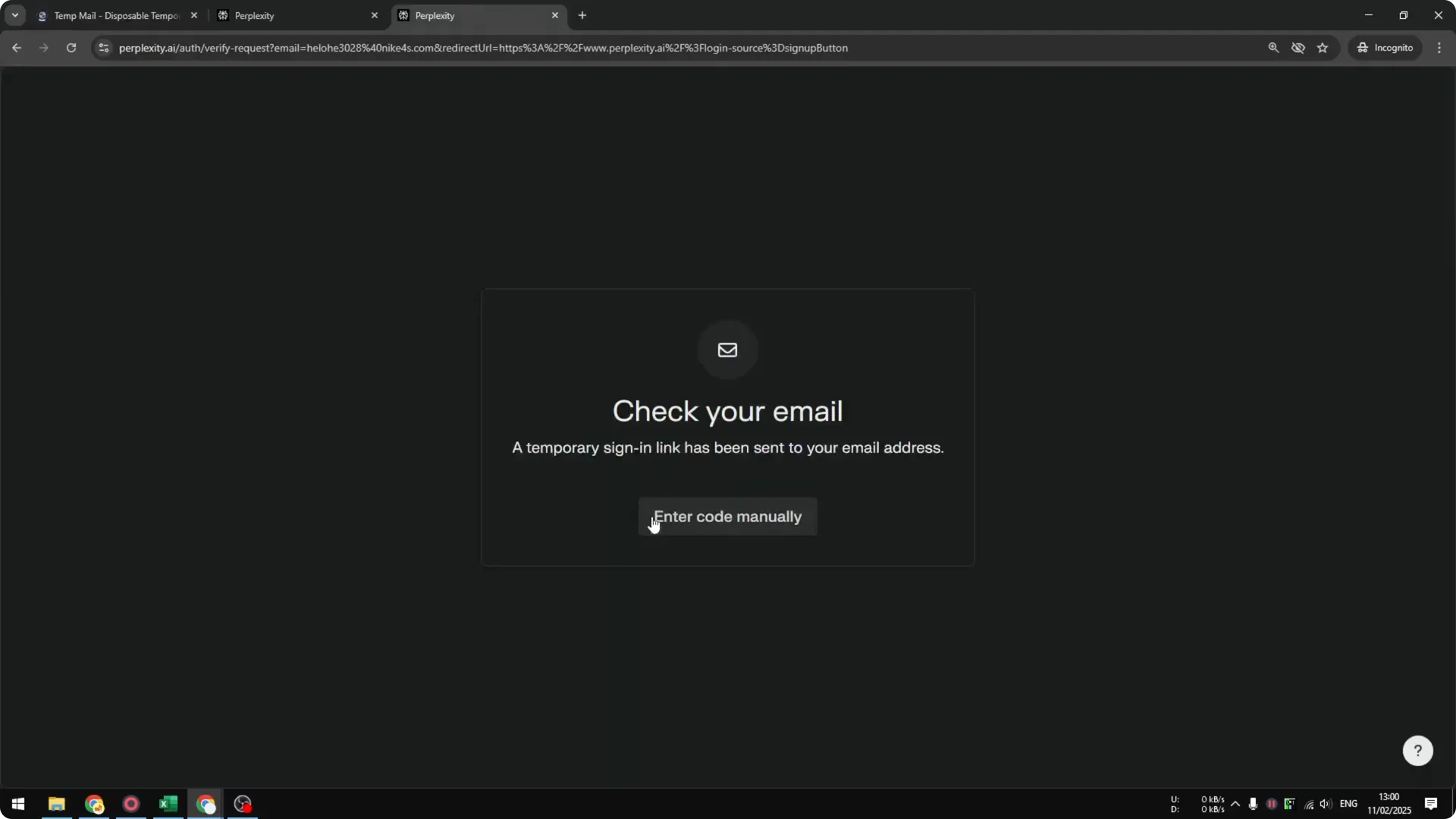
Step 3: If you prefer the code route, click Enter code manually on Perplexity. Paste the code and it will process automatically. Your account will be confirmed and you will move into onboarding.
Read more: Create Superior Ai Art
Email verification – Perplexity AI Registration
Step 4: After verification, continue through the short onboarding screens. Click Continue to move forward. These screens get your account ready.
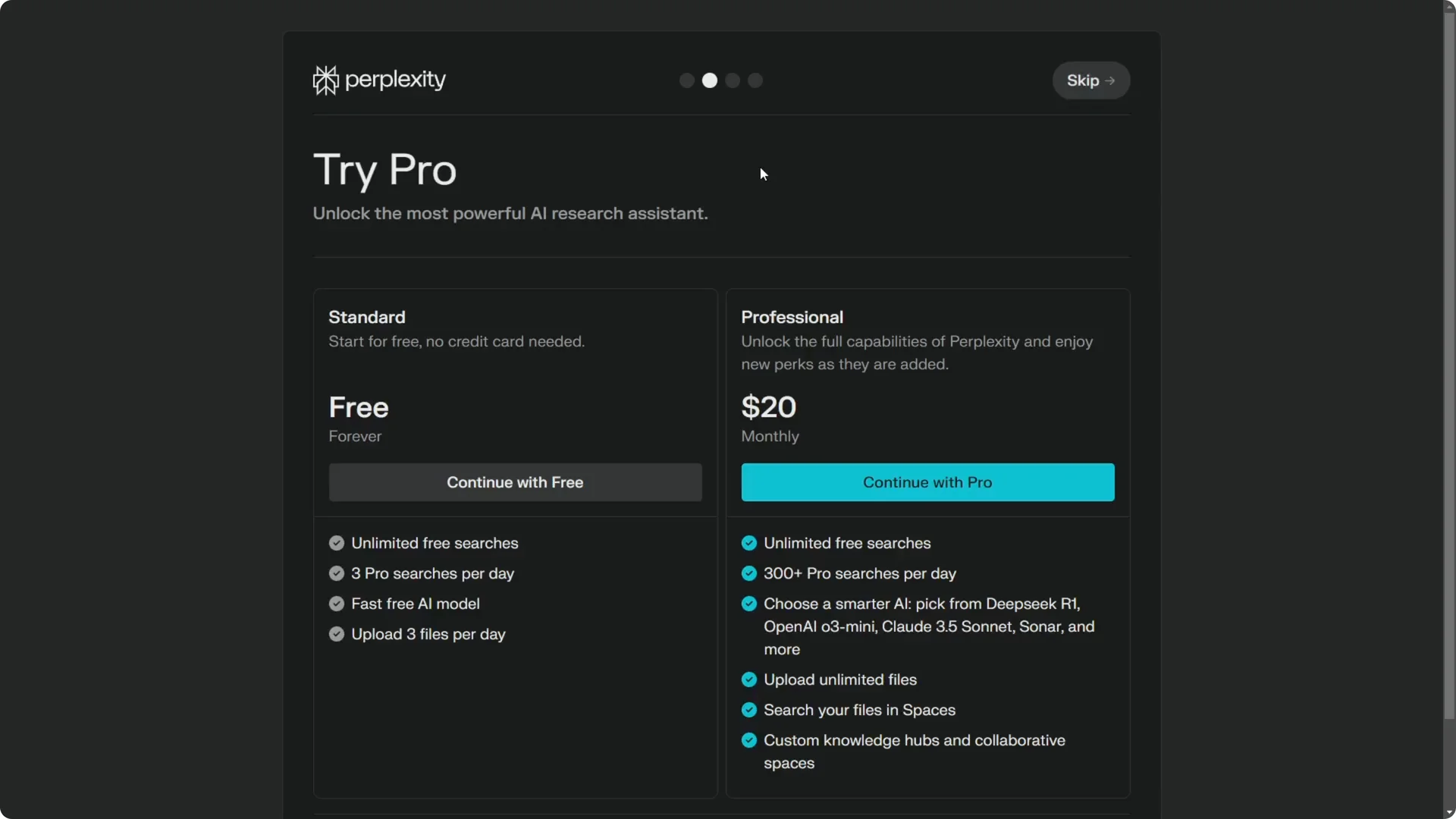
Step 5: You will be offered the Pro subscription, but it is optional. You can use the free version, which grants you three Pro searches a day, which I think is probably good enough for some people. Click Skip if you do not want Pro.
Onboarding and plan – Perplexity AI Registration
You will see a brief introduction to the mobile version. You can log in with the same email address on your phone. You can start asking a question right away, or skip the starter prompts.
Read more: Eye Catching Ai Art Midjourney Prompts Styles
First search – Perplexity AI Registration
On your Perplexity account, you can start searching immediately. You can select the language you prefer and enable options like web search, academic search, and social. Those toggles help tailor your results.
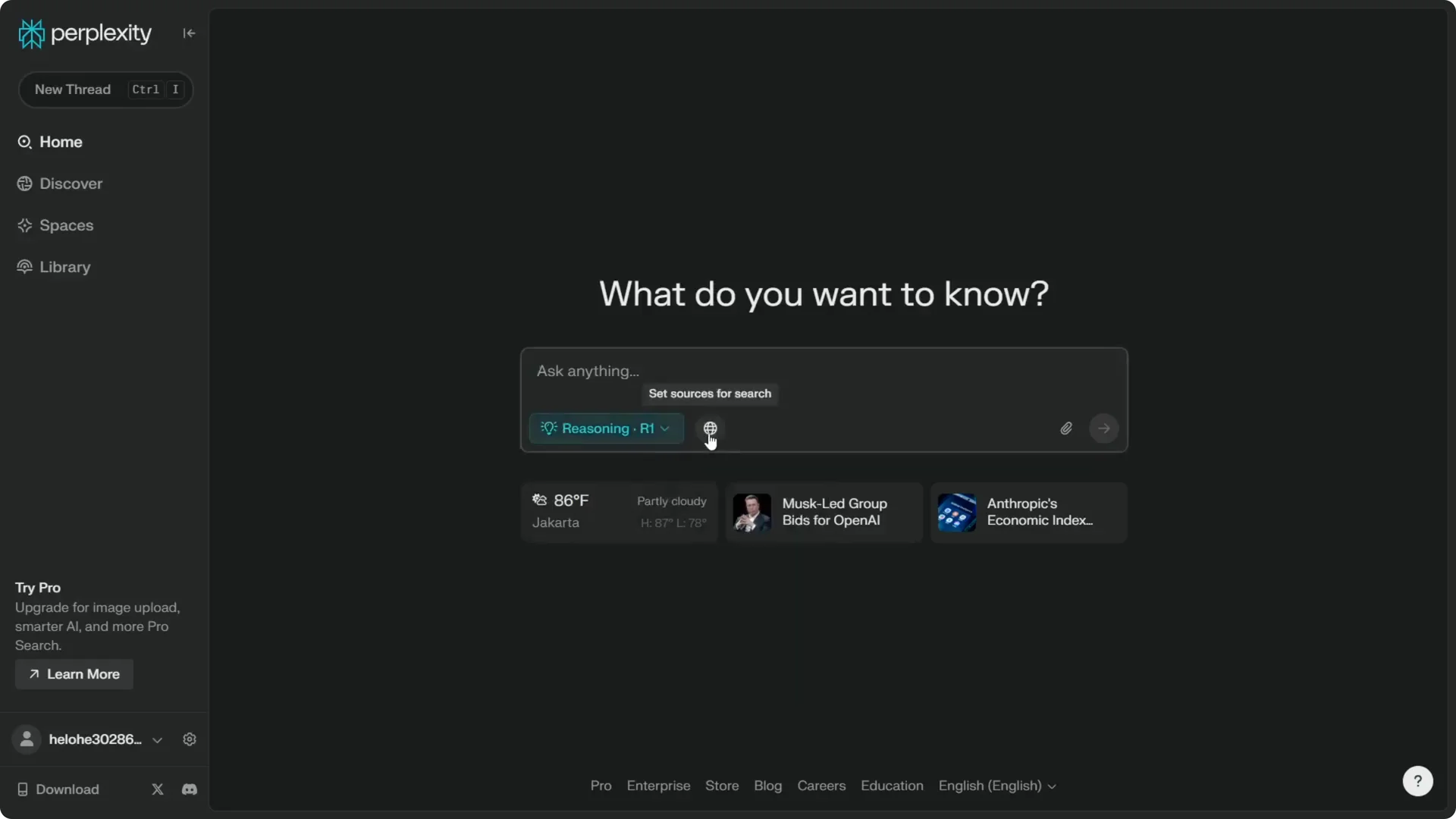
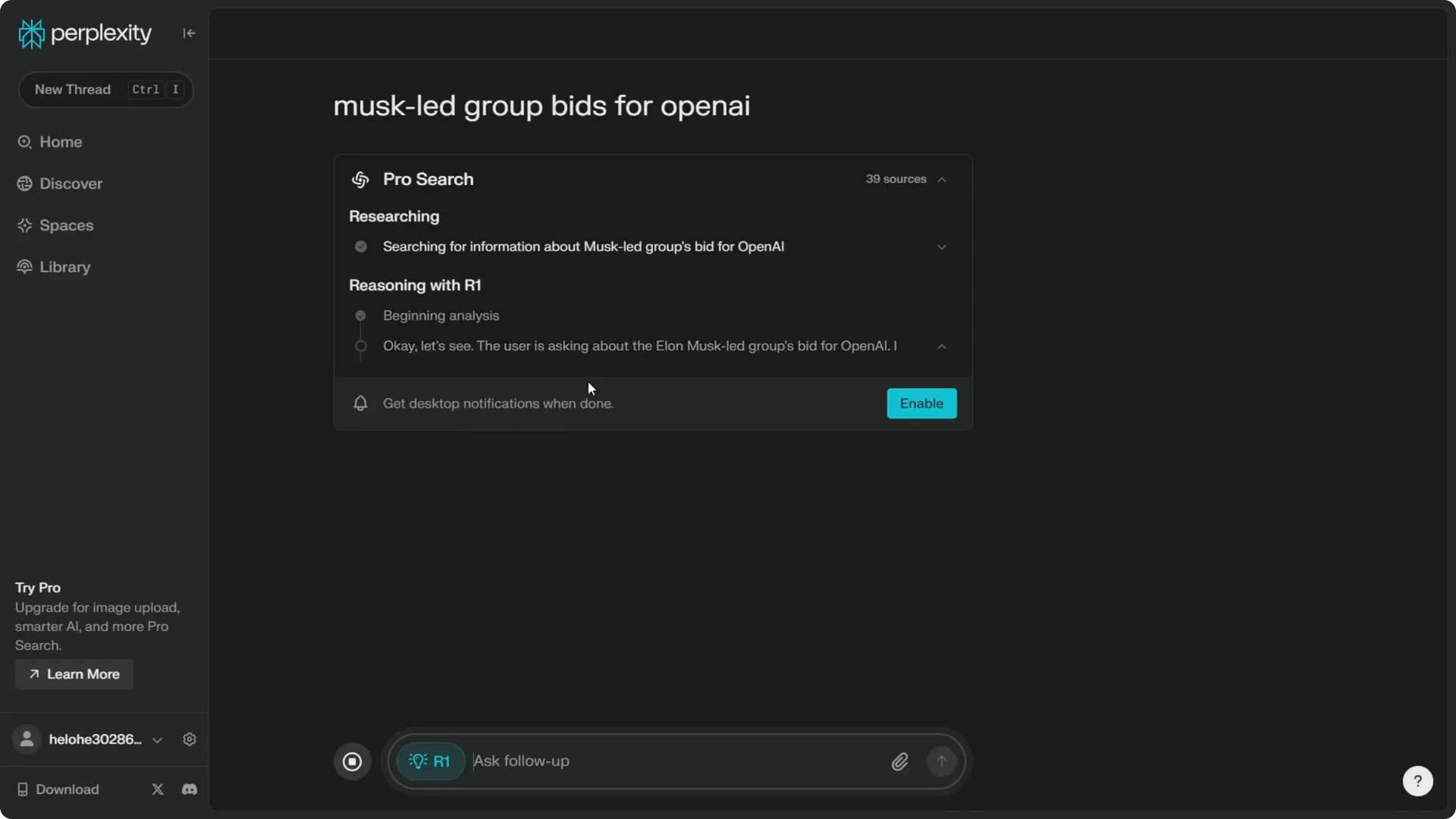
Enter your keyword or question and Perplexity will search the internet and use the AI model you choose to generate an answer. I’m using the reasoning model, which is DeepSeek R1. There are many other models available that you can pick as your default.
Read more: Transformative Ai Art Midjourney Prompts
Final thoughts – Perplexity AI Registration
That’s essentially how you can sign up and start using Perplexity. The free plan is a quick way to try it while still getting a few high-quality searches each day. Once you are in, adjust language and search options, choose a model, and begin your research.
Read more: Camera Control For Midjourney Ai Video
