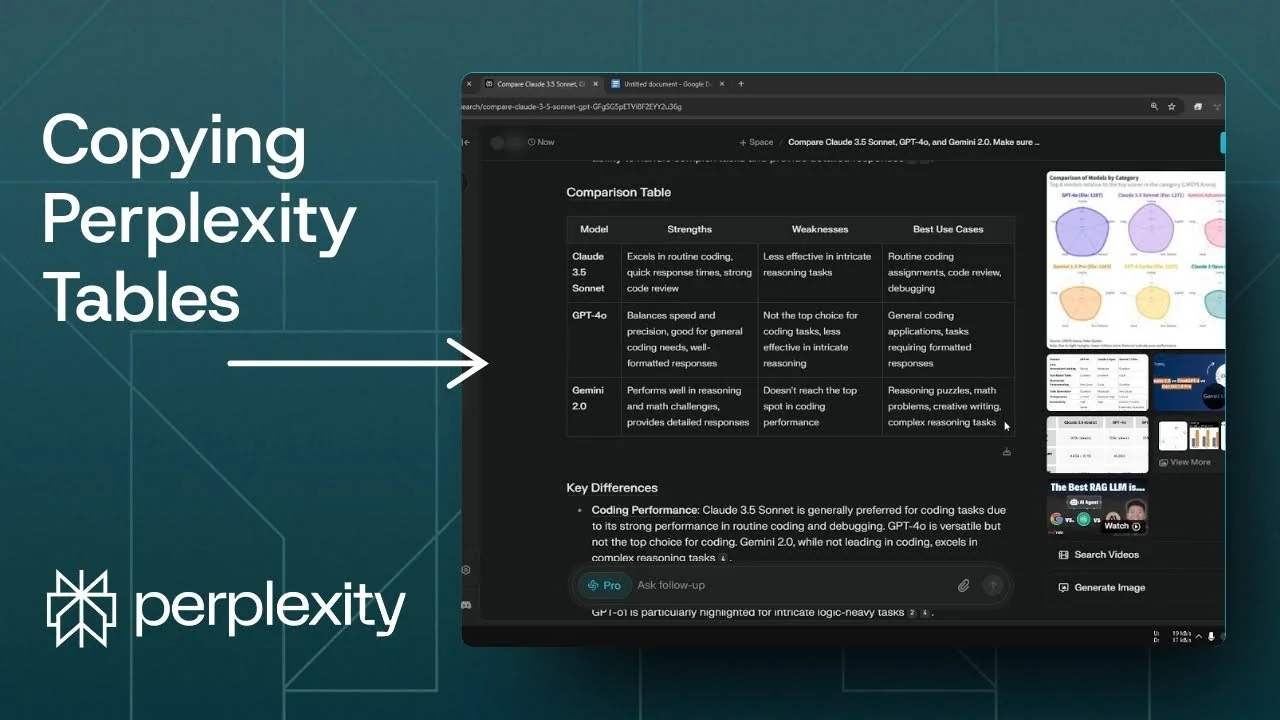
I often need to copy a table from a Perplexity answer to another program. In this example I created a thread comparing Claude 3.5 Sonnet, GPT-4o, and Gemini 2.0. Here is how I export that table cleanly.
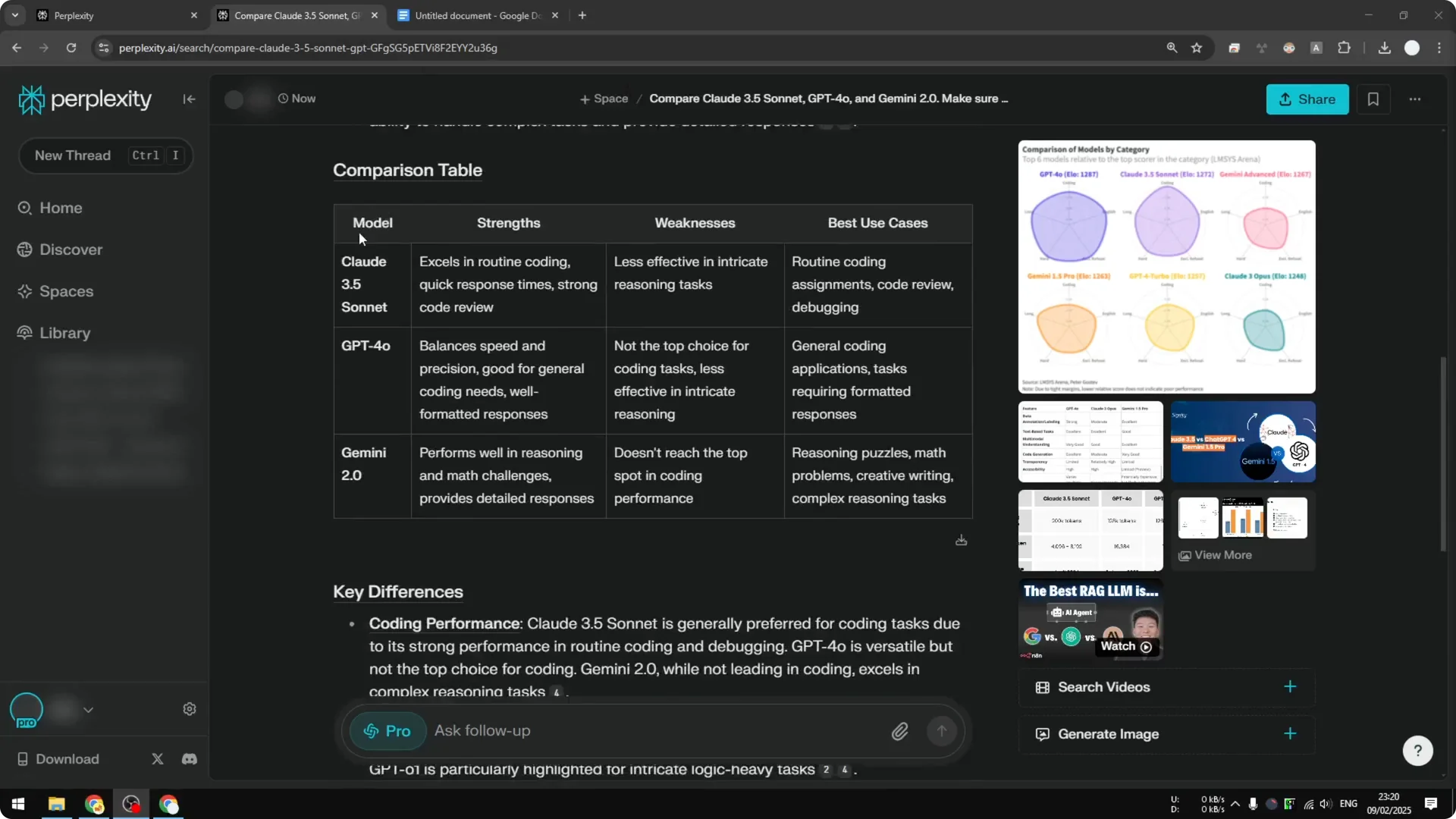
Exporting Tables from Perplexity – Copy and paste
The simplest way is to select the table and paste it into your document. It works well for Google Docs and similar editors.
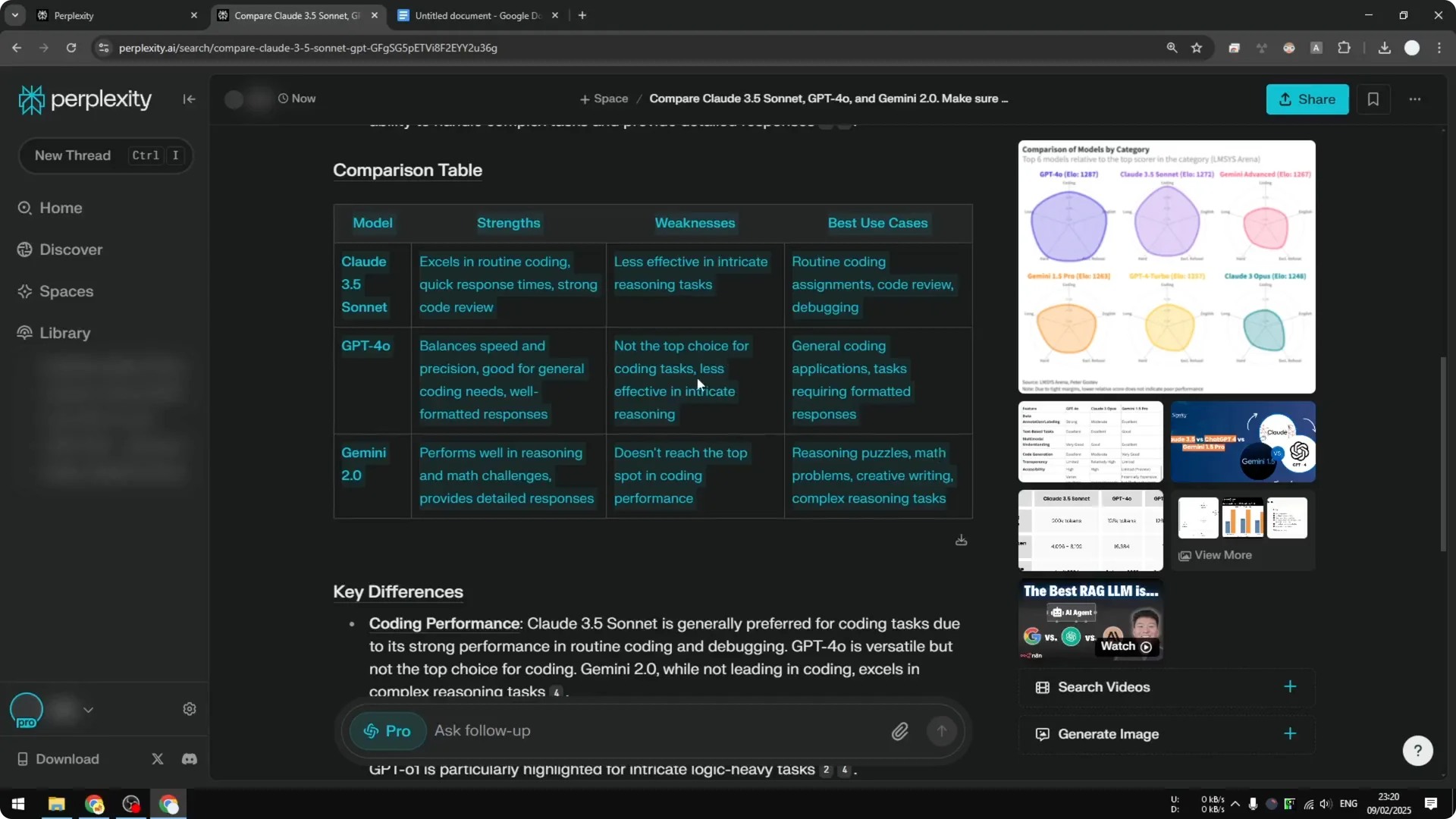
Step 1: Select the entire table with your cursor using click and drag. Make sure all cells are included before copying.
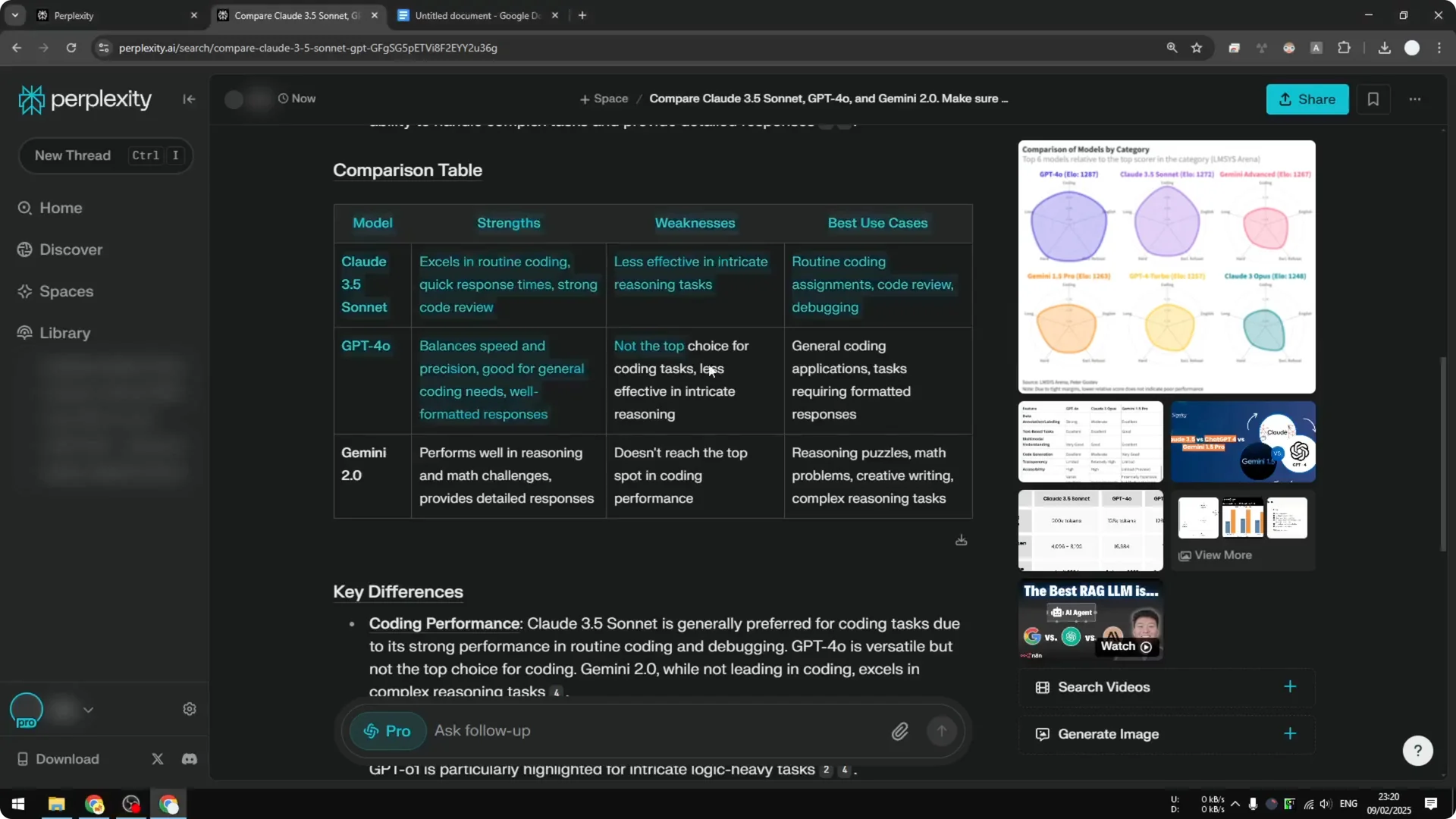
Step 2: Right click and choose Copy, or press Ctrl and C. Paste it into Google Docs with Ctrl and V.
After pasting, you might notice the top headers look missing. They are not missing, but the borders may be invisible.
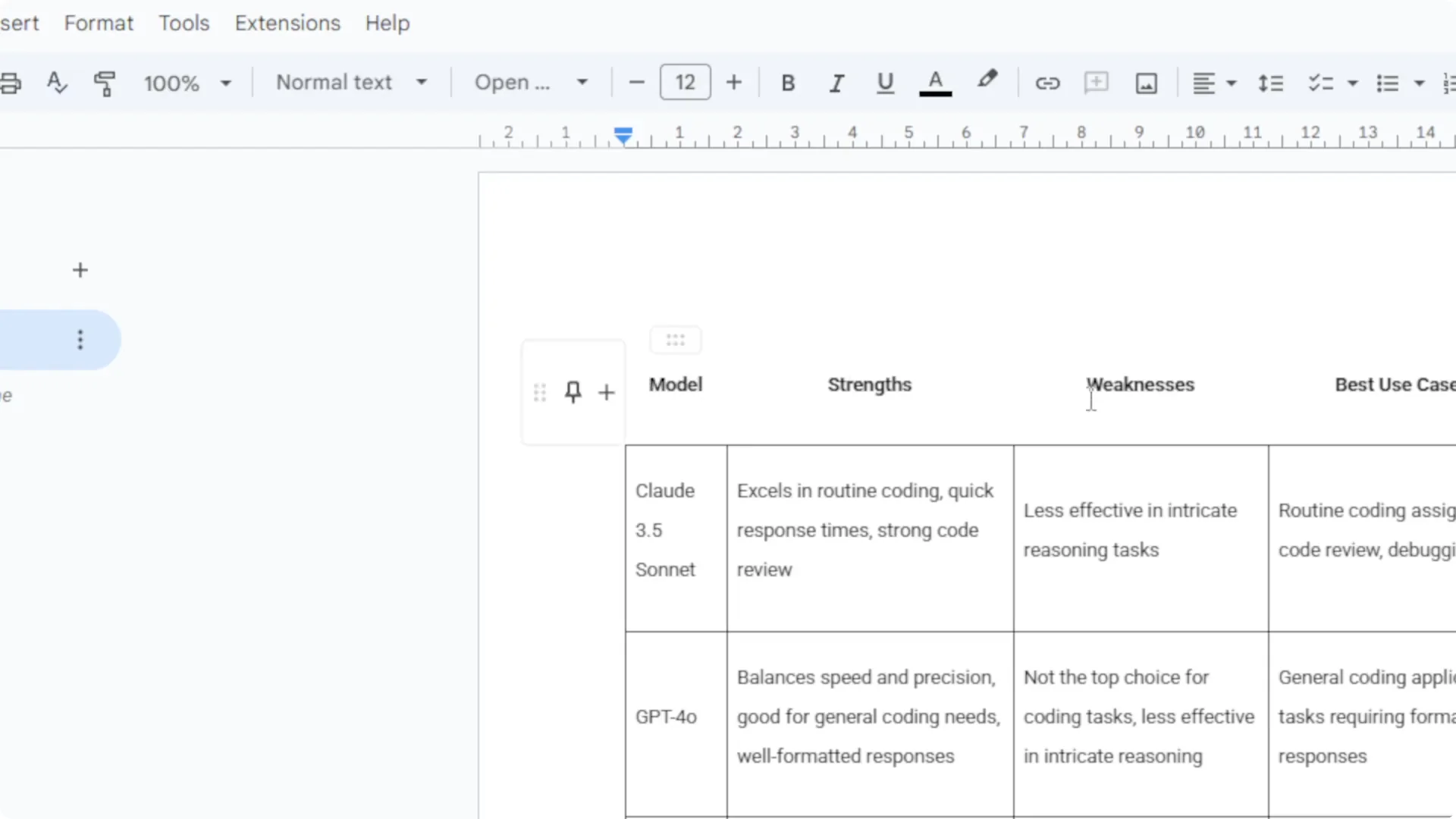
Fix headers and borders in Google Docs
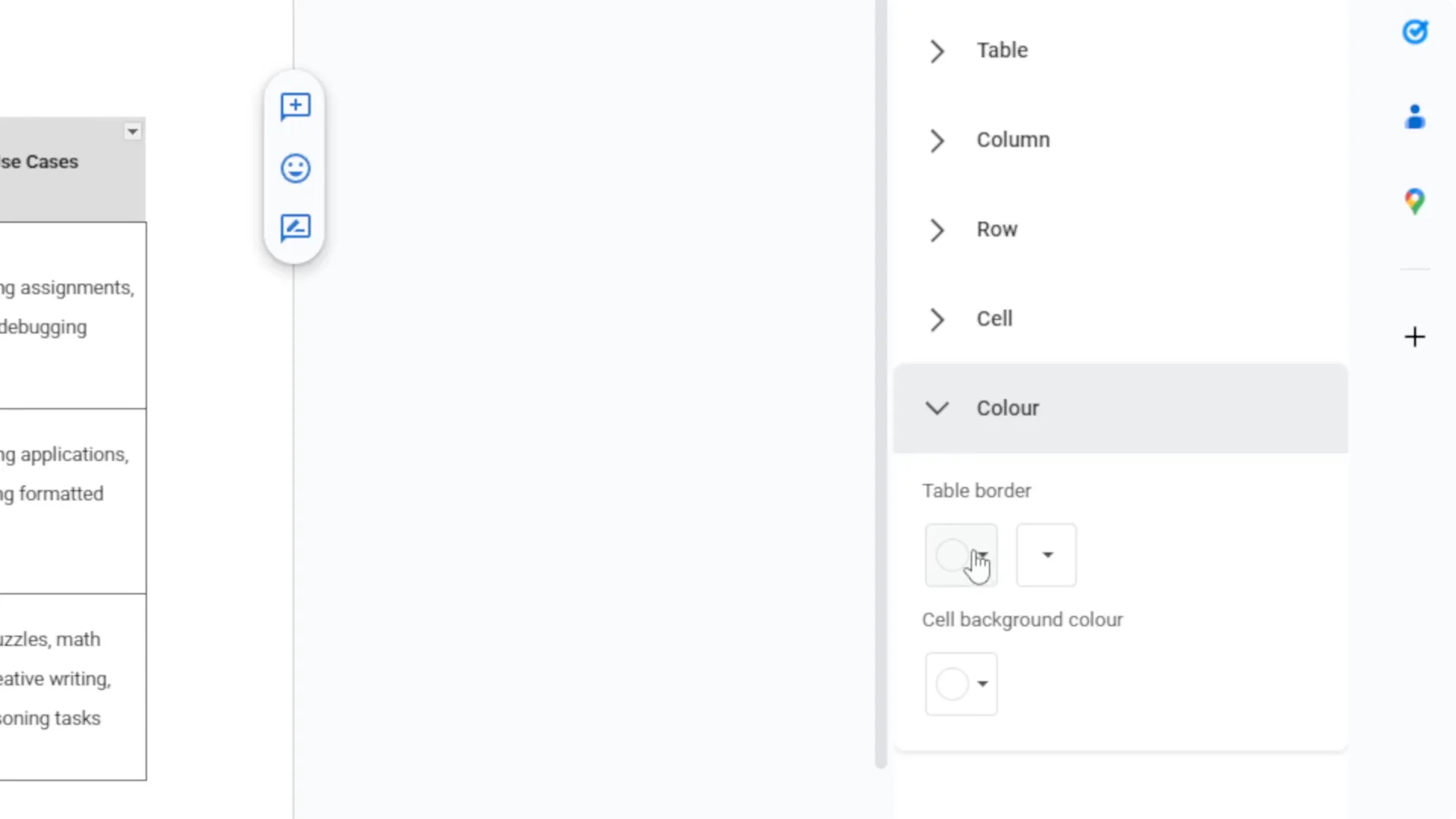
Step 1: Select the whole table in Google Docs. Open Table options.
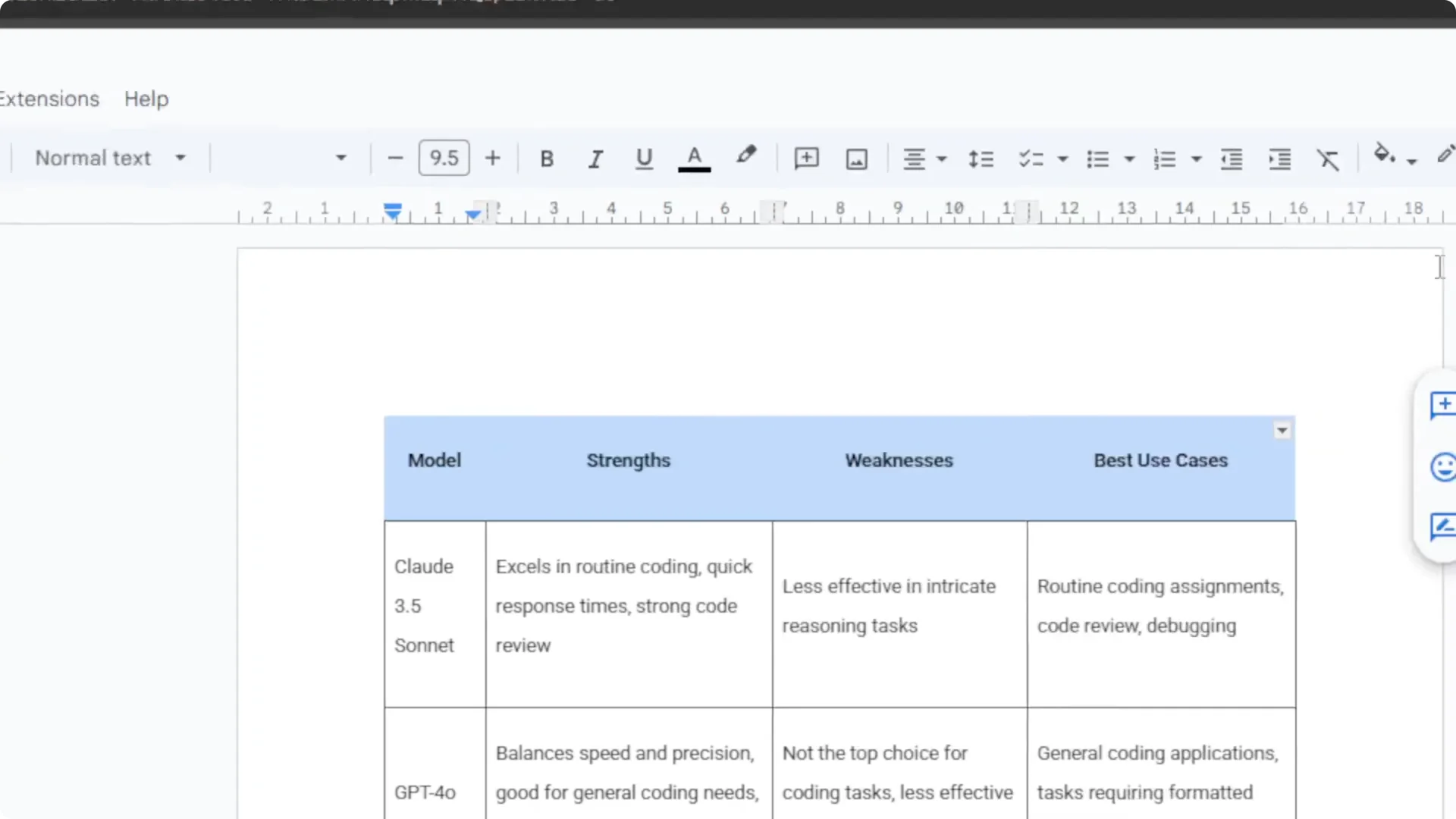
Step 2: Enable border color. If it is set to white, change it to black.
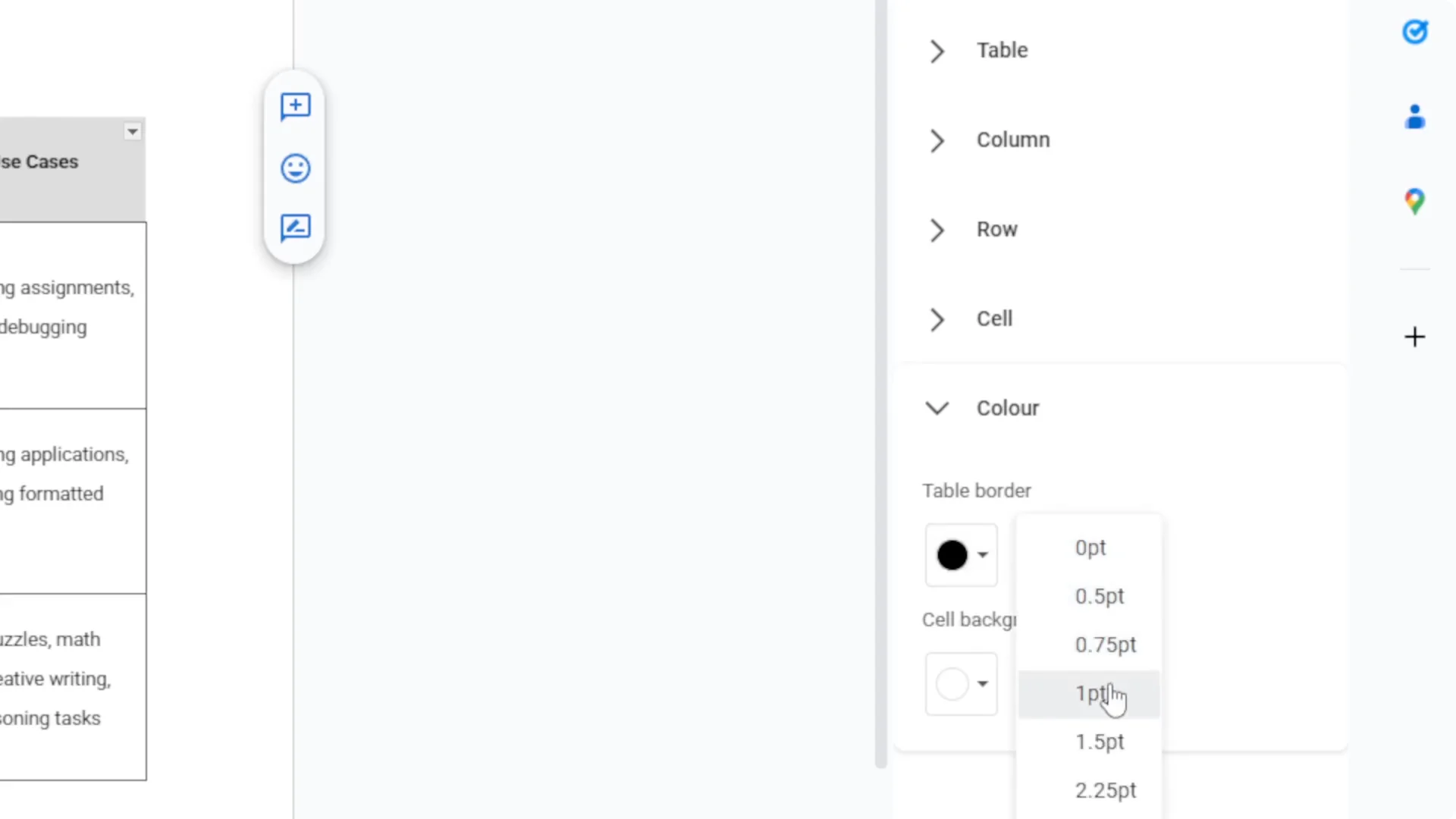
Step 3: Apply thickness to the border until it looks right. The table should now look complete.
Read More: Midjourney User Profiles
Exporting Tables from Perplexity – Download CSV
There is also a small download button next to the table. Clicking it downloads a CSV version of the table.
Step 1: Click the download button to get the CSV file. Save it to your computer.
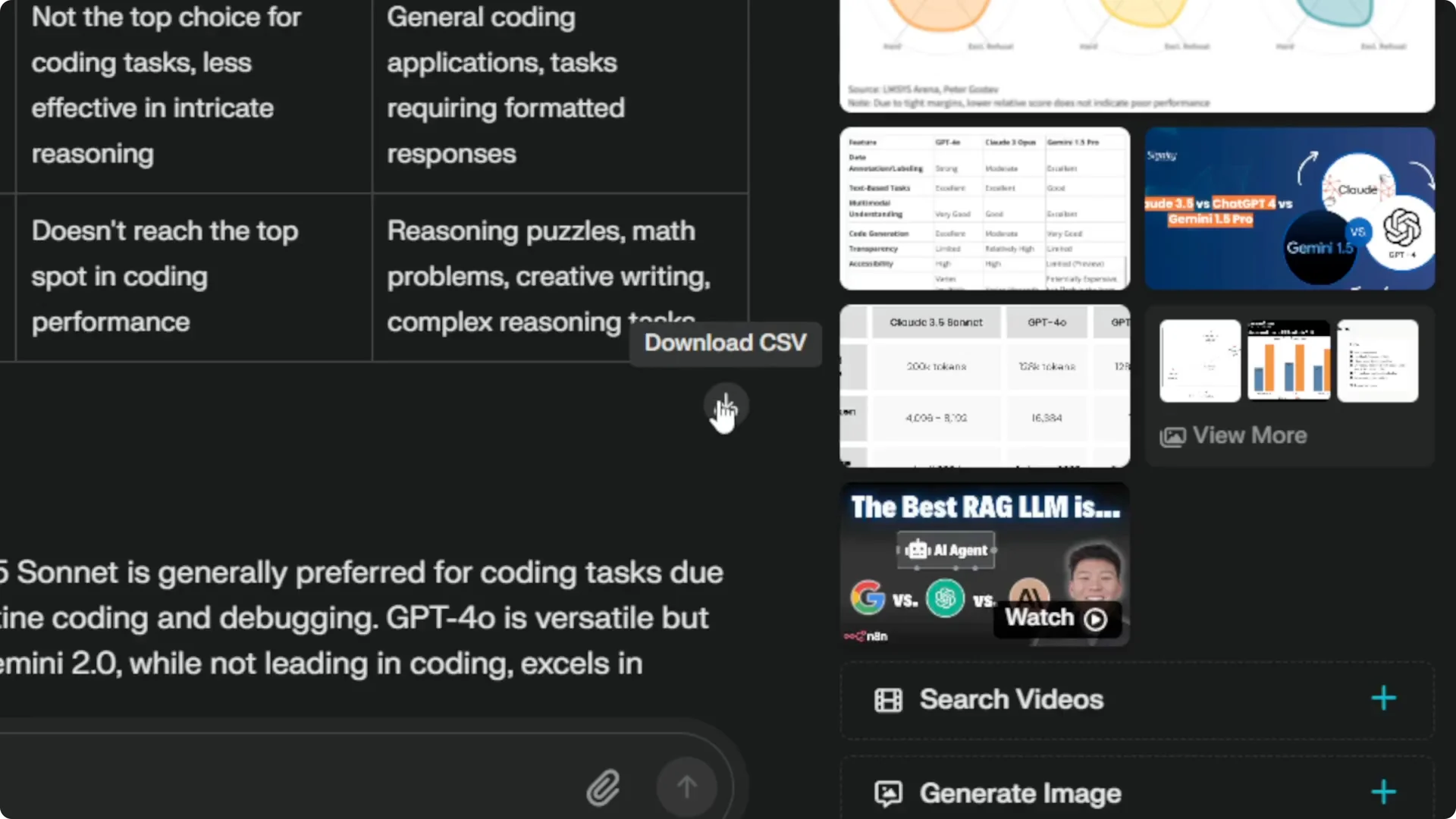
Step 2: Open the CSV in your target program. This is ideal if the table contains data you want to work with or you need a clean import.
Step 3: Choose this method when moving data into spreadsheets or databases. It often preserves structure better than raw paste.
Read More: Midjourney Style Creator
Exporting Tables from Perplexity – Copy the entire answer as markdown
You can also copy the entire answer using the Copy button. This only makes sense if your destination supports markdown.
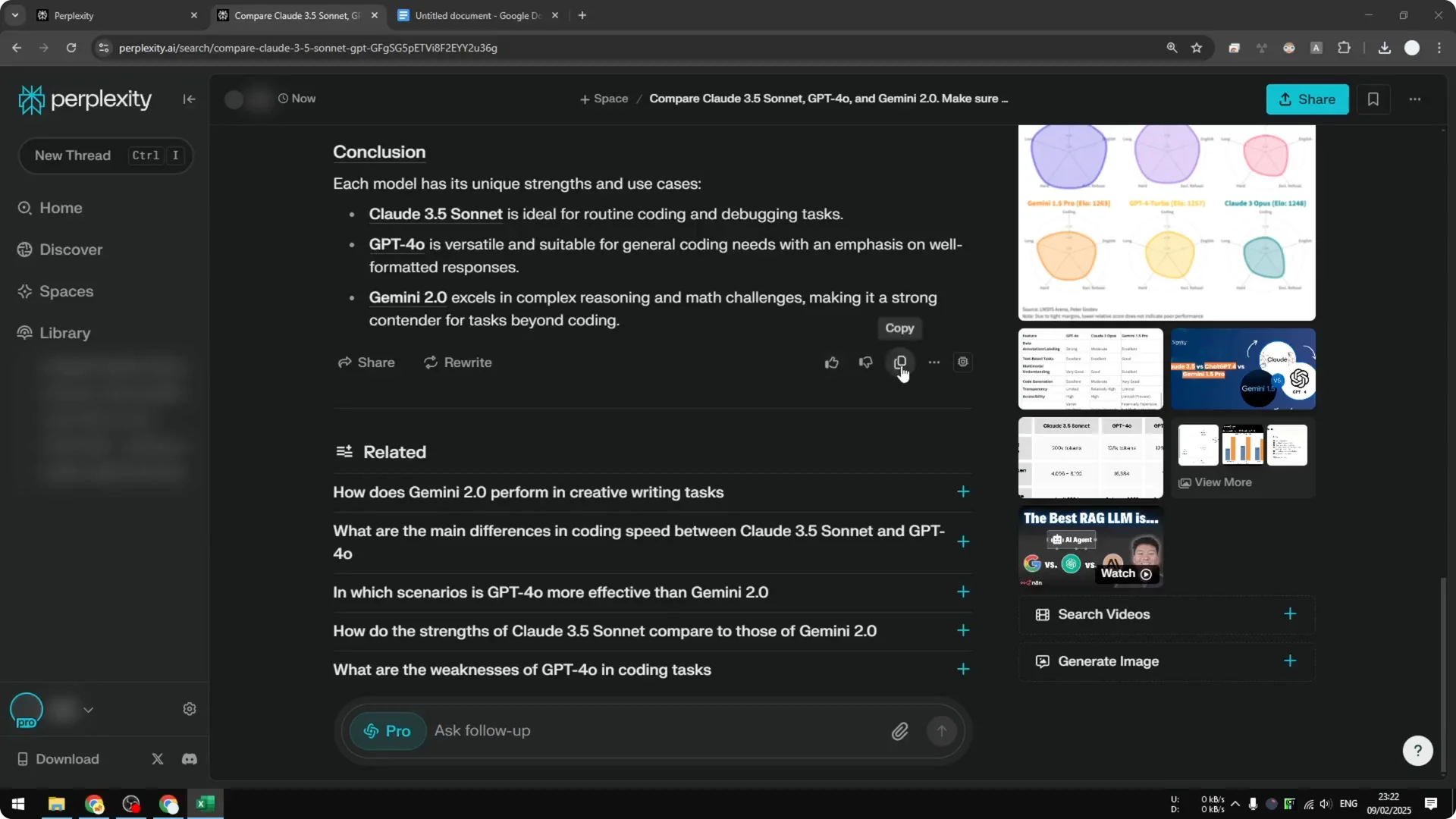
Step 1: Confirm the program accepts markdown format. If it does, use the Copy button to grab the full markdown output.
Step 2: Paste into your markdown editor or a compatible app. For most other cases, stick to selecting the table or downloading the CSV.
Read More: Hide Midjourney Images On Your Profile
Final thoughts
You have two reliable methods for exporting tables from Perplexity. Select, copy, and paste for quick moves into editors like Google Docs. Use the CSV download for structured data and cleaner transfers.
Reserve the full markdown copy for markdown friendly tools. With these options, you can get your tables out of Perplexity fast and keep formatting under control.
Read More: Hide Bulk Download In Midjourney
