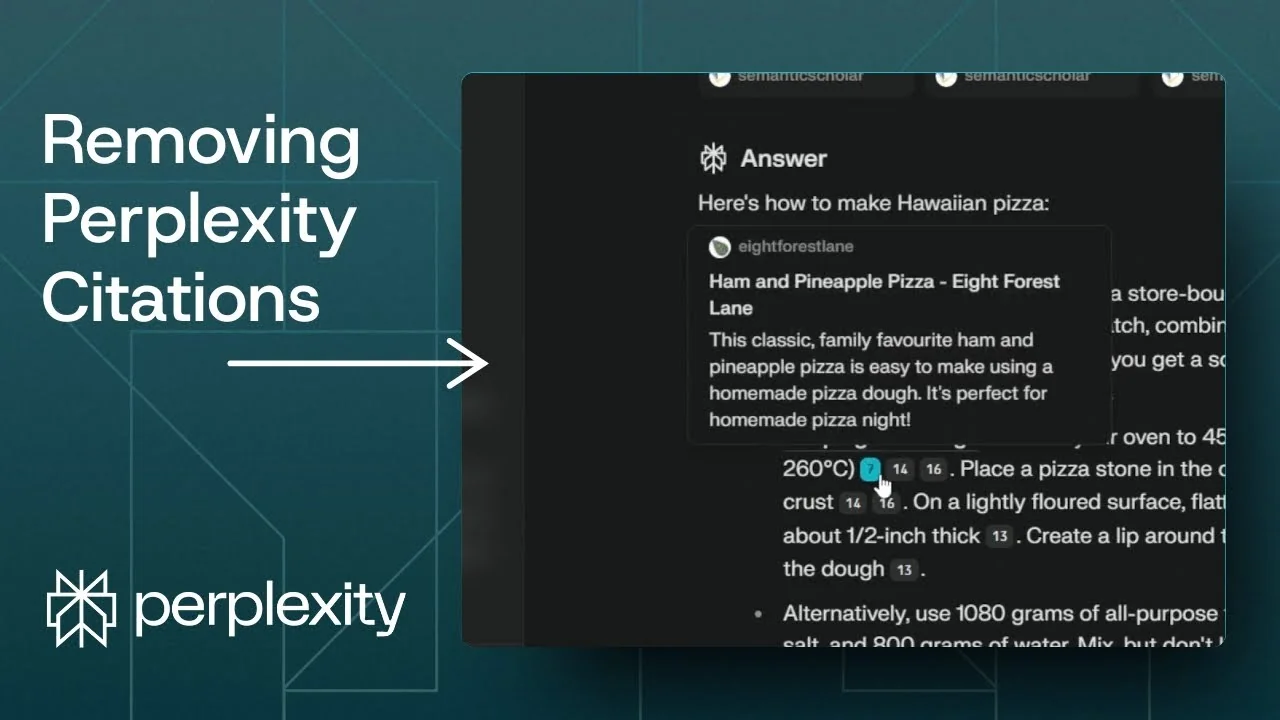
There is one thing that’s really annoying in Perplexity: the citation numbers that sit at the end of sentences. These numbers are not random. They are tied to references that appear after you copy the response.
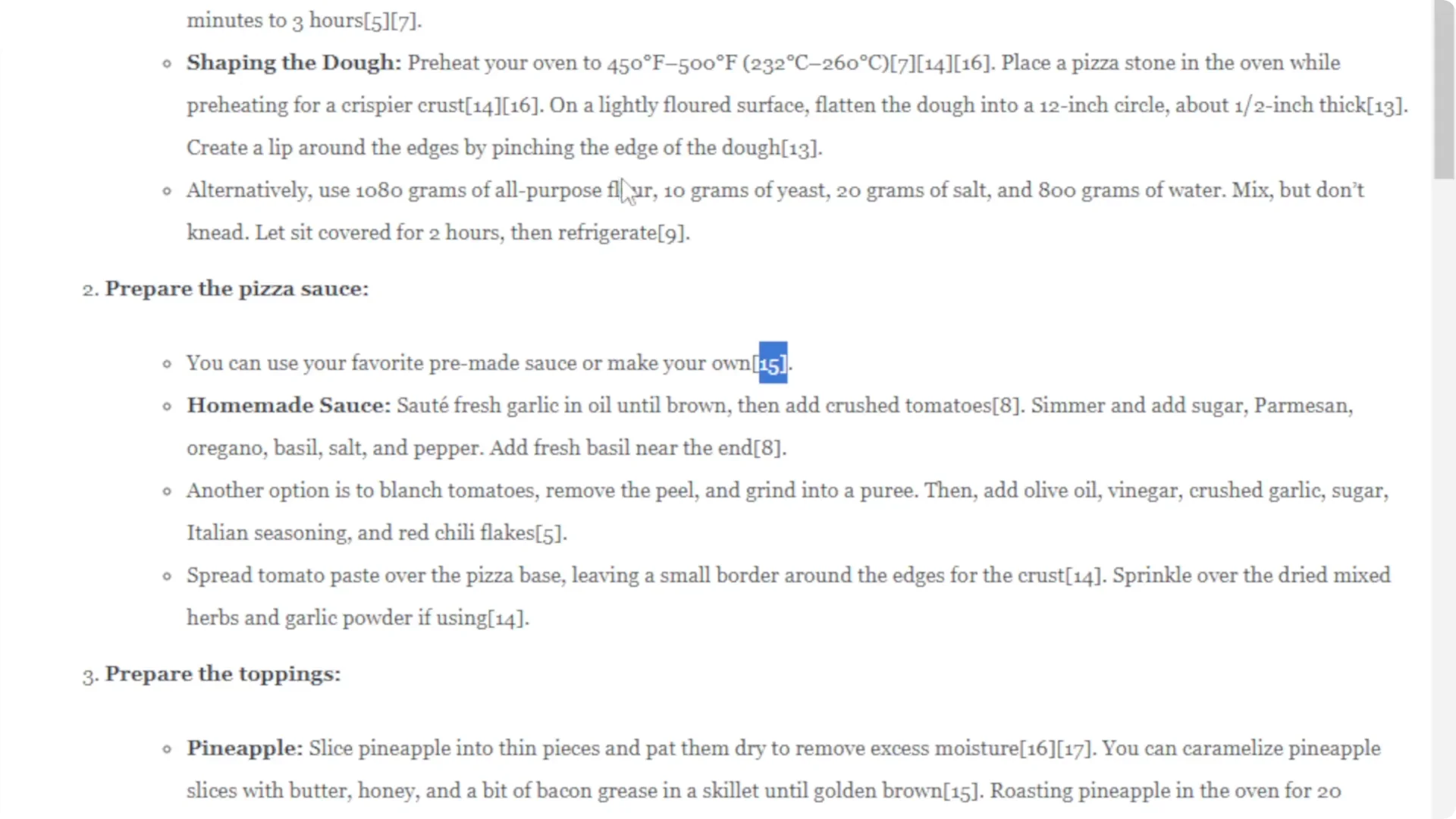
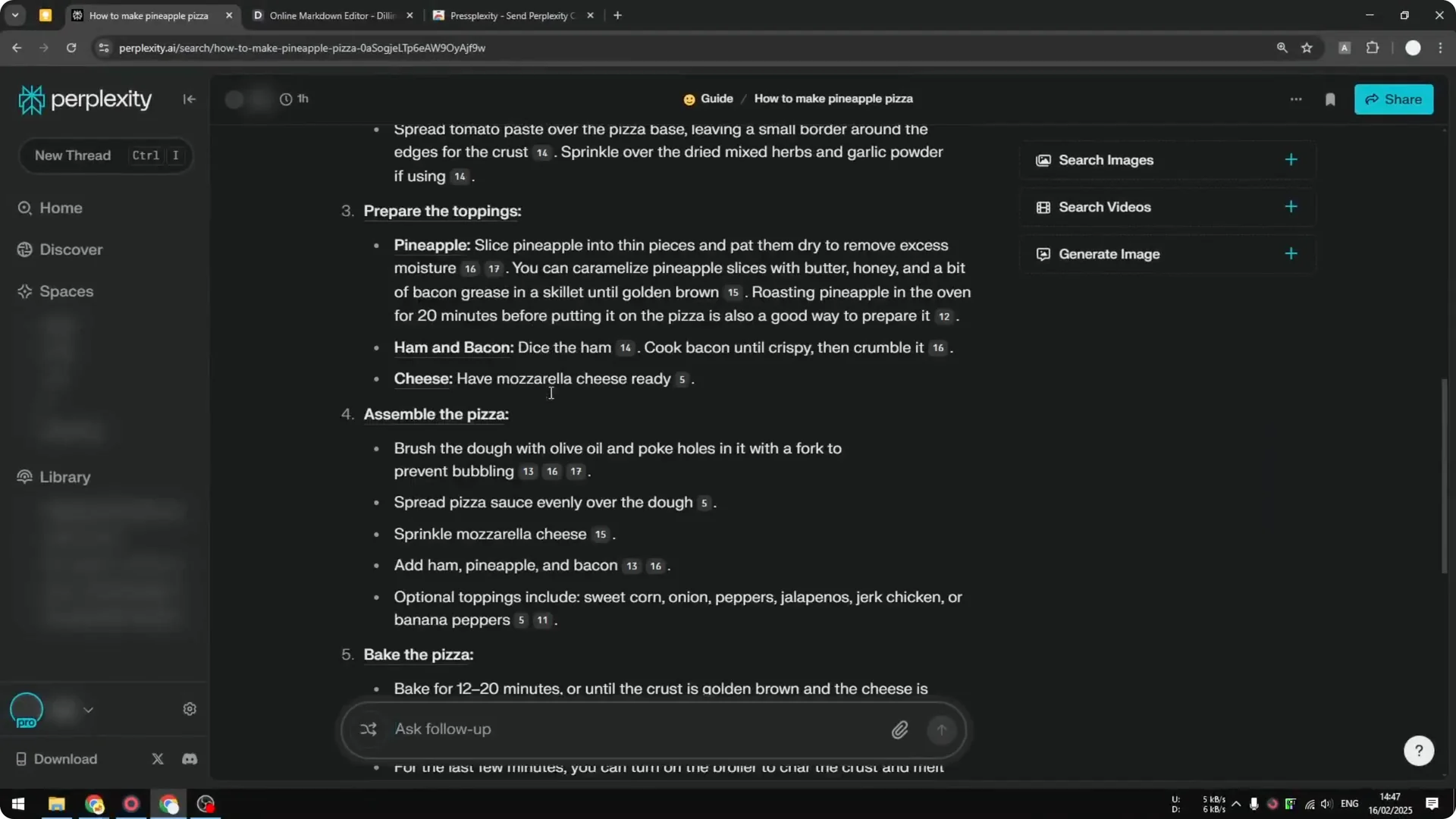
If I copy a response and paste it into a Markdown editor, I get those citation numbers like 15, 8, 5 scattered through the text. References show up at the bottom, which is not something I want. I usually have to remove them manually.
Here is how to copy content from Perplexity without the citation numbers and the reference links. This method gives you a clean version you can paste anywhere. It takes a minute to set up.
Perplexity Citation Removal basics
You need a Chrome extension called PressPlexity. It was made for WordPress users who work with Perplexity, but it includes a feature that lets you copy a clean response. That feature removes citation numbers and the reference list.
Read More: Eye Catching Ai Art Midjourney Prompts Styles
Perplexity Citation Removal setup
Step 1: Open Google and search for Chrome Web Store. Open the Chrome Web Store.
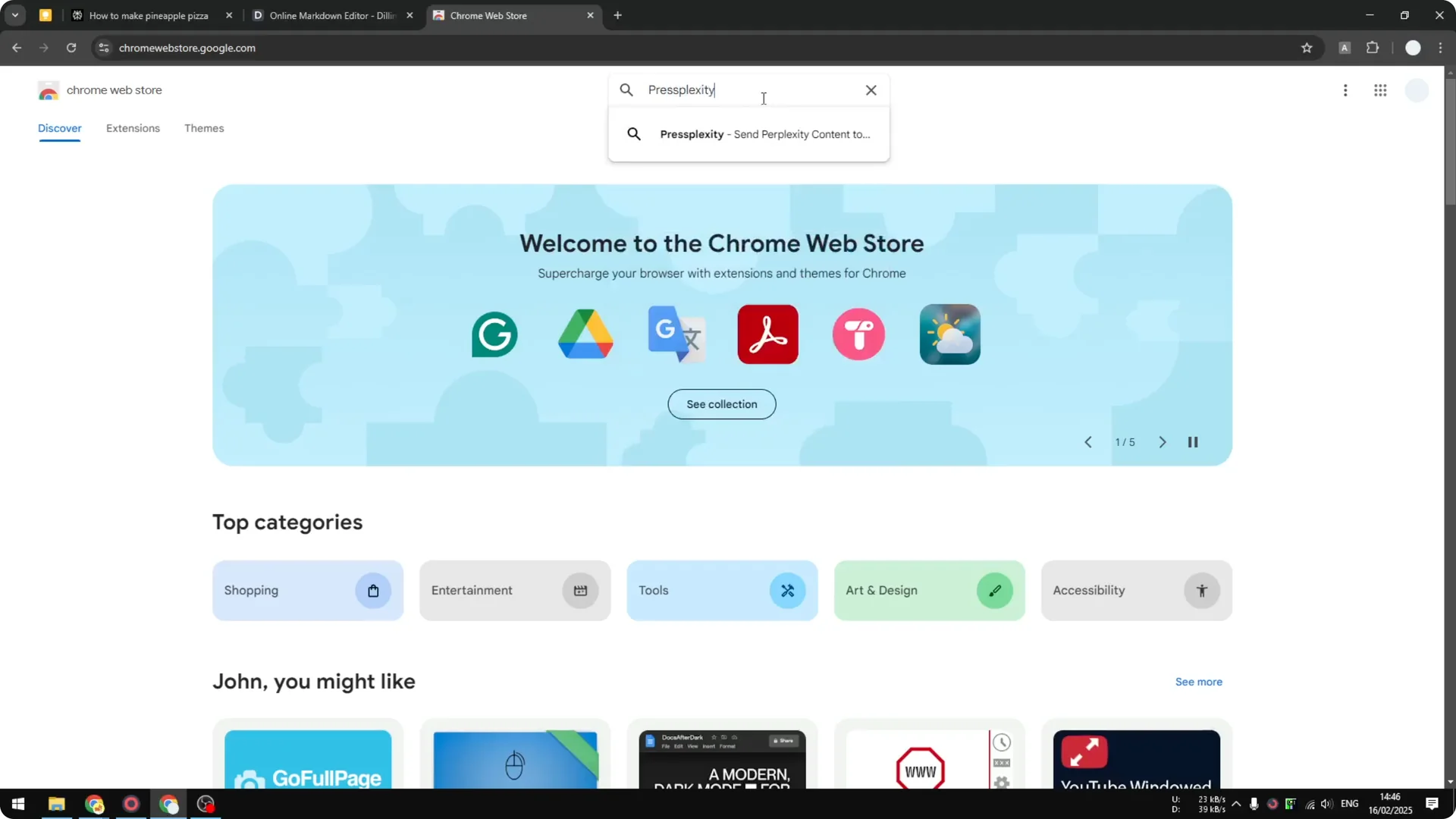
Step 2: Search for “PressPlexity.” Open the listing for the extension.
Step 3: Click Add to Chrome, then click Add extension. Installation takes just a moment.
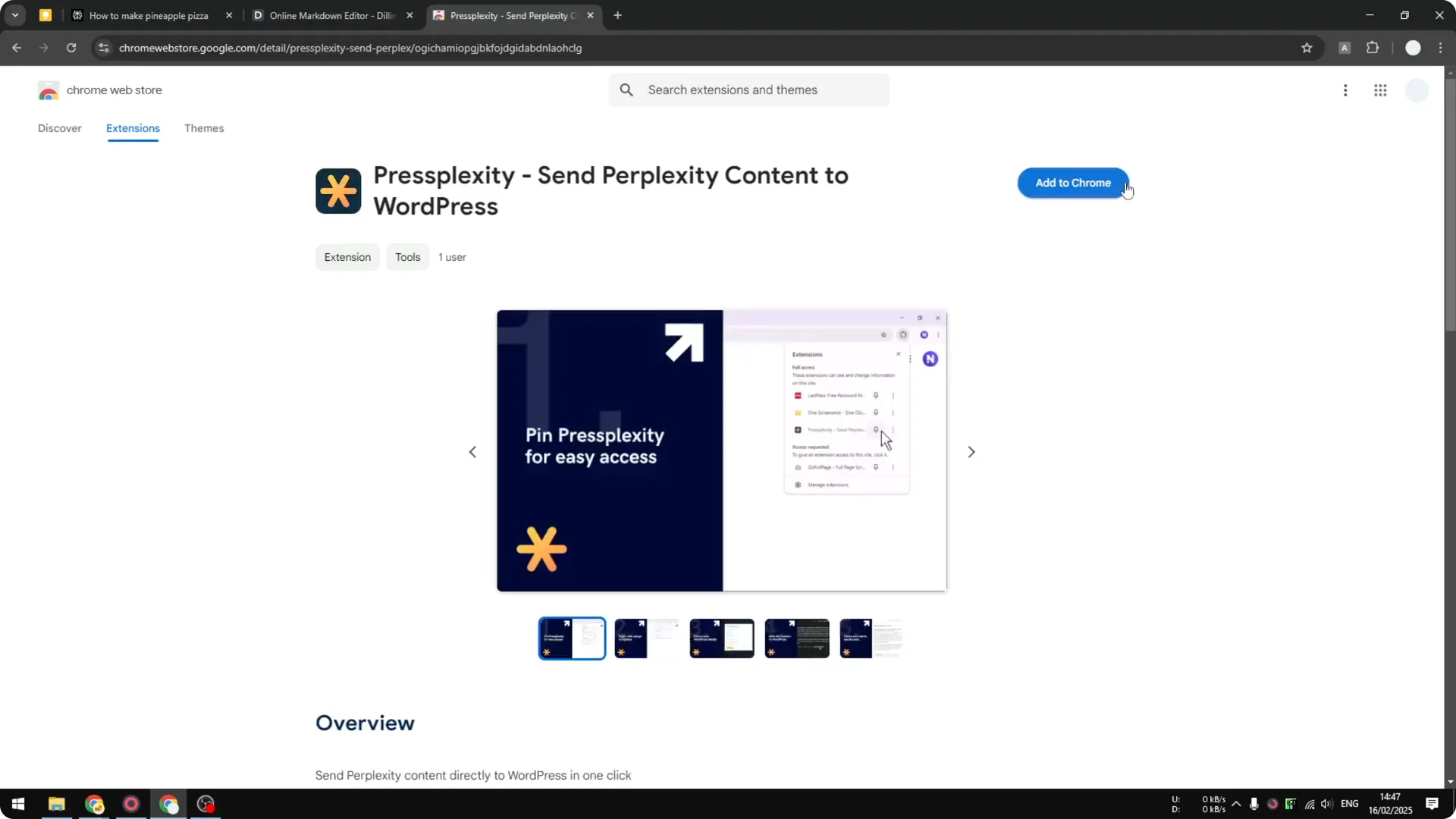
Once installed, the extension adds a new set of buttons in Perplexity. That is what enables the clean copy.
Read More: Camera Control For Midjourney Ai Video
Use Perplexity Citation Removal
Step 1: Go back to Perplexity and refresh the page. You will still see the citation numbers in the interface.
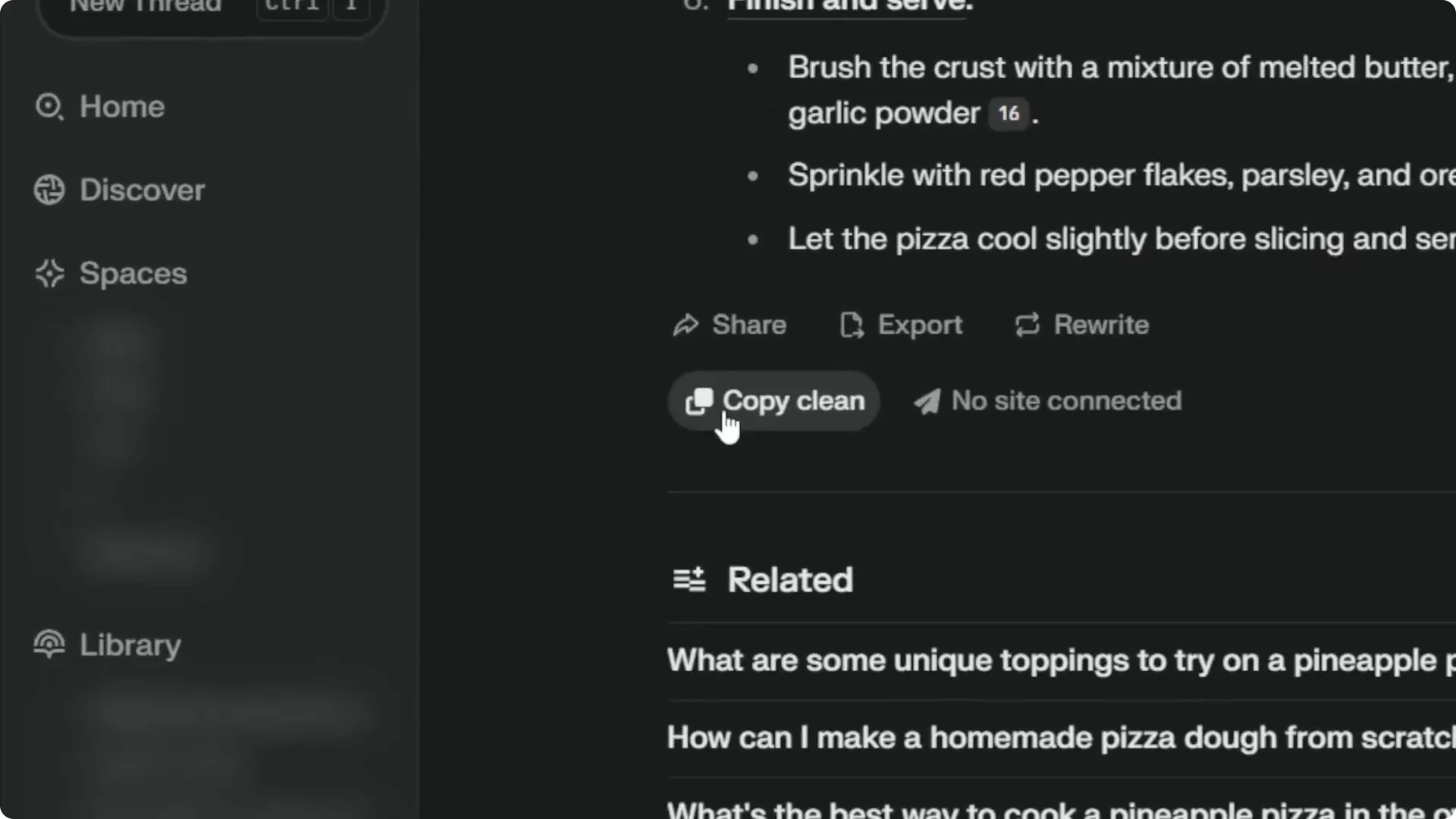
Step 2: Look for the new buttons added by the extension. Click Copy clean.
Step 3: Paste the result into your Markdown editor. The pasted text is the cleaned version.
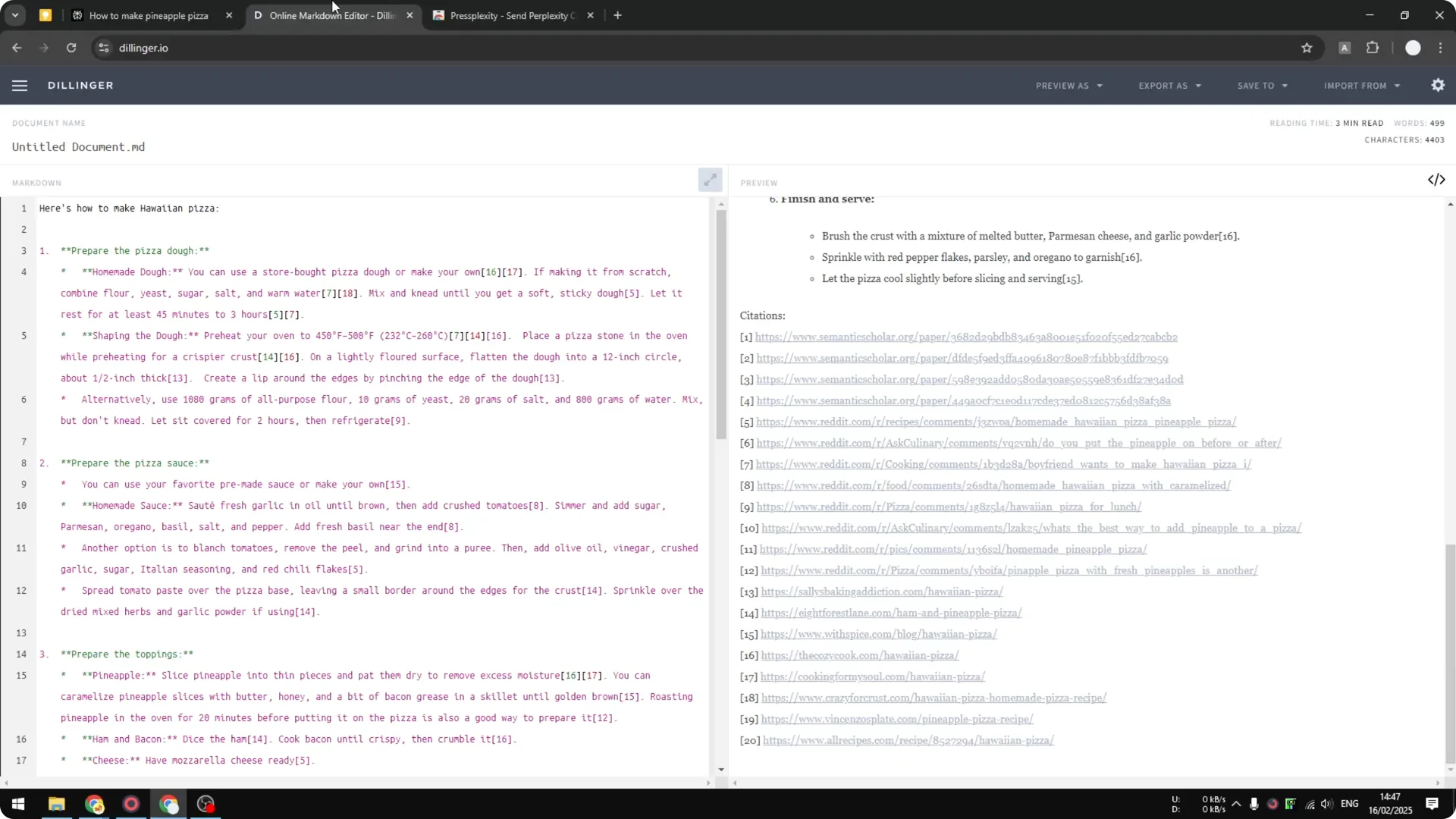
Perplexity Citation Removal results
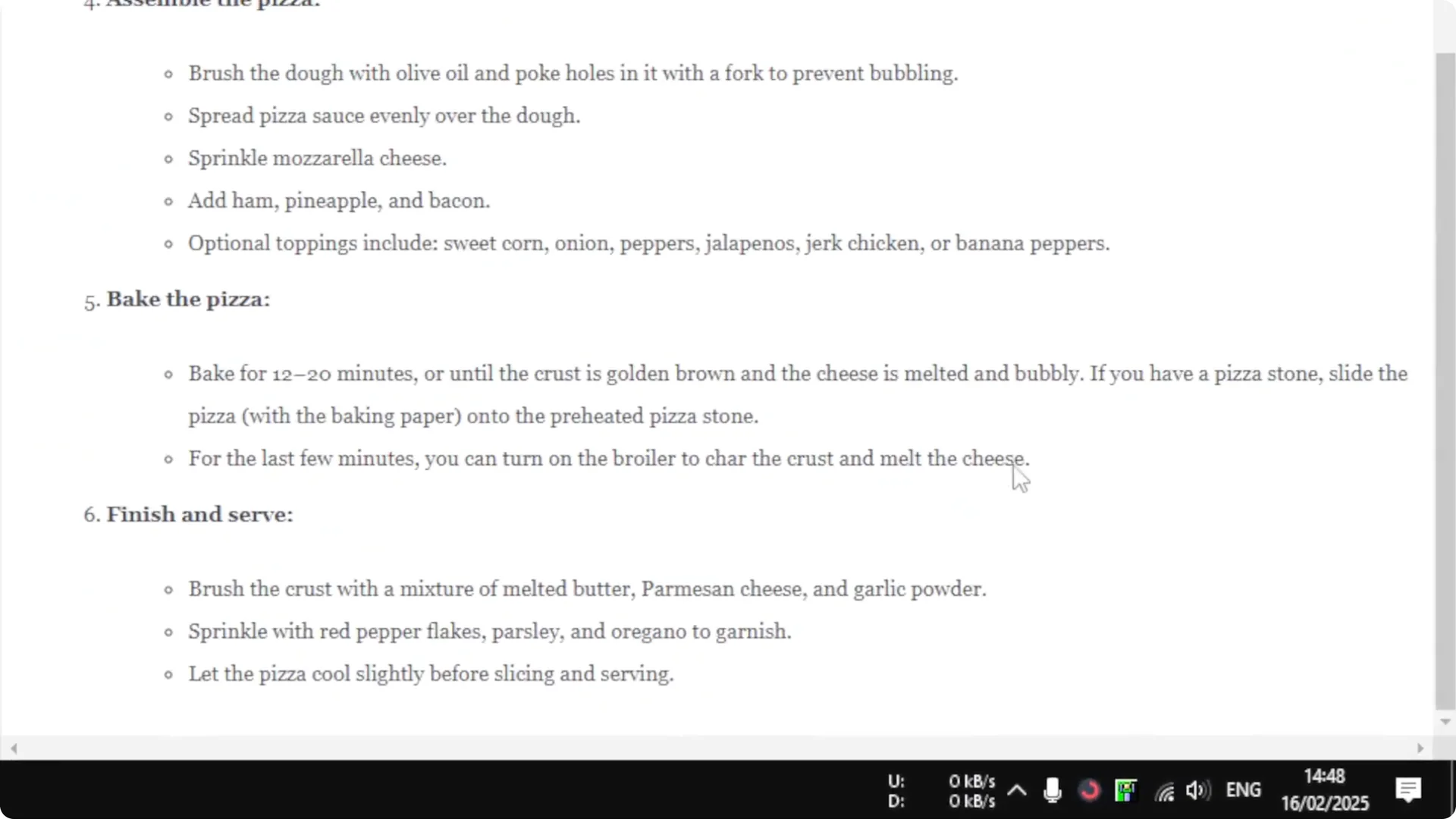
After pasting, there are no citation numbers. The references at the bottom are gone. The content stays in Markdown format.
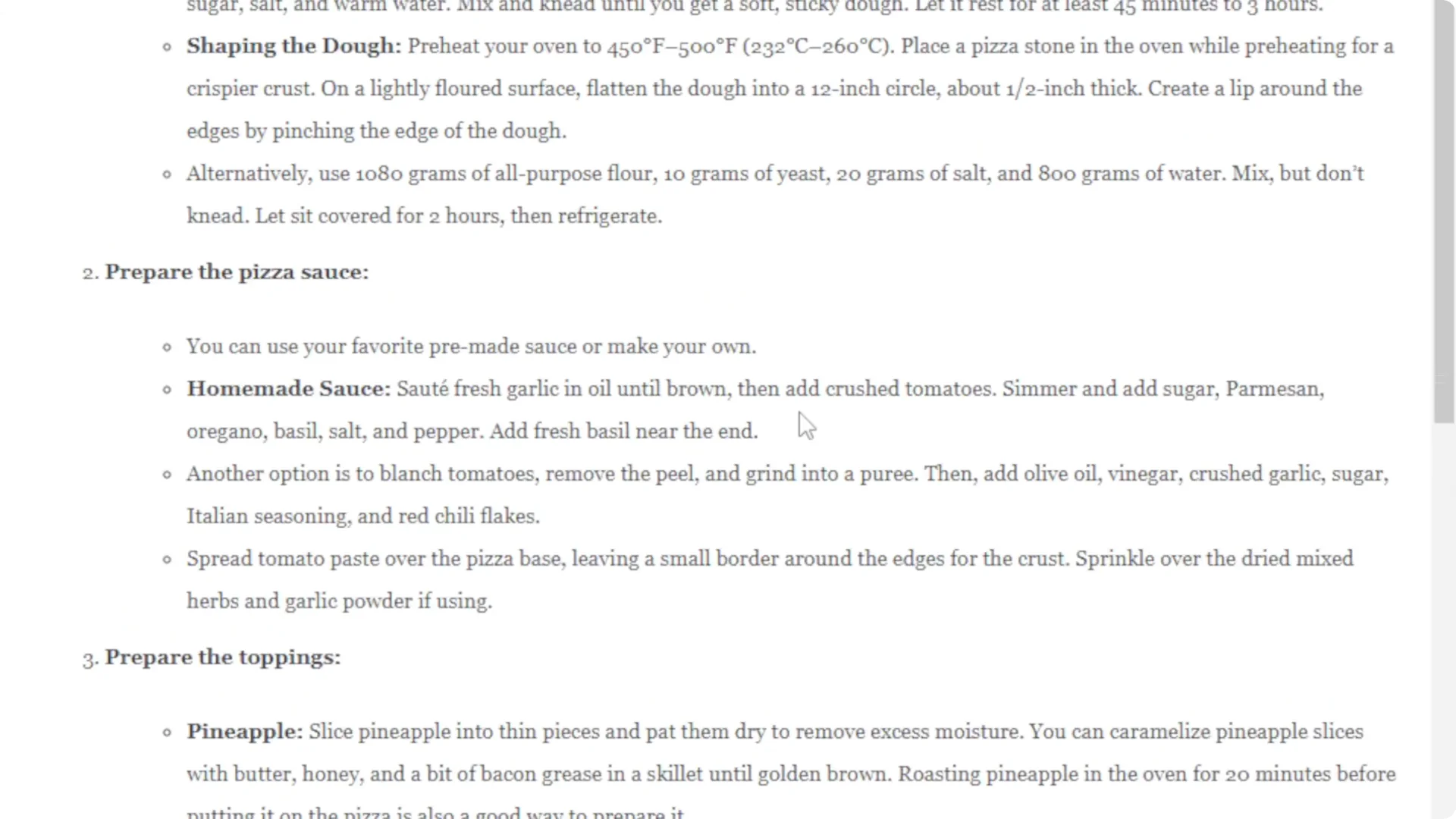
Compared to the original response, the cleaned version has no citation numbers at all. It looks very clean. It is ready to use.
Read More: Transformative Ai Art Midjourney Prompts
Final thoughts on Perplexity Citation Removal
PressPlexity removes Perplexity’s in-text citations and the reference list when you copy a response. You get a clean Markdown version with one click. It saves time if you often paste responses into documents.
Read More: Create Superior Ai Art
