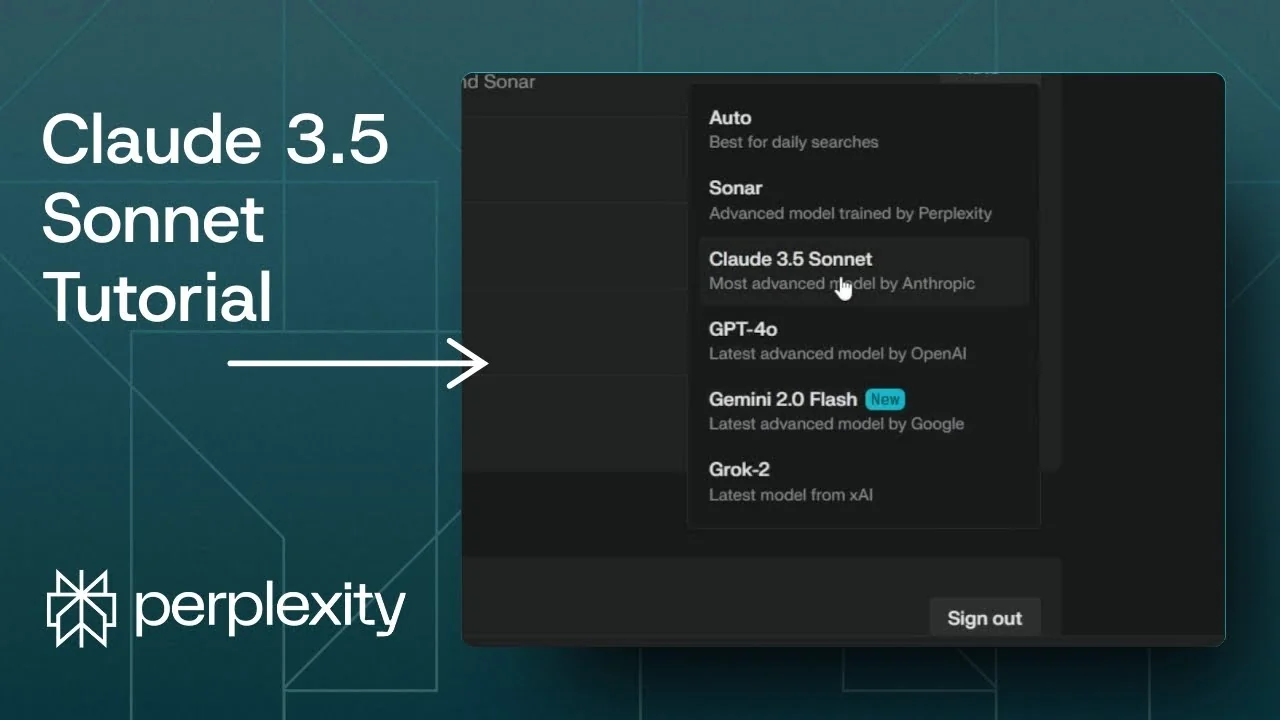
Perplexity comes with several AI models, and one of them is Claude from Anthropic. When you create a new thread, Perplexity may not use Claude by default because it follows the model set in your settings. I’ll show two simple ways to get answers from Claude 3.5 Sonnet every time.
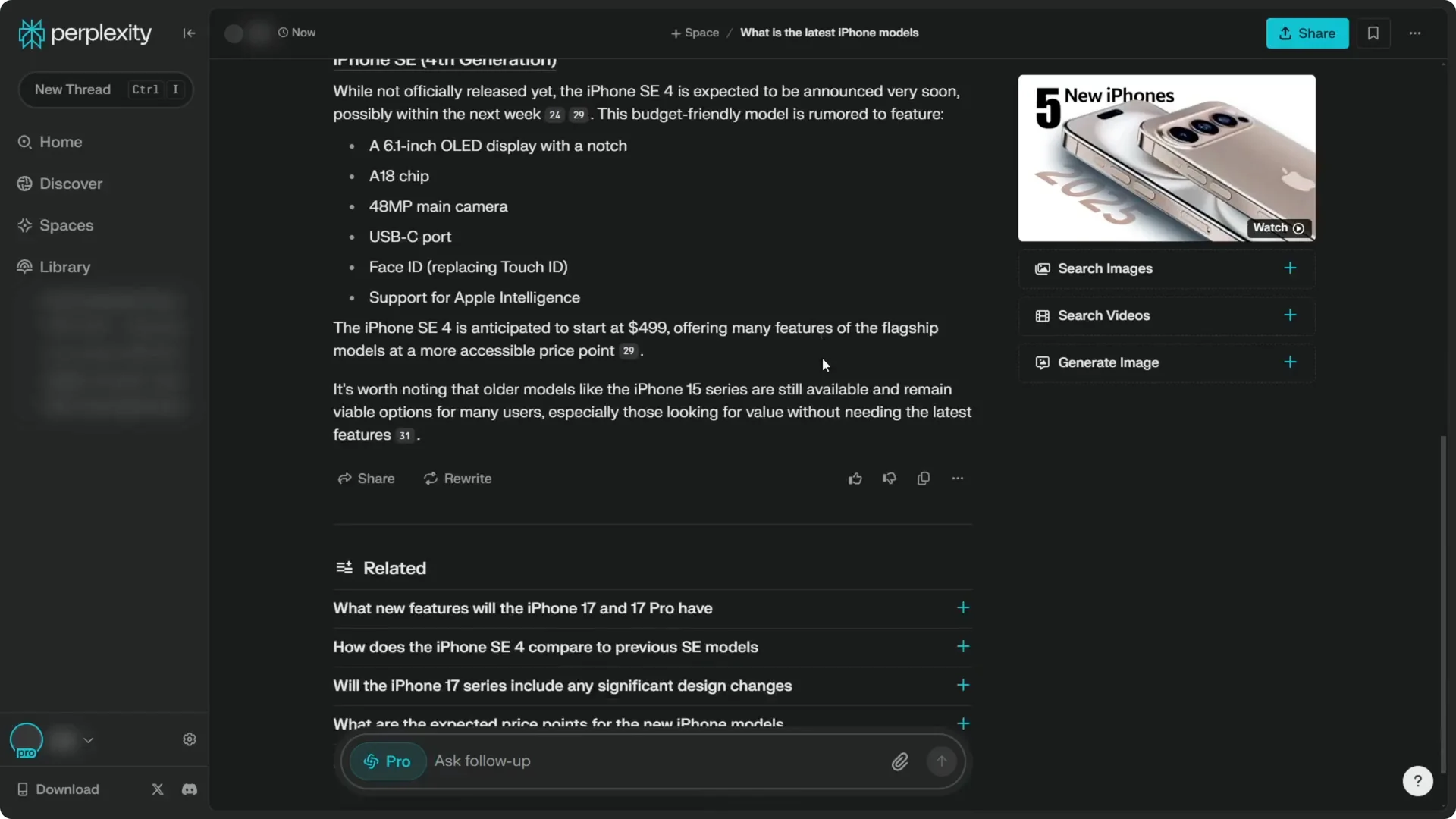
If you run a search like “what are the latest iPhone models,” Perplexity will use the model selected in your settings. In many cases, that first answer is not from Claude. You can switch the model for that answer or change the default for all new threads.
Read More: Midjourney V6 Vs Dalle 3
Quick check – Perplexity Claude 3.5 Sonnet Setup
Claude 3.5 Sonnet is currently the Anthropic option in Perplexity. They used to list Claude 3 Haiku, but right now Claude 3.5 Sonnet is the one available. You can confirm the model used for any answer by hovering over the model chip above the response.
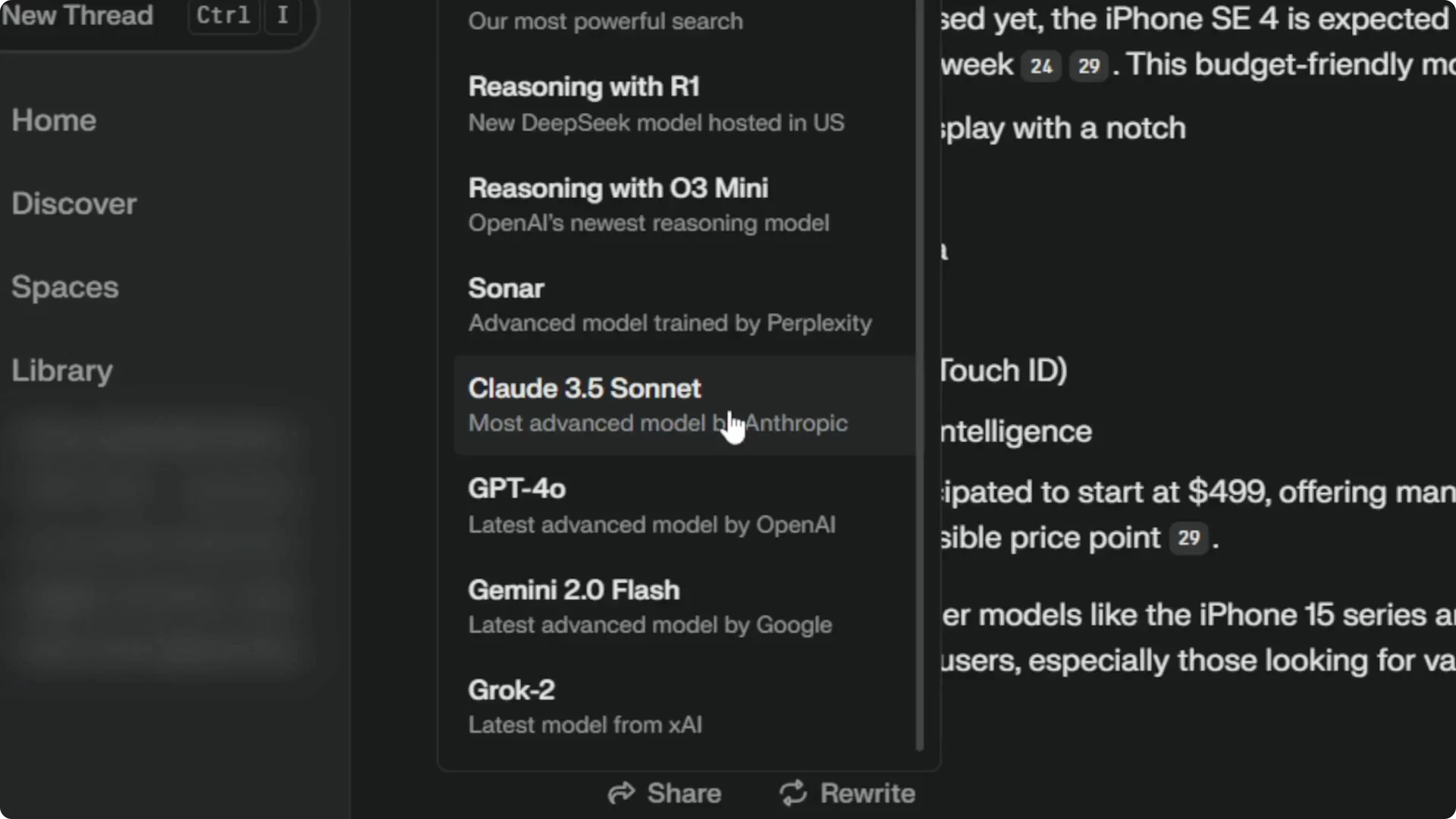
Method 1 – Rewrite with Claude 3.5 Sonnet
If Perplexity answered with a different model, you can rewrite that response using Claude 3.5 Sonnet. This is fast when you only need Claude for a single thread.
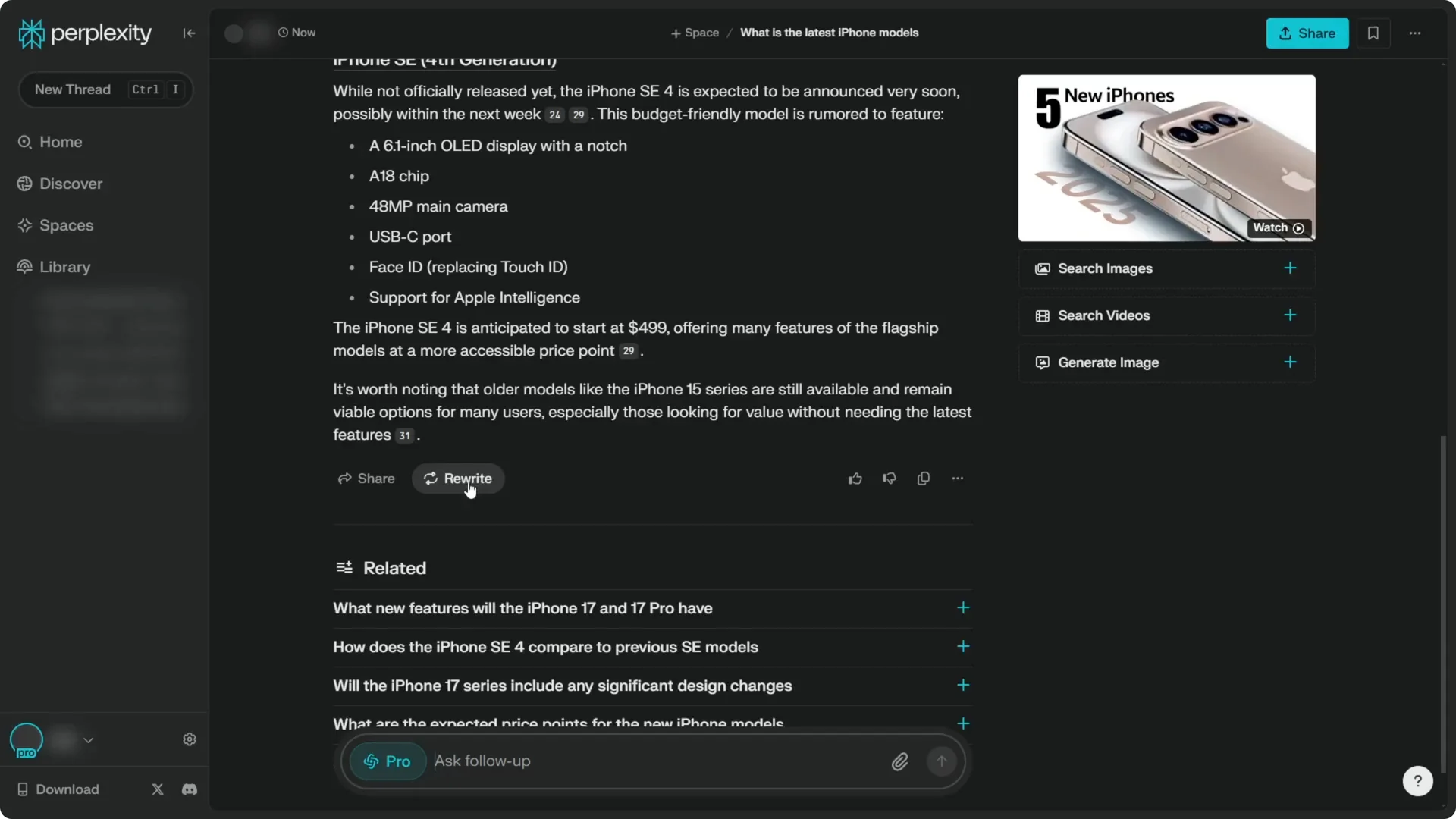
Step 1: Click the Rewrite icon above the answer.
Step 2: Select Claude 3.5 Sonnet from the model list.
Step 3: Wait for the response to regenerate, then hover the model chip to confirm it says Claude 3.5 Sonnet.
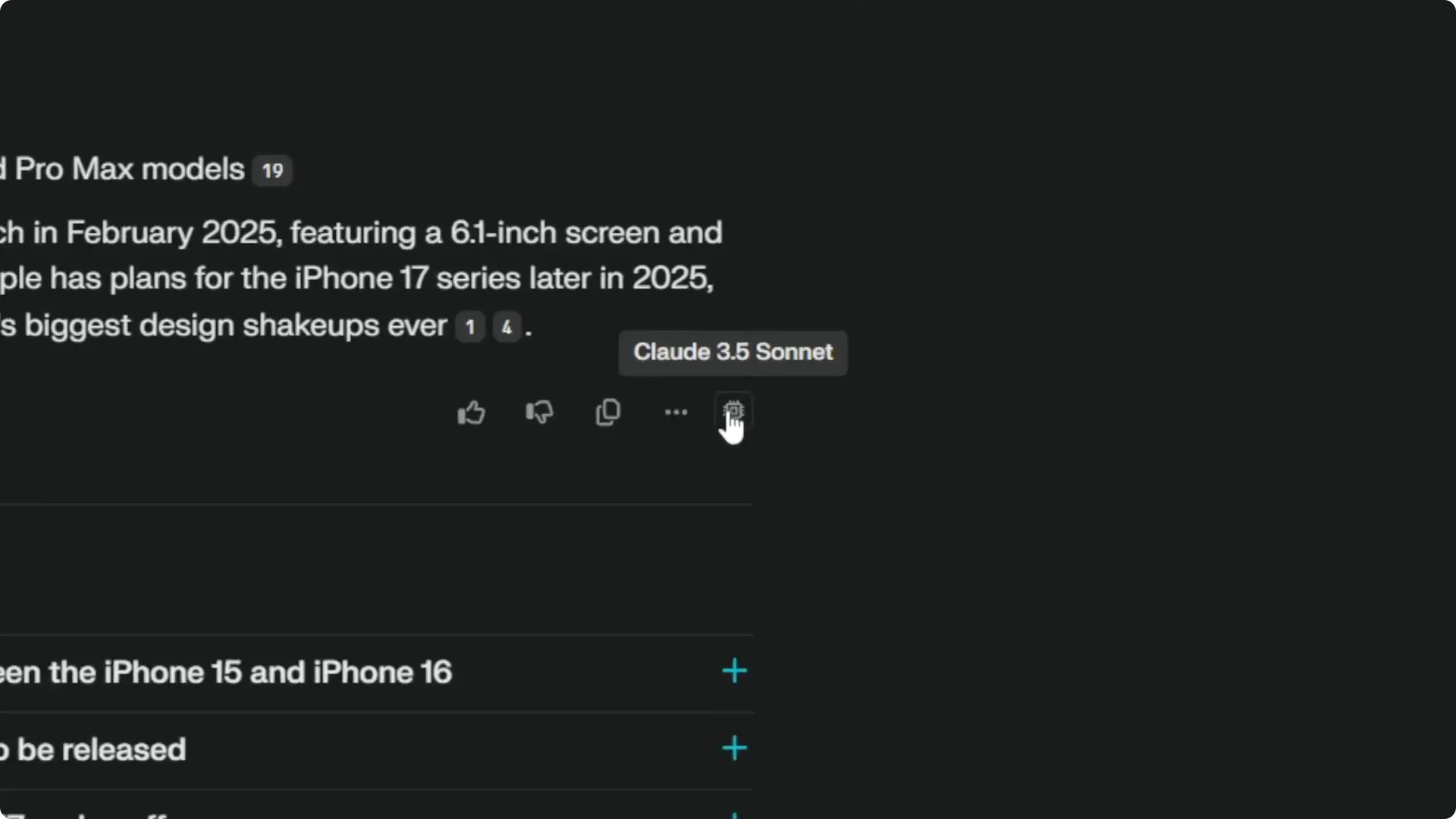
This method lets you switch models on the fly. You keep the same thread and simply get the response from Claude. It’s a quick fix when you don’t want to change your global settings.
Read More: Midjourney Style Creator
Method 2 – Set Claude 3.5 Sonnet as default
If you want Perplexity to use Claude from the start for every new thread, change the default model in settings. This saves you from rewriting each answer.
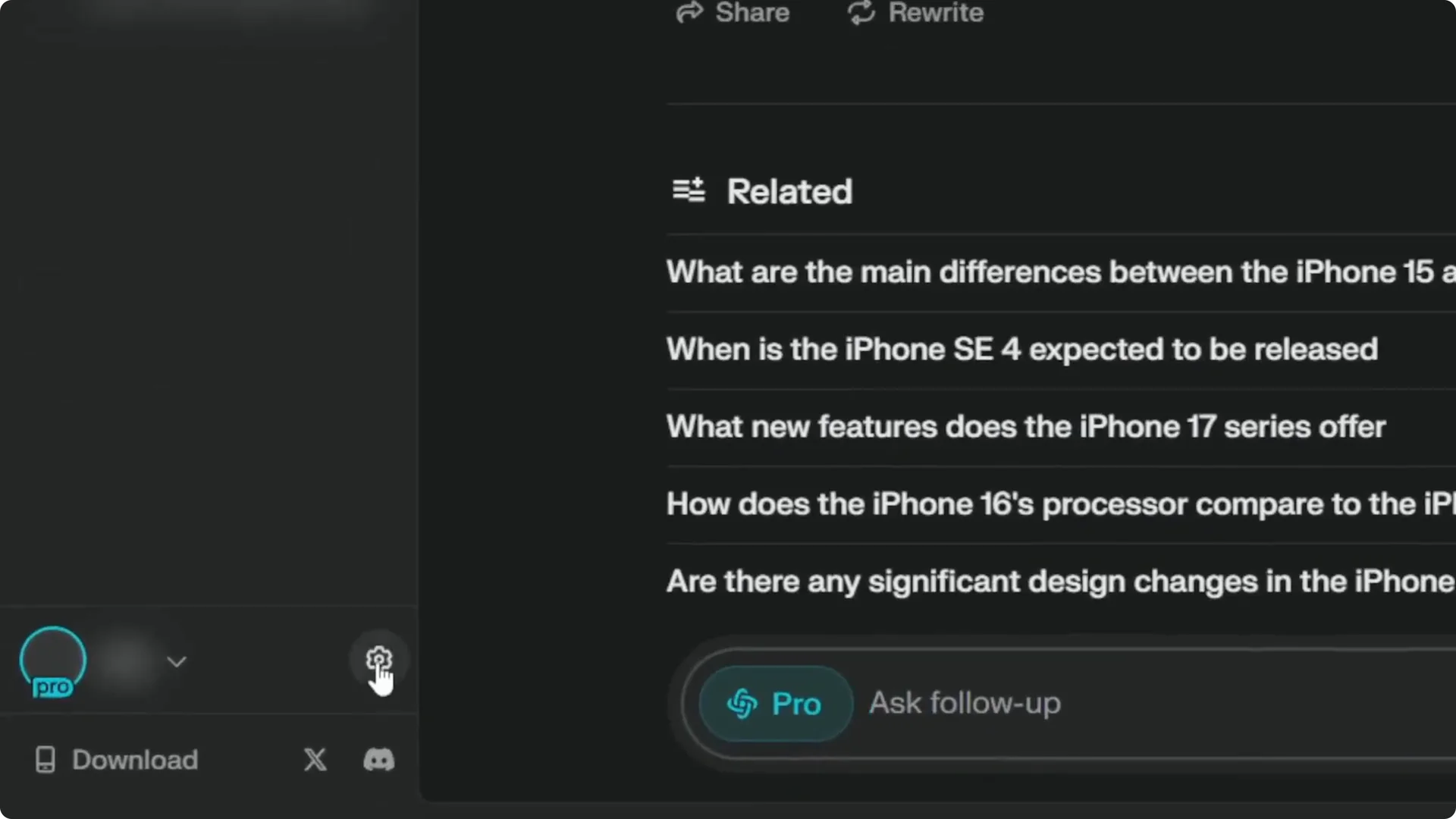
Step 1: Click the gear icon to open Settings.
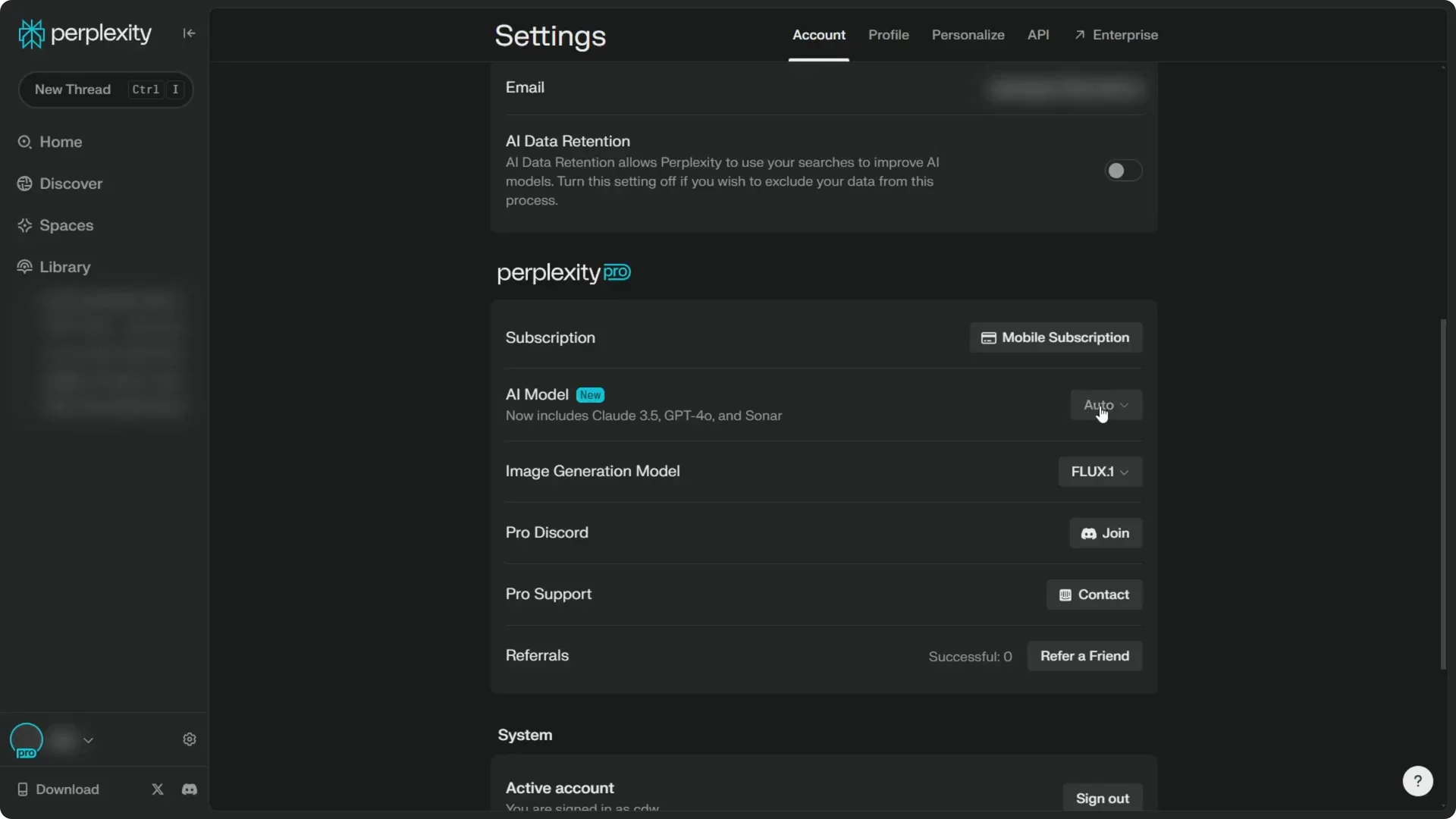
Step 2: In the Account tab, find the AI model section.
Step 3: Change the setting from Auto to Claude 3.5 Sonnet.
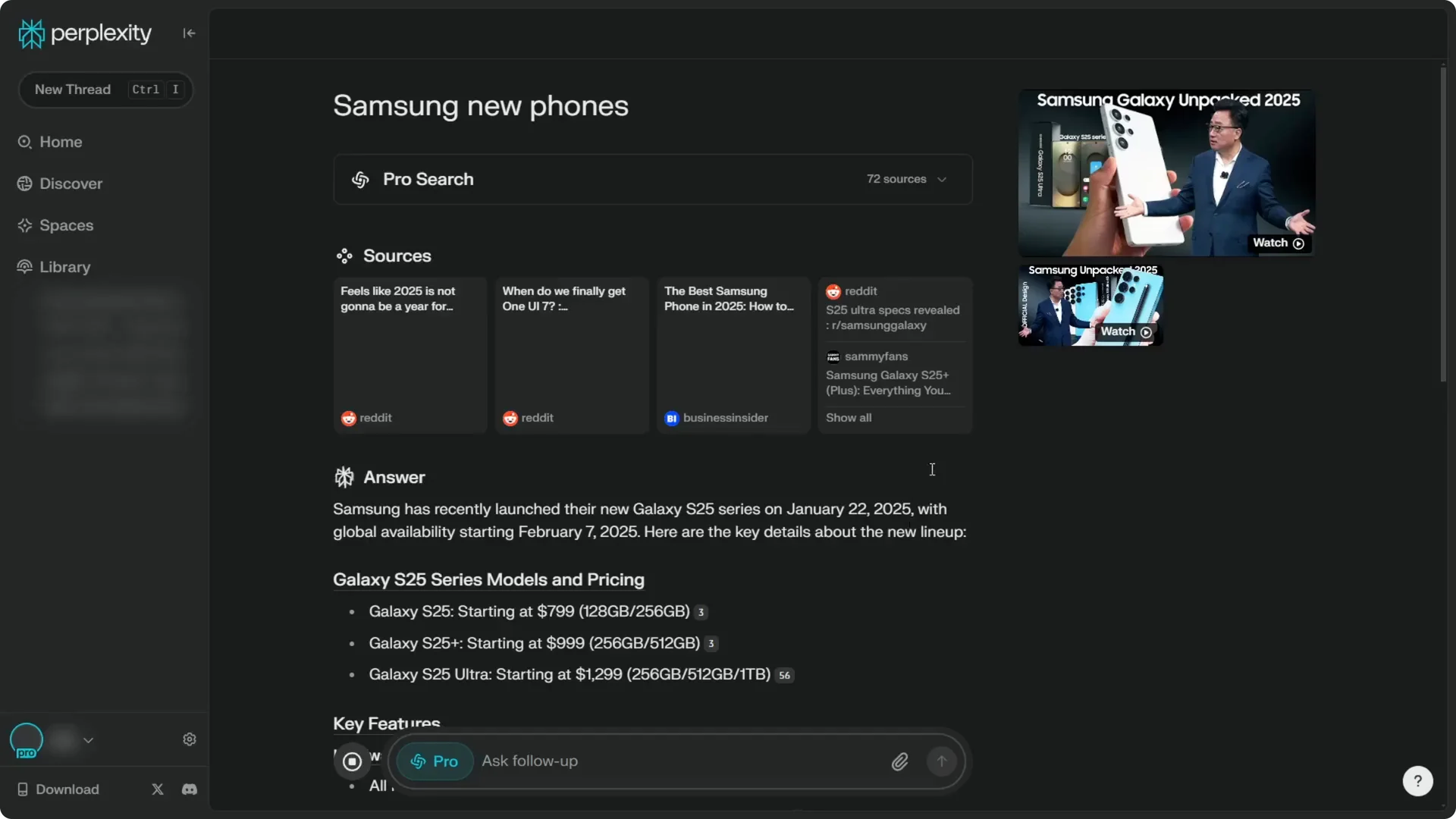
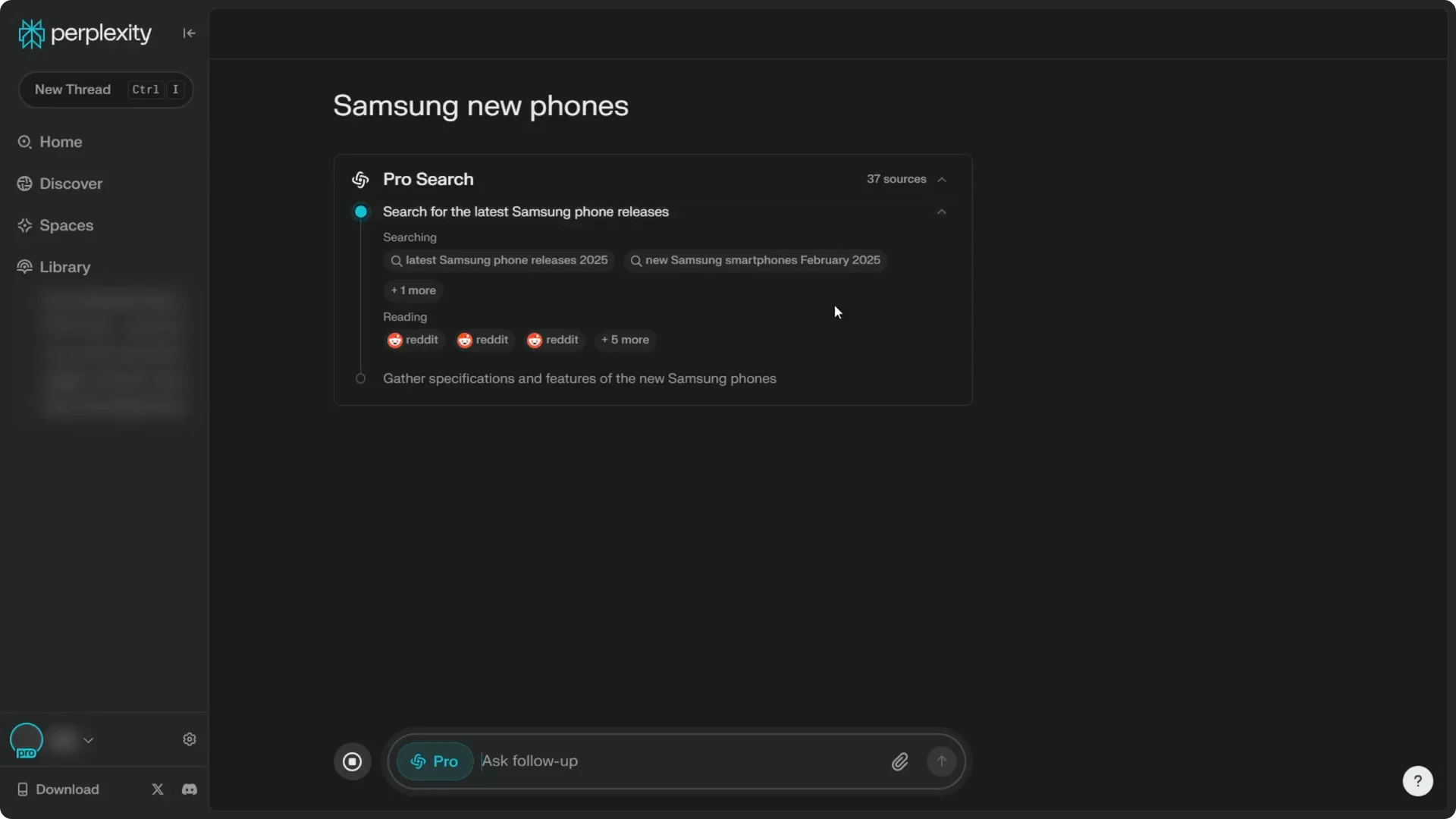
Open a new thread and ask something like “Samsung new phones.” You should see Perplexity research and answer with Claude 3.5 Sonnet. Hover the model chip to verify the model selection.
Read More: Hide Midjourney Images On Your Profile
Speed and quality – Perplexity Claude 3.5 Sonnet Setup
Claude 3.5 Sonnet can take a bit more time to respond compared to the Auto selection. I prefer its answer quality over Sonar and some other models in Perplexity. If quality matters more than speed for your query, setting Claude 3.5 Sonnet as default is worth it.
Read More: Hide Bulk Download In Midjourney
Final thoughts – Perplexity Claude 3.5 Sonnet Setup
You have two reliable options for using Claude in Perplexity. You can rewrite an existing response with Claude 3.5 Sonnet, or set Claude 3.5 Sonnet as your default model in Settings. Pick the one that fits your workflow and confirm the model by hovering the chip above any response.
