Midjourney has hidden away V8 and replaced it with 8.1 with significantly better aesthetics. It is mostly about speed and stability, and the look should be reminiscent of V7. The biggest win according to MidJourney is the cost.
HD mode is now three times faster and three times cheaper, and it is the default setting. Standard resolution got a boost, too. It is now 50% faster, roughly matching the speed of the old V7 draft mode.
There is also a new Run as HD button to quickly upscale your standard generations. Image prompts and weights are back, and the describe command now gives more detailed prompts that actually fit the V8 style.
The team is moving on to V8 upscalers next, followed by dedicated models for inpainting and outpainting, and V8 will likely be retired in a few weeks.
If these pricing shifts change how you want to pay, you can change your subscription plan at any time.
Midjourney v8.1 Update: Test Setup
I ran a few tests with the new 8.1 to see how it behaves. This time I included the seed number as well, so the tests are a little bit more consistent. I have a feeling that Midjourney has hidden the toggle button for personalization.
It was set on by default on the alpha site, and I had to go to the personalization page to find the option to toggle it off. Everything tested is with the base model without personalization and all settings at their default values unless specified otherwise in the prompts.
If you care about privacy for your creations, you can also hide your images on your profile.
Midjourney v8.1 Update: Prompt Length
The first test I did was about prompt length. I started out with just one word, dragon, and gradually increased the word count to add more context. Short prompts are back again.
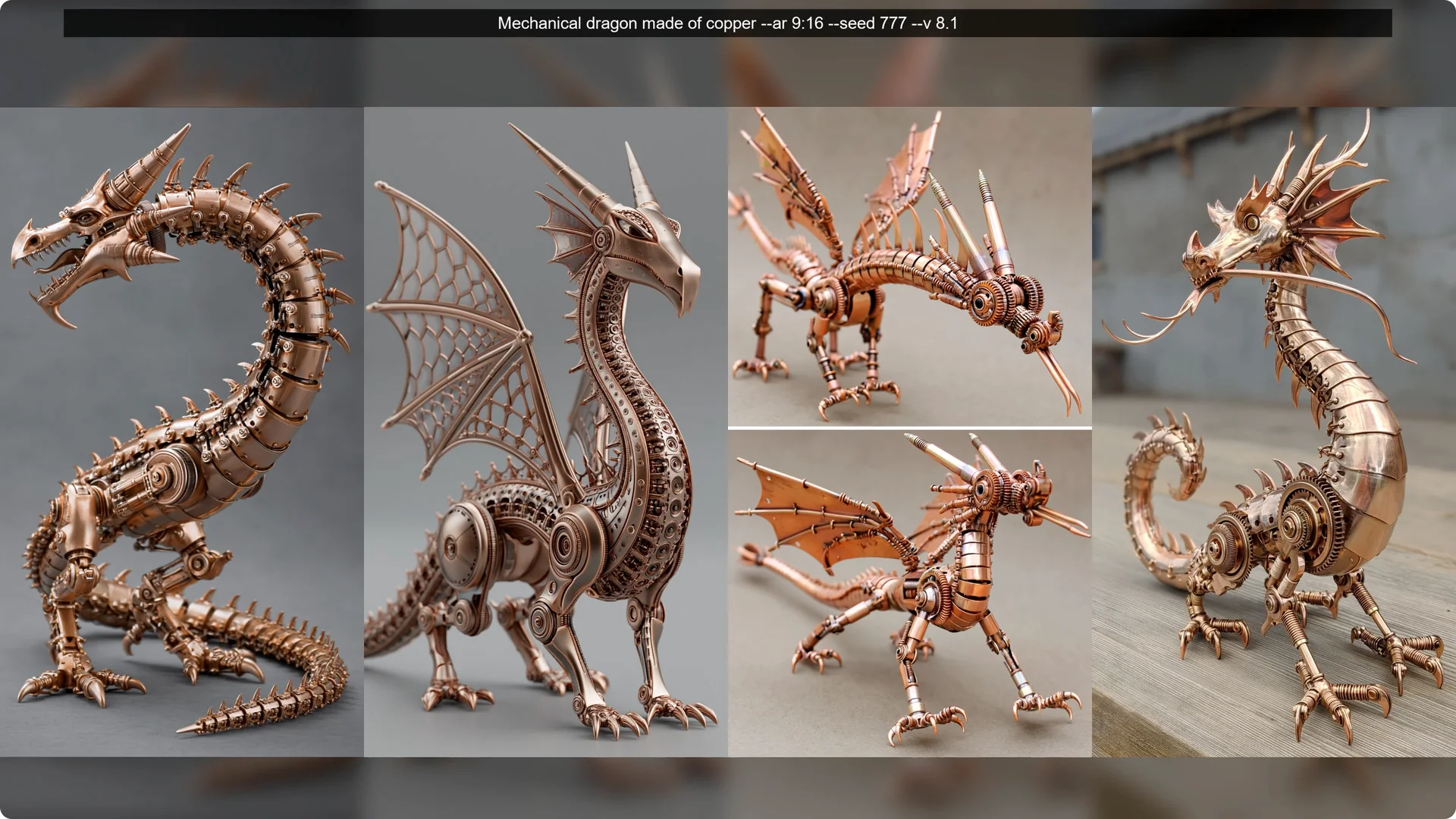
I liked the shorter prompts more than I did the longer ones for this test.
For some reason, cinematic lighting turned the images into bad CGI or video game graphics. That was consistent enough to call out.
Midjourney v8.1 Update: Stylization Checks
The second test focused on stylization effects. I took one prompt, goddess made of liquid chrome and flowing silk floating in void iridescent colors, and changed the stylization number from 0 to 1000 at incremental break points.
Everything above 100 looks quite similar with only minor enhancements.
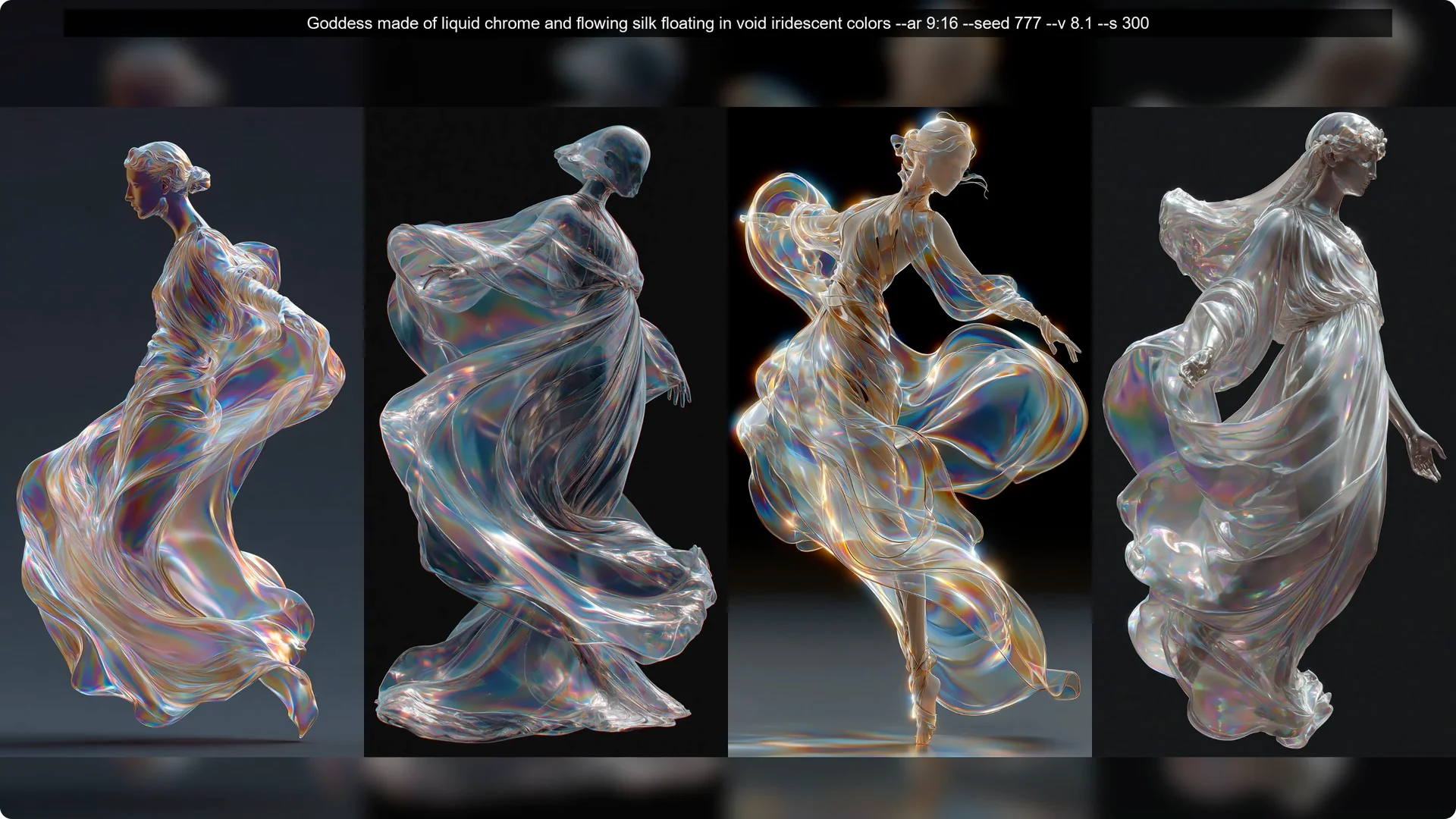
Even the zero value did not look too bad. The baseline at stylize 100 already works well.
If you want to craft reusable looks, a style creator can help you stay consistent.
Midjourney v8.1 Update: Text Generation
Next up, Midjourney’s target improvement for text. I tried different prompts for text with varying lengths. The shorter ones look pretty good.
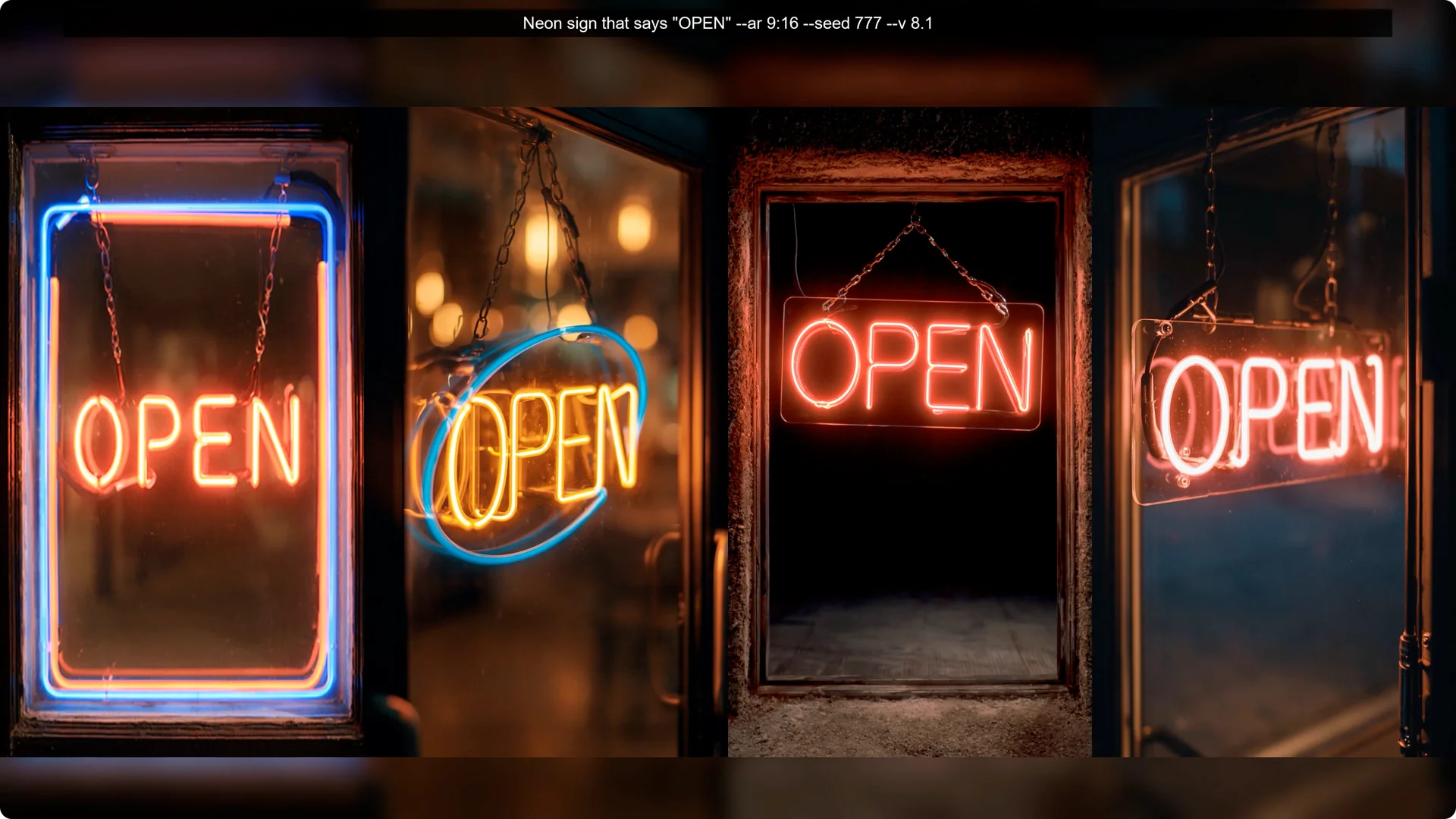
The longer ones have varying results, and not all images of a single grid look perfect. For Midjourney, it is a leap from not getting even single words correct most of the time.
If that is our baseline, getting even some words right is already an improvement, but there is still some way to go to make this reliable.
Read More: Hide Bulk Download In Midjourney
Midjourney v8.1 Update: Style Reference Codes
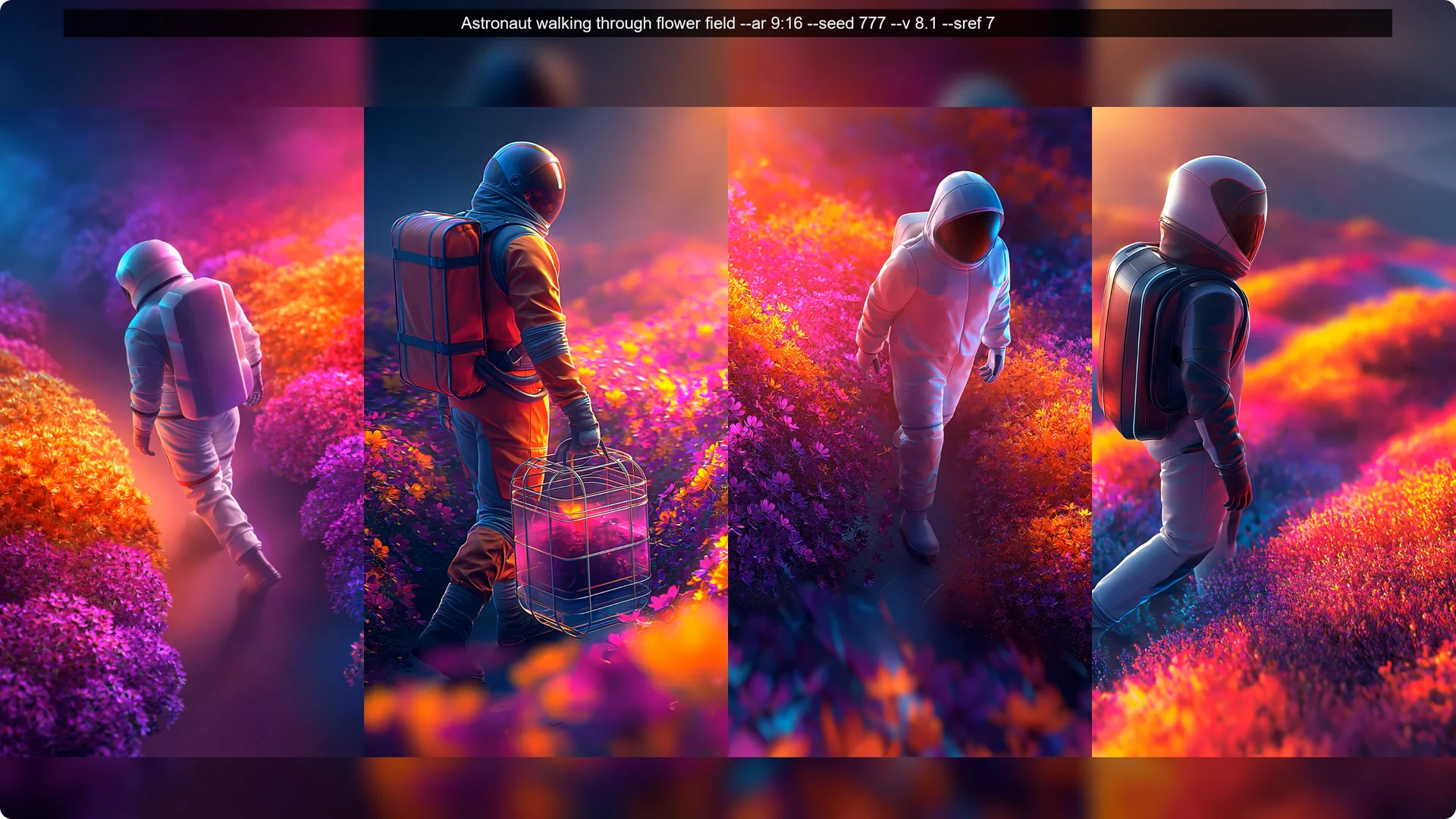
I also took a look at some completely random prompts with completely random sref codes. I did not pick any of my favorites for testing, but I like the results of most of them.
Sref codes are back and are an efficient way of completely transforming the look of your images without using extra words to describe the style.
Midjourney v8.1 Update: Non Photographic Looks
I tried many different kinds of prompts, different subject matter, and different styles.
I also tried to include looks that would not be photographic by default. They turned out quite well.
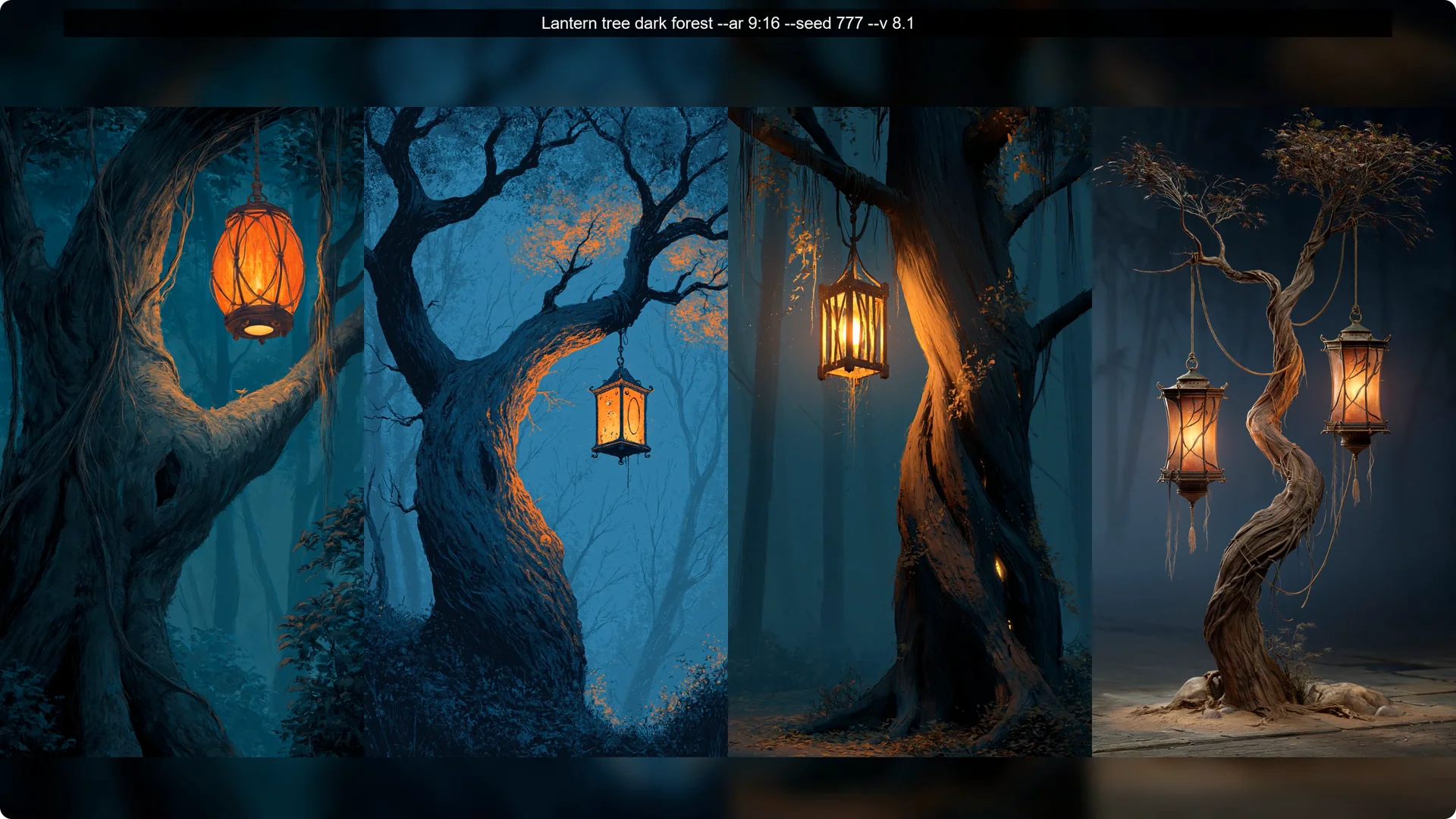
Photographic still shines, but anything not photographic now looks entirely different than just a few days ago with V8. I do not see any edges. I see nice looking styles, interesting concepts, and images that look quite nice no matter what you prompt.
Midjourney v8.1 Update: Ugly Prompts Test
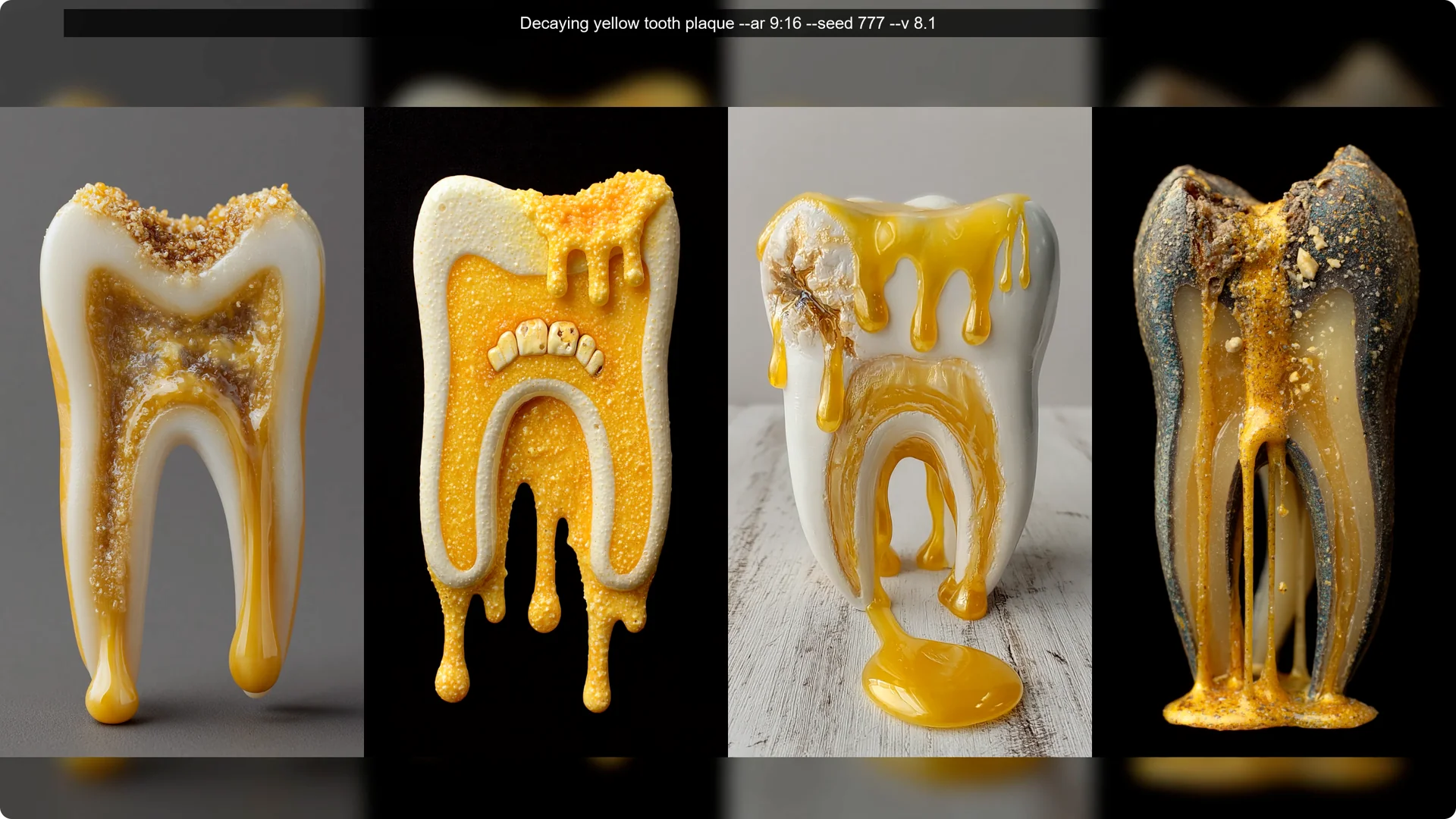
As my final prompt, I tried some ugly and disgusting prompts to see what happens. They often turned out pretty interesting and not as ugly as they were supposed to be.
Midjourney definitely has a pretty filter now, even for the default model.
Midjourney v8.1 Update: Quick Steps
Step 1: If your results look overly personalized, open the alpha site and go to the personalization page.
Step 2: Toggle personalization off to test the base model.
Step 3: Keep your other settings at default unless the prompt specifies changes.
Step 1: Generate at standard resolution for speed. Step 2: Use the Run as HD button to quickly upscale your best outputs. Step 3: Compare stylize 0, 100, and above 100 to see how much extra styling you really need.
Final Thoughts on Midjourney v8.1 Update
Shorter prompts work again. There is no need to push the stylize value unless you want to. The baseline at stylize 100 works well.
You are much more likely to see nicer looking images. No frames or photos of paintings in sight, and images finally look pretty again no matter what you prompt. That is a solid step forward for everyday prompting.
