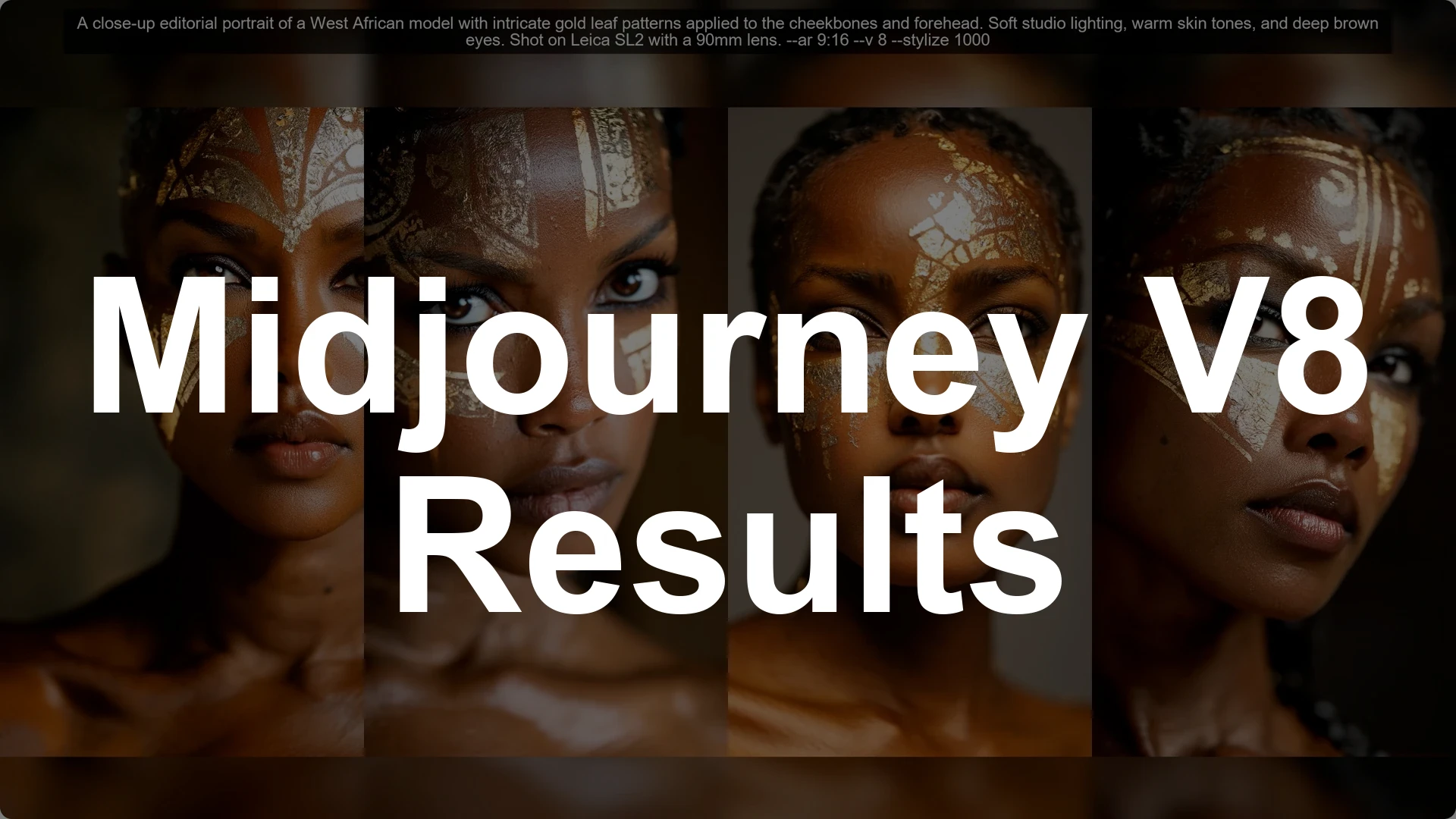
I have not completely given up on V8 yet, so I decided to do another experiment with it and combine multiple things into one to get a better sense of it. The basic idea was to create some pretty images with Midjourney V8. Short prompts do not really hit the spot anymore.
I went on the top images page on the alpha site and the live site as well. I gathered as many prompts as I could from the top images. There were hundreds of them.
If you are exploring community work, it helps to understand how Midjourney user profiles organize activity and visibility.
Then I went to different chat models and requested long prompts that would describe the scene better. They would be unique, quirky, beautiful, clever, and unexpected. I tried the same thing with Gemini and Claude.
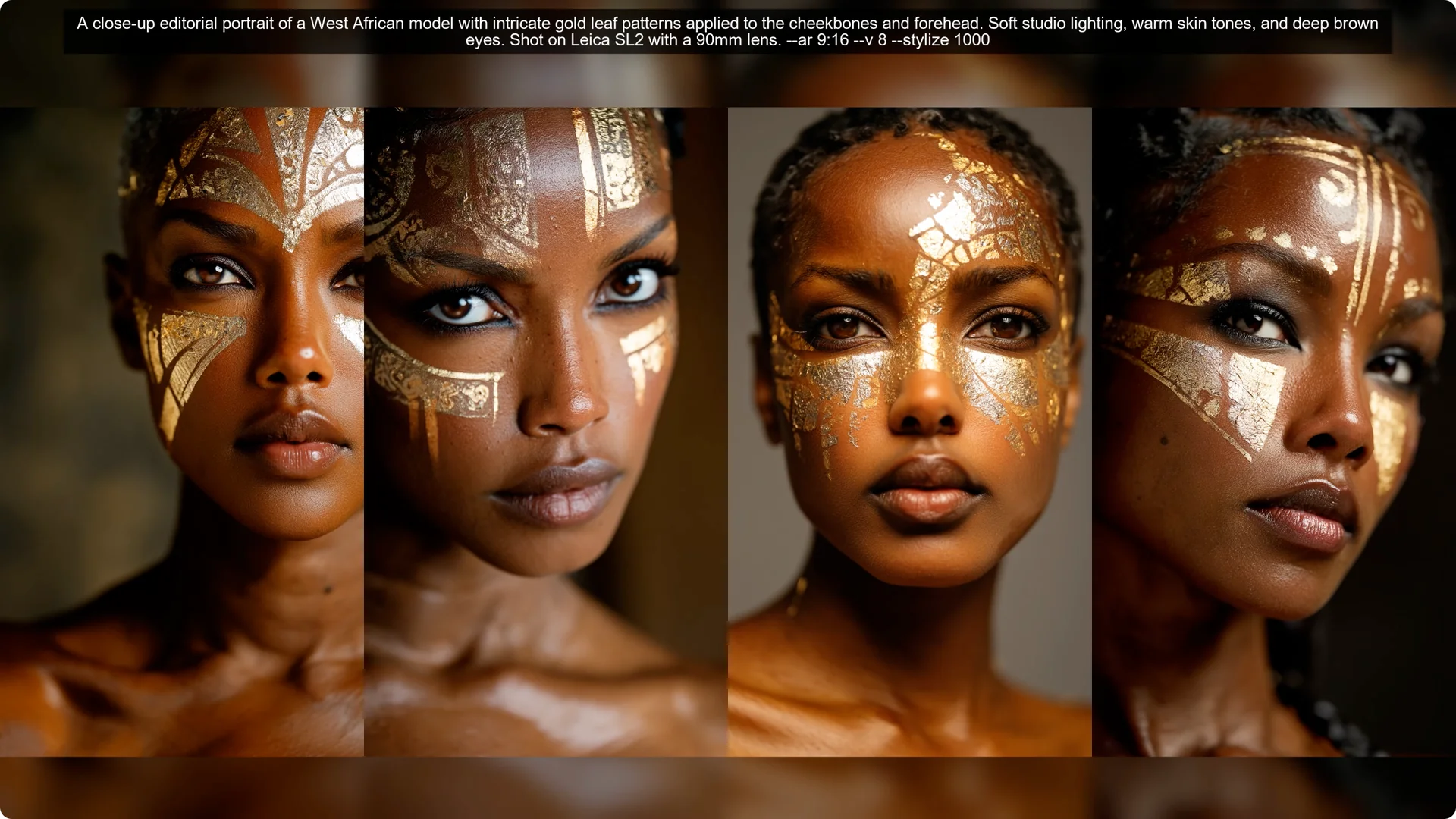
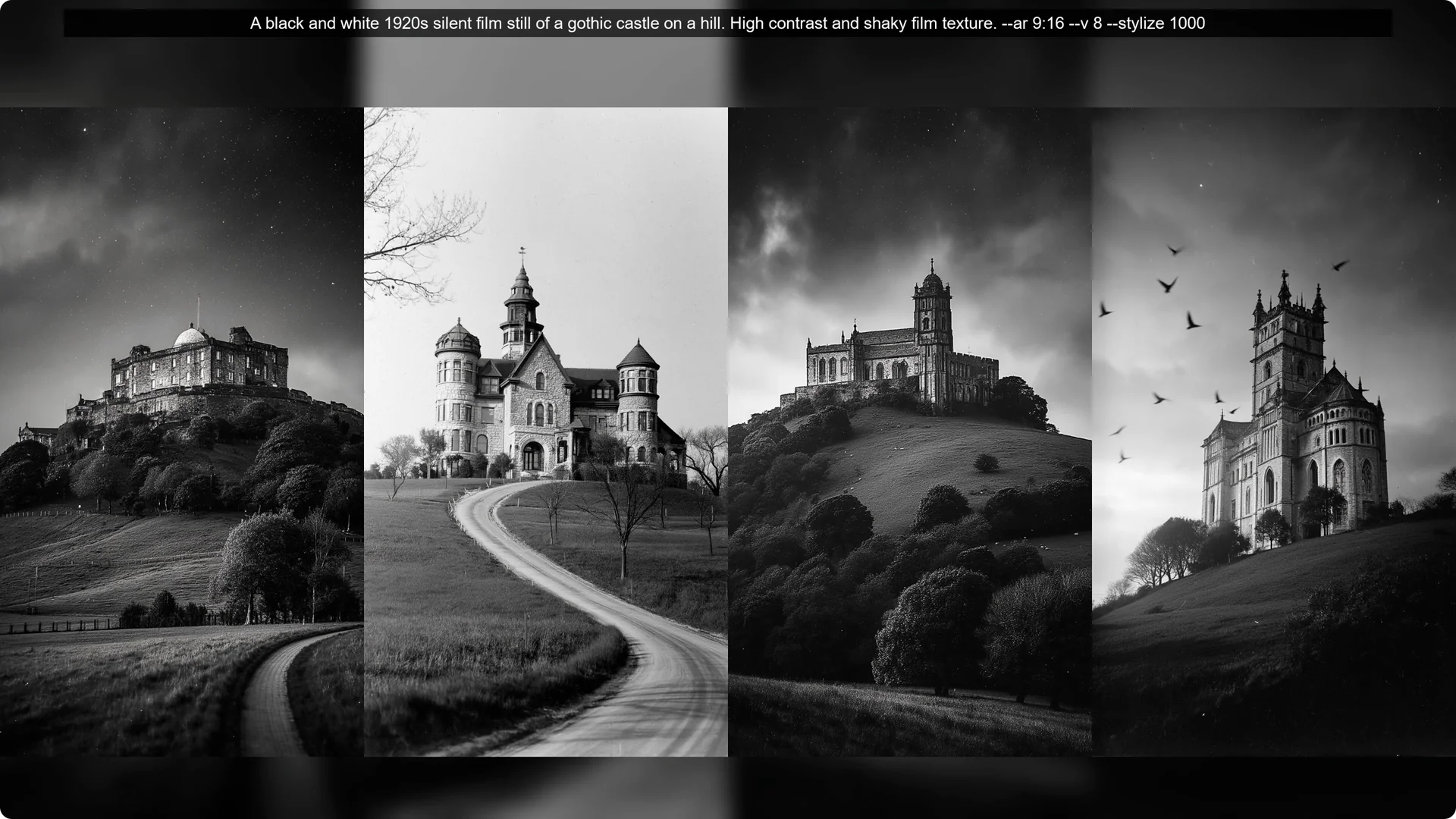
That was experiment one. I ran the prompts I got from Gemini and Claude in Midjourney V8. I noticed that Gemini tended to be more creative and followed my instructions more, whereas it did not write very long and descriptive prompts.
Claude was able to write very long prompts, but they clearly were not taking inspiration from the prompts I provided and the subject matter only focused around people. I had to give additional instructions to get some environments or architecture in. I ended up liking the Gemini prompt results more.
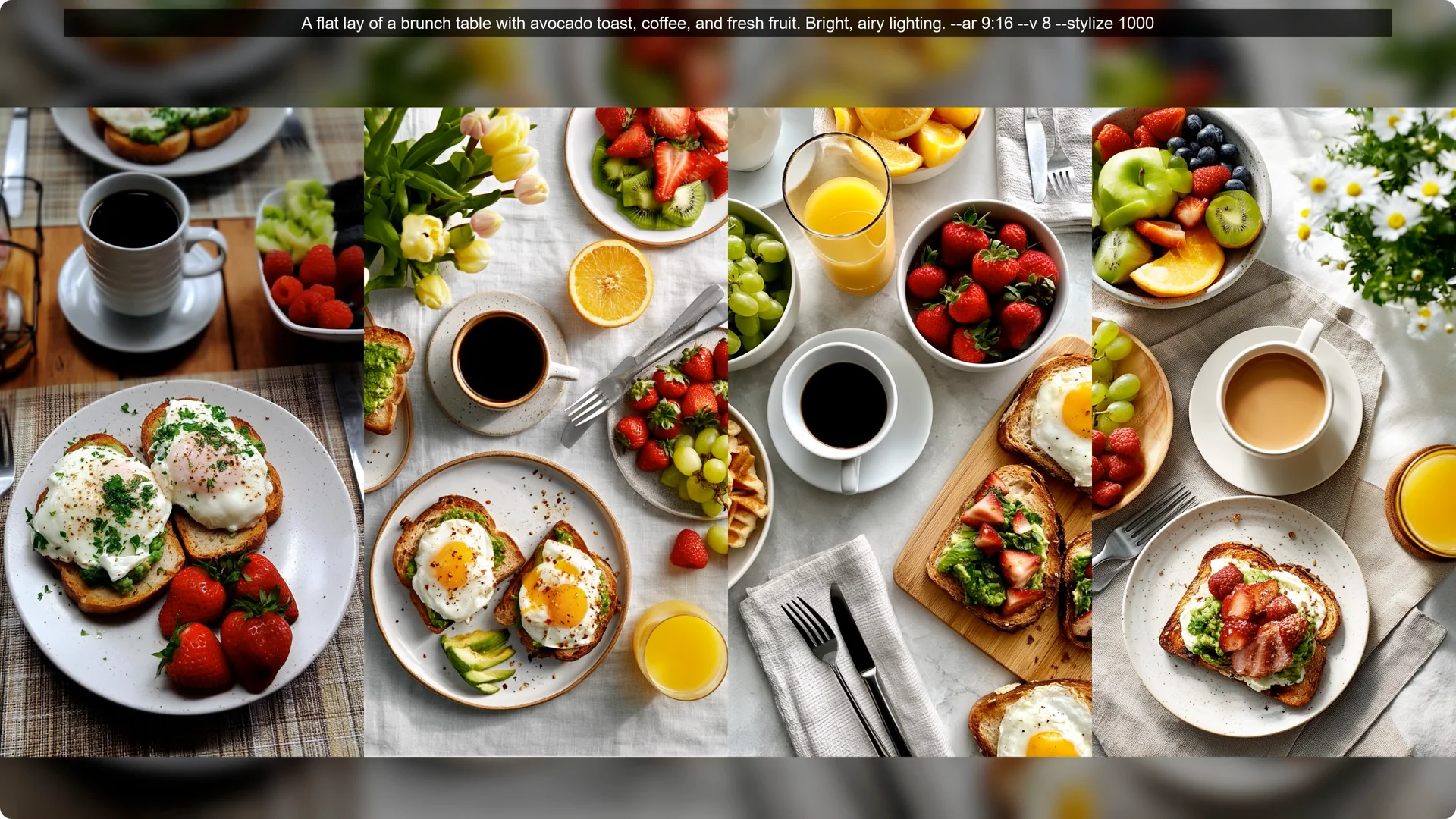
I generated 50 Gemini based prompts and 25 Claude based prompts. Another experiment was to crank up the stylization. It helped in many cases.
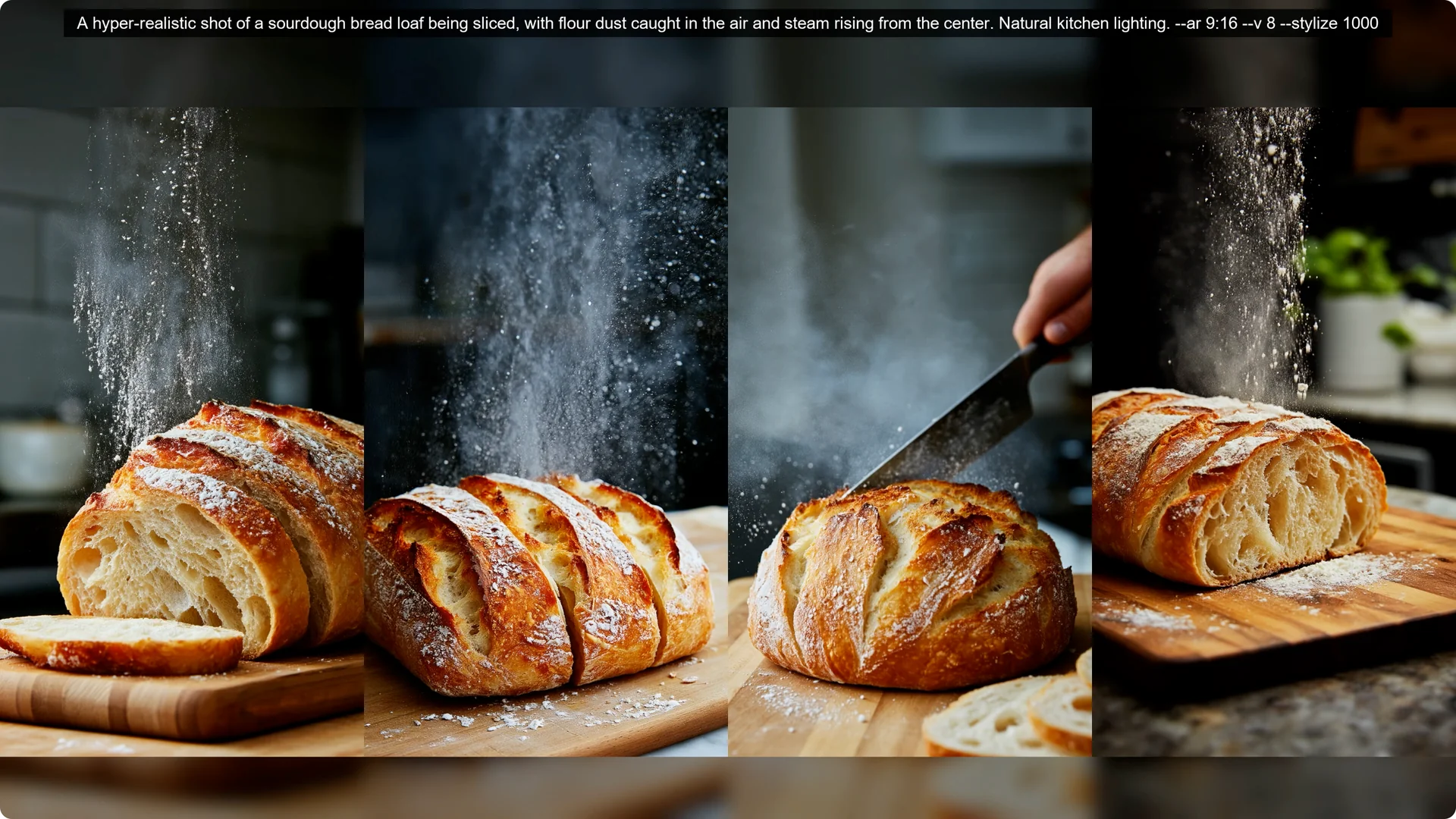
You do need to prompt well to get something actually beautiful as a result. More visual descriptions or style descriptions will help more than just the scene descriptions at length.
Experiment setup for Midjourney V8 Prompt Engineering
On the technical side, I went with aspect ratio 9 by 16 for visual fit. I have usually done these kinds of comparisons with the same aspect ratio and decided to continue with the same theme again. I have always preferred the 9 by 16 ratio over the 16 by 9.
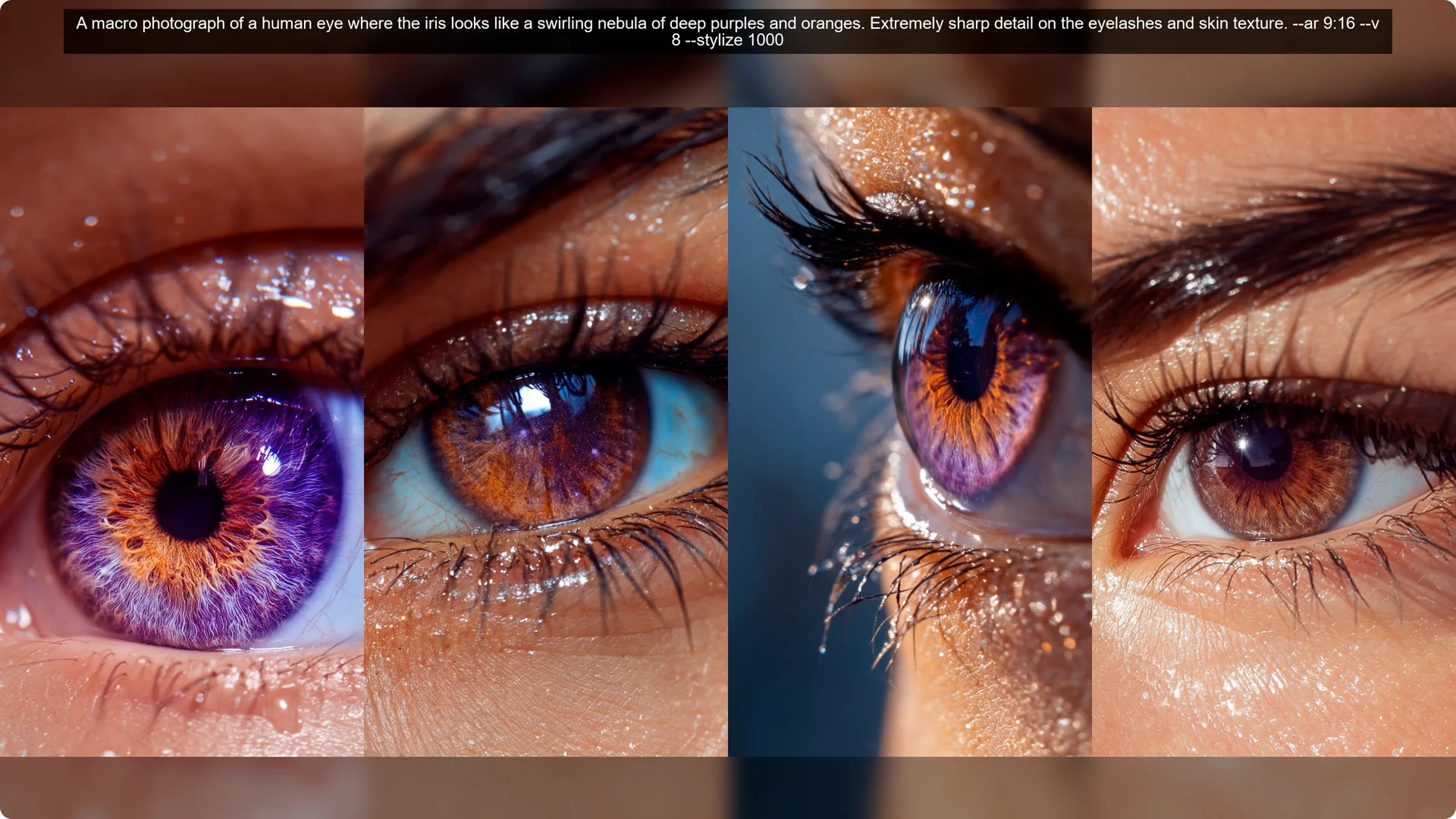
The portrait ratio has historically produced better looking images in my opinion. Of course, there have been a few exceptions.
Read More: Hide Bulk Download In Midjourney
Visual density in Midjourney V8 Prompt Engineering
The Gemini prompts, which were generally shorter but very heavy on visual style, gave me a massive range of subjects. I got everything from sourdough bread to brutalist architecture to penguins. Because the language focused on the medium, like charcoal sketch or 1940s poster style, it gave Midjourney a clear set of rules to follow.
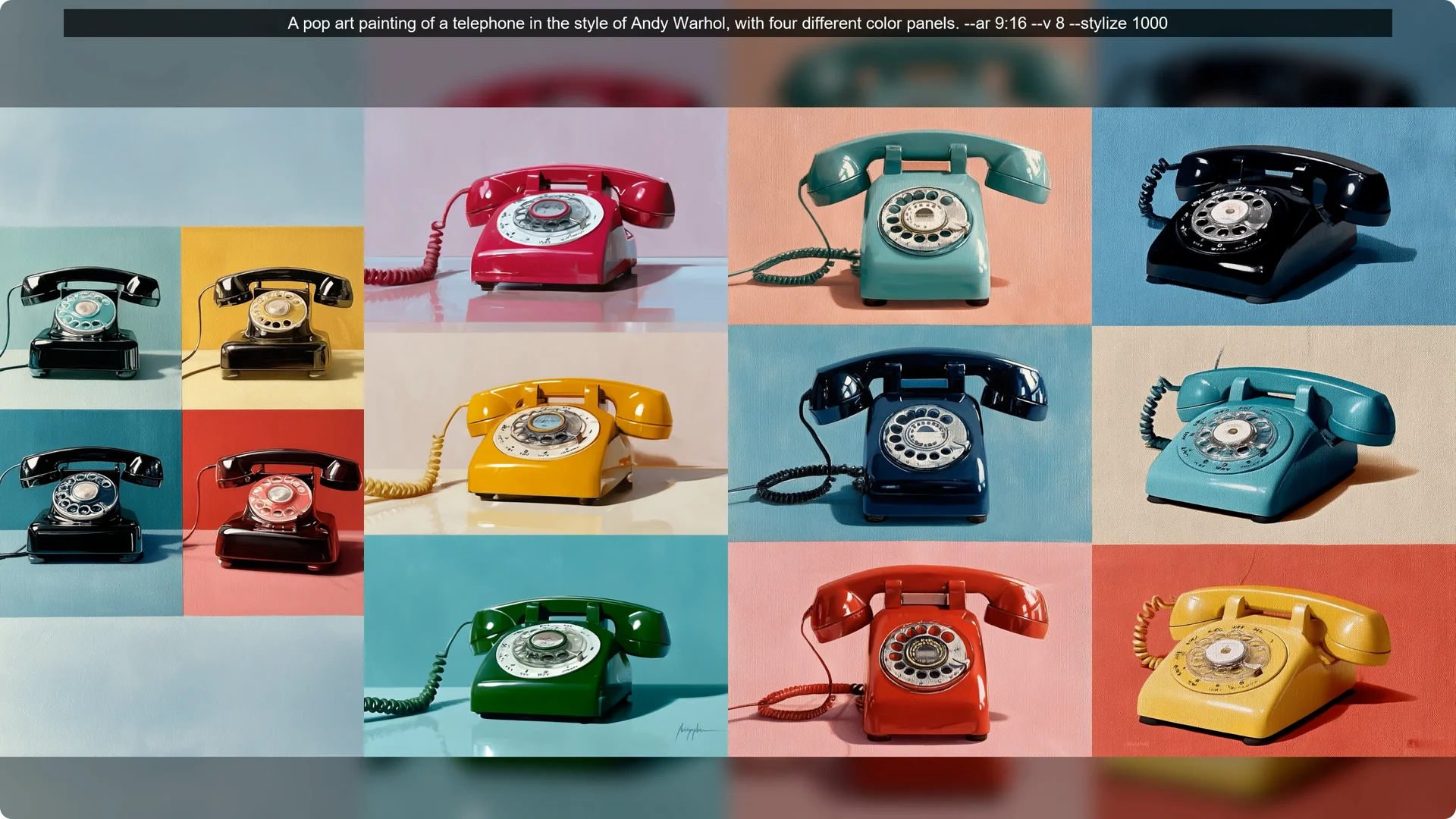
These are what I call anchor words. They tell the AI exactly what the texture and line work should look like, which left the subject matter open to be whatever I wanted.
If you want a fast way to codify those looks, try this style creator to capture and reuse your visual anchors.
Claude versus Gemini in Midjourney V8 Prompt Engineering
When we look at the Claude prompts, things got interesting but also a bit frustrating. Claude is an incredible writer, so the prompts were beautiful. They described the why and the how of a scene in great detail.
Here is the catch. A lot of that language was narrative rather than visual. For example, Claude might describe someone laughing privately at a joke no one else understands.
You cannot actually draw a private joke. When Midjourney V8 gets a long story filled with non visual emotions or abstract concepts, it tends to fill in the blanks with its own default settings. That is why so many of the Claude images ended up with that same cinematic moody lighting.
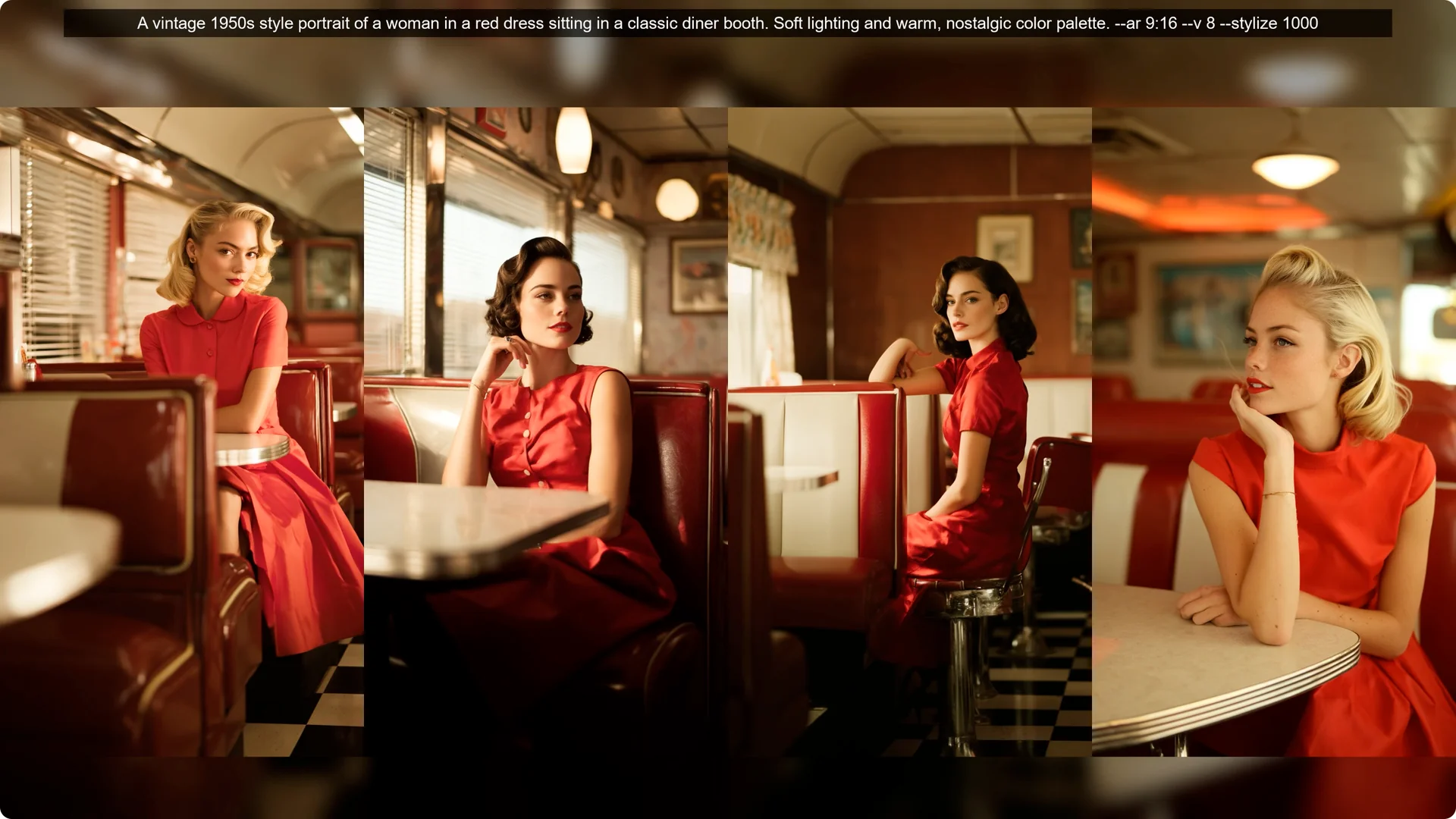
It is like the AI got overwhelmed by the story and defaulted to a safe high end photography look. The one place where Claude really dominated was in fashion and nature. Since those industries already use very descriptive, almost poetic language in the real world, Midjourney had a lot of reference data to work with.
The descriptions of ivory sculptural coats or mangrove roots at the waterline translated perfectly because they describe physical forms and lighting conditions the AI understands.
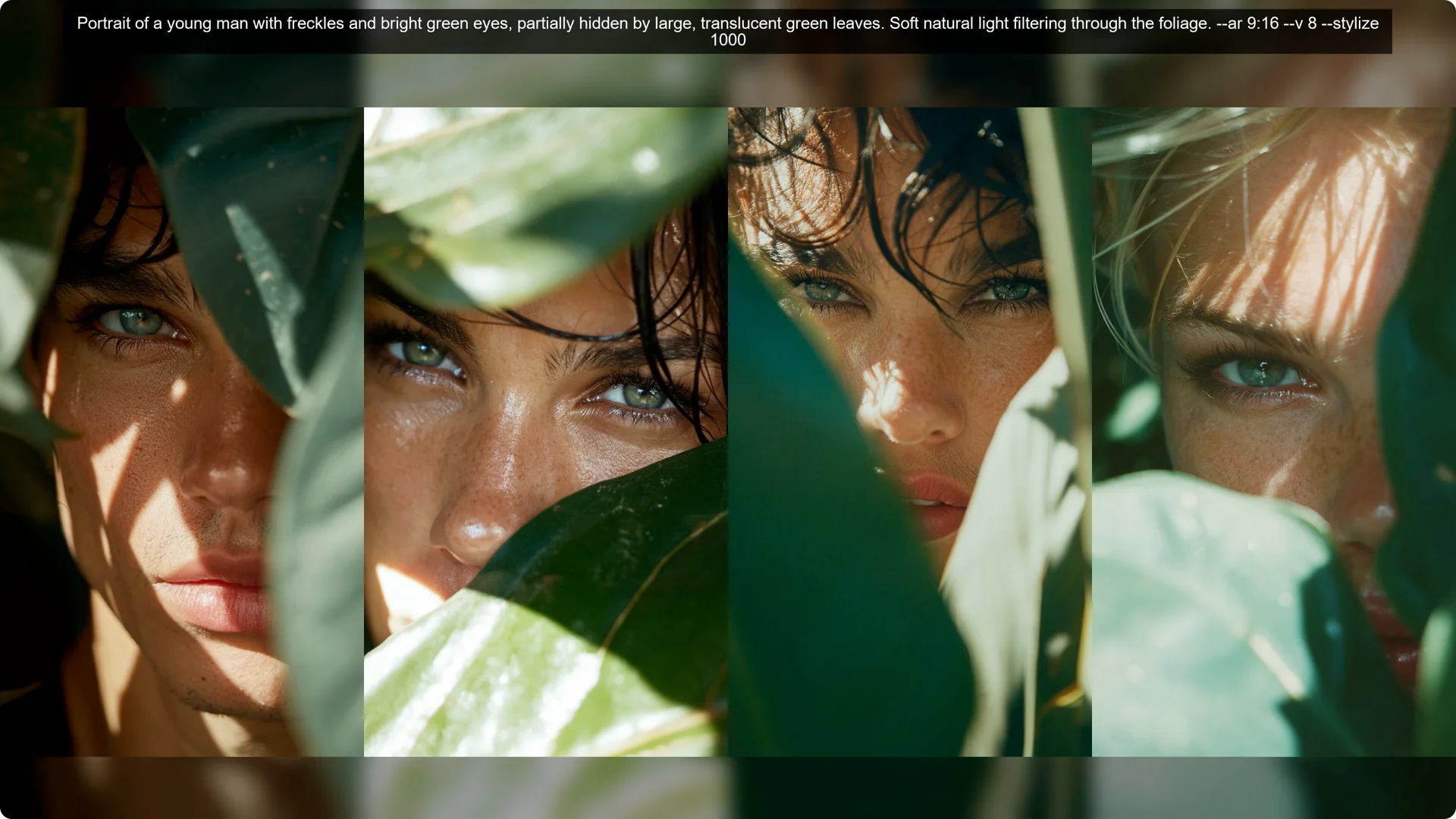
Step by step guide to Midjourney V8 Prompt Engineering
Step 1: Collect strong source prompts from top images. Save a broad set of subjects so you are not boxed into a single theme.
Step 2: Expand those prompts with a chat model. Ask for language that is unique, beautiful, clever, and unexpected, and keep the focus on what can be seen.
Step 3: Pack in anchor words for medium, texture, line quality, and era. Examples are charcoal sketch, oil on linen, risograph print, or 1940s poster style.
Step 4: Add clear lighting and composition cues. Crank up stylization if needed, but keep your visual targets specific.
Step 5: Choose an aspect ratio that flatters your subject. I favored 9 by 16, though 16 by 9 can work for wider scenes.
Step 6: Run, review, and edit the prompt to remove narrative filler and add more visual density. If you are not ready to make outputs public, you can hide images on your profile while you iterate.
What worked in Midjourney V8 Prompt Engineering
There is not much of a theme to the prompts. It is just what would look better with Midjourney V8. I liked the capabilities with pretty lighting in the prompt that turned out better.
The default style feels very photorealistic and photography like unless you specify that you want to see something else. Nature themes and fashion themes seem to shine. There were some pretty amazing looking images.
Some even reminded me of actual places that exist. There is real potential in V8, but it is harder to master at the moment.
I am thinking about exploring some style descriptions in my next experiment to push it away from the photorealistic style. I would like to try that without style codes or personalization, just the baseline default style. If you manage styles across projects, you might also appreciate this guide to user profiles for organizing your creative identity.
I did select my favorites from the ones I tested out, but I know that many people may have different aesthetic tastes. You might find some gems in my discard pile that are exactly what you were looking for. My methods are more like splashing something against the wall and seeing what happens.
Final thoughts on Midjourney V8 Prompt Engineering
V8 does not just want long prompts. It wants visually dense prompts that specify medium, texture, lighting, and art style.
Spend fewer words on story and more on what can be seen. The results get more varied, more clever, and more unexpected.
If you need help formalizing styles for repeatable results, explore this style creator. For privacy as you test, see how to hide images on your profile.
